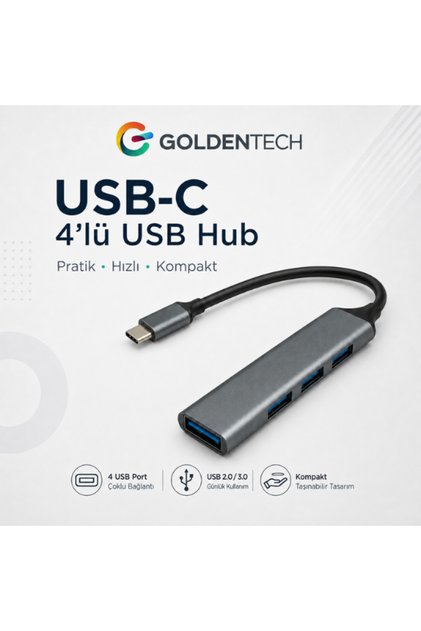
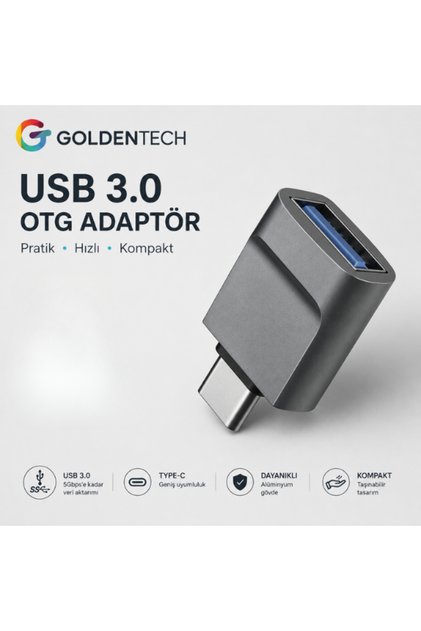
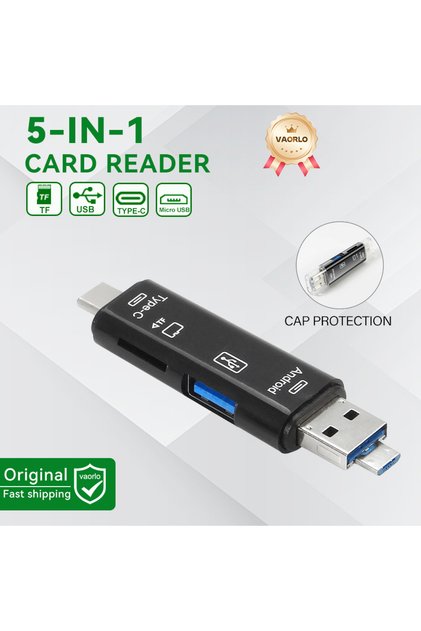
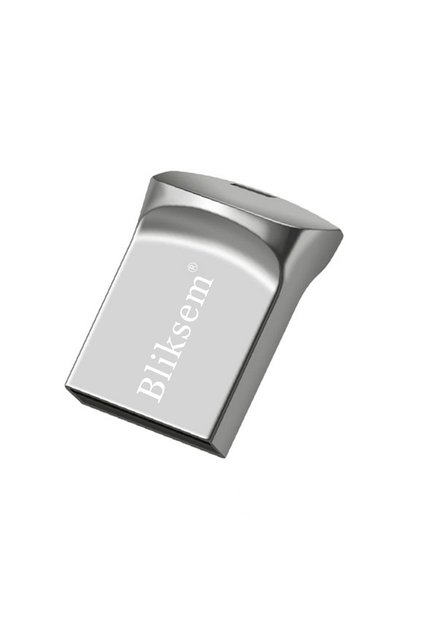
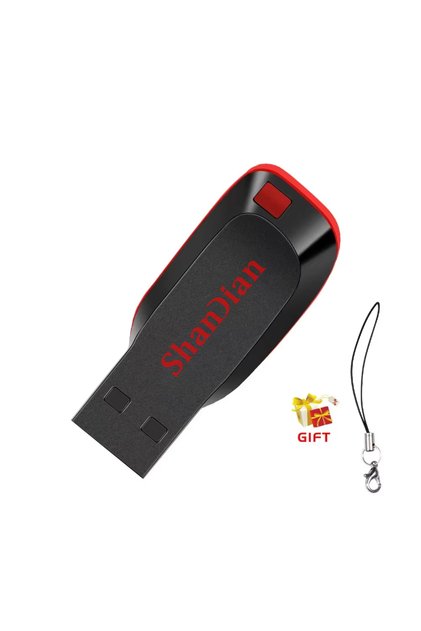
Dear customer, after you install the flash memory with the converter in your phone, your phone will automatically detect the memory. Then, open the 'Files' application. Tap the "Browse" tab at the bottom of the screen. In the drop-down menu, the name of your flash drive will be listed under the "Locations" section. You can access your photos, videos, and files on the flash memory through this area, and you can perform copying and moving operations. You should format the file system of your USB drive as FAT32, exFAT, or APFS. You can contact us again for support.









 Apple Lightning Compatible USB 3.0 (High Speed) Data Transfer Otg Converter Converter Adapter