


Free shipping

Free shipping
Delivery address

Select your address, find out the delivery date!
International delivery
Trendyol's commitments
Easy and free return in 15 days.
Payment methods




Highlighted features:
HADRON HDX7773 Type-C to VGA 1080p Video Adapter, White features
Color
White
Origin
CN

GezGörAl
10
188 followers
Seller information
Other sellers
HADRON HDX7773 Type-C to VGA 1080p Video Adapter, White prices
Similar items

 3120 USB Type C to HDMI Vga 3.1 Converter Converter Cable Adapter
 Trendyol Plus Exclusive













Shoppers also viewed
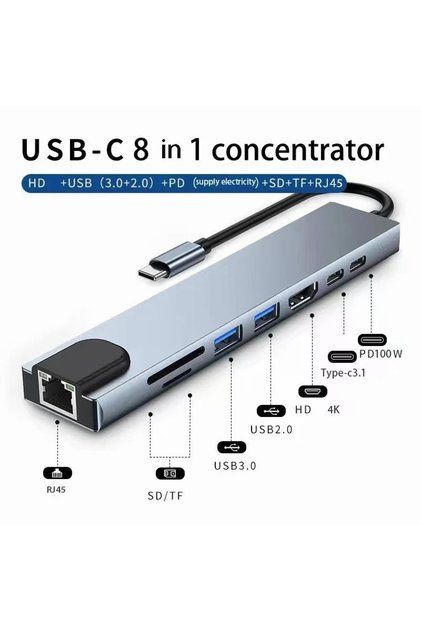
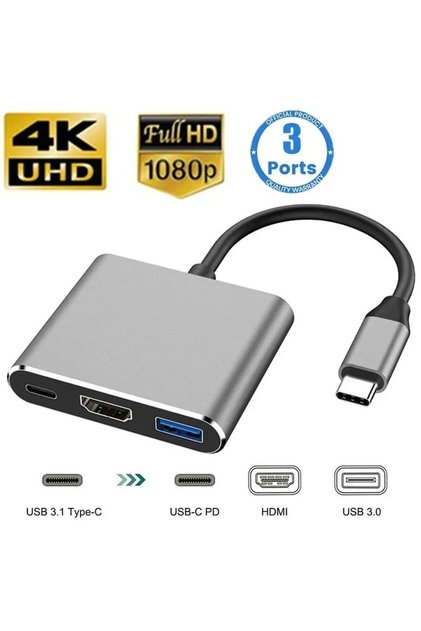



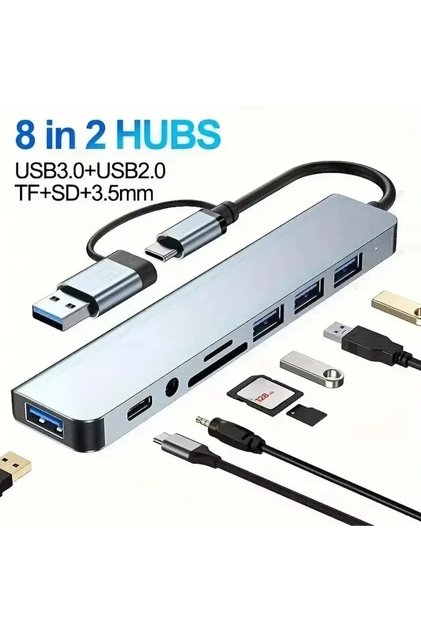

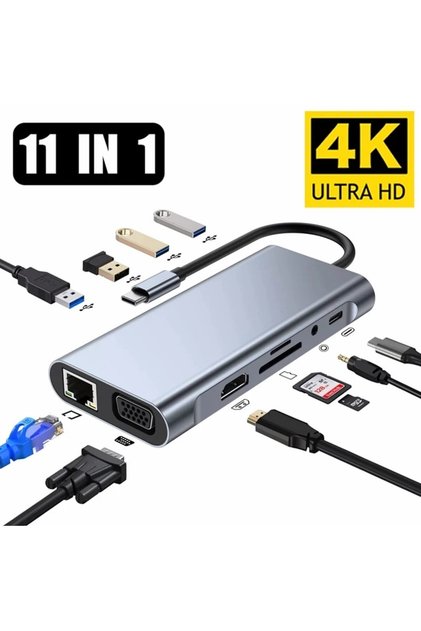




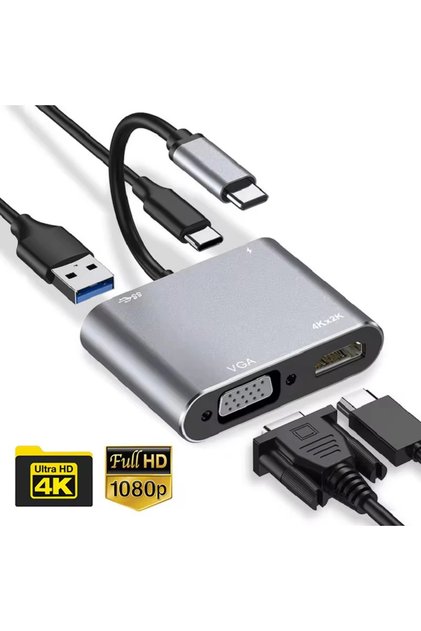
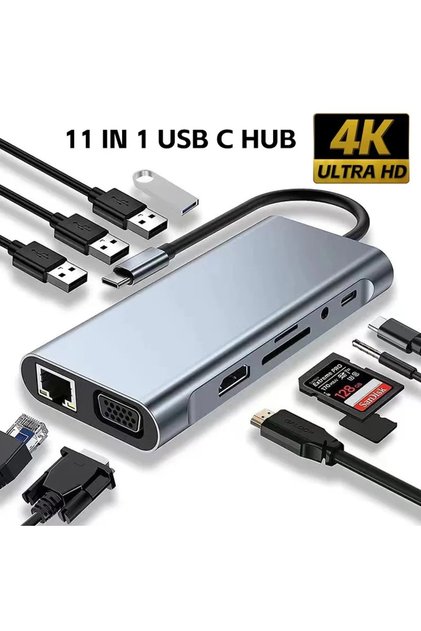
HADRON HDX7773 Type-C to VGA 1080p Video Adapter, White reviews
6 ratings
2 reviews

Product details

Product description
You can transfer images from your devices with hadron converter type-c to vga type-c input to displays such as lcd television, computer monitor, projection with vga output.
Additional info
- A maximum of 5 units of this product can be ordered. Trendyol reserves the right to cancel orders over 5 units.
- Sold by .
- The selling price on Trendyol already includes the export-related costs.
- Barcode No: 8680469030132
- Origin: CN
HADRON HDX7773 Type-C to VGA 1080p Video Adapter, White features
Color
White
Origin
CN
Safety information
Product safety information
Product description
HADRON HDX7773 Type-C to VGA 1080p Video Adapter, White
The HADRON HDX7773 is a video converter that transmits video from Type-C source devices with video output to monitors with VGA inputs. It features a Type-C male source connector and a VGA female monitor connector.
It converts the digital video signal from Type-C to an analog VGA video connection and supports 1080p video. The VGA connection does not carry audio.
Technical Specifications
| Brand / model | Hadron hdx 7773 |
| Product type | Image converter |
| Connection direction | Type-c to vga |
| Source connection | Type-c male |
| Target Link | Vga female |
| Image support | 1080p |
| Voice support | Vga connection does not support audio transfer |
| Signal conversion | Type-c digital image signal to vga analog image signal conversion |
| Usage Area | Laptop, tablet, phone with type-c video output, vga monitor and projection connections |
| Color | White |
Usage and compatibility
Laptops, tablets, phones, and other compatible devices with a Type-C video output can be used with monitors or projectors that have a VGA input.
It can be used for presentations, office work, and connecting a second screen. If audio is required, use the source device’s separate audio output or an external audio connection.
Connection control
Check to see if the Type-C port supports DP Alt Mode or the compatible video output explicitly specified by the manufacturer.
Connect the Type-C source device to a display with a VGA input; do not use the connection in the opposite direction—from a VGA source to a Type-C display.
Check 1080p support with the source device, VGA cable, and monitor. The 1080p Hz value is not specified for this model.
Don't expect audio over VGA; plan for a separate connection for audio.
If charging or PD power delivery is required, please verify this separately; such power support is not specified for this product.
Brand information: The product is branded hadron.
Legal information: The information in the product description is provided for technical and compatibility purposes. Brand names are the property of their respective owners.
Collections you might like
Trending in Converters & Adapters


Best in Converters & Adapters


