Free shipping
Only 2 left!
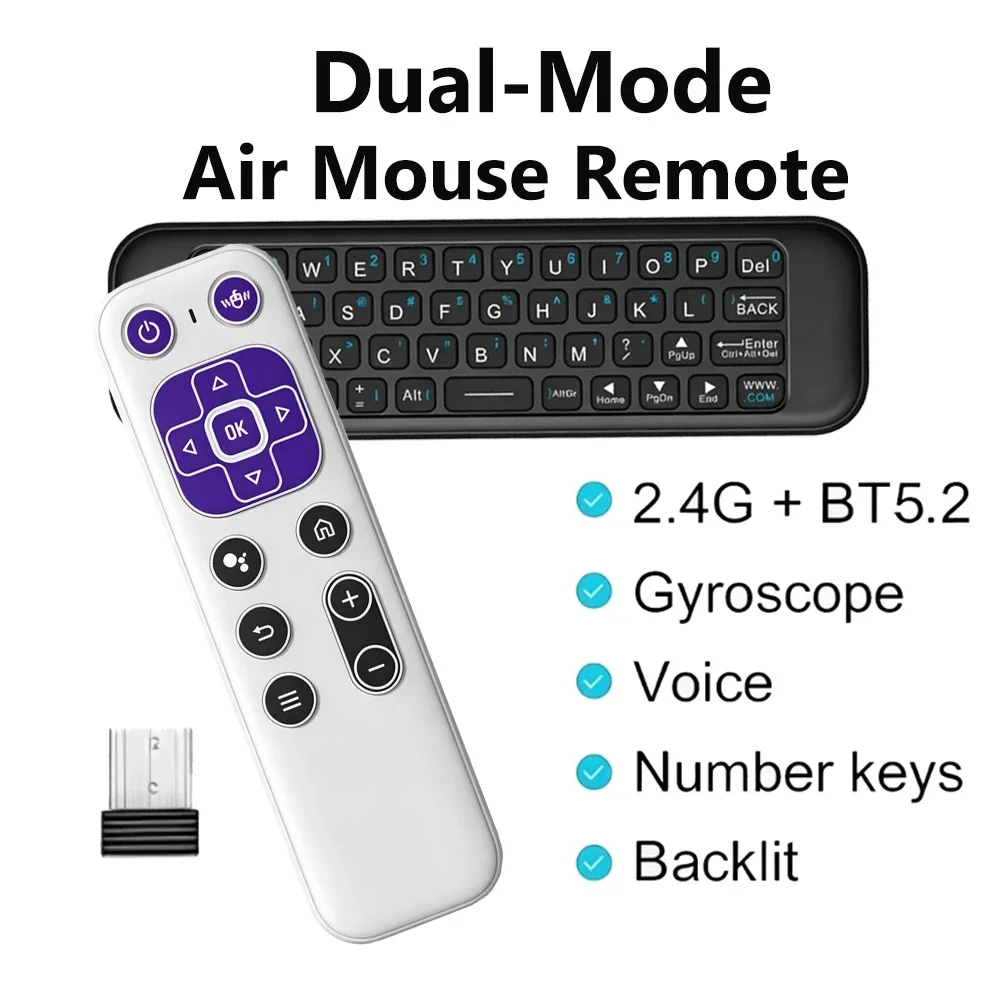
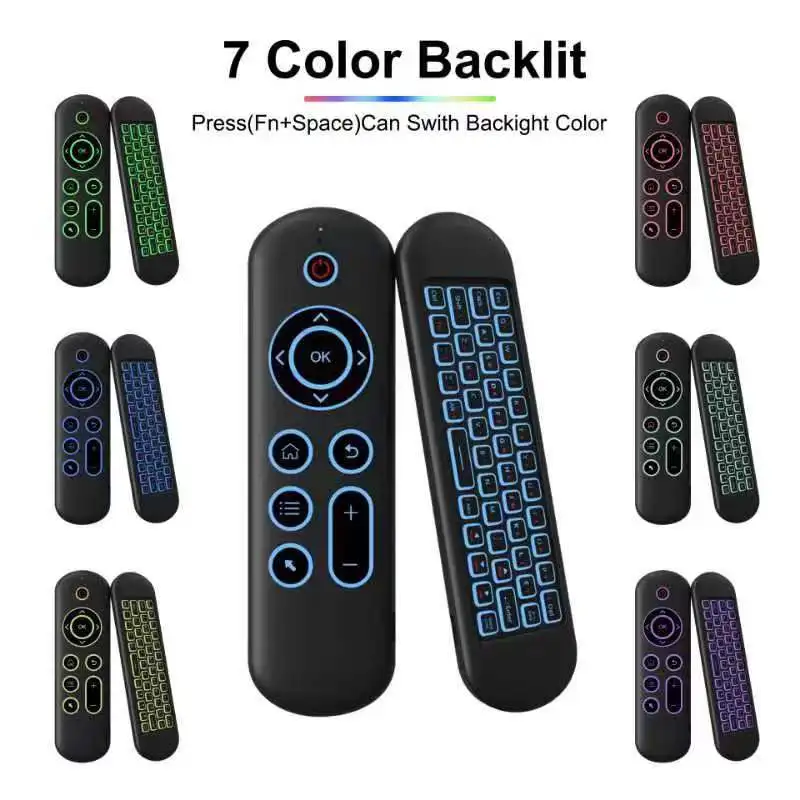
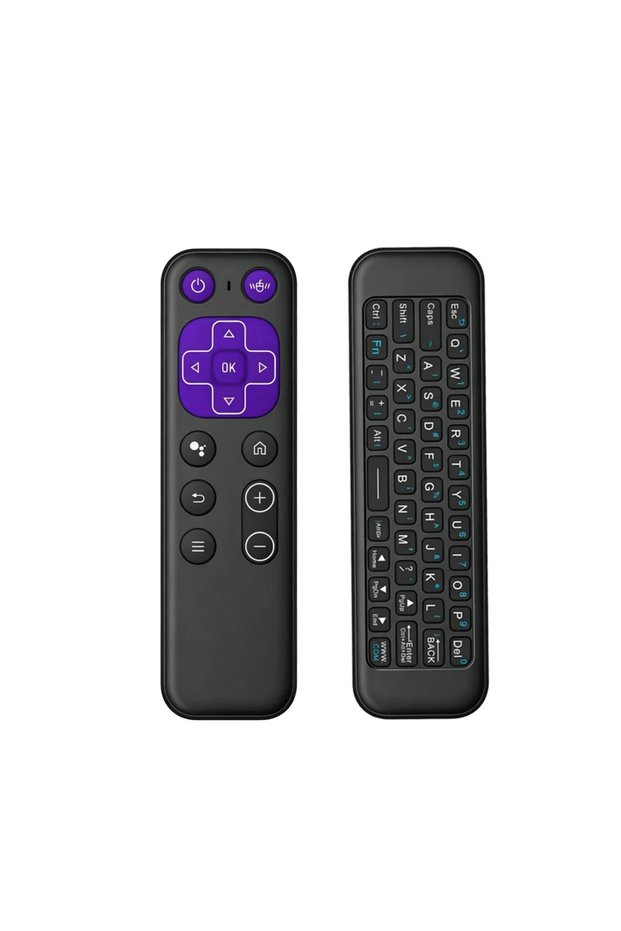
Kebidumei black Wireless Air Mouse BT 5.2 Mini Keyboard RGB Backlit Remote Control IR Lear
No reviews yet.

Special Deals
37.8529.14AED
Free shipping
Delivery address

Select your address, find out the delivery date!
Trendyol's commitments
Easy and free return in 15 days.
Payment methods



Highlighted features:
Kebidumei black Wireless Air Mouse BT 5.2 Mini Keyboard RGB Backlit Remote Control IR Lear features
Color
Multicolor

Big Save Store
8.7
78.2K followers
Seller information
Kebidumei black Wireless Air Mouse BT 5.2 Mini Keyboard RGB Backlit Remote Control IR Lear reviews
No reviews yet.
Product details
Additional info
- A maximum of 10 units of this product can be ordered. Trendyol reserves the right to cancel orders over 10 units.
- Barcode No: 3673725417472
Kebidumei black Wireless Air Mouse BT 5.2 Mini Keyboard RGB Backlit Remote Control IR Lear features
Color
Multicolor
Safety information
Product safety information
Product description
Color:black
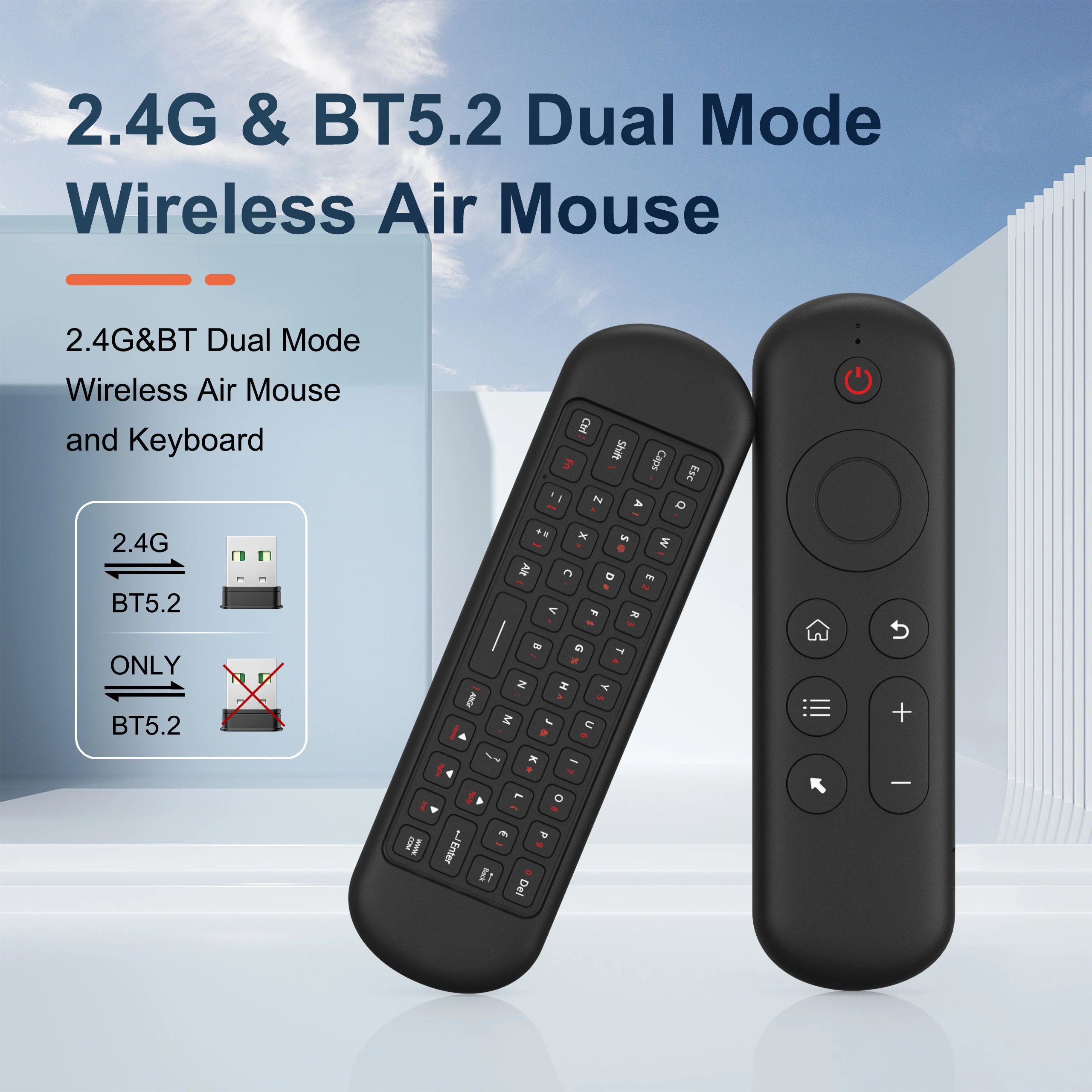
2 . 4G MODE
For initial use , plug a USB receiver into the USB port of device and wait for 20-60 seconds to install driver of USB receiver . Move the mouse the mouse cursor can move on the screen means that pairing is successful
if it is unsuccessful , press and hold [ OK and [ BACK ] buttons , LED light begin to flash . Pairing is successful when LED light stop flashing
BT 5.0 MODE
1 . Before using this device , first you must turn on the BT function of the lain device
2 . Then long press " OK + Return keys , when the LED turns to flash quickly, the product enters the pre pairing
3 , Click add search new devices on the main device to find this air remotes name ( Example : BT-REMOTE ) . Click the name can to connecting
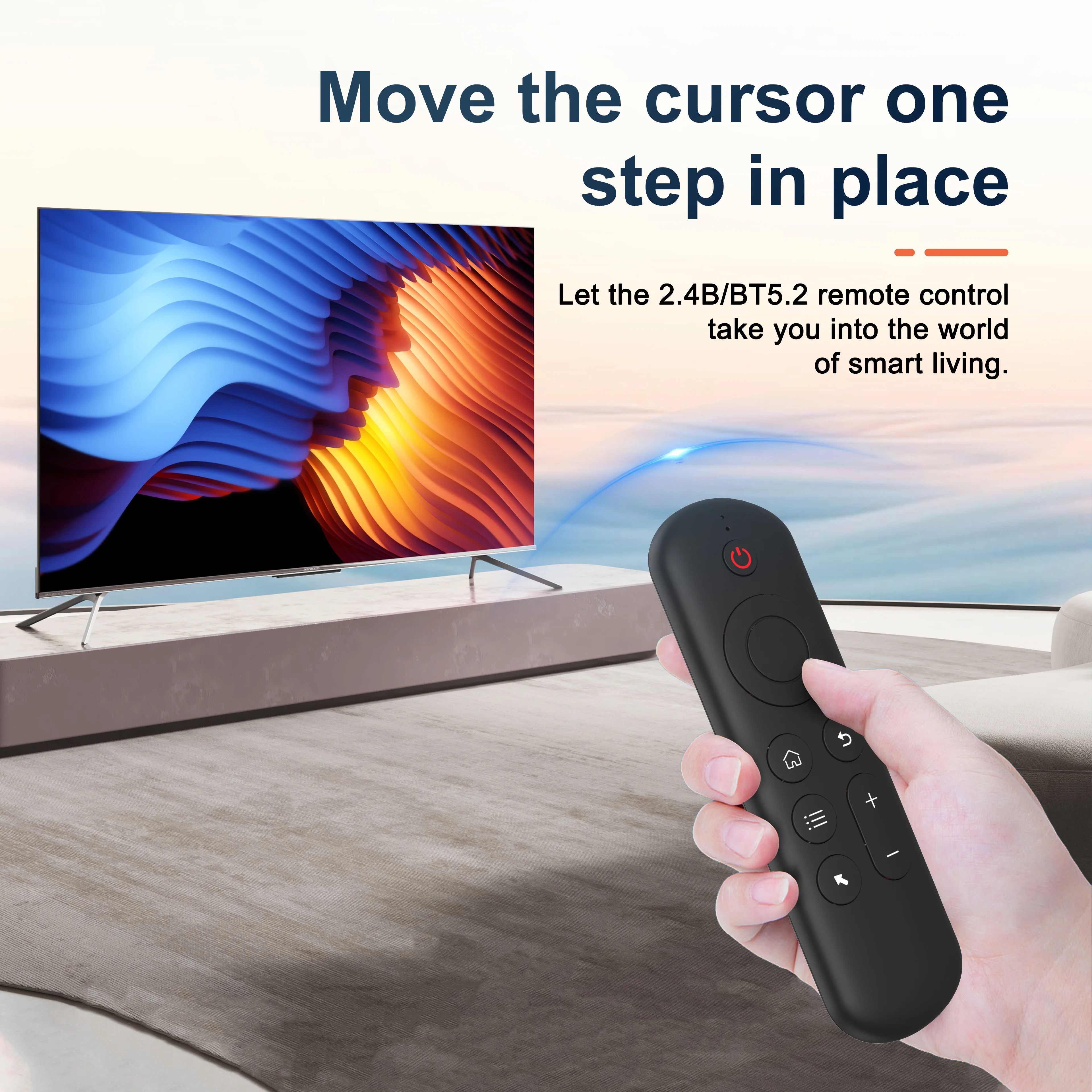
4 . After the product is successfully connected , the direction of the mouse pointer can be controlled by waving in the air
5 .If the connection is not successful , please perform the operation steps of item 2-4 again
6 . Reconnect efficiency description : The normal reconnect time of this product is 3-5 seconds after it is normally paired with the main equipment
7 . This product can only remember the pairing information of one main device , when the product is connected to a new device , the connection of historical devices is not supported after
8 . in this case . you need to delete the historical connection information of this peripheral can be successfully matched for new search
CPIADJUSTMENT
CPI ( Count Per Inch ) . Speed of the Mouse Cursor
Adjustment ( 3 Levels ) , 1 , 2 , 3 Level . The higher the level , the faster the speed . The default speed is set at level 2
1 . Speed Increase
Press OK button + Volume + ] button for about 3seconds , the work indicator flashes quickly and then goes off , release the button , CPI on the basis of the original increase 1 level
2 . Speed Decrease
Press [ OK ] + Volume - for about 3 seconds , the work indicator flashes quickly and then goes off ,release the button , and CPI is reduced by 1 level on the basis of the original
Specifications
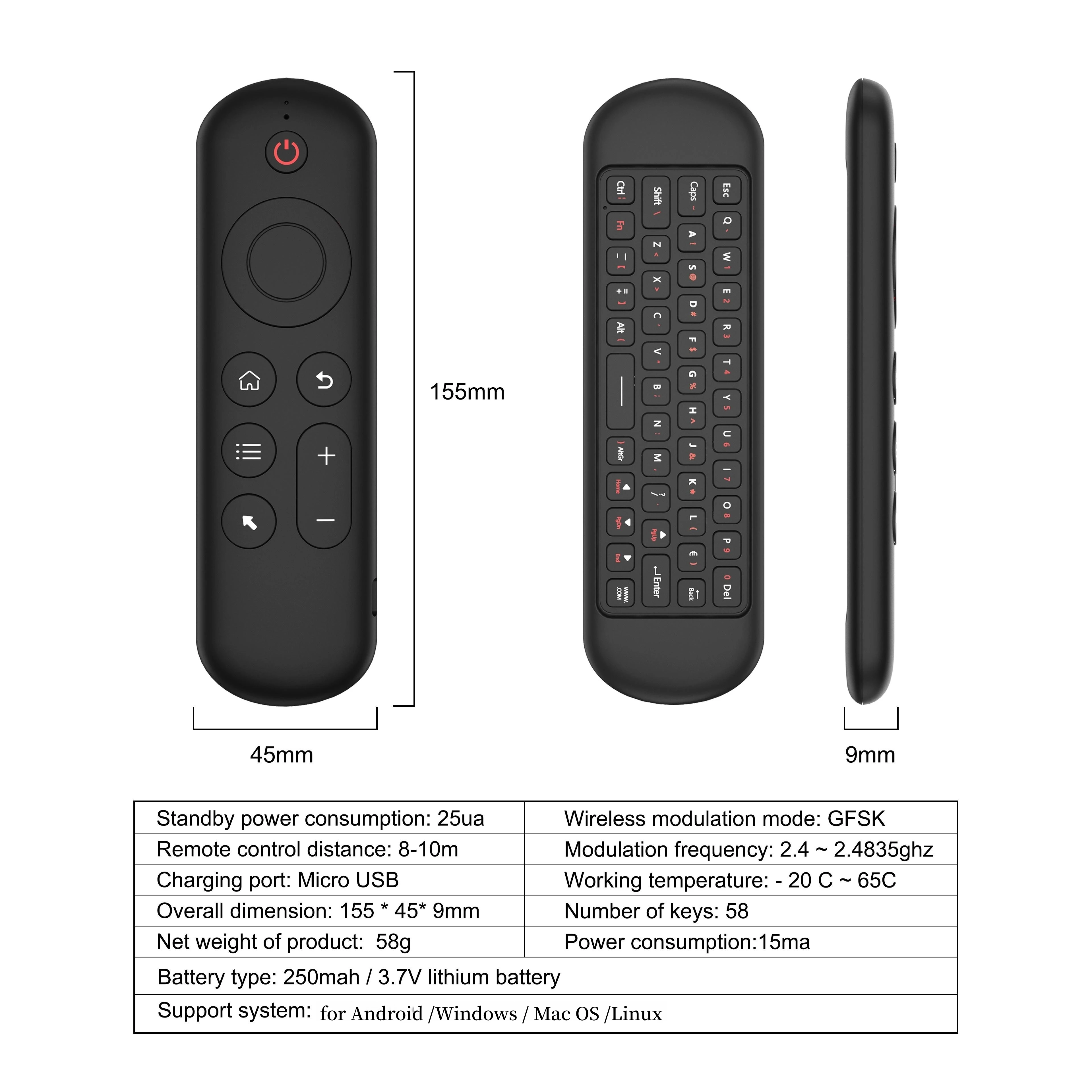
Wireless Communication: GFSK
Model Number: 2.4G Wireless Keyboard Remote Controller
Modulation frequency: 2.4-2.4835GHz
Battery type: 400mAh/3.7V lithium battery
Number of keys: 61
Remote control distance: 10m/32.8ft
Charging port: Micro USB
Product size: 164x50x18mm
Support system: For Windows/Android/Mac OS/Linux