Free shipping
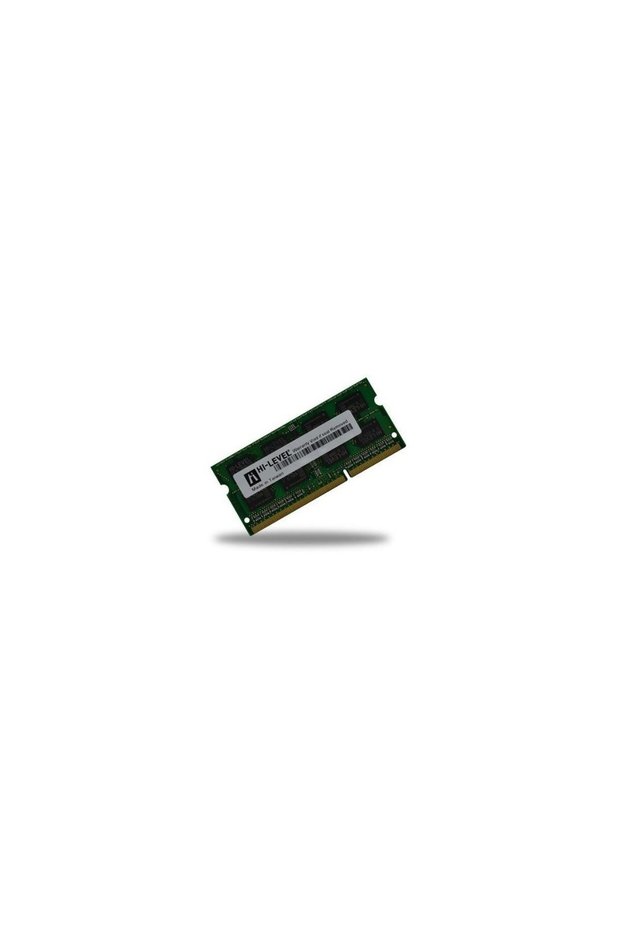
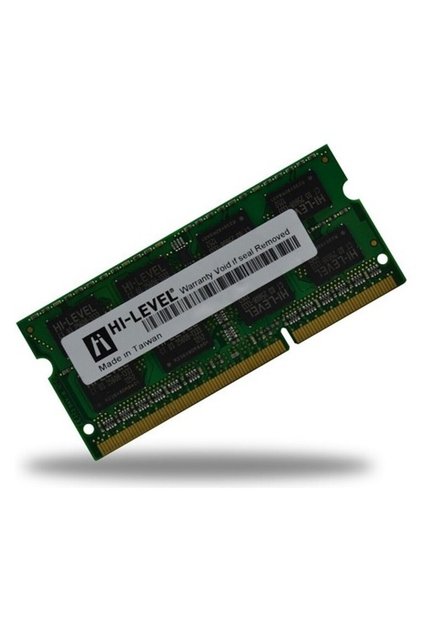
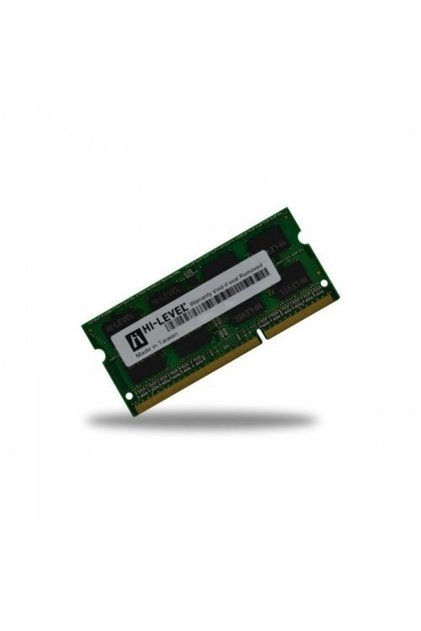
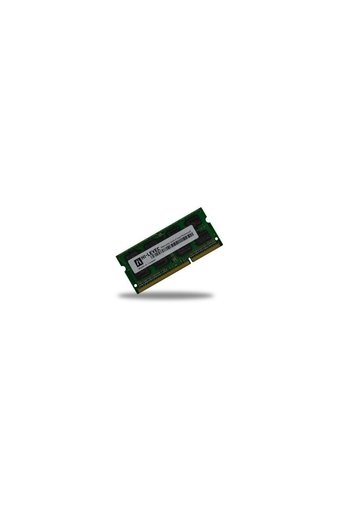
Hi-Level 8 GB DDR3 1600 MHz SO-DIMM 1.35 Low HLV-SOPC12800LV/8G
No reviews yet.
-41%
162.61
AED
275.70
(incl. VAT)
Capacity:Under 1GB
Free shipping
Delivery address

Select your address, find out the delivery date!
International deliveryMore products to discover
Trendyol's commitments
Easy and free return in 15 days.
Payment methods




Highlighted features:
Hi-Level 8 GB DDR3 1600 MHz SO-DIMM 1.35 Low HLV-SOPC12800LV/8G features
RAM Speed
Not specified
Graphics Card Memory Type
DDR3
Compatible Systems
Notebook
Capacity
Under 1GB
Origin
CN

Teknoklik
8.3
4.5K followers
Seller information
Other sellers
Hi-Level 8 GB DDR3 1600 MHz SO-DIMM 1.35 Low HLV-SOPC12800LV/8G prices
Similar items

 Trendyol Plus Exclusive



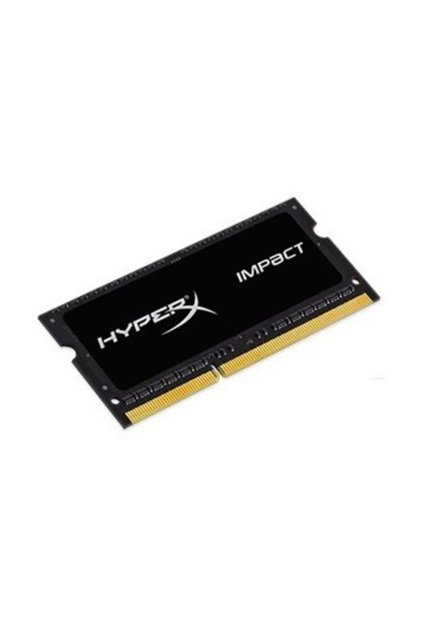
 8gb Ddr3 1600mhz Zl8gd31600c11 240-pin Desktop Ram









Shoppers also viewed






Hi-Level 8 GB DDR3 1600 MHz SO-DIMM 1.35 Low HLV-SOPC12800LV/8G reviews
No reviews yet.
Product details
Additional info
- Products may subject to different warranty terms in different regions. Please note that products that are shipped from Turkey with micro export are not eligible for warranty.
- A maximum of 5 units of this product can be ordered. Trendyol reserves the right to cancel orders over 5 units.
- Sold by .
- The selling price on Trendyol already includes the export-related costs.
- Barcode No: 8698829038865
- Origin: CN
Hi-Level 8 GB DDR3 1600 MHz SO-DIMM 1.35 Low HLV-SOPC12800LV/8G features
RAM Speed
Not specified
Graphics Card Memory Type
DDR3
Compatible Systems
Notebook
Capacity
Under 1GB
Origin
CN
Safety information
Product safety information
Product description
Set Contents: Hilevel brand 8 GB DDR3 SODIMM memory. Memory Capacity: Specified as a single memory module with a capacity of 8 GB. Memory Type and Form Factor: DDR3 SODIMM memory; the product name specifies the laptop memory form factor. Speed: Listed with an operating speed of 1600 MHz. Voltage and Model: 1.35 V low voltage, model code HLV-SOPC12800LV/8G.
About the 8GB DDR3 1600MHz SODIMM 1.35 Low HLV-SOPC12800LV/8G Hi-Level Memory
The Hi-Level HLV-SOPC12800LV/8G with 8GB capacity, 1600MHz speed, DDR3 SODIMM form factor, and 1.35V operating voltage is one of the memory options available for laptops and compatible systems that support these technical specifications. Unlike the long DIMM modules used in desktop computers, SODIMM is a more compact memory format designed for portable computers. Therefore, when purchasing, you should consider not only the capacity but also the memory generation, module format, speed, and voltage supported by the device.
Sufficient memory can help ensure smoother use of system resources when switching between open applications or performing your daily tasks. However, upgrading memory does not replace the processor, storage drive, or graphics card; therefore, if the cause of the slowdown is another component, adding memory alone may not provide the expected improvement. Additionally, this memory may not be compatible if your device does not support DDR3 SODIMM and 1.35V modules. When selecting this Hi-Level-branded product with a clearly specified model code, be sure to check your computer’s technical specifications and available memory slots beforehand.
Memory capacity
8GB
Memory speed
1600 mhz
Module format
Ddr3 sodimms
Working voltage
1.35V
⚠ attention:DDR3, DDR4, and DDR5 memory slots are not interchangeable. Before placing your order, check your computer’s user manual or the label on your current memory module to verify the DDR generation, SODIMM form factor, and 1.35V support.
8GB DDR3 1600MHz SODIMM Technical Specifications
The most important factors to consider when making a purchase decision are the memory standard supported by the computer and the physical module form factor. Compare the values below with the type of memory supported by your device; simply having the same capacity and speed does not, by itself, guarantee compatibility.
| Feature | Value |
|---|---|
| Brand | Hi-Level |
| Model code | Hlv sopc12800lv/8g |
| Product type | Memory |
| Capacity | 8GB |
| Memory standard | DDR3 |
| Speed | 1600 mhz |
| Module format | We're not enough |
| Working voltage | 1.35V |
📌 note:Check the maximum memory capacity supported by your computer, the number of memory slots, and DDR3 SODIMM compatibility based on your device model. The system may run installed memory modules at different speeds or may not recognize an unsupported module.
SODIMM Memory Installation Steps
The process for installing memory may vary depending on the computer model. Some devices have an access panel, while others require the bottom cover to be removed. If you are unsure, follow the device’s service instructions or seek professional assistance for installation.
- Check your computer's model and the type of memory it supports; do not begin the installation without DDR3 SODIMM support.
- Check the label on the current memory module; compare the DDR generation and voltage specifications with those of the new module.
- Save your important files and shut down the operating system normally; do not attempt to insert the memory card while applications are running.
- Unplug the power adapter and make sure the device is turned off; if the manufacturer provides instructions for removing the battery, follow them.
- To reduce static electricity, touch a grounded metal surface before installation; do not touch the module’s contact points with your bare hands.
- Access the computer's memory slot; do not force the screws or clips when opening the cover, as case components may vary by model.
- Align the notch on the SODIMM module with the slot; do not attempt to insert the module in the wrong direction or at an angle.
- Insert the module into the slot at the angle recommended by the manufacturer and secure it; make sure the latches are holding the module in place.
- Close the lid, reconnect the power cable, and turn on the computer; complete the initial test by checking the recognized memory capacity on the system information screen.
⚠ attention:The device must be unplugged from the power source during memory installation. If the module does not fit into the slot, do not force it; check the orientation of the notch and the device’s installation instructions again.
How Does DDR3 SODIMM Memory Work?
The computer’s processor stores the temporary data it needs while it is running in memory. Applications and the operating system make use of this space; when the computer is turned off, the temporary data in RAM is not preserved. Therefore, memory is not the same component as the storage device where files are permanently stored. An 8GB capacity refers to the amount of space the system can allocate to memory; the total available amount may depend on the other memory modules in the computer and the system’s hardware and software configuration.
"DDR3" refers to the memory generation, while "1600MHz" refers to the speed specified in the product name. "SODIMM" is the form factor of the module designed for compact slots in laptops. The value "1.35V" indicates the operating voltage. These values must be considered together: memory that is not physically or electrically compatible with a computer lacking a DDR3 slot cannot be installed. Properly inserting the memory into the slot and checking after startup to see if the system recognizes the module are important steps in the installation process.
If the computer does not turn on after installation or if the new capacity does not appear, turn off the device and check that the module is fully seated in the slot and that the latches are closed. If the problem persists, review the memory capacity and module standard supported by the device. An internet connection is not required for this memory to function; the memory operates inside the computer and is independent of the network connection. However, in cases such as the computer failing to start or a memory error, a technical inspection specific to the device model may be necessary.
Who Is the Hi-Level 8GB DDR3 SODIMM Suitable For?
- For those looking to upgrade their laptop:Users whose devices support DDR3 SODIMM and have a compatible memory slot can consider this 8GB module.
- Employees working in office applications:Owners of compatible DDR3 systems who want to increase their memory capacity for document editing and everyday computer tasks may want to consider this option.
- Users who have access to the Internet and basic applications at home:Those planning to upgrade the memory on a computer that uses DDR3 SODIMMs can evaluate the product by checking the current configuration before making a purchase.
- Users of compatible older-generation computers:Those looking for the right SODIMM module for a system that supports the DDR3 standard should compare the 1600 MHz and 1.35 V specifications with their device's specifications.
- People who maintain their own computers:Users who have safe access to the memory slot and follow their device’s setup instructions can install it themselves.
- Technical users who can verify compatibility in advance:You can make your selection by verifying that your system supports the DDR3 SODIMM standard, a voltage of 1.35V, and an 8GB module capacity.