Free shipping
Almost sold out!
Choice ZigBee with Screen Tuya WiFi/Zigbee Circuit Breaker Timer Power Energy kWh Voltage Current Meter Pro
No reviews yet.
Lowest price in 7 days
Checkout Discount 10% Off
At checkout
44.03 AED
48.92 AED
Free shipping
Delivery address

Select your address, find out the delivery date!
Trendyol's commitments
Easy and free return in 15 days.
Payment methods



Highlighted features:
Choice ZigBee with Screen Tuya WiFi/Zigbee Circuit Breaker Timer Power Energy kWh Voltage Current Meter Pro features
Instructions for Use/Warnings
*ZigBee with Screen

Big Save Store
8.8
81.1K followers
Seller information
Choice ZigBee with Screen Tuya WiFi/Zigbee Circuit Breaker Timer Power Energy kWh Voltage Current Meter Pro reviews
No reviews yet.
Product details
Additional info
- A maximum of 10 units of this product can be ordered. Trendyol reserves the right to cancel orders over 10 units.
- Barcode No: 3674734813198
Choice ZigBee with Screen Tuya WiFi/Zigbee Circuit Breaker Timer Power Energy kWh Voltage Current Meter Pro features
Instructions for Use/Warnings
*ZigBee with Screen
Safety information
Product safety information
Product description
Color:ZigBee with Screen
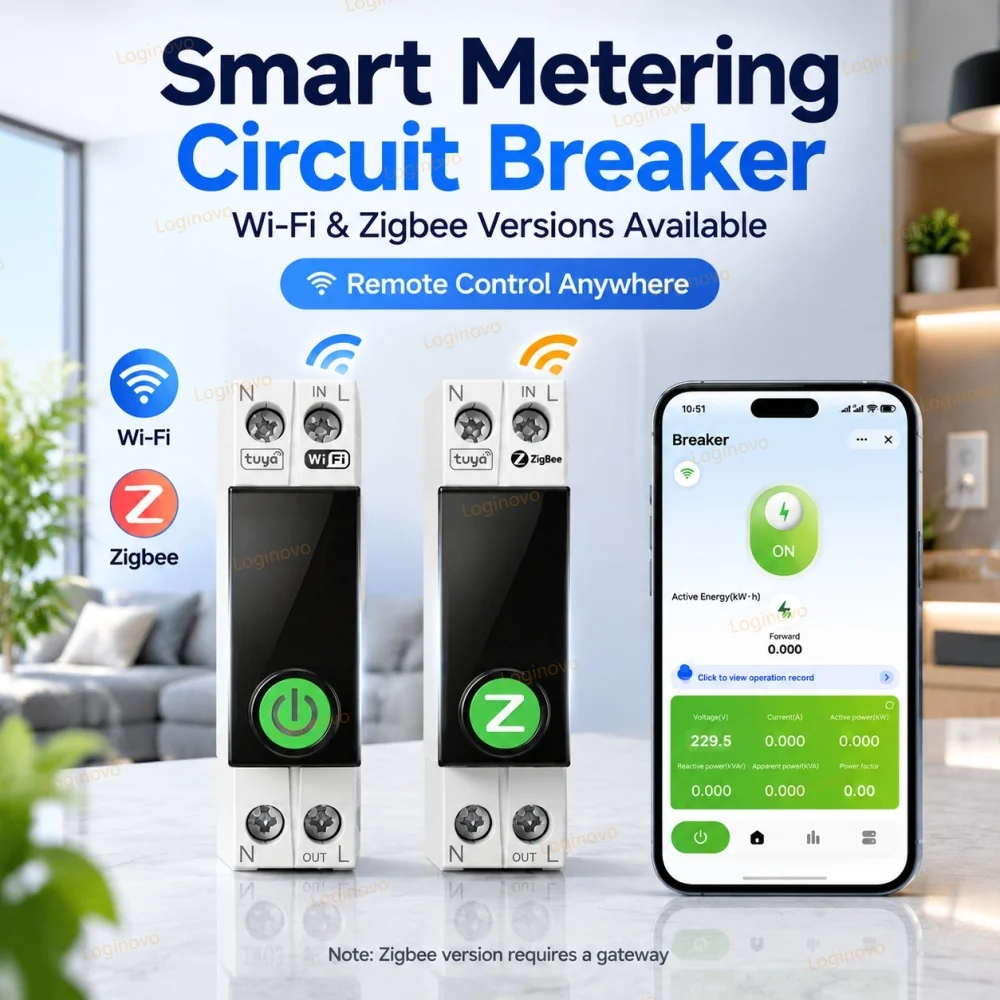
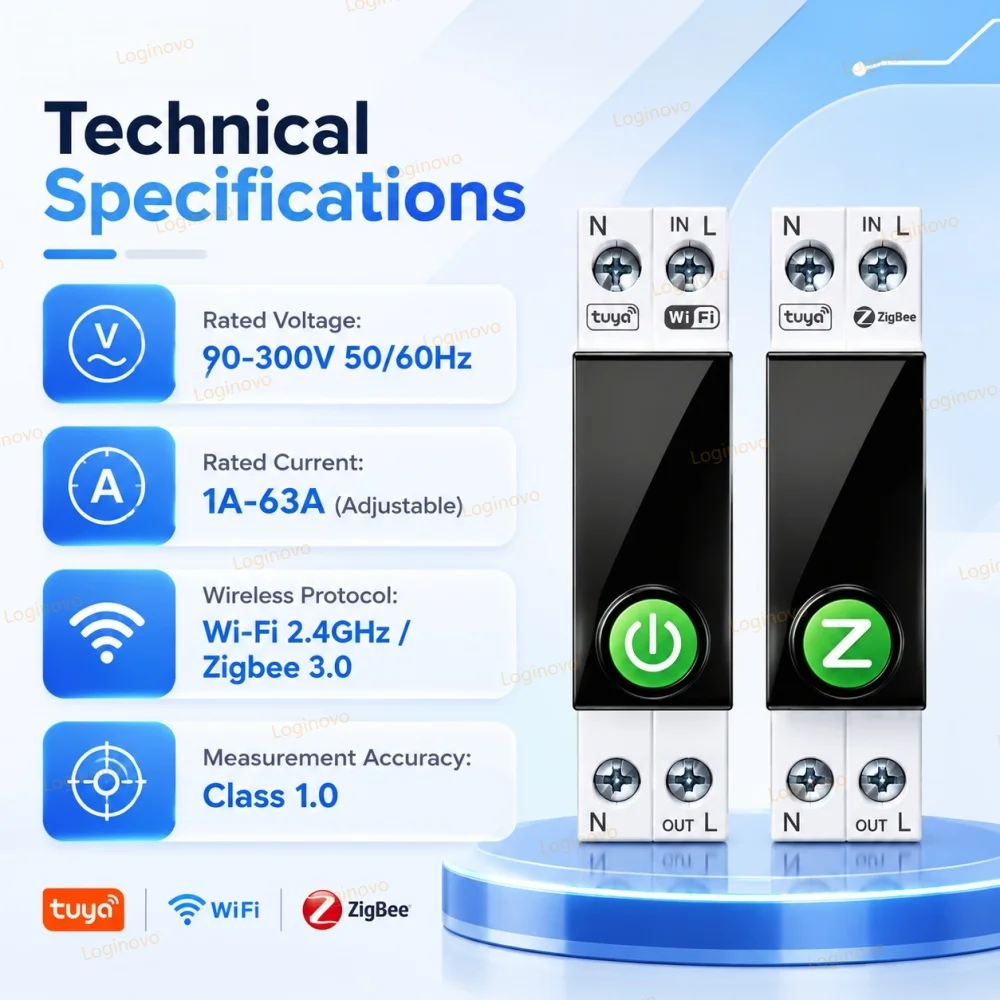
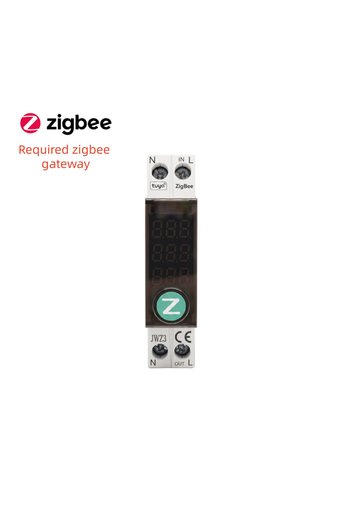
There are two connection protocols:
WiFi connection: You can connect this device directly to your WiFi network—no Zigbee hub required!
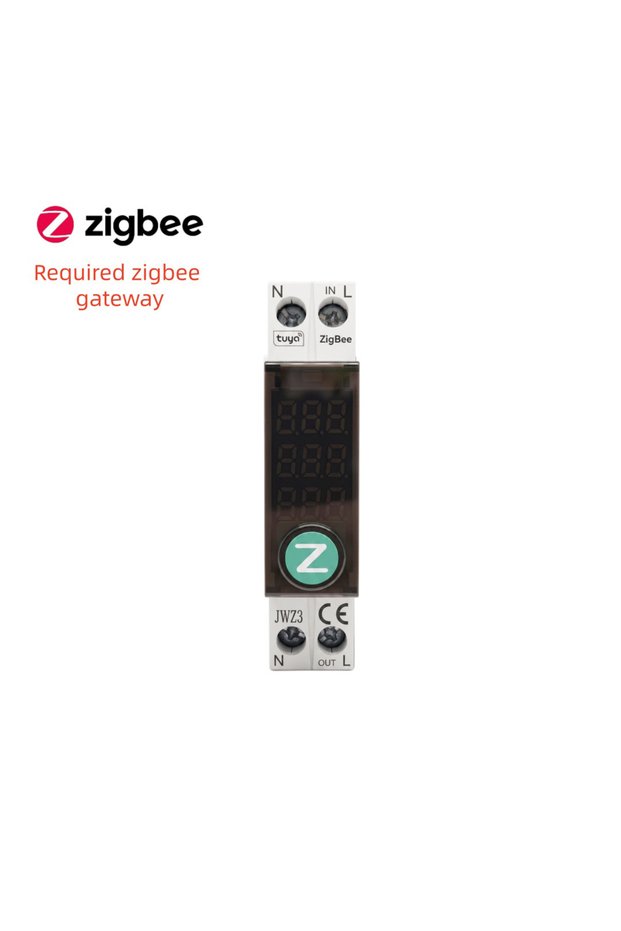
Zigbee connection: For Zigbee compatibility, simply pair it with any standard Zigbee gateway (hub). Please note that Zigbee mode does not support direct WiFi connection.
Specifications
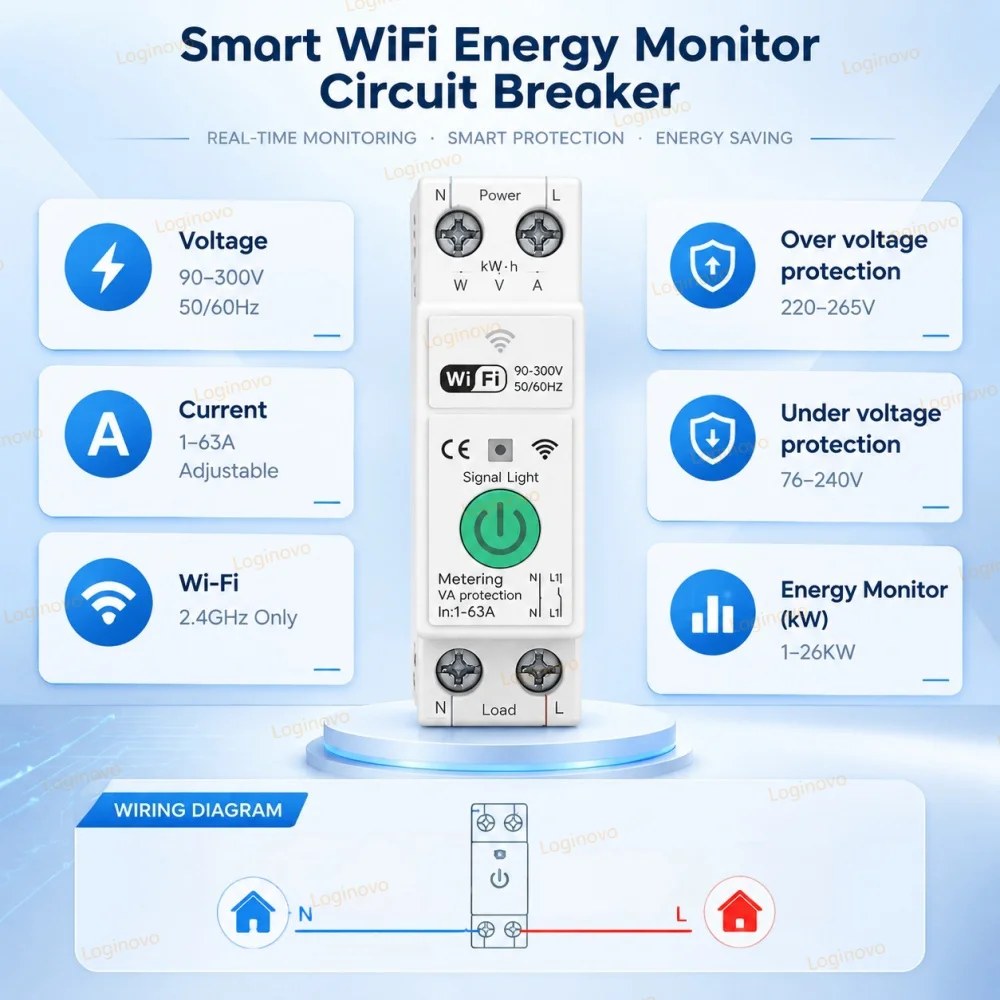
Item: Tuya WiFi/zigbee Smart Circuit Breaker
Current: 1-63A (Adjustable)
Power Limit: 1KW-26KW (Adjustable)
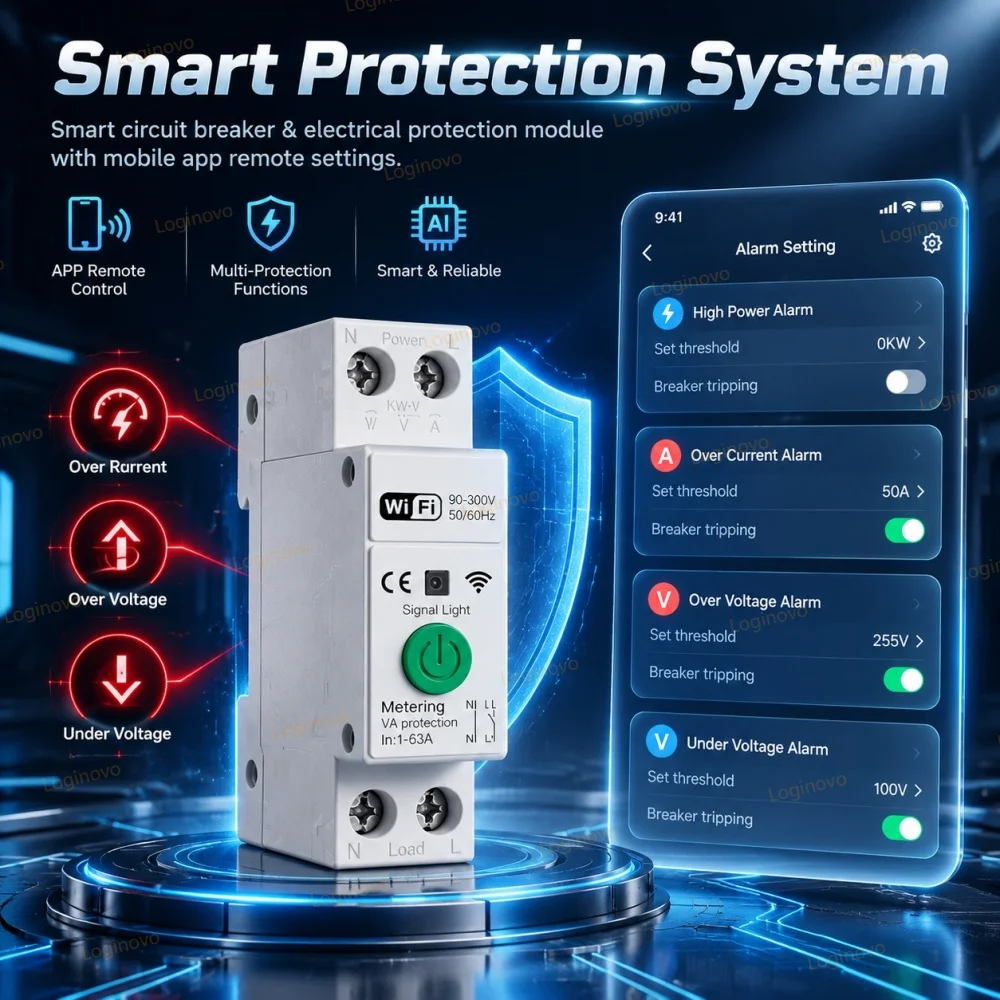
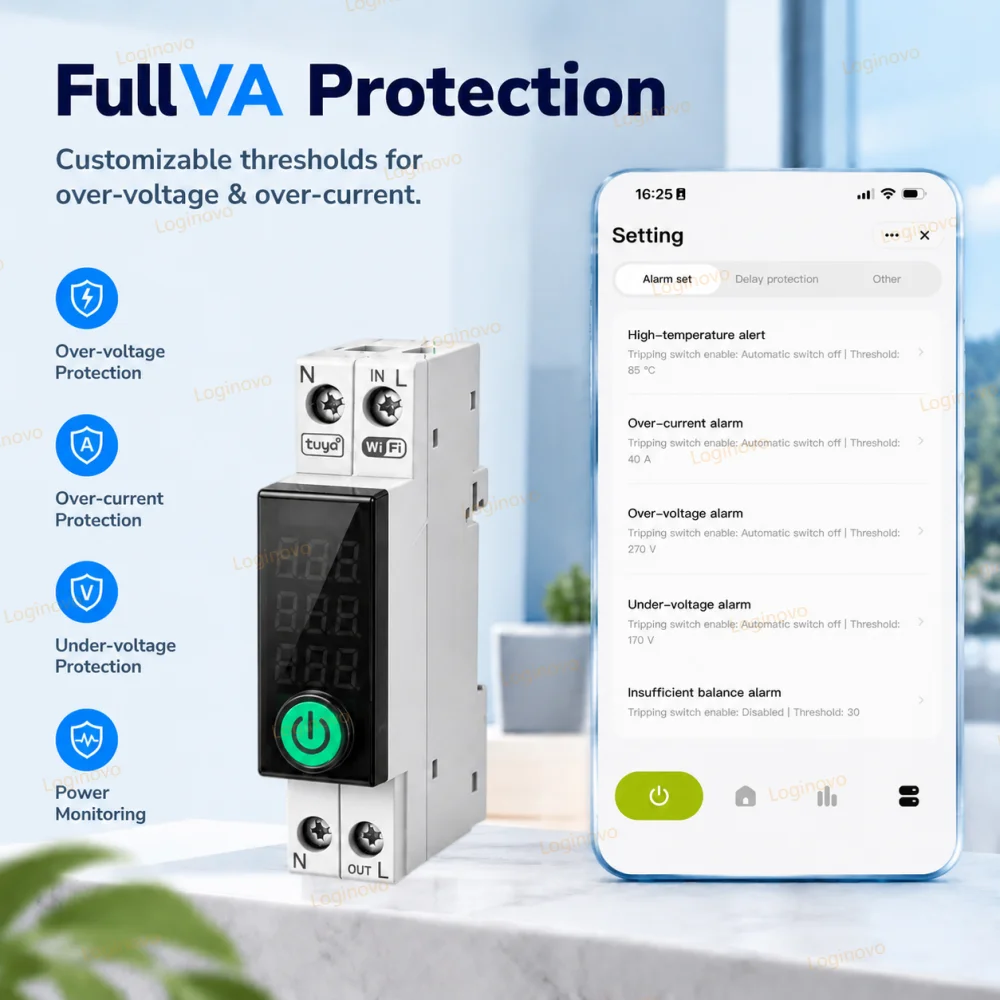
Over-Voltage Protection: 220V-265V (Adjustable)
Under-Voltage Protection: 76V-240V (Adjustable)
Temperature Protection: 40°C-150°C (Adjustable)
WiFi Standard: 2.4GHz 802.11b/g/n
Input Voltage: AC90 ~ 300V, 50/60Hz
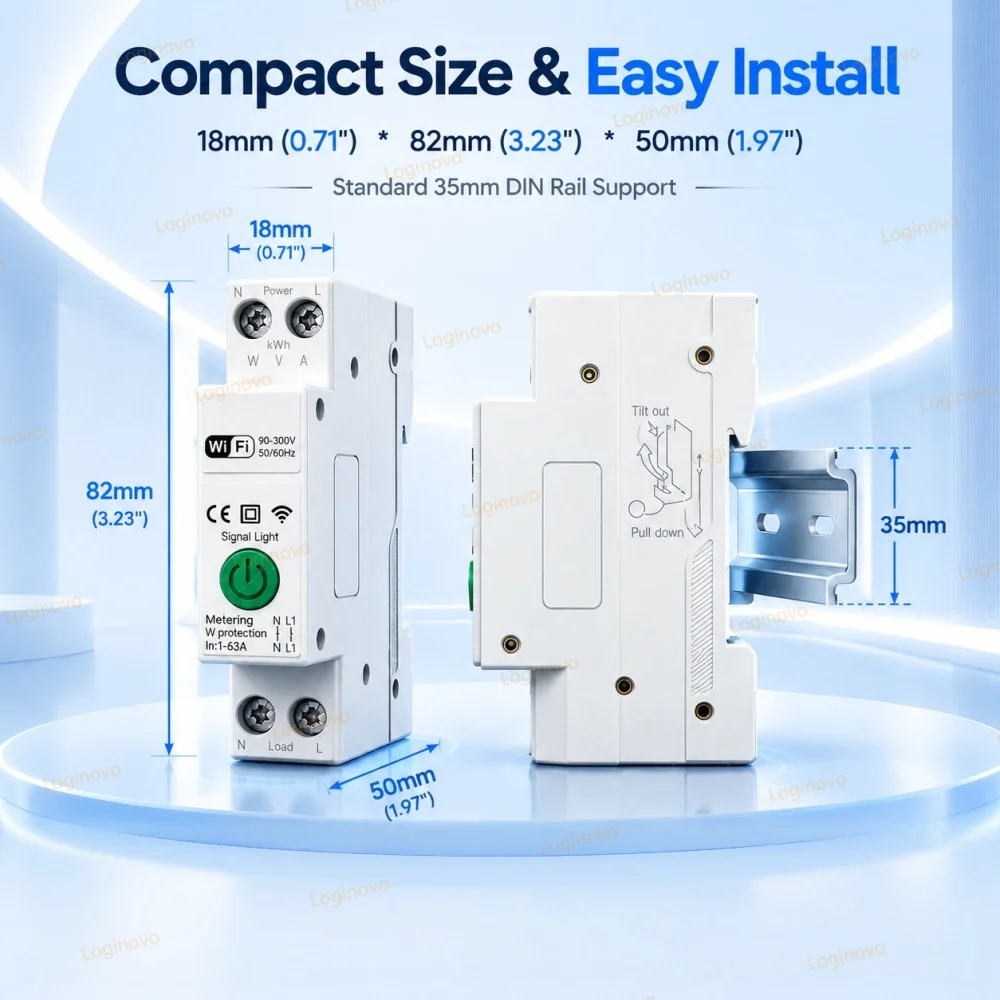
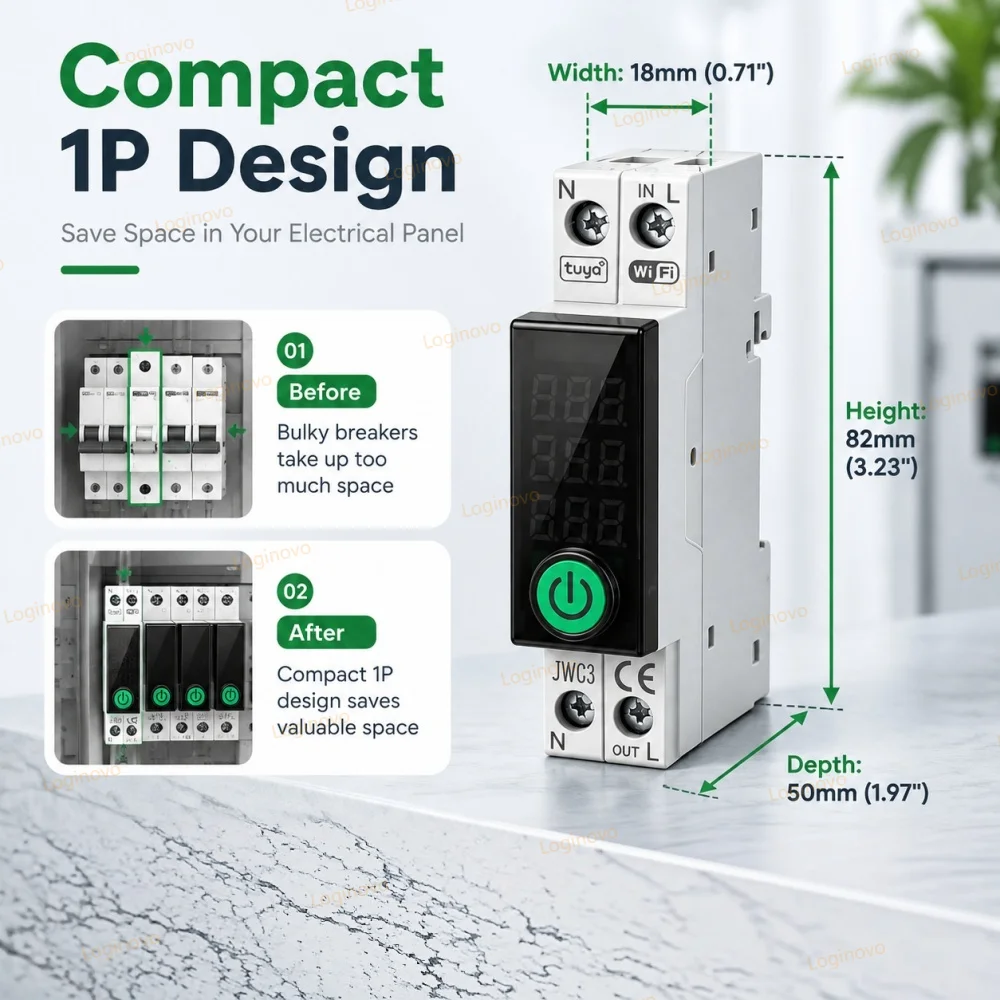
Installation: 35MM Din Rail
Mechanical Life: Over 100000Times (ON/OFF Switch)
Energy Monitor: Yes
APP: Smart Life/Tuya Smart(zigbee version need to use zigbee gateway)
Voice Control: Google Home/Alexa/Yandex Alice
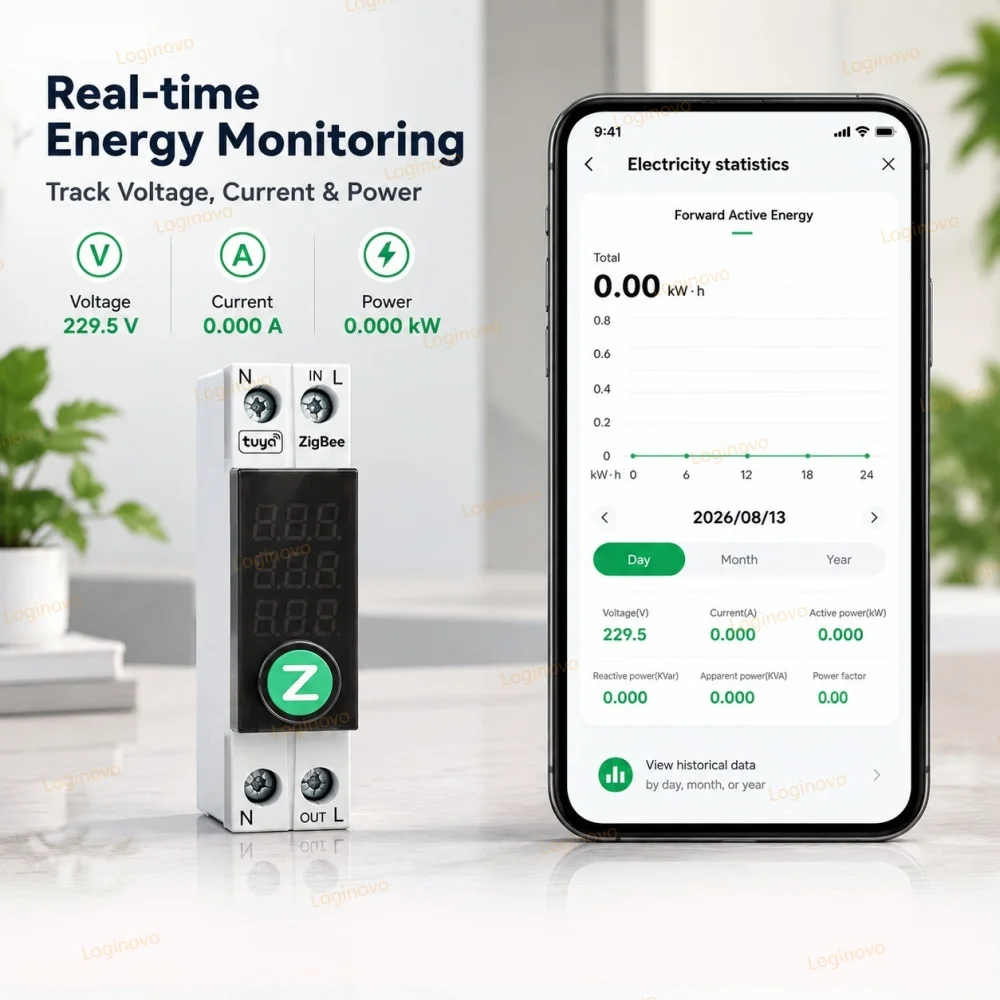
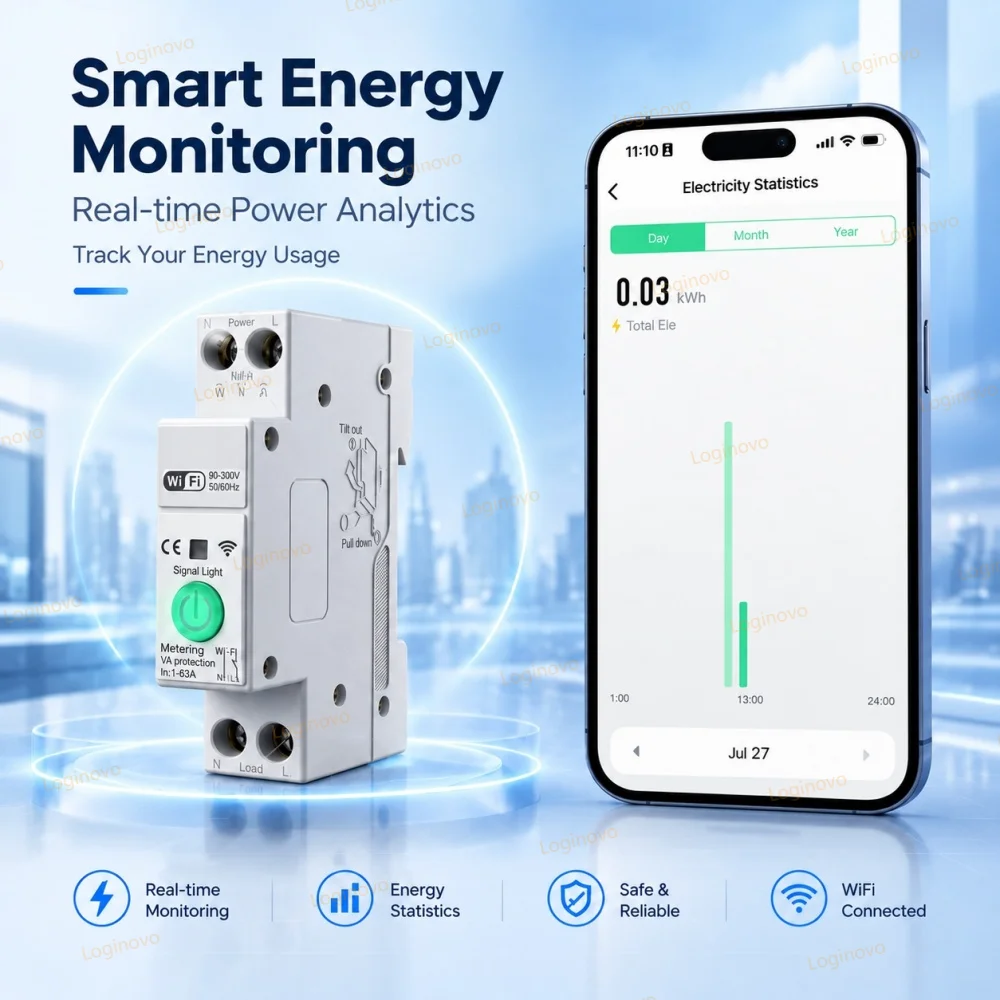
【Real-Time Monitoring】View live updates of current, voltage, and power consumption—helping you stay informed about your device’s performance at a glance. The built-in logging feature records data by year, month, day, and hour, and the battery usage summary gives you clear, actionable insights into your energy habits.
【Smart Alerts】Set custom thresholds, and receive instant notifications on your phone whenever those conditions are met—so you’re always in the loop.
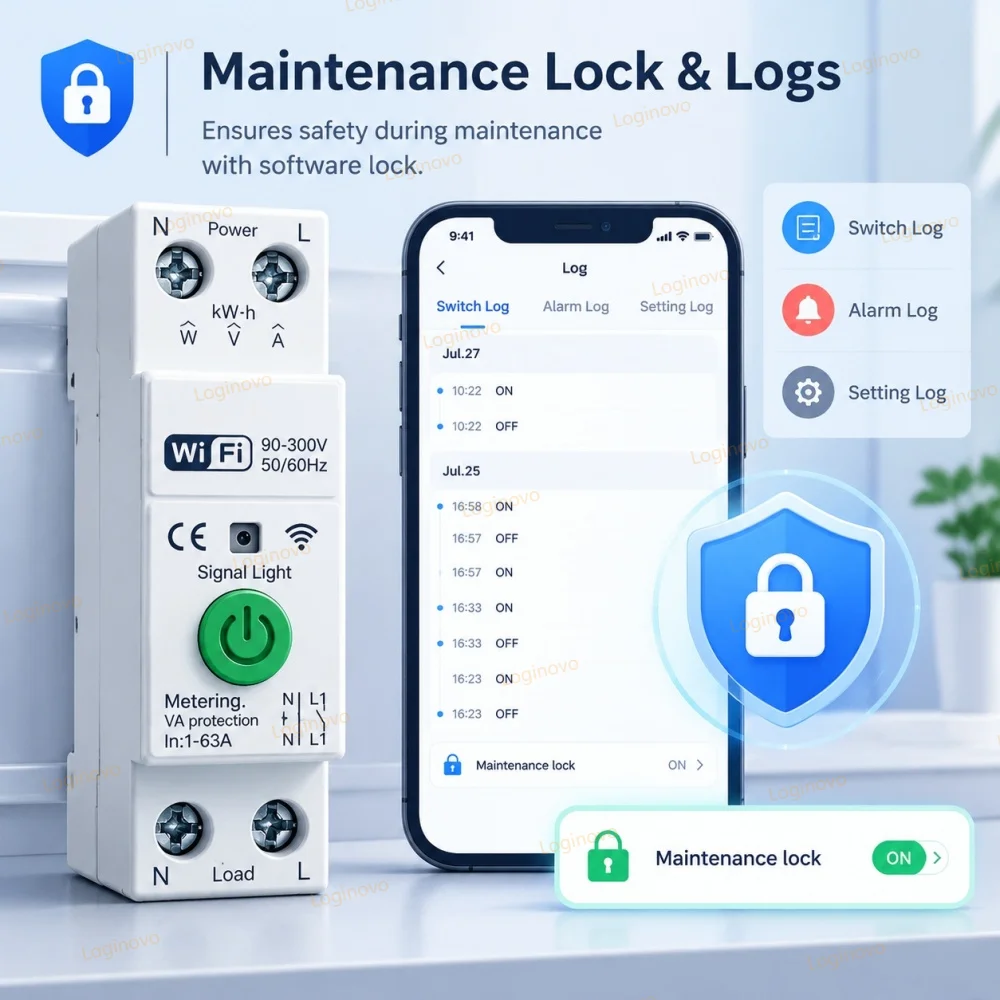
【Maintenance Lock】To enter maintenance mode, simply power off the device—or press the button four times. To exit, repeat the same action. It’s quick, intuitive, and designed with your convenience in mind.
【Power-On Behavior】Choose how the device behaves after a power interruption: turn ON automatically, turn OFF automatically, or resume exactly where it left off—your preference, your control.
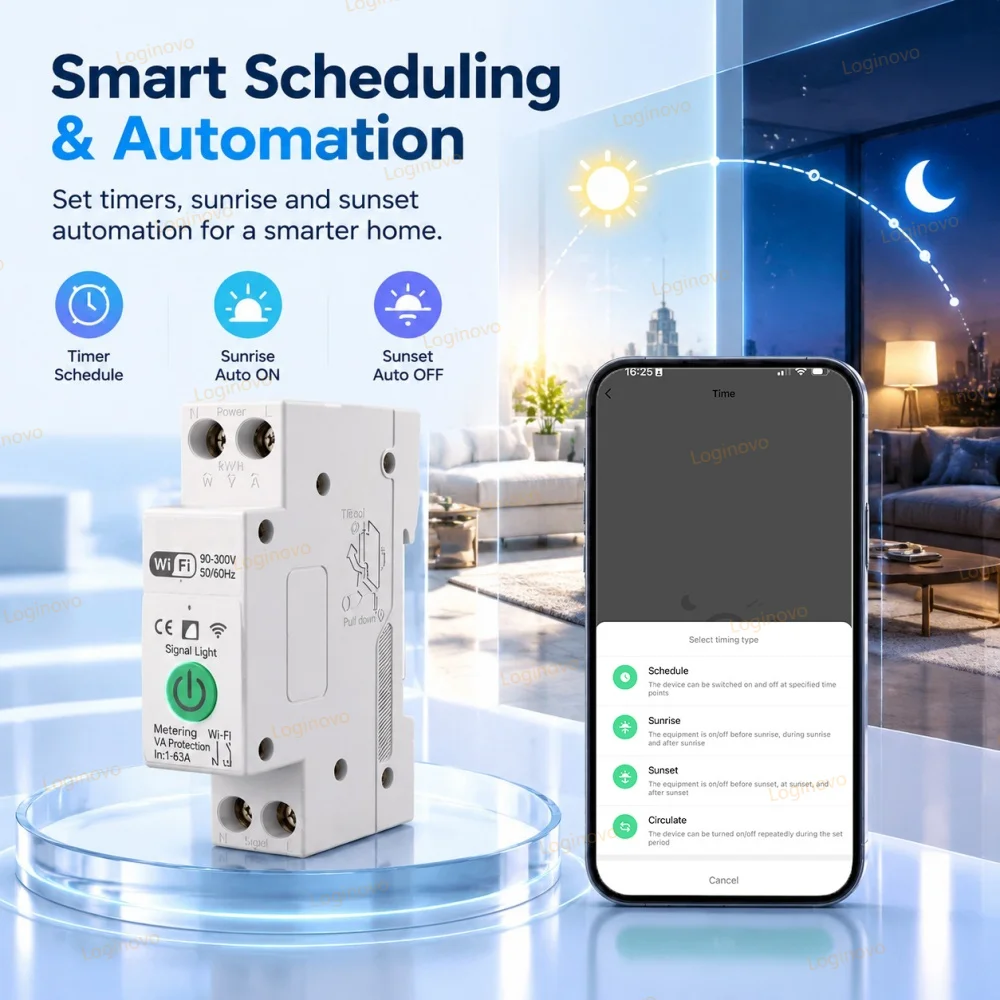
【Scheduling & Timer Functions】Easily set countdown timers or recurring schedules to turn the switch ON/OFF automatically—tailored to fit your daily routine.