Free shipping

5 AED coupon deal!
Only 1 left!
Choice XIAOMI EU Plug Xiaomi Router XIAOMI Router BE3600 2.5G,2.5G High-End Network Port WiFi 7,3570Mbps Du
No reviews yet.

Special Deals
180.57135.43AED
Free shipping
Delivery address

Select your address, find out the delivery date!
Trendyol's commitments
Easy and free return in 15 days.
Payment methods



Coupons
Highlighted features:
Choice XIAOMI EU Plug Xiaomi Router XIAOMI Router BE3600 2.5G,2.5G High-End Network Port WiFi 7,3570Mbps Du features
Number of Ports
2
Port Feature
Ethernet
Instructions for Use/Warnings
*Xiaomi Router*EU Plug

Big Save Store
8.7
78.8K followers
Seller information
Similar items












 Trendyol Plus Exclusive



Shoppers also viewed




Choice XIAOMI EU Plug Xiaomi Router XIAOMI Router BE3600 2.5G,2.5G High-End Network Port WiFi 7,3570Mbps Du reviews
No reviews yet.
Product details

Additional info
- A maximum of 10 units of this product can be ordered. Trendyol reserves the right to cancel orders over 10 units.
- Barcode No: 3639144427524
Choice XIAOMI EU Plug Xiaomi Router XIAOMI Router BE3600 2.5G,2.5G High-End Network Port WiFi 7,3570Mbps Du features
Number of Ports
2
Port Feature
Ethernet
Instructions for Use/Warnings
*Xiaomi Router*EU Plug
Safety information
Product safety information
Product description
Plug Type:EU Plug
Color:Xiaomi Router
Please Note:
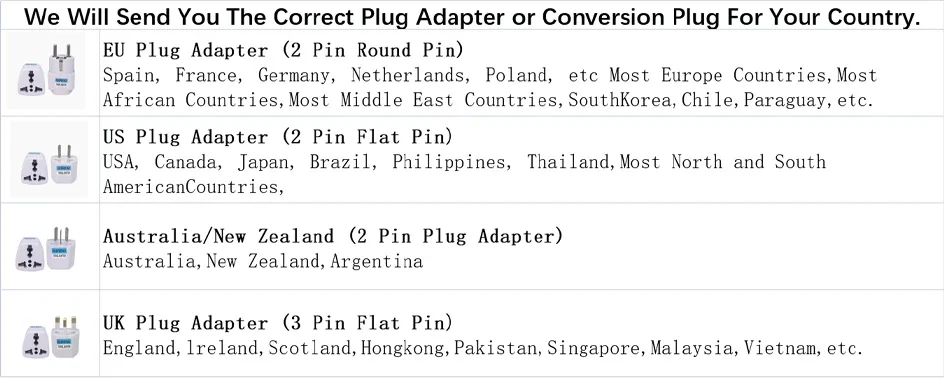
*This product is the Chinese version and an adapter will be included when sending the package
*Because this product is a Chinese version, please change the country to "China" when connecting the "MI HOME" APP, and the language can be set according to the local country. If some devices fail to connect for a certain period of time, the WIFI of the device needs to be reset,If you have any questions, please contact us at the first time. We are happy to answer them for you。
We will send the correct plug adapter or conversion plug for your country.
*This product is the Chinese version and an adapter will be included when sending the package
*Because this product is a Chinese version, please change the country to "China" when connecting the "MI HOME" APP, and the language can be set according to the local country. If some devices fail to connect for a certain period of time, the WIFI of the device needs to be reset,If you have any questions, please contact us at the first time. We are happy to answer them for you。
We will send the correct plug adapter or conversion plug for your country.
XIAOMI Router BE3600 2.5G Version Main Features
*Ultra-fast Wi-Fi 7,Wireless speed at the level of 3600Mbps
*Qualcomm quad-core chip,Computing power up to 10120 DMIPS
*MLO dual-band aggregation,Theoretical peak rate of up to 3.57 Gbps
*Enhanced OFDMA,Faster transmission and lower latency
*2.5G Ethernet port,Unleash the potential of 2000M broadband
*4 high-performance independent signal amplifiers,Strong signal penetration through walls
XIAOMI Router BE3600 2.5G Version
New generation Wi-Fi 7 for speed beyond your imagination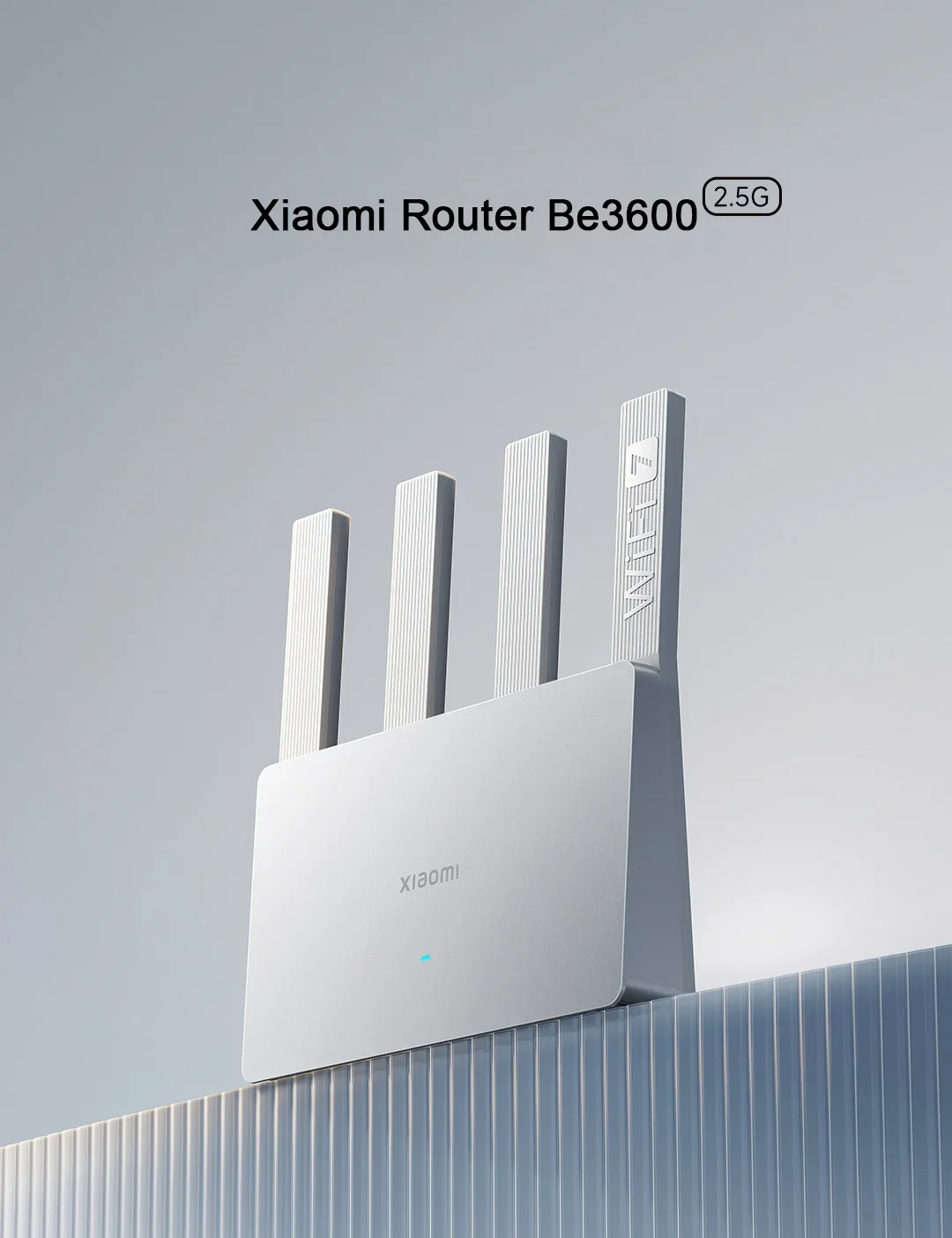
Extra fast, stable and smart,Exceeds expectations in every way
*Ultra-fast Wi-Fi 7
Wireless speed at the level of 3600Mbps
*Qualcomm quad-core chip
Computing power up to 10120 DMIPS
*MLO dual-band aggregation
Theoretical peak rate of up to 3.57 Gbps
*Enhanced OFDMA
Faster transmission and lower latency
*2.5G Ethernet port
Unleash the potential of 2000M broadband
*4 high-performance independent signal amplifiers
Strong signal penetration through walls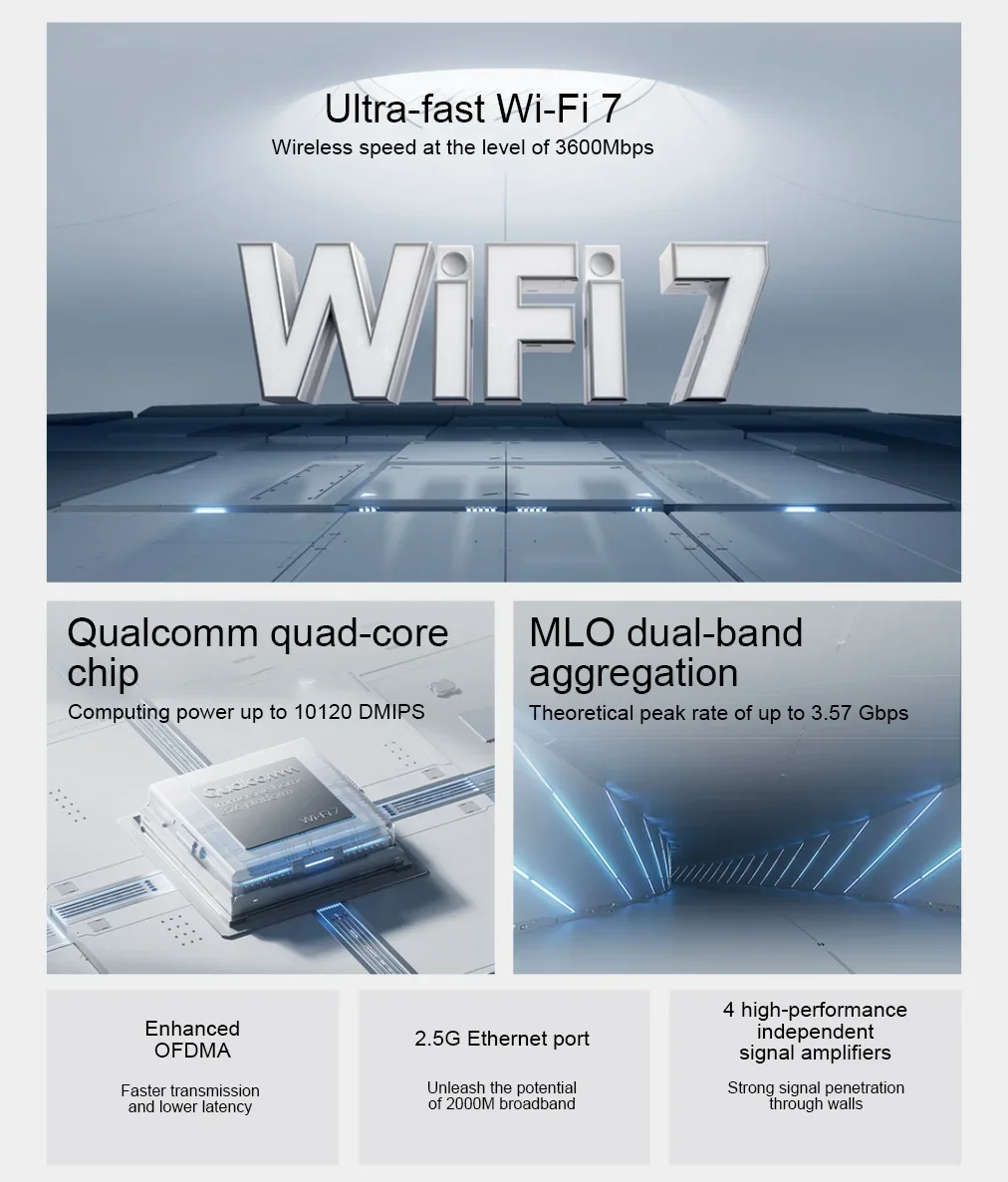
Advanced Wi-Fi 7
Speed beyond your imagination
Wi-Fi 7 refreshes at lightning-fast speeds,Smooth and fast performance at the level of 3600Mbps*
Dual-band offering 3570 Mbps wireless speeds*. Paired with the 5GHz band, 2x2 160 MHz, unleash the full force of Wi-Fi 7 and experience network speeds beyond your imagination.
*Higher throughput compared to Wi-Fi 6*
44% Actual throughput
*Speed improvement compared to Wi-Fi 6*
48% Maximum theoretical data rate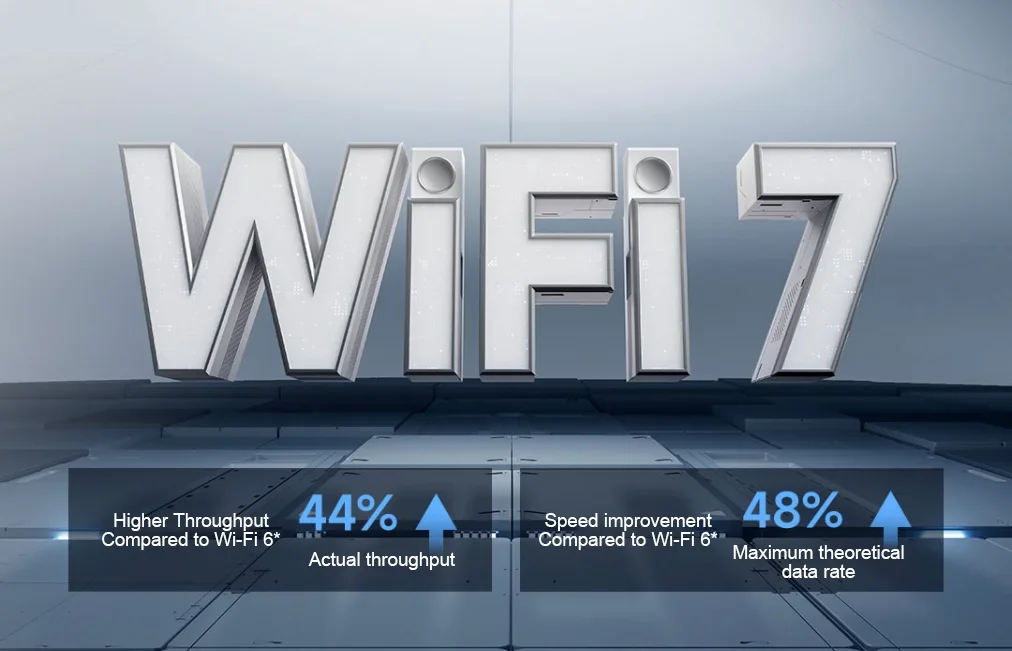
MLO dual band aggregation,Swift and stable performance
Connect to 2.4G and 5G frequency bands simultaneously with a single device, leveraging parallel data channels to improve performance and reduce environmental interference
3.57Gbps Maximum theoretical speed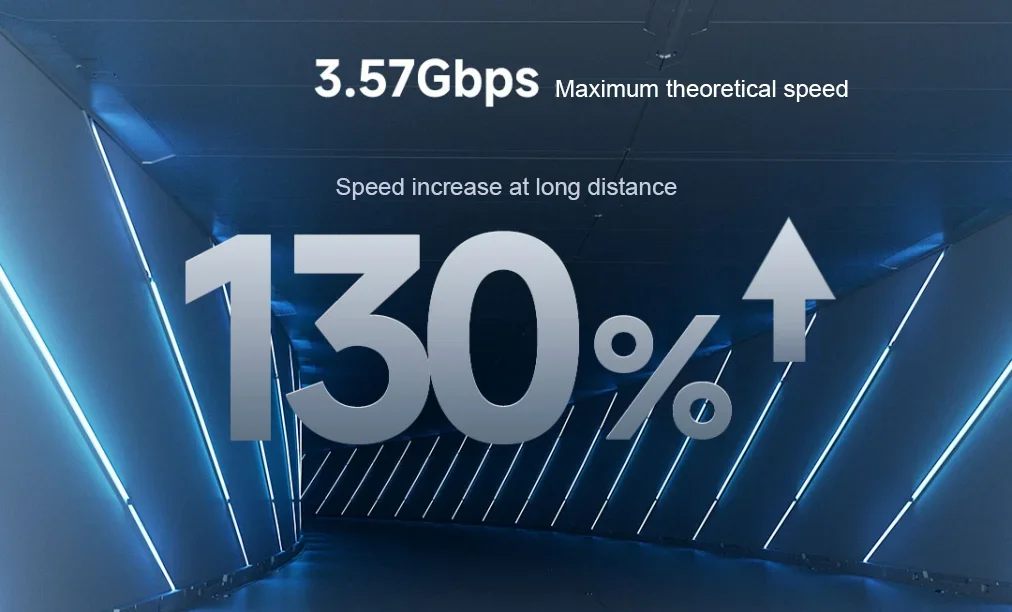
Enhanced OFDMA,Efficient transmission even with multiple devices
With OFDMA technology and advanced Multi-RU allocation, bandwidth is allocated more reasonably and usage is optimised according to the network speed requirements of different devices. This guarantees a high-speed network for multiplayer gaming, HD live-streaming and video calls.
*This feature requires the terminal device to support Enhanced OFDMA.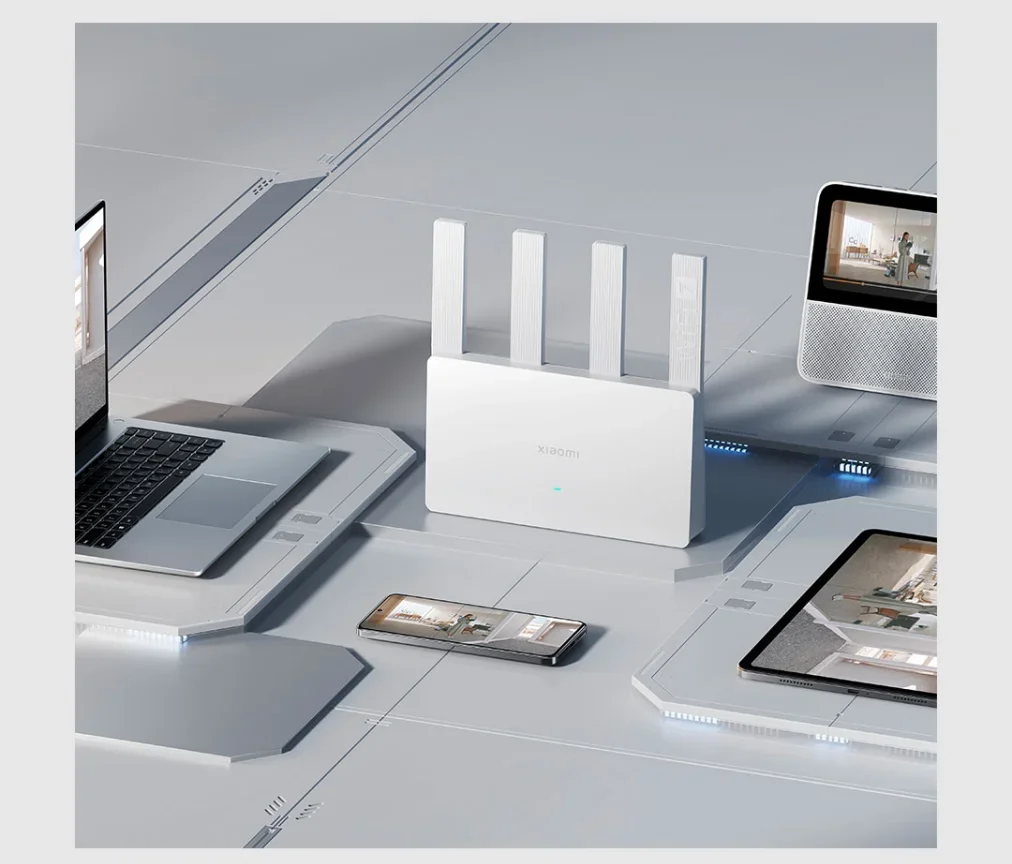
4K QAM fast transmission rate,Extraordinarily speedy experience
4K QAM technology increases data throughput, upping the amount of data transmitted at a time to 120%* when used with devices that support 4K QAM, for a Wi-Fi experience that is faster than ever.
*When the router is used with terminals that support 4K QAM, the theoretical rate increases by 20% compared to 1024 QAM technology. Actual speeds may vary depending on devices and environment.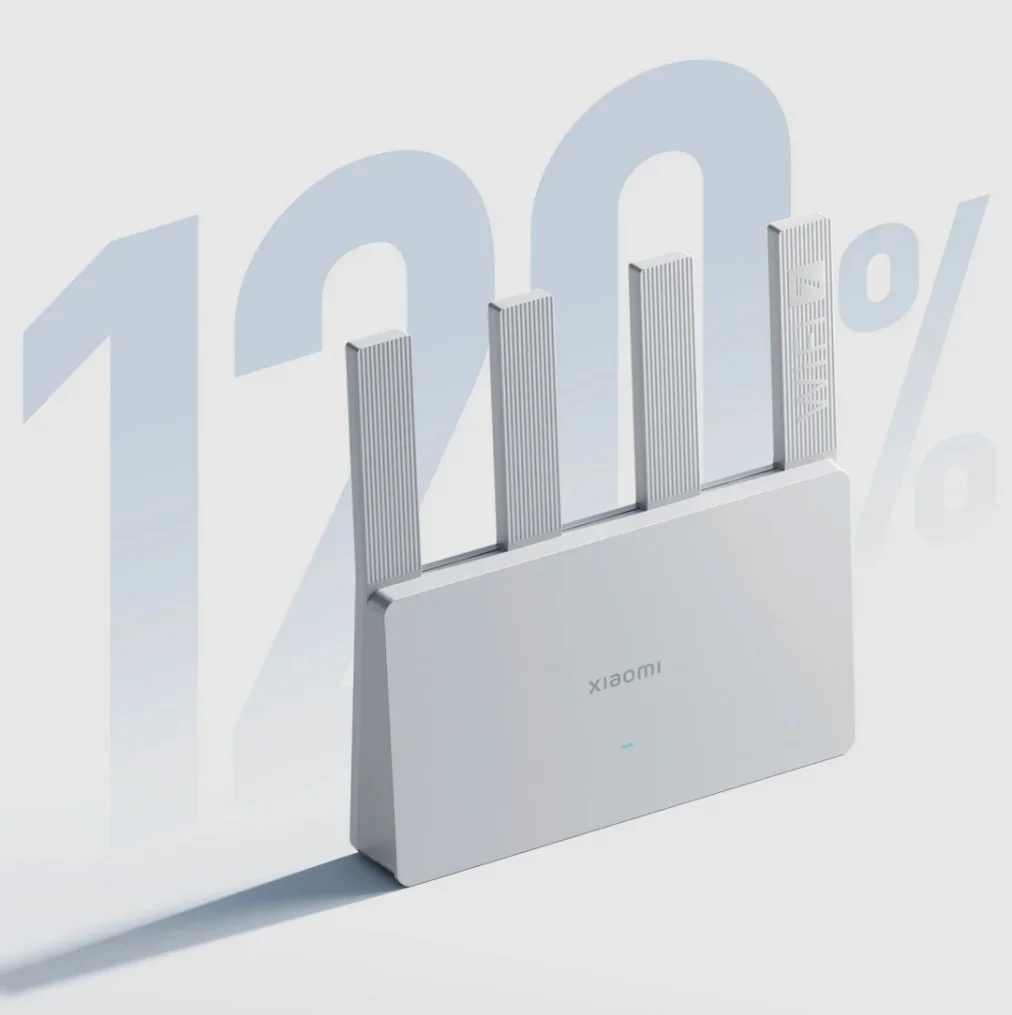
High-performance hardware
Stable beyond your imagination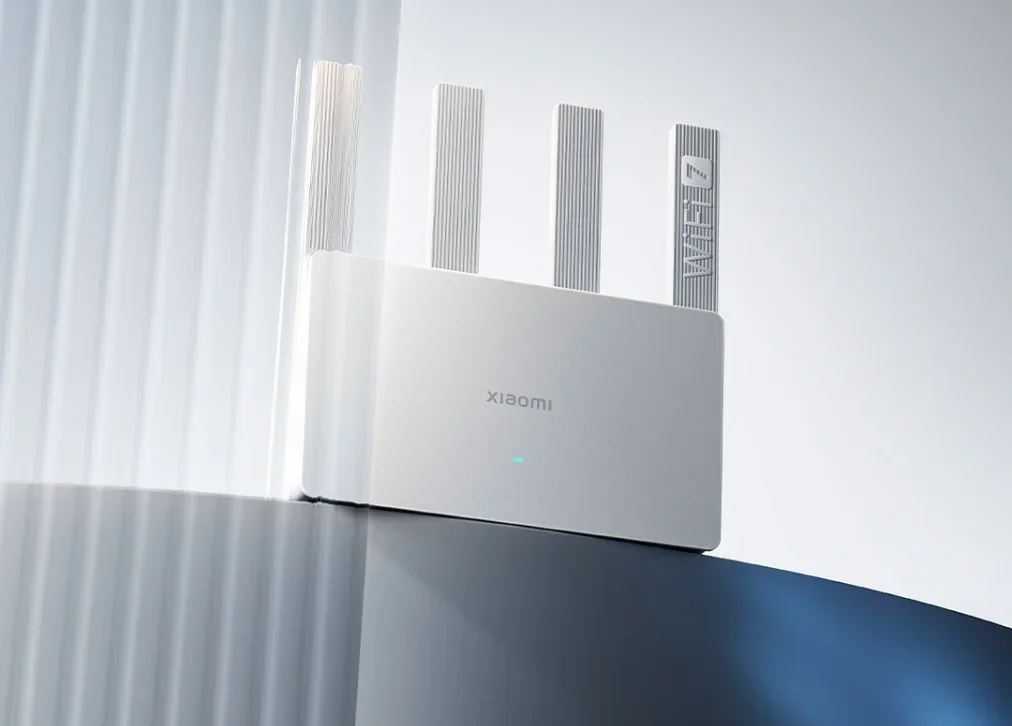
All-new Qualcomm processor,4 cores for quick and stable processing
The all-new Qualcomm Wi-Fi 7 quad-core 1.1 GHz processor delivers computing power up to 10120 DMIP, high throughput, is quick and reliable, and supports up to 128* devices simultaneously.
*128 is the total number of devices connected to the router through 2.4G Wi-Fi, 5G Wi-Fi and LAN under laboratory conditions. Data may vary due to differences in testing methods, device types, and other factors. Please refer to the actual situation.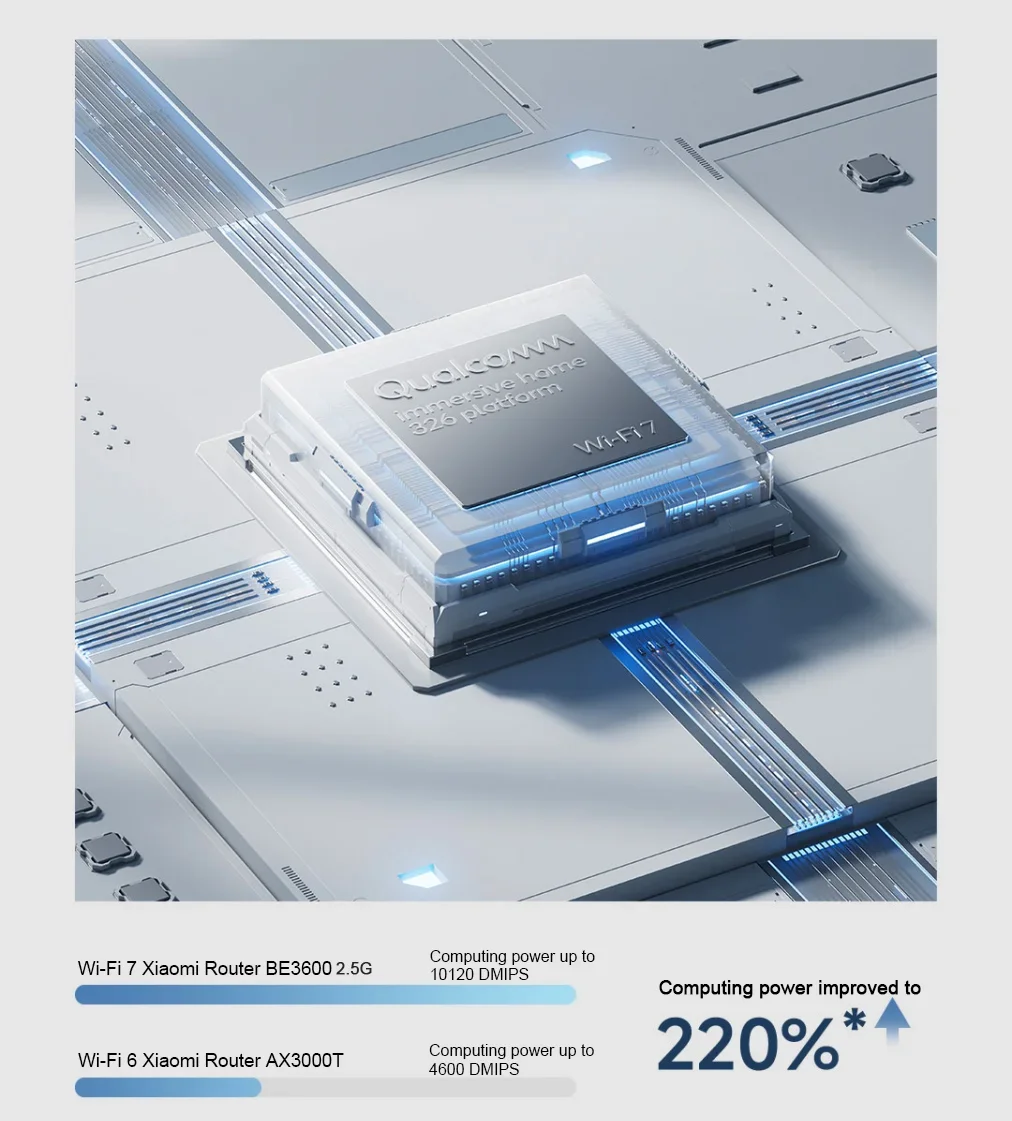
2.5G Ethernet port,Unleash the potential of 2000M broadband
Features one 2.5G Ethernet port supporting full 2000M broadband. Paired with three gigabit Ethernet ports, you can fully realise the potential of your broadband connection. The router also supports dual-LAN link aggregation and customised IPTV settings allowing you to connect to game consoles, TVs and laptops for HD audiovisual experiences.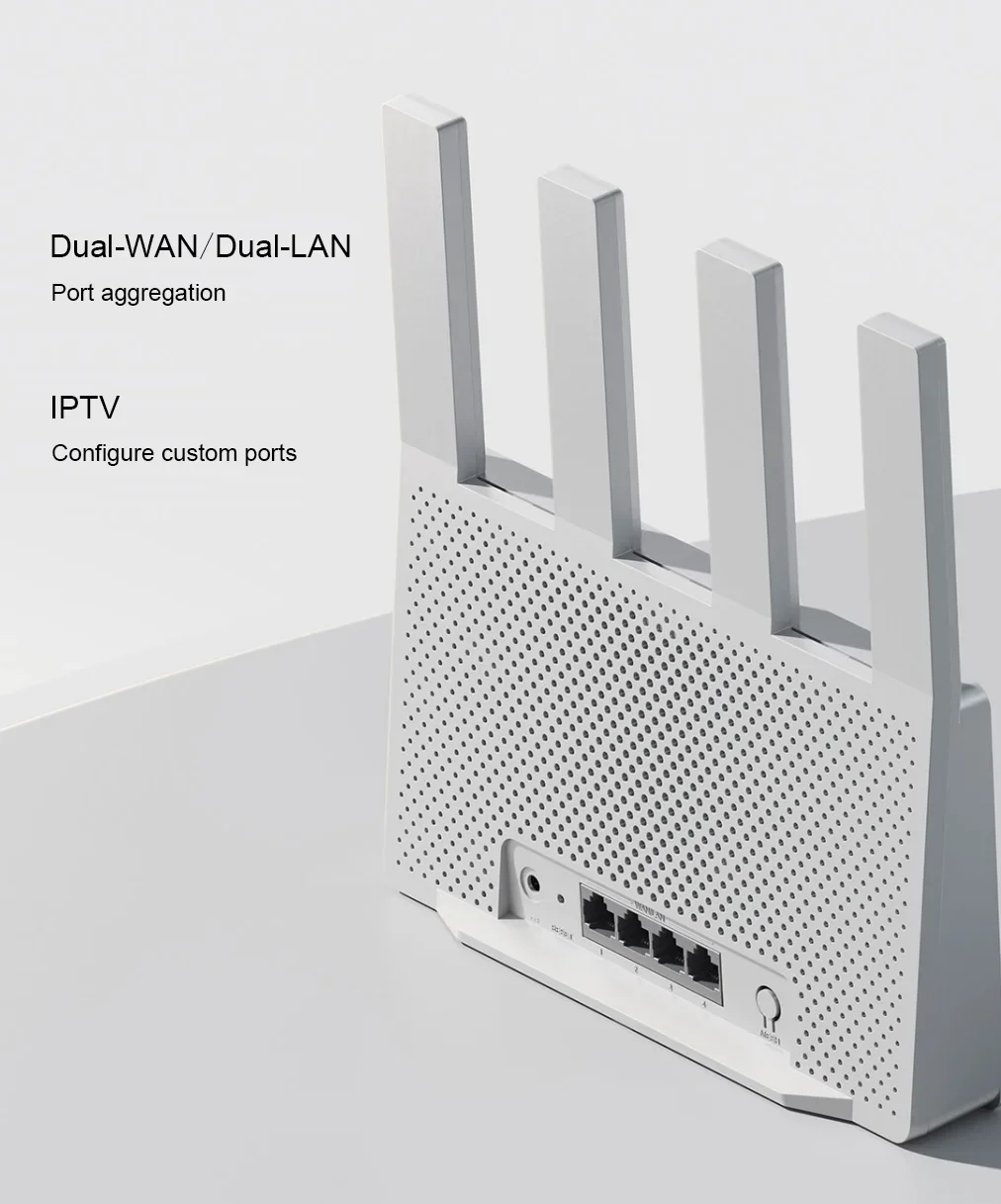
Unhindered by walls*,Effortless strong signal coverage
Four high-performance independent signal amplifiers ensure Wi-Fi signals are always strong. With high signal transmission power and exceptional reception sensitivity, walls pose no issue.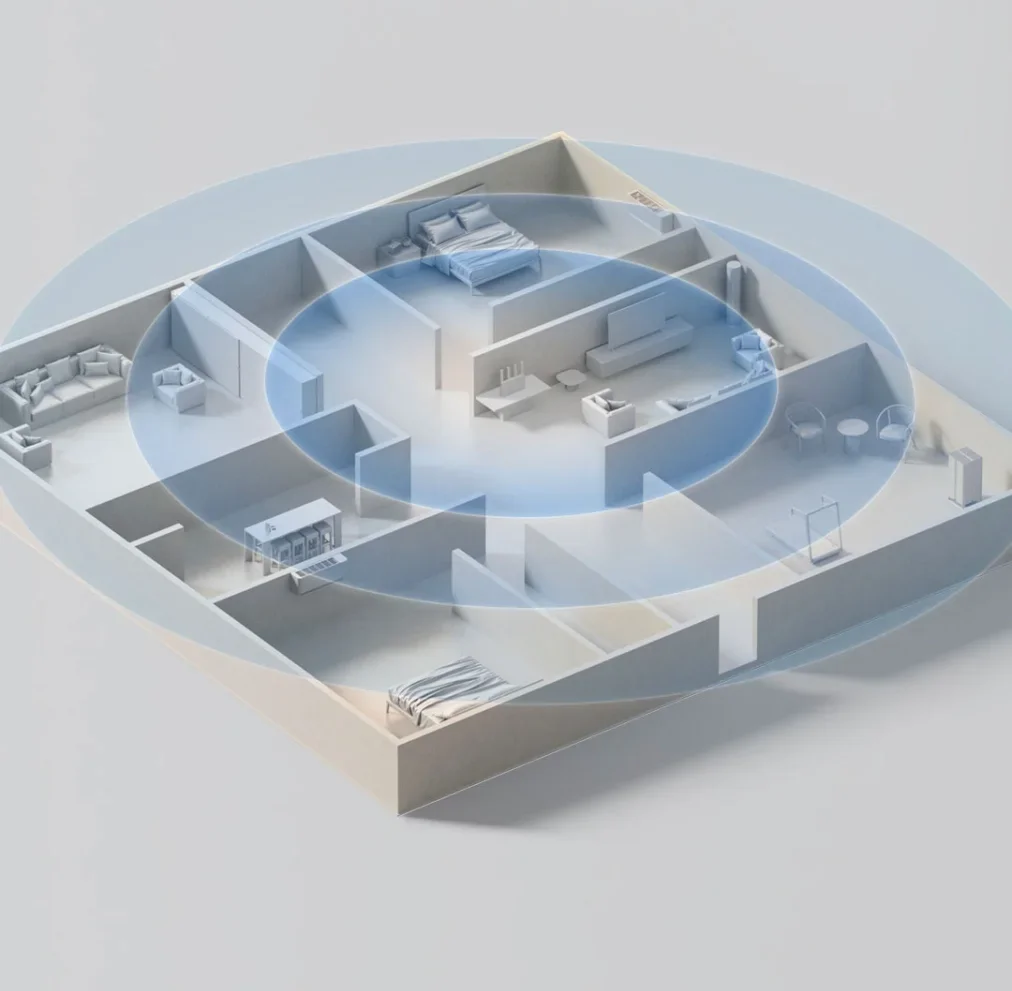
Smart experience
Convenience beyond your imagination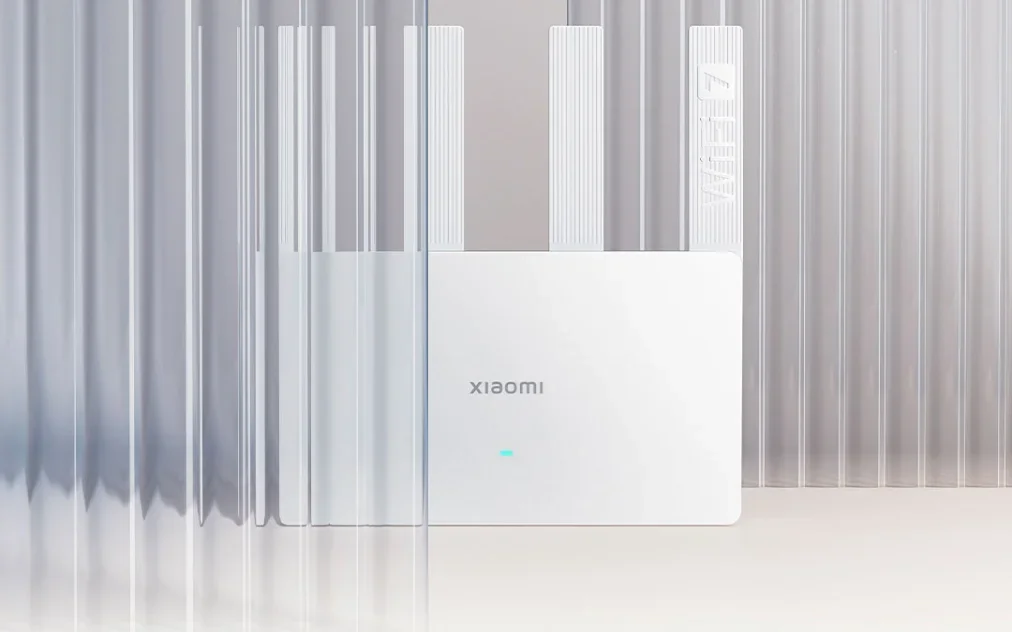
Xiaomi's self-developed Mesh networking,Switch between Wi-Fi networks at home instantly
Supports mixed networks and allows connection of up to 10 routers* at a time. Automatically connect to the fastest router node within milliseconds as you move around the house, with a self-healing network that instantly provides secondary paths if there is a router malfunction.
*Compatible with most publicly available Xiaomi routers running the latest software versions which support Wi-Fi 6/7 for mixed networking. Carrier-customised versions cannot be used with retail versions of the product. Please contact customer service for information on specific models.
*The terminal must support the 802.11k/v protocol. Actual user experience will vary based on the terminal configuration and the specific household environment.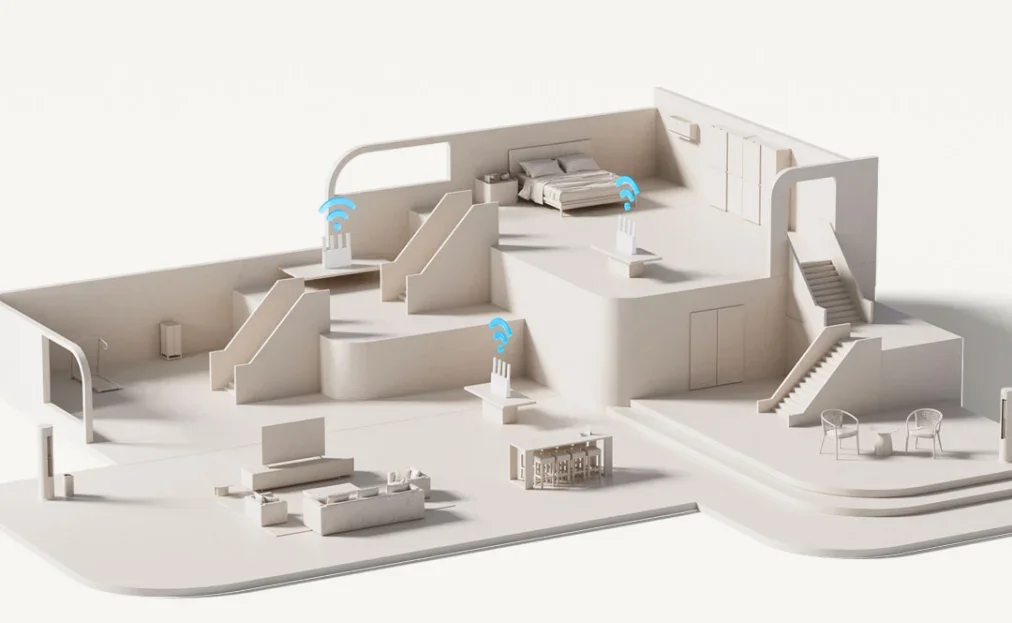
Exclusive acceleration* for Xiaomi smartphones
Xiaomi and Redmi smartphones are automatically recognised and prioritised, activating an exclusive acceleration channel in gaming scenarios to effectively reduce lag and latency.
*To use this feature, users must upgrade MIUI Security to version 4.2.3 or above.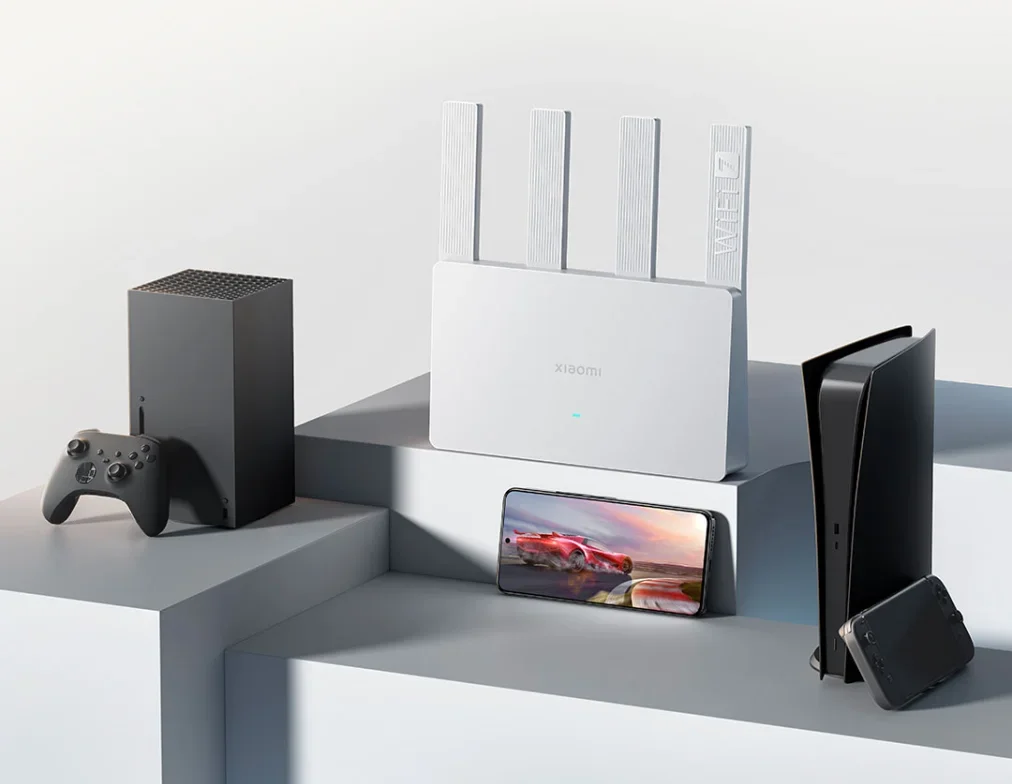
More features supported
*Dual-band integration
Automatically select the appropriate band for hassle-free connection,No more difficult choices
*WPA3
Next-generation security and encryption protocol,Protect your home network data
*Beamforming
Automatic device location detection,Enhanced directional signal for greater coverage
*IPv6
Space for even more addresses,Greater forwarding efficiency and security
*BSS Colouring*
Rational algorithm optimisation,Reduced interference between different Wi-Fi networks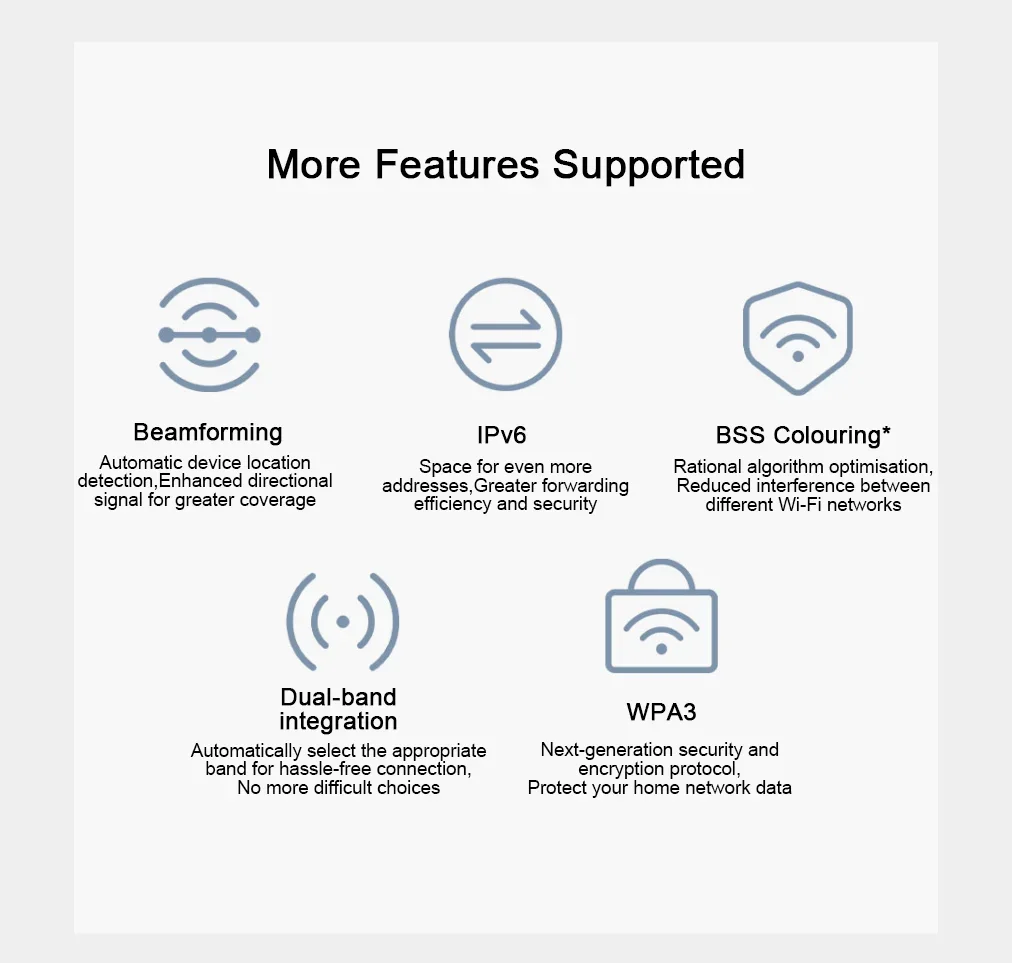
Rigorous testing delivering premium Xiaomi quality
≥ 22,000 times power supply stability tests
(Cumulative times powered on and off over four scenarios with 20 prototypes)
≥ 54 timeshardware structural reliability tests
(Drop tests and vibration tests)
≥ 180,000 times memory stress tests
(Combined access under laboratory conditions)
128 devices devices tested online at the same time
(Combined access under laboratory conditions)
≥ 1,000 hours hostile environment tests
(Cumulative tests in six scenarios on four prototypes)
≥ 100,000 times flash memory reliability tests
(Flash continuous read and write tests)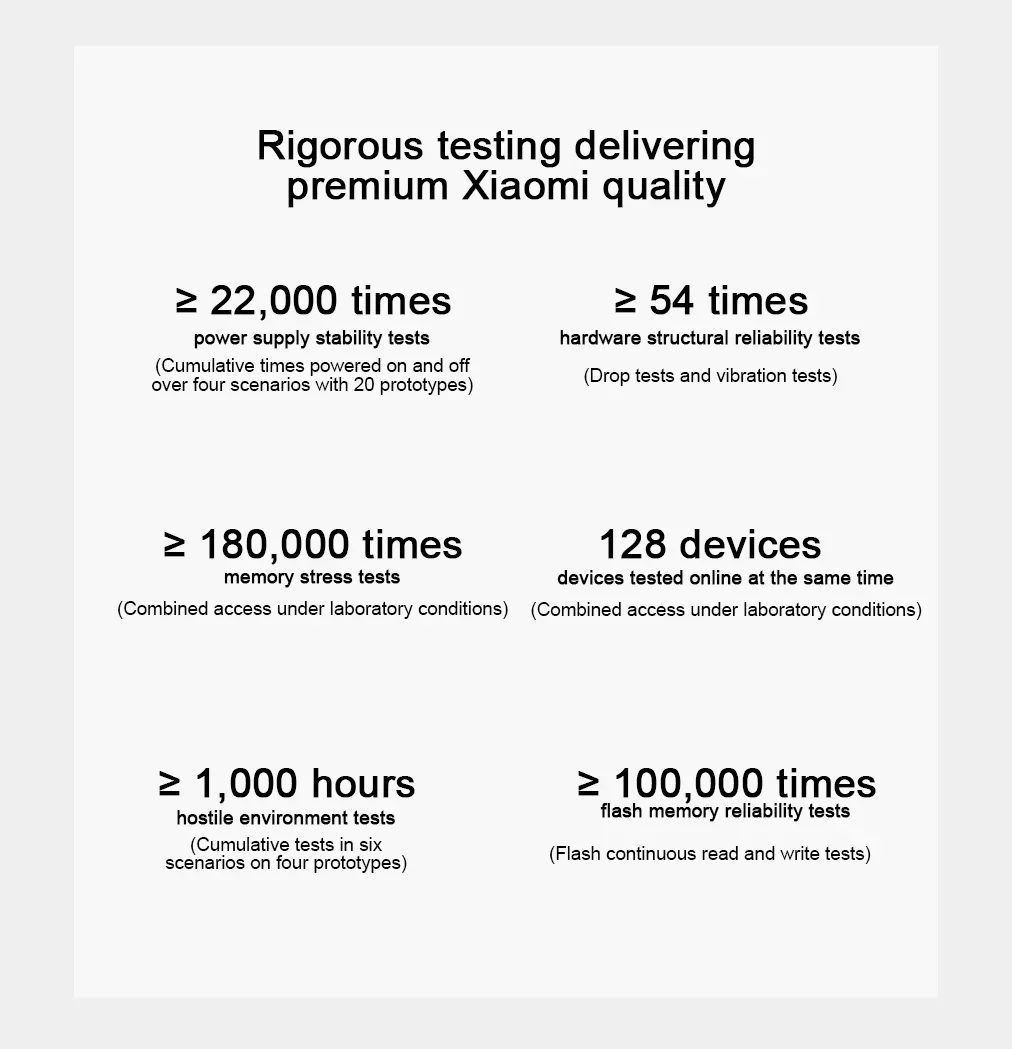
How to enhance the Wi-Fi signal
Router placement recommendations
Not recommended
1. Enclosed metal boxes, such as low-voltage panels or metal cabinets.
2. Obstructed areas, such as storage compartments in cement walls, corners covered by furniture such as sofas, or inside shoe cabinets and TV stands.
3. Where there are appliances nearby that may cause interference, such as microwave ovens, induction cookers, computer power supplies, home generators, or wireless optical modems.
4. Peripheral areas of a house, such as balconies, bathrooms, or laundry rooms.
Recommended
1. Spacious and unobstructed locations, such as on top of TV cabinets and coffee tables.
2. Close to the centre of the house.
3. At a height of 1 metre above the ground, rather than on the floor.
4. Use the router upright to maintain optimal performance.
*If full coverage is not achieved and dead spots remain even when the router is placed in the centre of the house, it is recommended to add another device for Mesh networking to achieve seamless coverage.
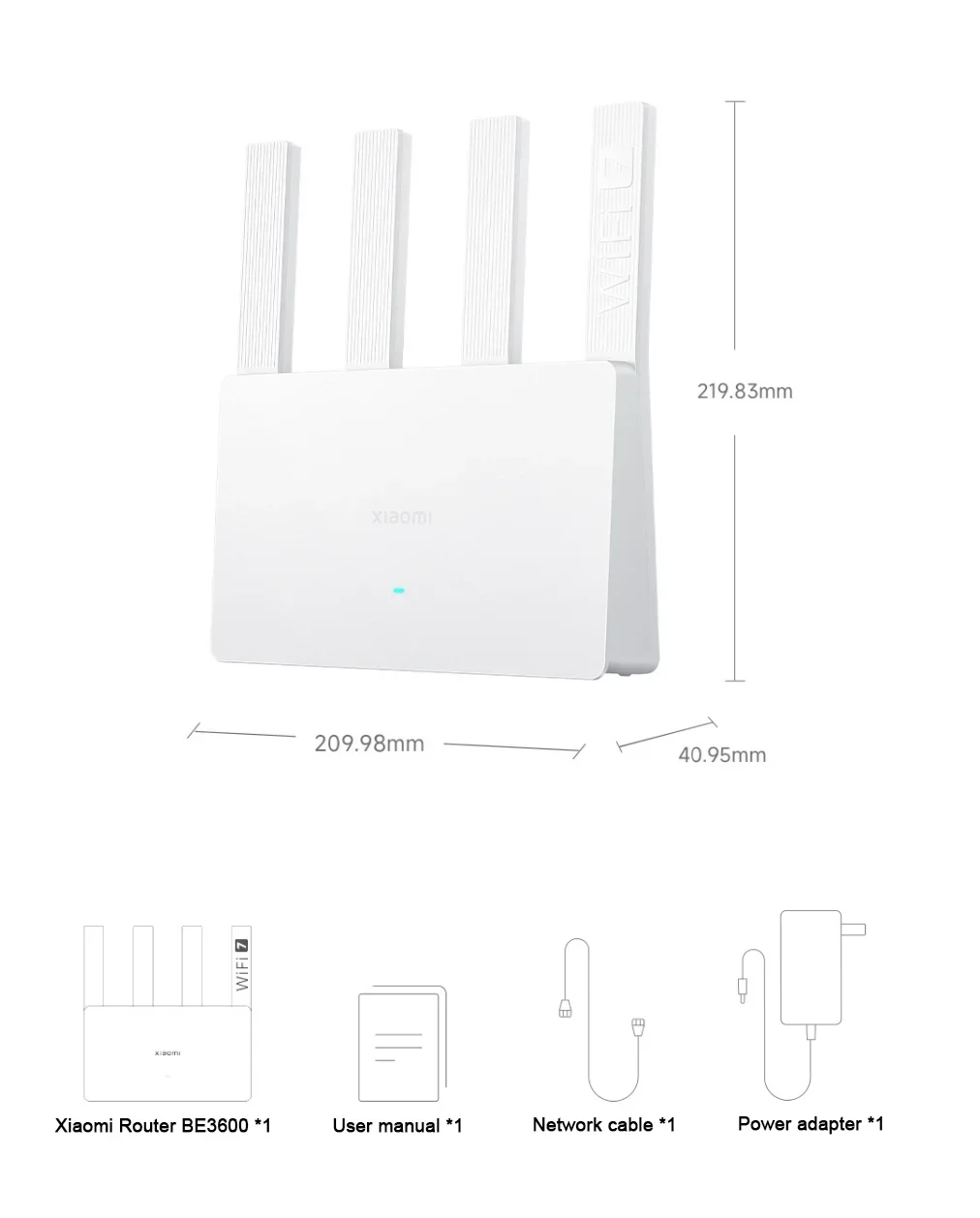
Package contents
XIAOMI Router BE3600 2.5G ×1
User manual ×1
Power adapter ×1
Network cable ×1