Free shipping

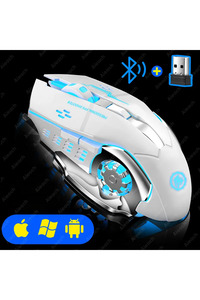
Choice White Wireless Bluetooth Gaming Mouse 2.4g USB Rechargeable Ergonomic Mechanical Backlight Design fo
No reviews yet.

Special Deals
23.6317.51AED
Free shipping
Delivery address

Select your address, find out the delivery date!
Trendyol's commitments
Easy and free return in 15 days.
Payment methods



Highlighted features:
choice2 White Wireless Bluetooth Gaming Mouse 2.4g USB Rechargeable Ergonomic Mechanical Backlight Design fo features
Color
Multicolor

Big Save Store
8.9
81.8K followers
Seller information
Similar items
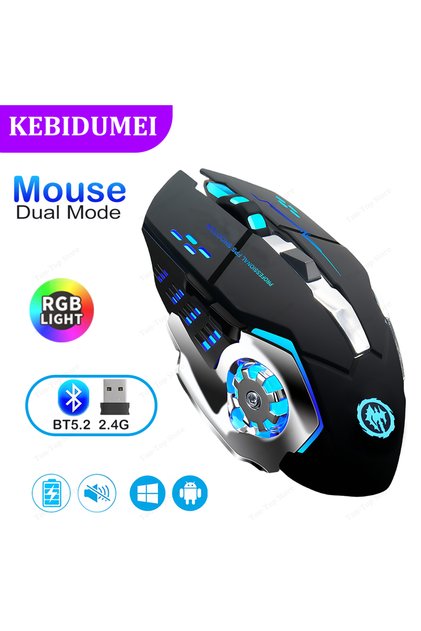


 G G502 X Plus Wireless Hero 25K Sensor Rgb Illuminated White Gaming Mouse - 910- 006172
 Trendyol Plus Exclusive













Shoppers also viewed










choice2 White Wireless Bluetooth Gaming Mouse 2.4g USB Rechargeable Ergonomic Mechanical Backlight Design fo reviews
No reviews yet.
Product details

Additional info
- A maximum of 10 units of this product can be ordered. Trendyol reserves the right to cancel orders over 10 units.
- Barcode No: 3626839420930
choice2 White Wireless Bluetooth Gaming Mouse 2.4g USB Rechargeable Ergonomic Mechanical Backlight Design fo features
Color
Multicolor
Safety information
Product safety information
Product description
Color:White
Product description:
Name: M2 Mechanical gaming mouse
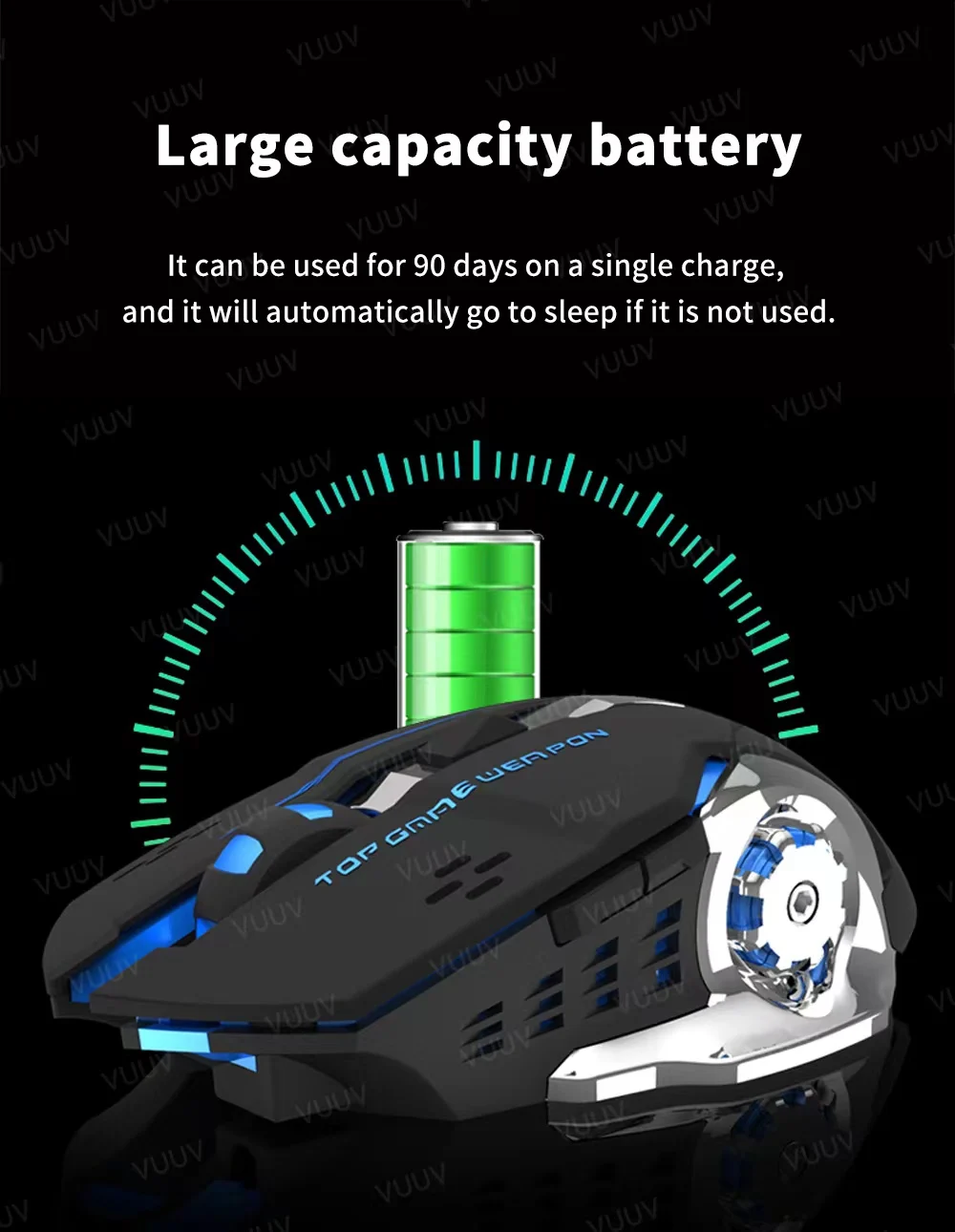
Battery capacity: 500 mAh
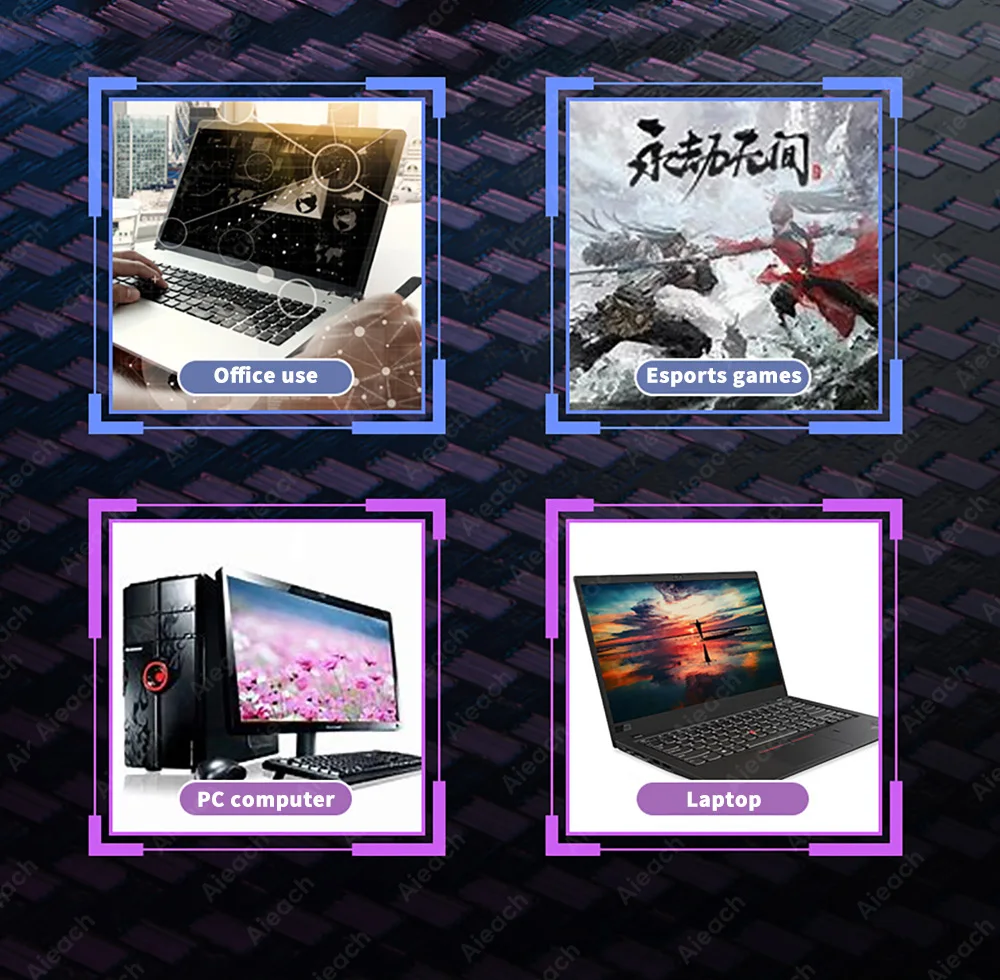
Compatible Devices: Tablets, PC,Laptop with Bluetooth functionality
Function 1: Bluetooth connection/2.4G mode
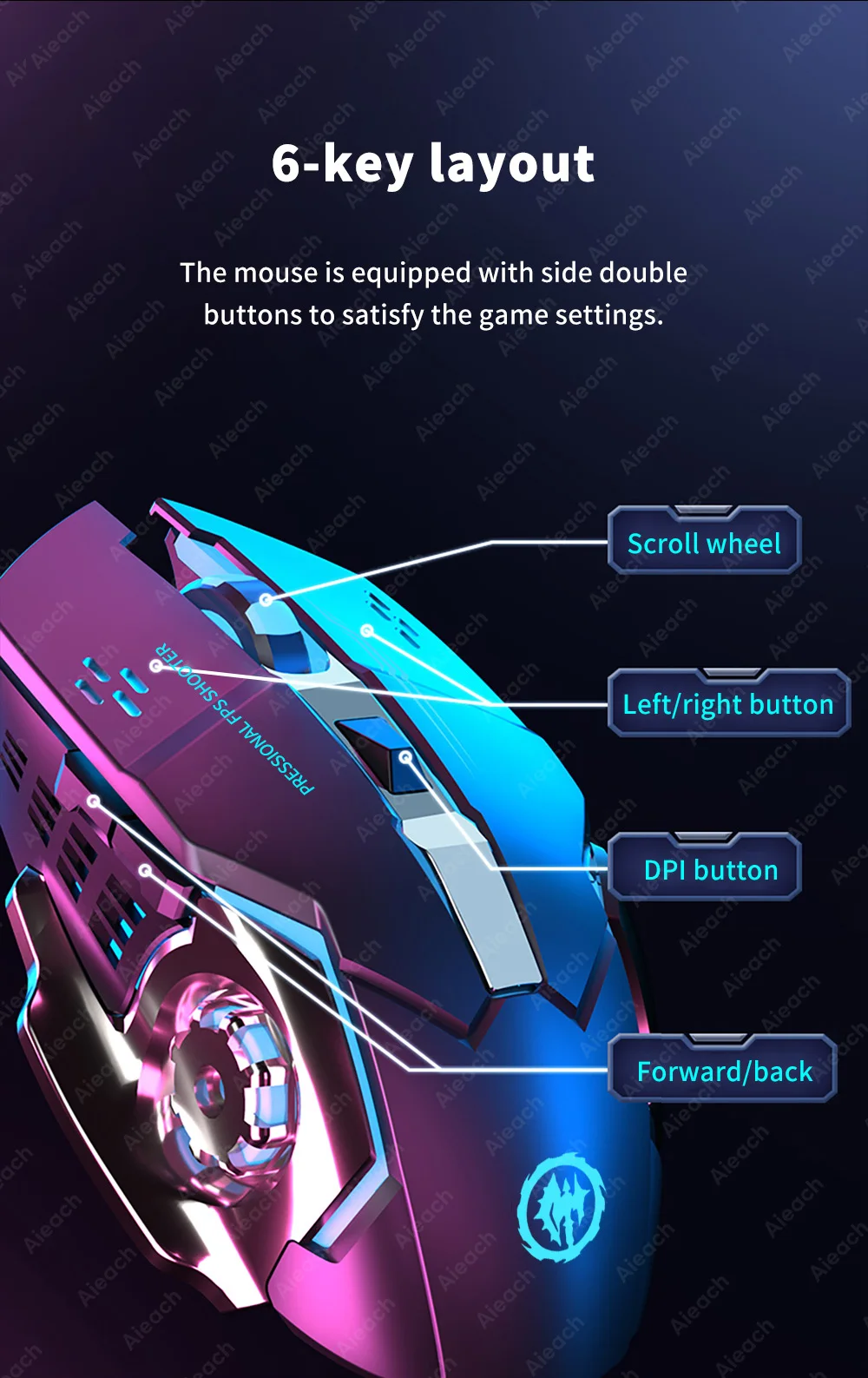
Function 2: 6-key layout
Function 3: Backlight function
Function 4: Rechargeable
Function 5: 3 Level DPI adjustable
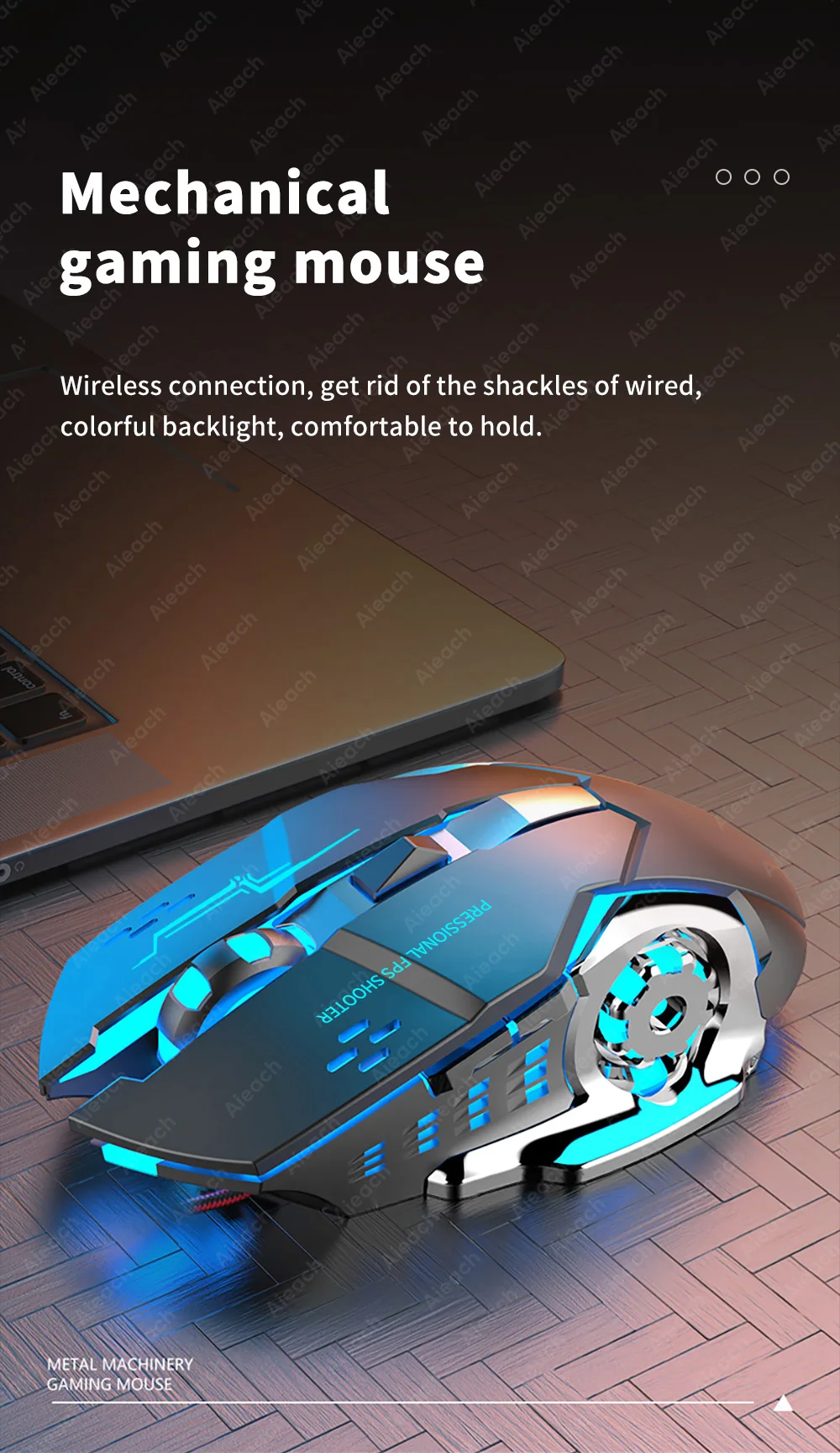
Mechanical gaming mouse
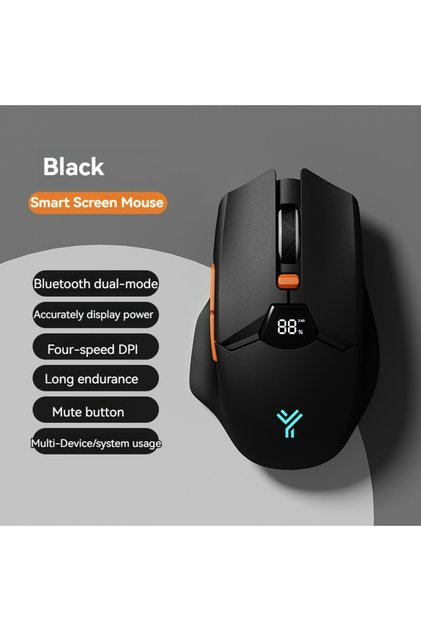
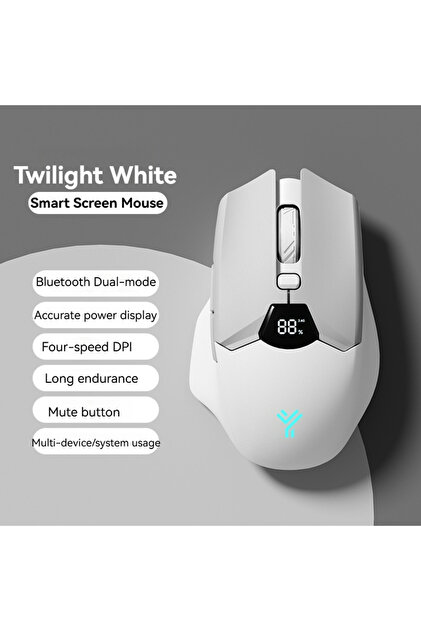
Wireless connection, get rid of the shackles of wired, colorful backlight, comfortable to hold.
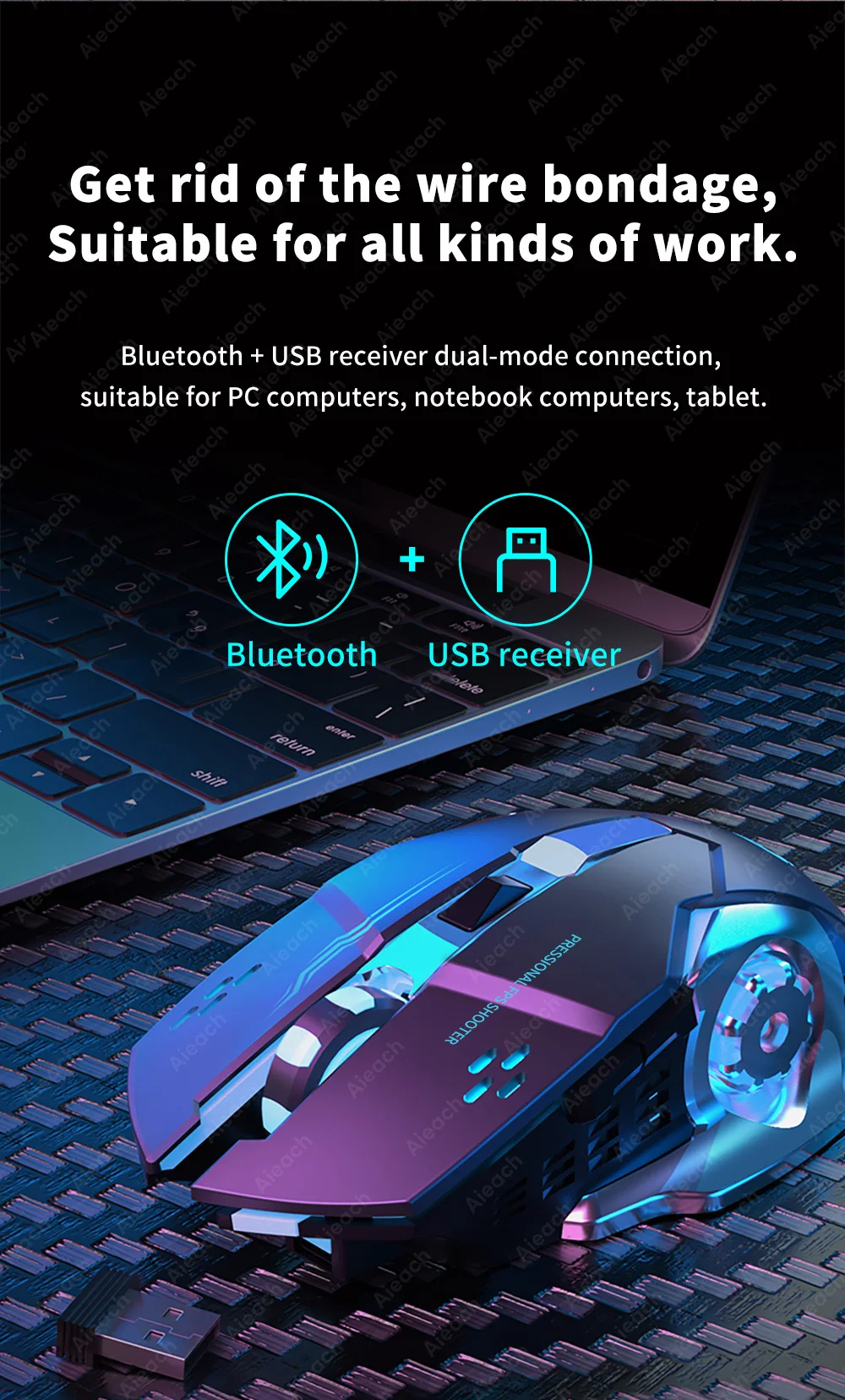
Get rid of the wire bondage,Suitable for all kinds of work.
Bluetooth + USB receiver dual-mode connection, suitable for PC computers, notebook computers, tablet.
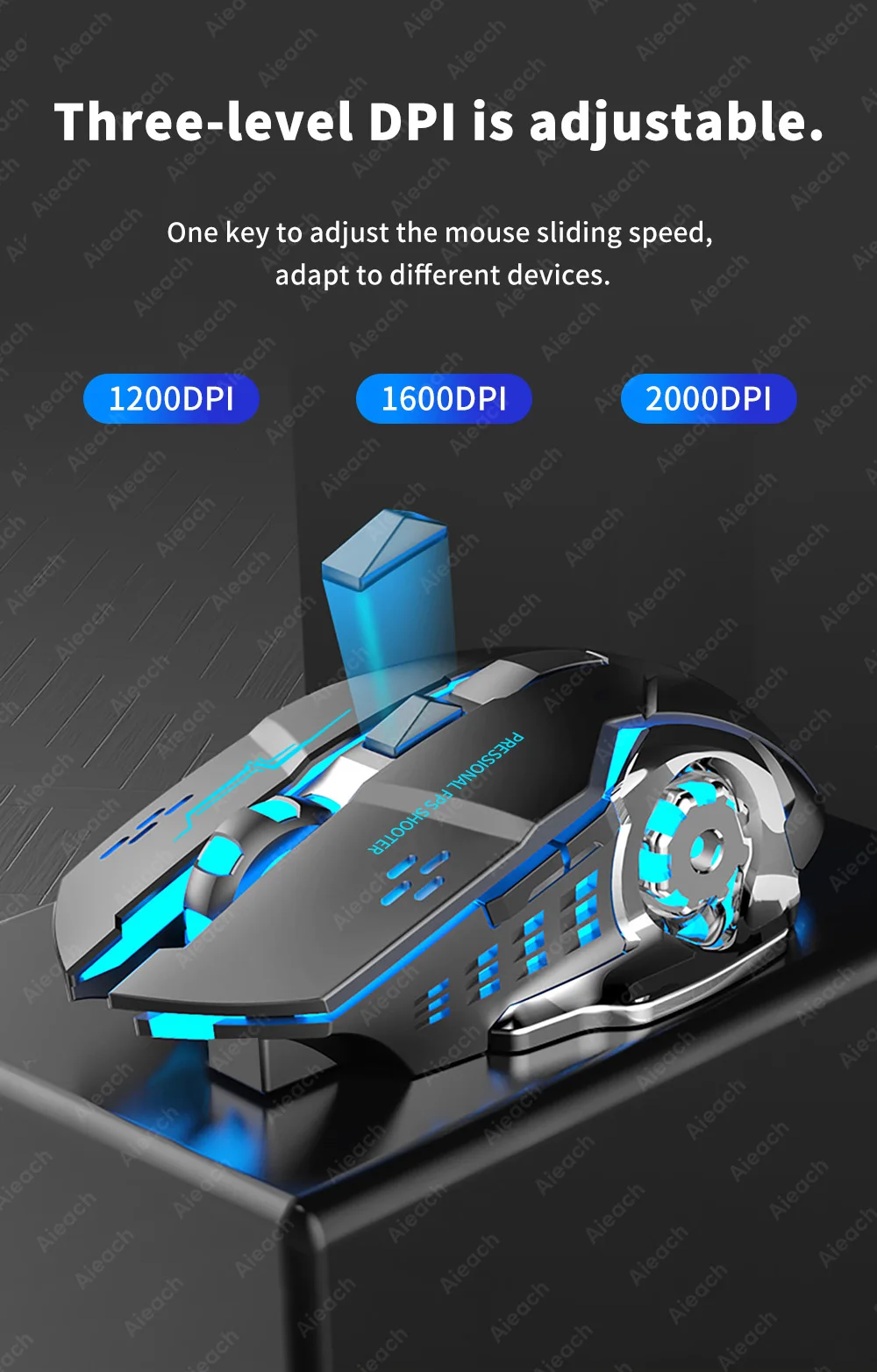
Three-level DPI is adjustable.
One key to adjust the mouse sliding speed, adapt to different devices.
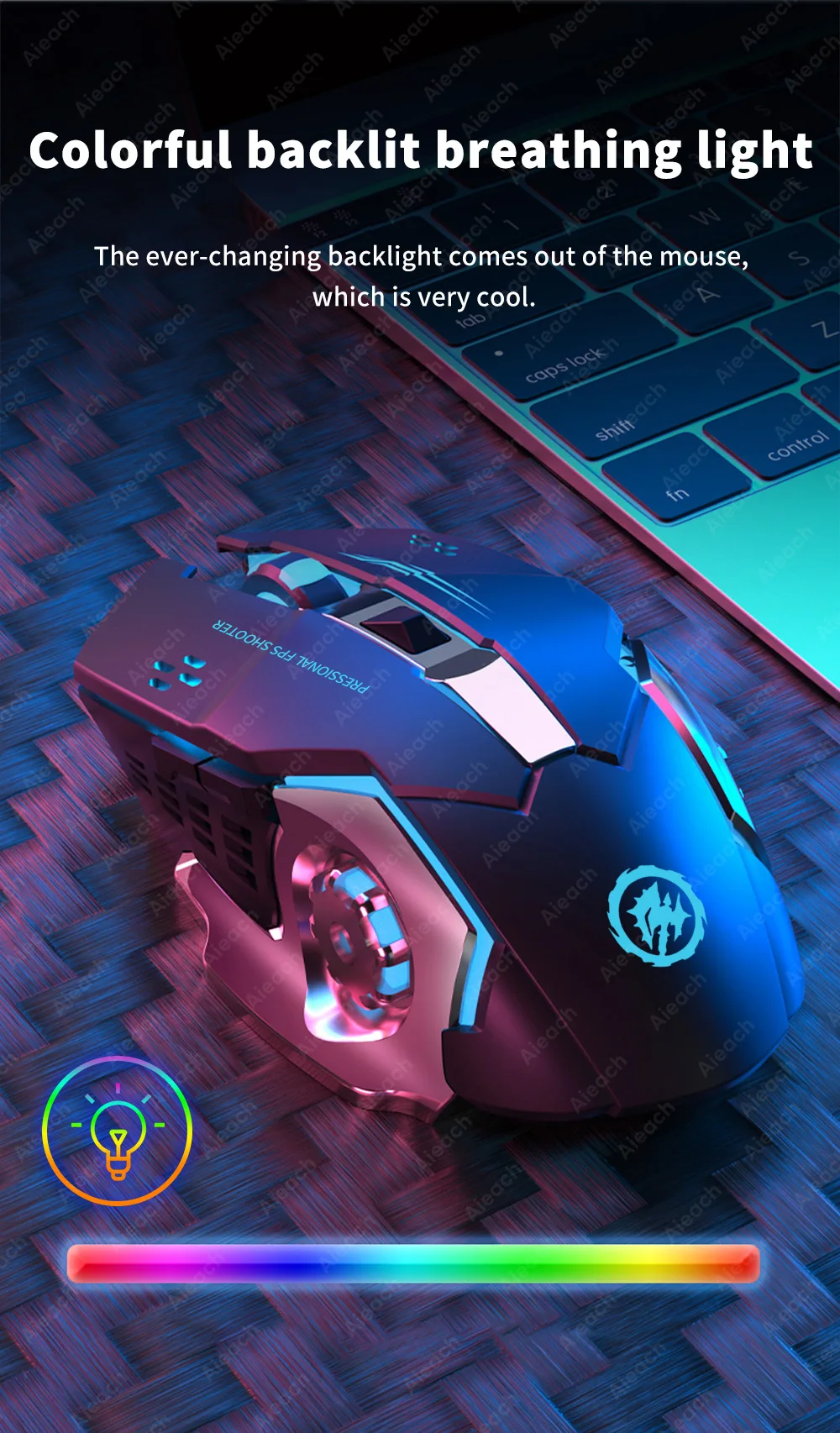
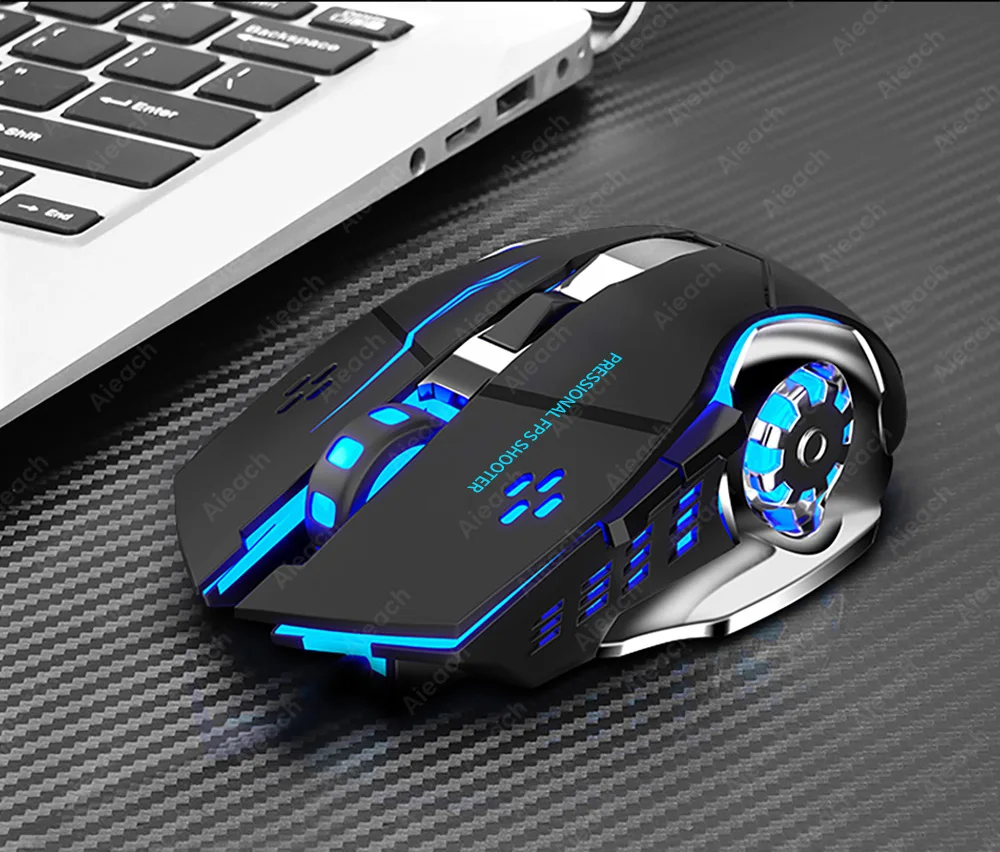
Colorful backlit breathing light
The ever-changing backlight comes out of the mouse, which is very cool.
Note: The light is a constantly changing breathing light, and the picture is only a snapshot of instantaneous changes.
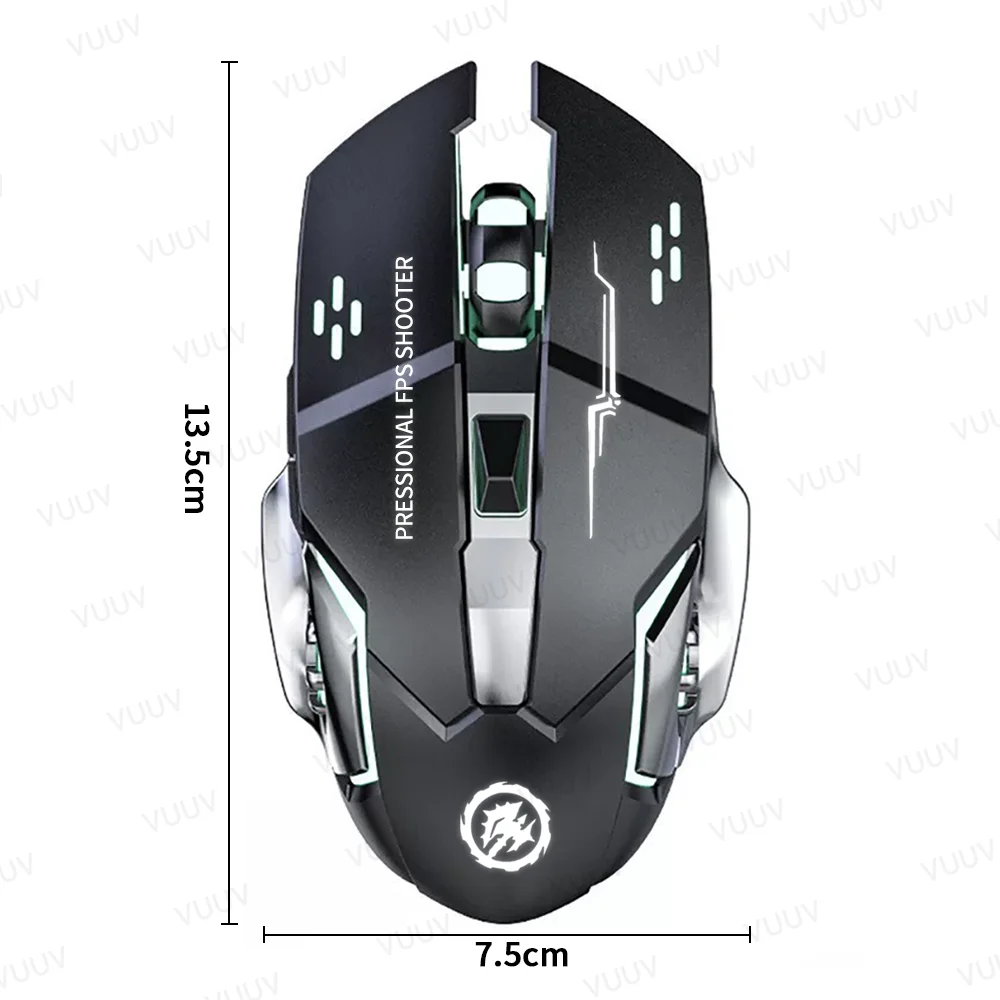
6-key layout
The mouse is equipped with side double buttons to satisfy the game settings.
Large capacity battery
It can be used for 90 hours on a single charge.
The above data are measured by the AIEACH laboratory, the actual use will be slightly different depending on the specific circumstances.
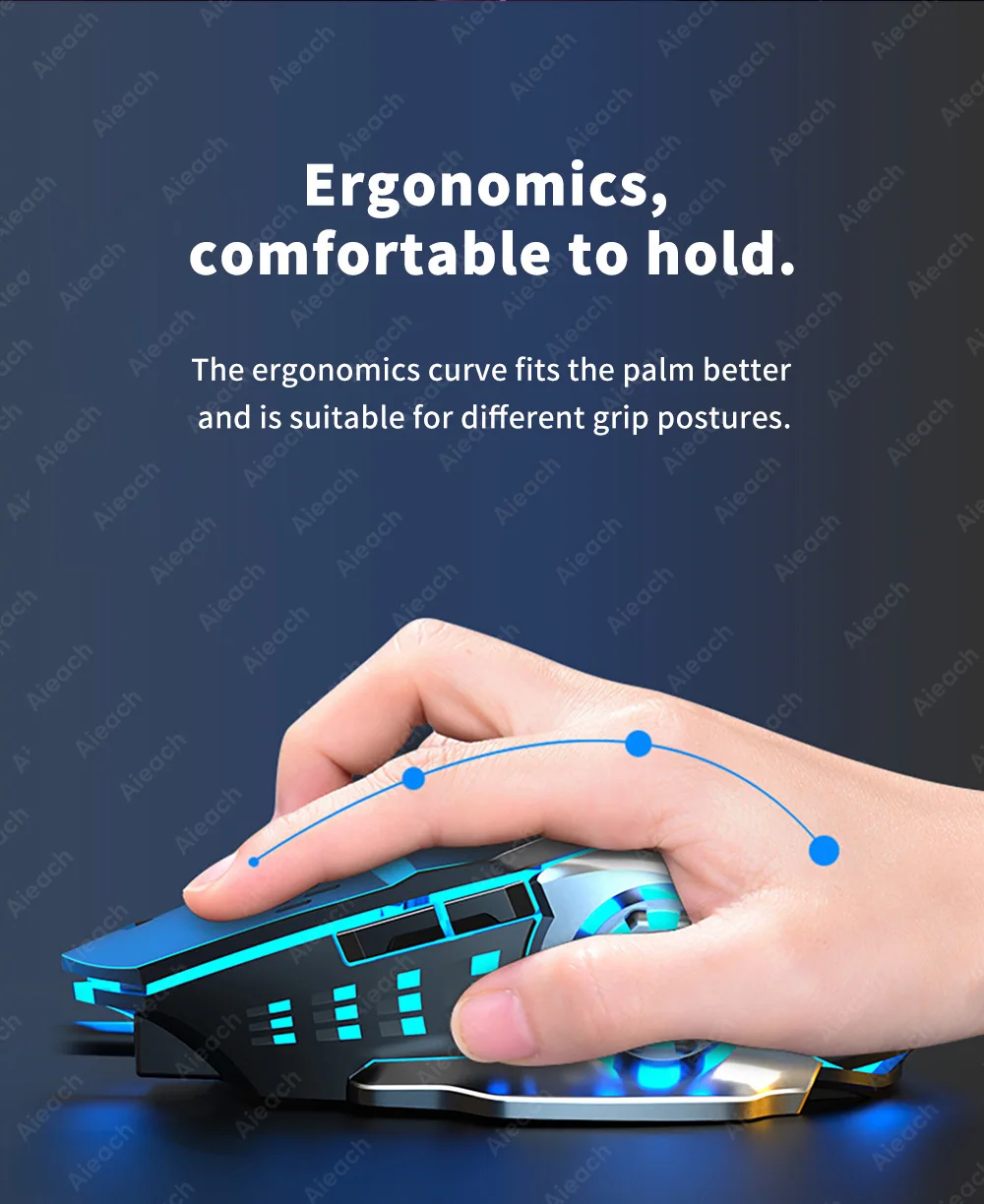
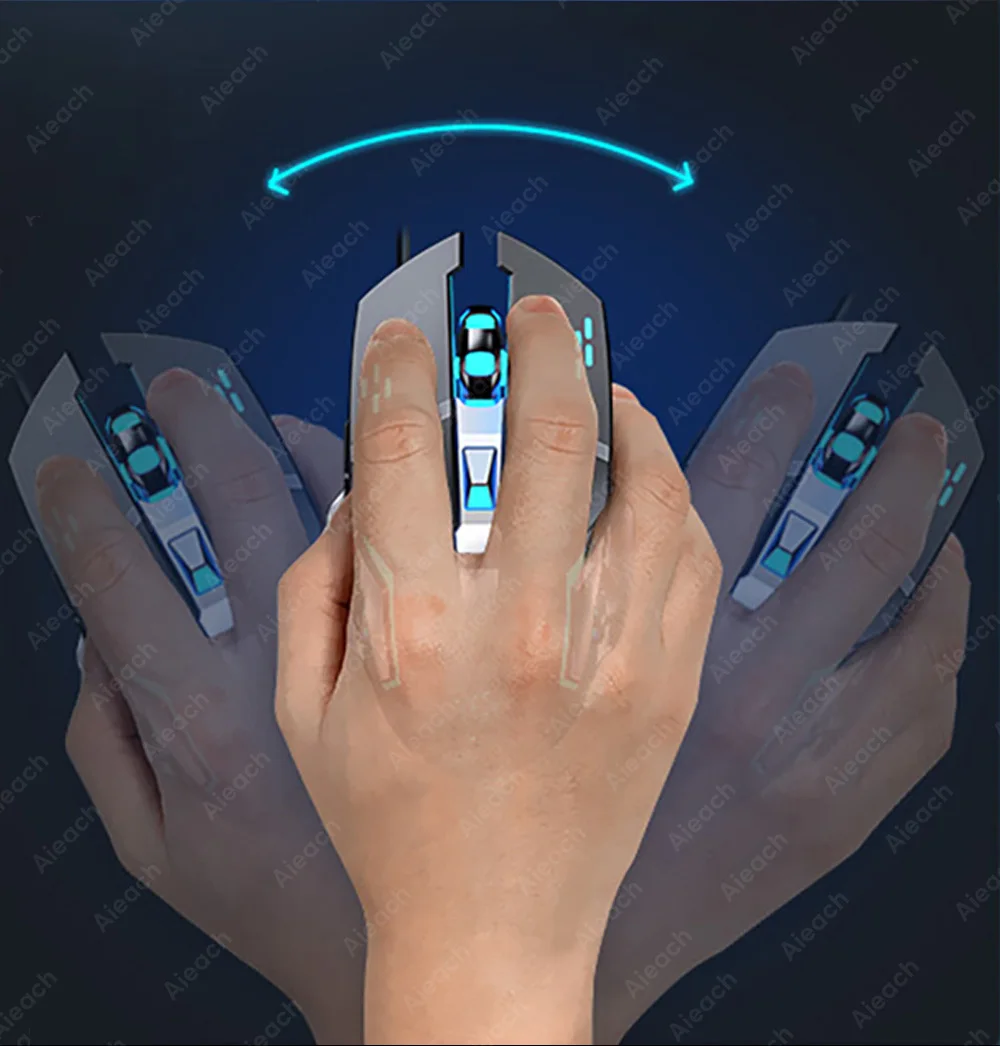
Ergonomics, comfortable to hold.
The ergonomics curve fits the palm better and is suitable for different grip postures.
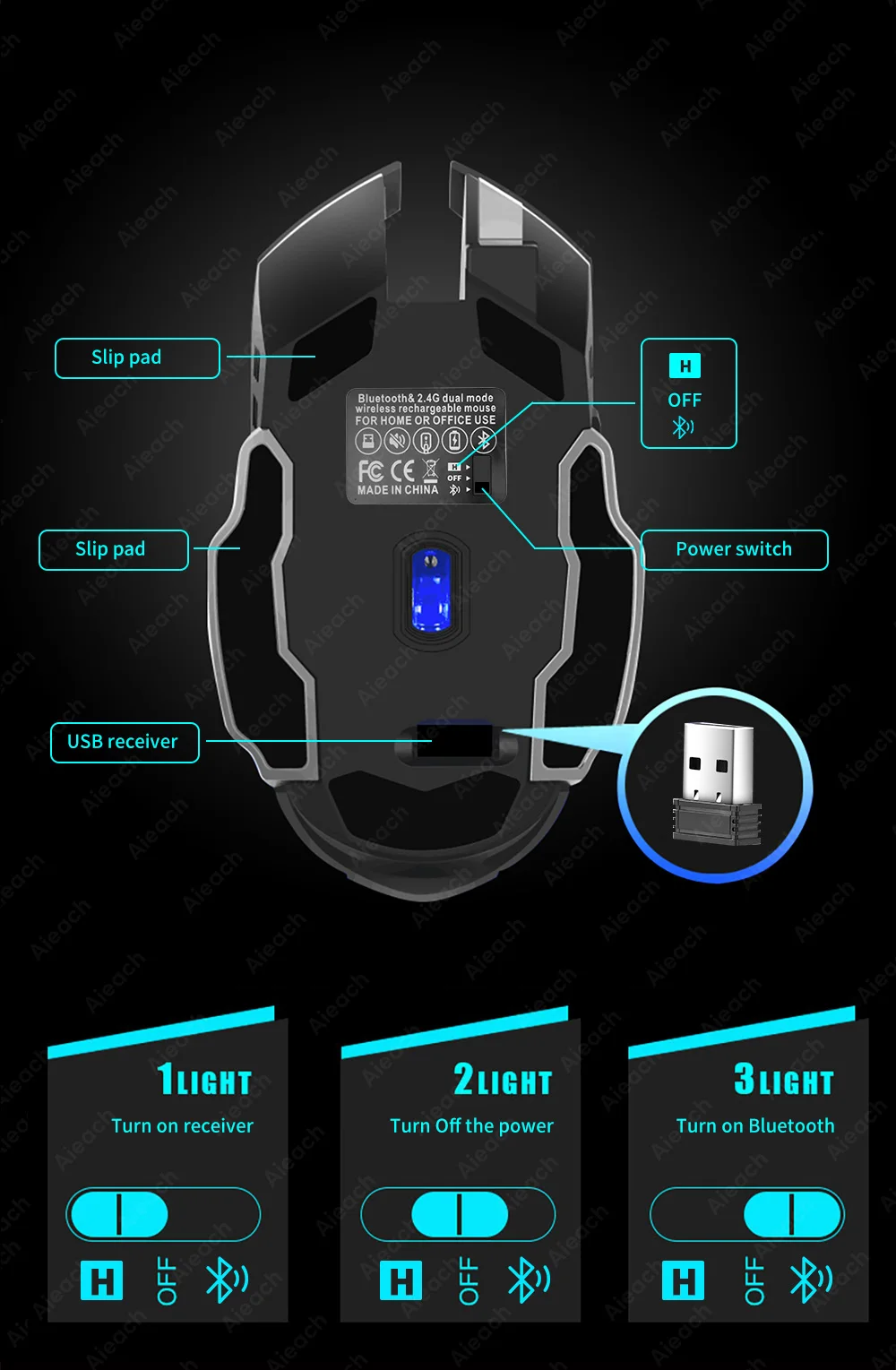
Mouse Connection Steps
Take out the receiver at the bottom of the mouse, plug it into the USB port of the computer, and wait for about 15 seconds.
Turn on the switch at the bottom of the mouse (move it to the ON position), the mouse lights up for a few seconds means: the mouse is turned on.
Push the switch to ☼ , the mouse will turn on the seven-color breathing light mode.
Bluetooth connection: Push the switch to ON and the red light flashes, then you could connect to the mouse Bluetooth.