Free shipping
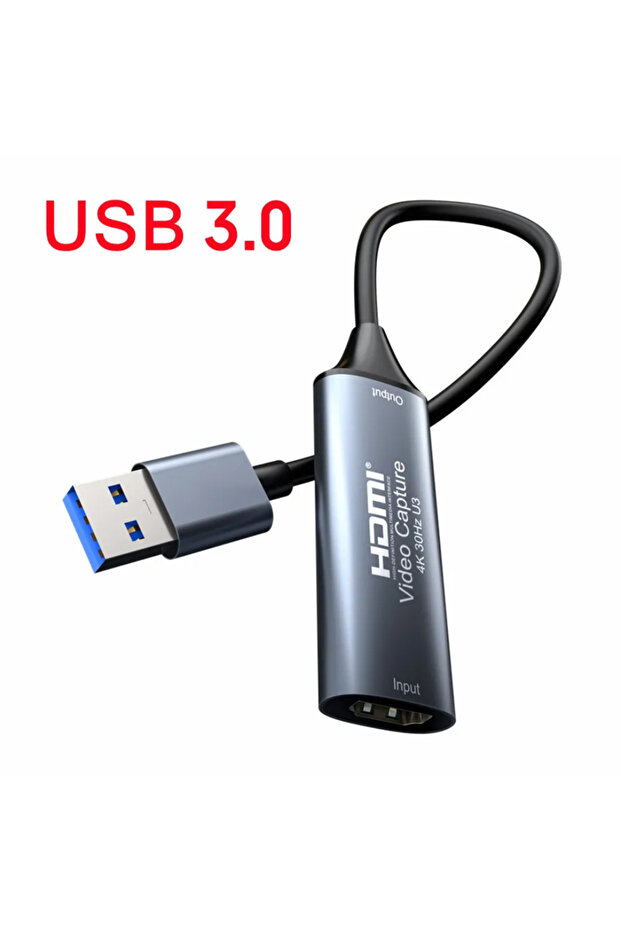
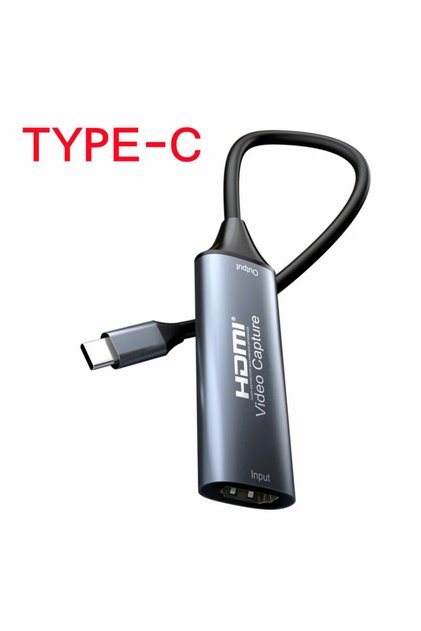
Choice USB 3.0 HDMI Video Capture Card 4K 30Hz HDMI to USB 2.0 USB 3.0 USB-C Video Grabber Box For Macbook
No reviews yet.
Lowest price in 90 days

Special Deals
30.8623.76AED
Color:USB 3.0
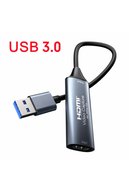

Free shipping
Delivery address

Select your address, find out the delivery date!
Trendyol's commitments
Easy and free return in 15 days.
Payment methods



Highlighted features:
Choice USB 3.0 HDMI Video Capture Card 4K 30Hz HDMI to USB 2.0 USB 3.0 USB-C Video Grabber Box For Macbook features
Color
Multicolor

Big Save Store
8.7
78.1K followers
Seller information
Similar items



 8 in 2 Port Hub USB 2.0/3.0 Replicator Multiplexer Type C Audio 3.5 Tf Sd
 Trendyol Plus Exclusive










Shoppers also viewed




Choice USB 3.0 HDMI Video Capture Card 4K 30Hz HDMI to USB 2.0 USB 3.0 USB-C Video Grabber Box For Macbook reviews
No reviews yet.
Product details
Additional info
- A maximum of 10 units of this product can be ordered. Trendyol reserves the right to cancel orders over 10 units.
- Barcode No: 3564882880516
Choice USB 3.0 HDMI Video Capture Card 4K 30Hz HDMI to USB 2.0 USB 3.0 USB-C Video Grabber Box For Macbook features
Color
Multicolor
Safety information
Product safety information
Product description
Color:USB 3.0
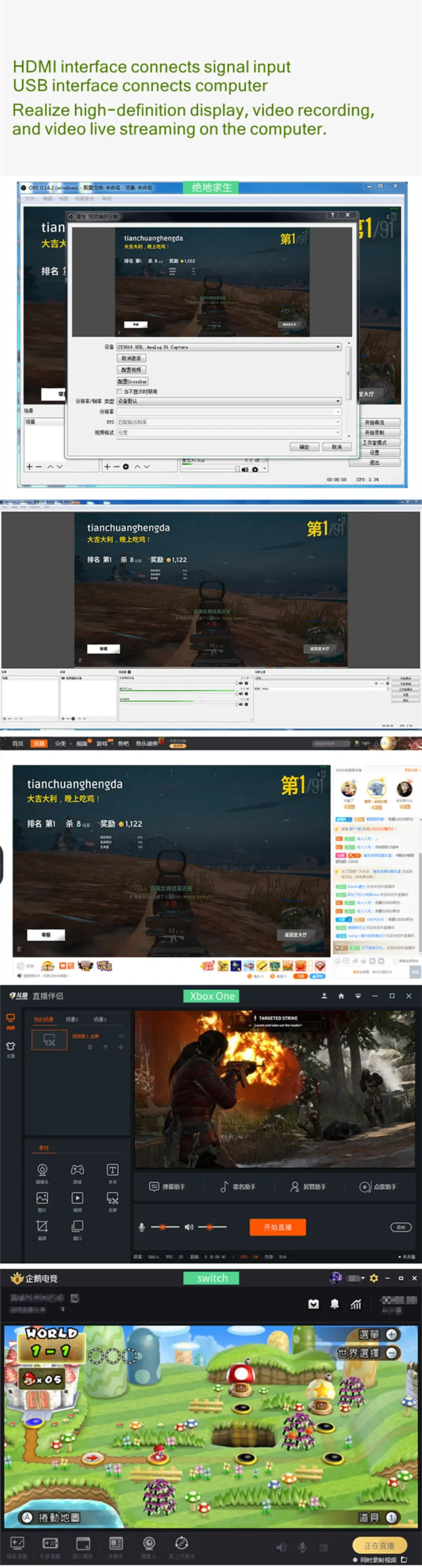
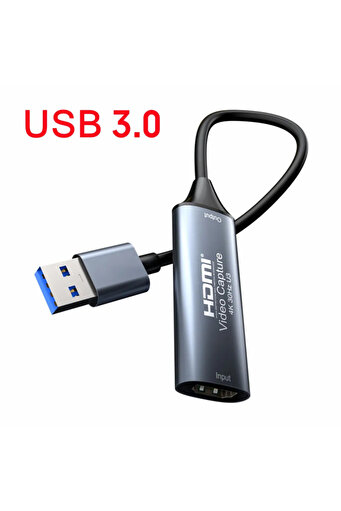
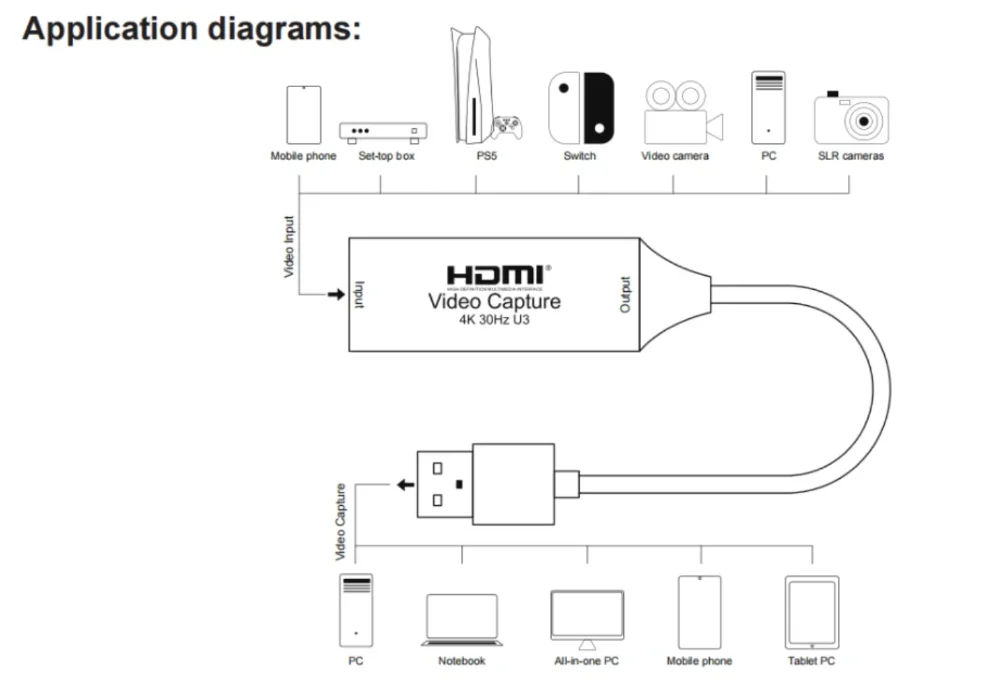
Capture Card Introduction :
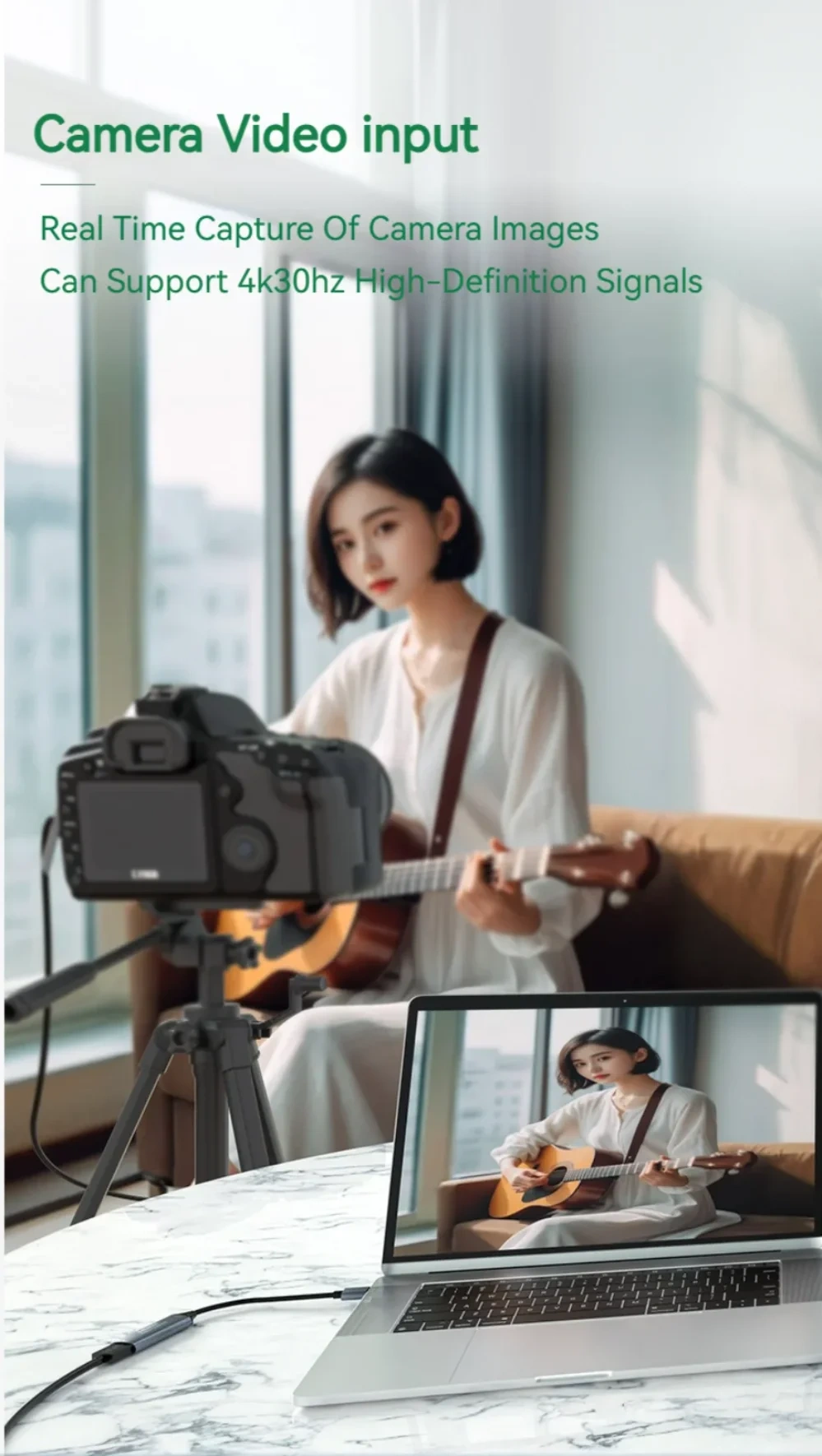
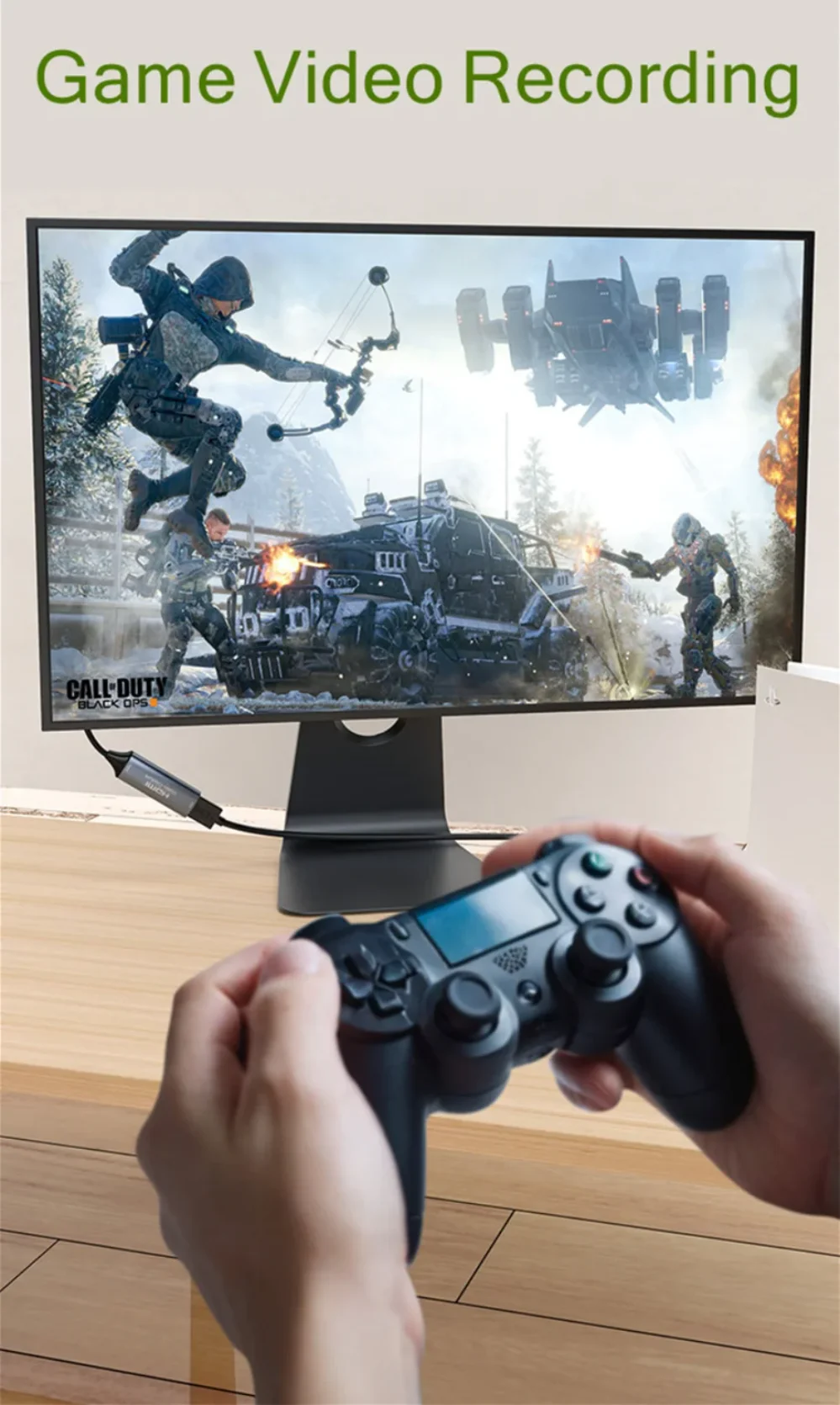
The video capture can capture both HDMI video and HDMI audio, sending audio
and video signals to computers and smart phones for previews and storage. Suitable
for high definition acquisition, teaching recording, medical imaging, etc.
Features:
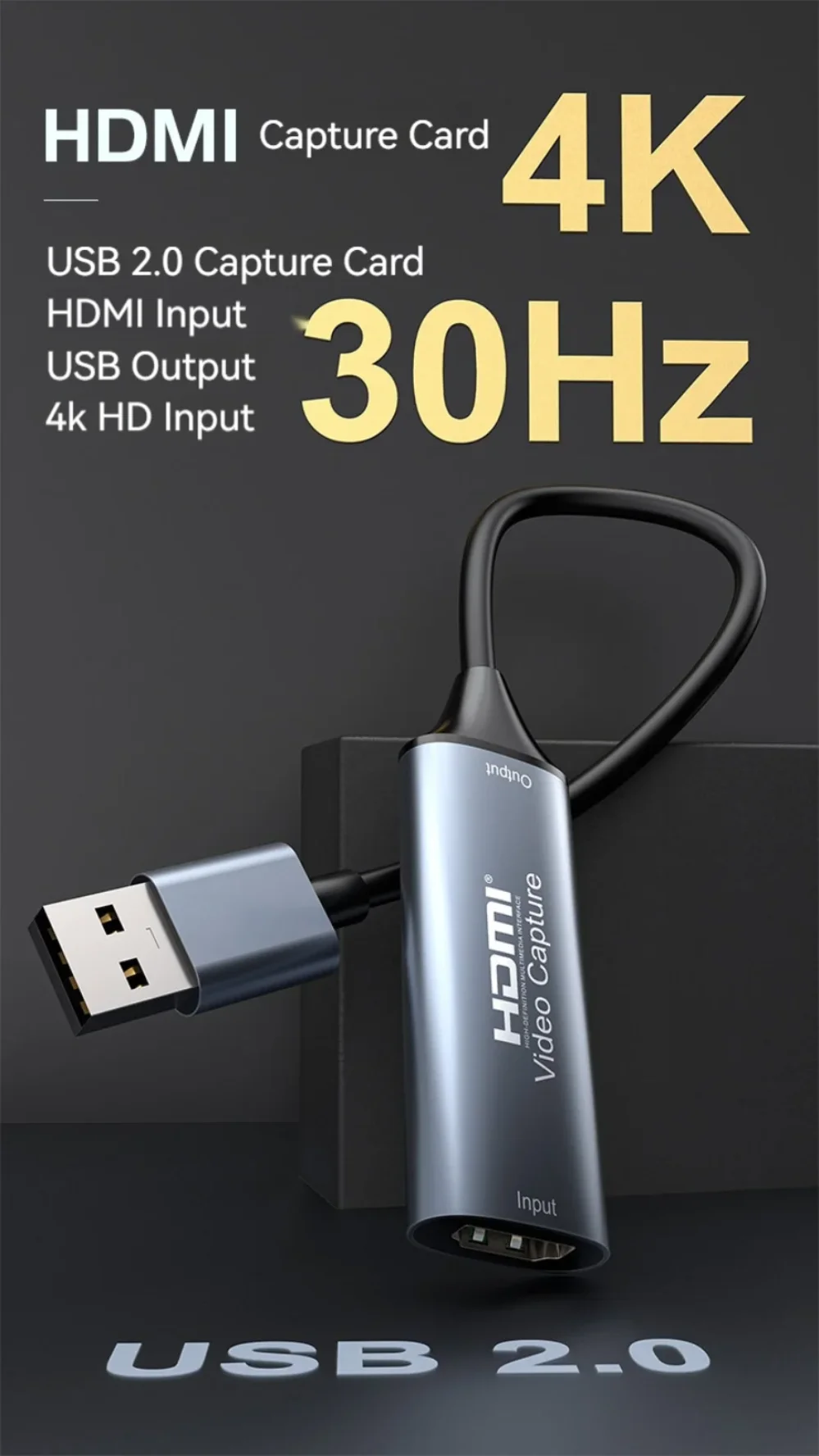
* Support input max resolution 4K 30Hz;
* Support output max resolution 1080P 60Hz;
* Support 8/10/12bit deep color;
* Support AWG26 HDMI standard cable: input up to 15 meters,
(1080P and below resolution);
* Support most acquisition software, such as VLC,OBS ,Amcap, etc;
* Support Windows,Android and MacOS;
* Conform to USB Video and UVC standard;
* Conform to USB Audio UAC standard;
* No need external power supply, compact and portable.
Note:
Computer hardware configuration requirements
CPU: PC i5-3400 or above ;NB i7-3537U 2.0GHZ or above
Graphics card: PC NVIDIA GT630 or above;NC NVIDIA GT735M or above
Run memory: 4G RAM
Connection and Operation
1: Connect the UHD signal source to the HDMI input of the video capture with
one HDMI cable.
2: Connect the computer to the usb port of the video capture with usb cable.
3: Operation steps for USB video capture(OBS): Open the software→Choose sources of "Video capture Device"→Set the size of image→Choose "Studio Mode"(double window)→Choose "Start Recording".
Please refer to the manual for operation