Free shipping

#3 Most favorited in Optical Drives
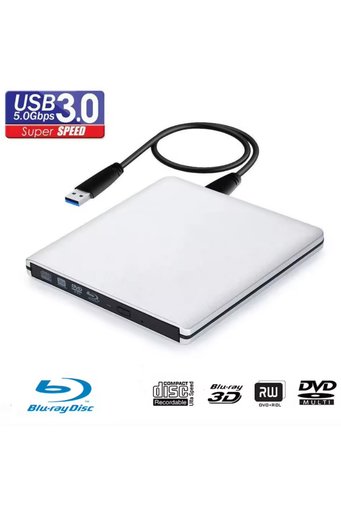
Choice Ultra Slim USB3.0 Blu-Ray Burner External Optical Drive 3D Blu-ray Reader DVD Recorder 50G BD-RE Wri
No reviews yet.
Lowest price in 7 days

Special Deals
288.83216.62AED
Free shipping
Delivery address

Select your address, find out the delivery date!
Trendyol's commitments
Easy and free return in 15 days.
Payment methods



Highlighted features:
Choice Ultra Slim USB3.0 Blu-Ray Burner External Optical Drive 3D Blu-ray Reader DVD Recorder 50G BD-RE Wri features
Optical Drive Type
DVD Reader

Big Save Store
8.9
82.1K followers
Seller information
Similar items


 Trendyol Plus Exclusive










Shoppers also viewed






Choice Ultra Slim USB3.0 Blu-Ray Burner External Optical Drive 3D Blu-ray Reader DVD Recorder 50G BD-RE Wri reviews
No reviews yet.
Product details
Additional info
- A maximum of 10 units of this product can be ordered. Trendyol reserves the right to cancel orders over 10 units.
- Barcode No: 3617542418443
Choice Ultra Slim USB3.0 Blu-Ray Burner External Optical Drive 3D Blu-ray Reader DVD Recorder 50G BD-RE Wri features
Optical Drive Type
DVD Reader
Safety information
Product safety information
Product description
Specifications:
Readable Format:
CD: VCD,CD-ROM,CD-R,CD-RW
DVD:DVD-ROM,DVD-R,DVD-R DL,DVD-RAM
DVD-RW,DVD+R, DVD+R DL,DVD+RW
BD: BD-ROM,BD-R,BD-RE
Features:
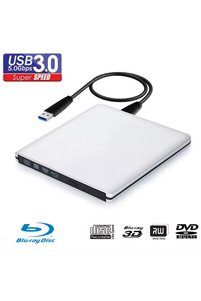
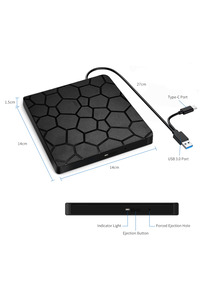
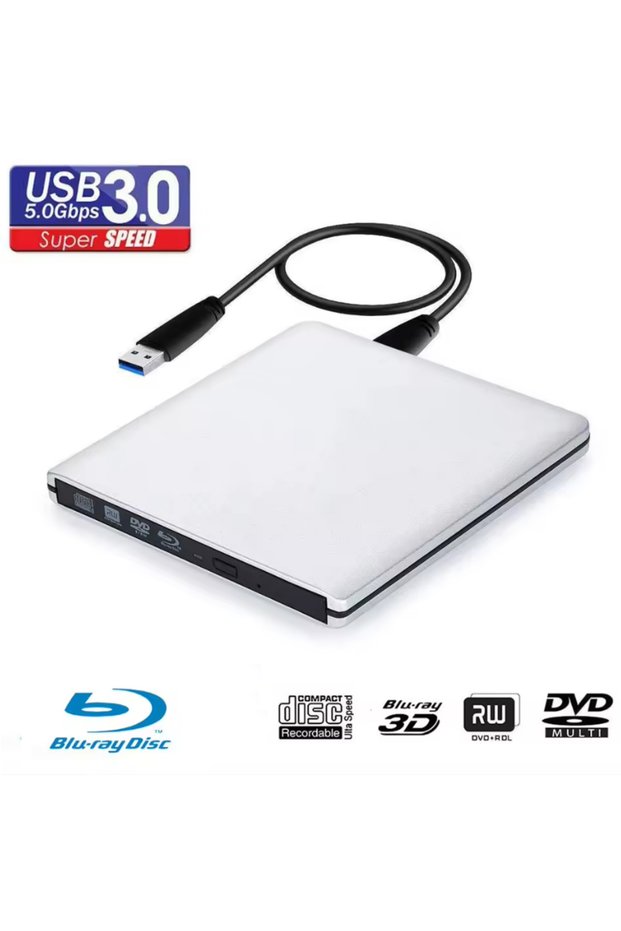
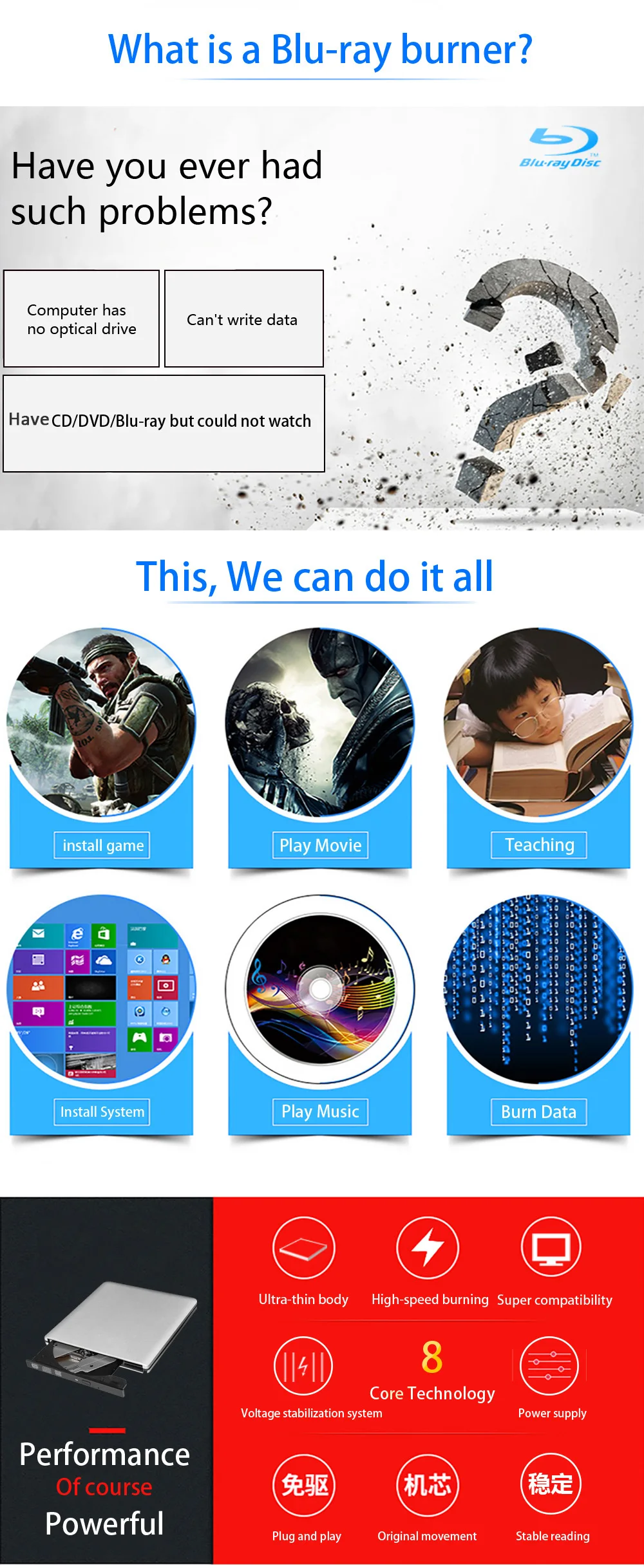
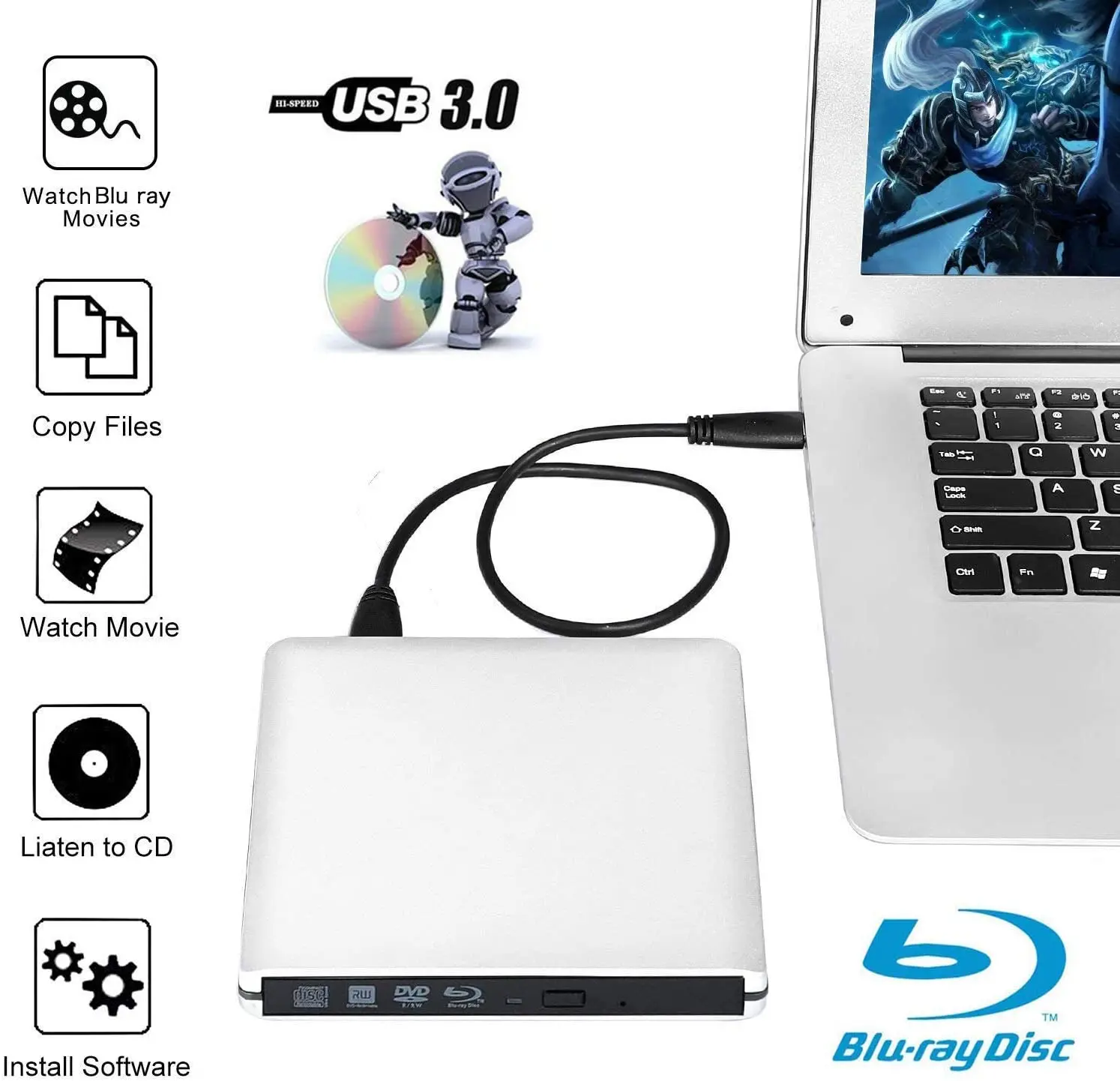
・ 【High Speed Transmission】USB3.0 connection, with max burning speed at 6x for BD-R, 8x for DVD-R/+R and 24x for CD-R; max reading speed at 6x for BD-R, 8x for DVD-R/+R and 24x for CD-R.
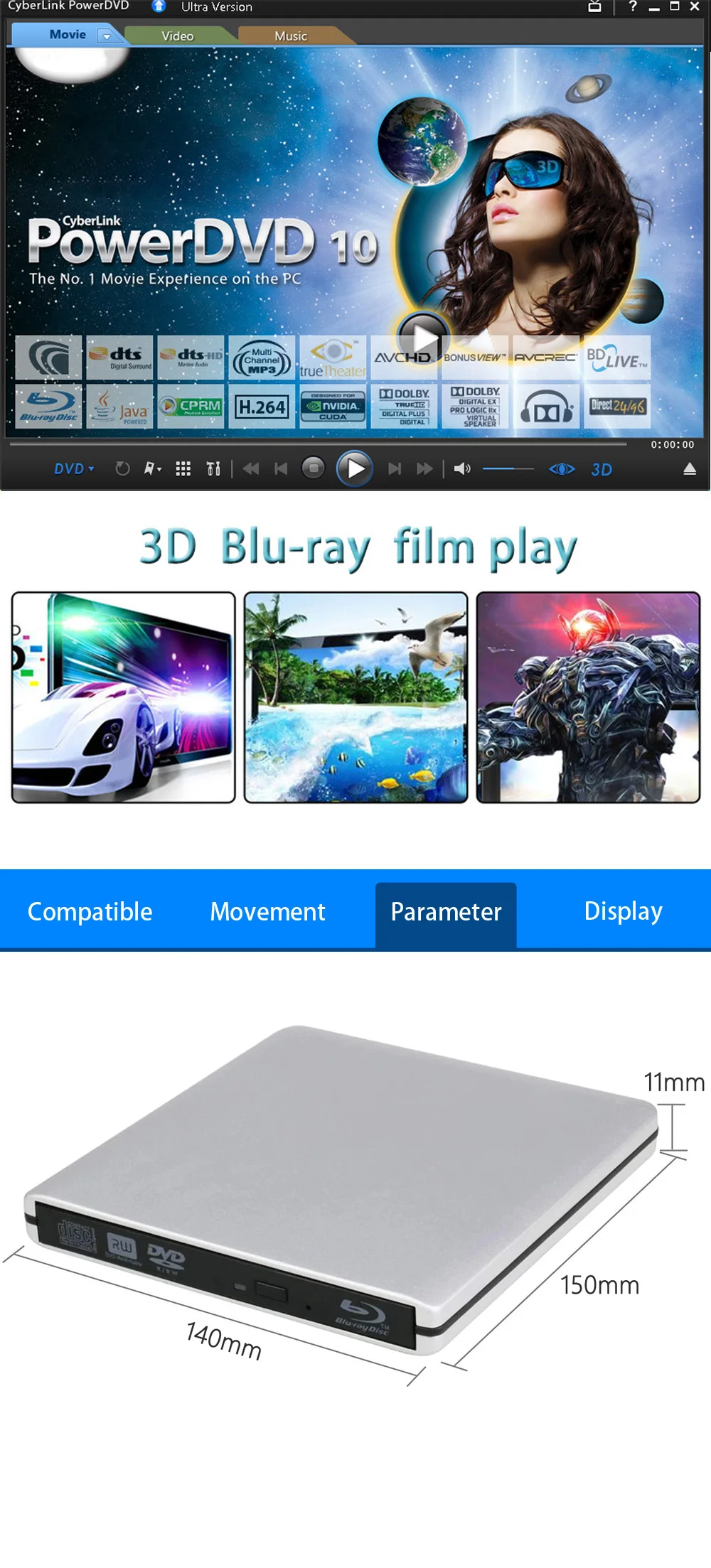
・ 【3D Playback Supported】This external Blu-ray drive supports 3D playback for an immersive viewing experience.
・ 【Excellent Burning Performance】Boasts large storage capacity and fast read & write speed. It supports burning of 8.5G, 4.7G DVD discs and 700M CD discs. Equipped with high-speed USB3.0 interface, it comes with strong error correction, shock resistance, low noise and low power consumption.
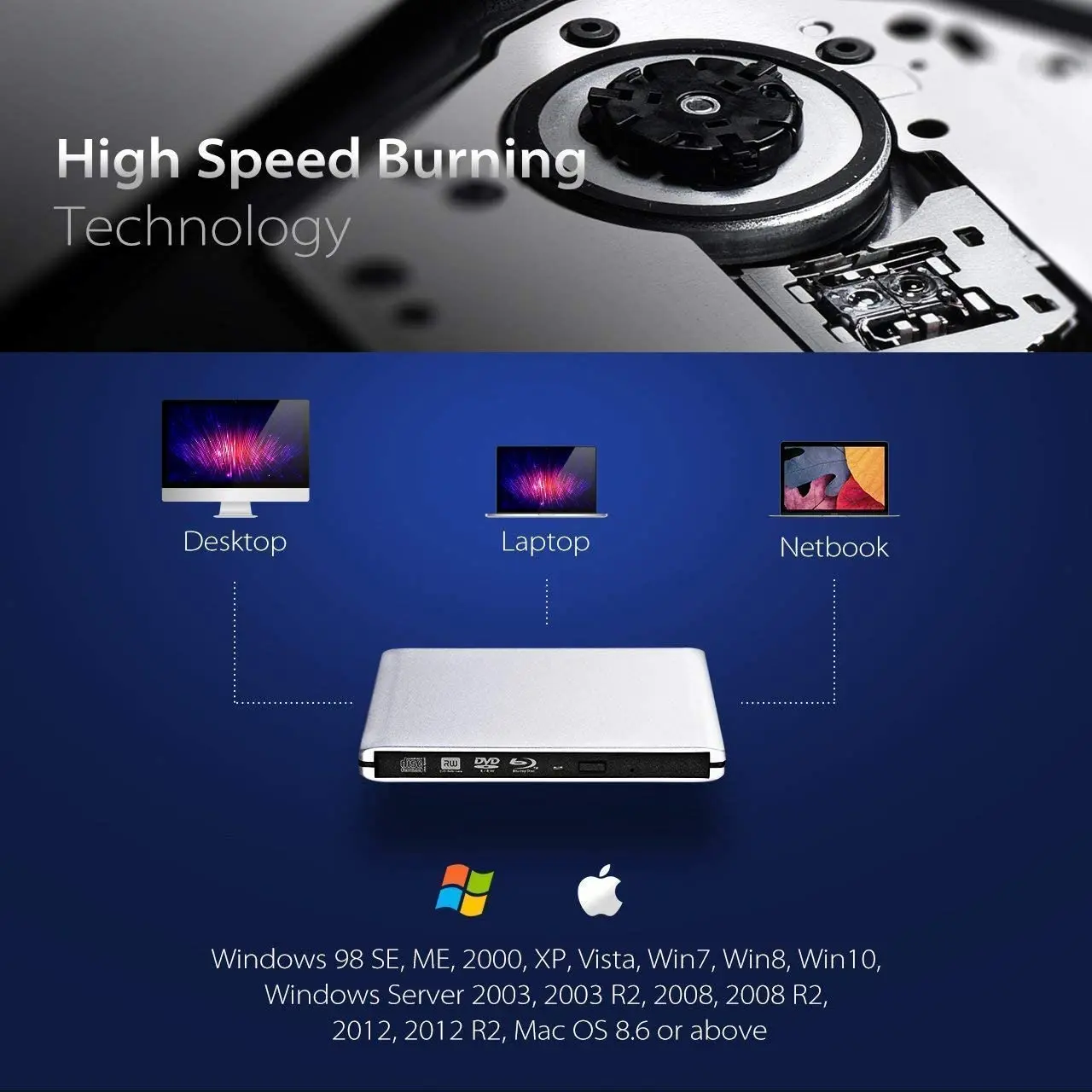
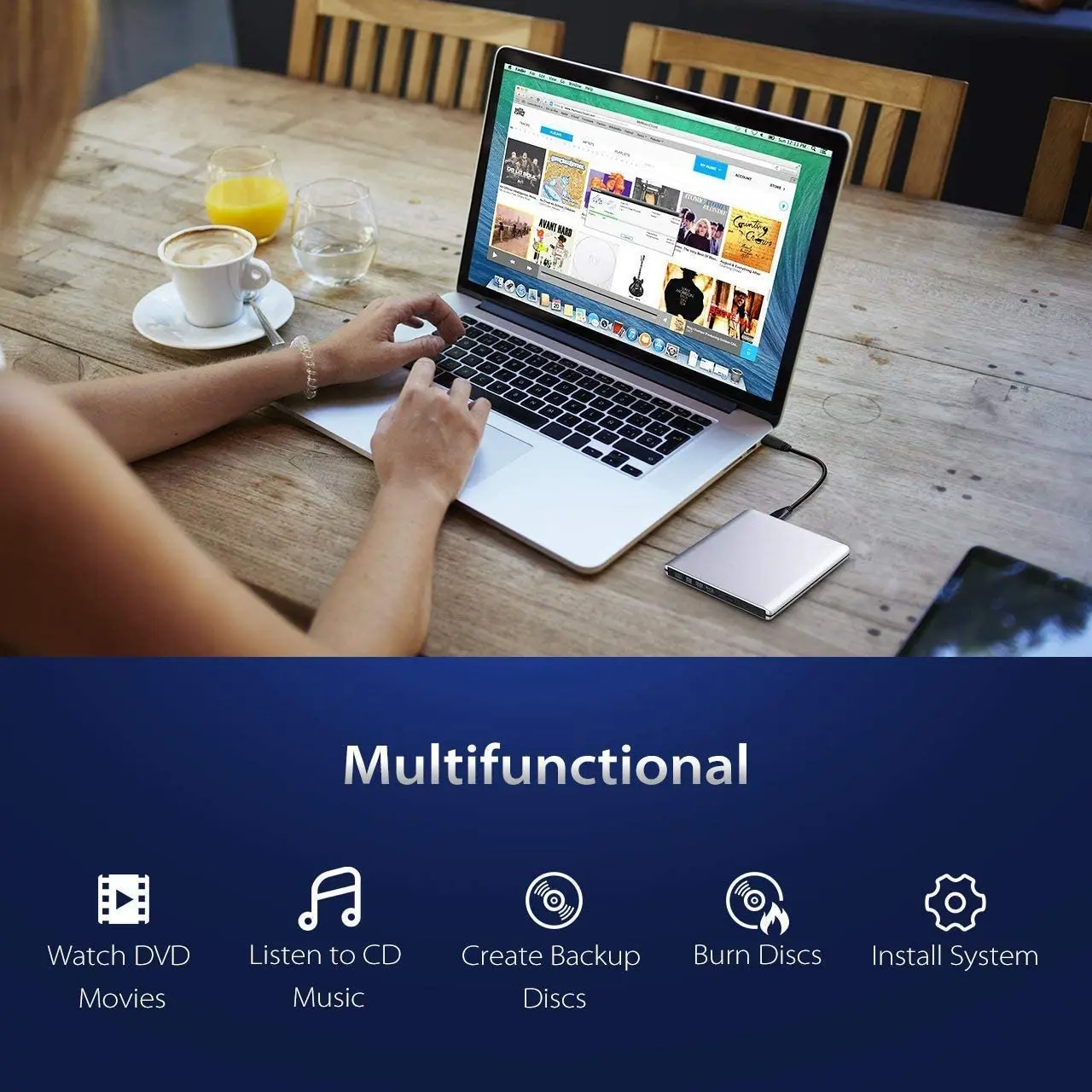
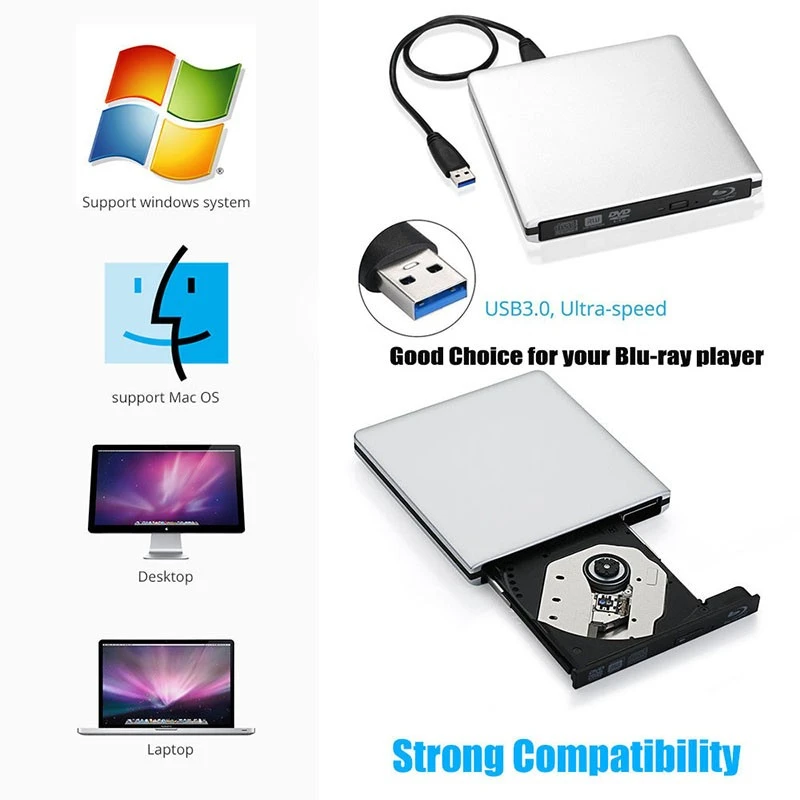
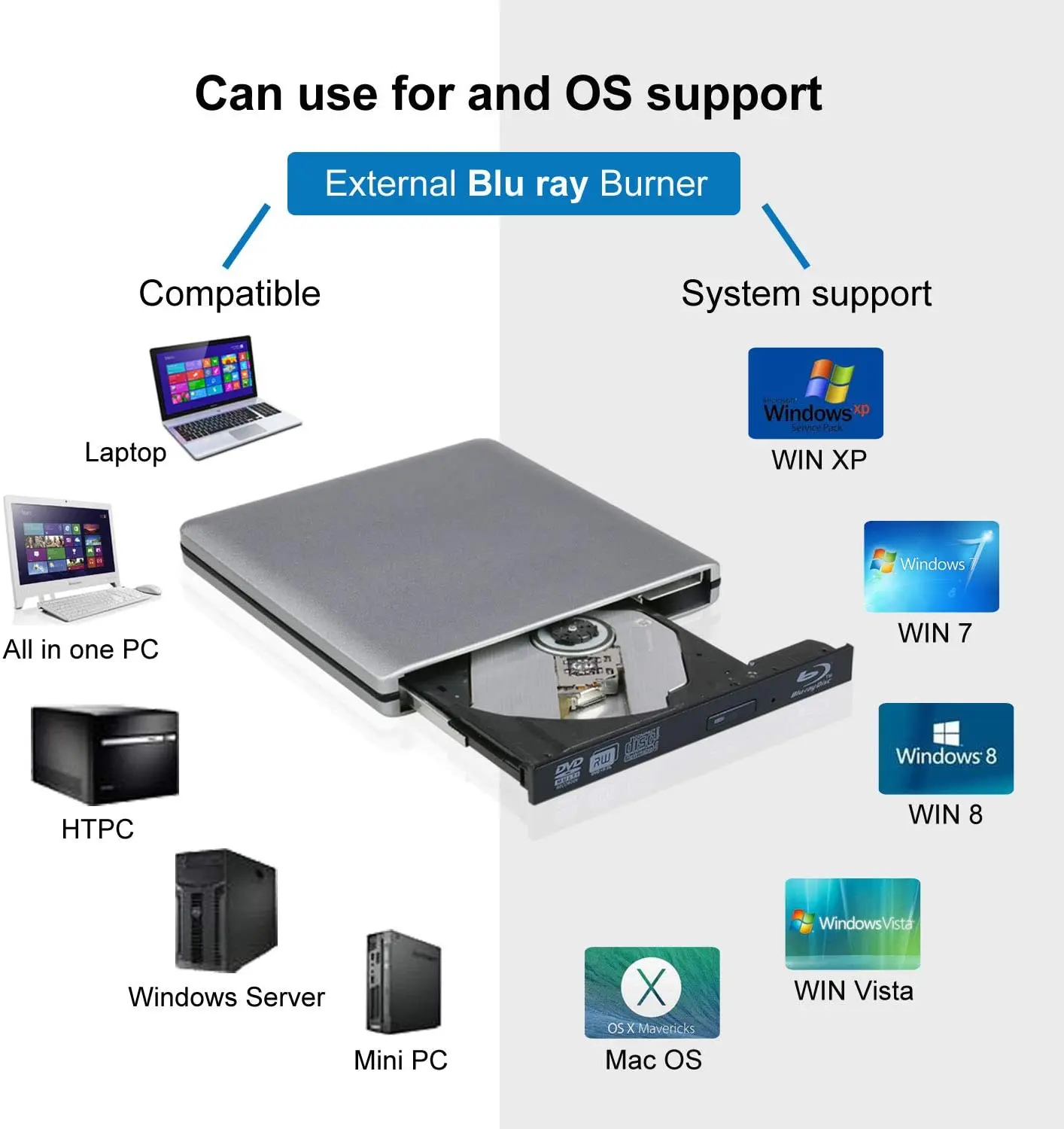
・ 【Wide Compatibility】Compatible with Windows XP/2003/Vista/7/8/10, Linux and all Mac OS versions. Ideal for laptops, desktops and MacBooks without built-in optical drives.
NOTICE:
✦ Connect your device to the direct USB port on your computer. If you connect it to a USB hub or extension, you may not be able to recognize the drive or read the CD/DVD/BD discs。
✦ For desktops, connect the device to the motherboard's USB port for normal use.
✦ Before using a CD-ROM drive, make sure your computer has a "media player",the player must support Blu-ray format, (e.g. PowerDVD), when playing Blu-ray discs. if you need write/record/burner Disc, you need install Software(e.g BurnAware Free)
✦ NOT support to used in the tablets, like Surface Series(Due to low voltage condition in some tablets).
Package:
1*Blue ray optical drive
1*user manual
FAQ
---1. Why can't it read my Blu-Ray disc?
Pls make sure that your disc is not blocked,copyrighted Blu-Ray discs has Zone bit code protection.You need to download the shielding software any DVD to decode the zone bit code.
---2.After connect to my computer,,why can't my computer show this blu ray driver?
pls make sure that your computer is enough power , for desktop,pls plug USB cable directly to the USB interface of the motherboard behind.For Laptop, pls make sure laptop is enough power and you can try to restart the computer after plugging blu ray driver.
---3.Why can't disc tray normally be ejected?
If it is a noteboook,it maybe due to insufficient power .You need supply power for notebook.You can aloso force it to open with a small needle.
---4.Why can't it show my blu ray disc after put it in to driver?
Ensure the disc is paved in the tray and the disc is successfully pressed into the tray slot. Don't reverse the disc.Check if it has virtual drive on your computer,sisable virtual drive.
---5.When playing disc , it is very noisy, is it a little problem?
There are som ble ray disc that are thicker than normal discs and will be too noisy during operation ,this is normal.You can try other small thin discs, it is more quiet.
---6.My Win10 system can't recognize it , what should I do?
You can try to update your USB driver.
---7. Why can't it burn normal DVD CD?
You need use proessional burning software, suggest to use software :BurnAware Free.Other many burning software compatibility is low , don't suggest to use.