Free shipping

Only 3 left!
Choice speedometer only KOSO RX2N Tachometer Fuel Meter LCD Digital Motorcycle Odometer Speedometer Adjusta
No reviews yet.

Special Deals
80.5963.67AED
Free shipping
Delivery address

Select your address, find out the delivery date!
Trendyol's commitments
Easy and free return in 15 days.
Payment methods



Coupons
Highlighted features:
Choice speedometer only KOSO RX2N Tachometer Fuel Meter LCD Digital Motorcycle Odometer Speedometer Adjusta features
Instructions for Use/Warnings
*speedometer only

Big Save Store
8.7
78.7K followers
Seller information
Similar items






Choice speedometer only KOSO RX2N Tachometer Fuel Meter LCD Digital Motorcycle Odometer Speedometer Adjusta reviews
No reviews yet.
Product details

Additional info
- A maximum of 10 units of this product can be ordered. Trendyol reserves the right to cancel orders over 10 units.
- Barcode No: 3642909528068
Choice speedometer only KOSO RX2N Tachometer Fuel Meter LCD Digital Motorcycle Odometer Speedometer Adjusta features
Instructions for Use/Warnings
*speedometer only
Safety information
Product safety information
Product description
Color:speedometer only
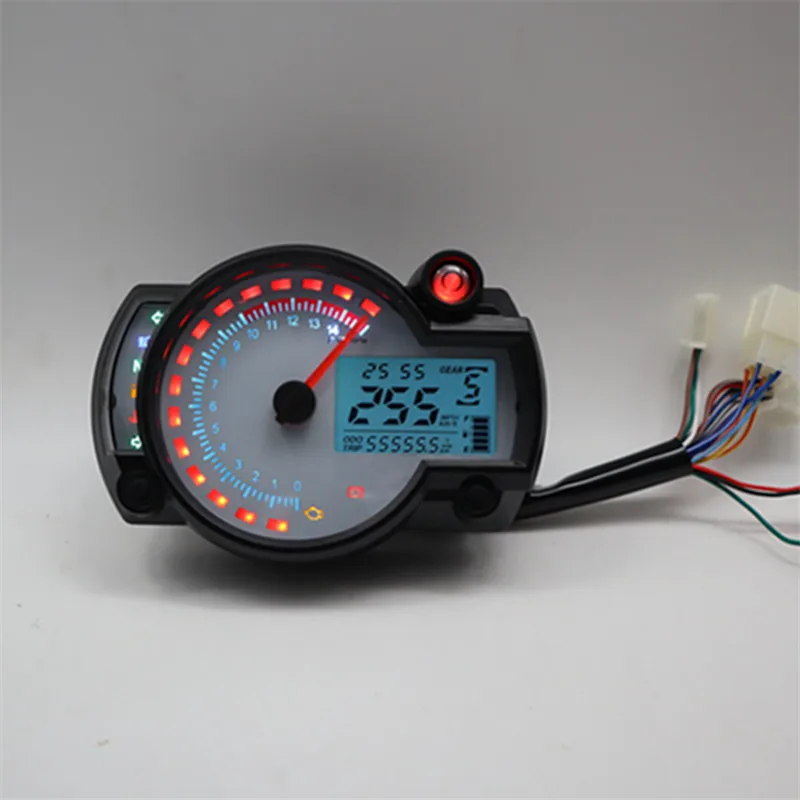
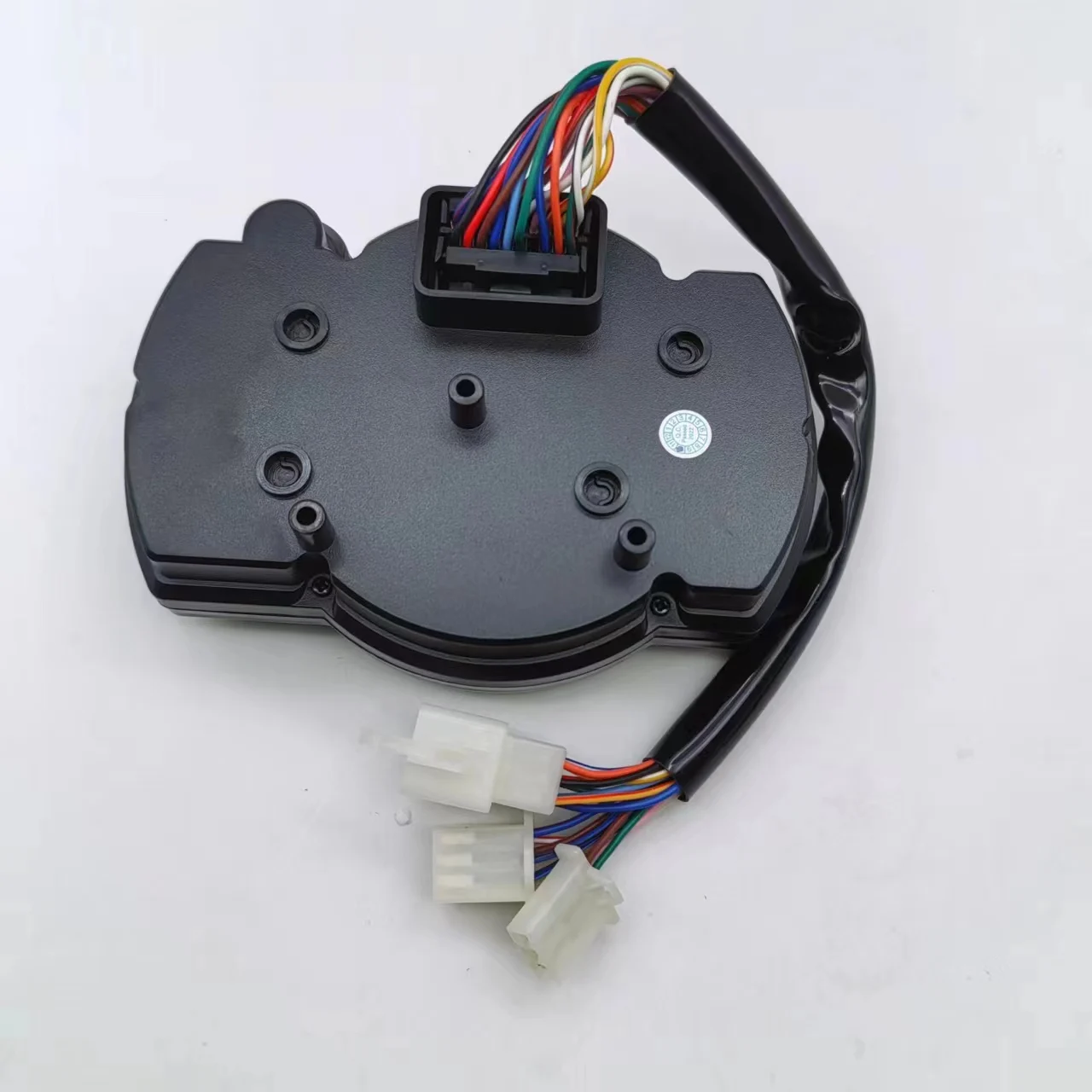
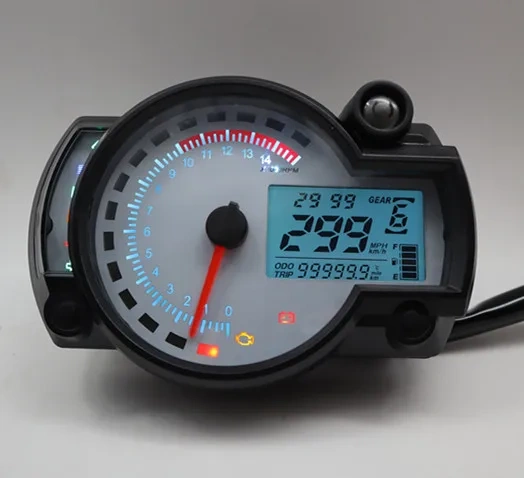
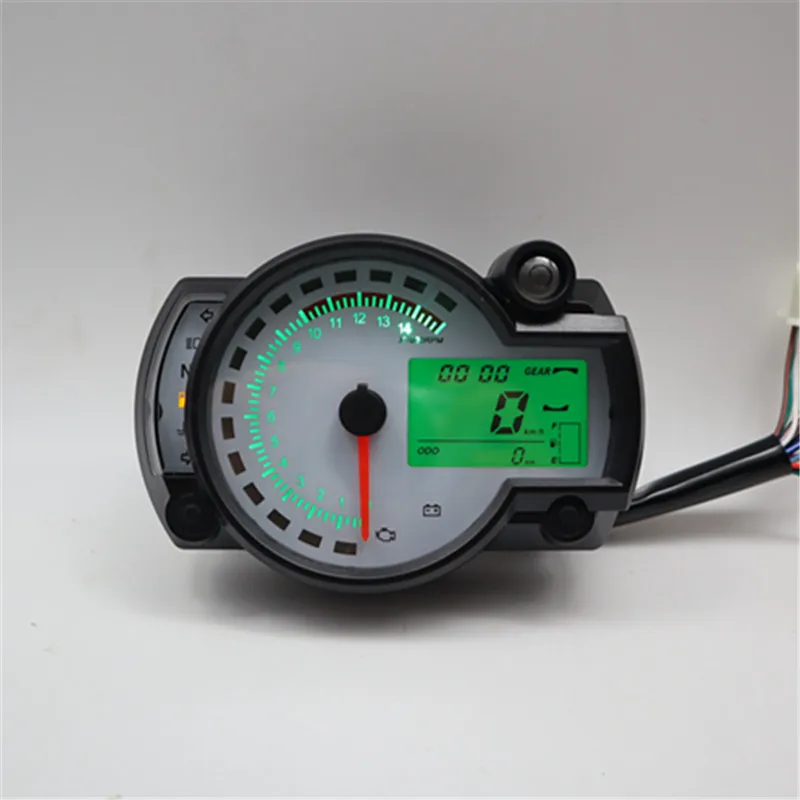
KOSO RX2N Tachometer Fuel Meter LCD Digital Motorcycle Odometer Speedometer Adjustable MAX 299KM/H 7 Colors Display
The speedometer can apply to any motorcycle, if you can install the
speedometer for your motorcycle, then everything will be ok because
its programming is adjustable
Special data:
*Speed display range:0~299KM/H(mile)
*Meter size:135*95*40mm
*Power:12V
*Backlight color:Blue and orange ajustable
*Meter weight:around 380g
Package included:
1 x LCD digital Motorcycle odometer speedometer with English instruction
1-12 13-17 17-21
About how to setting the function:
1. Working voltage is DC12V
2. Short press the right button to cycle ODO.TRIP.MAX
3. ODO status long press the right button to switch the LCD backlight. The default is blue backlight. Release and then press to switch to the next color, which is blue, blue, red, red, green, green, blue and white.
4. In the TRIP state, press and hold the right button to clear, TRIP is cleared.
5.MAX: Display the speed. The maximum value indicated by the last speed of the vehicle, long press the right button to clear the value of the clock.
6. Clock: long press the left button, the clock hour flashes, short press plus 1, then long press plus 1 and then long press to switch to the position flash, Short press plus 1 and then long press to exit
7. Background setting: The left and right buttons are all pressed long to enter the setting. When entering, the circumference is the most flashing, the left button is short pressed to modify, and the right button is short pressed to move to the next one (next item) ) Flash, the order is: perimeter - system - speed pulse - vehicle speed pulse number - speed signal polarity, short press right button to exit.
8. Gear position, engine fault light, water temperature light negative control; left and right turn signal, high beam, positive control