Free shipping

Choice Q2S 2GB16GB Voice New Smart TV Stick Q2S Android 14 Support Ultra HD BT5.0 Dual 2.4/5 G Streaming Me
No reviews yet.
Checkout Discount 10% Off
At checkout
97.79 AED
108.66 AED
Free shipping
Delivery address

Select your address, find out the delivery date!
Trendyol's commitments
Easy and free return in 15 days.
Payment methods



Highlights

Highlighted features:
Choice Q2S 2GB16GB Voice New Smart TV Stick Q2S Android 14 Support Ultra HD BT5.0 Dual 2.4/5 G Streaming Me features
Color
Multicolor
Resolution Technology
HD
USB
There is
Ethernet
Available
Wi-Fi Capability
Available

Big Save Store
8.8
80.2K followers
Seller information
Shoppers also viewed











 Trendyol Plus Exclusive


Choice Q2S 2GB16GB Voice New Smart TV Stick Q2S Android 14 Support Ultra HD BT5.0 Dual 2.4/5 G Streaming Me reviews
No reviews yet.
Product details

Additional info
- A maximum of 10 units of this product can be ordered. Trendyol reserves the right to cancel orders over 10 units.
- Barcode No: 3672747696230
Choice Q2S 2GB16GB Voice New Smart TV Stick Q2S Android 14 Support Ultra HD BT5.0 Dual 2.4/5 G Streaming Me features
Color
Multicolor
Resolution Technology
HD
USB
There is
Ethernet
Available
Wi-Fi Capability
Available
Safety information
Product safety information
Product description
Color:Q2S 2GB16GB Voice
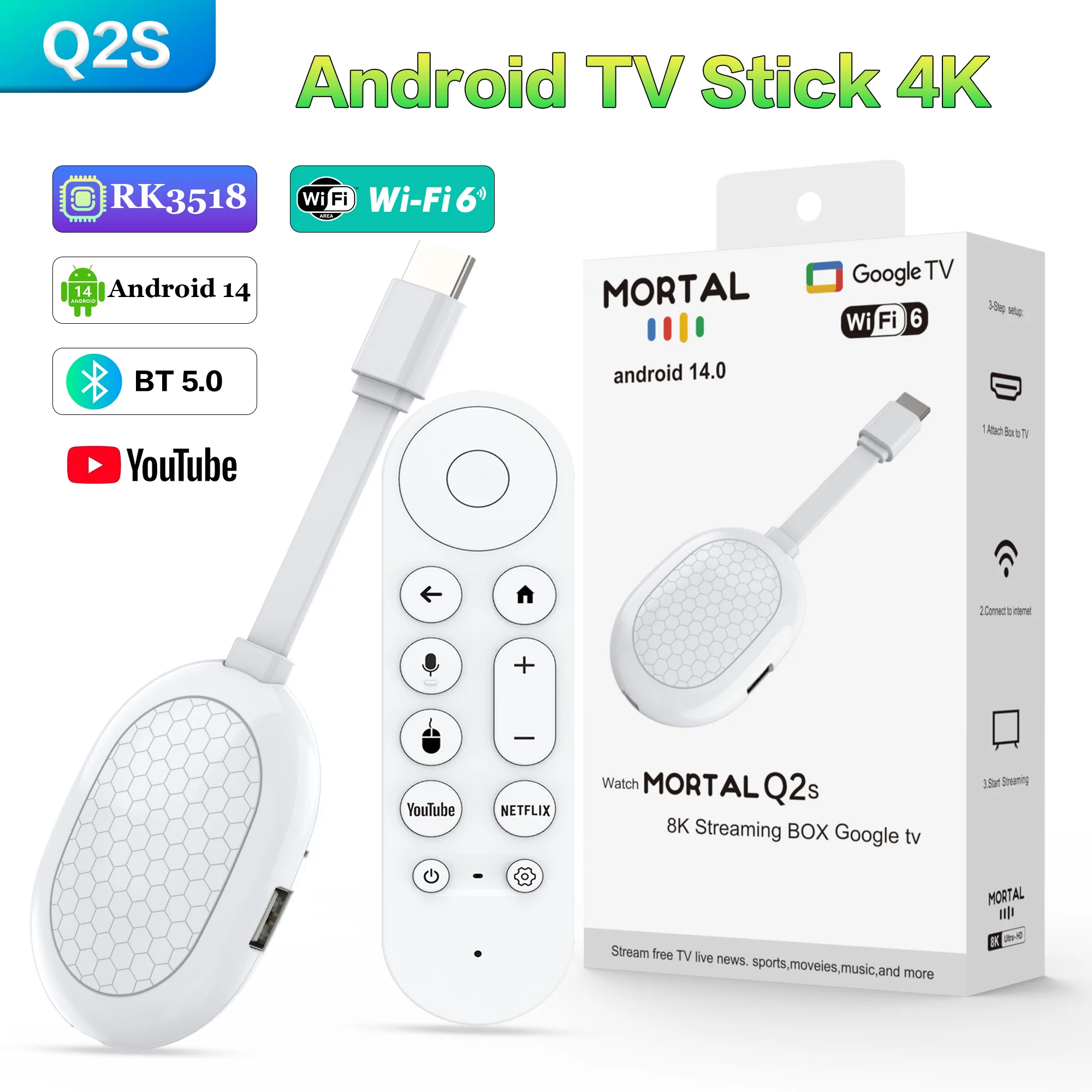
Product Specifications
Processor: RK3518 quad core ARM Cortex A53
Graphics processor: 450 MP2 GPU
Running memory: 2GB
Storage space: 8/16GB eMMC
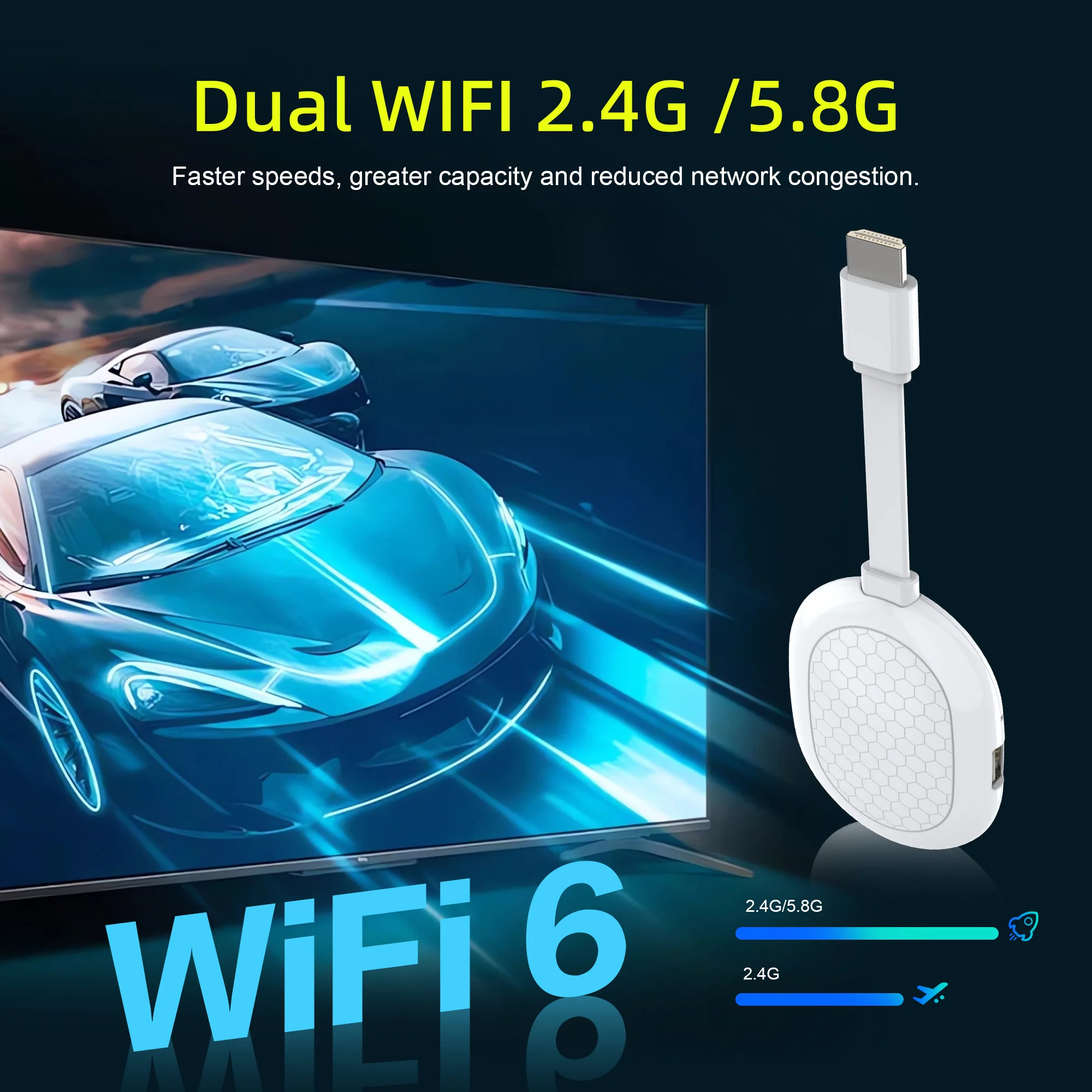
WiFi: 2.4G+5G WIFI 6
Bluetooth: BT5.0
Operating system: Android 14.0
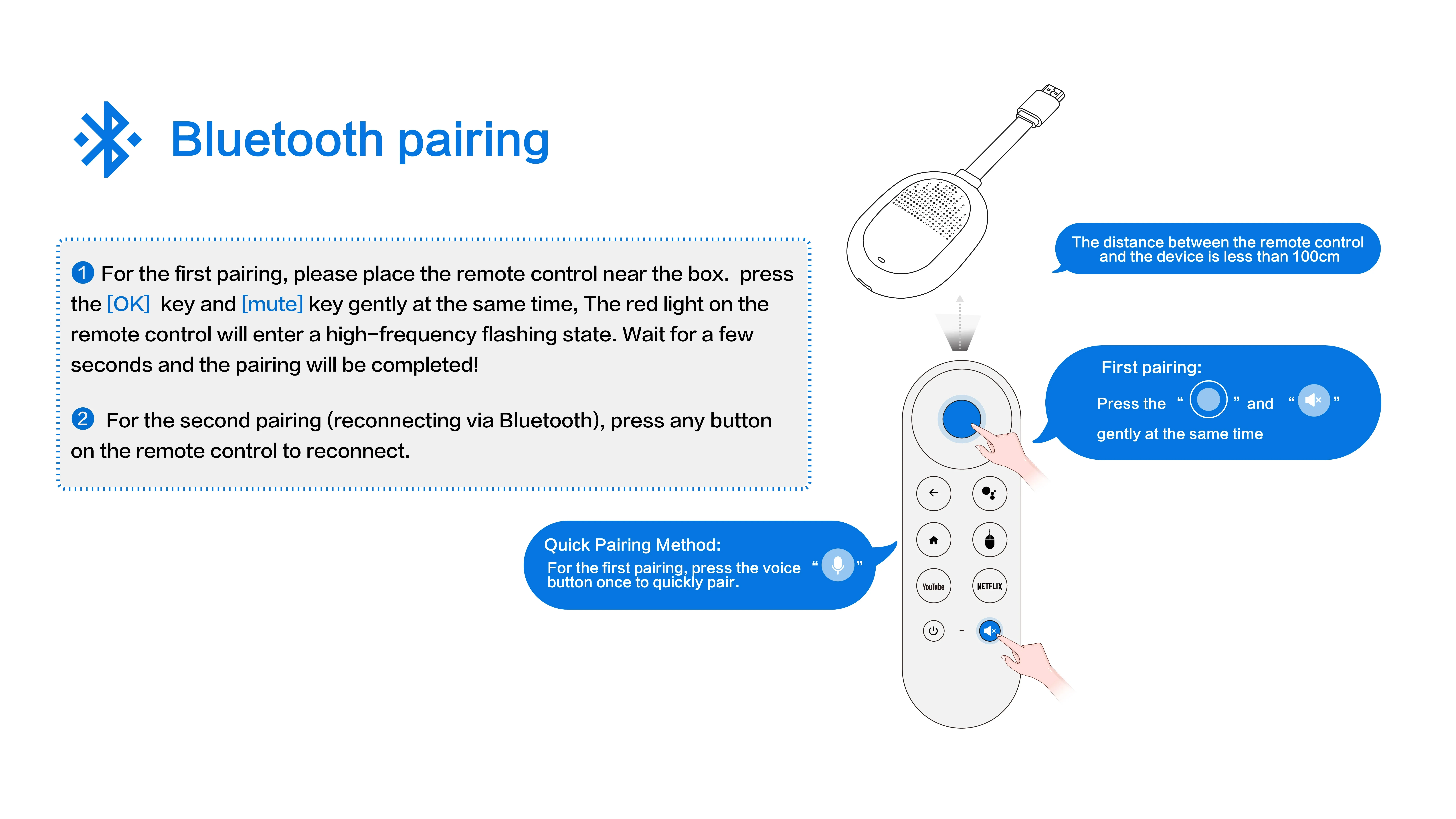
Remote control: Voice remote control
Product Features
✅Powerful performance, RK3518 quad-core processor for smooth operation.
✅Supports dual-band 2.4G+5G Wi-Fi 6 for stable network connectivity.
✅Features -450 MP2 GPU with 4K 60fps video decoding for crisp, fluid visuals.
✅HDMI 2.1 port supports 4K*1080P ultra-high-definition output.
✅Built-in 2GB RAM provides ample processing power for seamless multitasking.
✅Includes 16GB eMMC storage, offering substantial storage capacity at your fingertips.
Support 8K Video Decoding
Incredibly clear and smooth playback of videos and images.

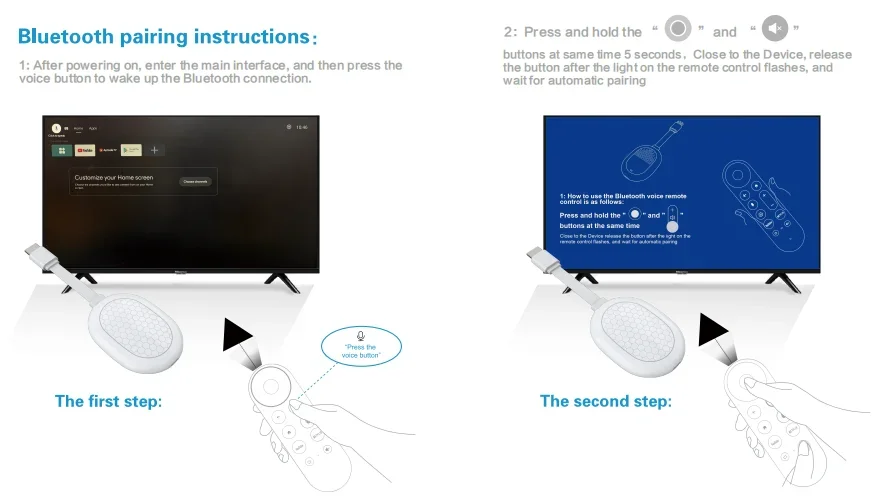
Smarter voice control
One click voice operation, say what you want.

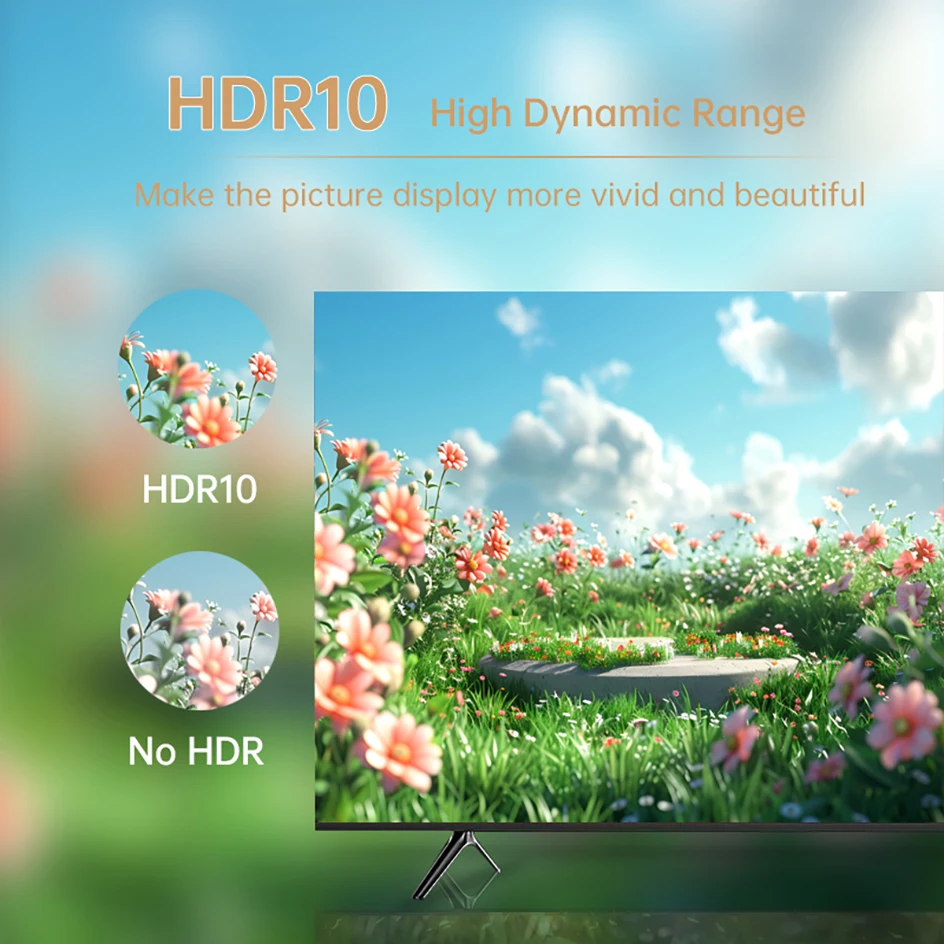
HDR 10 High Dynamic Range
Make the picture display more vivid and beautiful.
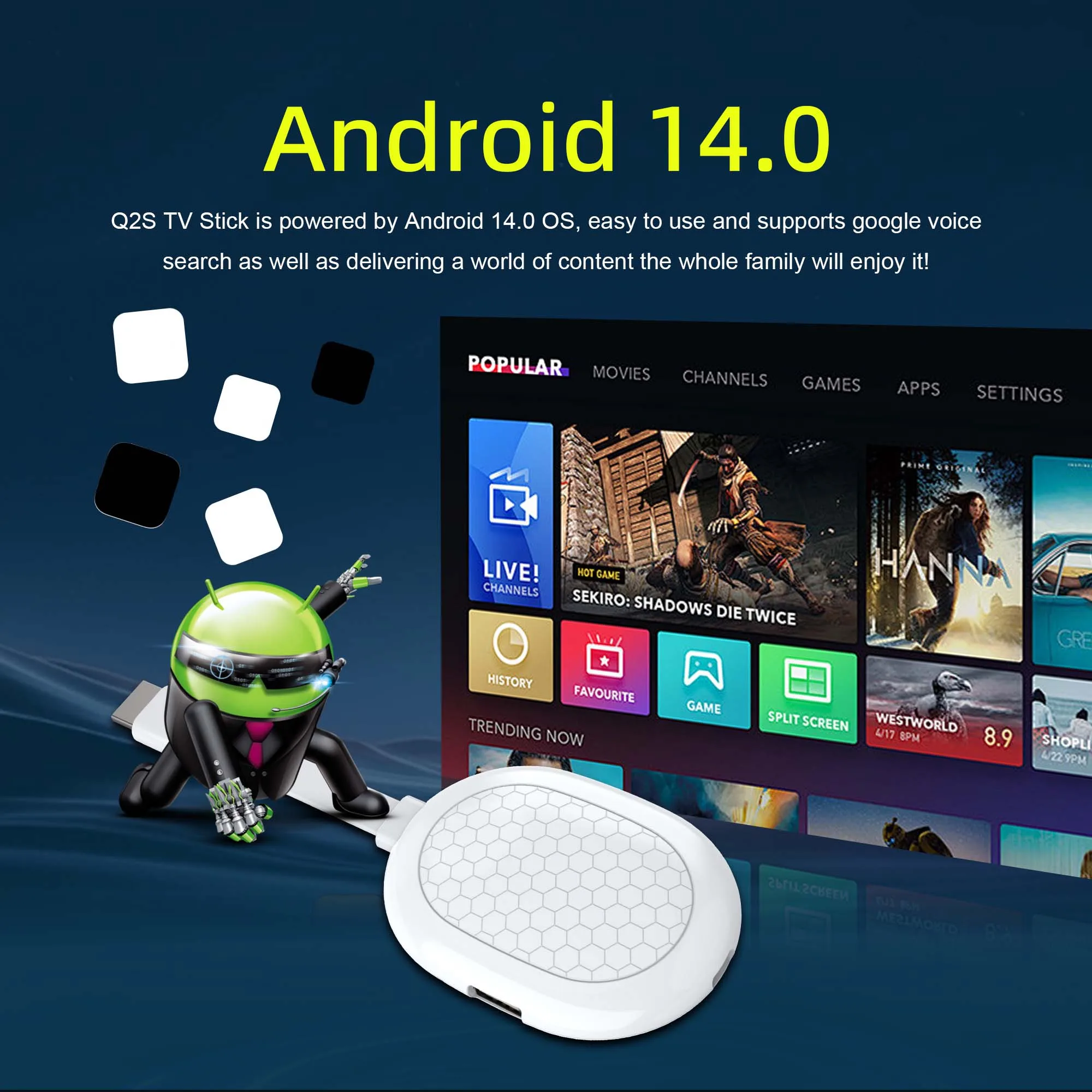
Android 14.0
Android multimedia box, you can download various video and music apps online, enjoy audiovisual experiences.
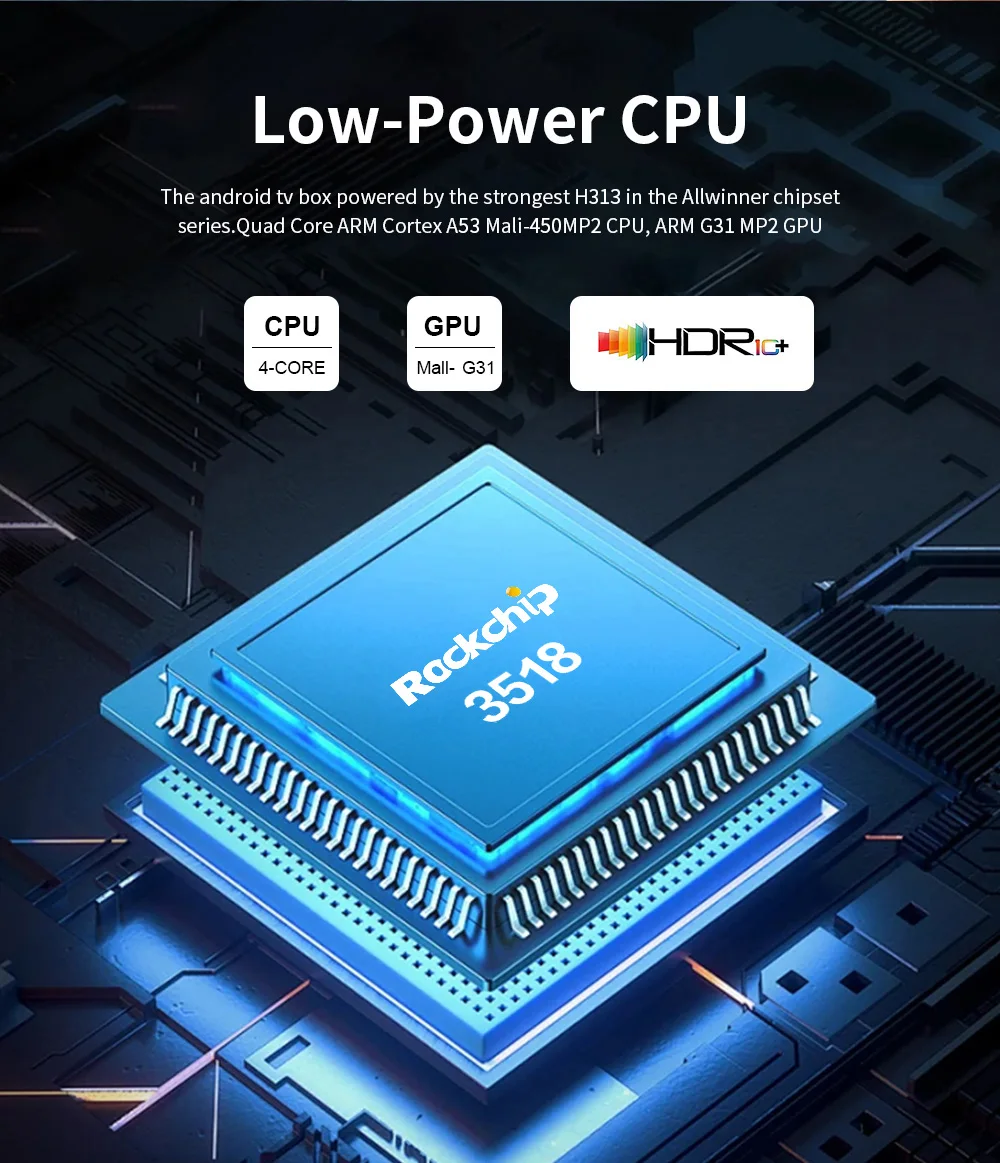
High Performance Soc
RK3518 is a high-performance Soc that supports 8K decoding for android tv box, strong Soc for smoother operation and clearer image quality effects.
WiFi 6
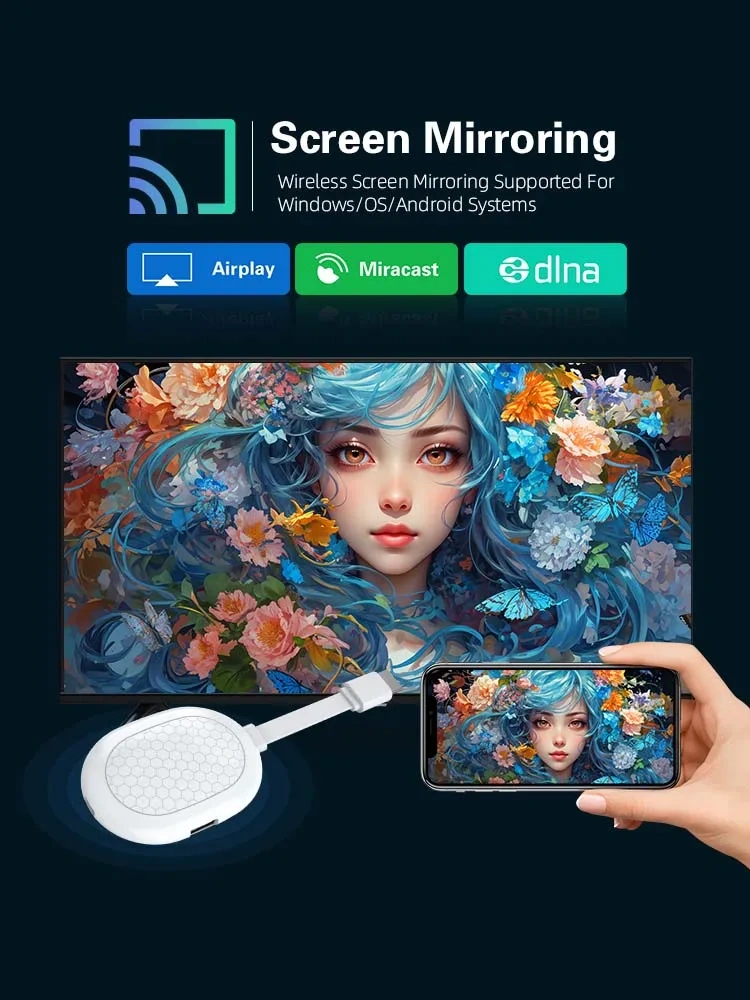
Multi Screen sharing
Easily share the small screen to the large screen.
You can play games and watch movies on the big screen.
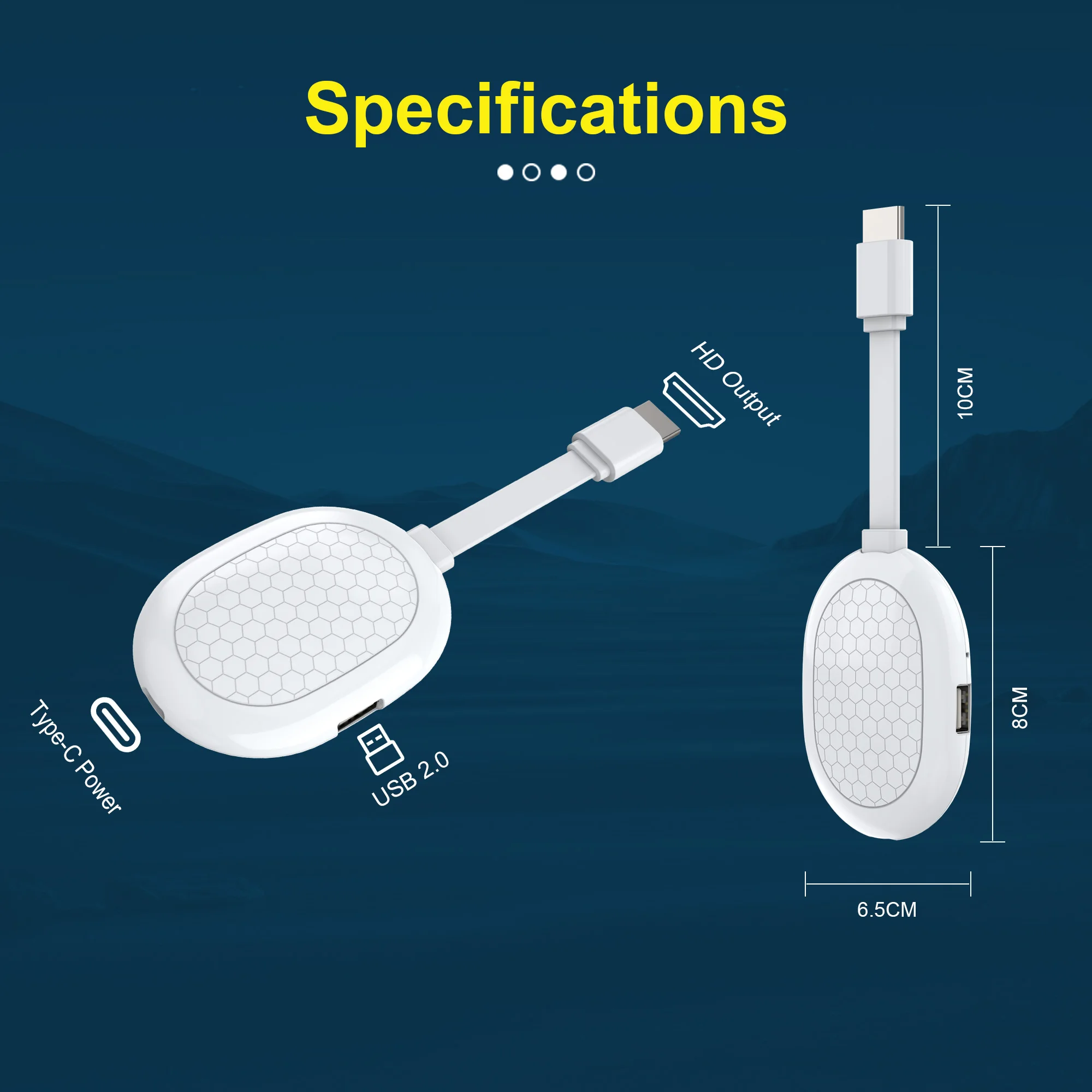
INTERFACE INTRODUCTION
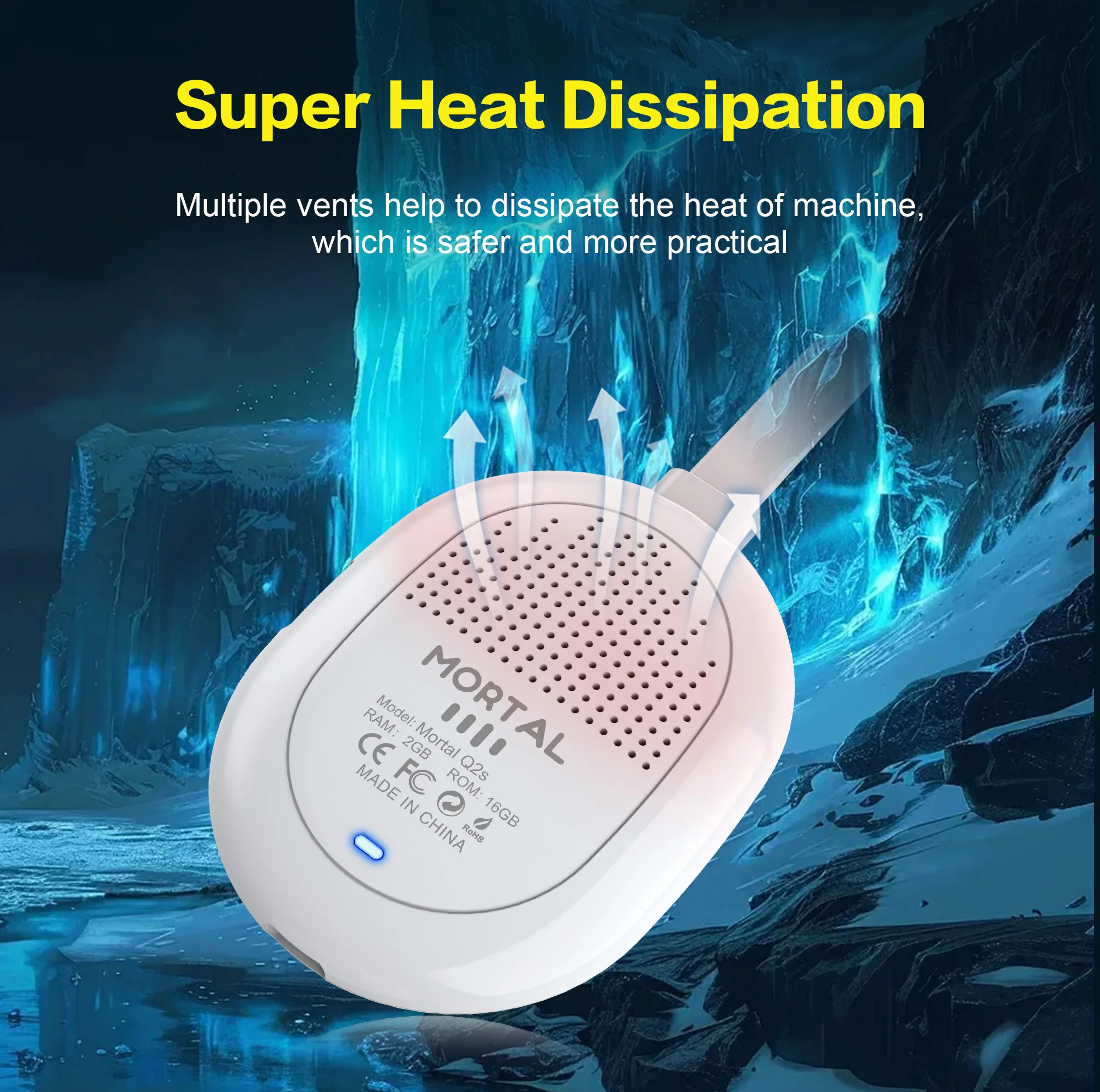
SUPER HEAT DISSIPATION
Multiple vents help to dissipate the heat of machine which is safer and more practical.
Two types of memory
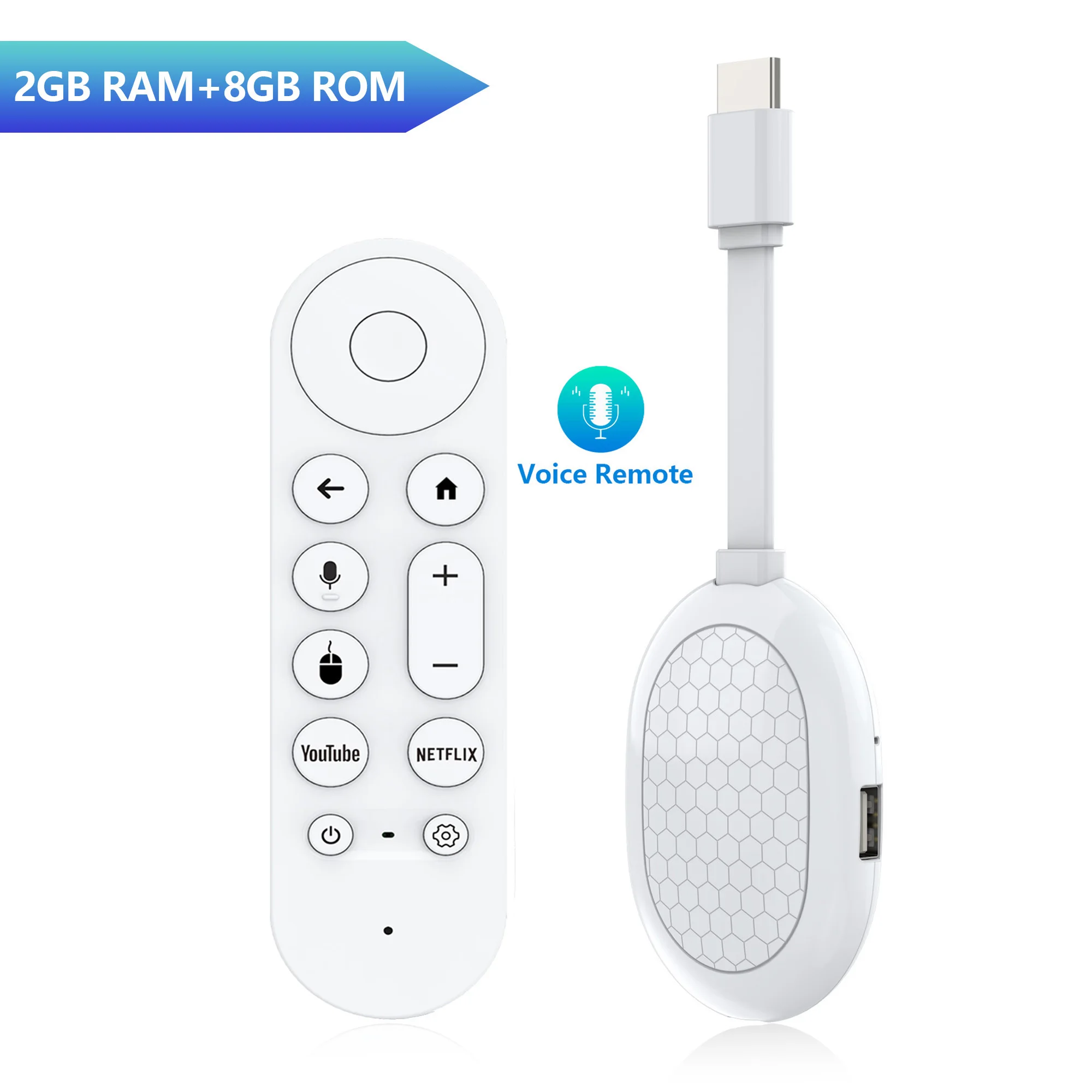
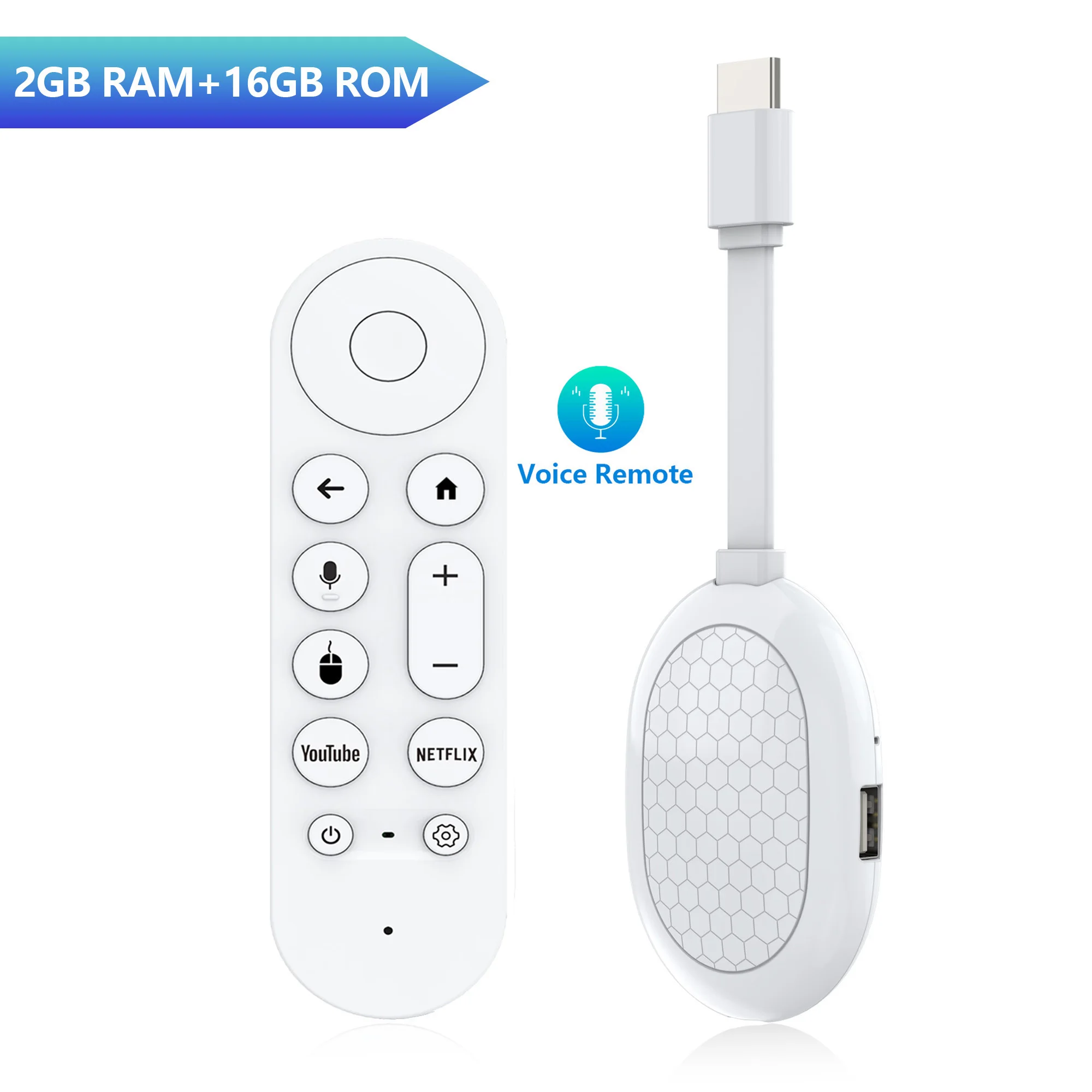
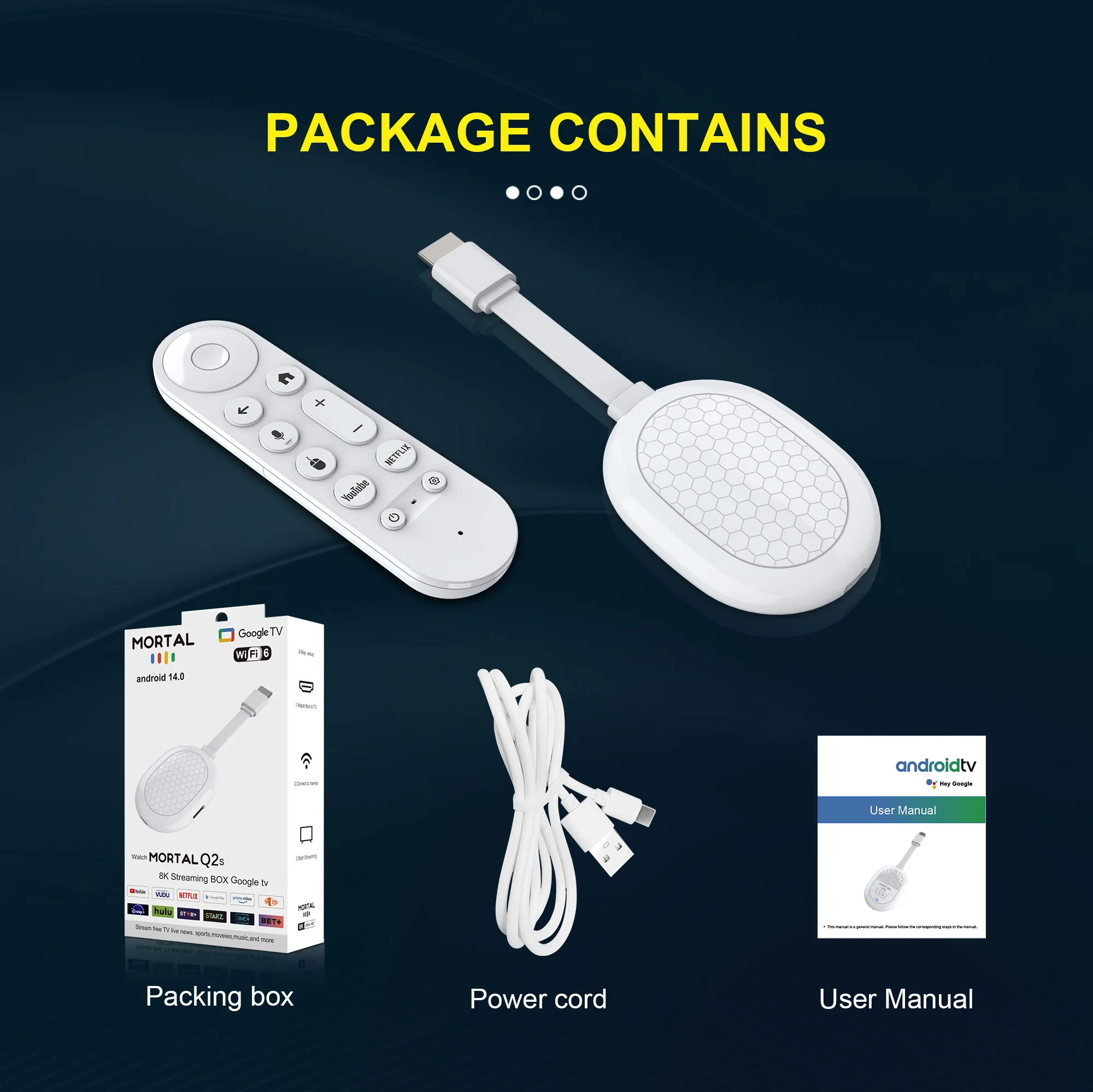
Package Include
1* Q2S TV stick
1*Voice Remote control
1* HD Cable
1* USB power cord
1*IR cable
1*User Manual
How to Install a TV Stick?
Step 1. Connect the Tv Stick to the Tv through an HD extension cable, or directly connect the TV HD
Step 2. Connect the lR extension cable to Tv Stick, and paste the lR receiver onto the front end of the TV.
Step 3. Power supply through Type-C cable, from TV USB or 5V2A power adapter
!!!NOTICE
1. Make sure you have installed a compatible APK. If it does not work properly after installing an APK, go to Settings, find the APK and restore it to normal mode to restore normal operation.
2. If the TV stick restarts repeatedly after a few seconds or minutes, or the front panel lights up red, the problem is that your TV output voltage and current are not 5V/2A, you can use a 5V/2A adapter to power it. It should work normally.
3. Installation steps: ➡
Step 1: Connect the HDMI on the TV stick to the HDMI port of the TV.
Step 2: Use a standard power plug to power the set-top box. (5V2A)
Step 3: Open the network settings, connect to the network, and you can surf the Internet normally.
Wrong connection may cause problems such as picture freeze, distortion or insufficient signal.