Free shipping

Almost sold out!
Choice NONE X417-WIFI-2CAM WIFI Dash Cam For Car Camera 1080P Video Recorder HD 2/3Camera Car DVR Front Rea
No reviews yet.
Lowest price in 30 days

Special Deals
74.1956.38AED
Free shipping
Delivery address

Select your address, find out the delivery date!
Trendyol's commitments
Easy and free return in 15 days.
Payment methods



Highlighted features:
Choice5 NONE X417-WIFI-2CAM WIFI Dash Cam For Car Camera 1080P Video Recorder HD 2/3Camera Car DVR Front Rea features
Instructions for Use/Warnings
*X417-WIFI-2CAM*NONE

Big Save Store
8.7
78.0K followers
Seller information
Similar items













Shoppers also viewed





Choice5 NONE X417-WIFI-2CAM WIFI Dash Cam For Car Camera 1080P Video Recorder HD 2/3Camera Car DVR Front Rea reviews
No reviews yet.
Product details

Additional info
- A maximum of 10 units of this product can be ordered. Trendyol reserves the right to cancel orders over 10 units.
- Barcode No: 3625496662528
Choice5 NONE X417-WIFI-2CAM WIFI Dash Cam For Car Camera 1080P Video Recorder HD 2/3Camera Car DVR Front Rea features
Instructions for Use/Warnings
*X417-WIFI-2CAM*NONE
Safety information
Product safety information
Product description
Sd Card Memory:NONE
Color Name:X417-WIFI-2CAM
Q&A
Q: Which card do you recommend?
A: We recommend using a Class 10 TF card with read speeds of Class 10. We recommend using a 32GB memory card (most stable). 128GB and larger memory cards are not supported.
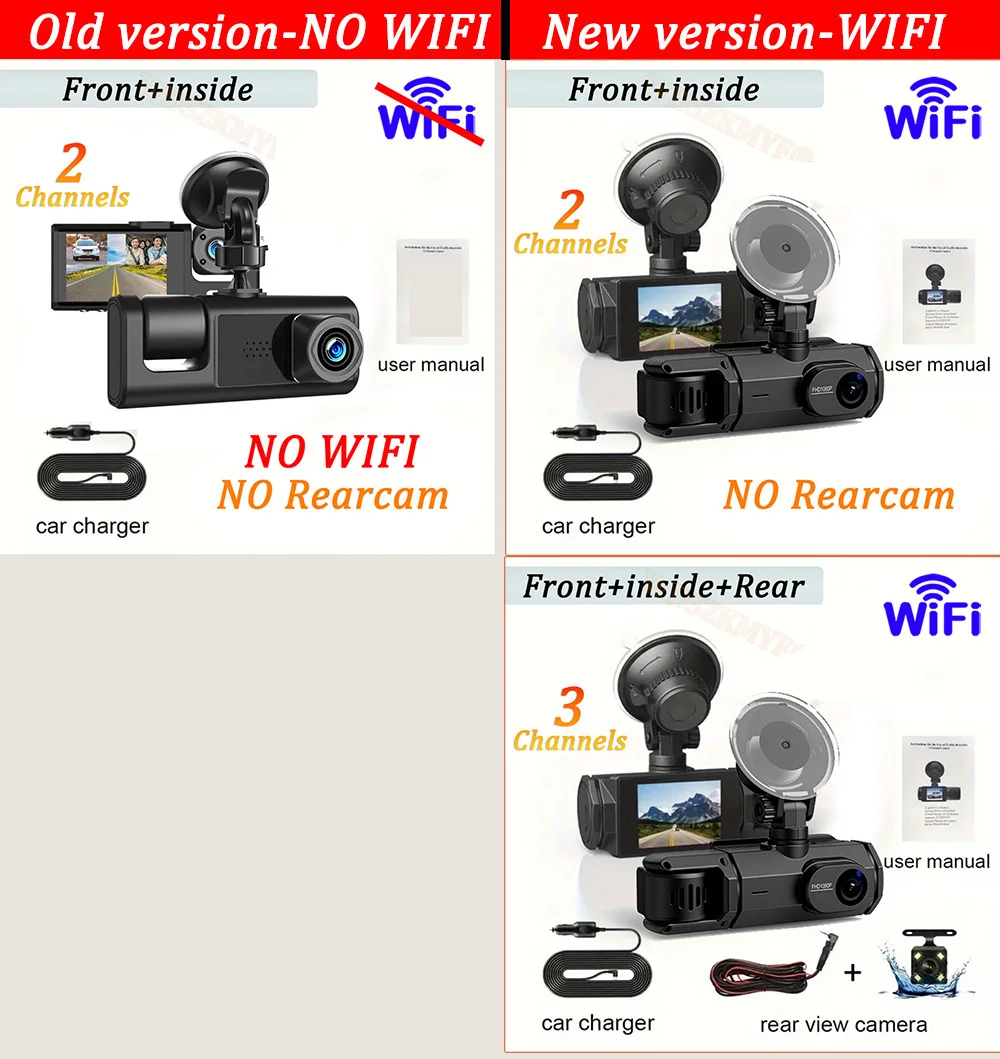
Please note that we have different packages to choose from:
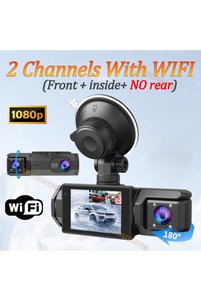
X01 has no WIFI, only 2 lenses;
X417 has WIFI, 2 lenses/3 lenses available.
Recommended X417 new version has WIFI function to help you quickly view/download/share the video in your cell phone APP!
X417 WIFI open to connect to cell phone video tutorial ↓
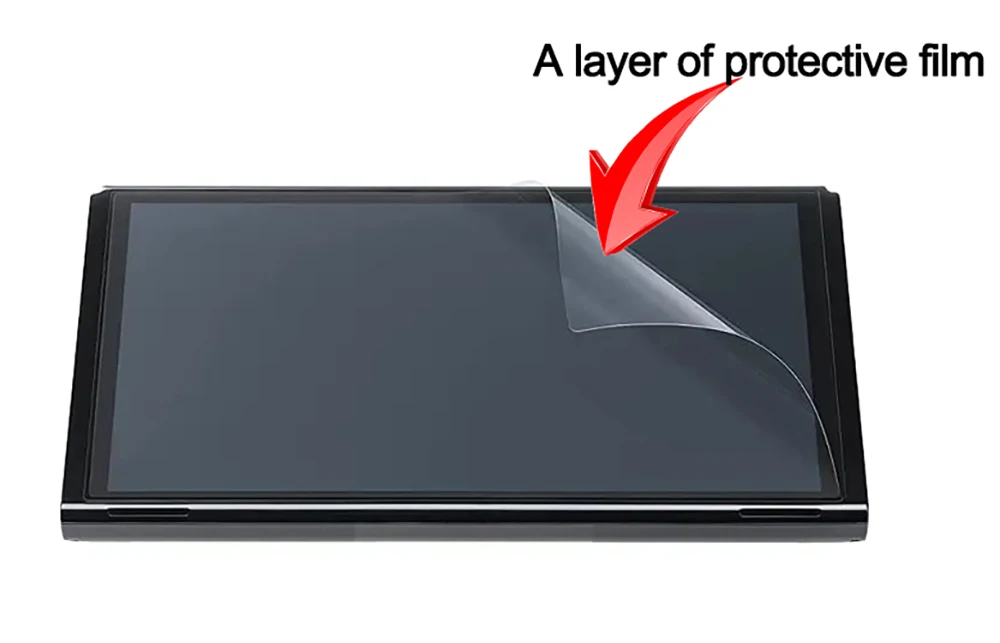
This product has a protective film
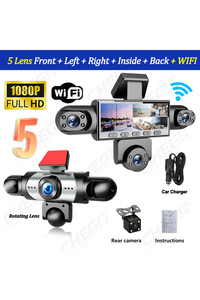
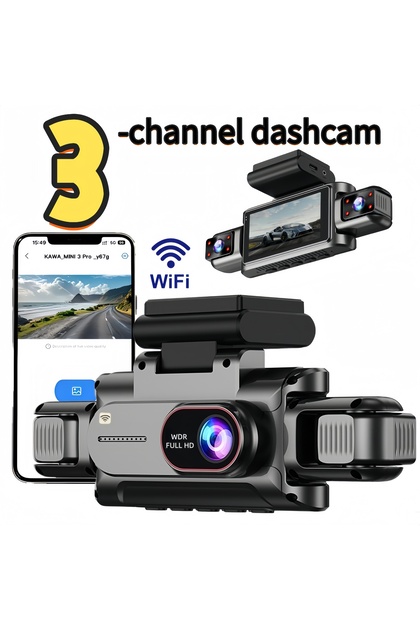
The new high-definition 3-lens dash cam features built-in WiFi support for Android iPhone connectivity, making it easy for your phone to view videos.
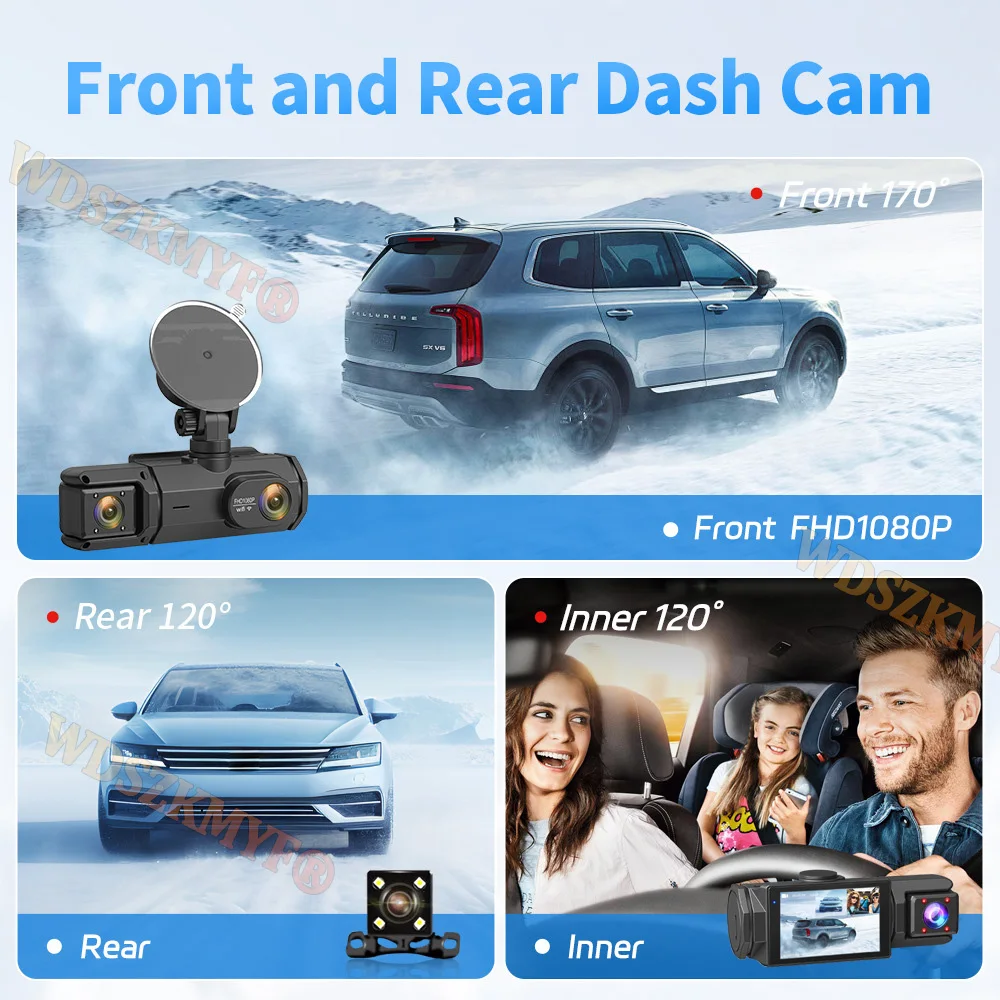
Product Specifications:3 Channels: [Front+Interior+Rear]
Screen size: 2 inches
File format: AVI
Voltage 1 Current: 5V/1A
Video resolution: 1080P; 720P; 720p
Continuour Loop Video: Seamless Loop Recording
Automatic power on/off: support automatic ignition and shutdown
Interface: Support TYPE-C
Time Synchronization: Support
Support memory card: TF Card (maximum support 64 GB)
Built-in stereo: support
Frequency: 50HZ / 60HZ
Supported languages: Chinese, English, French, German, Russian, Polish,Japanese, Portuguese, Spanish,Korean,etc
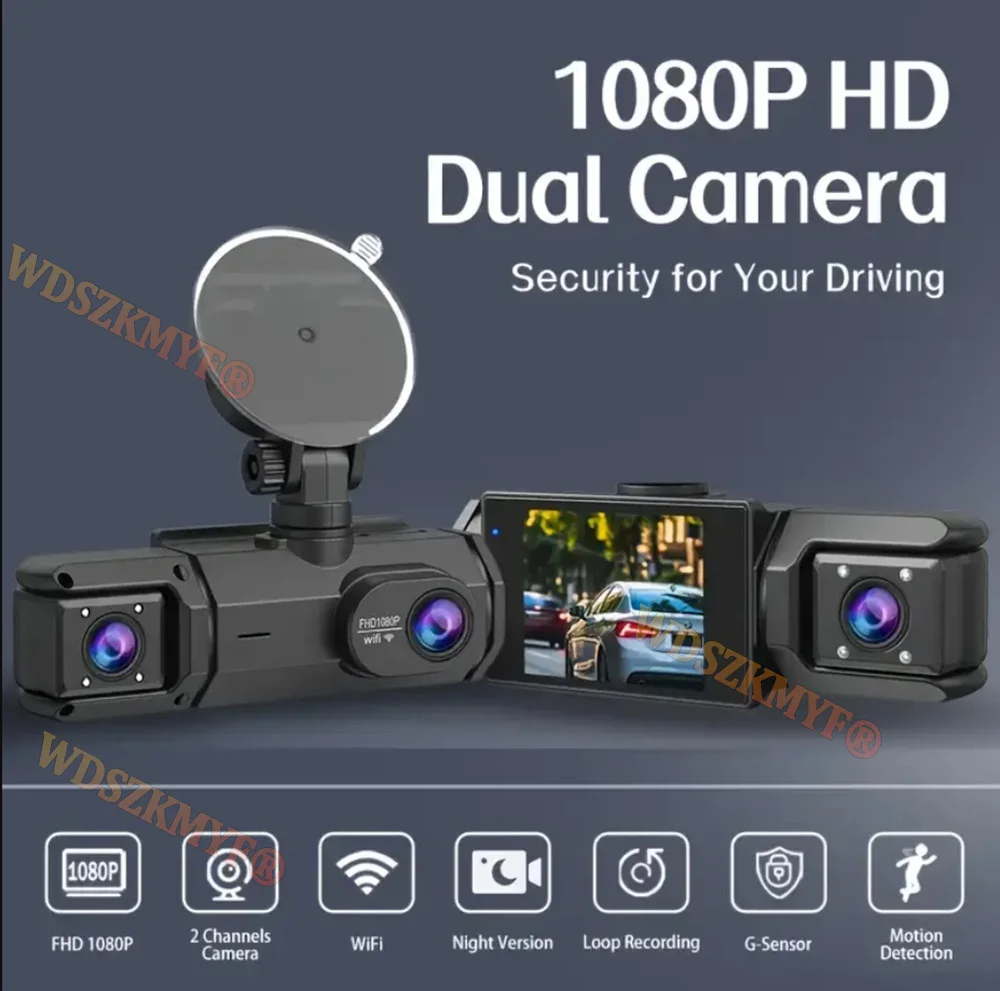
New HD 3 Lens WIFI Dash Camera
Only Front Camera: 1080P
Front + Rear Camera:1080P+1080P;Front & Inside Camera:1080P+720P;
Front & Inside & Rear Camera:1080P+720P+720P
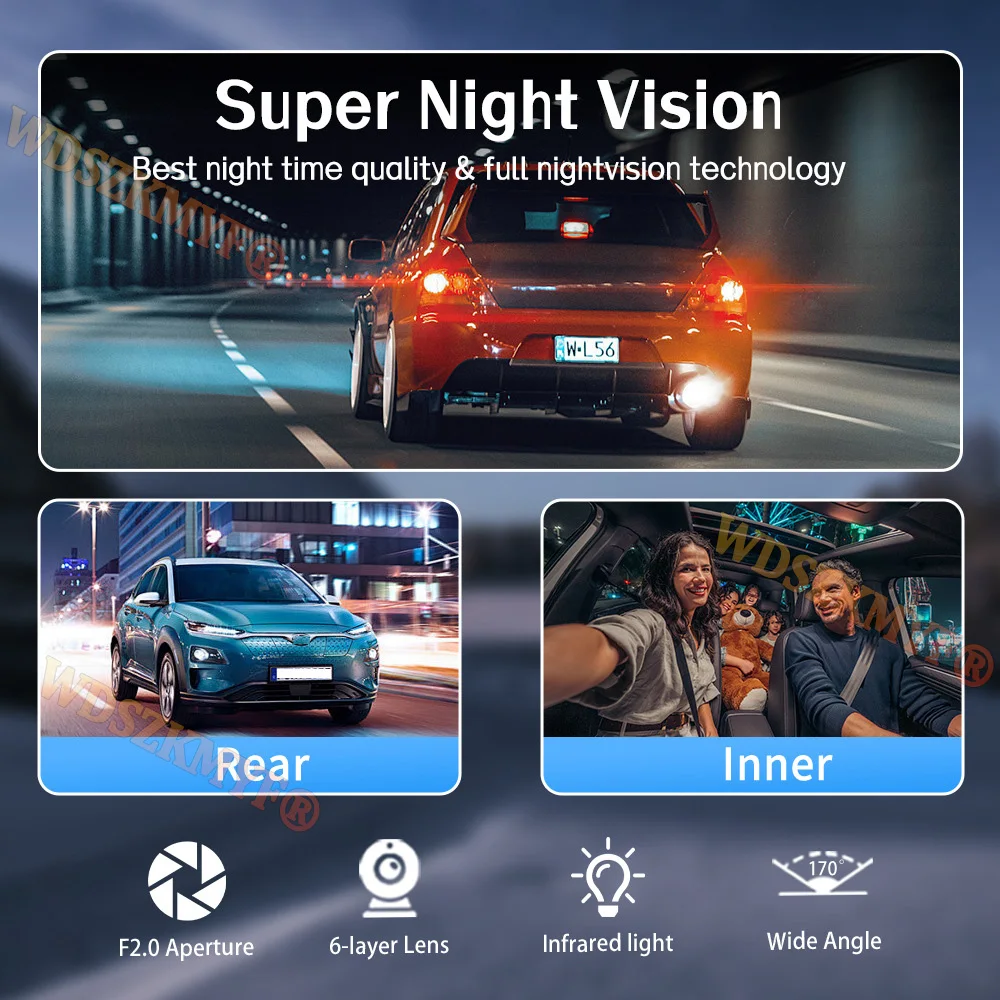
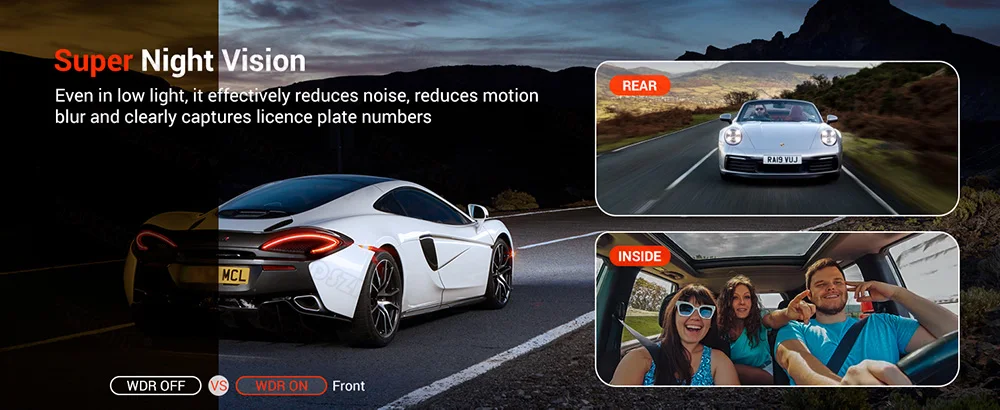
Starlight Night Vision
With the help of F1.8 wide aperture and the decent low-lightperformance of the lens, the car camera is able to capturedetails like license plates at night.
Built-in WIFI
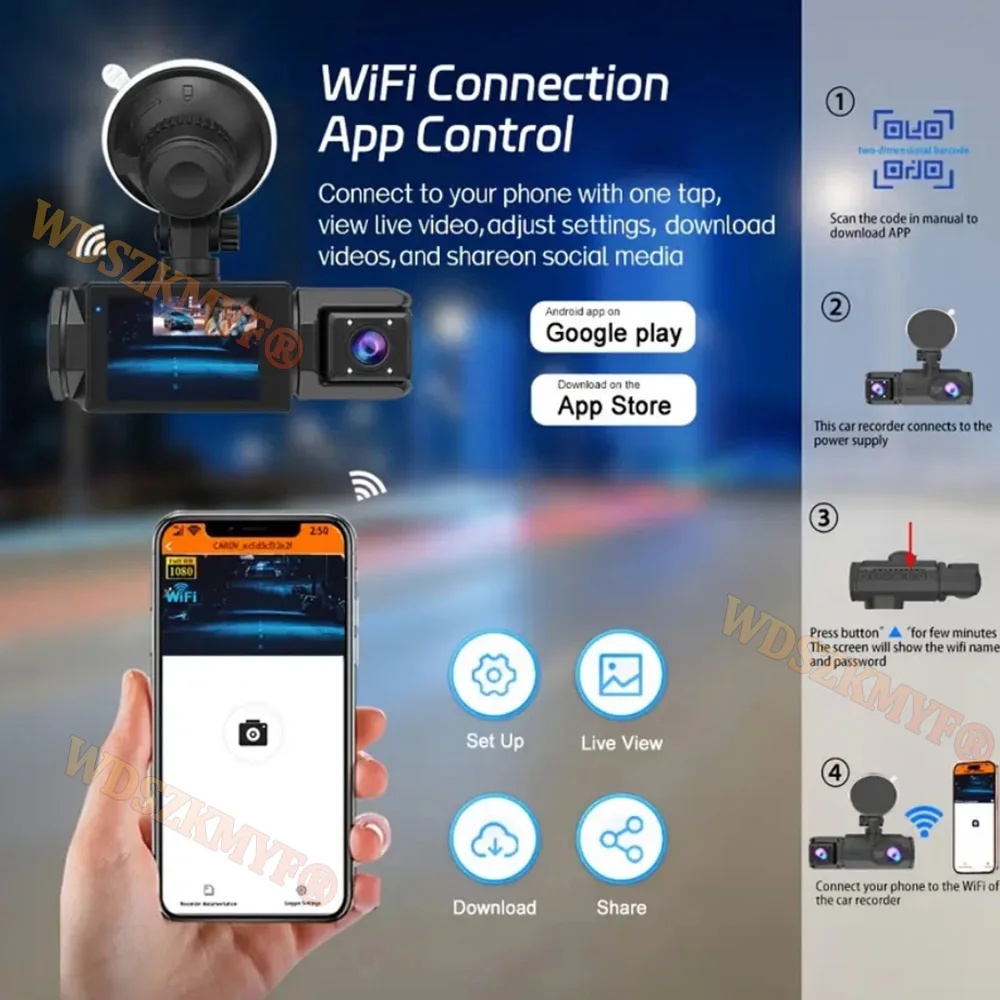
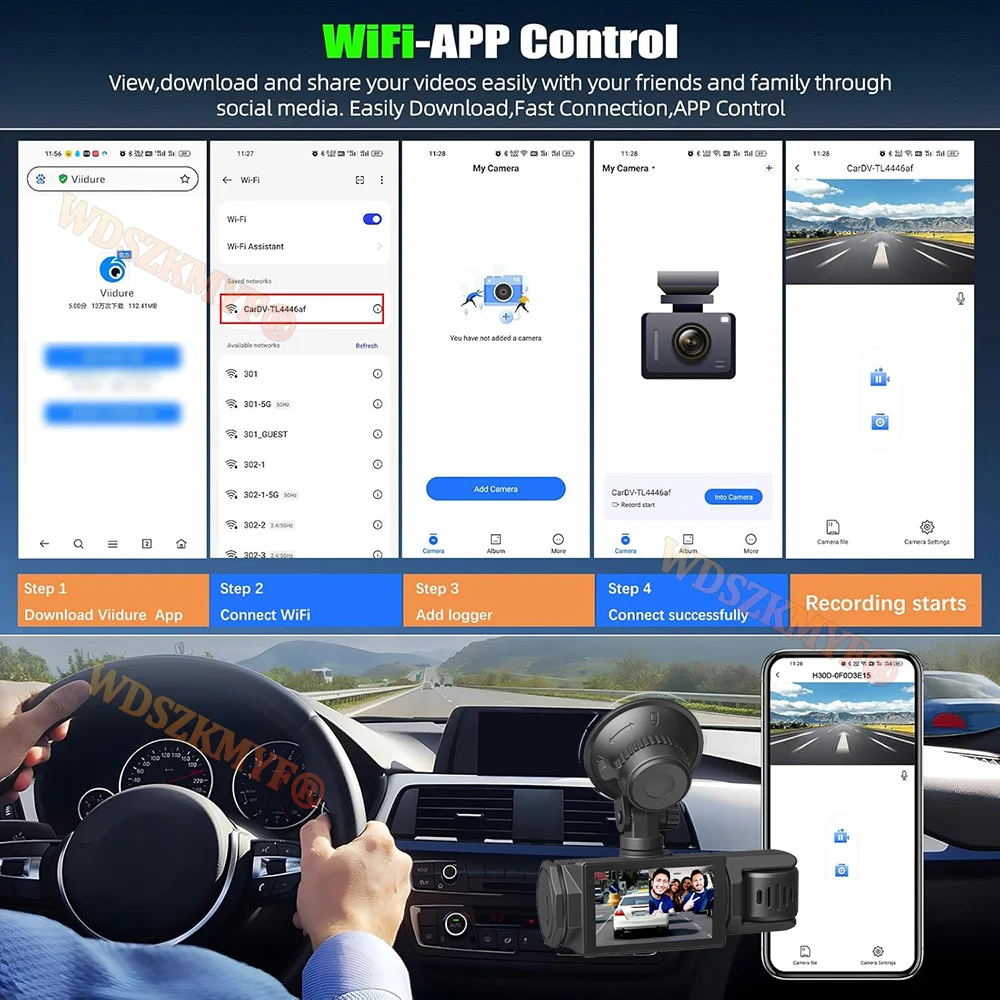
Download the APP from Android and iOS systems, connect your phone with dash cam via WiFi, then you can view the recordings in real-time, also can download, playback and share the recordings via your phone.

How to link WIFI
You need to press the M menu button for 5-10 seconds and then it will show the WIFI module, the WIFI QR code is also in the menu bar, and you can eventually link your phone to view the video.
Reversing Image(Optional rear camera)
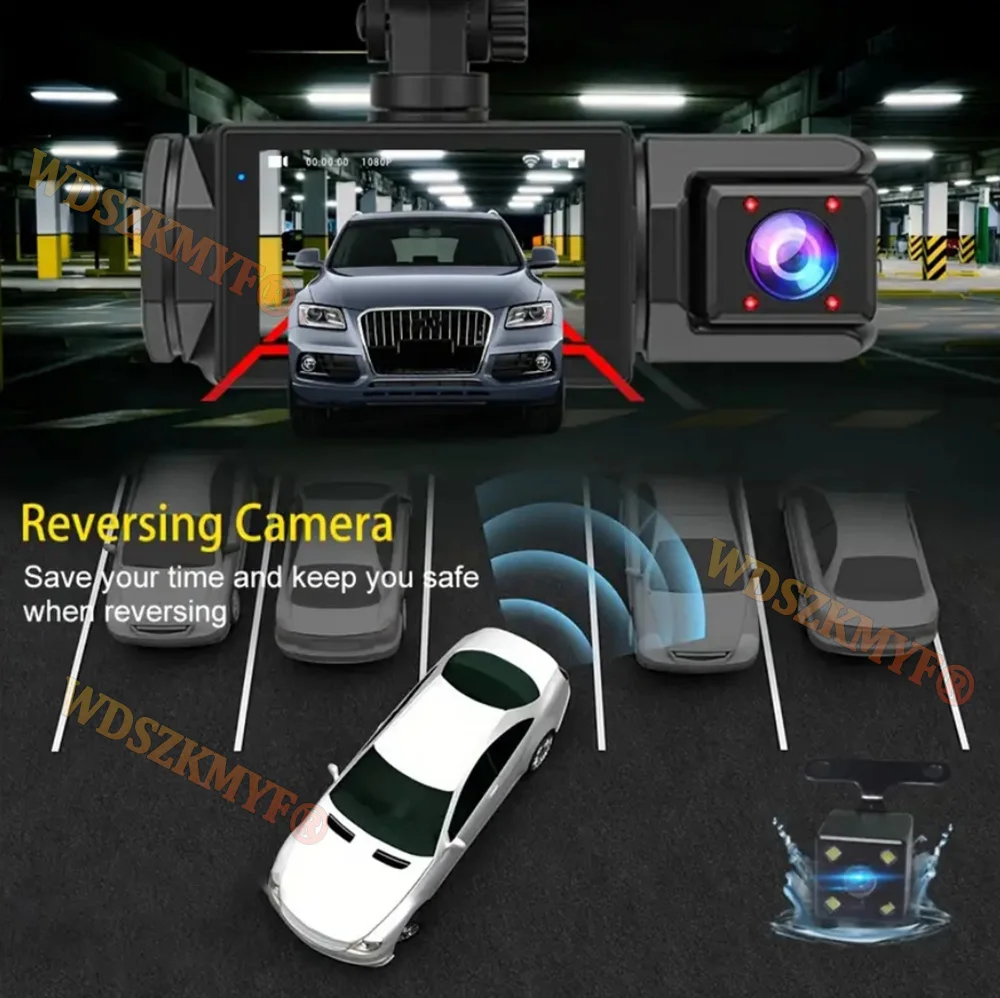
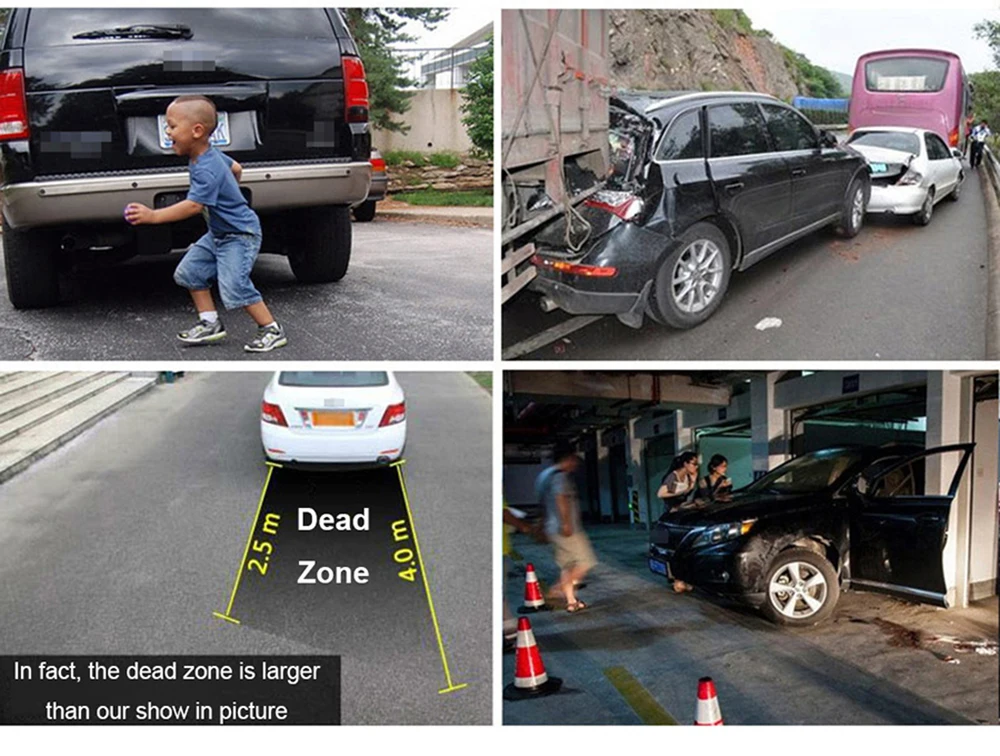
When the car in reverse gear, the car DVR will automatically switch to the rear camera imaging view with parking line, ensures safety for parking.
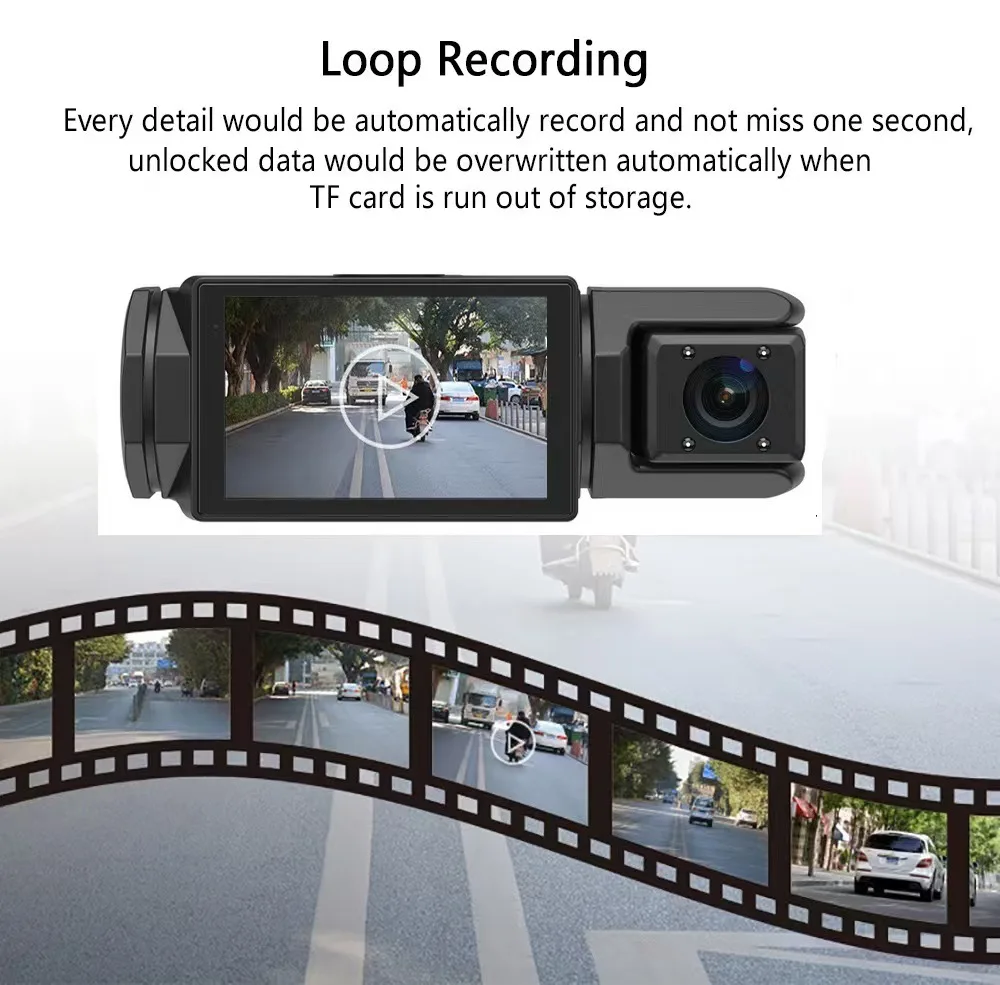
Loop Recording
Every detail would be automatically record and not miss one second, unlocked data would be overwritten automatically when TF card is run out of storage.
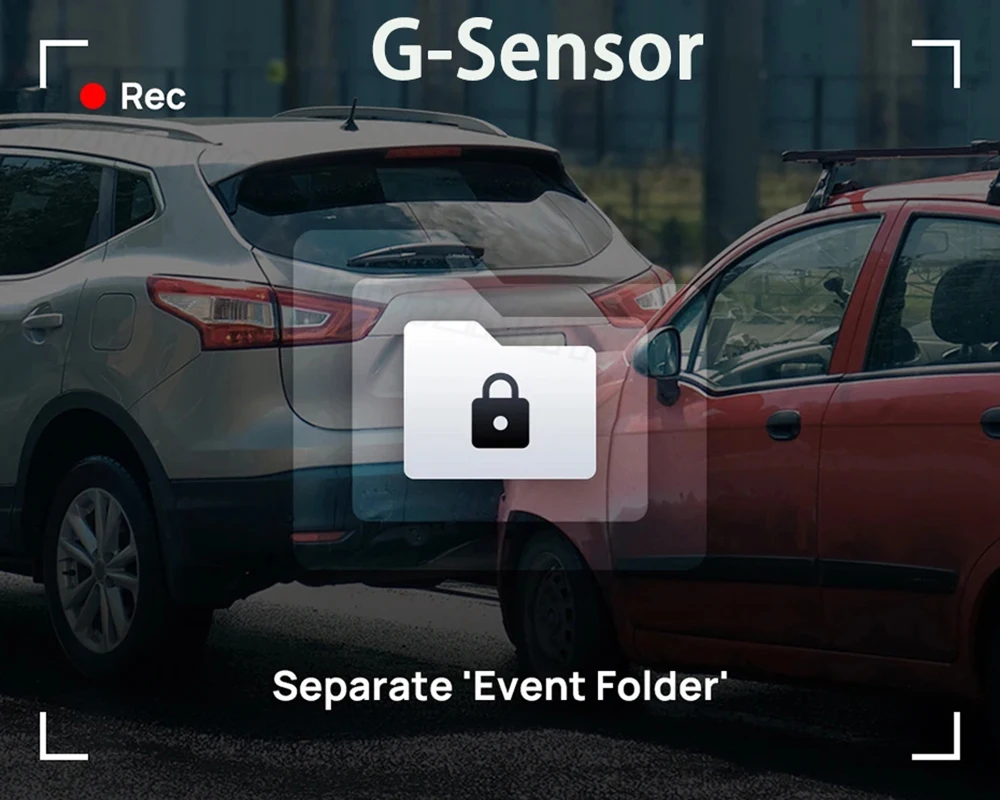
G-Sensor
In the event of an impact or collision, the built-in G-sensor would lock and save the video, and the video would not be overwritten by loop recording.
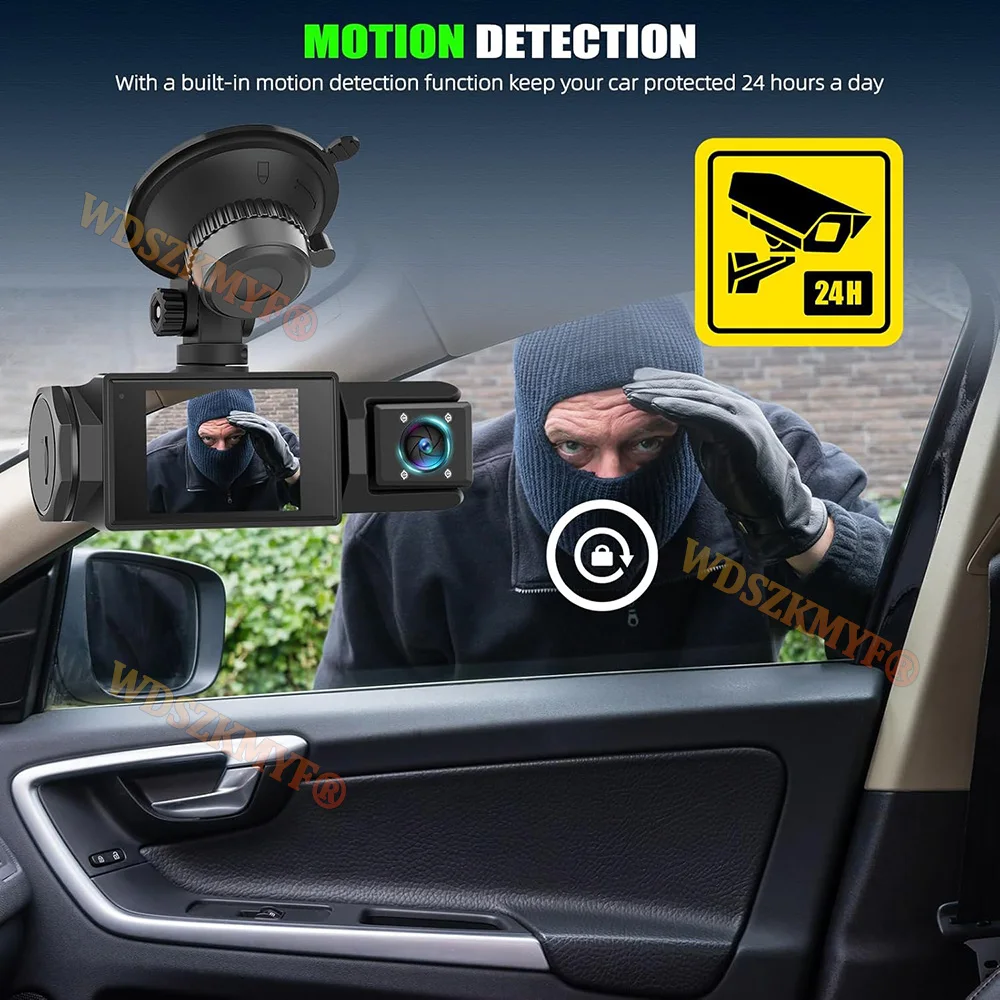
24h Parking Monitor
When Someone Near Your Car Or Vehicle Starts To Move,Automatically Turn On And Start Recording When Detects Any Impact Or Collision,The Device AutomaticallyAutomatically Recording For Few Seconds,Make Sure 24hr Parking Guard.Attention: It Should BeConnected By A Dvr Exclusive Power Cable.
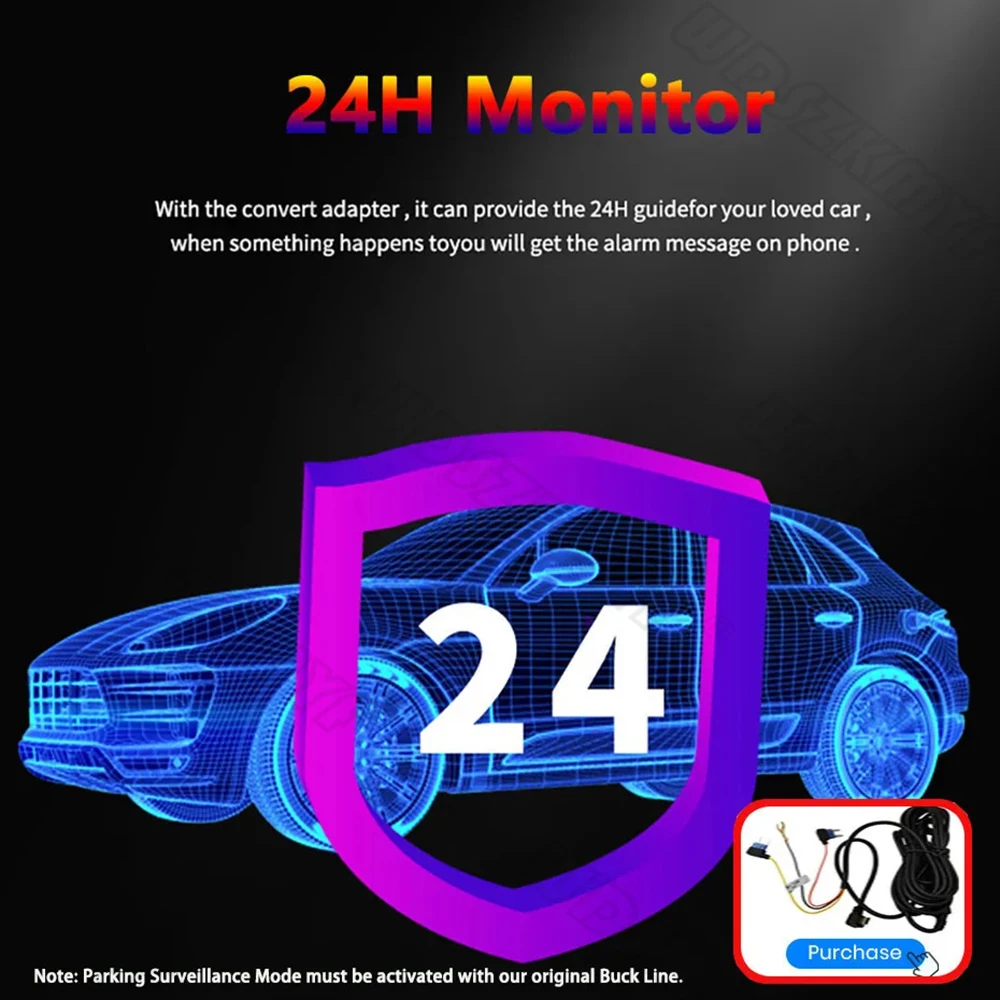
Users who want to use the 24-hour parking monitoring function need to purchase their own buck cable.
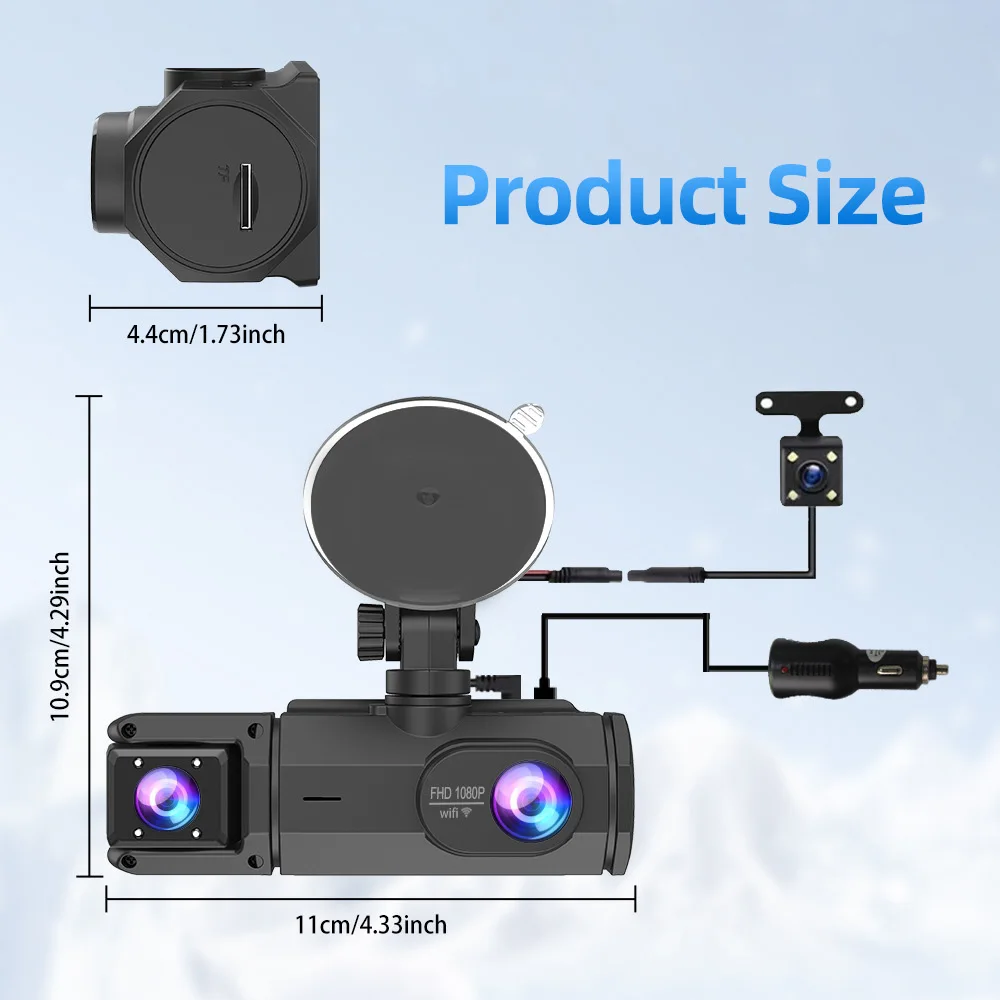
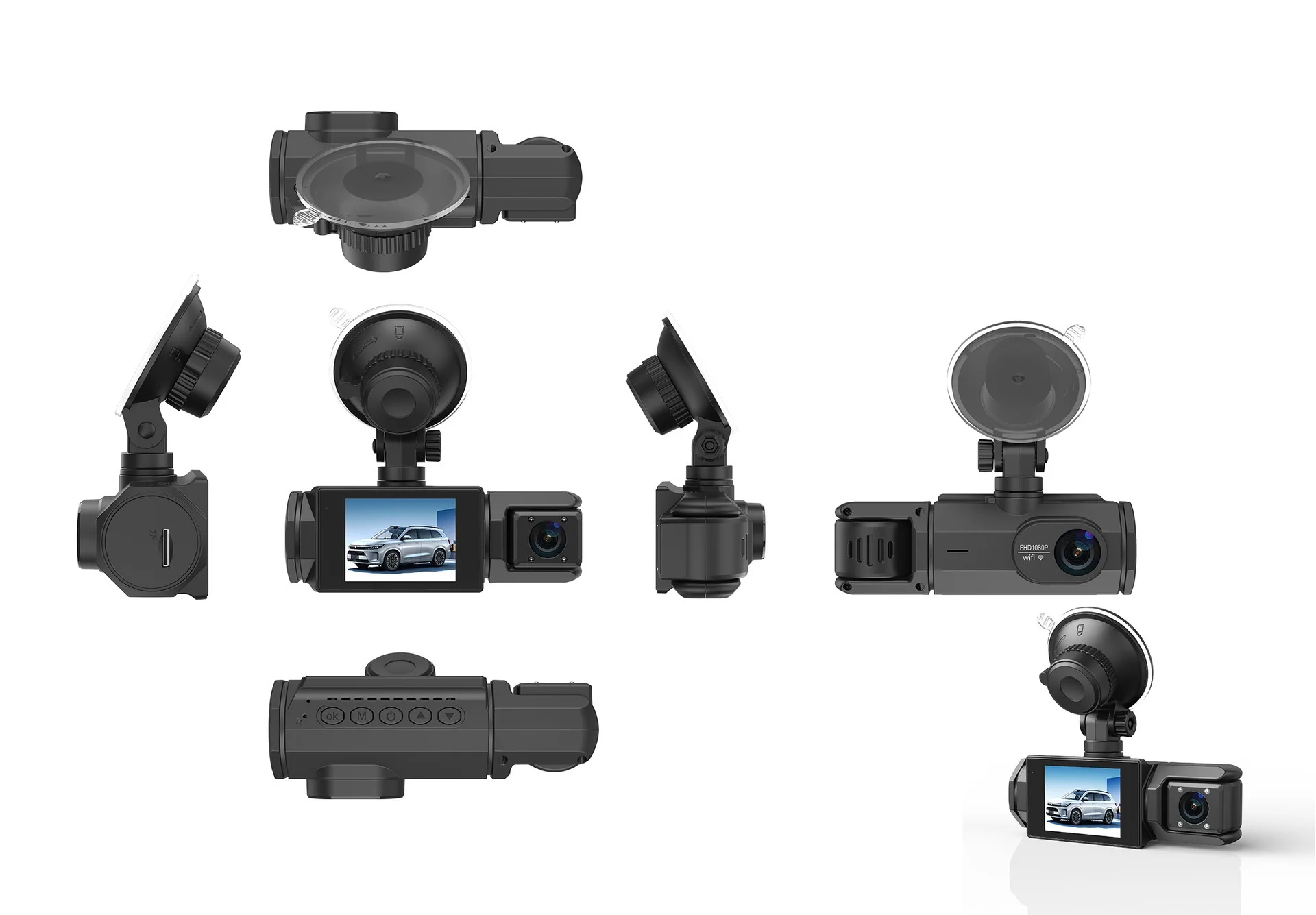
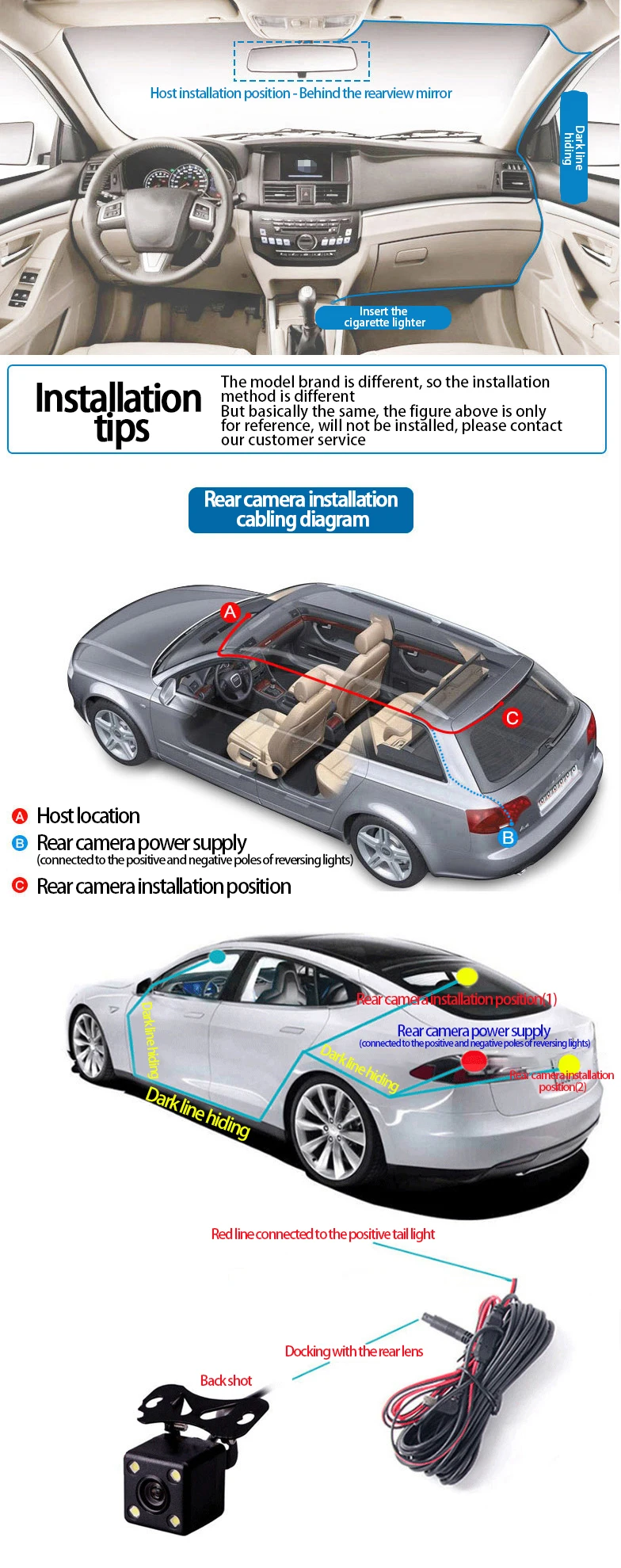
Easy Installation
Install dash cam on the wind shield, align the cable and connect to the cigarette lighter by car charger, the dash cam would automatically work when you start the car.
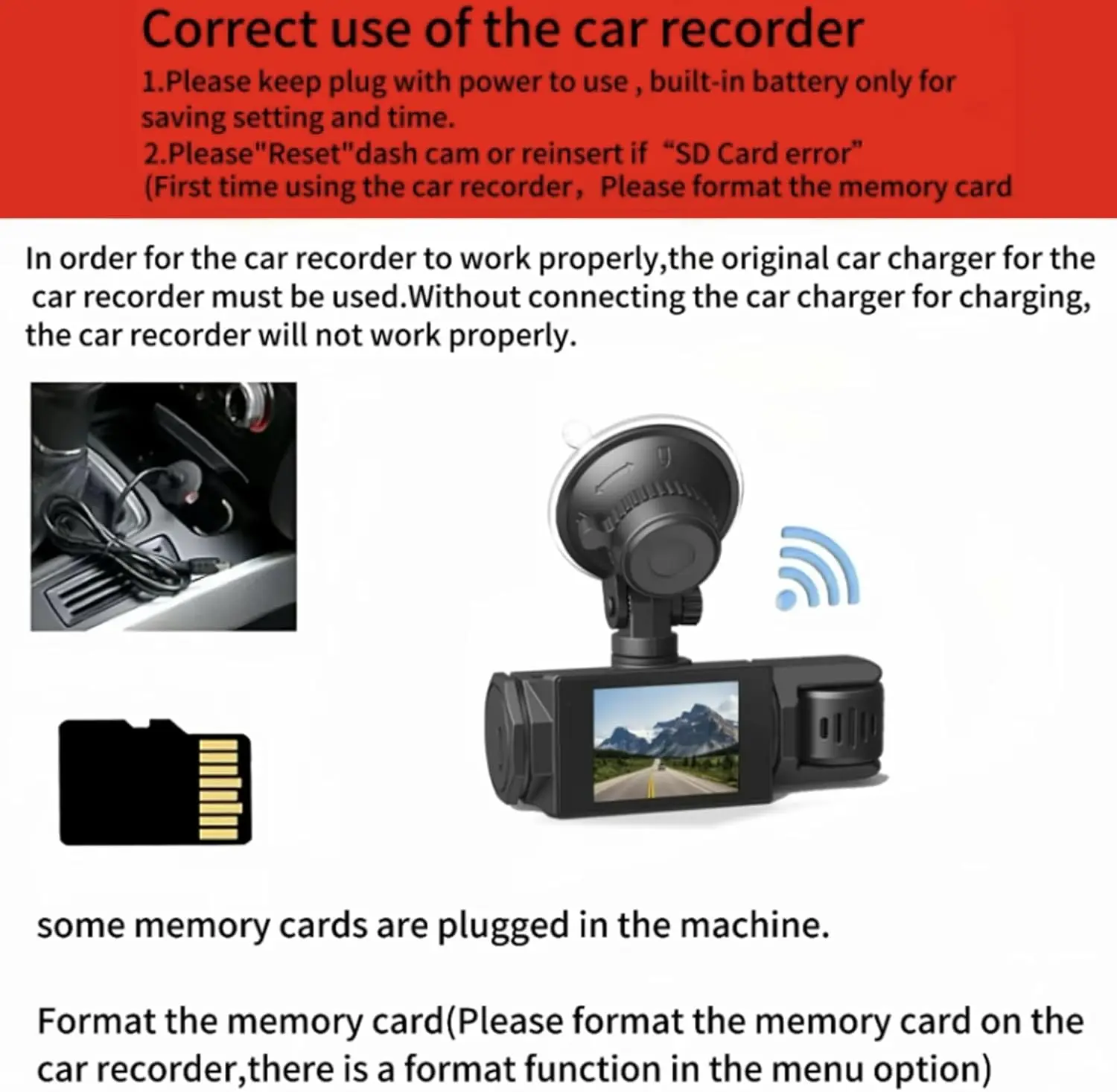
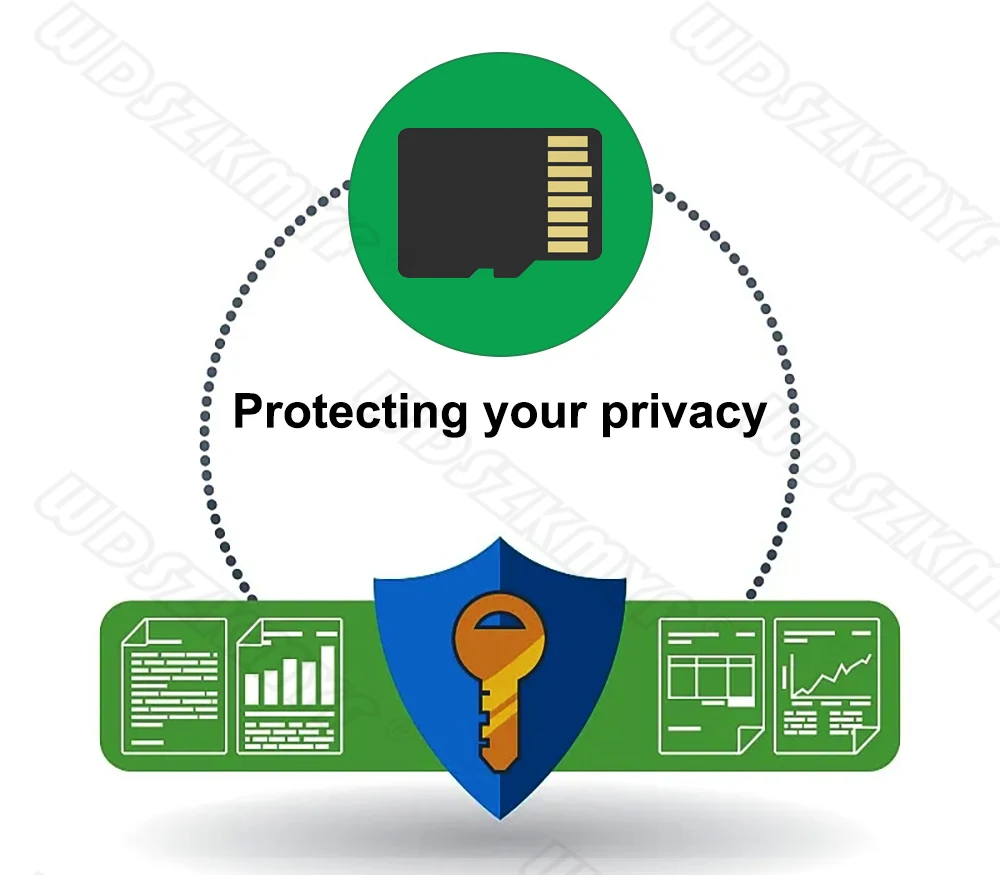
To protect your privacy, the TF card needs to be formatted for the first time. There are two solutions:
1. Insert the TF card correctly into the dash cam, open the camera settings, find the storage card format, confirm that the formatting is complete, and then restart the camera to use.
2.Connect to the mobile application, search for settings in the mobile application, format the memory card, confirm formatting is complete, and then restart the camera to use it. Sincere wishes to you and your family.