Free shipping
Only 1 left!
Choice None M34 Motorcycle Wireless CarPlay Android Auto GPS Navigation Monitor Portable 3.4" 5" 6" 7" Wate
No reviews yet.
Checkout Discount 25% Off
At checkout
240.52 AED
320.69 AED
Free shipping
Delivery address

Select your address, find out the delivery date!
Trendyol's commitments
Easy and free return in 15 days.
Payment methods



Highlighted features:
Choice None M34 Motorcycle Wireless CarPlay Android Auto GPS Navigation Monitor Portable 3.4" 5" 6" 7" Wate features
Instructions for Use/Warnings
*M34*None

Big Save Store
8.8
81.4K followers
Seller information
Similar items



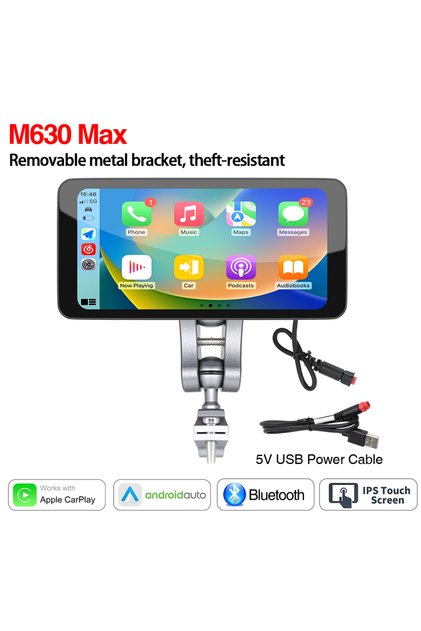


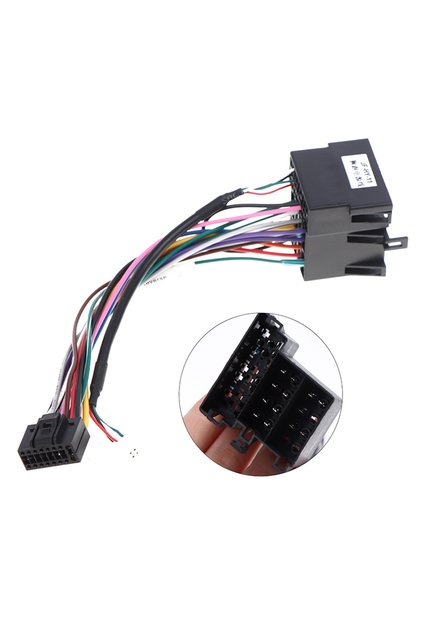


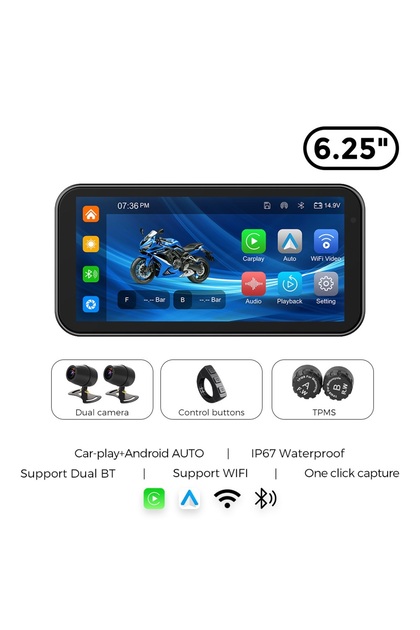

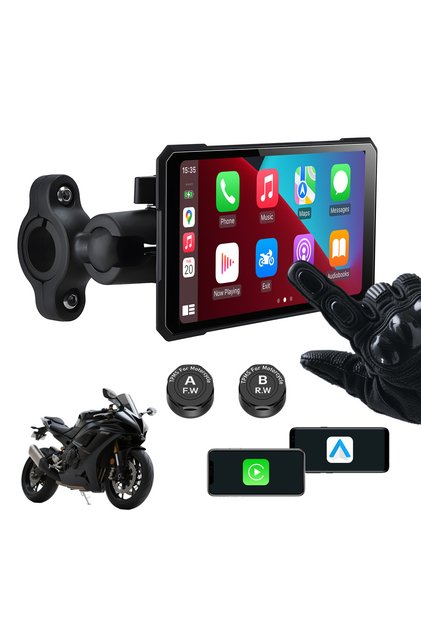


Shoppers also viewed








Choice None M34 Motorcycle Wireless CarPlay Android Auto GPS Navigation Monitor Portable 3.4" 5" 6" 7" Wate reviews
No reviews yet.
Product details

Additional info
- A maximum of 10 units of this product can be ordered. Trendyol reserves the right to cancel orders over 10 units.
- Barcode No: 3669802779493
Safety information
Product safety information
Product description
Sd Card Memory:None
Color:M34
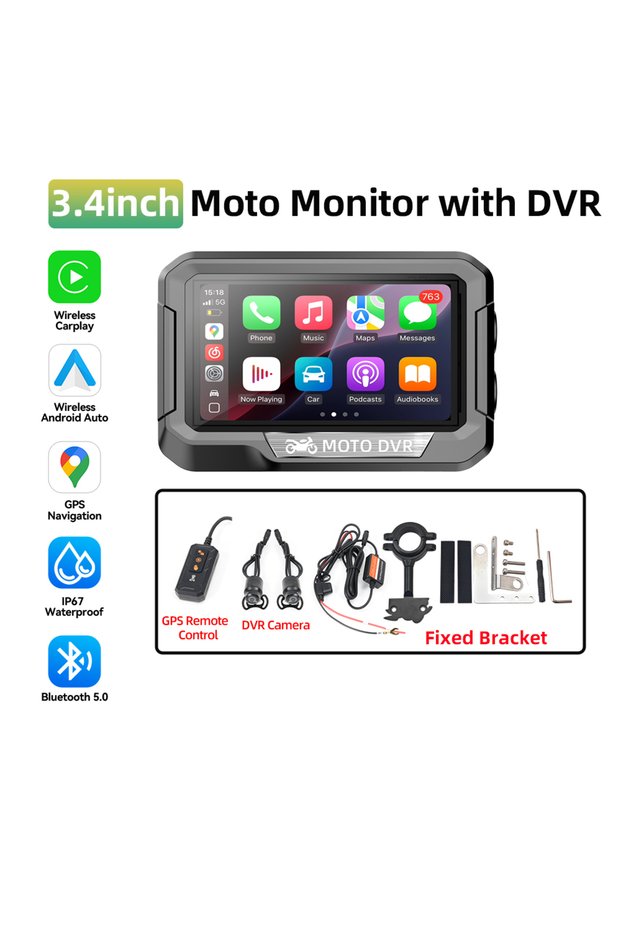
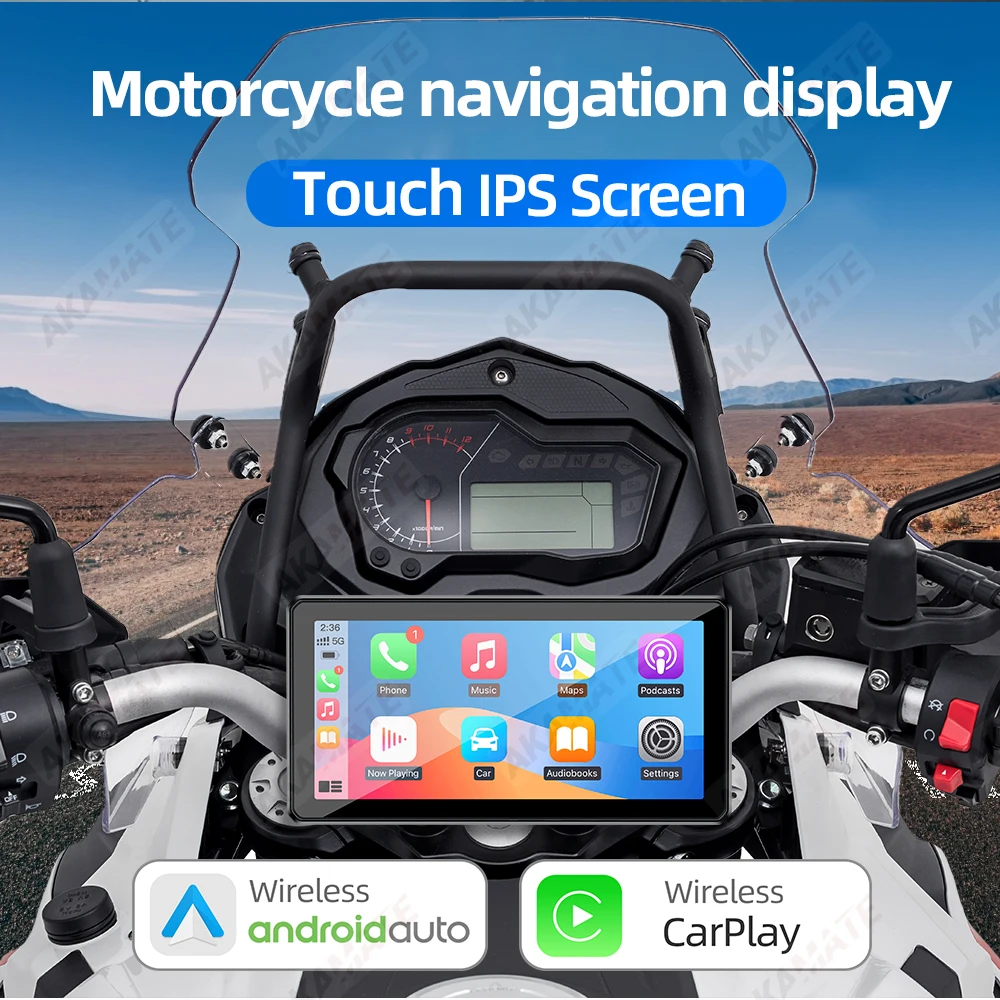
Motorcycle navigation display
Main Function
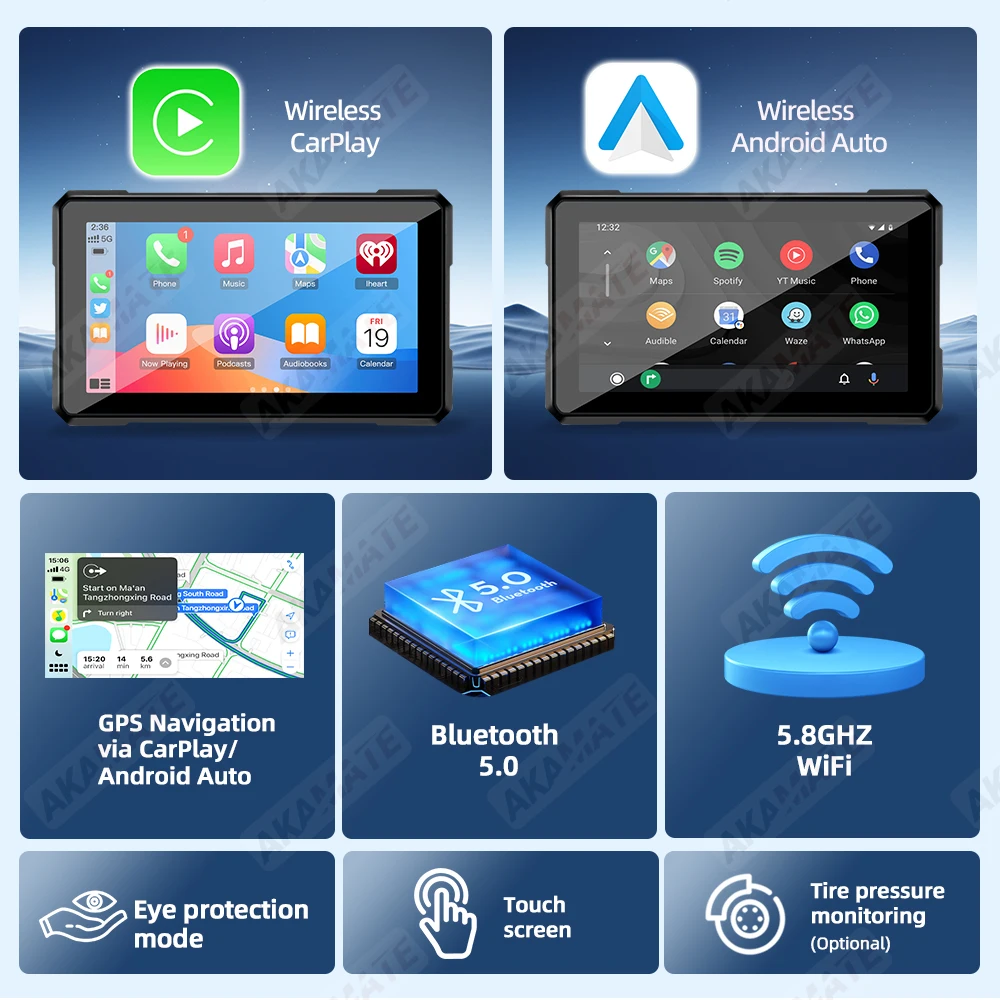
Front and rear 1080P HD dual camera(optional)
All-around, no blind spots, simultaneously recordingroad conditions and scenery
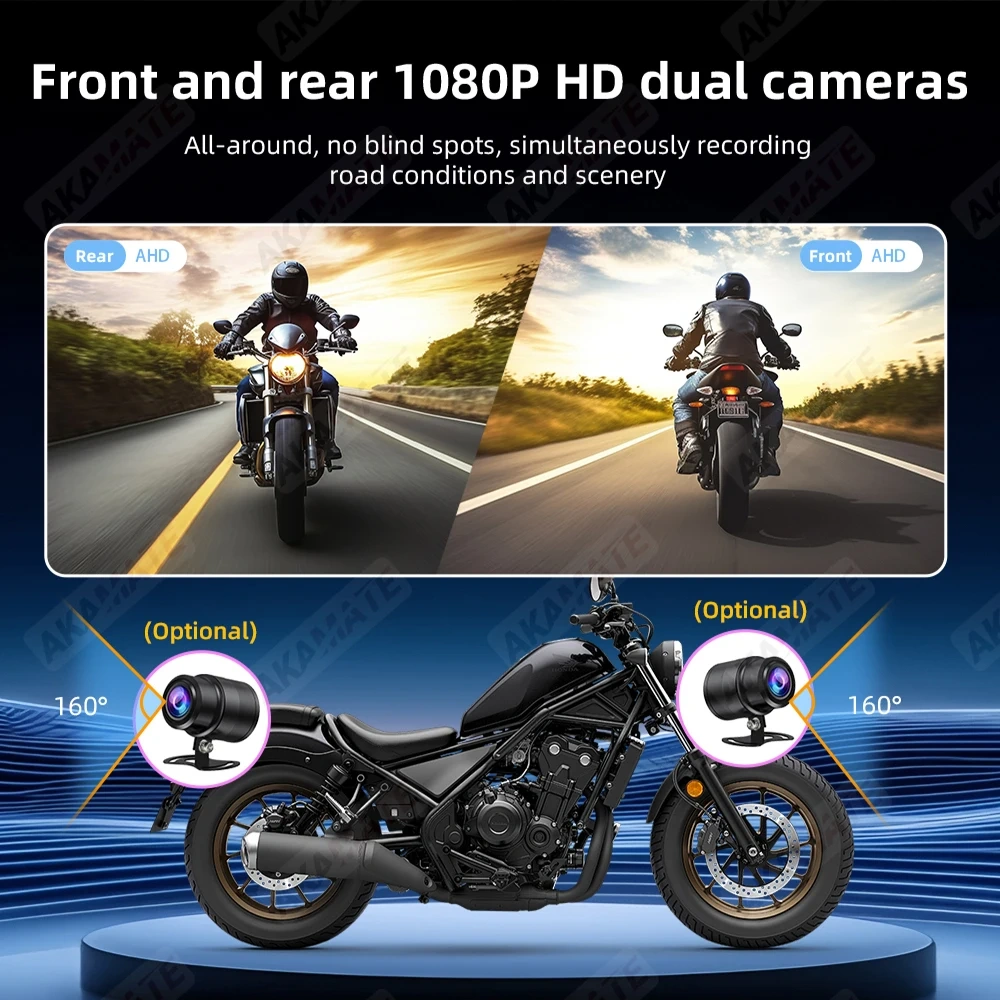
Tire pressure monitoring, early knowledge of safe riding(optional)
The optional tire pressure detection function monitors tire pressure in real time,allowing you to always understand the tire condition and ensure safe riding.
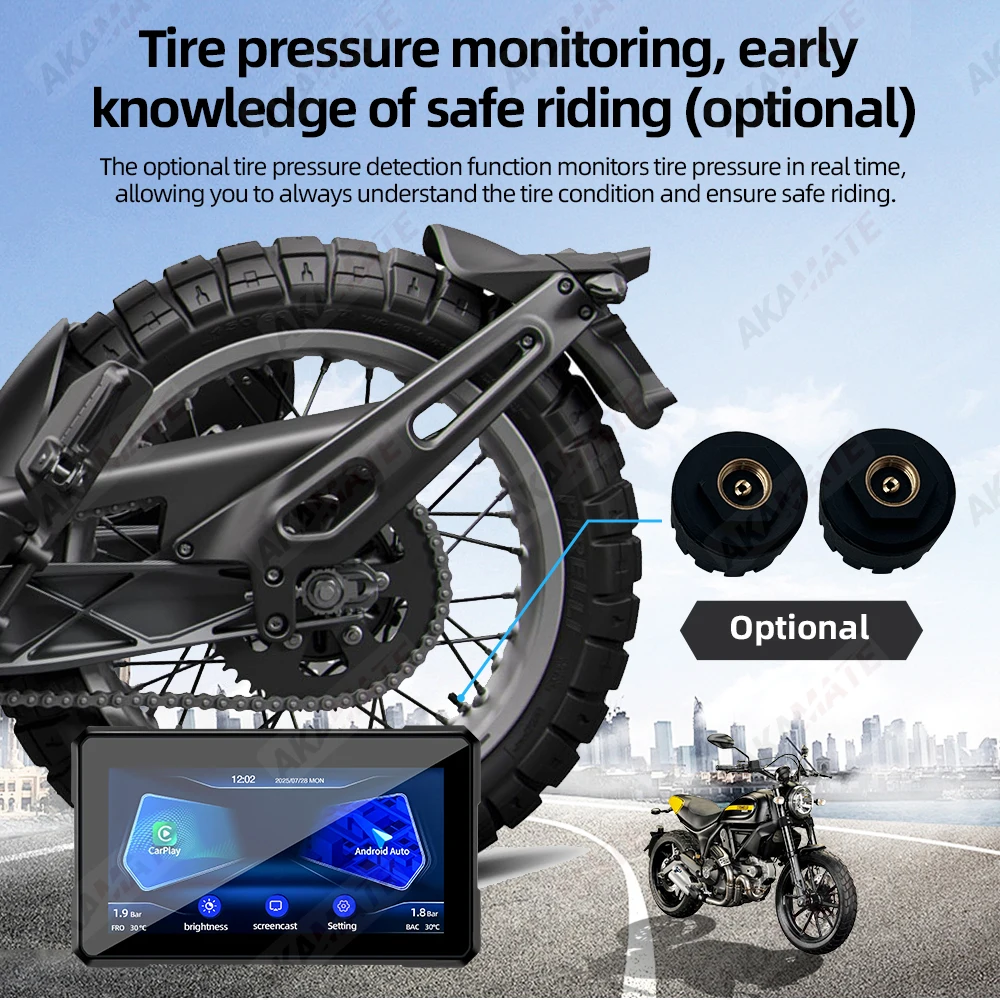
Fit For All Riding Environments
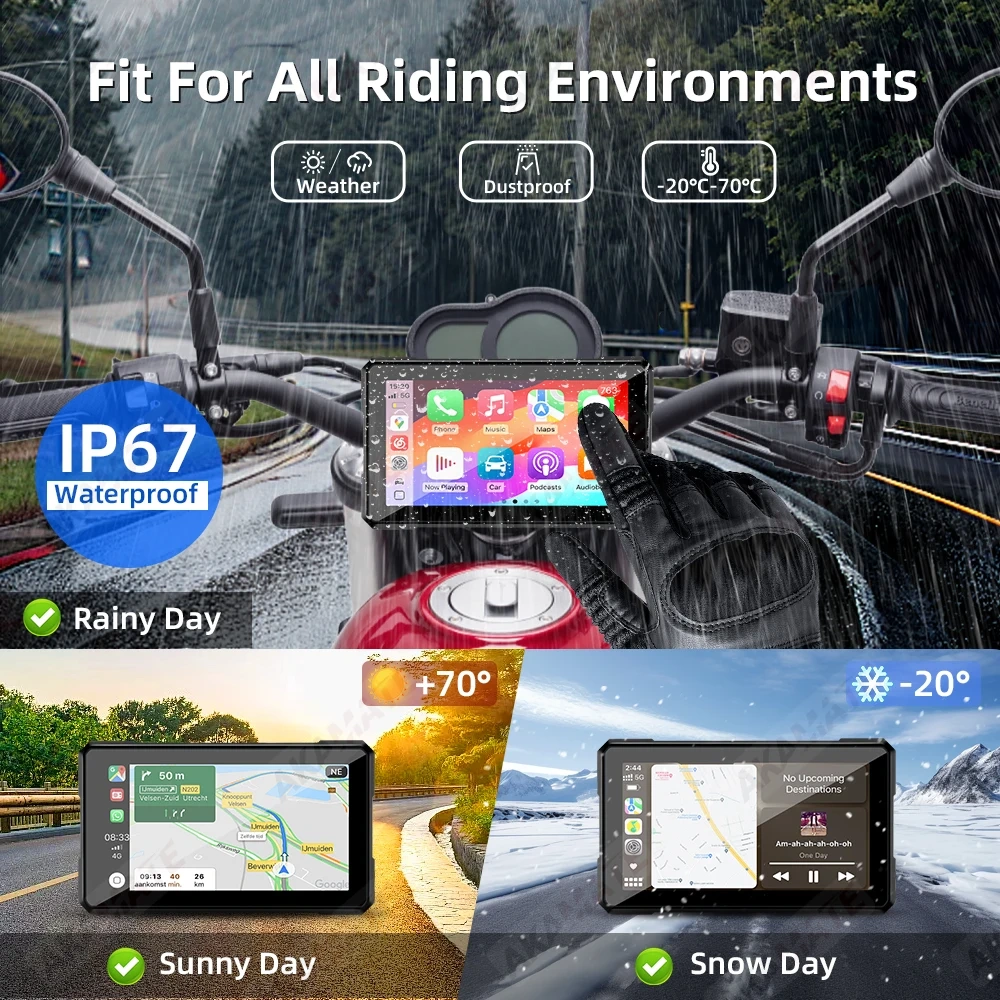
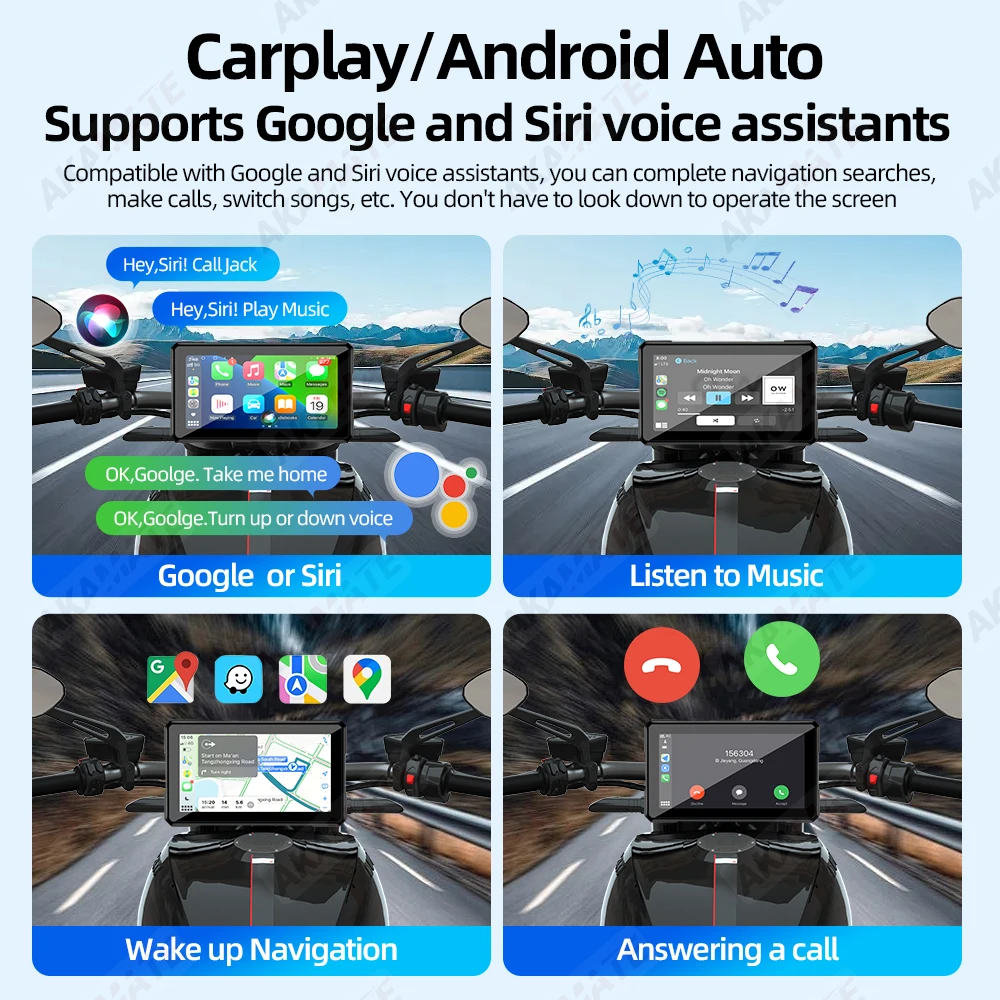
Carplay/Android Auto Supports Google and Siri voice assistants
Compatible with Google and Siri voice assistants, you can complete navigation searches,make calls, switch songs, etc. You don't have to look down to operate the screen.
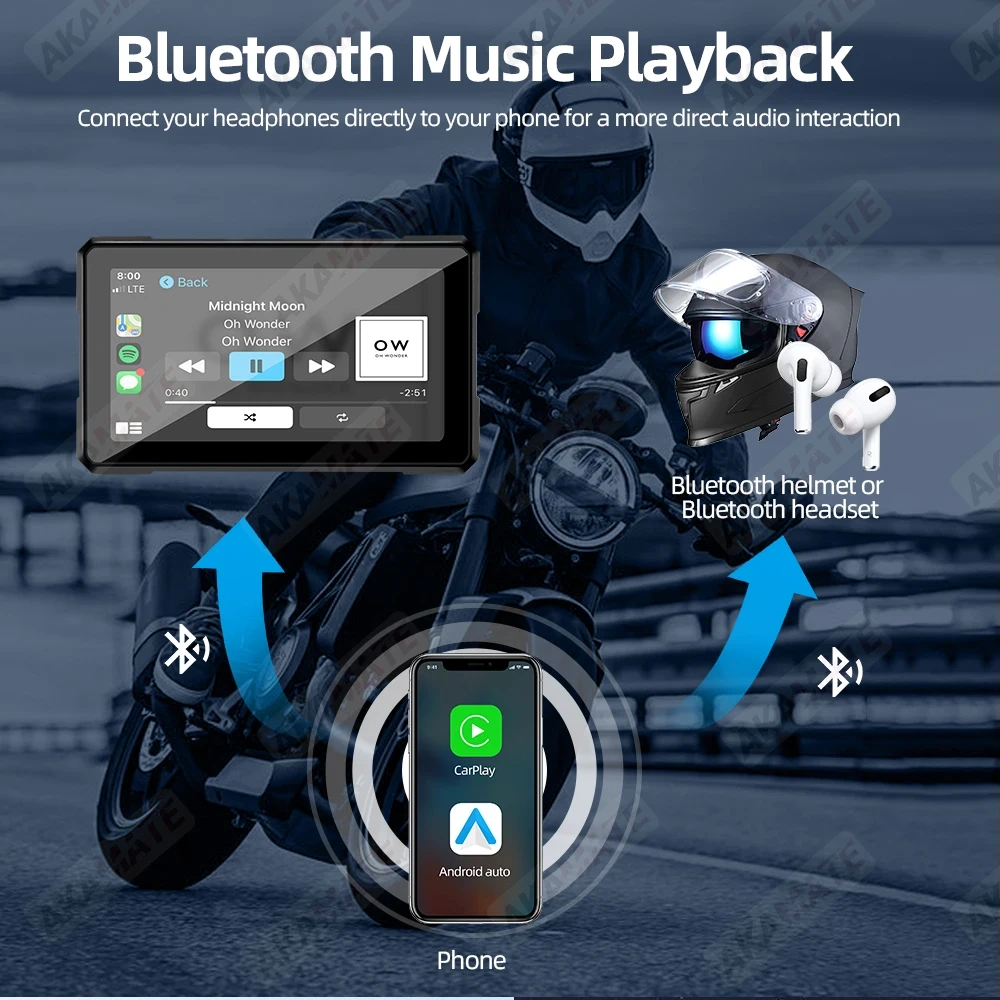
Bluetooth Music Playback
Connect your headphones directly to your phone for a more direct audio interaction.
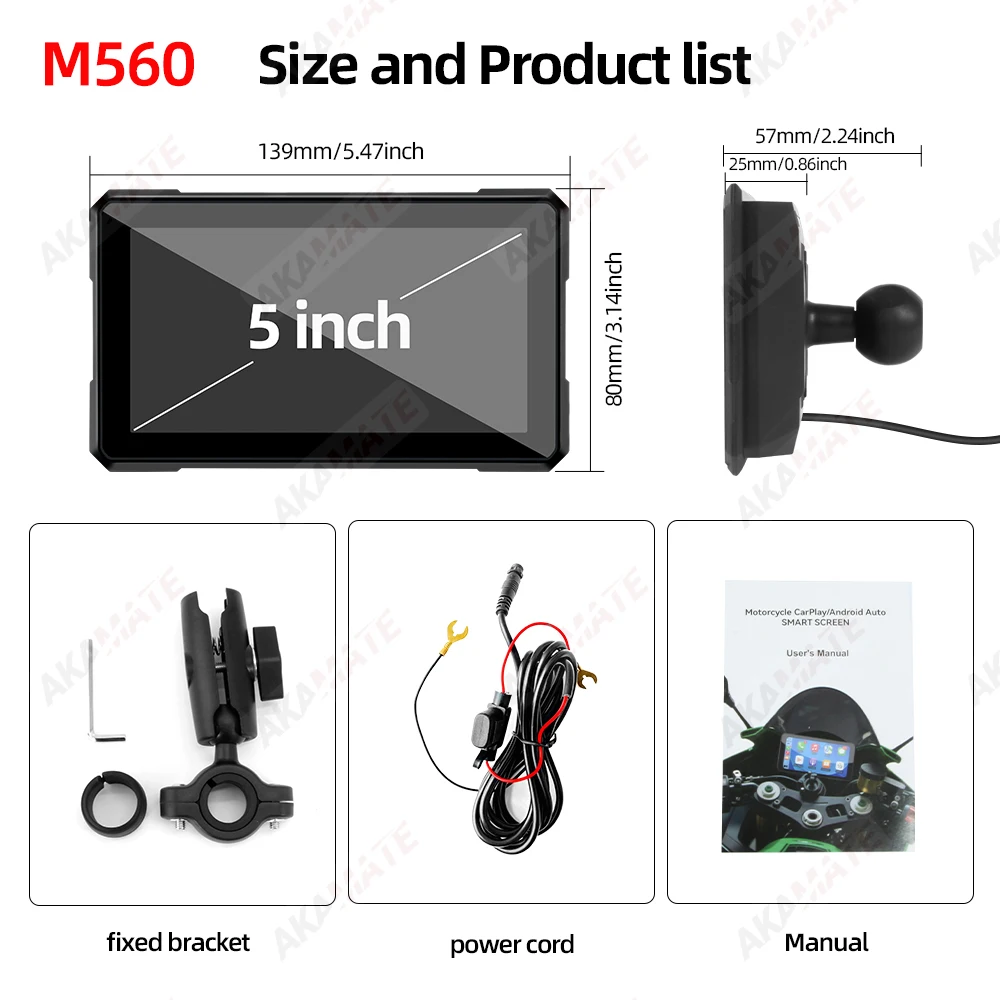
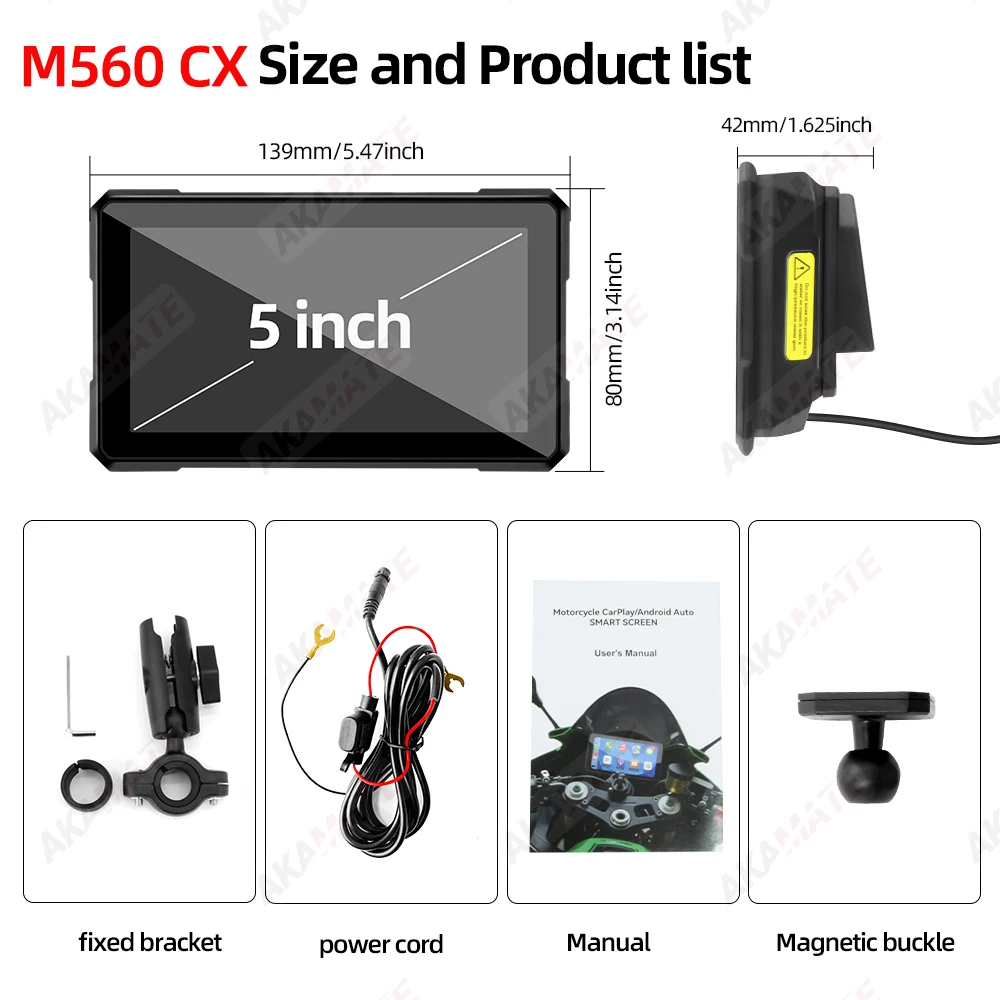
Product size
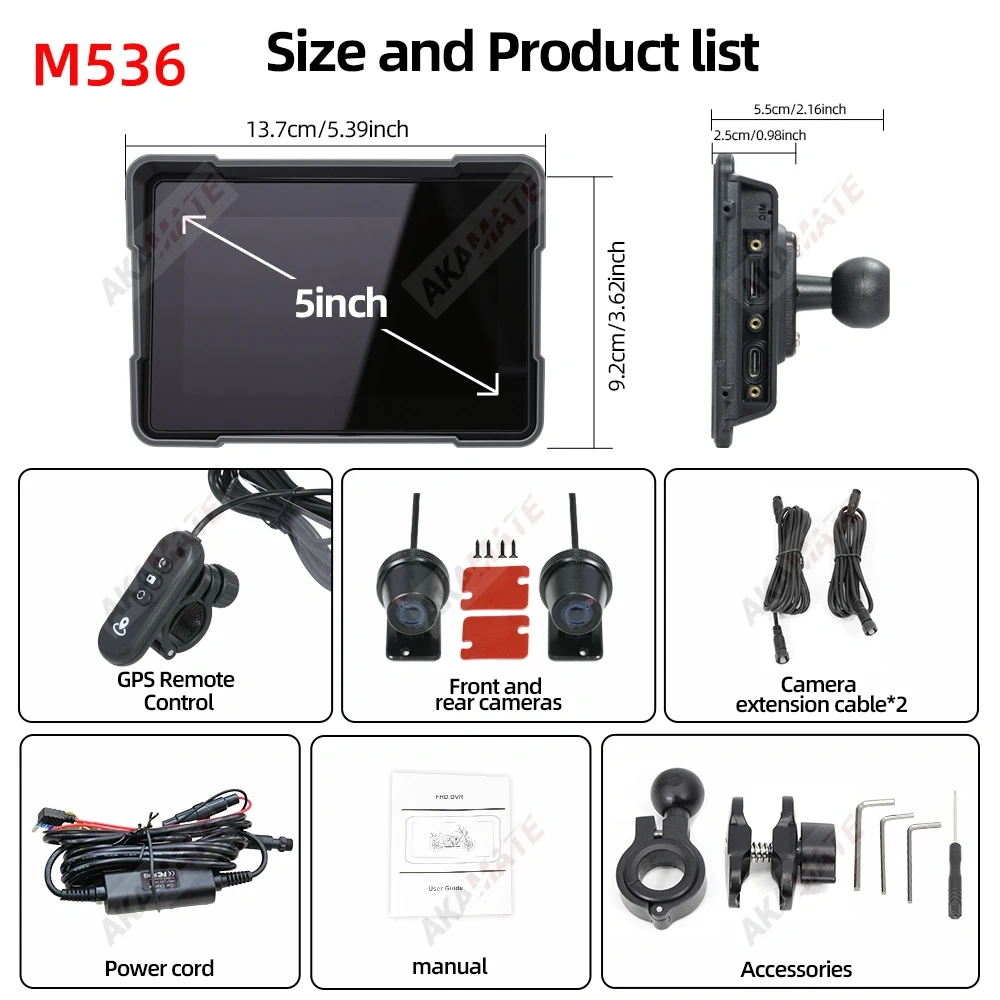
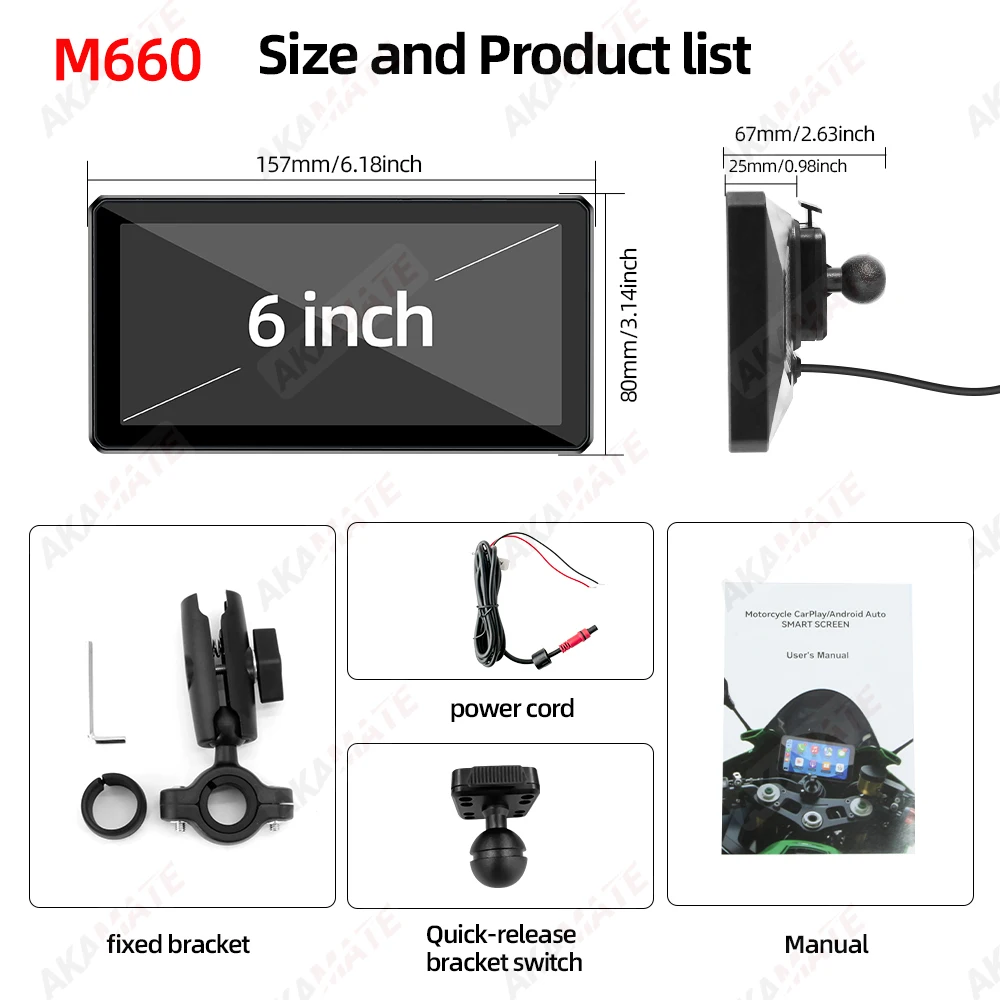
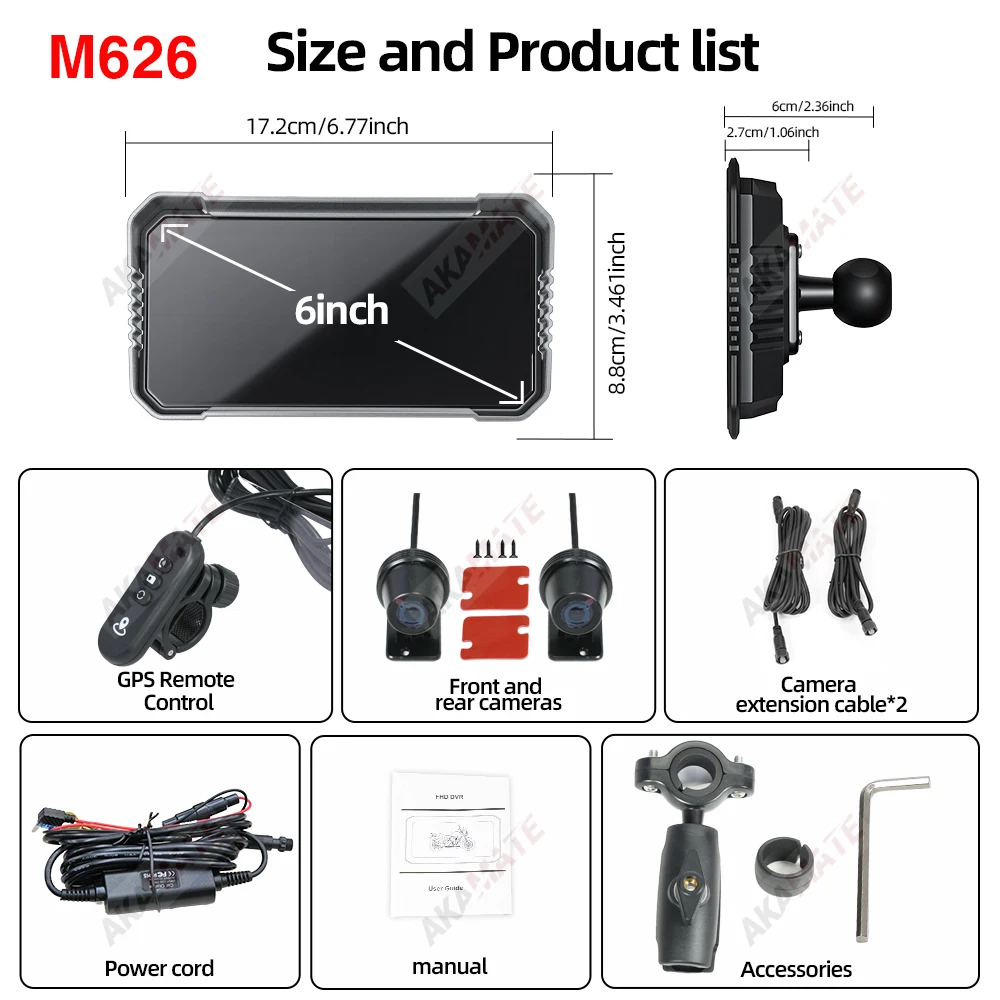
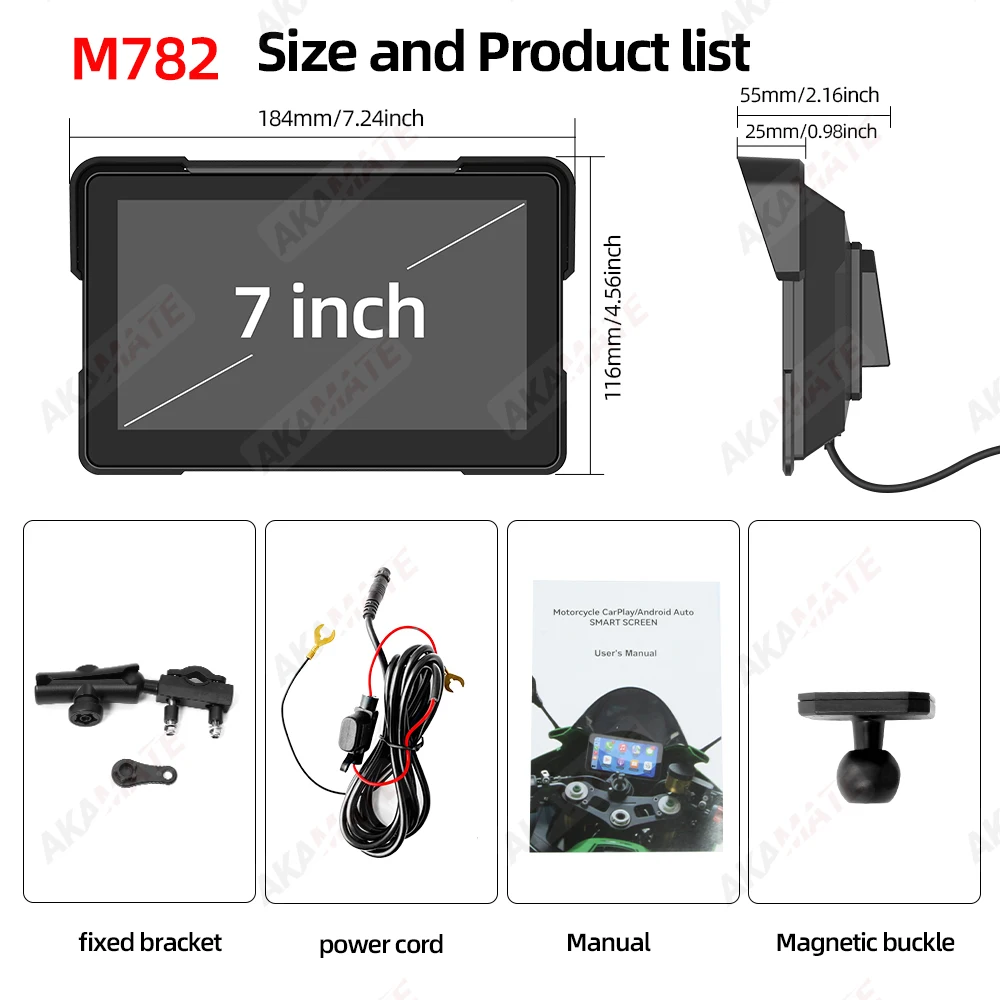
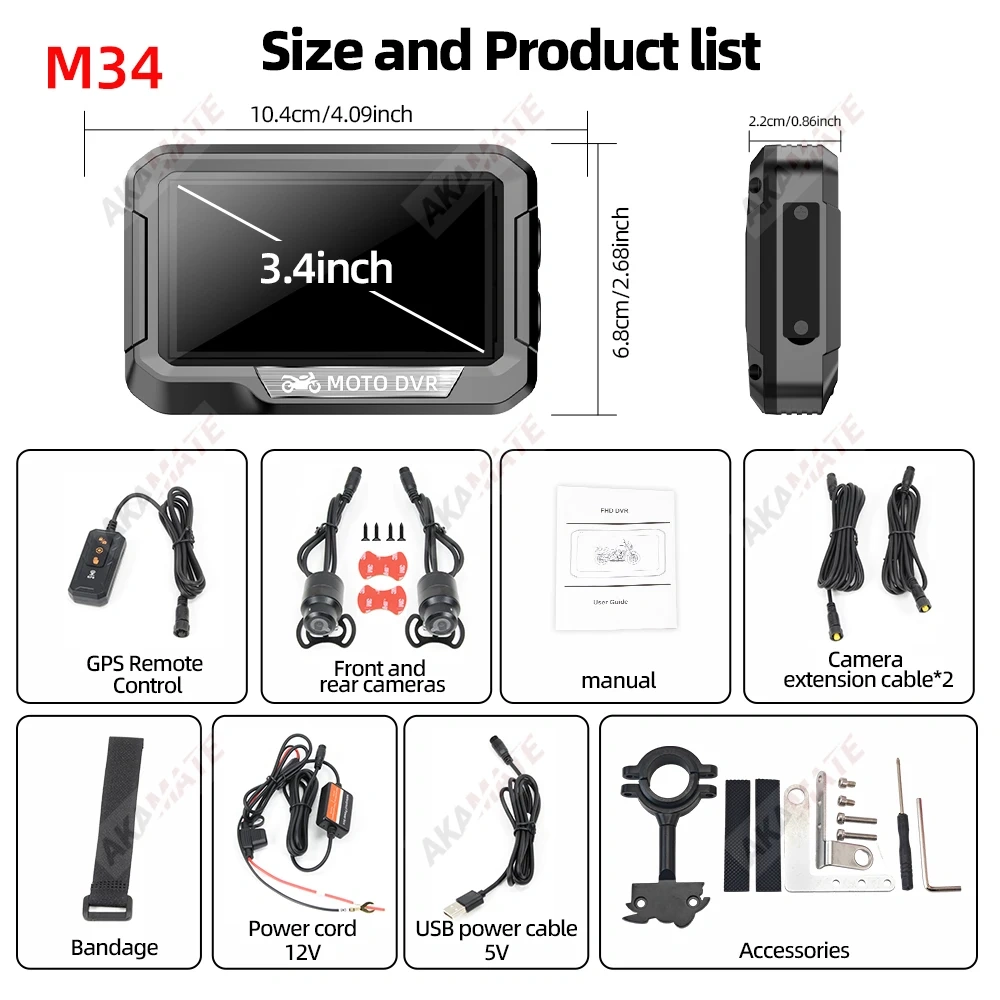
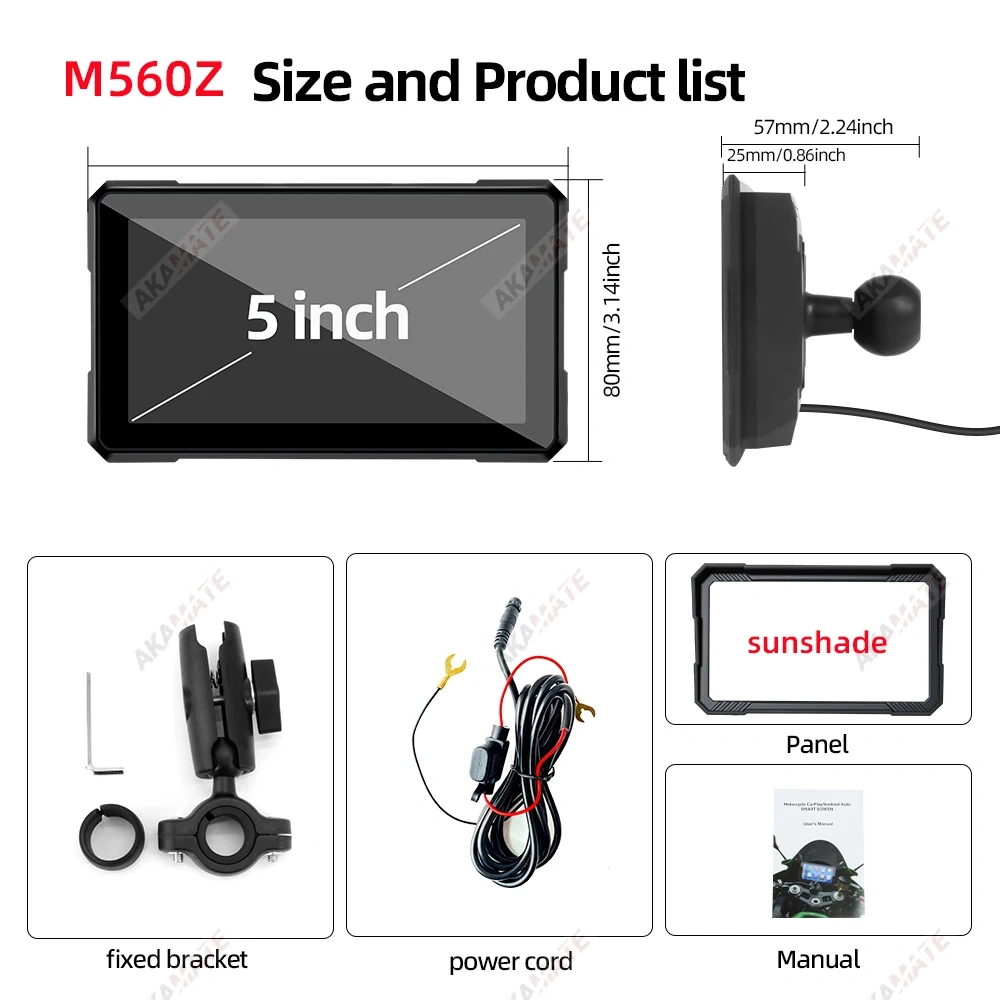
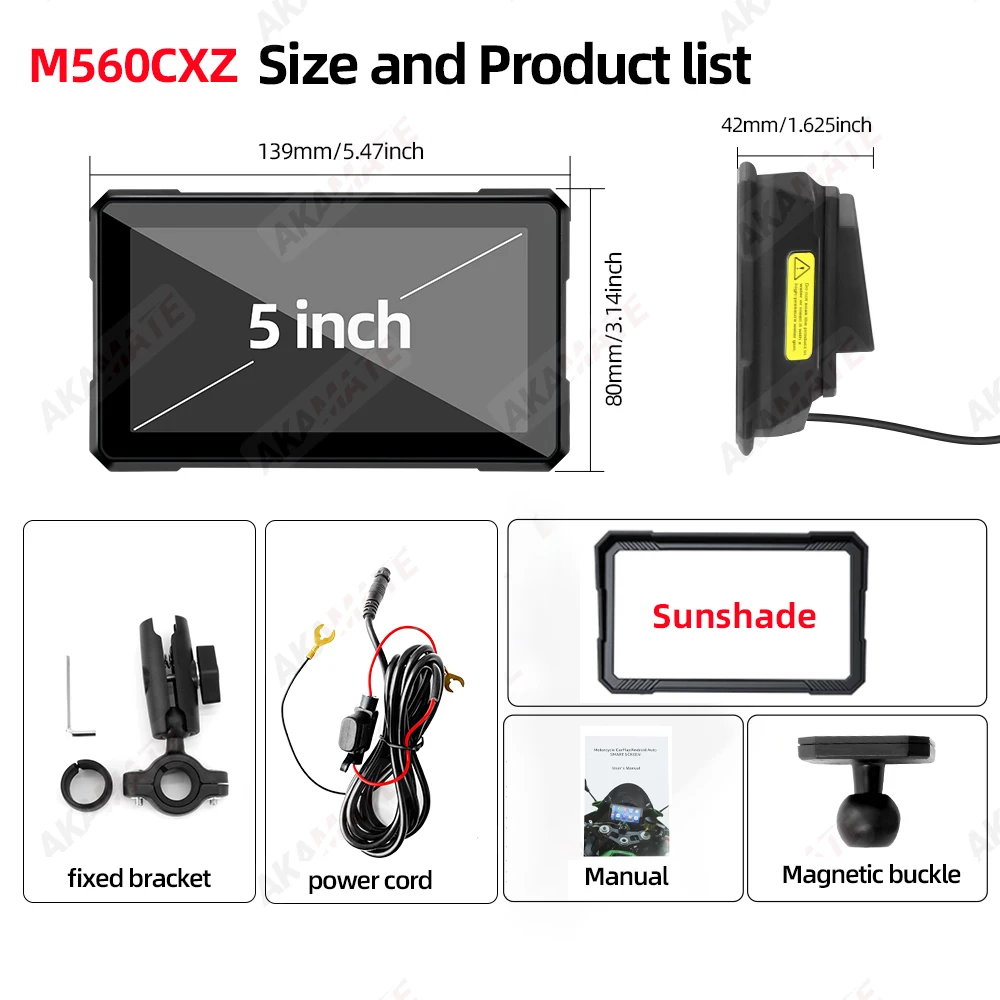
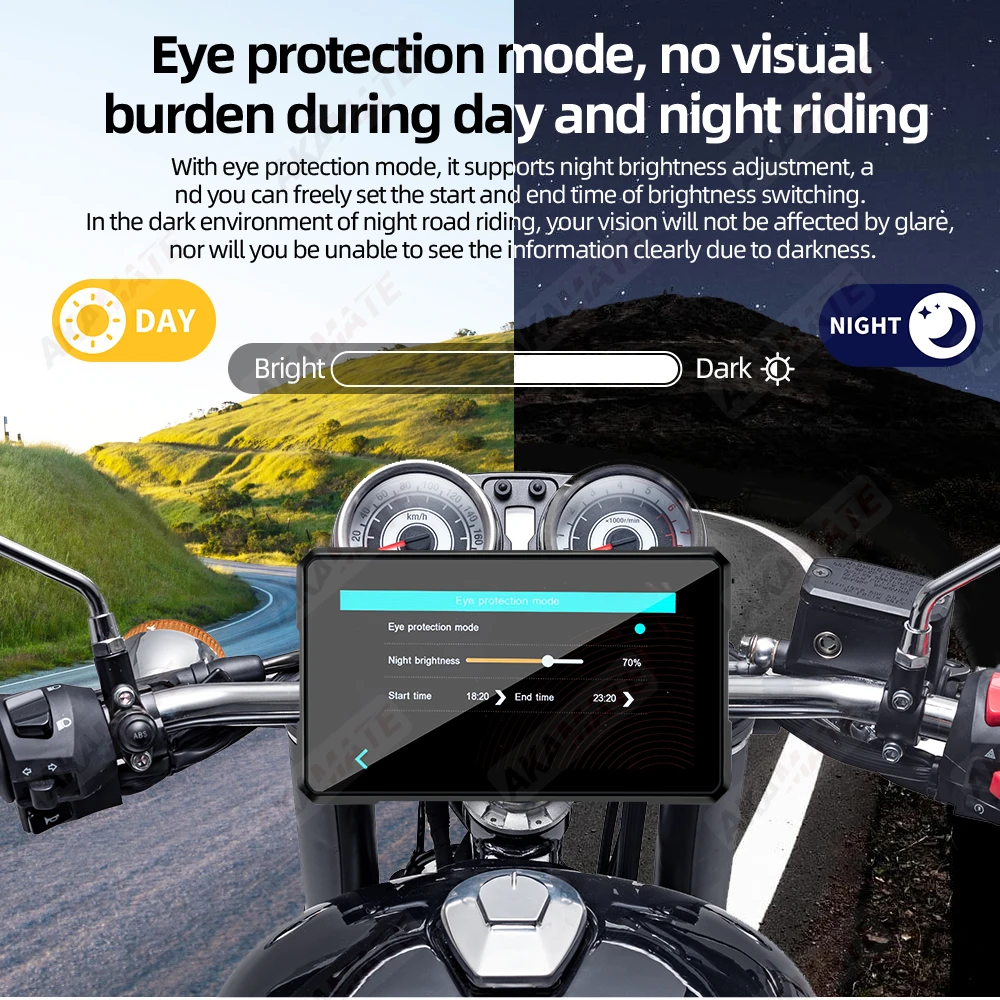
Eye protection mode, no visual burden during day and night riding
With eye protection mode, it supports night brightness adjustment, and you can freely set the start and end time of brightness switching.
In the dark environment of night road riding, your vision will not be affected by glare,nor will you be unable to see the information clearly due to darkness.
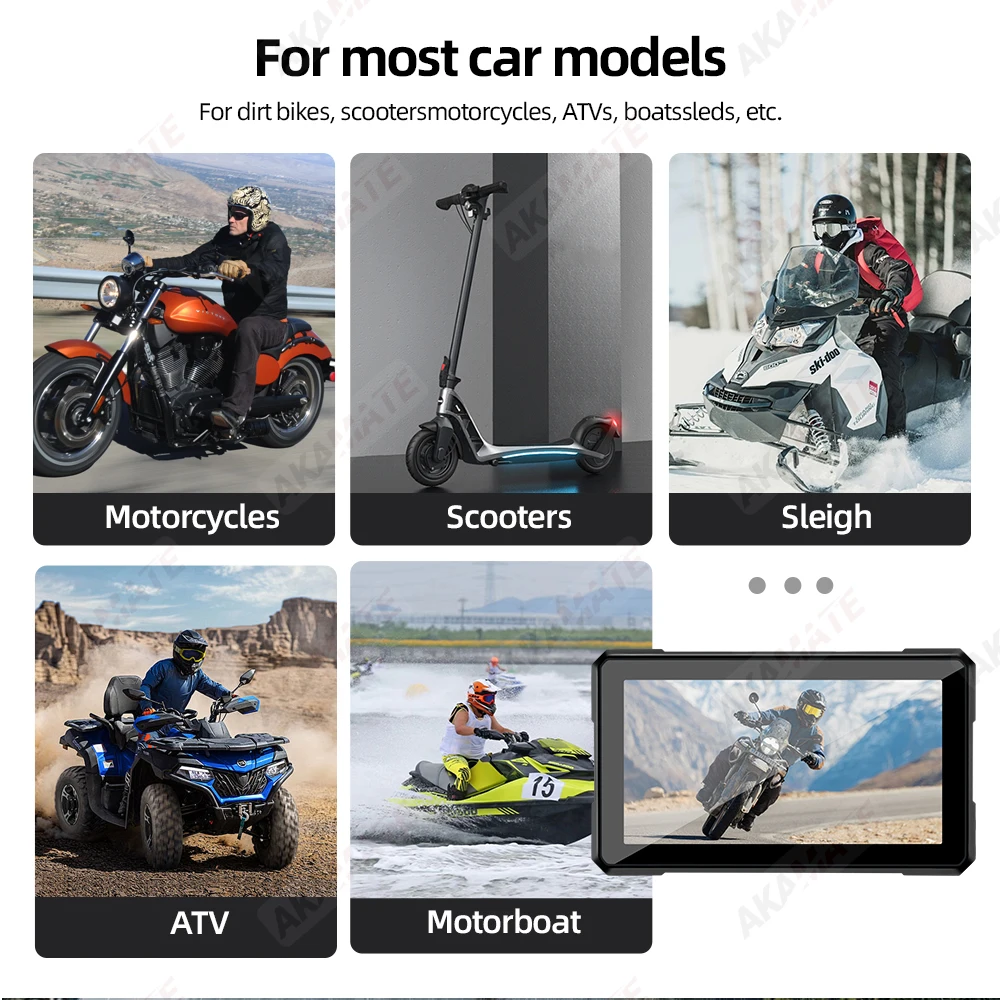
For most car models
For bikes, scooters motorcycles,ATVs, boats sleds, etc.
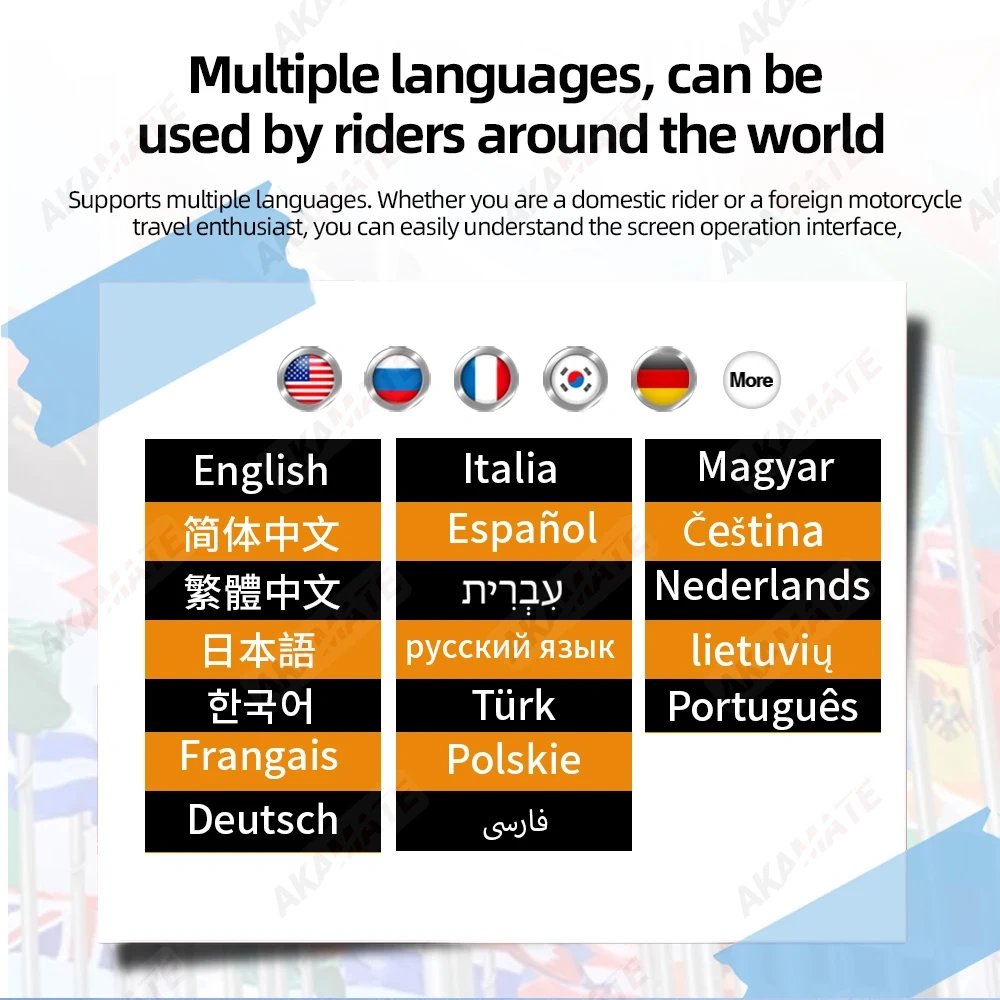
Multiple languages, can be used by riders around the world
Supports multiple languages. Whether you are a domestic rider or a foreign motorcycle travel enthusiast, you can easily understand the screen operation interface.
Installation Diagram
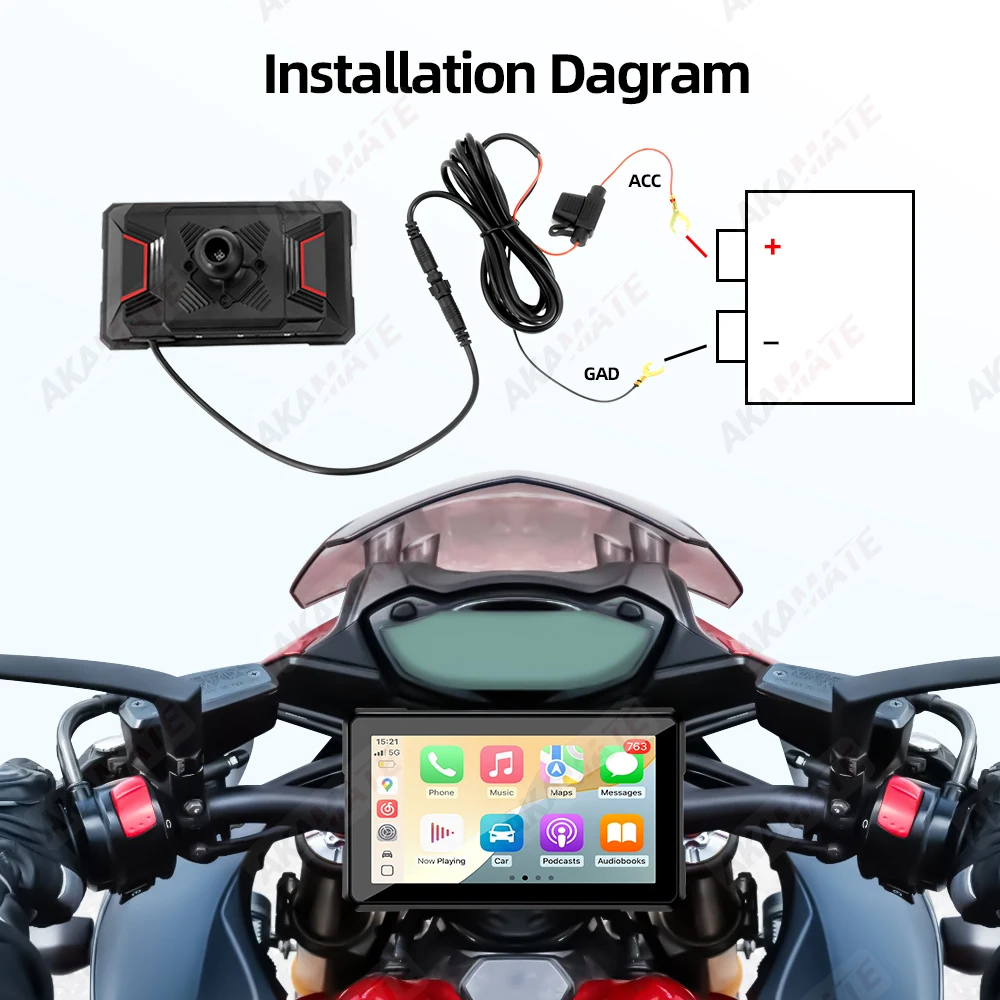
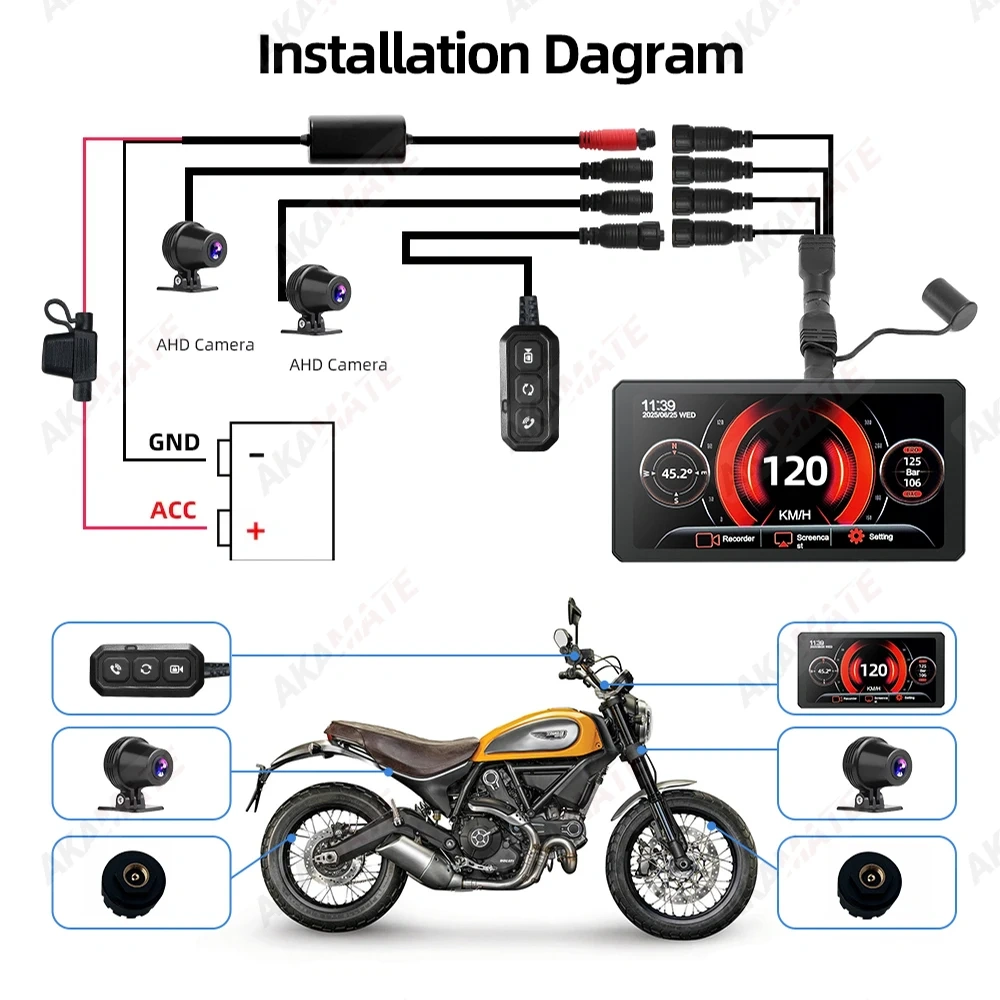
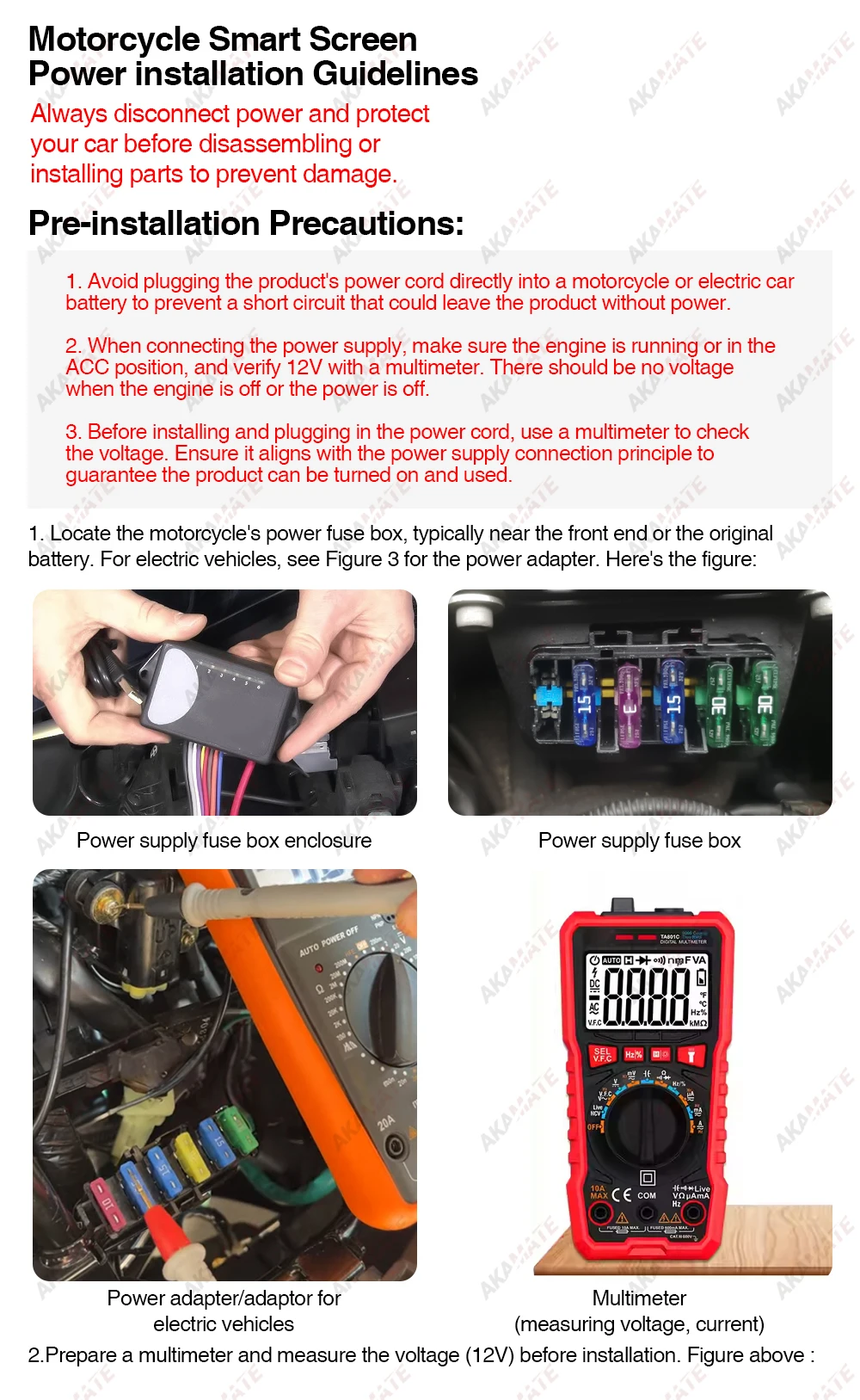
Motorcycle Smart Screen Power installation Guidelines
Always disconnect power and protect your car before disassembling or installing parts to prevent damage.
Pre-installation Precautions:
1. Avoid plugging the product's power cord directly into a motorcycle or electric car battery to prevent a short circuit that could leave the product without power.
2.When connecting the power supply, make sure the engine is running or in the ACC position,and verify 12V with a multimeter. There should be no voltage when the engine is off or the power is off.
3.Before installing and plugging in the power cord, use a multimeter to check the voltage. Ensure it aligns with the power supply connection principle to guarantee the product can be tumed on and used.
Installation Precautions:
1. Locate the motorcycle's power fuse box, typically near the front end or the original battery. For electric vehicles, see Figure 3 for the power adapter.
2.Prepare a multimeter and measure the voltage (12V) before installation.