Free shipping
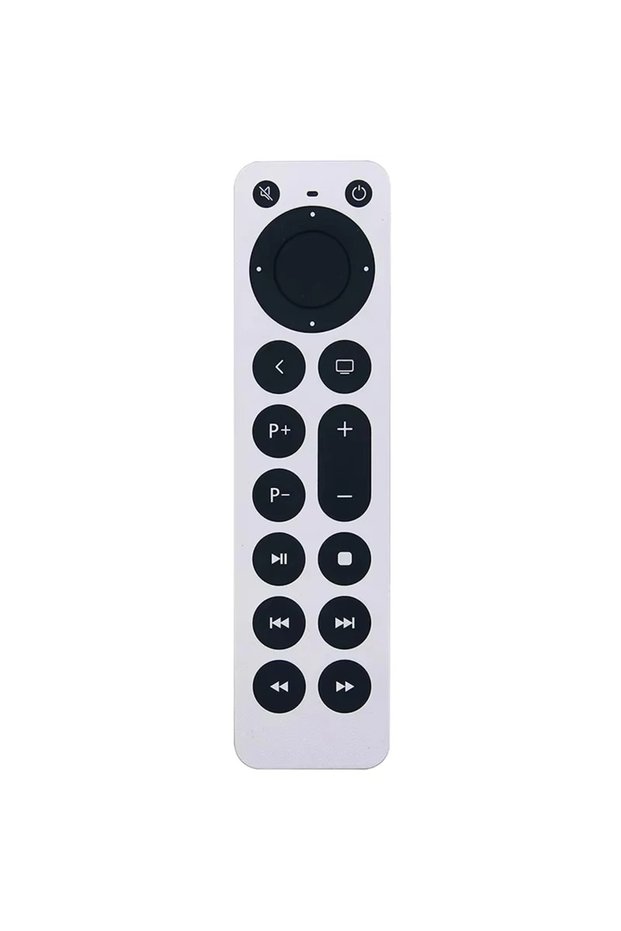
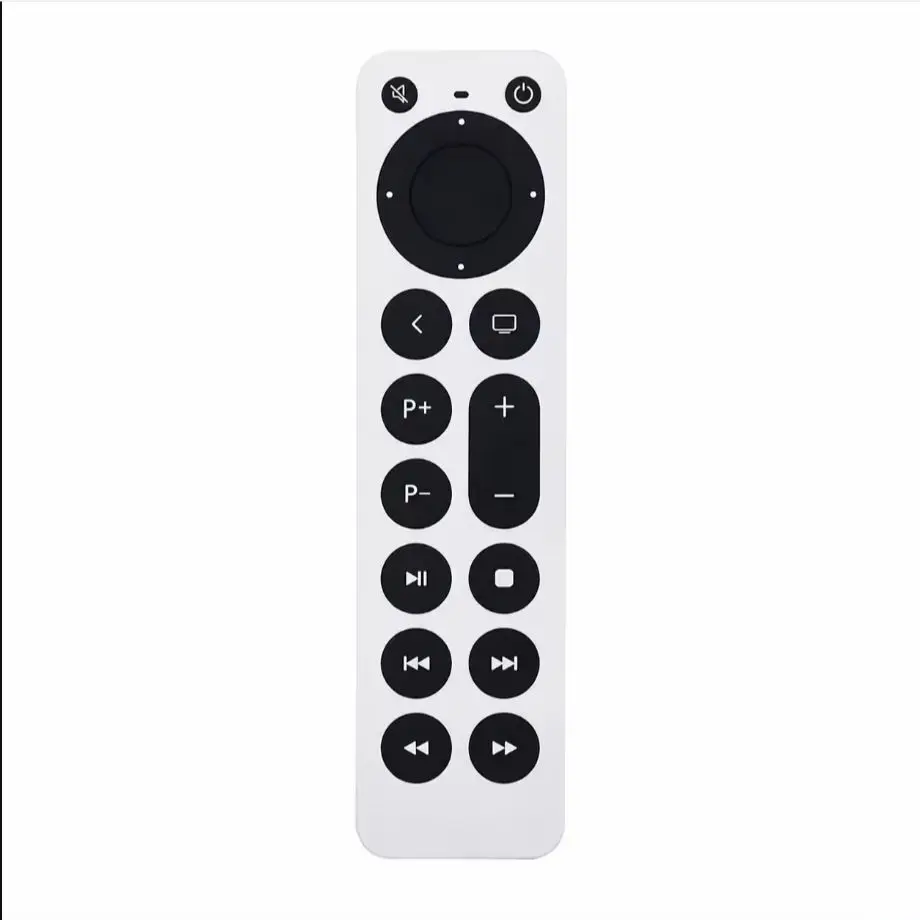
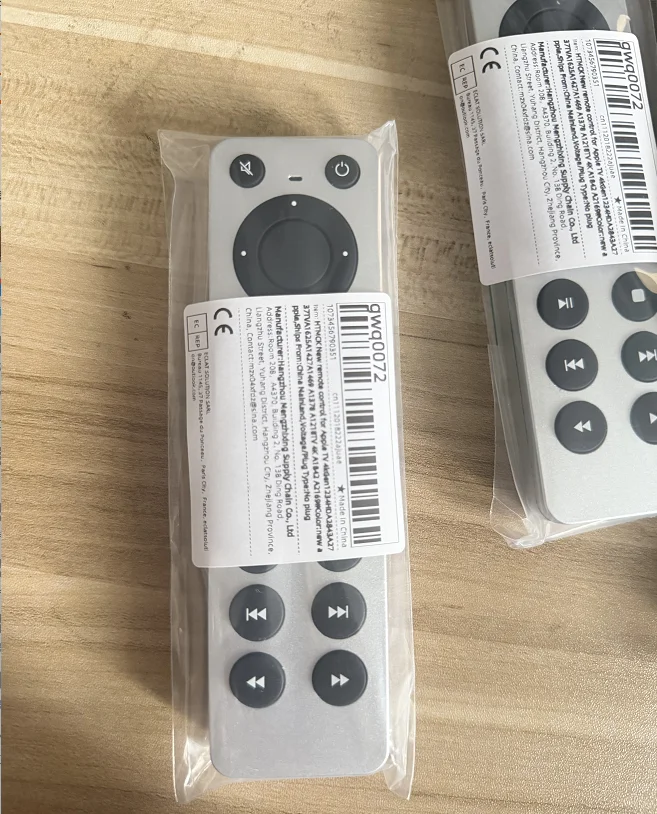
Choice No plug China Mainland new apple HTMCK New Remote Control for Apple TV 4K Gen1234HDA2843A2737TVA1625
No reviews yet.

Special Deals
15.5412.12AED
Free shipping
Delivery address

Select your address, find out the delivery date!
Trendyol's commitments
Easy and free return in 15 days.
Payment methods



Highlighted features:
Choice No plug China Mainland new apple HTMCK New Remote Control for Apple TV 4K Gen1234HDA2843A2737TVA1625 features
Color
Multicolor

Big Save Store
8.9
81.6K followers
Seller information
Similar items



 Trendyol Plus Exclusive







Choice No plug China Mainland new apple HTMCK New Remote Control for Apple TV 4K Gen1234HDA2843A2737TVA1625 reviews
No reviews yet.
Product details
Additional info
- A maximum of 10 units of this product can be ordered. Trendyol reserves the right to cancel orders over 10 units.
- Barcode No: 3675220246544
Choice No plug China Mainland new apple HTMCK New Remote Control for Apple TV 4K Gen1234HDA2843A2737TVA1625 features
Color
Multicolor
Safety information
Product safety information
Product description
Voltage/Plug Type:No plug
Ships From:China Mainland
Color:new apple
Product Introduction
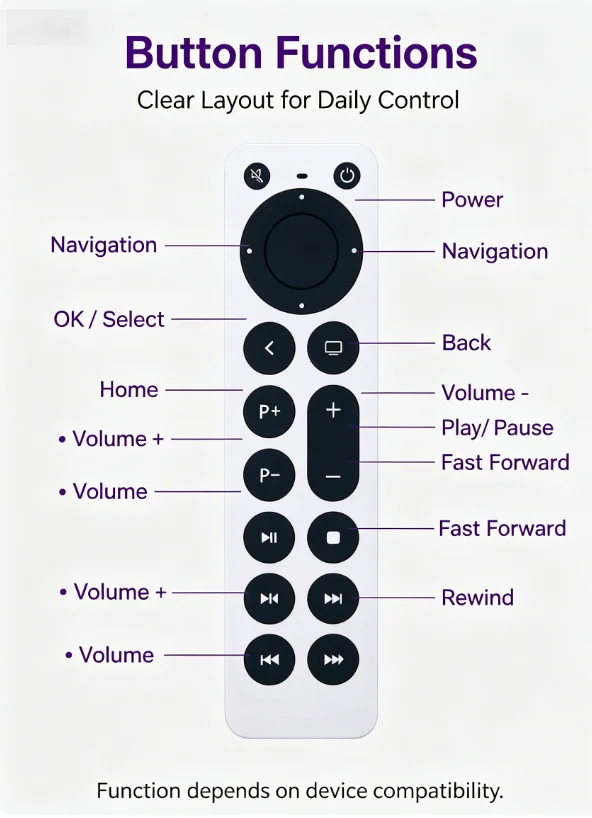
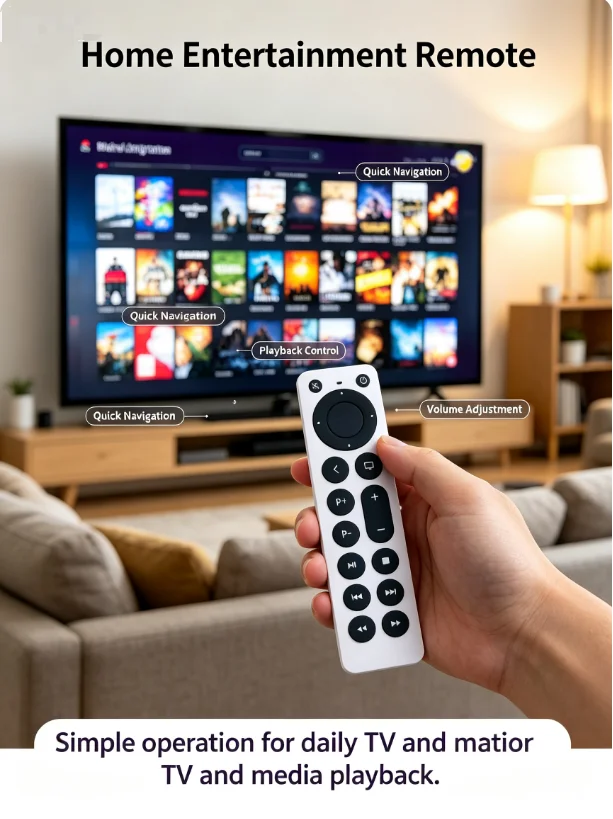
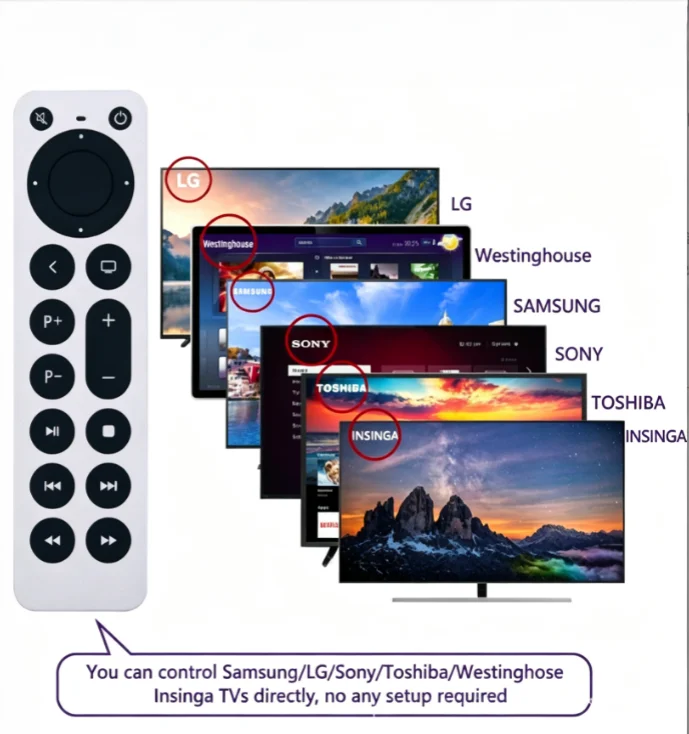
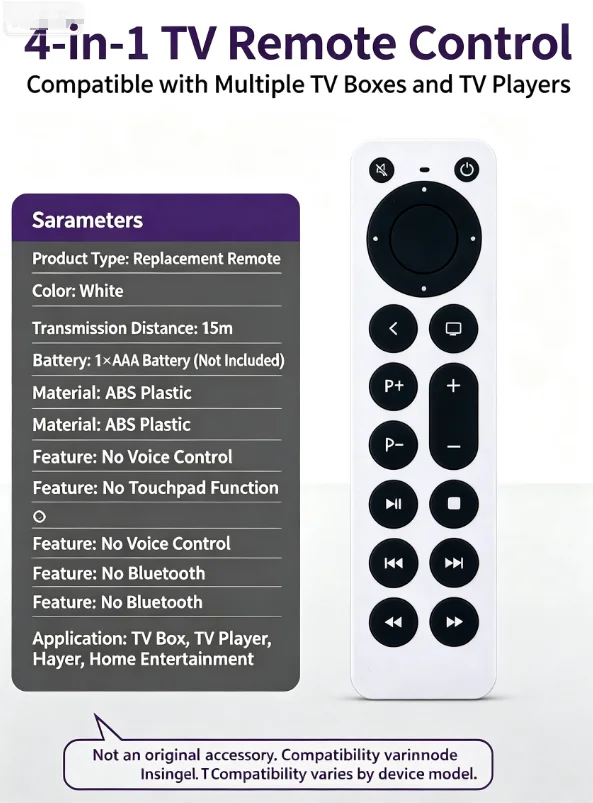
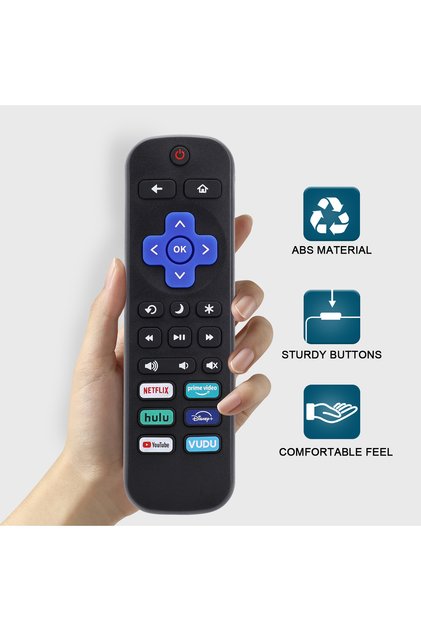
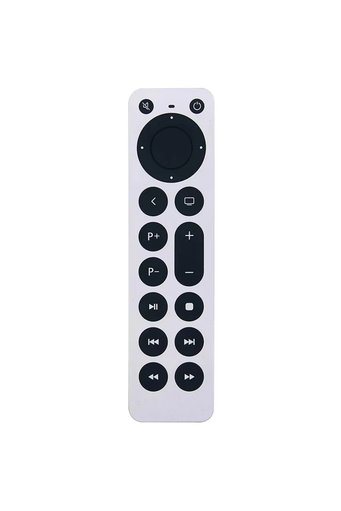
This 4-in-1 TV remote control is designed for use with various TV boxes, media players and compatible TV devices. It features an ABS plastic body, clearly arranged buttons, and supports common functions such as navigation, playback control and volume adjustment. It is suitable for home entertainment, living room viewing and daily display scenarios.
Key Selling Points
This remote does NOT support voice control, touchpad function or Bluetooth.
This is a third-party compatible remote control, not an original accessory.
Do not block the infrared receiver during use.
Remove the battery if the product will not be used for a long time.
Do not use or store the product in high-temperature, humid or dusty environments.
Install the battery correctly according to polarity.
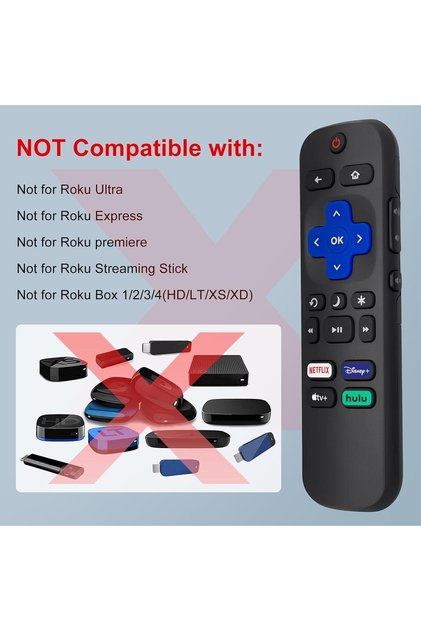
Compatibility may vary by device model.
Instructions for Use
4-in-1 multi-function button layout for simple operation
Stable transmission distance up to 15 meters
Minimal white design fits most home environments
Easy operation without complicated setup for many devices
Powered by AAA Battery, easy to replace
Important Notes
Prepare one CR2032 battery before use.
Open the battery compartment and install the battery according to the polarity marks.
Point the remote control toward the infrared receiver of your TV, TV box or media player.
Press buttons such as Power, Navigation, Playback and Volume to check device response.
If the remote does not work properly, please check the battery power, remove obstacles in front of the receiver, and confirm whether your device supports this remote layout.
Product dimensions are manually measured and may have slight errors.If you cannot accept measurement errors or color differences, please purchase carefully.