Free shipping

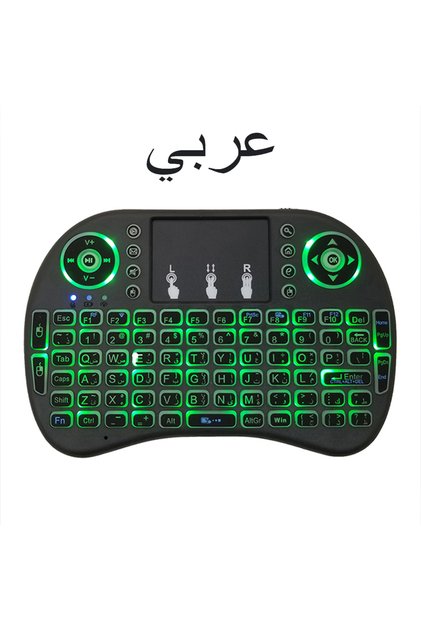
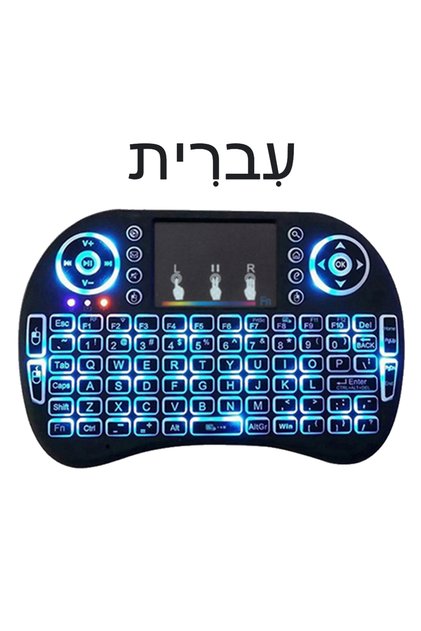
Choice Lithium Version Hebrew MRSVI 2.4G Mini Wireless Keyboard i8 with Touchpad Keyboard Backlit / Without
No reviews yet.
Lowest price in 7 days
Checkout Discount 10% Off
At checkout
20.70 AED
23 AED
Color:Lithium Version*Hebrew



Free shipping
Delivery address

Select your address, find out the delivery date!
Trendyol's commitments
Easy and free return in 15 days.
Payment methods



Highlighted features:
Choice Lithium Version Hebrew MRSVI 2.4G Mini Wireless Keyboard i8 with Touchpad Keyboard Backlit / Without features
Color
Multicolor

Big Save Store
8.8
81.0K followers
Seller information
Similar items





 Trendyol Plus Exclusive






Choice Lithium Version Hebrew MRSVI 2.4G Mini Wireless Keyboard i8 with Touchpad Keyboard Backlit / Without reviews
No reviews yet.
Product details

Additional info
- A maximum of 10 units of this product can be ordered. Trendyol reserves the right to cancel orders over 10 units.
- Barcode No: 3579677845541
Choice Lithium Version Hebrew MRSVI 2.4G Mini Wireless Keyboard i8 with Touchpad Keyboard Backlit / Without features
Color
Multicolor
Safety information
Product safety information
Product description
Axis Body:Lithium Version
Color:Hebrew

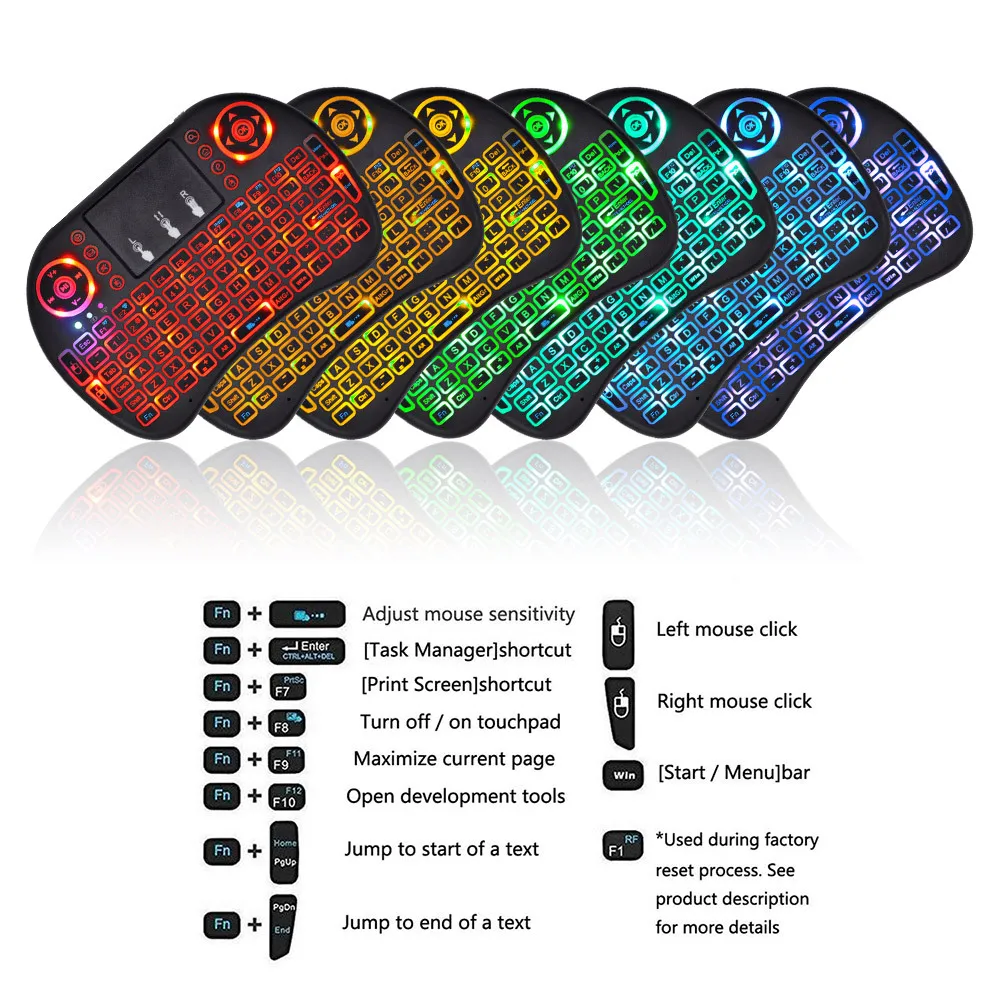
- With 7 colors Backlight
- Six Languages Version (Optional) : English / Russian / Spanish / French / Hebrew / Portuguese/Arabic
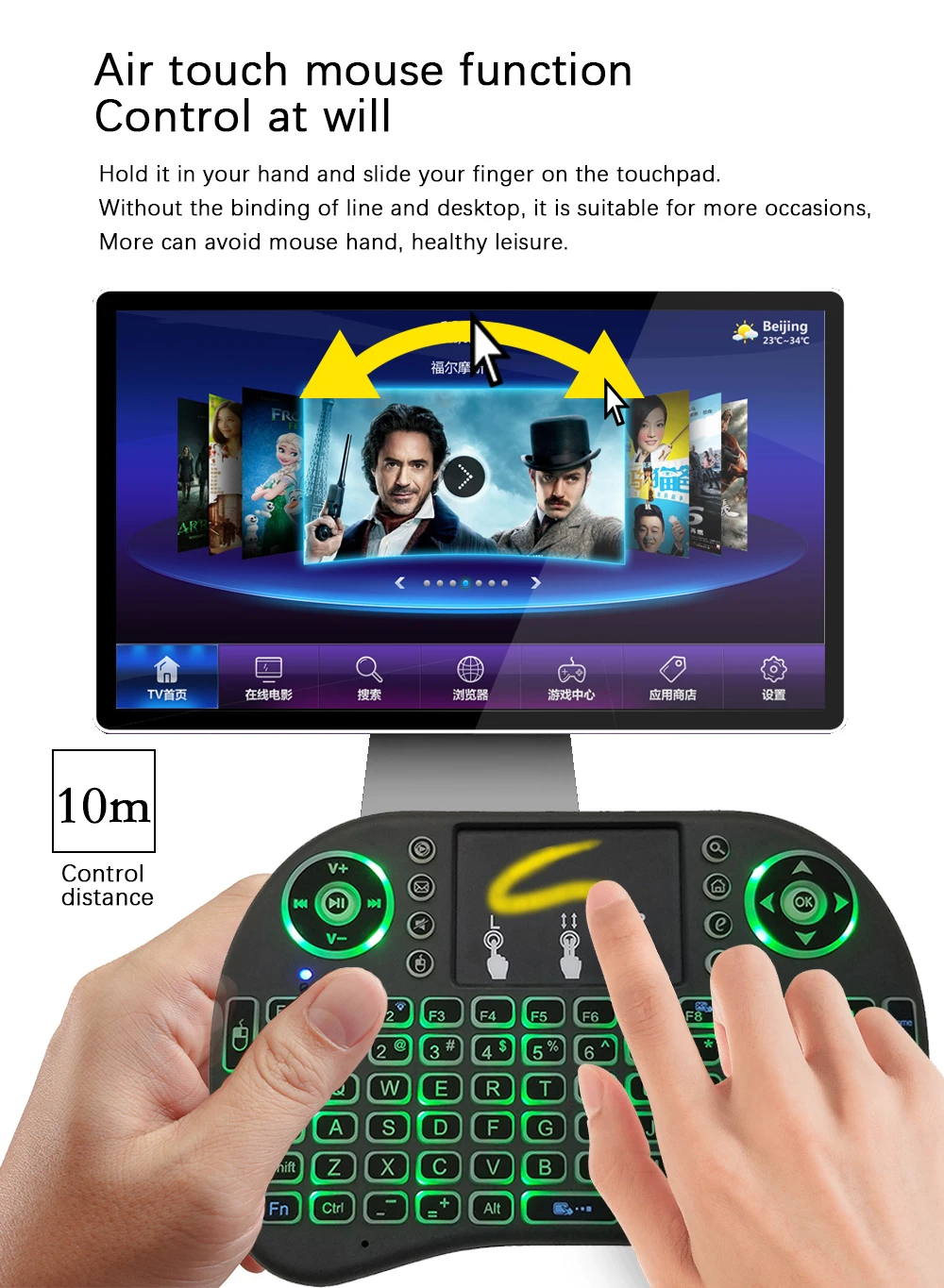
- Wireless mouse 2.4G Wireless Connection Range: Radius 10 m
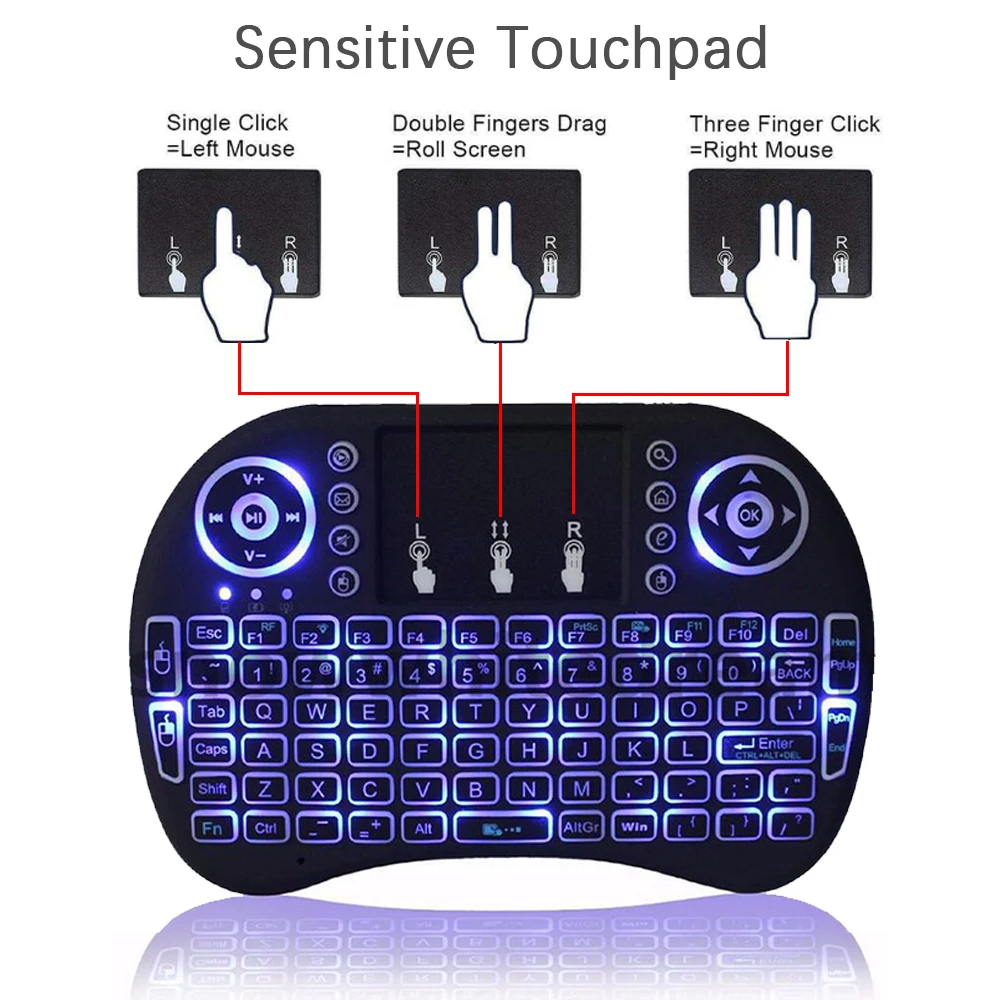
- High sensitivity touch template, template DPI adjustable function touch
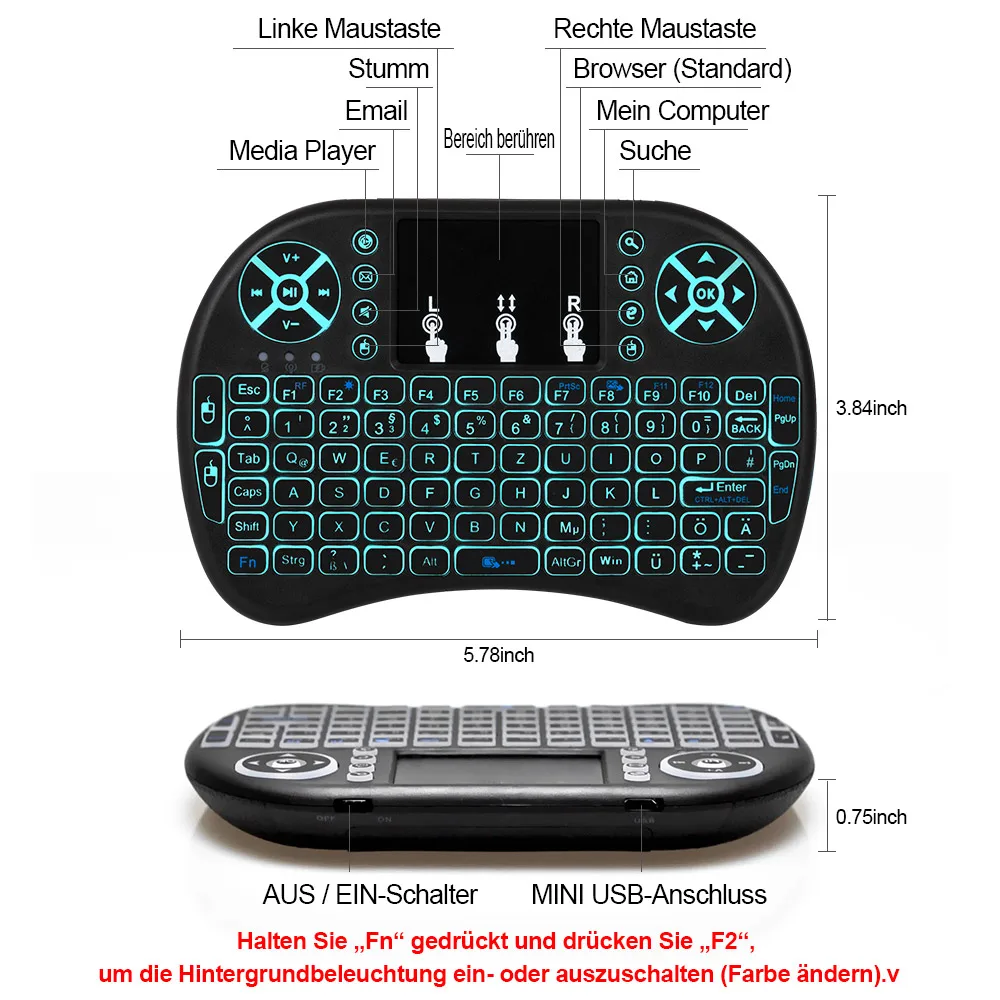
- Mini QWERTY 92-key keyboard multimedia control keys and PC gaming control keys
- Automatic sleep / wake patterns
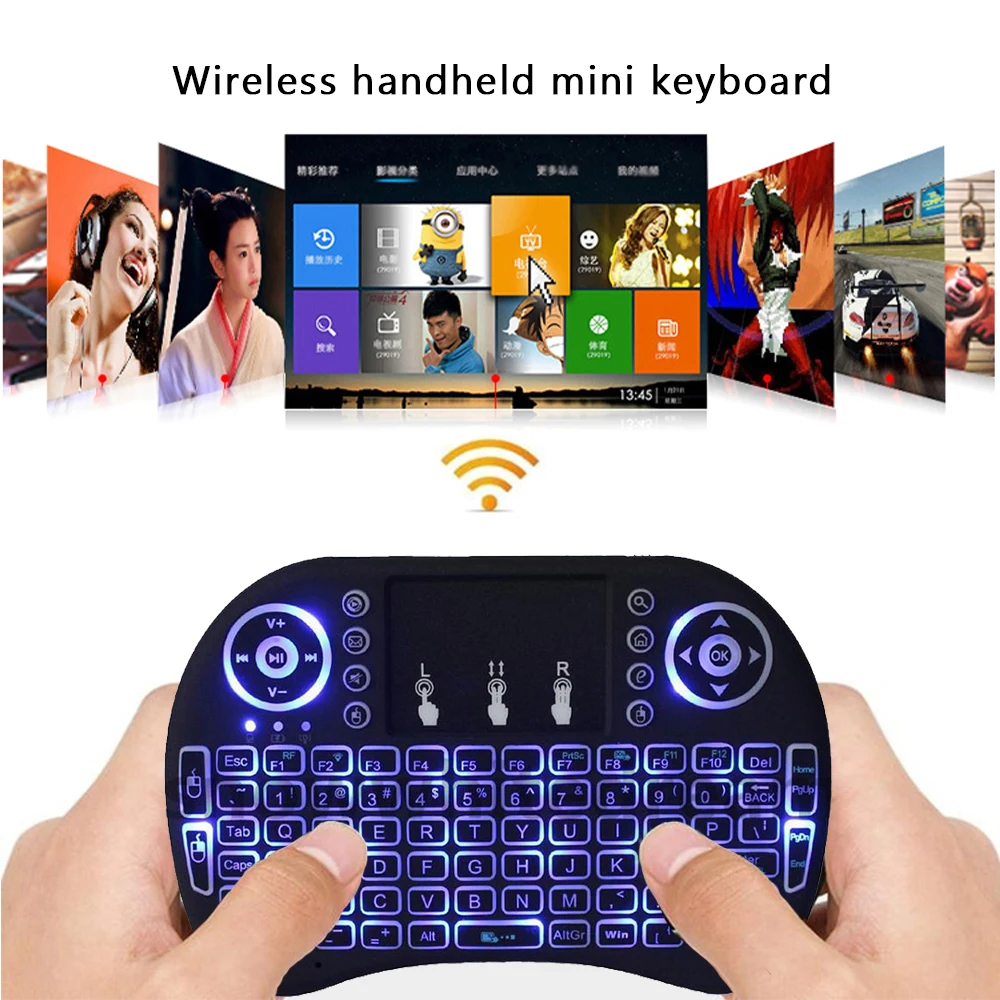
- Ergonomic handheld design is easy to carry and operate
Shortcut Key:
- Fn+F2: Open or Close Keyboard Backlight or Change Backlight color
- Fn+ Space: Speed up the mouse move
- Fn+ F11: Full screen to browser
- Fn+F1(RF): Activation keys
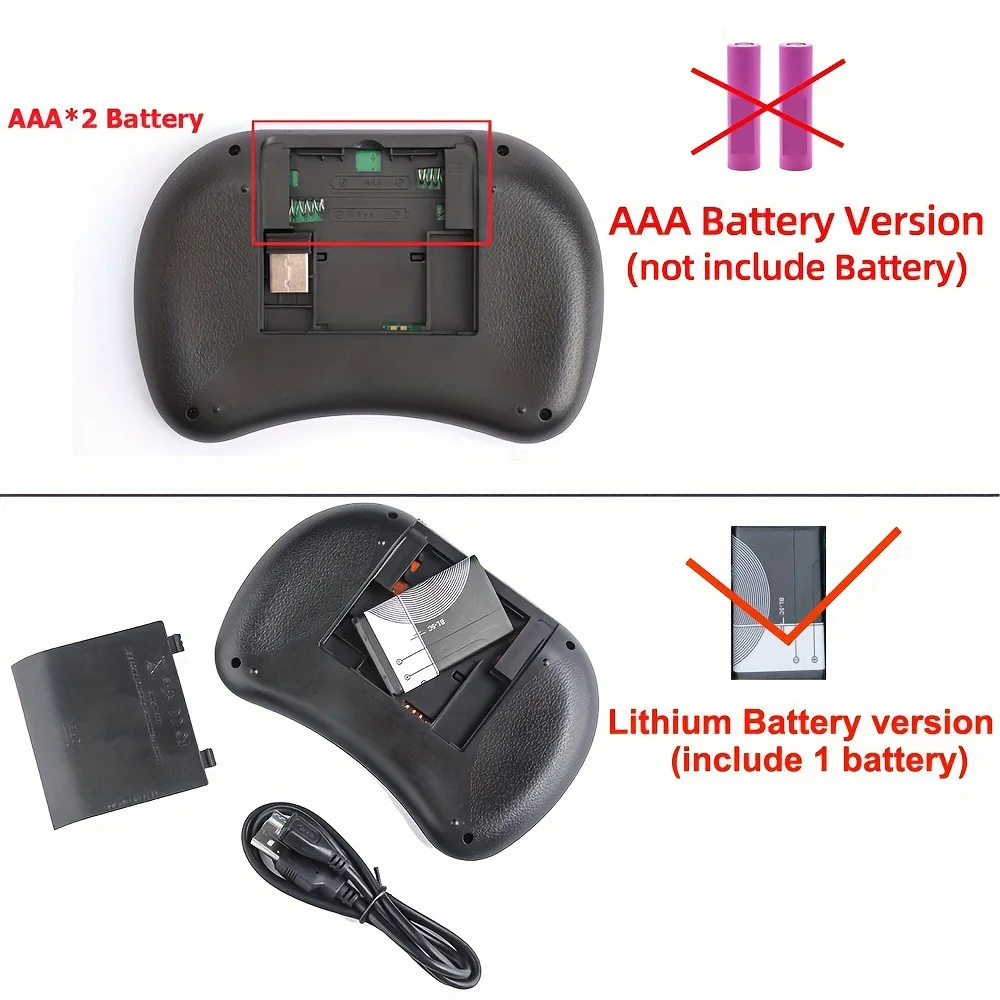
The lithium battery version (including rechargeable lithium battery) and the dry cell battery version (without battery and charging cable) are the same. Please note this before purchasing!
AAA version (batteries not included),Cannot be used for charging
Common problems:
1. Slow response, light is not bright enough. The reason is low battery, please replace or charge the battery in time.
2.The yellow light flashes, indicating that the 2.4GUSB is disconnected from the device and needs to be re-matched.At a close distance of 2-3CM, press and hold "Fn" and "F1" at the same time, and wait for the yellow light to stop flashing to indicate successful pairing.
3. Missing functions and not compatible with certain brands of equipment.
4. If you have any other questions, please contact us, thank you!
Regarding the keyboard:
1. Use it directly after plugging in the 2.4G cable;
2. If it cannot be used directly, set the virtual output on your device to physical output;
3. If the required language is not available on your device, you need to download a supported APK file in language format from the Google Play Store.
Note:
1.No Bluetooth!!!
2.It can be used to replace the remote control, but some brands of TV are not compatible, such as Apple and Samsung, etc.
3.There may be a difference between the picture and the actual product.
4.The manual size may have an error of 0-1 cm.
5.Compatibility issues are not quality issues.
6.Please make sure to read carefully before purchasing and have the ability to use it correctly. If you don’t know how to use it, please do not buy it, otherwise the consequences will be at your own risk. Thank you.