

Free shipping
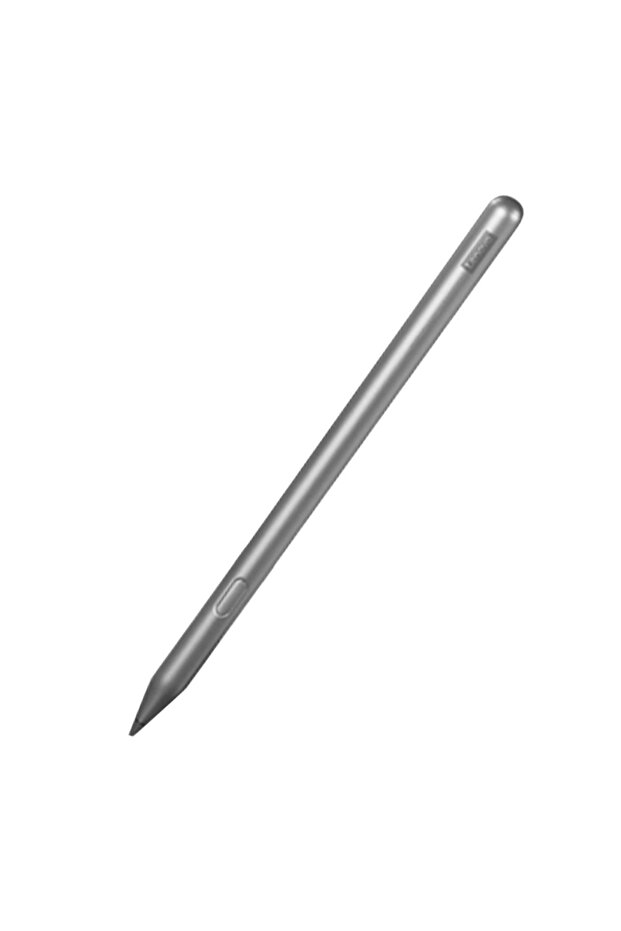
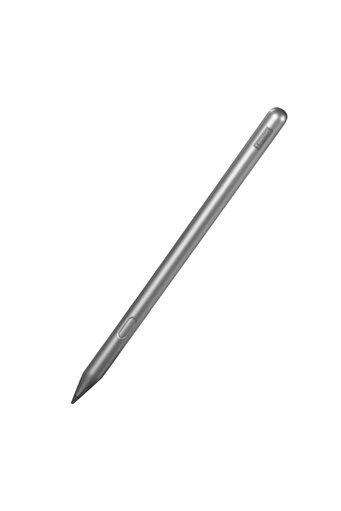
Choice Lenovo Stylus 2023 Lenovo Stylus (China CN ROM Version) — For CN ROM Lenovo Legion Y700 Gen4 Gen5 /
Checkout Discount 10% Off
At checkout
94.12 AED
104.58 AED
Free shipping
Delivery address

Select your address, find out the delivery date!
Trendyol's commitments
Easy and free return in 15 days.
Payment methods



Highlighted features:
Choice Lenovo Stylus 2023 Lenovo Stylus (China CN ROM Version) — For CN ROM Lenovo Legion Y700 Gen4 Gen5 / features
Color
Metallic

Big Save Store
8.8
80.9K followers
Seller information
Similar items











Shoppers also viewed

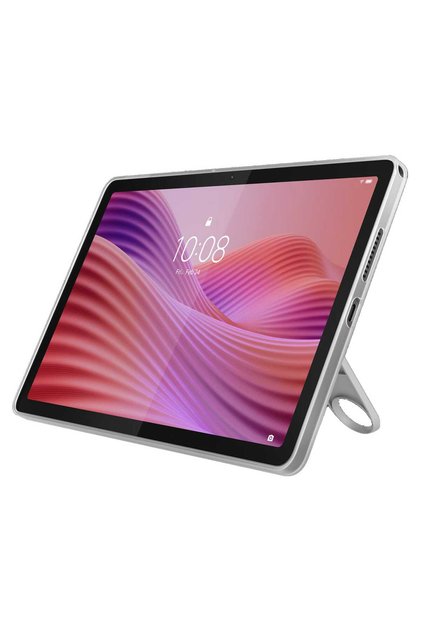
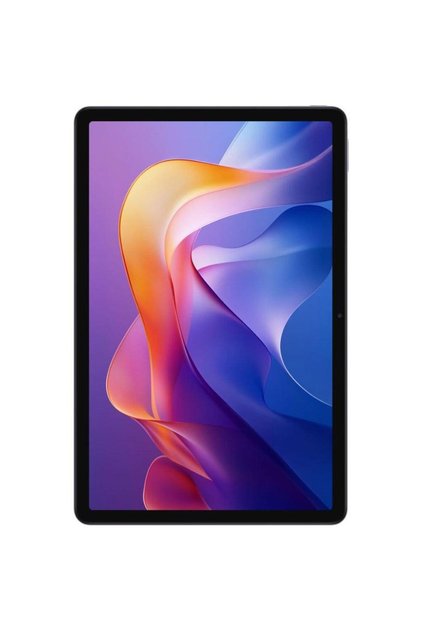
 TB-311XU 4G Tablet











Choice Lenovo Stylus 2023 Lenovo Stylus (China CN ROM Version) — For CN ROM Lenovo Legion Y700 Gen4 Gen5 / reviews
266 ratings
21 reviews

Product details
Additional info
- A maximum of 10 units of this product can be ordered. Trendyol reserves the right to cancel orders over 10 units.
- Barcode No: 3564880945190
Choice Lenovo Stylus 2023 Lenovo Stylus (China CN ROM Version) — For CN ROM Lenovo Legion Y700 Gen4 Gen5 / features
Color
Metallic
Safety information
Product safety information
Product description
Colors:Stylus 2023
Lenovo Stylus (China CN ROM Version) — For CN ROM Lenovo Legion Y700 Gen4 Gen5 / Xiaoxin Pad 11 TB335FC / Pad Pro 2025 TB375FC Only
Dispositivos compatibles:
Lenovo Xiaoxin Pad 11 (TB335FC)
Lenovo Zhaoyang Tab K10 (TB330FU)
Lenovo Xiaoxin Pad Plus 12.7 (TB372FC)
CN ROM Lenovo LEGION Y700 Gen4 (TB322FC)
CN ROM Lenovo LEGION Y700 Gen5 (TB323FU)
CN ROM Lenovo Xiaoxin Pad 12.1 (TB365FC)
CN ROM Lenovo Xiaoxin Pad Pro 2025 (TB375FC)
China Mainland (CN ROM) version. Works ONLY with Lenovo tablets running Mainland China system software. NOT compatible with Global ROM, Korean ROM or other regional firmware. Chinese-language packaging and manual. No local outside Mainland China. Features such as off-screen note, Bluetooth pop-up pairing and pen-button remote control require Lenovo CN system apps and may not work on non-CN ROM devices. Check your tablet's ROM version before ordering.
Lenovo Xiaoxin stylus
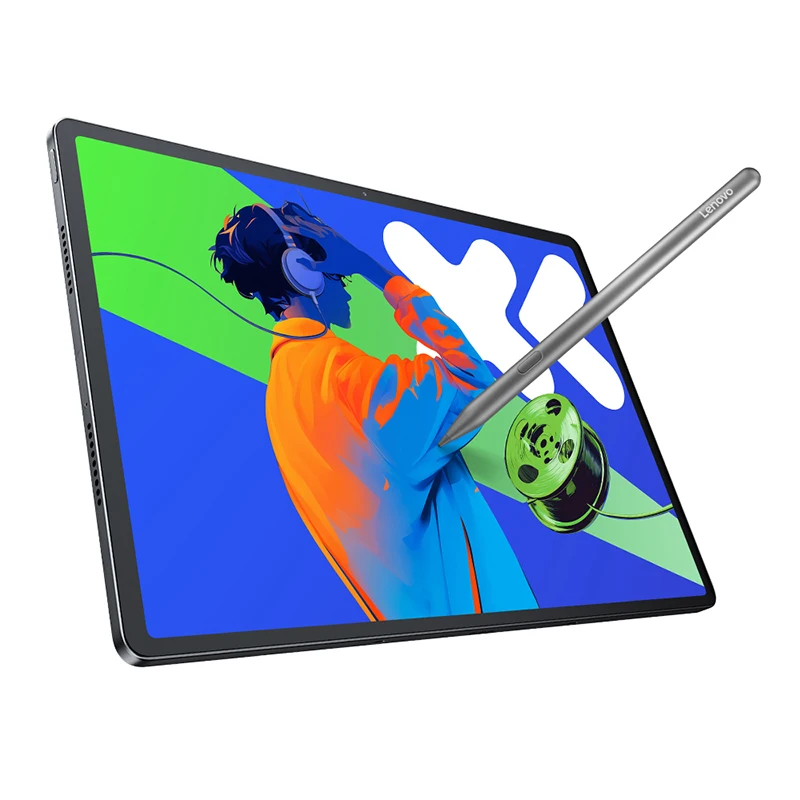
4096 level pressure, support tip tilt
Accurately perceive the change of strength and Angle, and write the text with thickness and fine
Shade the sketch, just like a regular pencil
Tablet remote control
Is a stylus, but also your tablet "remote control", support remote control photo, music playback, video playback, PPT page turning
1,Press the pen button twice to switch to the next camera mode, and hold down the pen button to switch the front and rear cameras
2,When playing music, click the pen button to play or pause the music, press the pen button twice to switch to the next song, press the pen button three times to switch to the previous song
3,When playing a video, press the pen button to play or pause the video, press the pen button twice to switch to the next video, press the pen button three times to switch to the previous video
Write against false touch
Free writing begins with relaxation
Support writing anti-miscontact, palm wrist can easily put on the tablet, no need to wear anti-miscontact tentacle cover
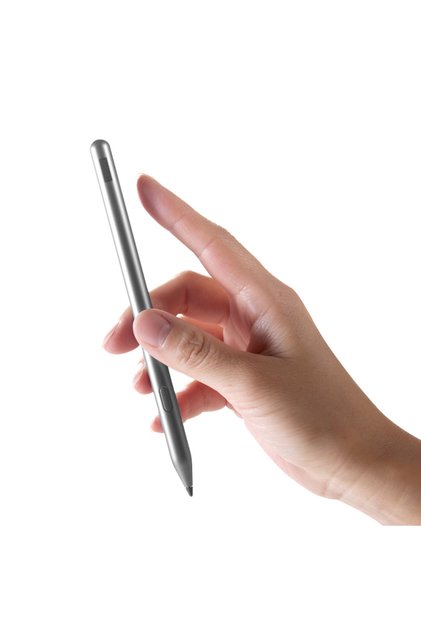
Comfortable grip, not tired for a long time
14g lightweight design with frosted shell, light and good feel, whether it is painting or taking notes, long use is not tired
Bluetooth pairing, fast and easy
Bluetooth quick pairing, with pop-up reminders