Free shipping
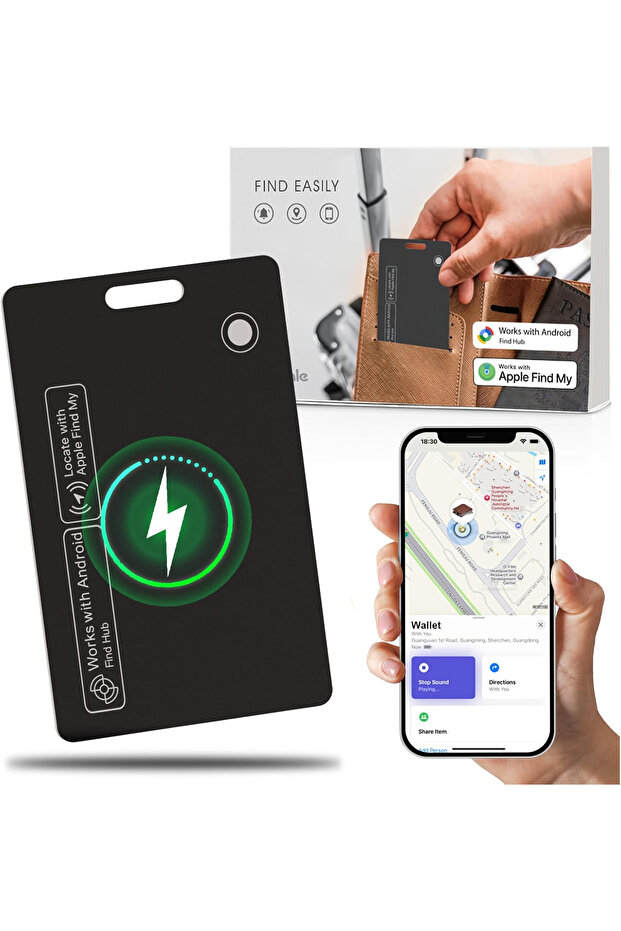
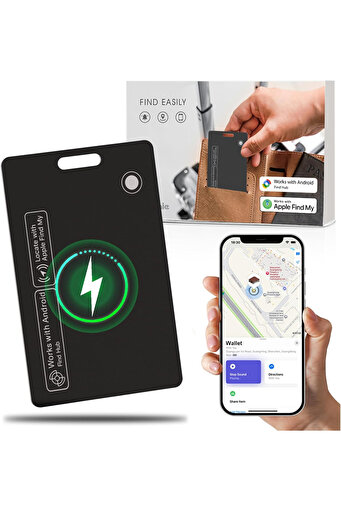
Choice iOS and Android Android Wireless Charging Tracking Location Wallet Tracker Card - Waterproof GPS Loc
No reviews yet.

Special Deals
37.3828.78AED
Free shipping
Delivery address

Select your address, find out the delivery date!
Trendyol's commitments
Easy and free return in 15 days.
Payment methods



Highlighted features:
Choice1 iOS and Android Android Wireless Charging Tracking Location Wallet Tracker Card - Waterproof GPS Loc features
Color
Multicolor



Big Save Store
8.9
81.9K followers
Seller information
Similar items









 30W Smart Display Power Bank, 20000 mAh, Lanyard Cable Clip, Black




Shoppers also viewed






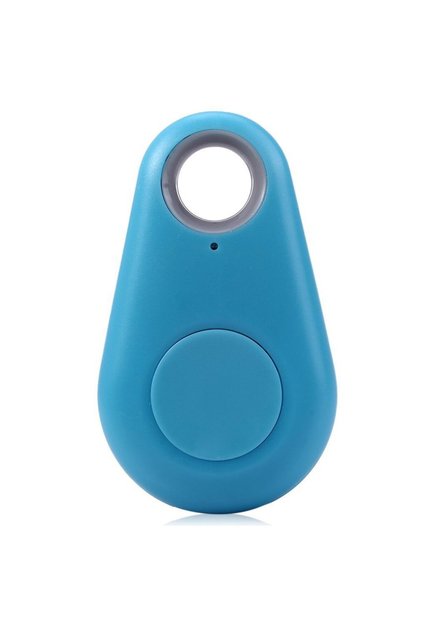
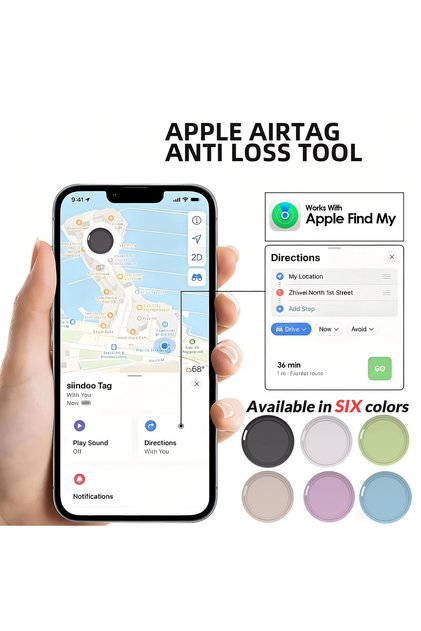


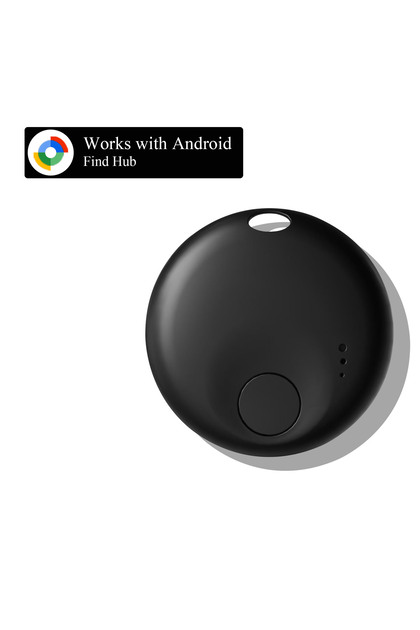



Choice1 iOS and Android Android Wireless Charging Tracking Location Wallet Tracker Card - Waterproof GPS Loc reviews
No reviews yet.
Product details
Additional info
- A maximum of 10 units of this product can be ordered. Trendyol reserves the right to cancel orders over 10 units.
- Barcode No: 3653978499072
Choice1 iOS and Android Android Wireless Charging Tracking Location Wallet Tracker Card - Waterproof GPS Loc features
Color
Multicolor
Safety information
Product safety information
Product description
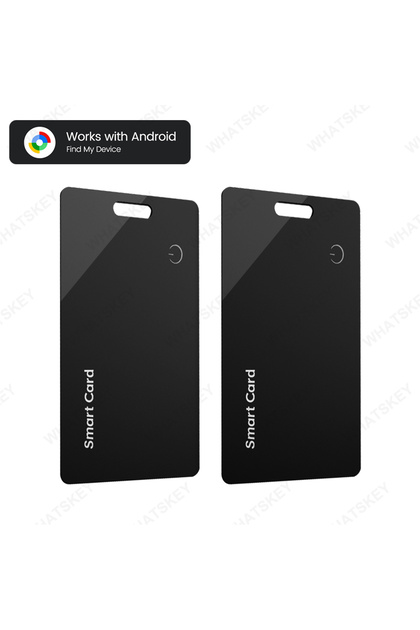
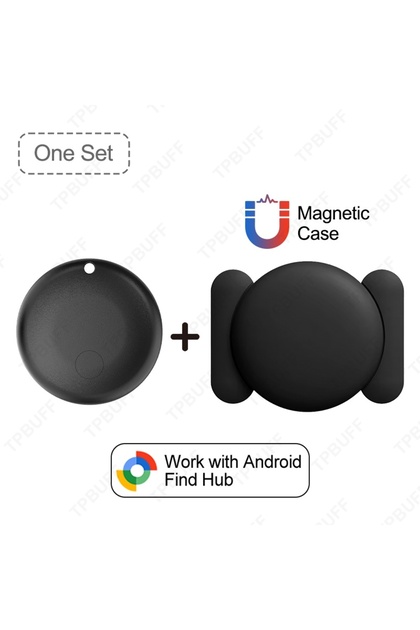
Color:iOS and Android
Note: Due to a system upgrade, future orders may include an updated version. The new version supports both iOS and Android systems, and the appearance/design may have been updated as shown below.
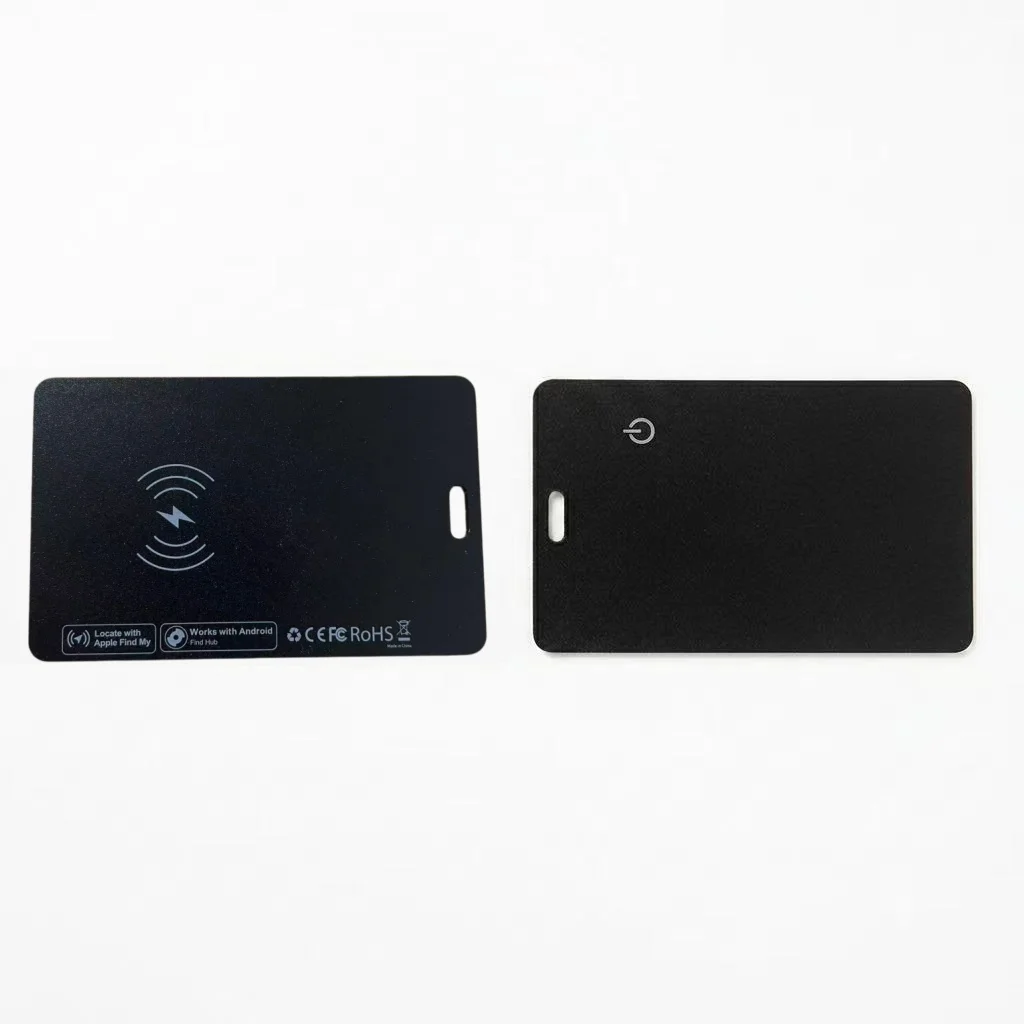
Compatibility:
Luxford Finder Cards are available in two network-specific versions:
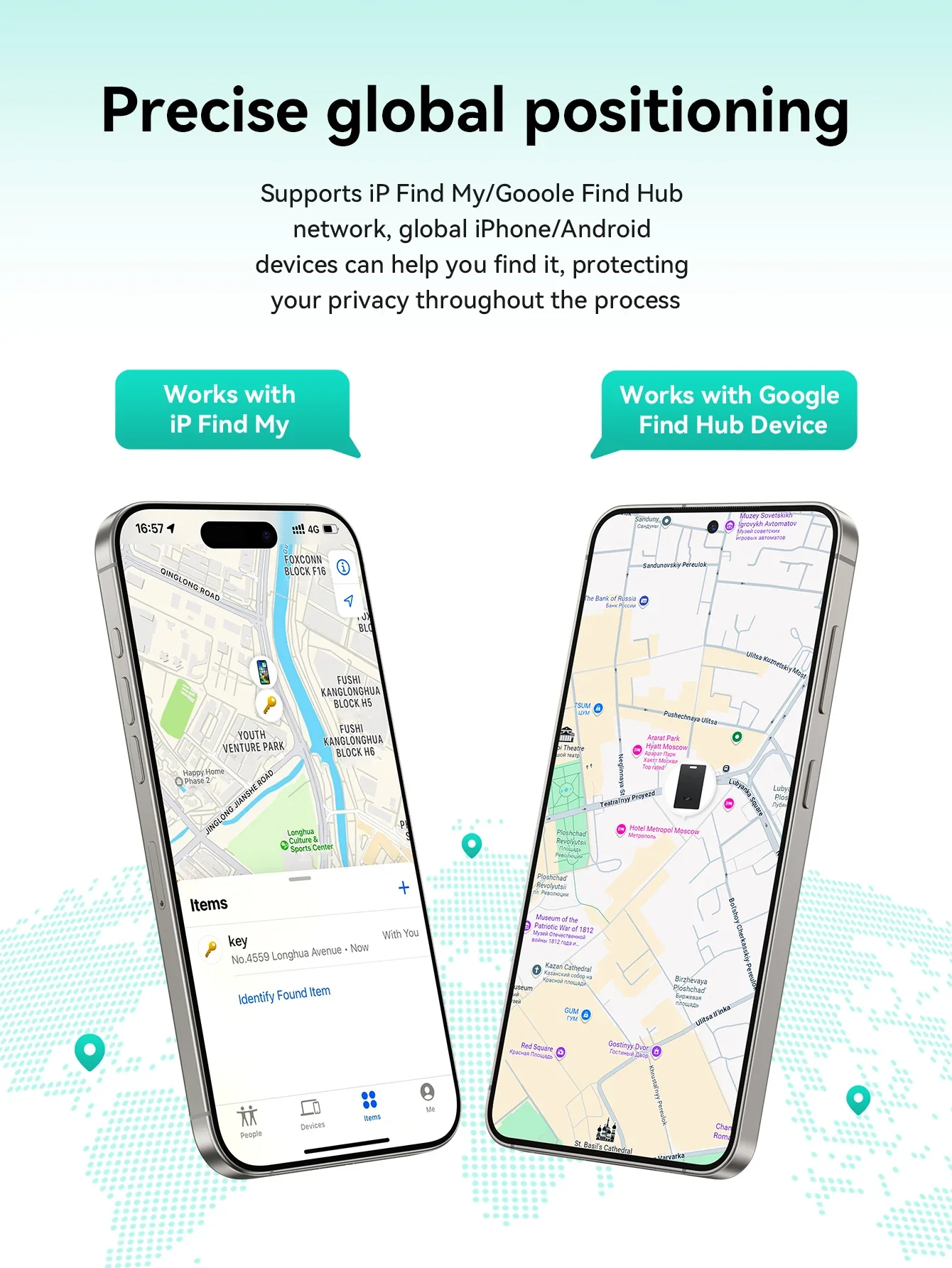
Apple Version: Works exclusively with the Apple Find My network. Requires an iPhone/iPod touch (iOS 14.5+), iPad (iPadOS 14.5+), or Apple Watch (watchOS 7.3 or later) with two-factor authentication enabled.
Android Version: Works exclusively with Google’s Find My Hub network. Requires an Android device running Android 9+ with Google Play Services enabled.
How Does It Work?
Step-by-Step Setup
1. Charge Your Finder Card
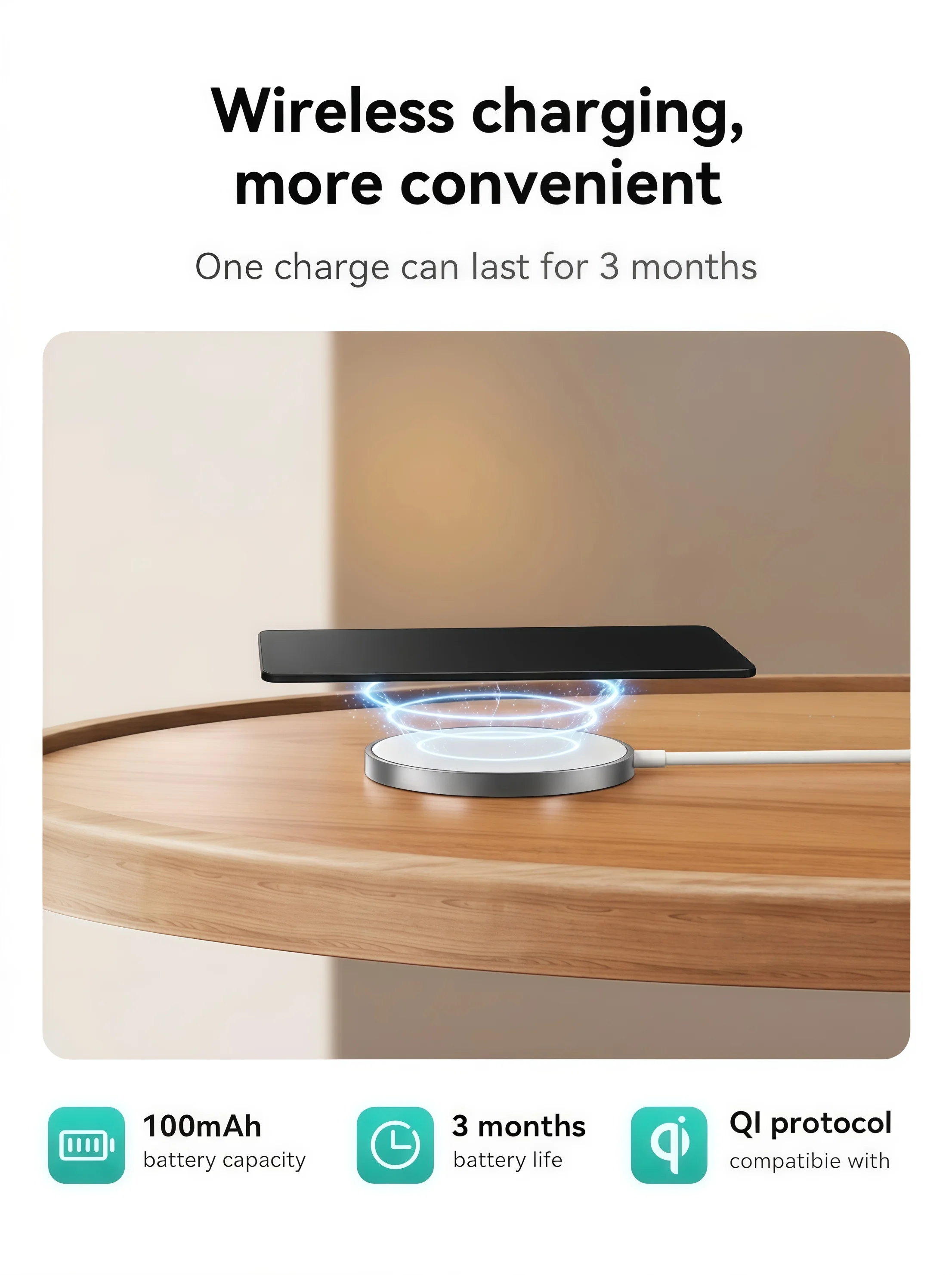
Place your Android Find Hub Card on any Qi-compatible wireless charger.
When the LED turns green, it’s fully charged, good for up to 6 months of use under normal conditions.
💡 Tip: A quick top-up every few months keeps it powered indefinitely.
2. Open the Google Find My Device App
On your Android phone, open the Find Hub app.
If you don’t see it, download it free from the Google Play Store.
Make sure you’re signed in with your Google Account, and that Bluetooth + Location are turned on.
3. Put Your Finder Card Into Pairing Mode
Remove it from the packaging, then press and hold the button until you hear a short beep.
4. Connect in Seconds
Your phone will show a pop-up notification.
Tap Connect (or Pair) to link it instantly.
Once connected, it will appear inside your Find Hub app under “Items.”
5. You’re All Set
Your Find Hub Card is now securely linked to your Google Account and ready to help you locate nearly anything, anywhere Google’s global Find My Device network reaches.