Free shipping
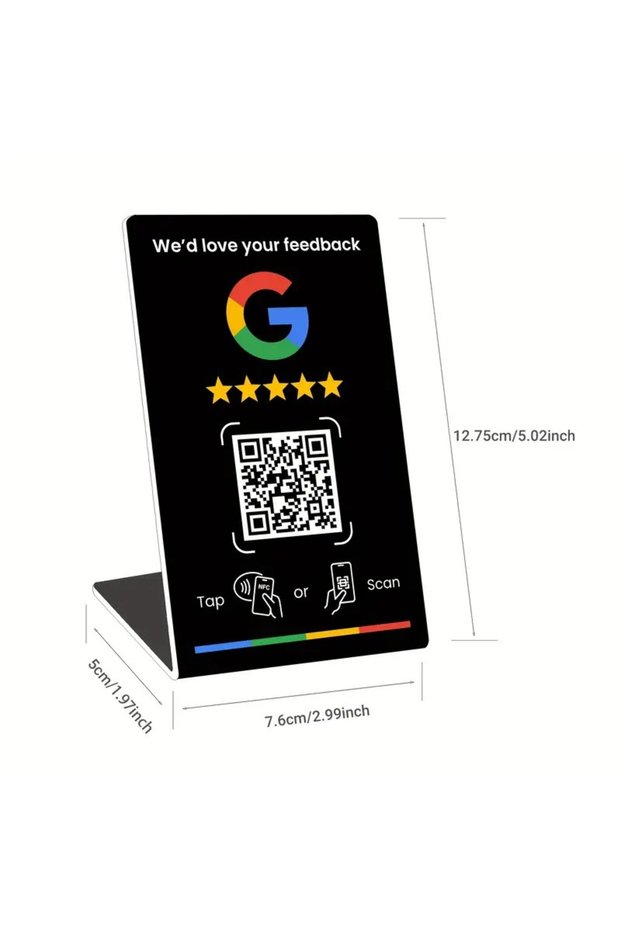
Choice Google BLACK Programmable NFC Review Card NTAG215 13.56MHz Dynamic QR Code Google Restaurant Table S
No reviews yet.

Special Deals
15.1211.49AED
Free shipping
Delivery address

Select your address, find out the delivery date!
Trendyol's commitments
Easy and free return in 15 days.
Payment methods



Highlighted features:
Choice Google BLACK Programmable NFC Review Card NTAG215 13.56MHz Dynamic QR Code Google Restaurant Table S features
Instructions for Use/Warnings
*Google BLACK

Big Save Store
8.9
82.4K followers
Seller information
Choice Google BLACK Programmable NFC Review Card NTAG215 13.56MHz Dynamic QR Code Google Restaurant Table S reviews
No reviews yet.
Product details
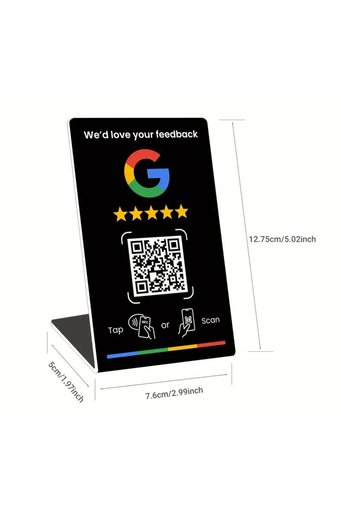
Additional info
- A maximum of 10 units of this product can be ordered. Trendyol reserves the right to cancel orders over 10 units.
- Barcode No: 3673644413043
Choice Google BLACK Programmable NFC Review Card NTAG215 13.56MHz Dynamic QR Code Google Restaurant Table S features
Instructions for Use/Warnings
*Google BLACK
Safety information
Product safety information
Product description
Color:Google BLACK
**Pain Point Resonance:**
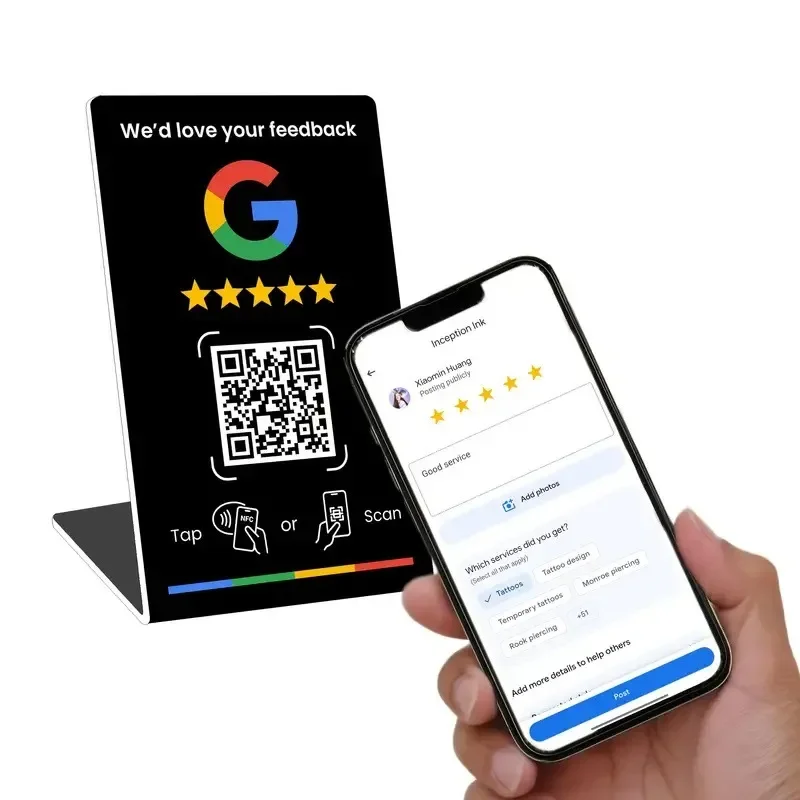
Getting customers to leave Google reviews is a struggle—paper QR codes get lost or damaged, and asking people to type a URL kills conversion. Without steady feedback, your online reputation suffers. You need a fast, tap-to-review solution that makes leaving a review effortless for every customer.
**Core Selling Points:**
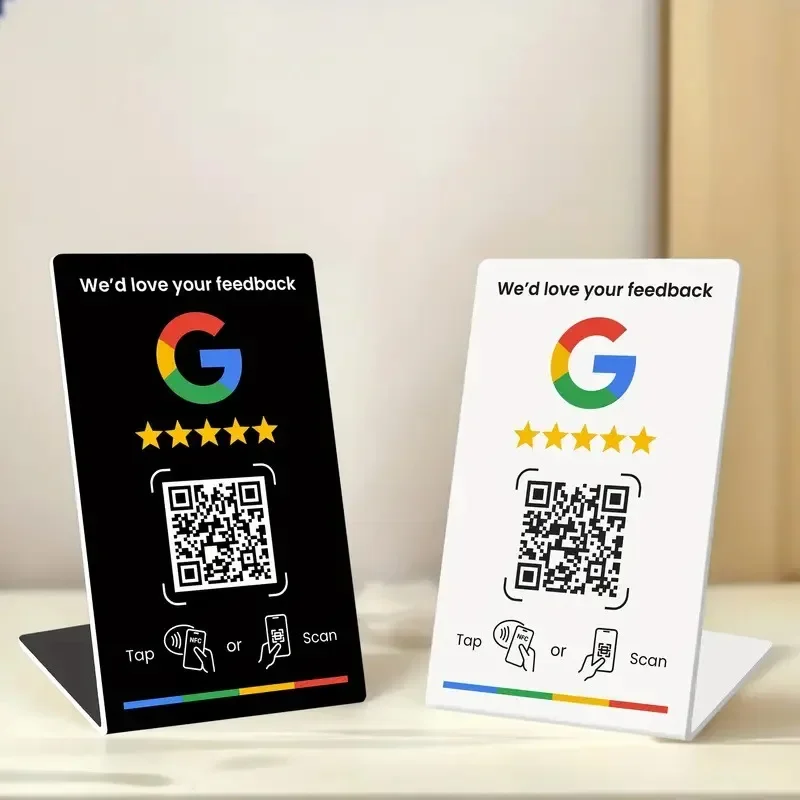
**【Instant Tap to Review】**
Customers simply tap their phone to open your Google Review page—no typing, no scanning, no friction, dramatically boosting review rates.
**【Programmable NTAG215 Chip】**
Fully rewritable 13.56MHz chip lets you update your review link, social media, or promo page anytime—one card works forever, no repurchase needed.
**【Dynamic QR Code Backup】**
Built-in dynamic QR code provides a visual alternative for non-NFC phones—ensuring every customer can leave feedback easily.
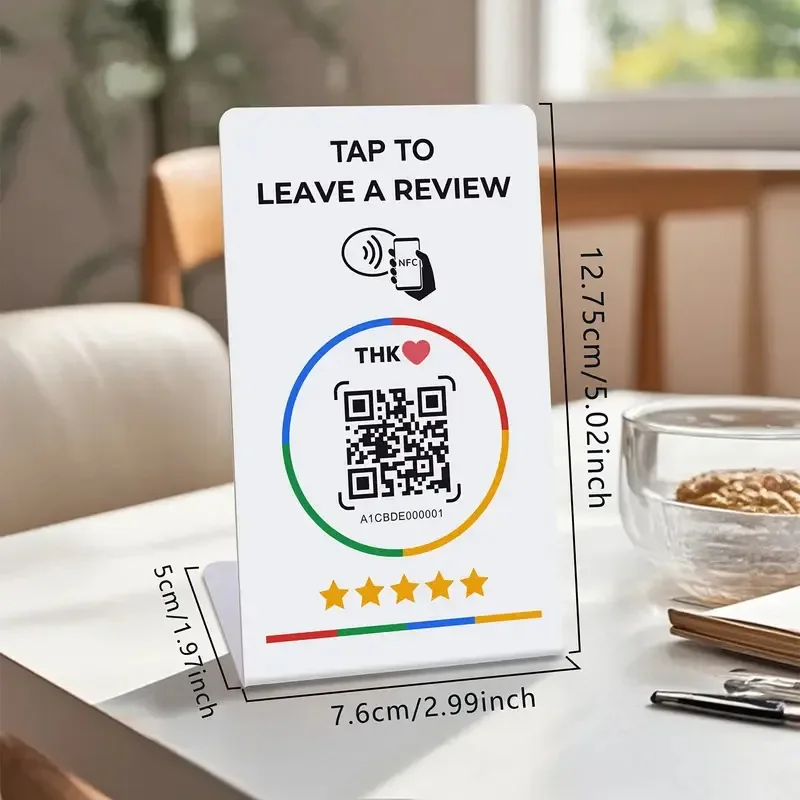
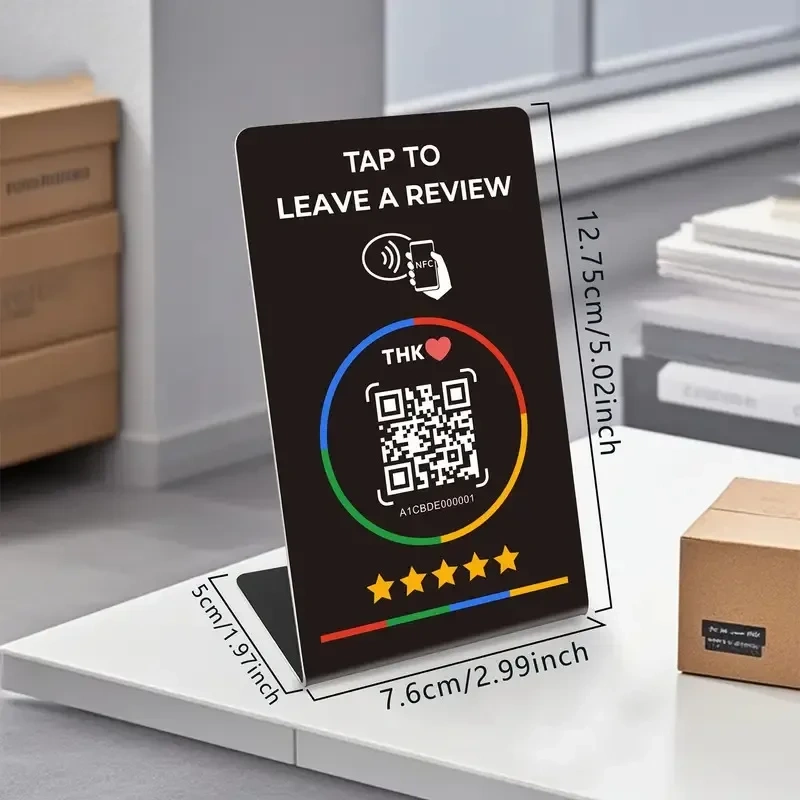
**【Restaurant Table Stand Display】**
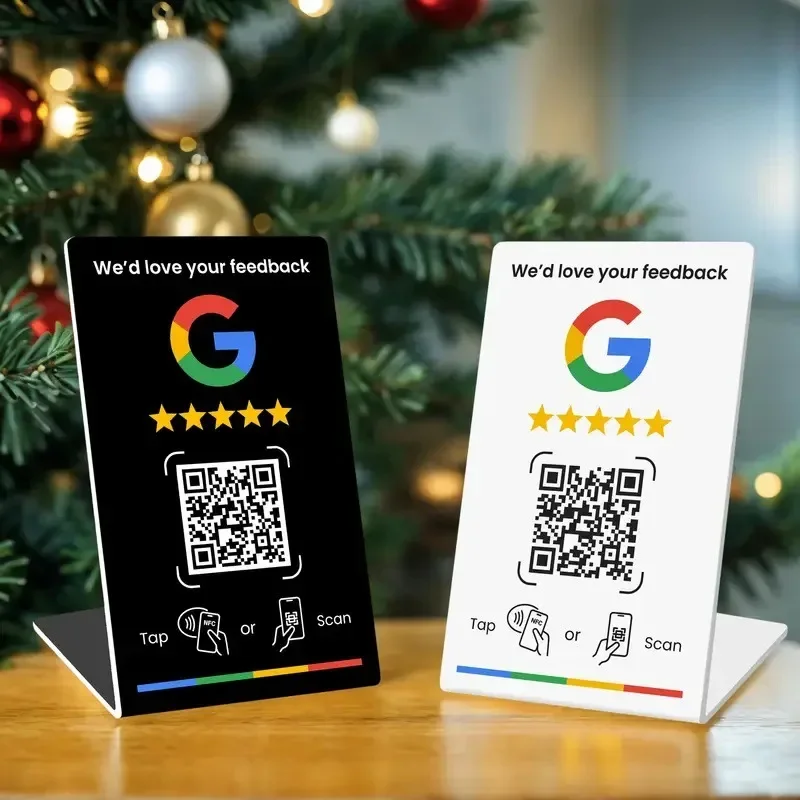
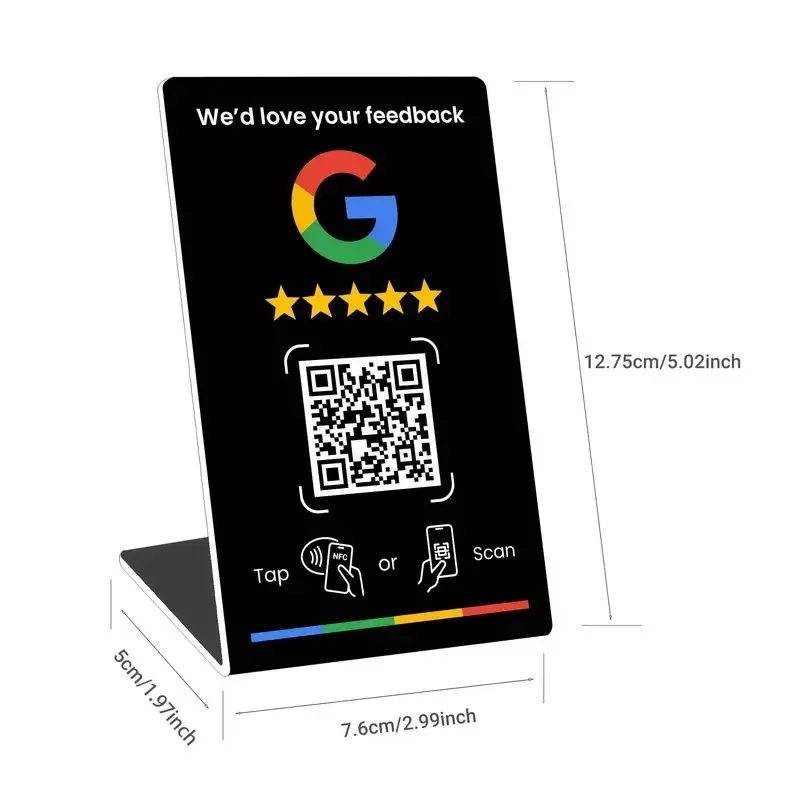
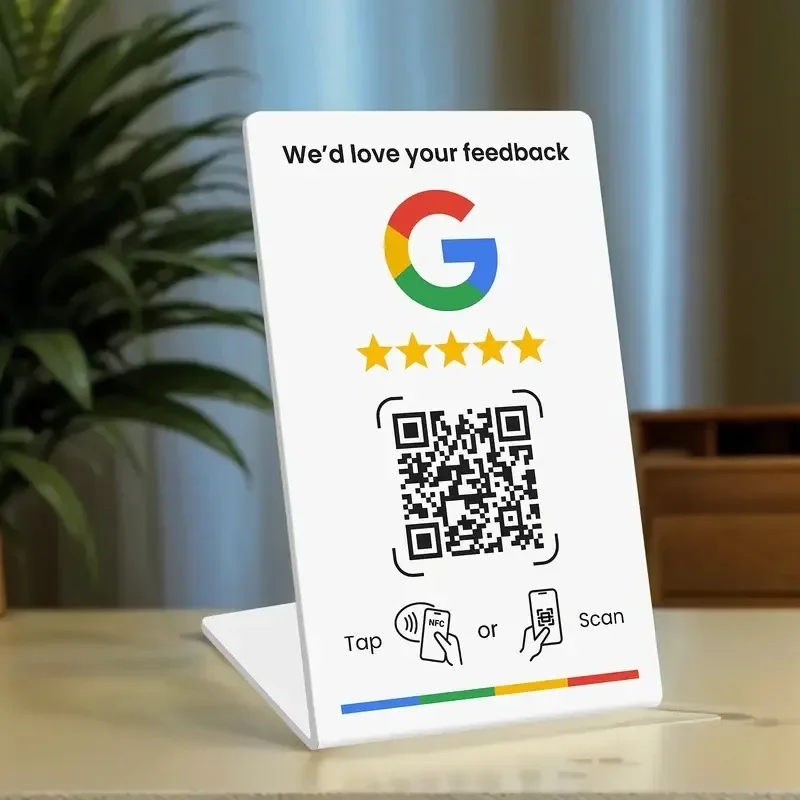
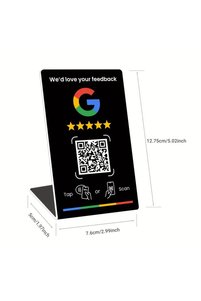
Sturdy table stand sits perfectly on dining tables, counters, or reception desks—keeping your review request visible and accessible.
**【Durable & Universal Compatibility】**
Works with all NFC-enabled iOS and Android phones—durable construction resists daily wear, ideal for restaurants, cafes, and retail businesses.
NFC Setup with NFC Tools
1. Prepare the Google Review URL, social profile link or other destination URL you want to share.
2. Open NFC Tools on your phone and tap Write.
3. Tap Add a record, then select URL / URI.
4. Paste your destination link and tap OK.
5. Tap Write to start writing the link to the NFC chip.
6. Hold your phone's NFC antenna close to the product's NFC area.
7. Keep the phone in position until Write Success appears. Test the tag to check that it opens the correct page.
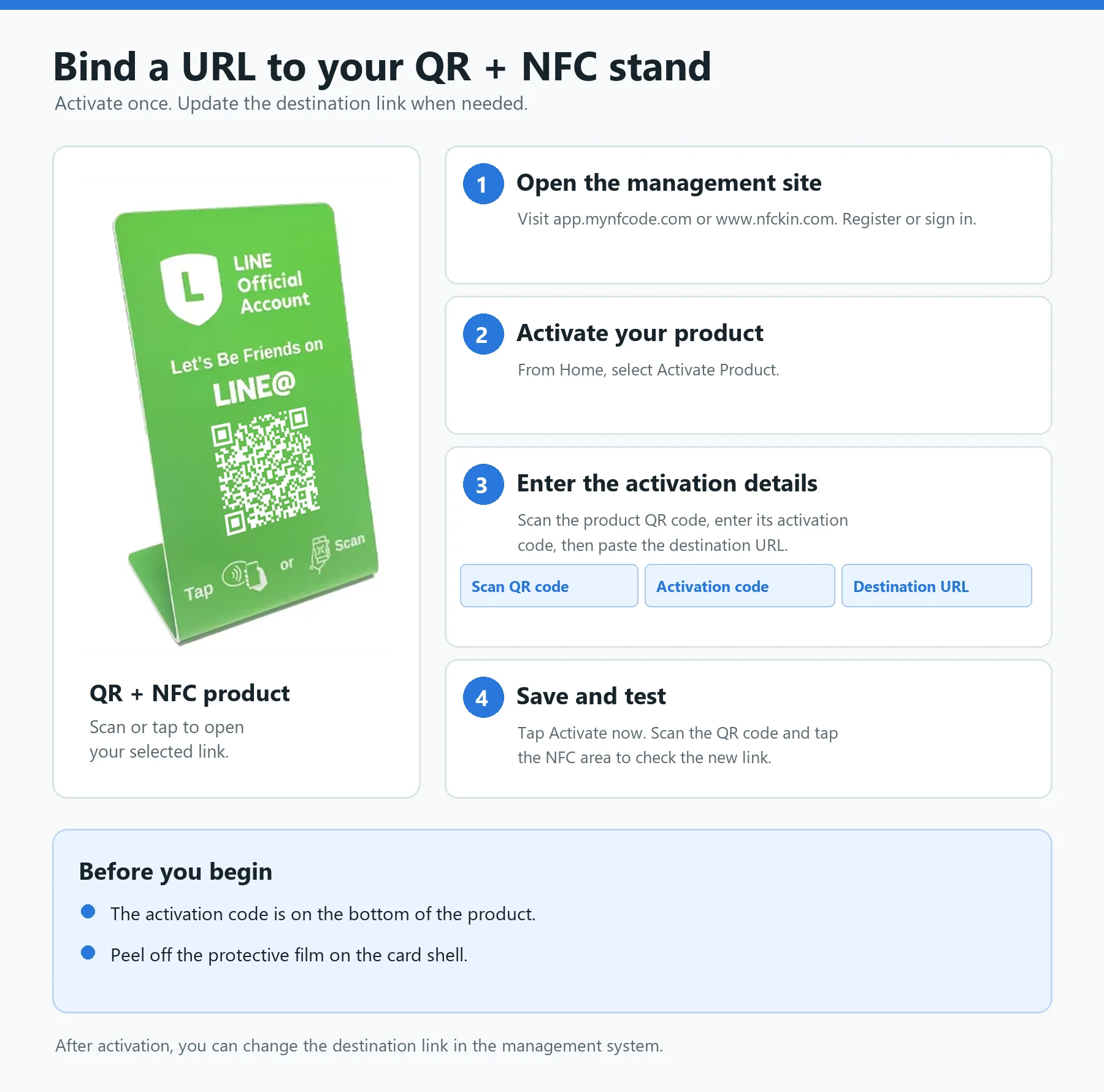
QR + NFC Product Activation
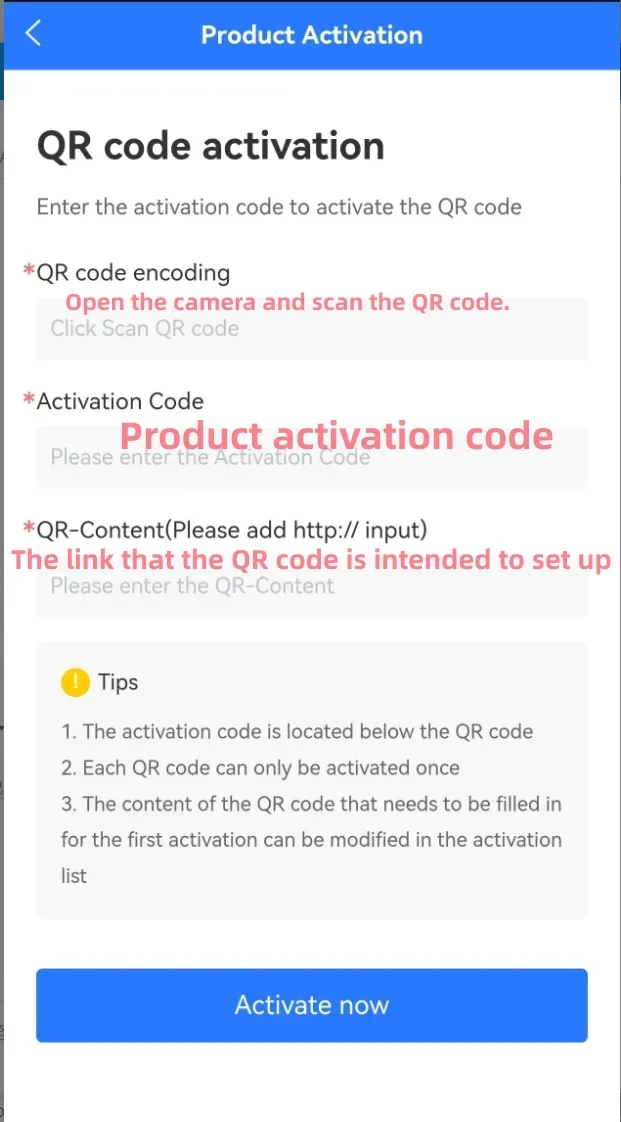
For a QR + NFC product with an activation code, use the management-site activation method.
1.Open the product activation page indicated in the included instructions, then register or sign in.
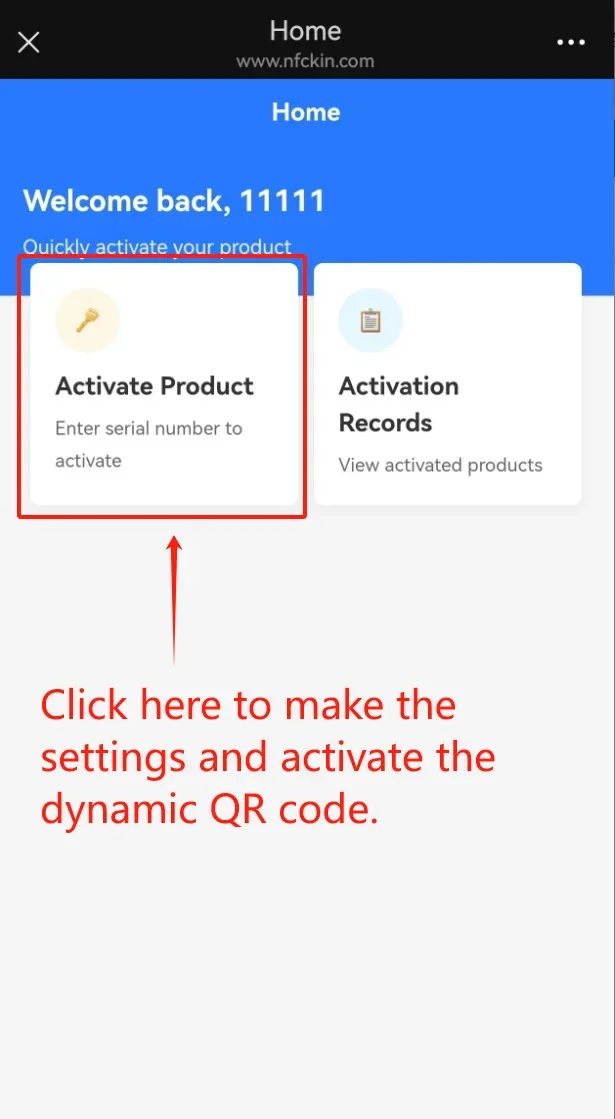
2. From the home page, select Activate Product.
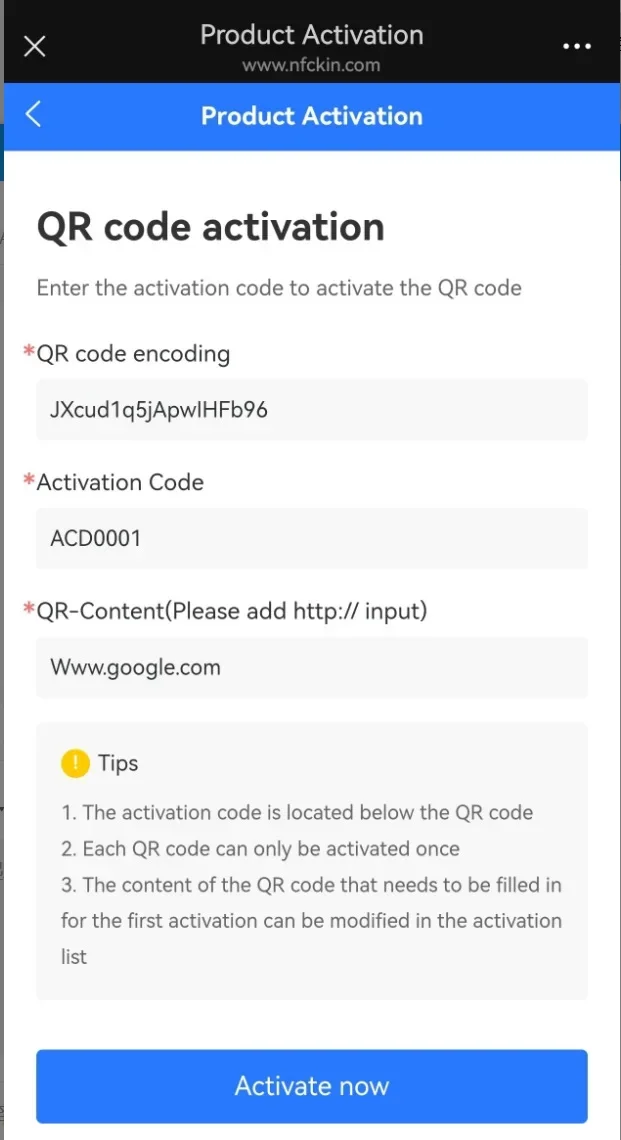
3. Scan the product's QR code, enter the activation code found on the bottom of the product, and paste your destination URL.
4. Tap Activate now to save. Scan the QR code and tap the NFC area separately to confirm that both open the correct page.
Remove the protective film from the card shell before use. After activation, you can update the destination link in the management system.
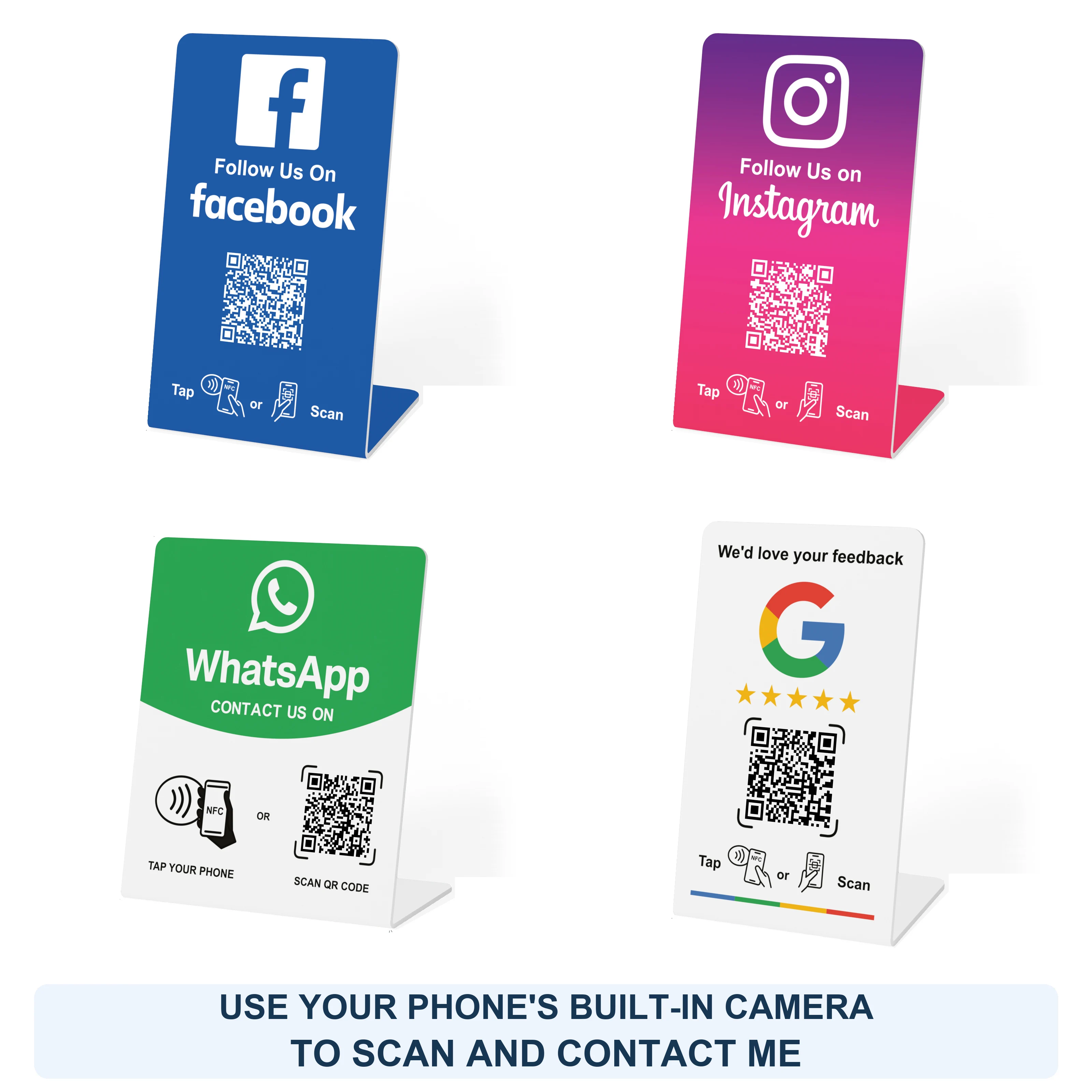
Programmable NFC Review Card NTAG215 13.56MHz Dynamic QR Code Google Restaurant Table Stand Tap to Review Customer Feedback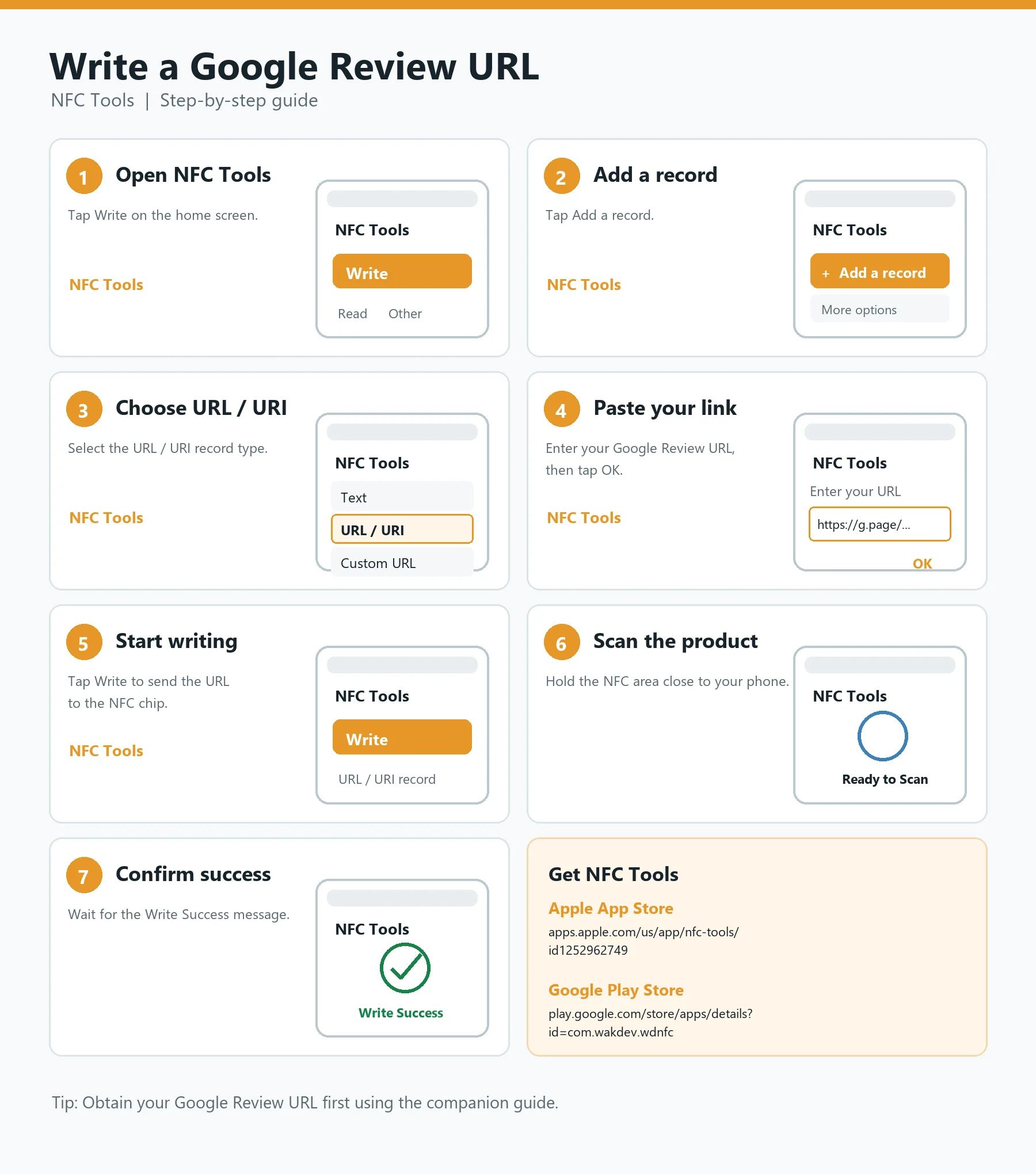
Programmable NFC Review Card NTAG215 13.56MHz Dynamic QR Code Google Restaurant Table Stand Tap to Review Customer Feedback