Free shipping
Only 1 left!
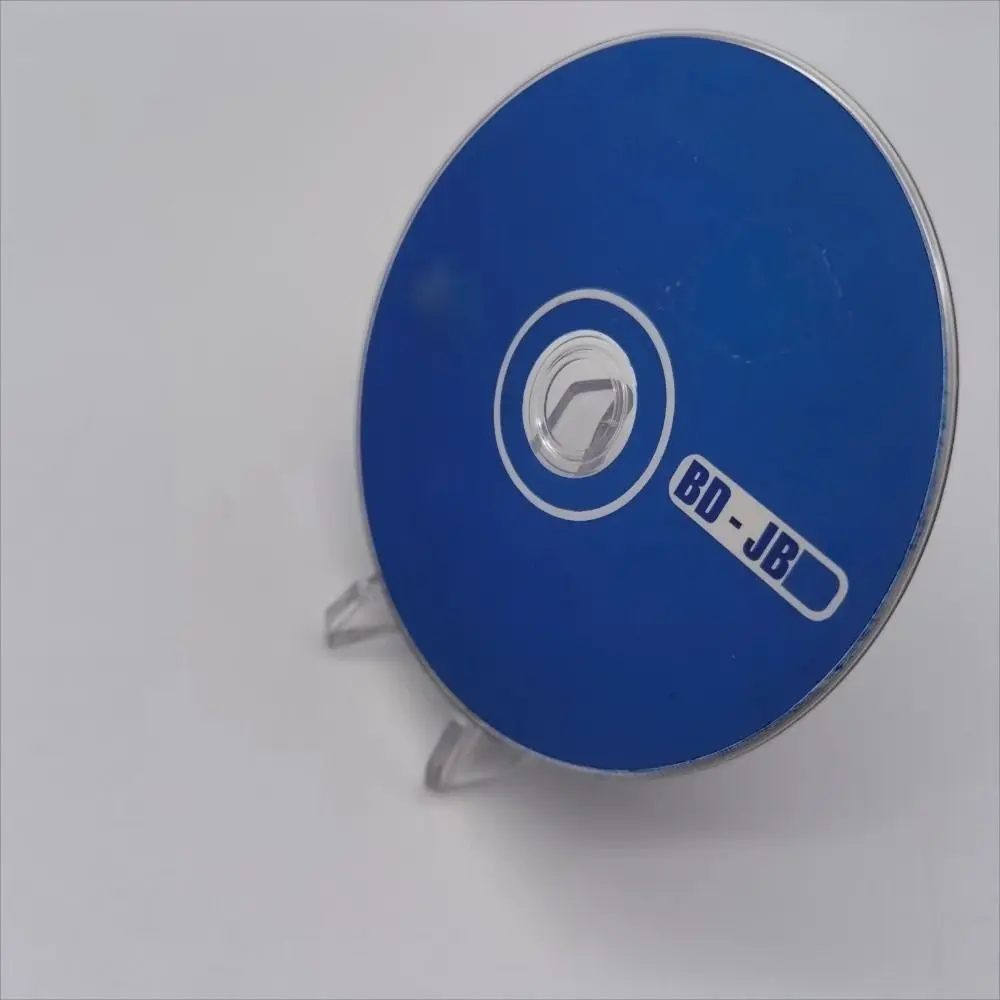
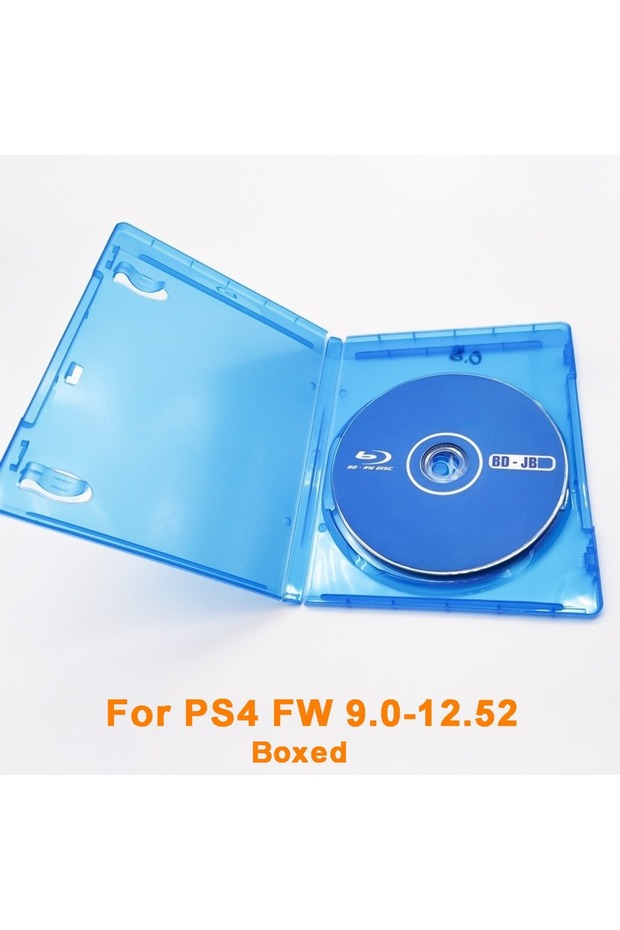
Choice For FW 9.0-12.52 For Firmware 9.0-12.52 BD-JB Disc 1 Click Boot No PC Needed All-in-One Jailbreak Di
No reviews yet.
Checkout Discount 10% Off
At checkout
16.53 AED
18.37 AED
Free shipping
Delivery address

Select your address, find out the delivery date!
Trendyol's commitments
Easy and free return in 15 days.
Payment methods



Highlighted features:
Choice For FW 9.0-12.52 For Firmware 9.0-12.52 BD-JB Disc 1 Click Boot No PC Needed All-in-One Jailbreak Di features
Color
Multicolor

Big Save Store
8.8
80.9K followers
Seller information
Similar items











Choice For FW 9.0-12.52 For Firmware 9.0-12.52 BD-JB Disc 1 Click Boot No PC Needed All-in-One Jailbreak Di reviews
No reviews yet.
Product details
Additional info
- A maximum of 10 units of this product can be ordered. Trendyol reserves the right to cancel orders over 10 units.
- Barcode No: 3642895116302
Choice For FW 9.0-12.52 For Firmware 9.0-12.52 BD-JB Disc 1 Click Boot No PC Needed All-in-One Jailbreak Di features
Color
Multicolor
Safety information
Product safety information
Product description
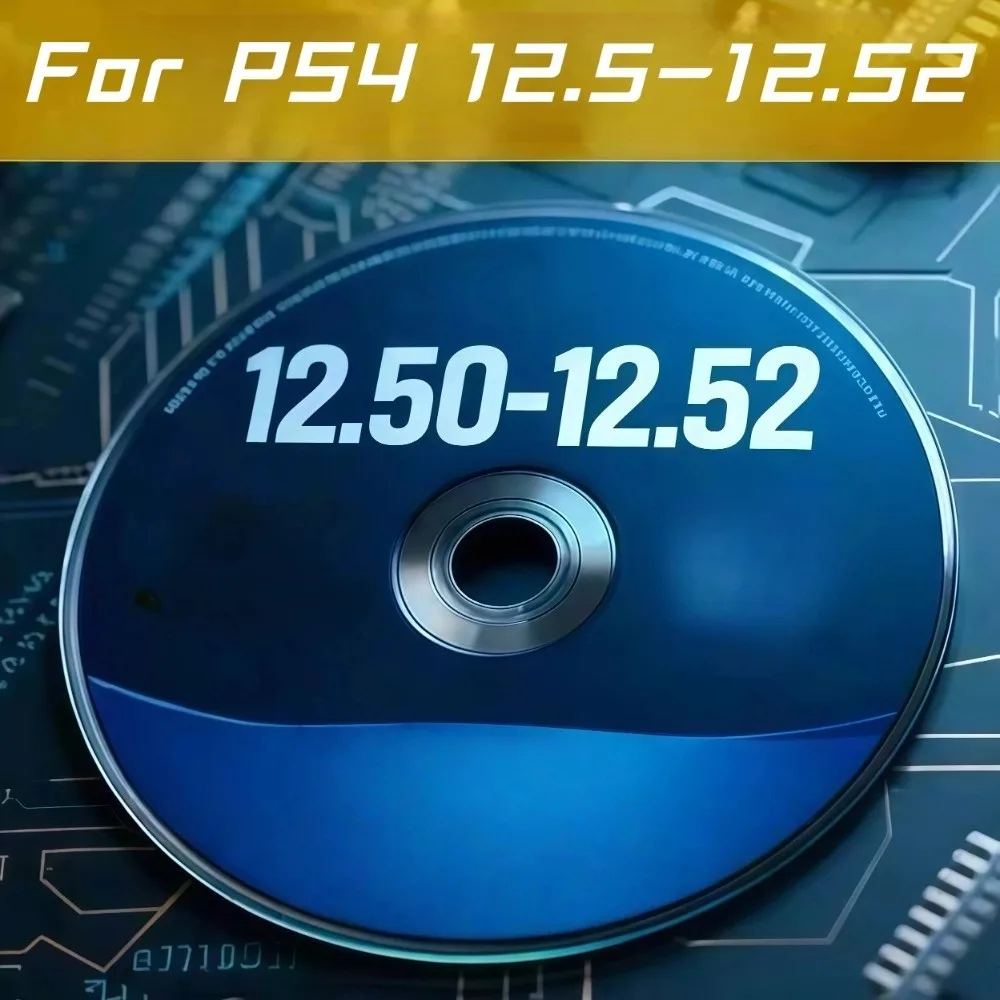
Color:For FW 9.0-12.52
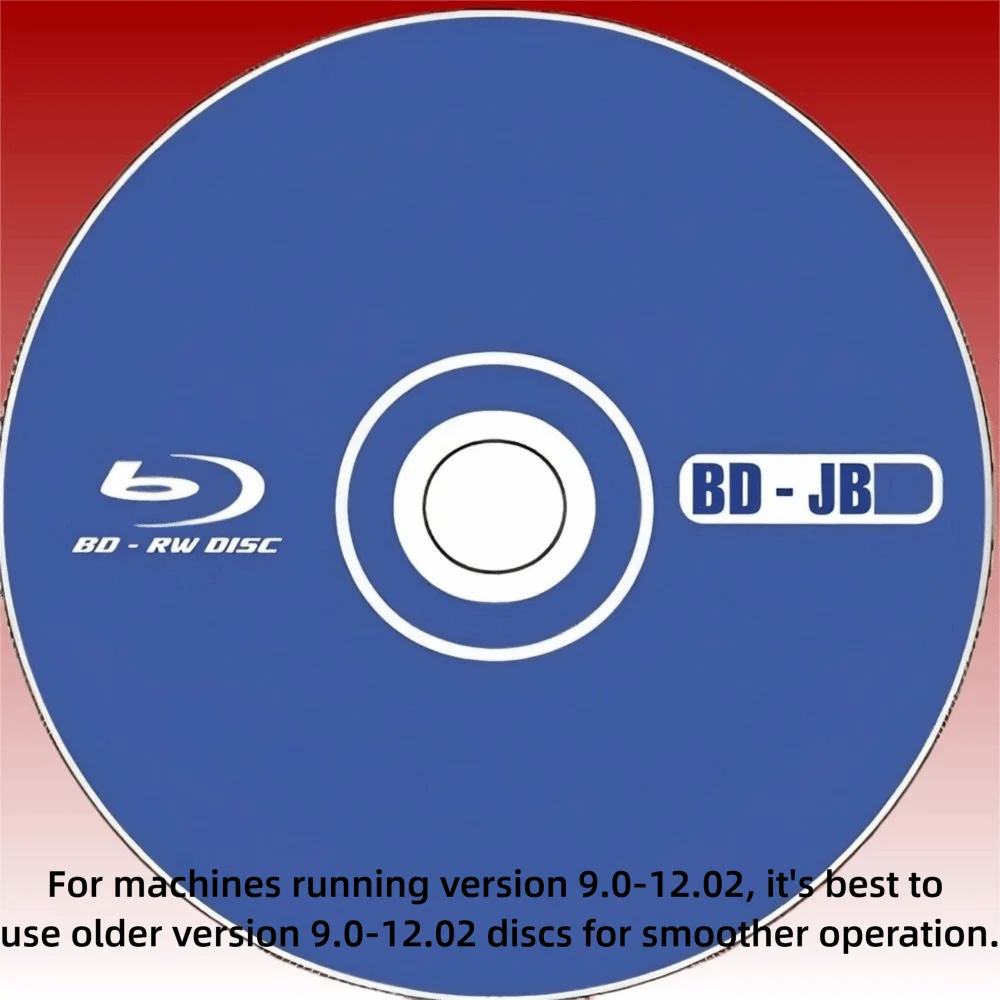
Note: For machines running version 9.0-12.02, it's best to use older version 9.0-12.02 discs for smoother operation.
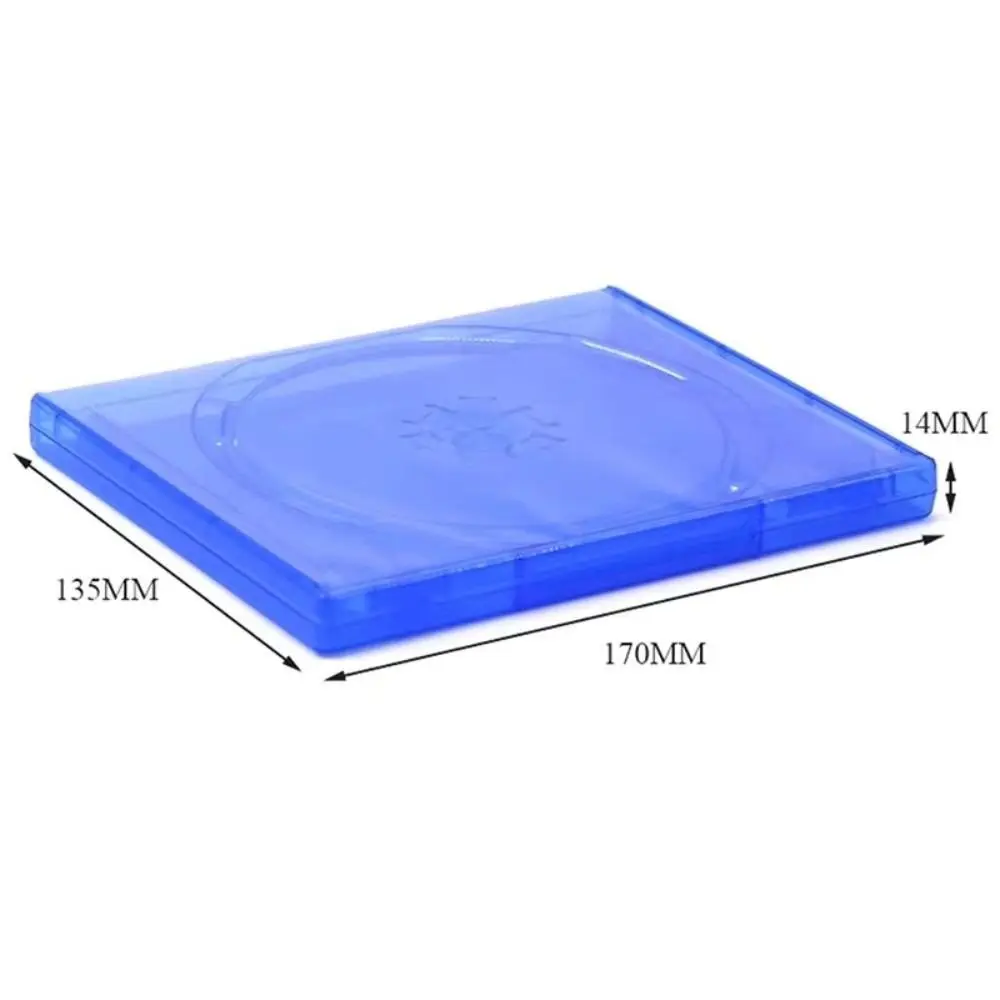
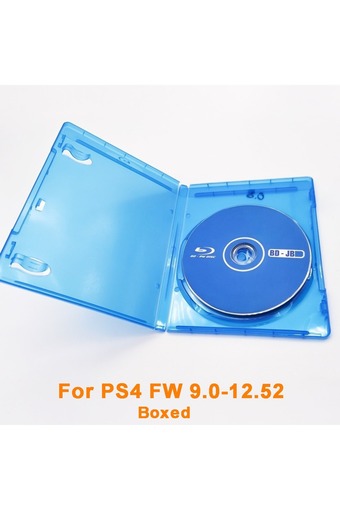
Name:BD-JB Disc with Storage Box
Material:ABS
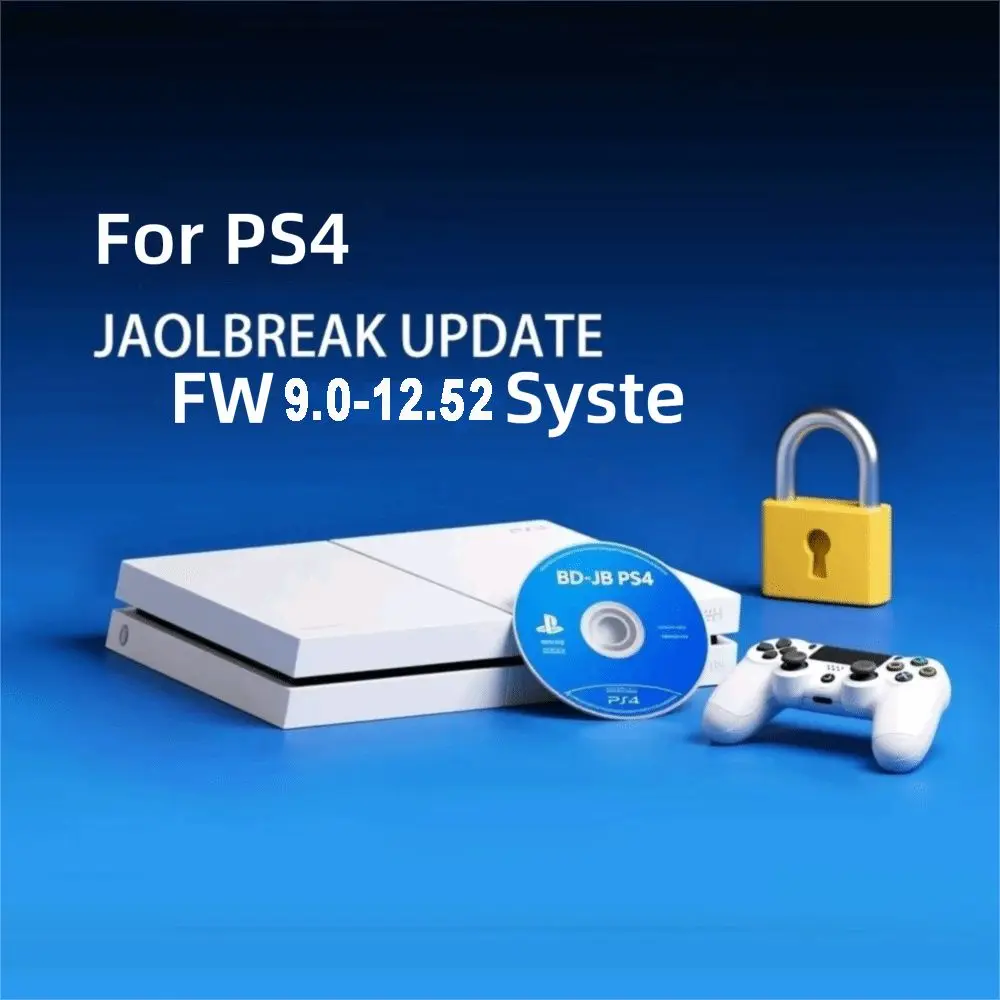
For PS4 FW 9.0-12.52 Syste JB Disc Tool
Style:For FW 9.0-12.02/For FW 9.0-12.52
Size:17x13.5x1.4cm(6.69x5.31x0.55in)
Color:As shown
Package included:
1 x BD-JB Disc with Storage Box
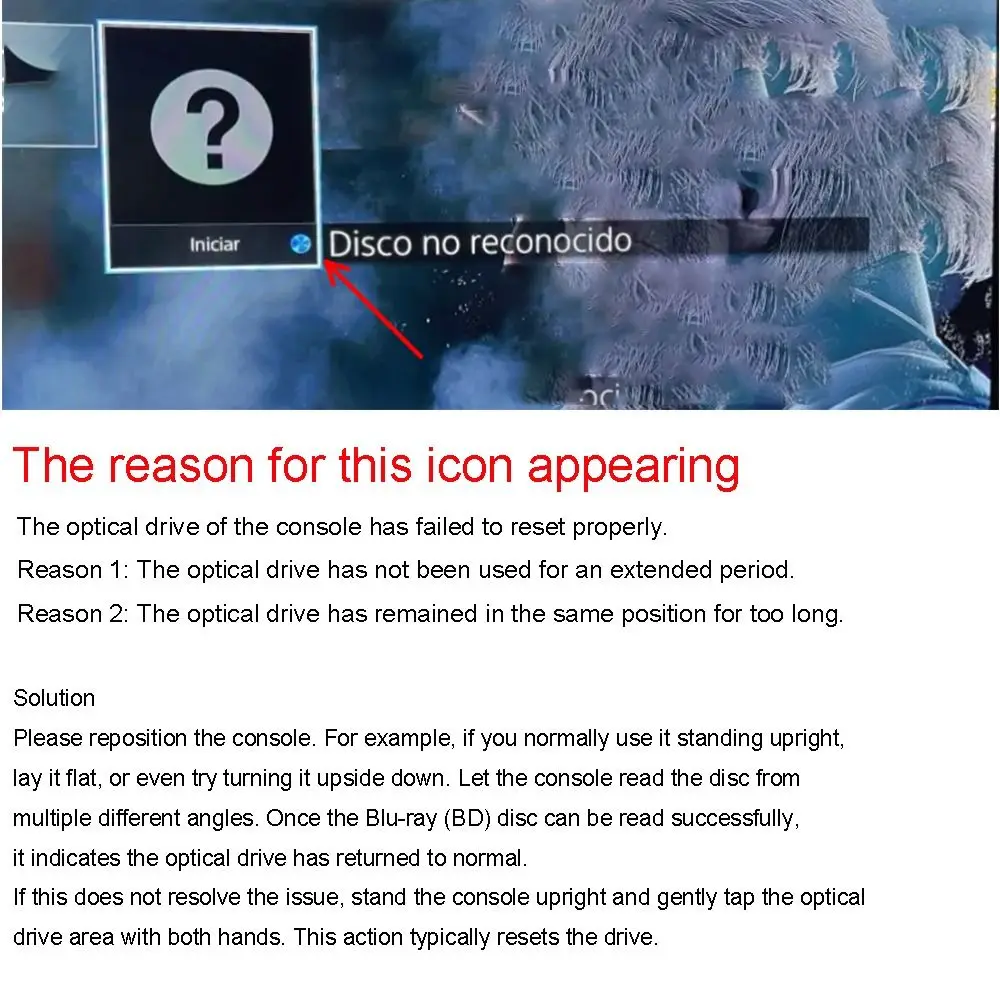
Reasons for the inability to read the disc:
The optical drive of the console has failed to reset properly.
Reason 1: The optical drive has not been used for an extended period.
Reason 2: The optical drive has remained in the same position for too long.
Solution
Please reposition the console. For example, if you normally use it standing upright,
lay it flat, or even try turning it upside down. Let the console read the disc from
multiple different angles. Once the Blu-ray (BD) disc can be read successfully,
it indicates the optical drive has returned to normal.
If this does not resolve the issue, stand the console upright and gently tap the optical
drive area with both hands. This action typically resets the drive.
Tips:
1.Due to the light and monitors effect,colors may have lightly difference.
2.Please allow slightly size errors due to manual measurement. Thank you for your understanding!!