Free shipping
Almost sold out!
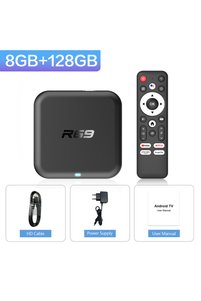
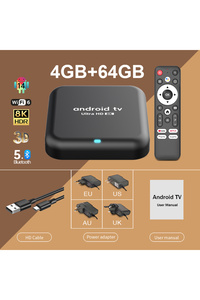
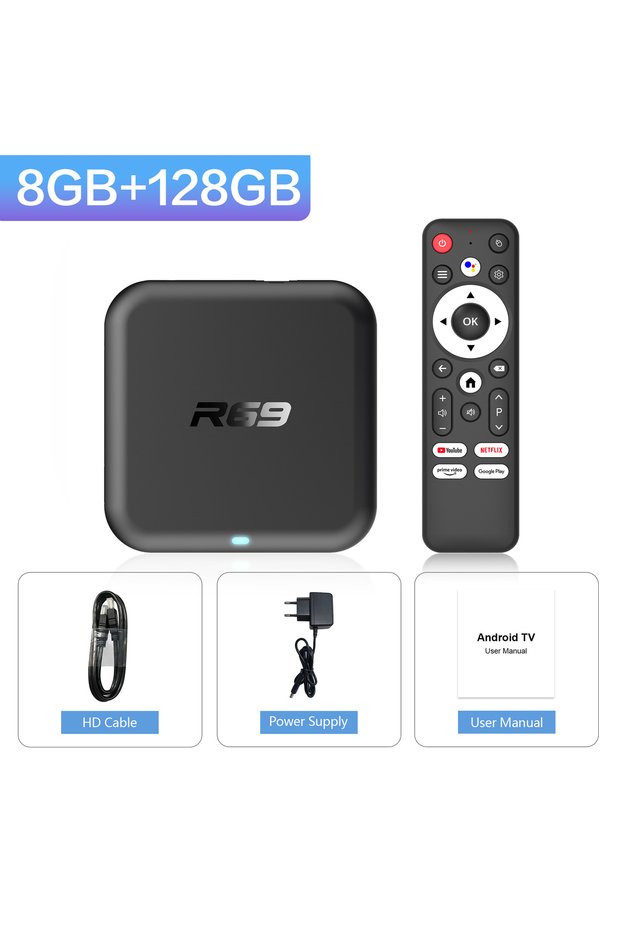
Choice EU Plug 8G128G-Voice Smart TV Box Android 14.0 Google Voice Chromecast Games 4K HDR 8GB 128GB BT 5.0
No reviews yet.

Special Deals
117.17105.45AED
Free shipping
Delivery address

Select your address, find out the delivery date!
Trendyol's commitments
Easy and free return in 15 days.
Payment methods



Highlights
Highlighted features:
Choice EU Plug 8G128G-Voice Smart TV Box Android 14.0 Google Voice Chromecast Games 4K HDR 8GB 128GB BT 5.0 features
Color
Multicolor
Resolution Technology
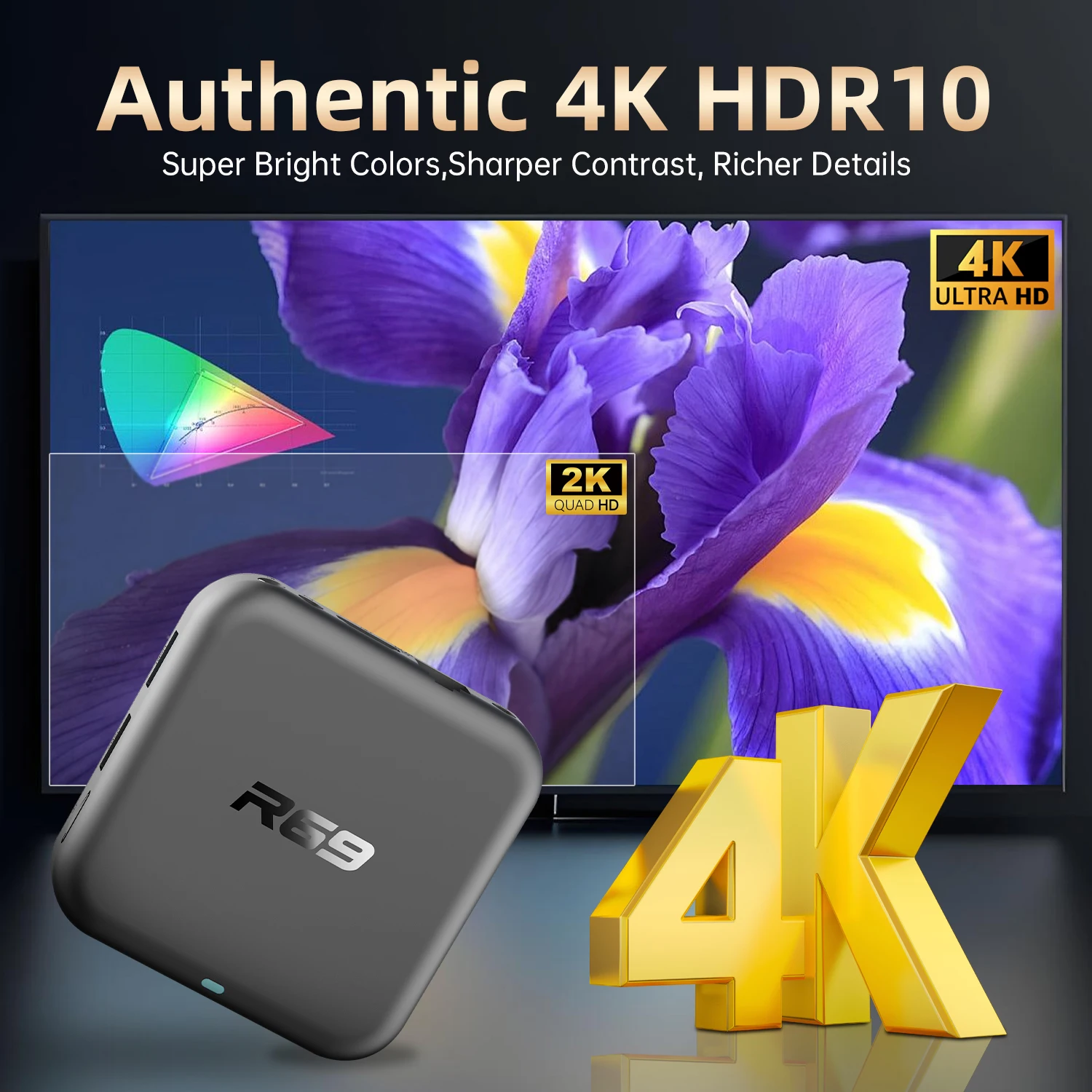
4K

Big Save Store
8.8
80.0K followers
Seller information
Choice EU Plug 8G128G-Voice Smart TV Box Android 14.0 Google Voice Chromecast Games 4K HDR 8GB 128GB BT 5.0 reviews
No reviews yet.
Product details

Additional info
- A maximum of 10 units of this product can be ordered. Trendyol reserves the right to cancel orders over 10 units.
- Barcode No: 3675259001075
Choice EU Plug 8G128G-Voice Smart TV Box Android 14.0 Google Voice Chromecast Games 4K HDR 8GB 128GB BT 5.0 features
Color
Multicolor
Resolution Technology
4K
Safety information
Product safety information
Product description
Plug Type:EU Plug
Color:8G128G-Voice
*Please turn to the end for answers to common usage questions
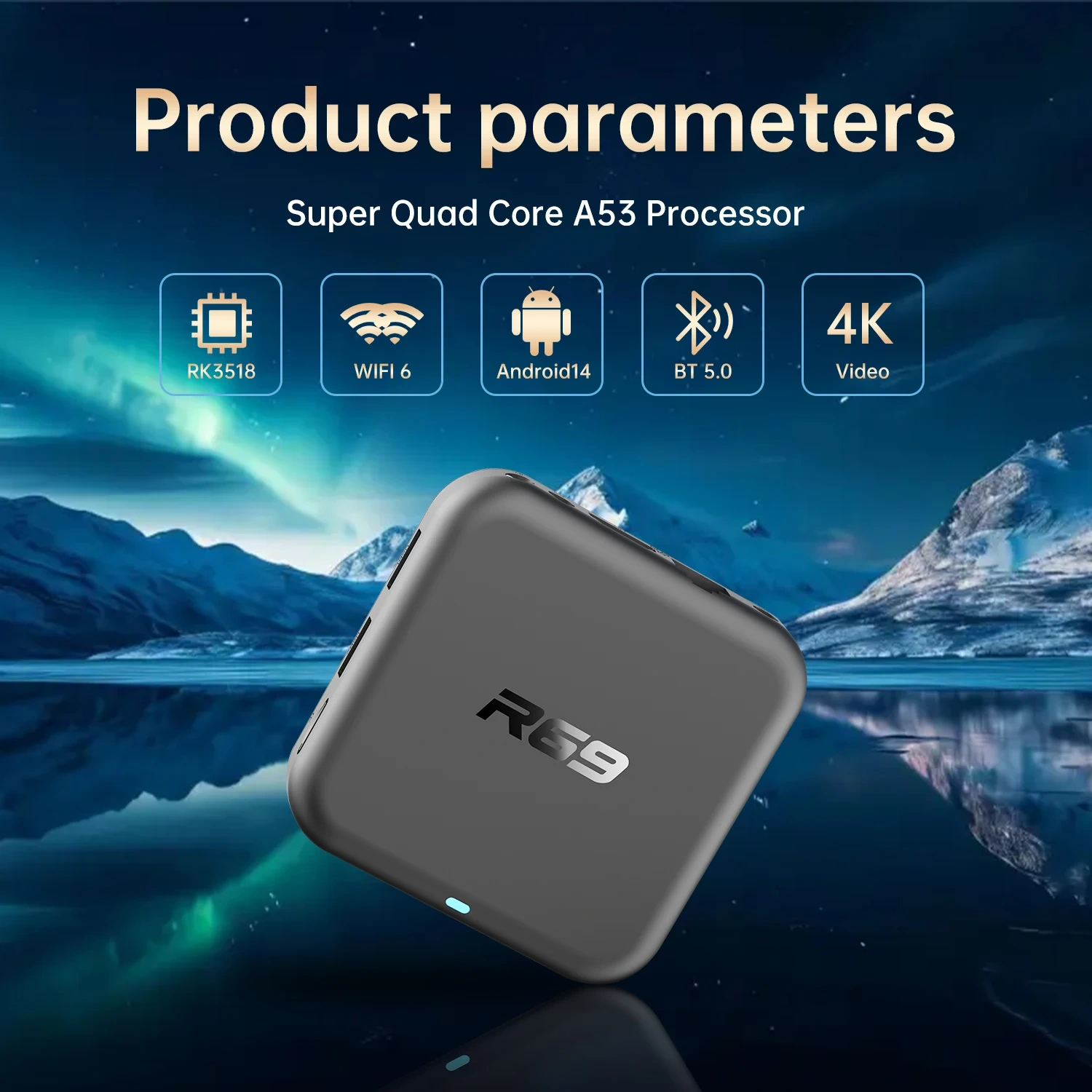
Product parameters :
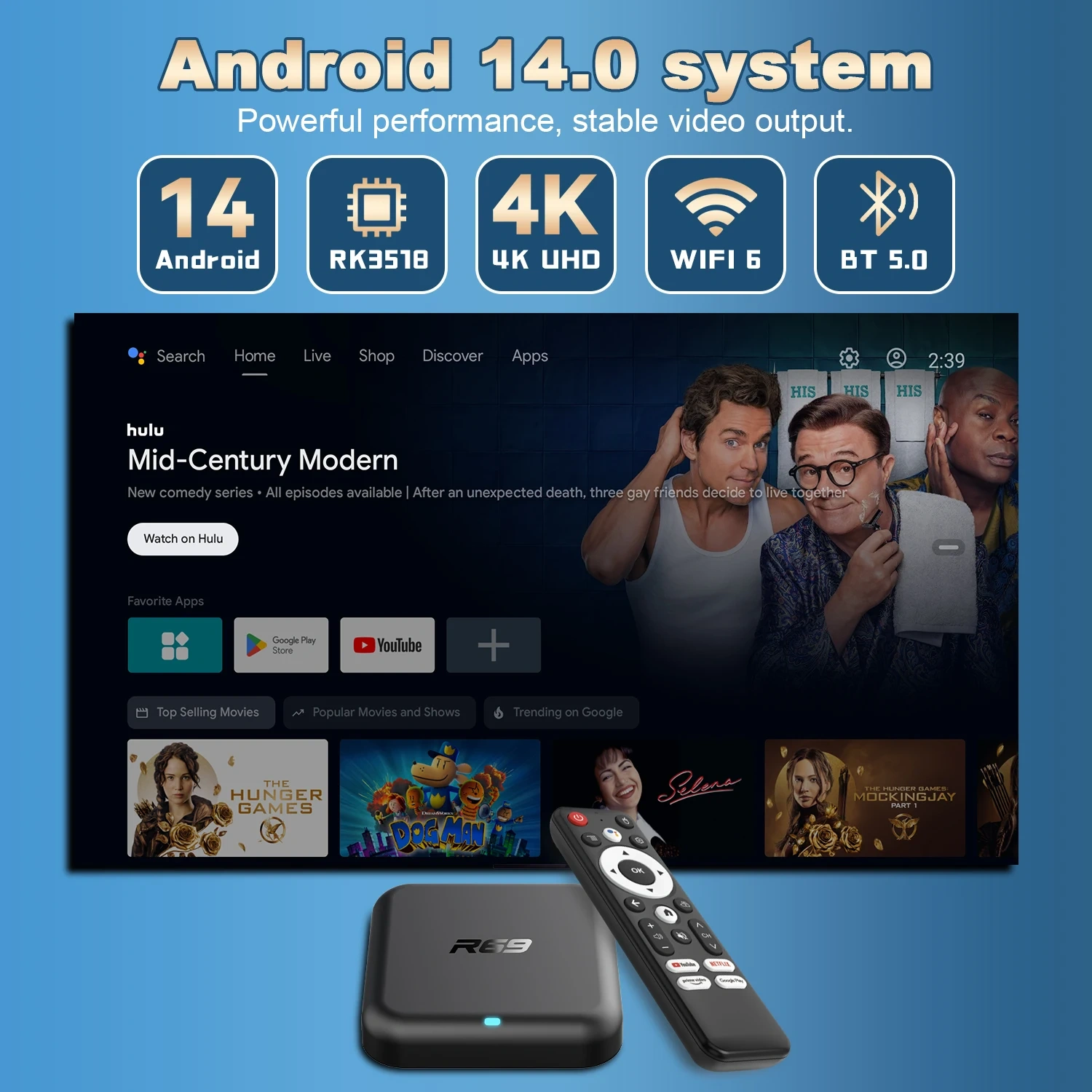
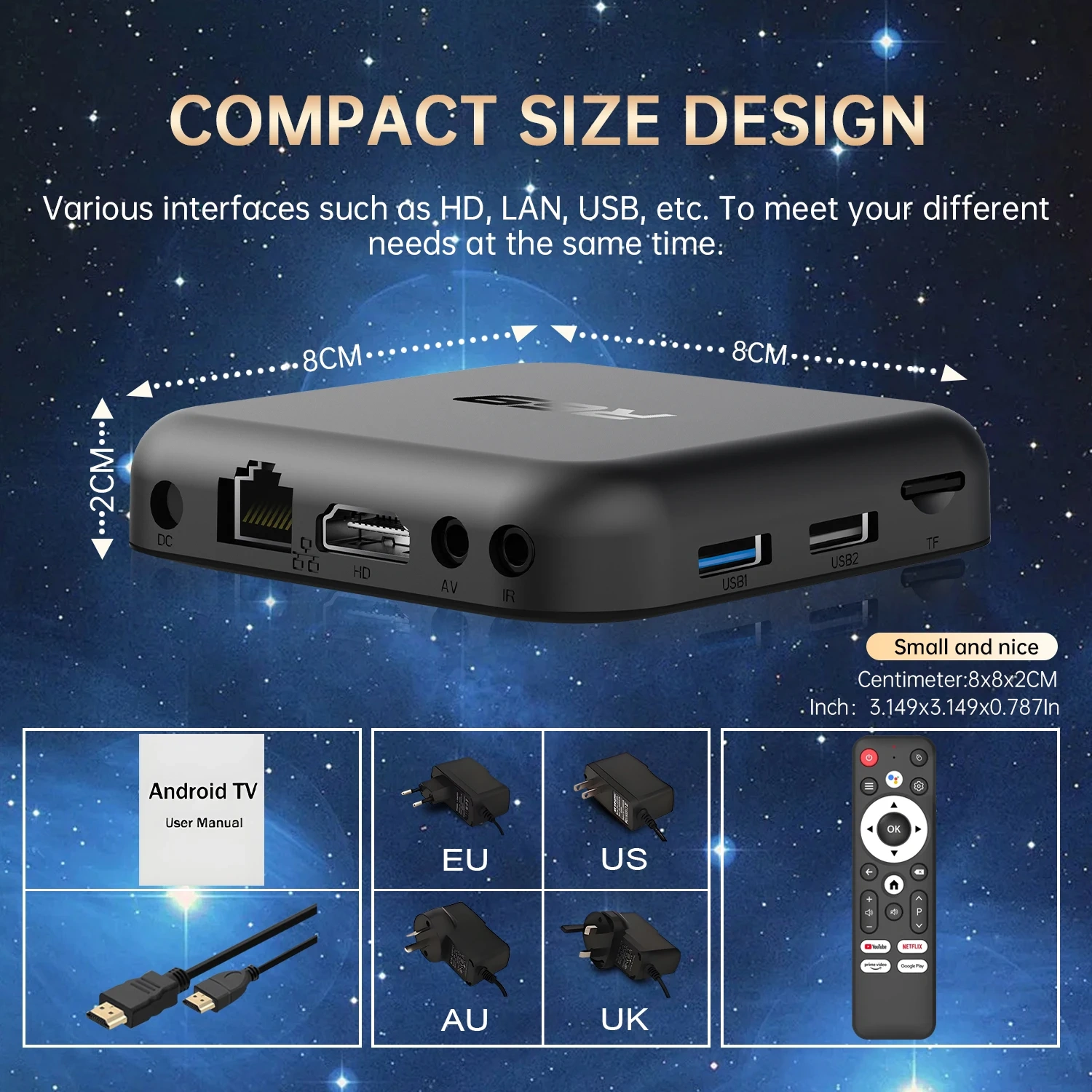
- OS: Android 14.0
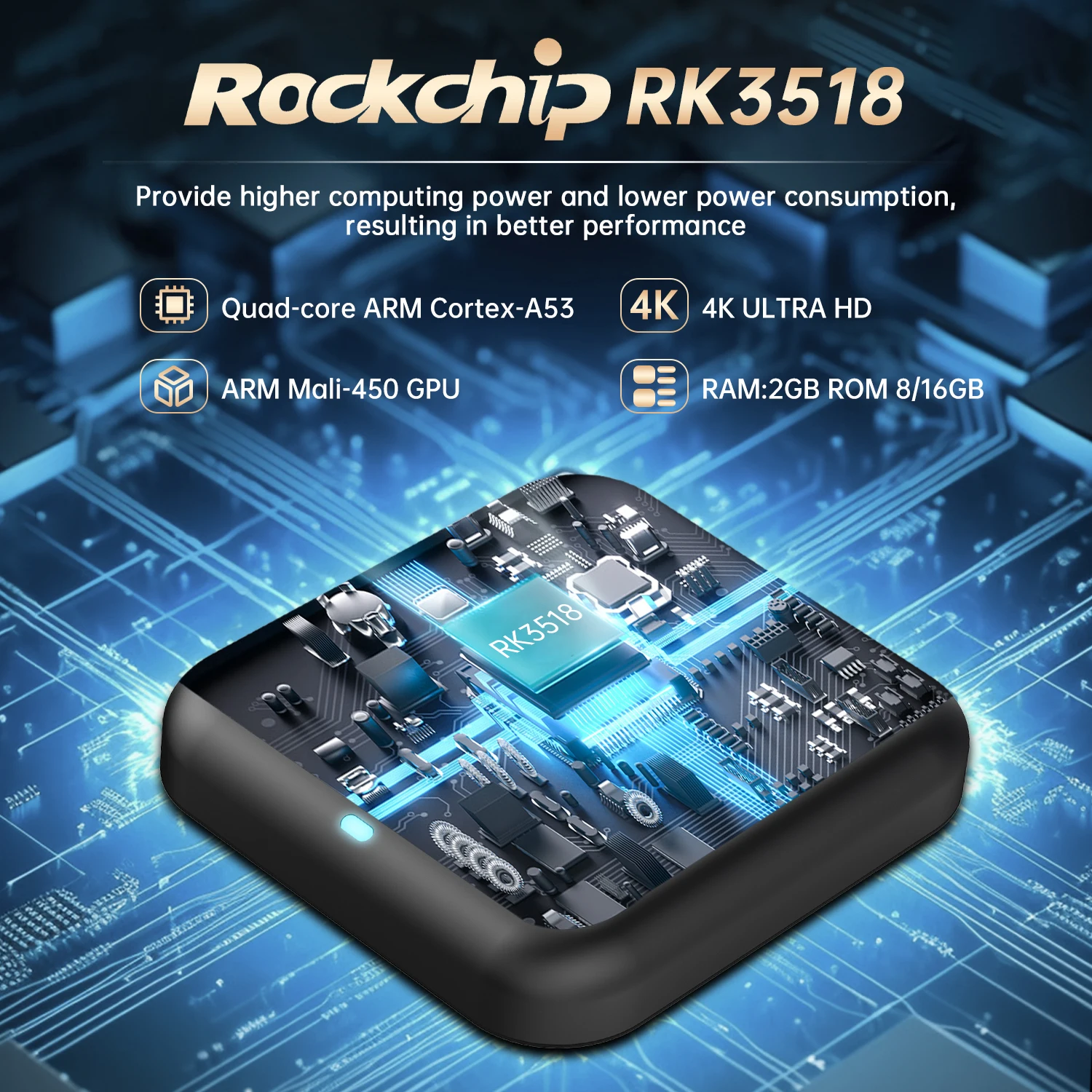
- CPU:Rockchip RK3518,Quad-Core Cortex-A53
- GPU: Mali 450 MP2
- RAM:8GB DDR3
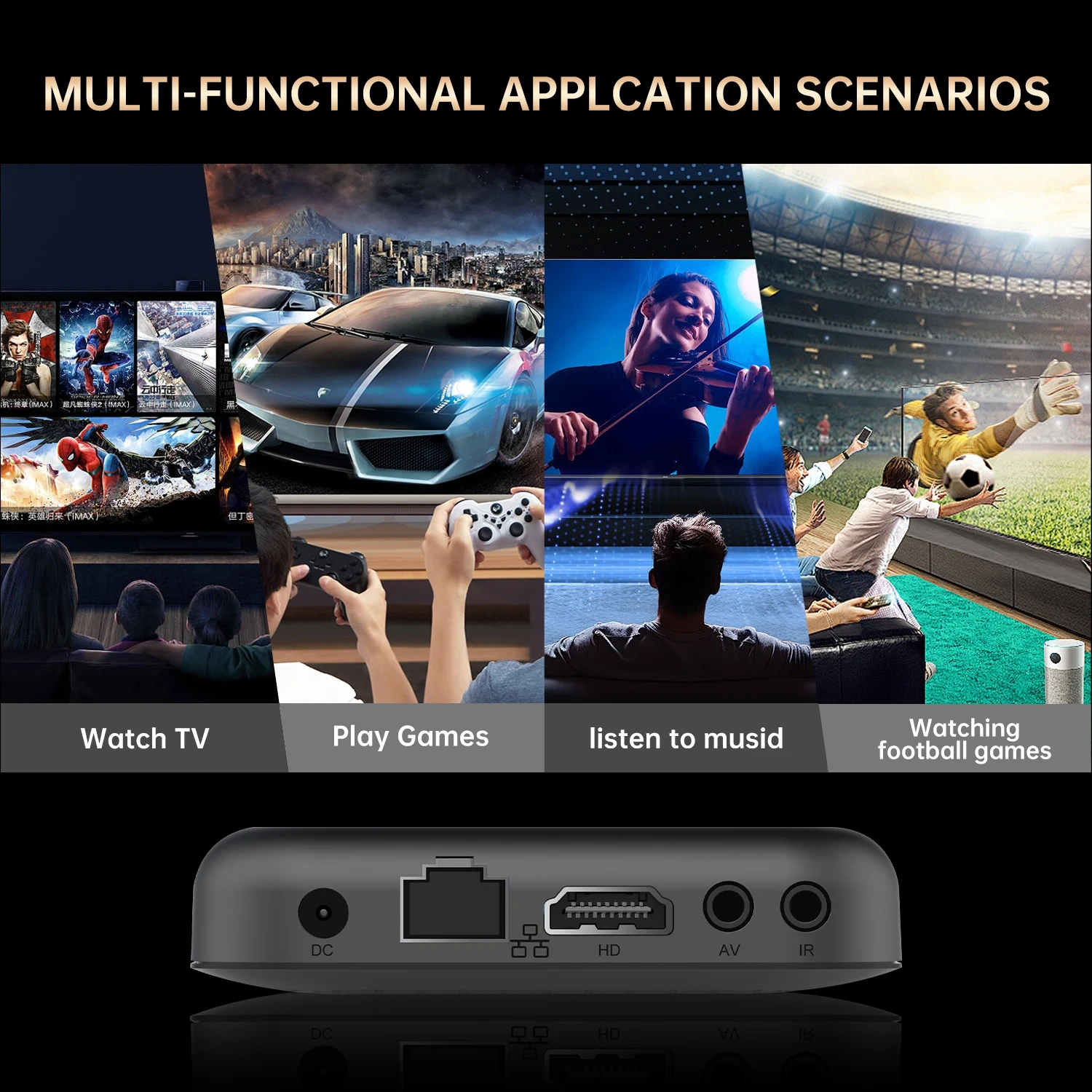
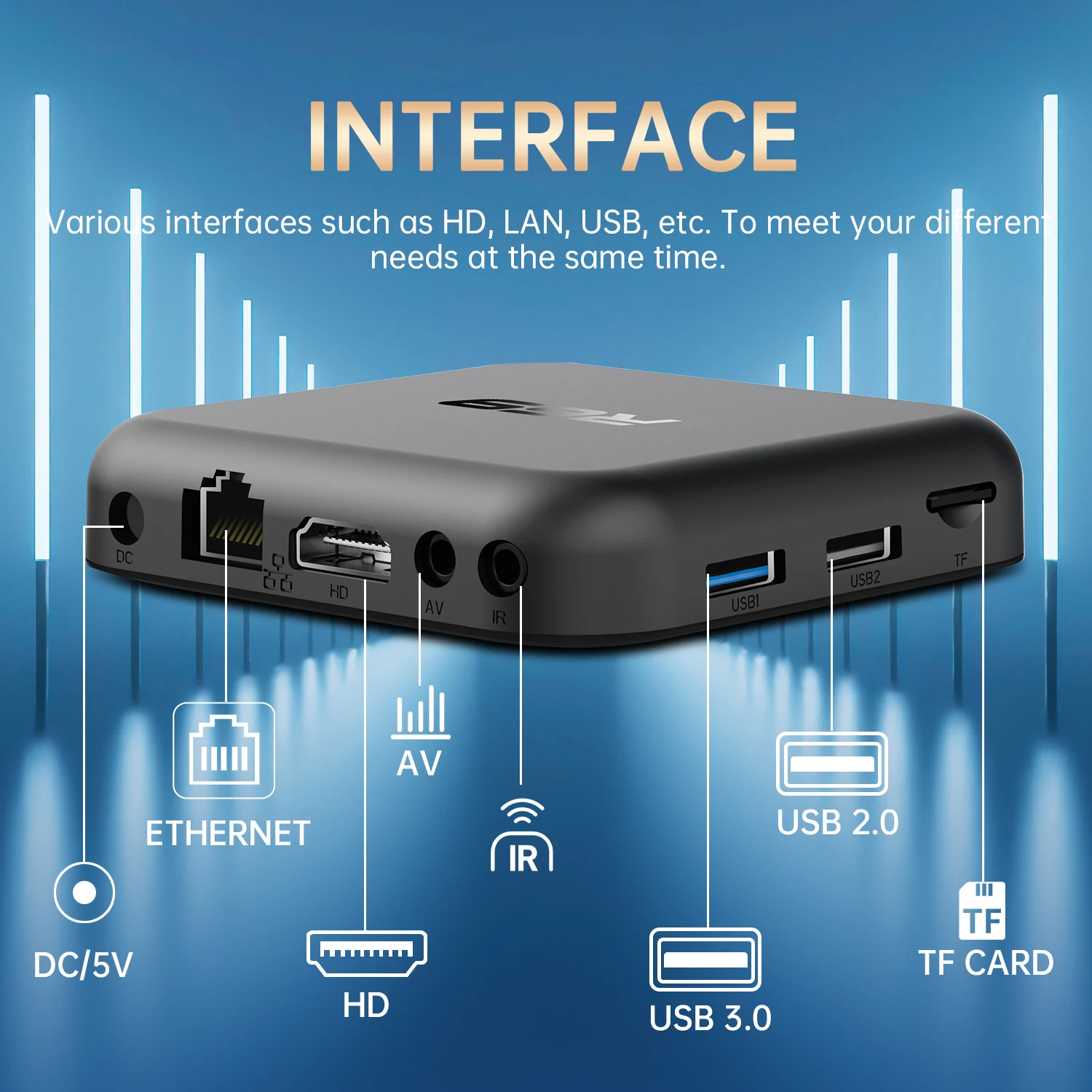
- Support: 100M Ethernet
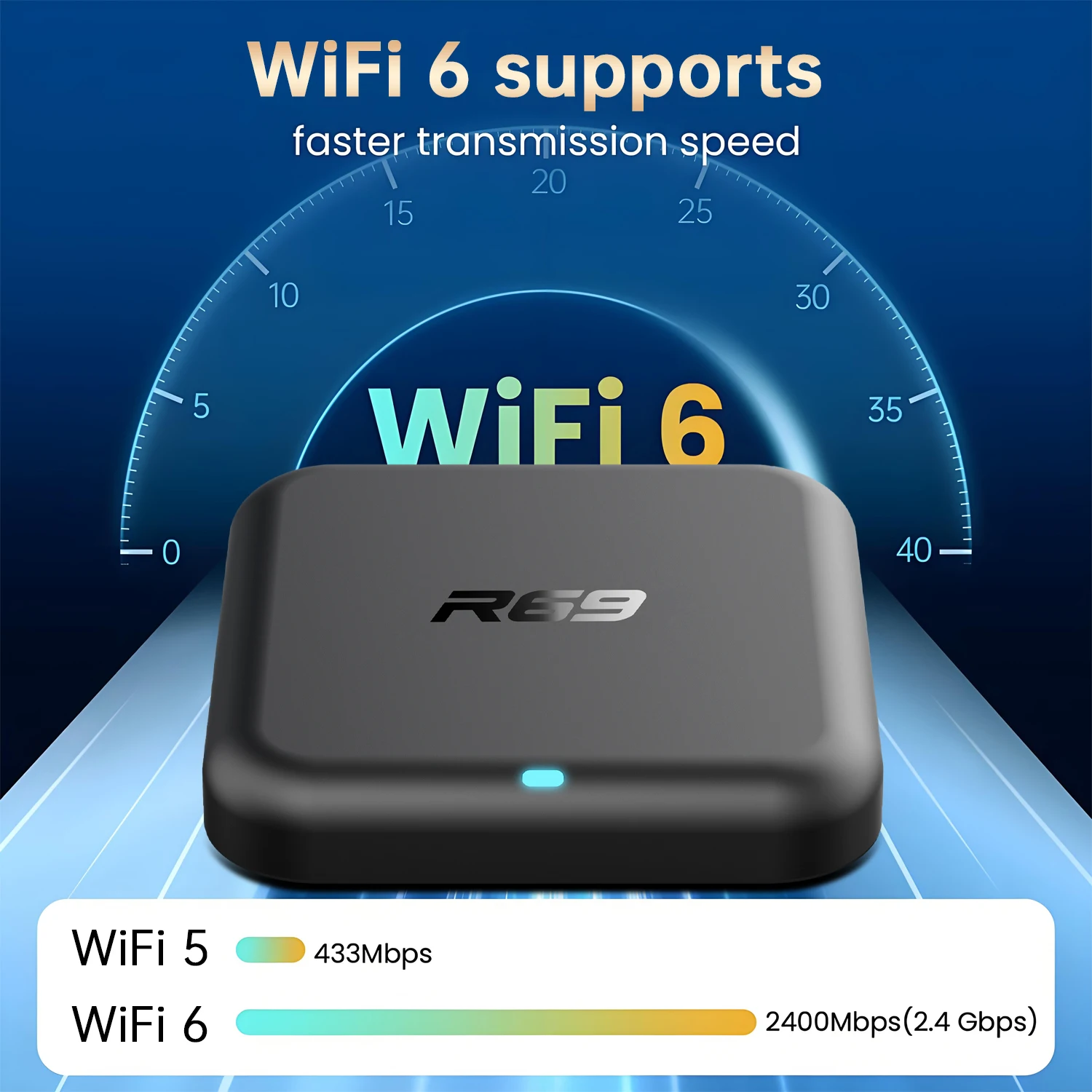
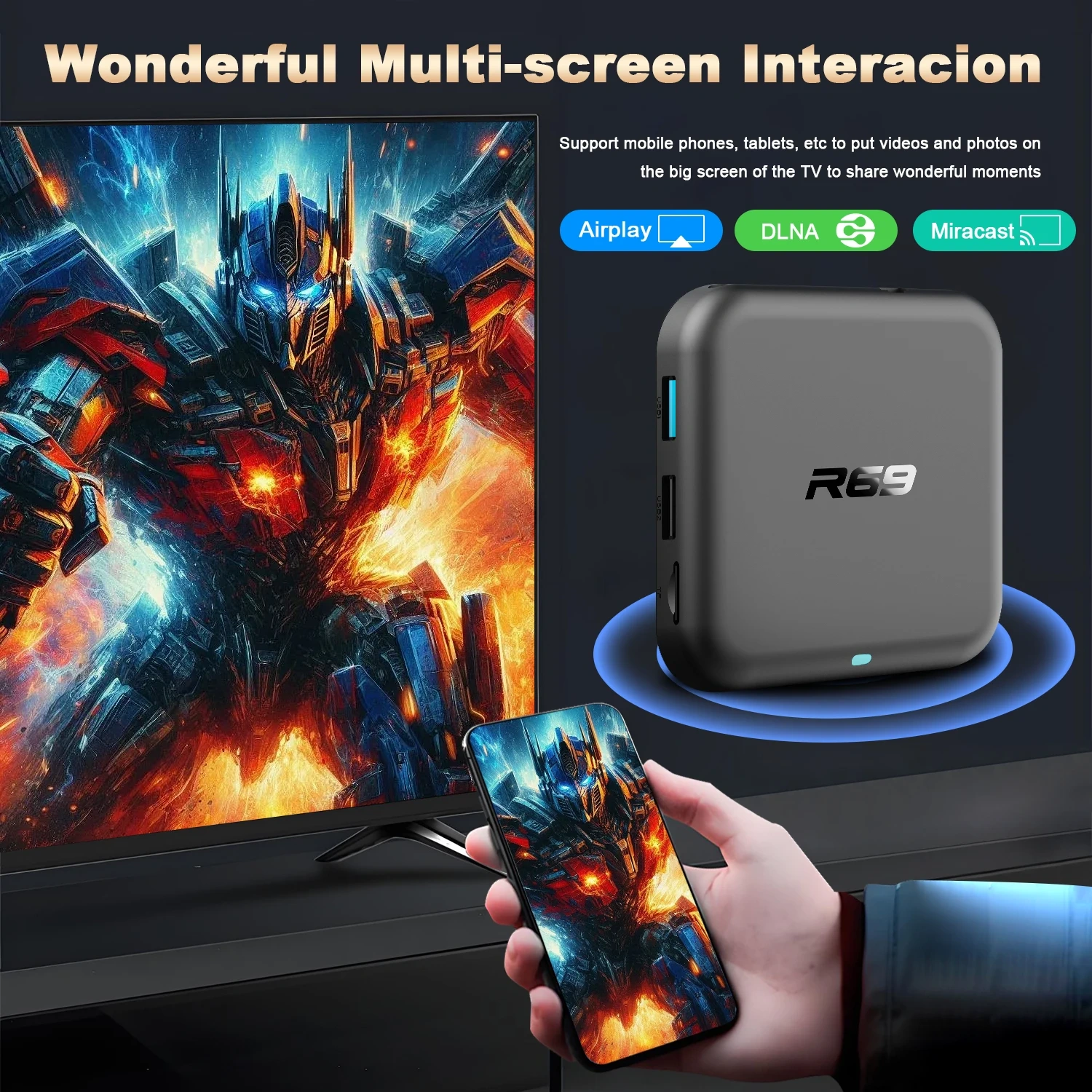
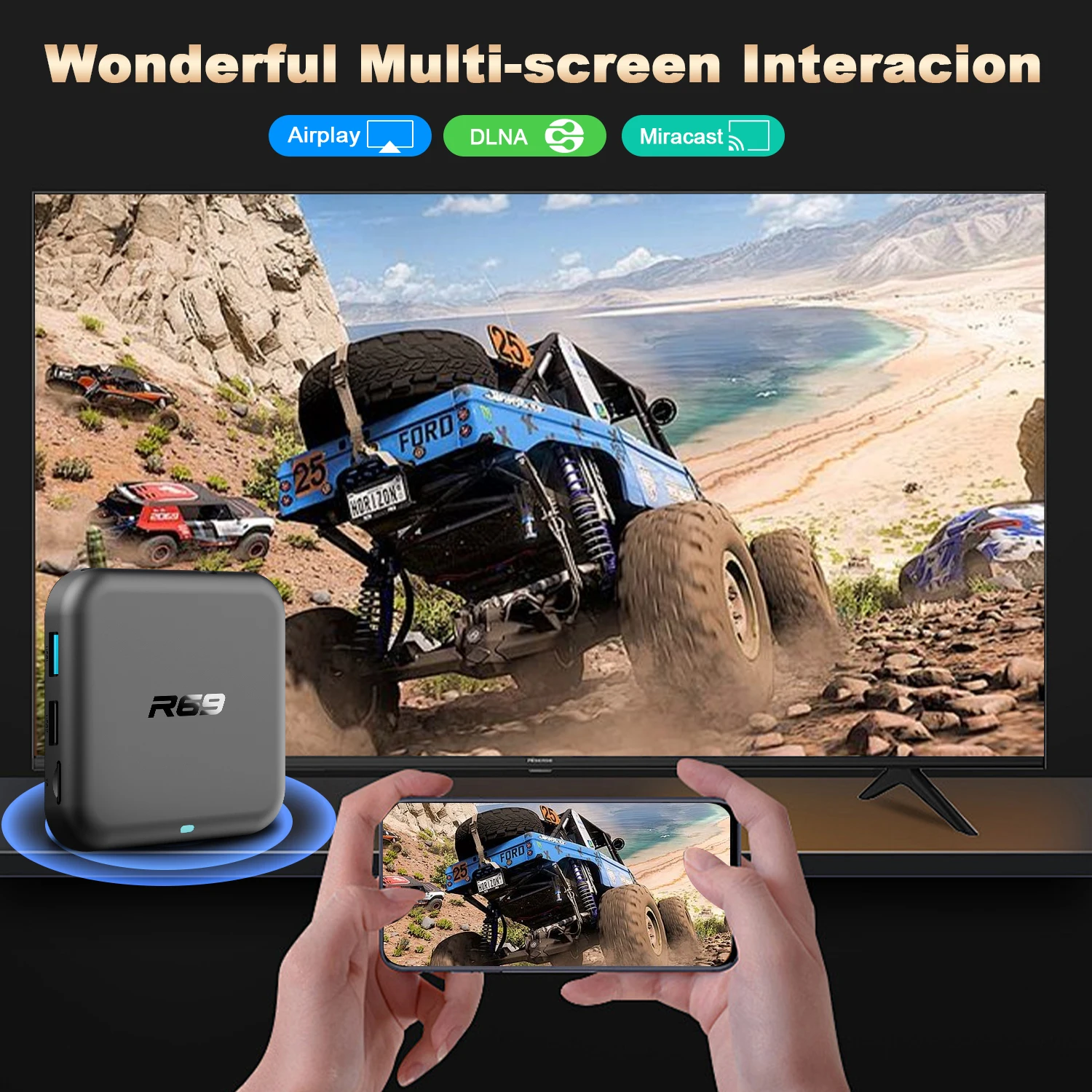
- Support:2.4G/5.8G Dual Wifi IEEE802. a/b/g/n/ac /ax
- Support: BT 5.4;
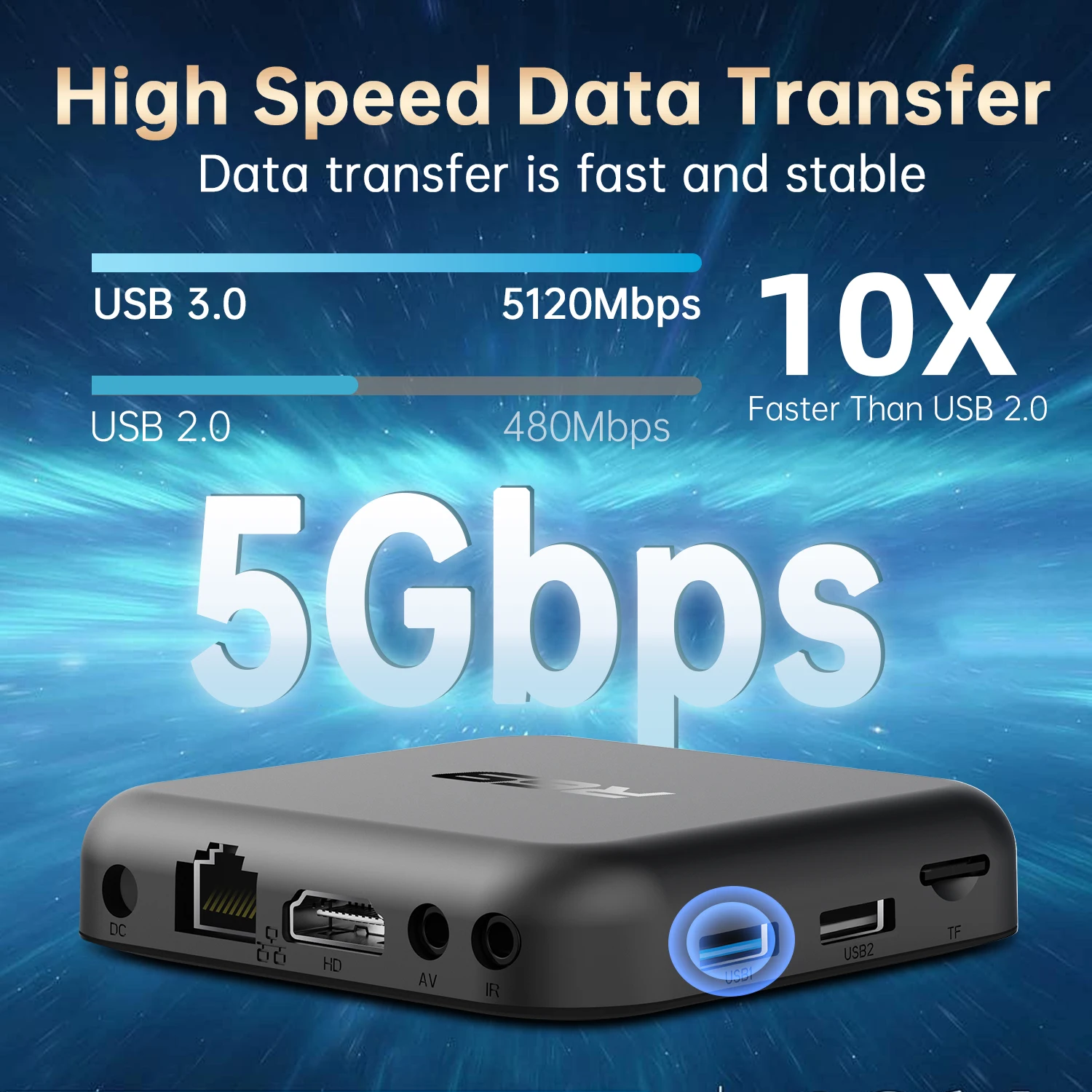
- Support: 1* USB 2.0,1* USB 3.0
- Support: H265 Main10@L5. 1 decoder up to 4K@60fps
Frequently Asked Questions:
*Note: Please use the cables we provide, do not change the cables at will, so as to avoid the machine being unable to boot
If the TV box restarts repeatedly after a few seconds or minutes, or the red light on the front panel is on and the TV screen stops at the boot screen, the problem is that the output voltage and current of your power adapter are not 5V/2A. You can use a 5V/2A adapter to power the TV box, and it can be used normally.
Netflix usage tutorial:
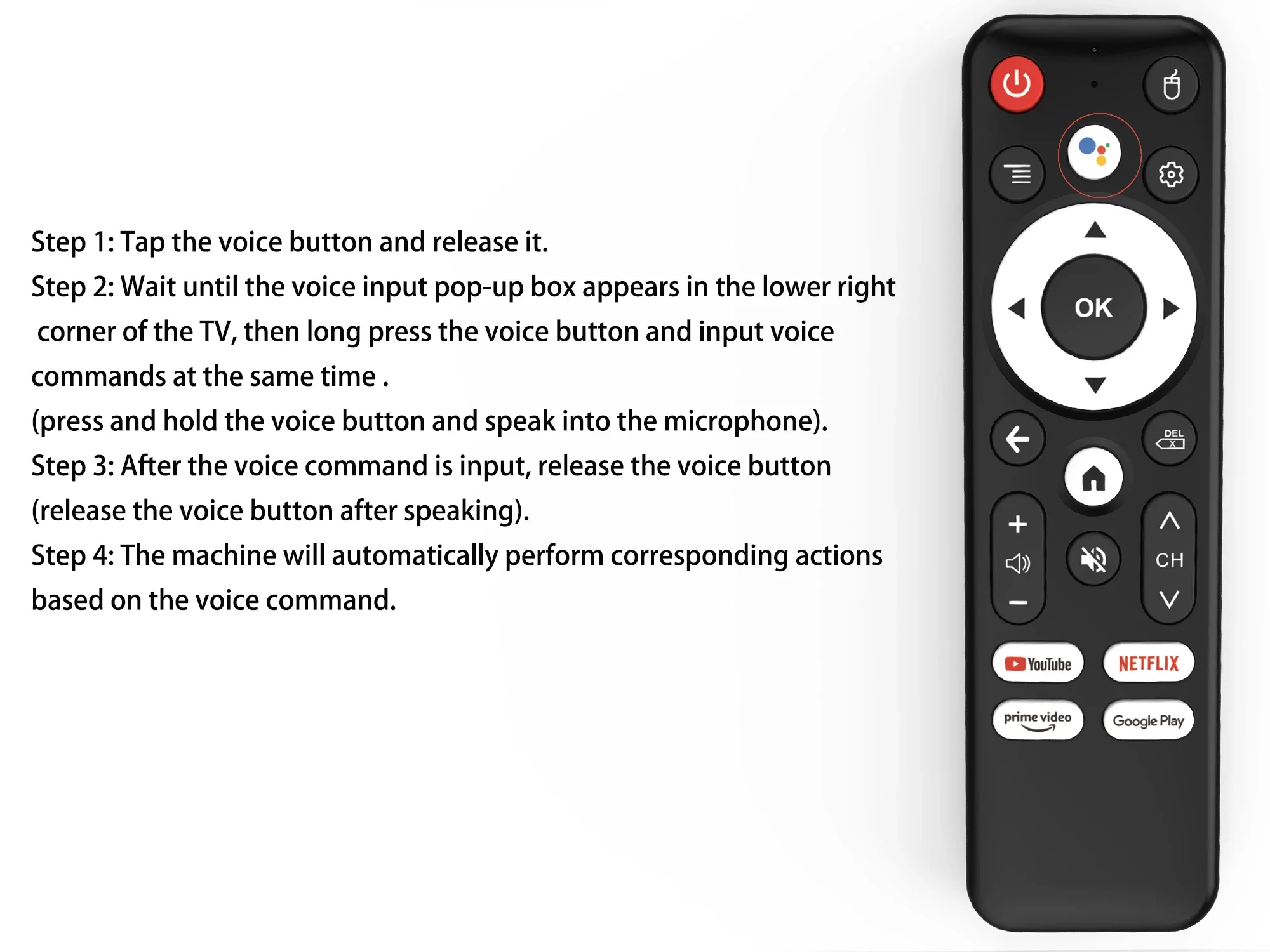
1. After connecting to WiFi, open the APP, find the black Netflix software, and click to open
(2) After clicking to open Netflix, the login interface will appear. Click the mouse switch button on the remote control to switch the remote control to mouse mode, and click the login button of the software
(3) Click the mouse button again to switch the remote control to remote control mode, enter the account password to log in
(4) Use the mouse mode of the remote control to click the video to be played
2. Disney NETFLIX and other software cannot solve the problem. Disney software may not be compatible and cannot be used for a long time. If you need to use Disney software, please choose your purchase carefully to avoid unnecessary disputes. Based on the actual product!
3.Machine startup problem*
(1) Product startup: It is normal for the product to start up slowly for the first time. Each product has different configurations, so the startup time is also different.If the startup is slow, please wait patiently and do not unplug the power supply. For customers who have high requirements for startup time, please choose products with high prices and configurations in our store.
(2) If there is no signal when starting up, it is because the user has used an HDMl cable and power cable that don't match the product. Please be sure to use the accessories provided by us and do not replace the cables at will .lf there is no signal when the machine is turned on, it may be that the user's TV has multiple HDMl interfaces. The user can use the TV remote control to switch to the correct signal source, and the TV will display the picture normally.