Free shipping

Choice black VGA to HDMI-Compatible Adapter VGA Splitter with 3.5mm Audio Converter Support Dual Display fo
No reviews yet.
Lowest price in 90 days
Checkout Discount 24% Off
At checkout
18.13 AED
23.85 AED
Free shipping
Delivery address

Select your address, find out the delivery date!
Trendyol's commitments
Easy and free return in 15 days.
Payment methods



Highlighted features:
Choice black VGA to HDMI-Compatible Adapter VGA Splitter with 3.5mm Audio Converter Support Dual Display fo features
Color
Multicolor
Instructions for Use/Warnings
*black

Big Save Store
8.9
81.4K followers
Seller information
Similar items



 Trendyol Plus Exclusive









Shoppers also viewed


Choice black VGA to HDMI-Compatible Adapter VGA Splitter with 3.5mm Audio Converter Support Dual Display fo reviews
No reviews yet.
Product details

Additional info
- A maximum of 10 units of this product can be ordered. Trendyol reserves the right to cancel orders over 10 units.
- Barcode No: 3639145879549
Choice black VGA to HDMI-Compatible Adapter VGA Splitter with 3.5mm Audio Converter Support Dual Display fo features
Color
Multicolor
Instructions for Use/Warnings
*black
Safety information
Product safety information
Product description
Color:black
Feature:
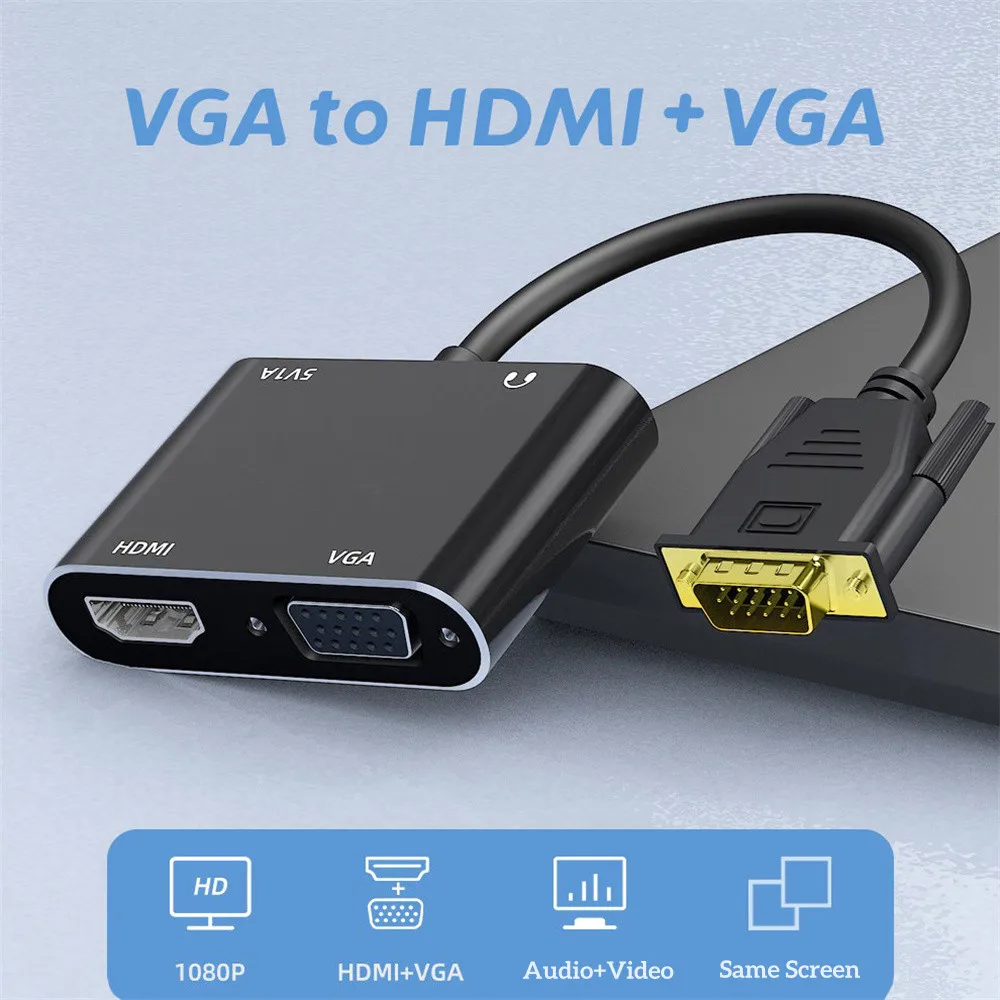
ICANING VGA to HDMI-Compatible +VGA Adapter with Audio
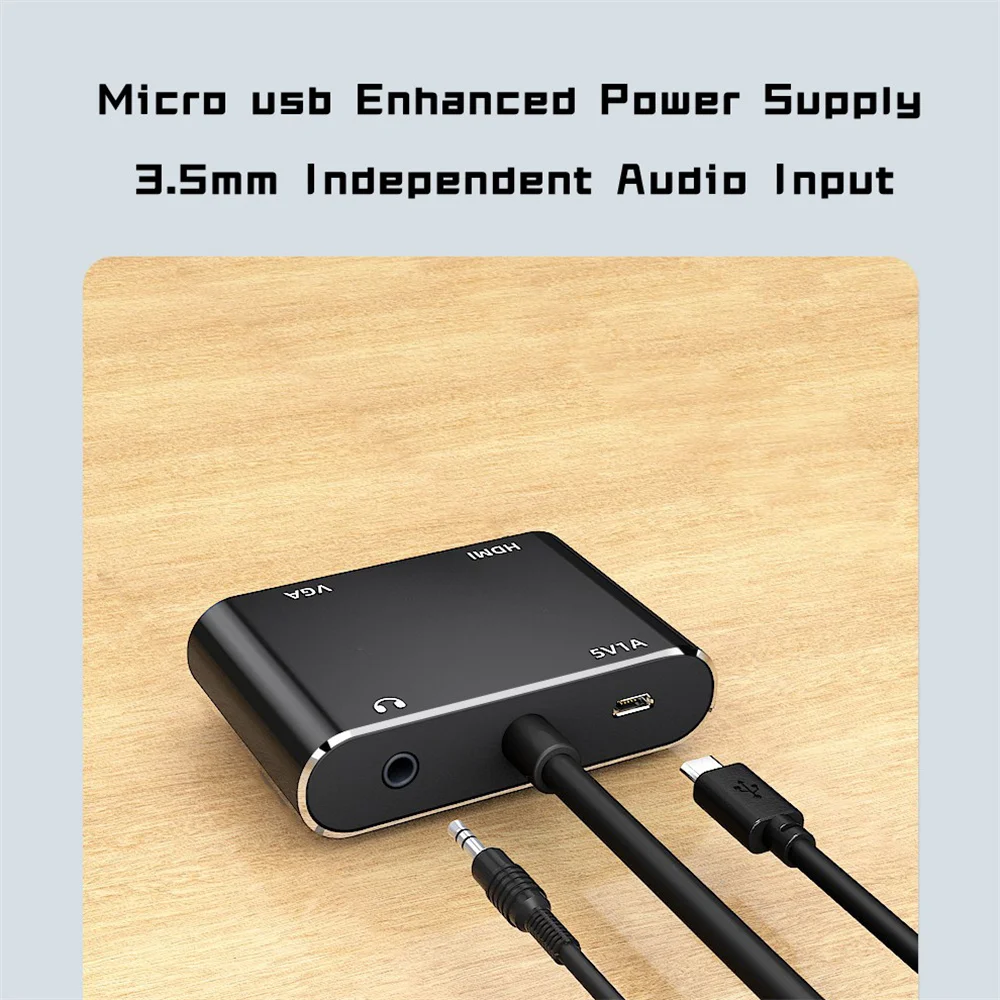
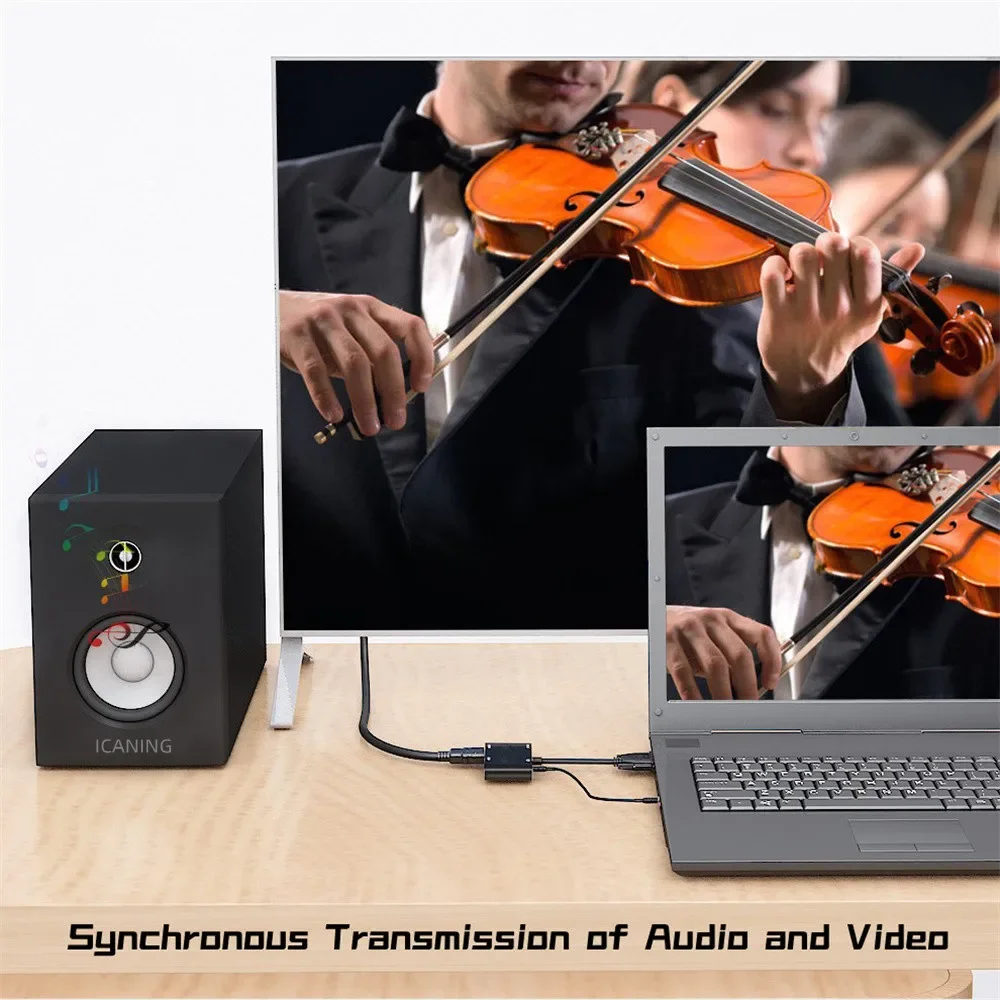
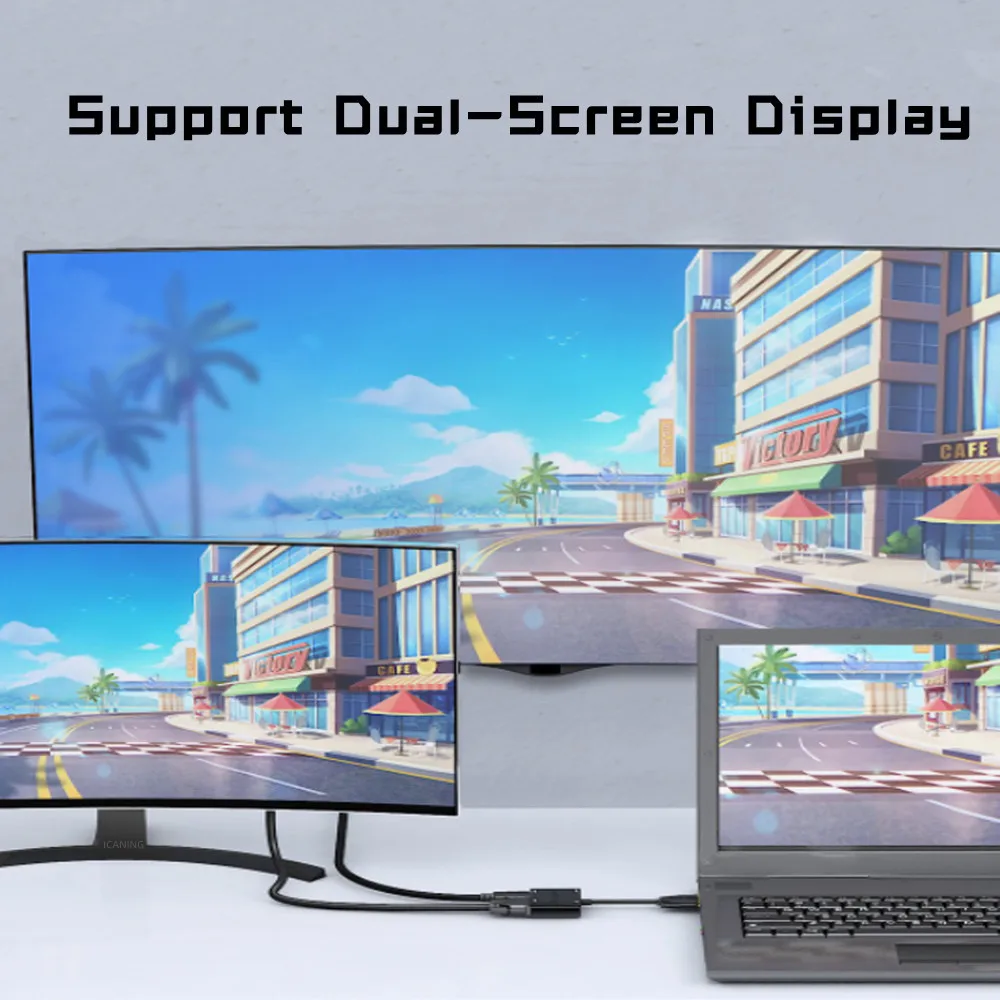
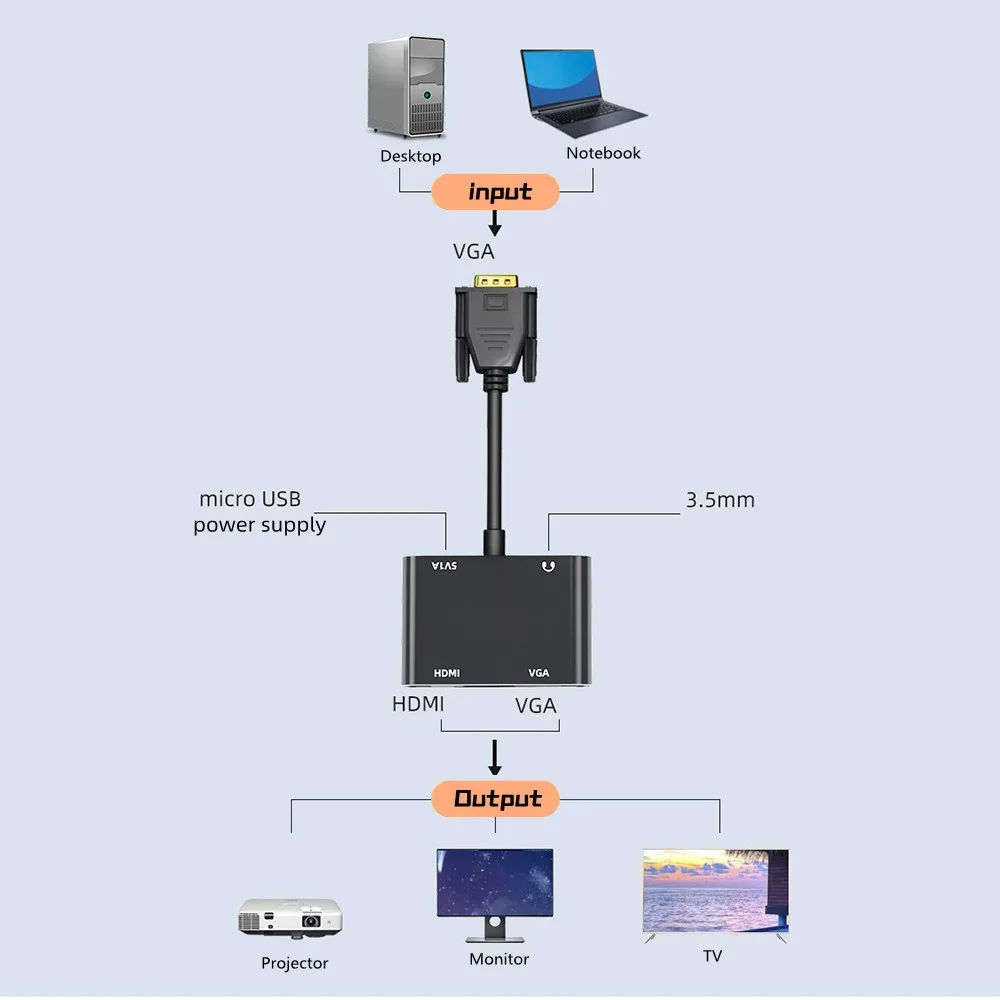
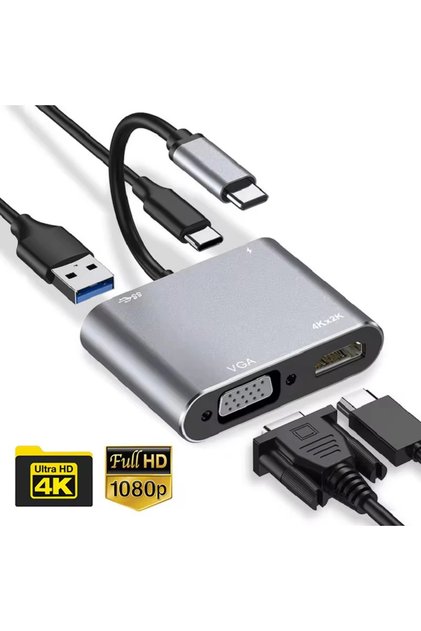
This VGA to HDMI-Compatible +VGA Adapter allows you to output VGA signals from personal computers and laptops to your HDTV or projector.This adapter has independent audio interface and micro 5pin power supply interface, so you only need to use one audio cable to connect this product to your computer or notebook, and then use one HDMI-Compatible /VGA data transmission cable to connect this product to your display device, you can share your video, audio / data from PC or notebook computer, and watch on HD TV or monitor. Support dual interface simultaneous output display.
PANEL DESCRIPTIONS
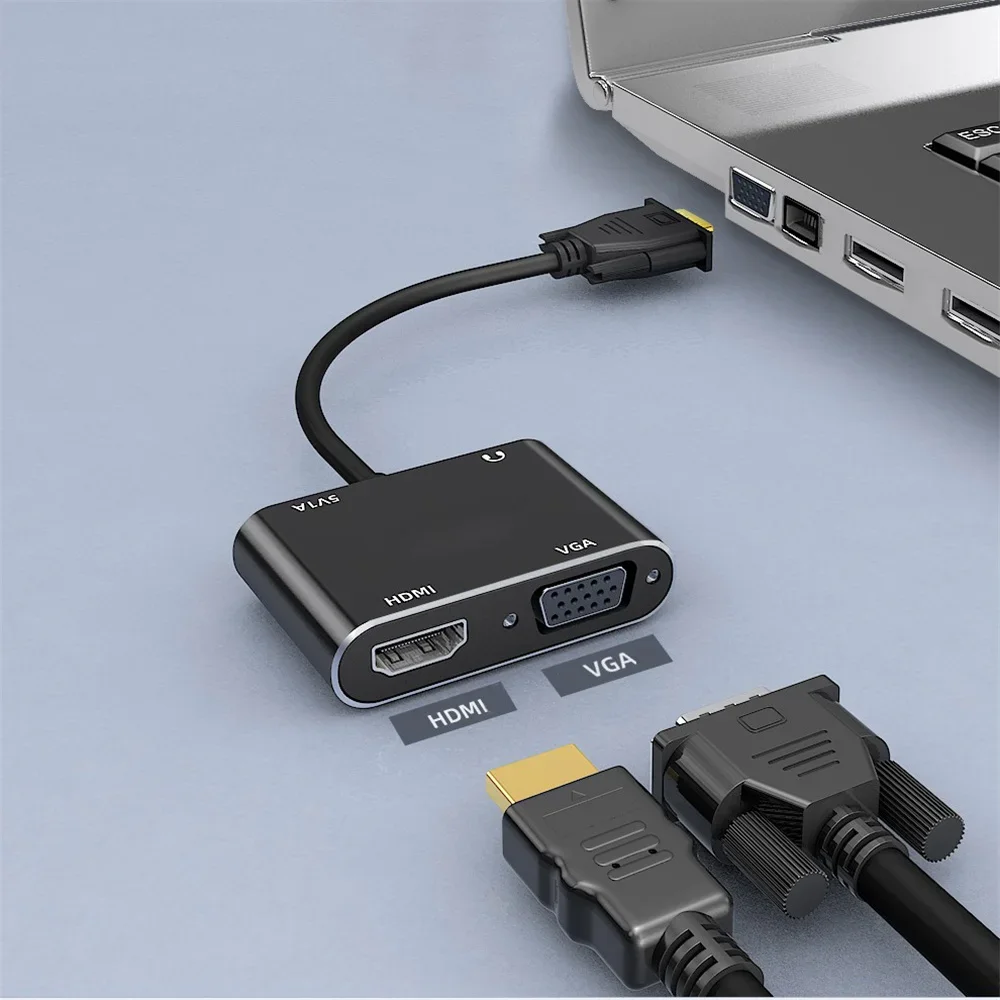
VGA(Male):Plug connect to PC or Laptop HDMI-Compatible (Female):Port connect to TV. project and so on Micro USB(Female): Port connect to Power Adapter
VGA(Female):Port connect to TV, project and so on
3.5mm Jack(Female):Connect sound output devices such as speakers and headphones
Package Include:
1 x VGA to HDMI-compatible and VGA Adapter
1 x Audio Cable
1 x Micro USB Power Cable
Tips:
1. If VGA is connected separately, connect the audio jack of the input device to the external speaker to output sound.
2. If you are HDMI-compatible, connect the audio port of the adapter to an external speaker to output sound.
3. Please connect the Mini USB cable to your USB device to power our adapter. Note: This is a necessary step
4. If you want to transfer 1080p video, images, or other content from your input device to an external large screen
5. Make sure you have an HDMI-compatible / VGA 1080p cable, 1080p HDMI-compatible / VGA monitor. Most importantly, the input device must support 1080p.