Free shipping

#4 Most rated in Auto Brake Center Accessories
Only 2 left!
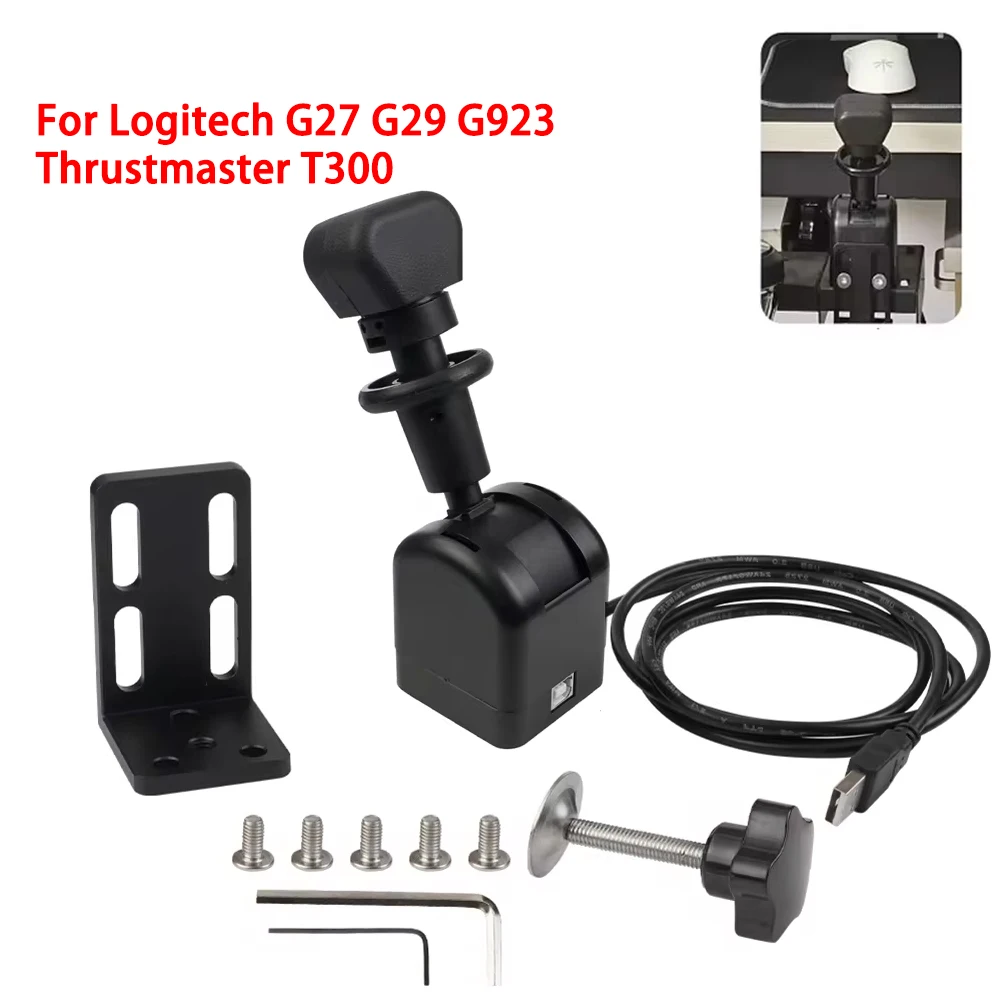
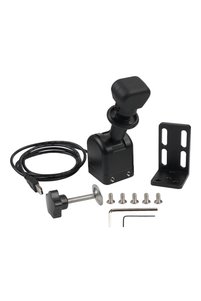
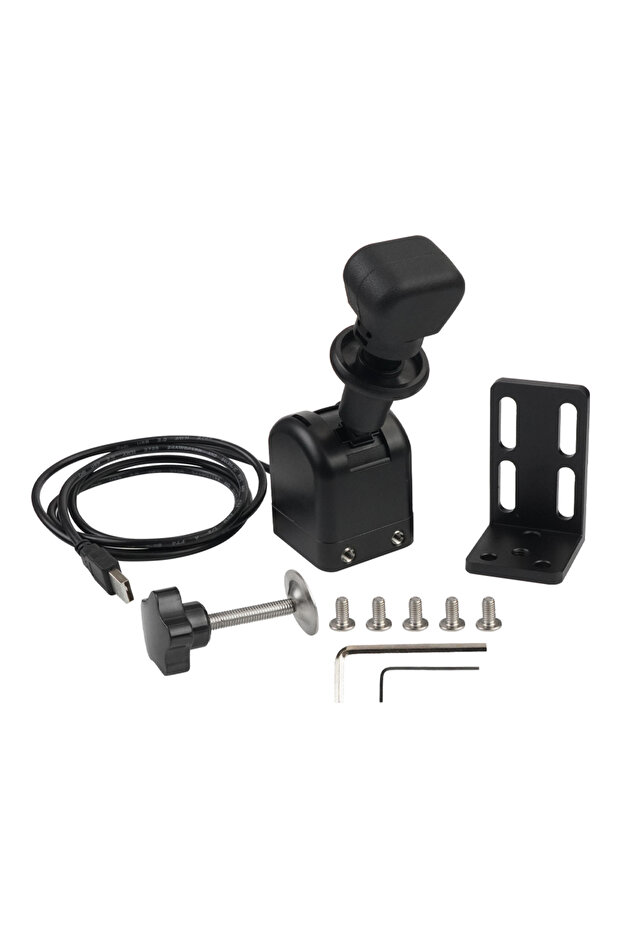
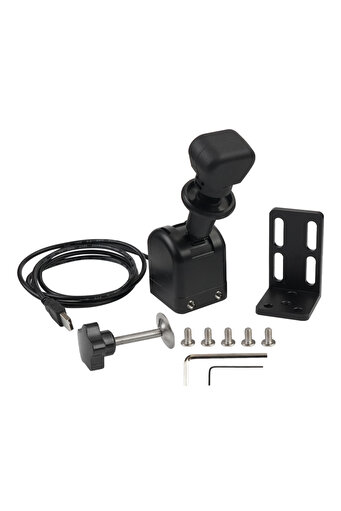
Choice black PC USB Handbrake For Logitech G923 G27 G29 Thrustmaster T300 For ETS2 European/American Truck
Checkout Discount 12% Off
At checkout
113.74 AED
129.25 AED
Free shipping
Delivery address

Select your address, find out the delivery date!
Trendyol's commitments
Easy and free return in 15 days.
Payment methods



Highlighted features:
Choice black PC USB Handbrake For Logitech G923 G27 G29 Thrustmaster T300 For ETS2 European/American Truck features
Instructions for Use/Warnings
*black

Big Save Store
8.8
81.2K followers
Seller information
Similar items











Choice black PC USB Handbrake For Logitech G923 G27 G29 Thrustmaster T300 For ETS2 European/American Truck reviews
47 ratings
11 reviews

Product details
Additional info
- A maximum of 10 units of this product can be ordered. Trendyol reserves the right to cancel orders over 10 units.
- Barcode No: 3558292729868
Choice black PC USB Handbrake For Logitech G923 G27 G29 Thrustmaster T300 For ETS2 European/American Truck features
Instructions for Use/Warnings
*black
Safety information
Product safety information
Product description
Color Name:black
PC USB Handbrake For Logitech G923 G27 G29 Thrustmaster T300 For ETS2 European/American Truck Sim Racing Games Hand Brake
Application:
【System requirements】
Only support for PC windows XP, 7, 8, 8.1, 10 and so on.
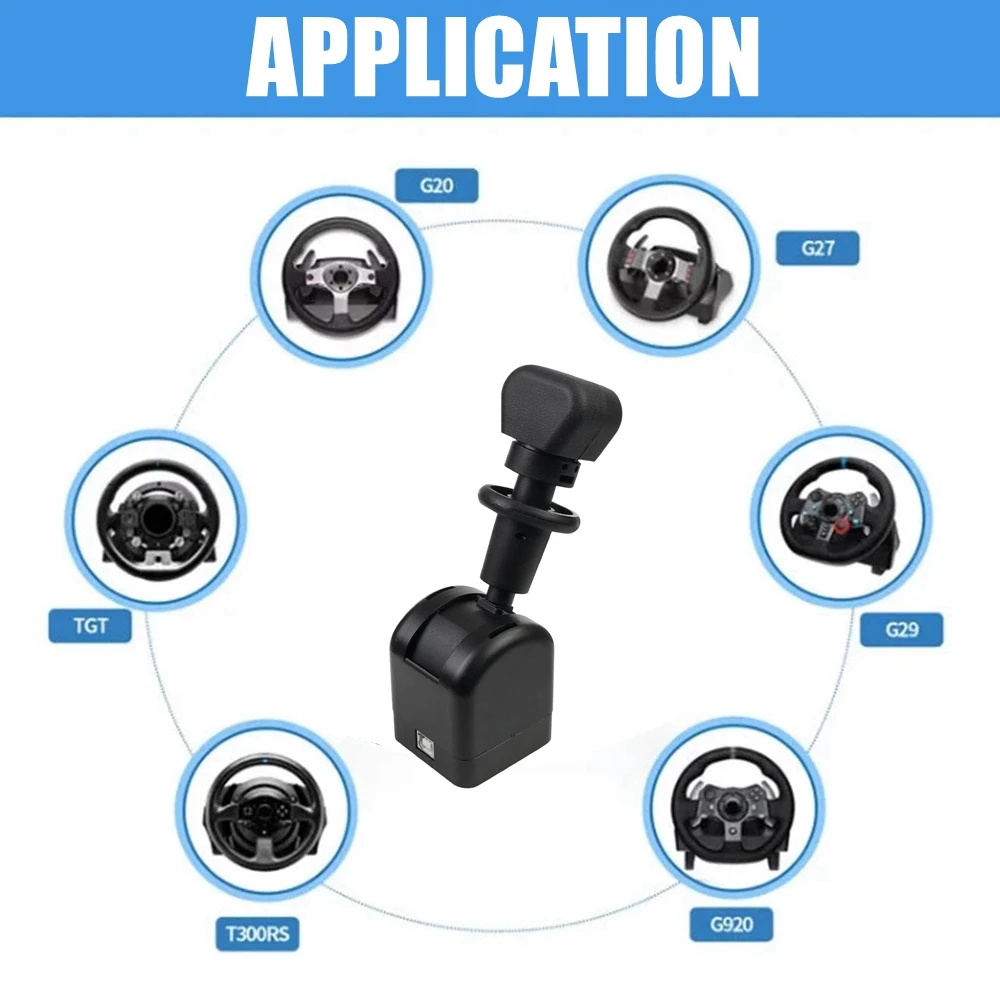
Compatible With G25/G27/G29/G923 & Thrustmaster T300/T-GT.
Support most steering wheels.
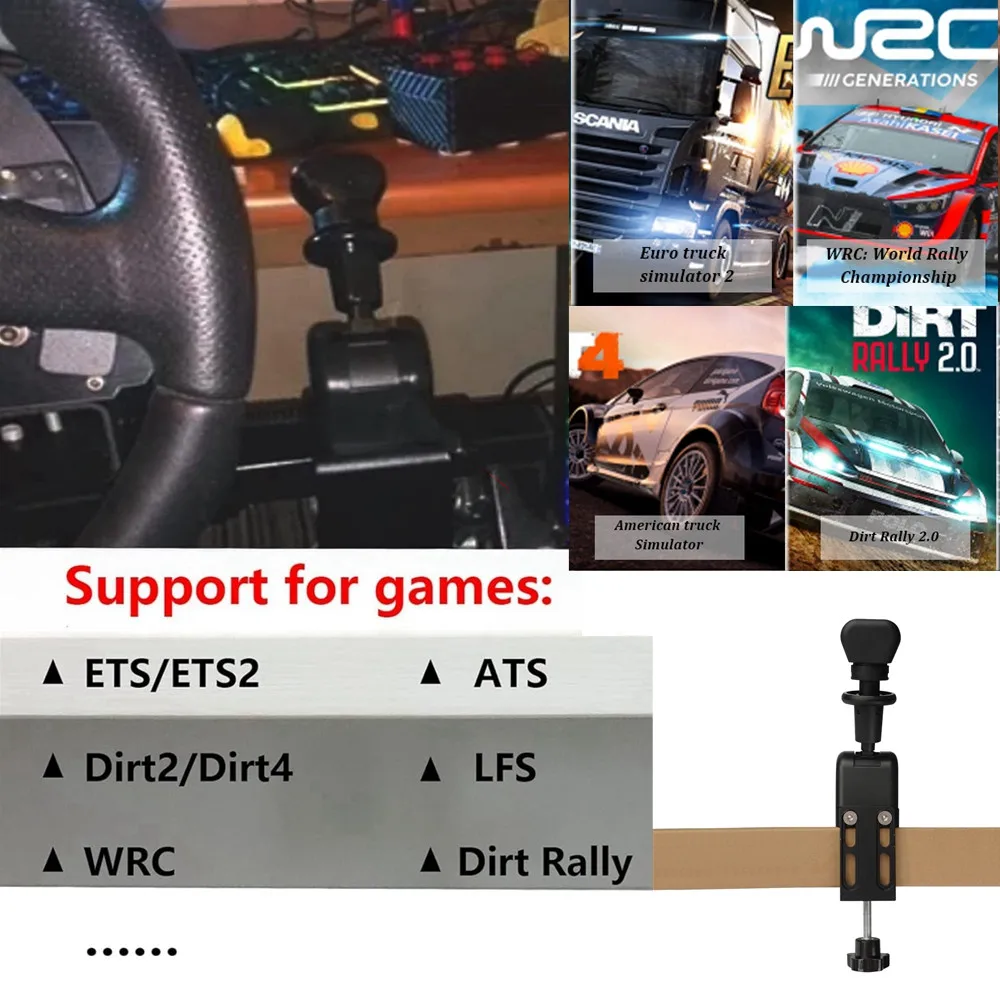
【SUPPORTED GAMES】
* American Truck Simulator/ATS
* European Truck Simulator 2/ETS2
* The Bus Simulator/OMSI2
(Need to be used in conjunction with Joytokey software)
* Ride Through China
Features:
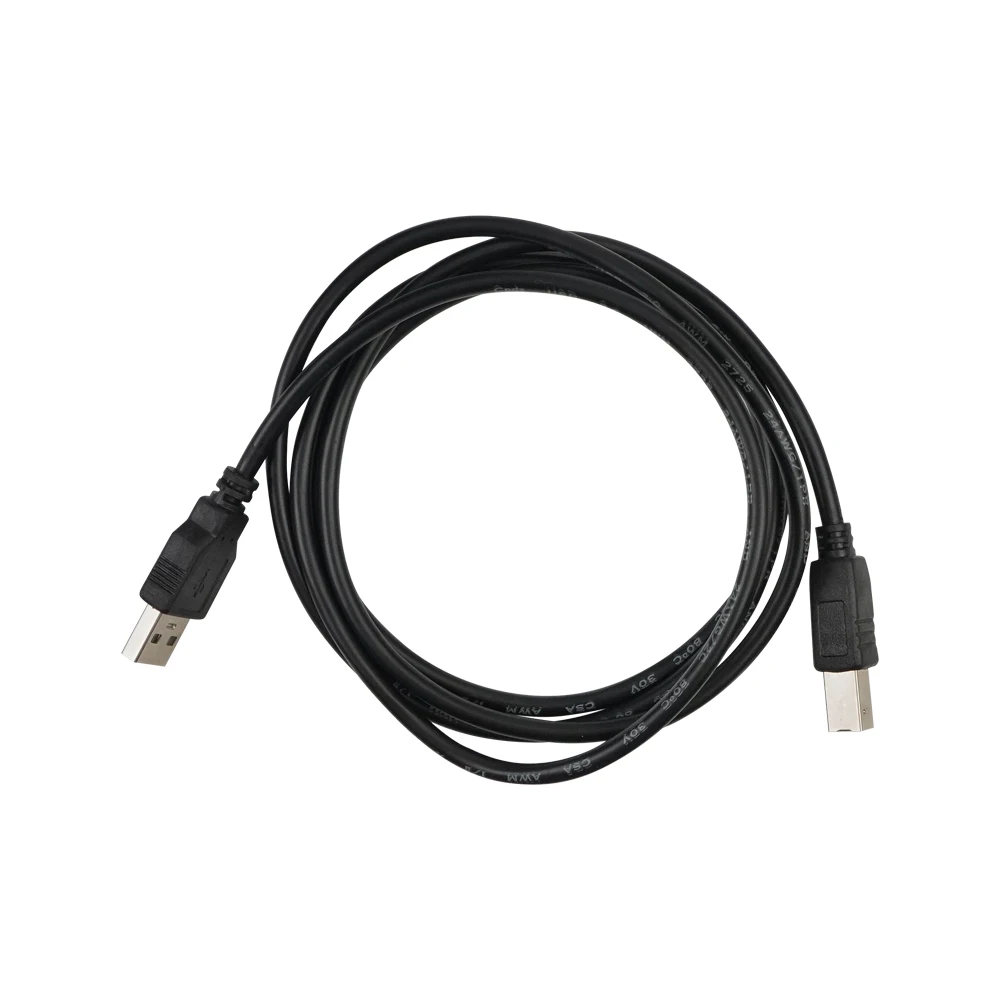
1. Equipped with a separate USB cable, just connect USB, plug and play, no extra driver needed.
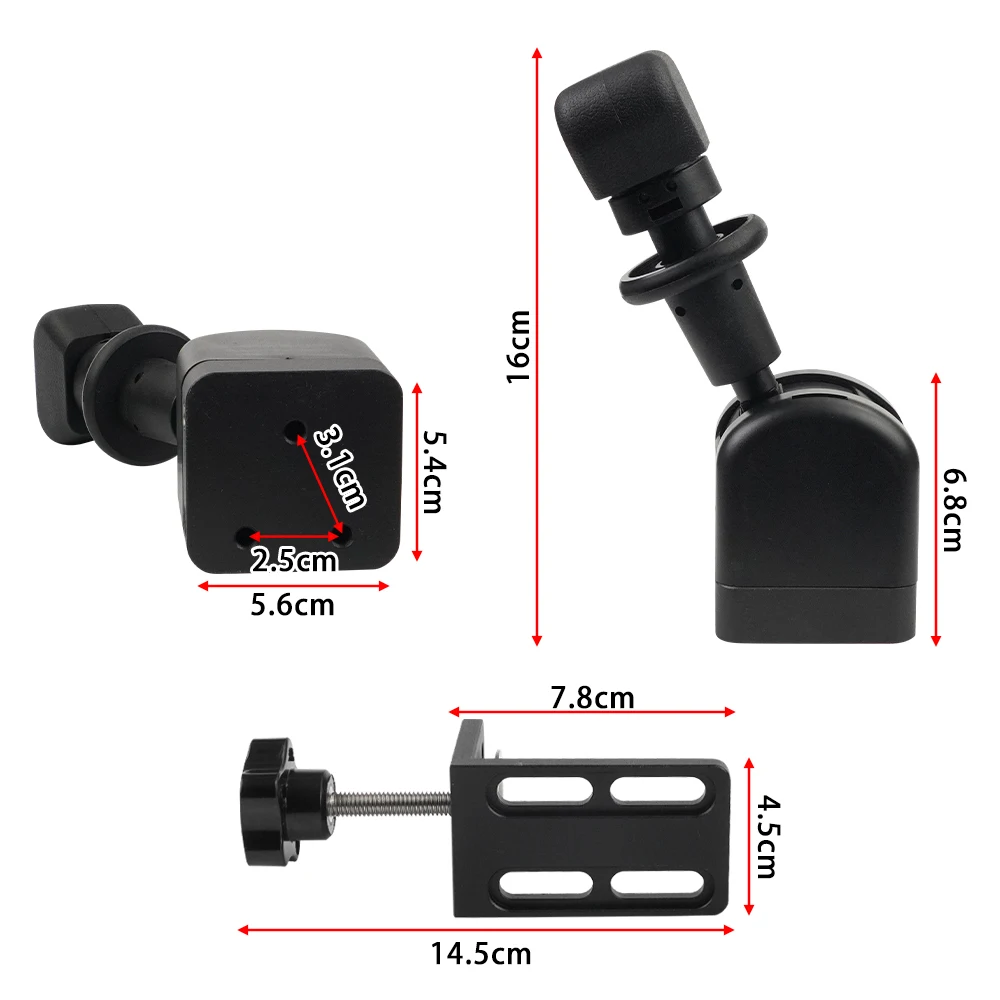
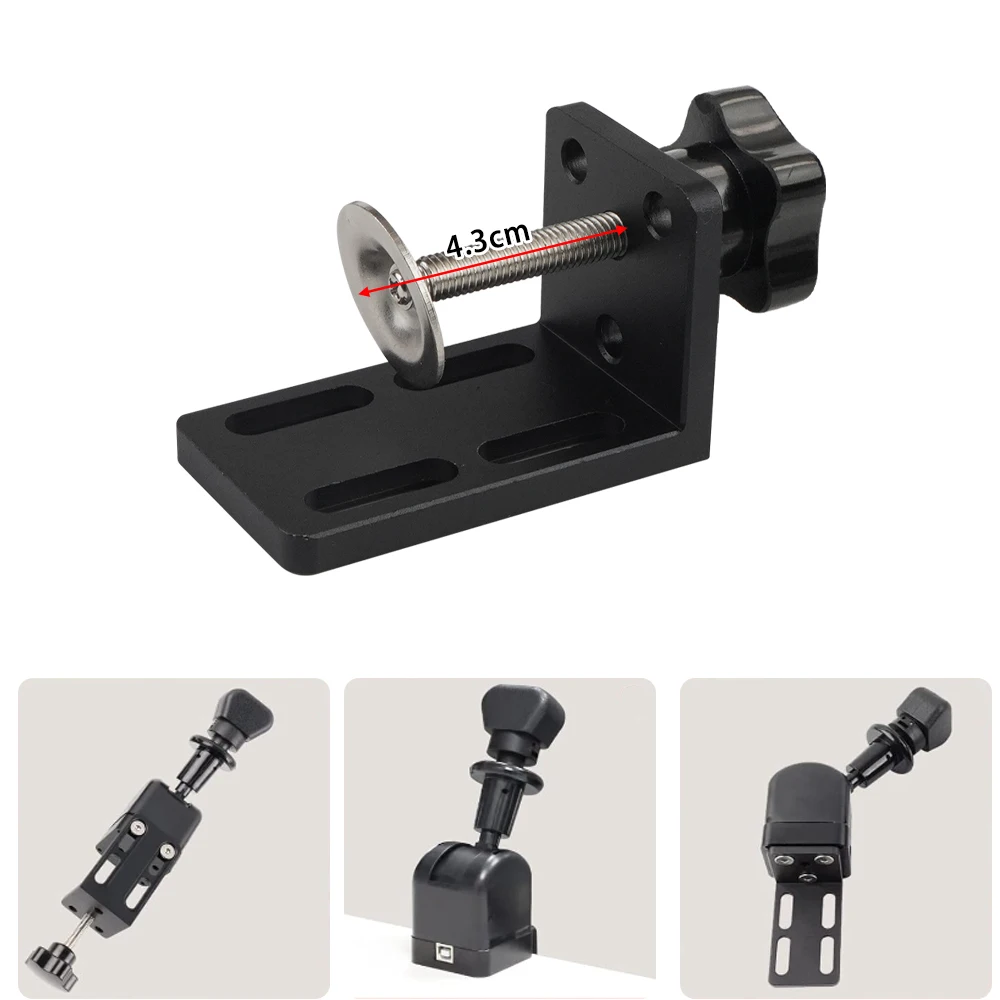
2. The clamp using range is 8mm-55mm (0.31 inch-2.17 inch), provides wide choices of gaming location, can be installed on the desktop or bracket.
3. The main internal structure is made of stainless steel, and the base is made of aluminium alloy. Allows maximum durability of usage.
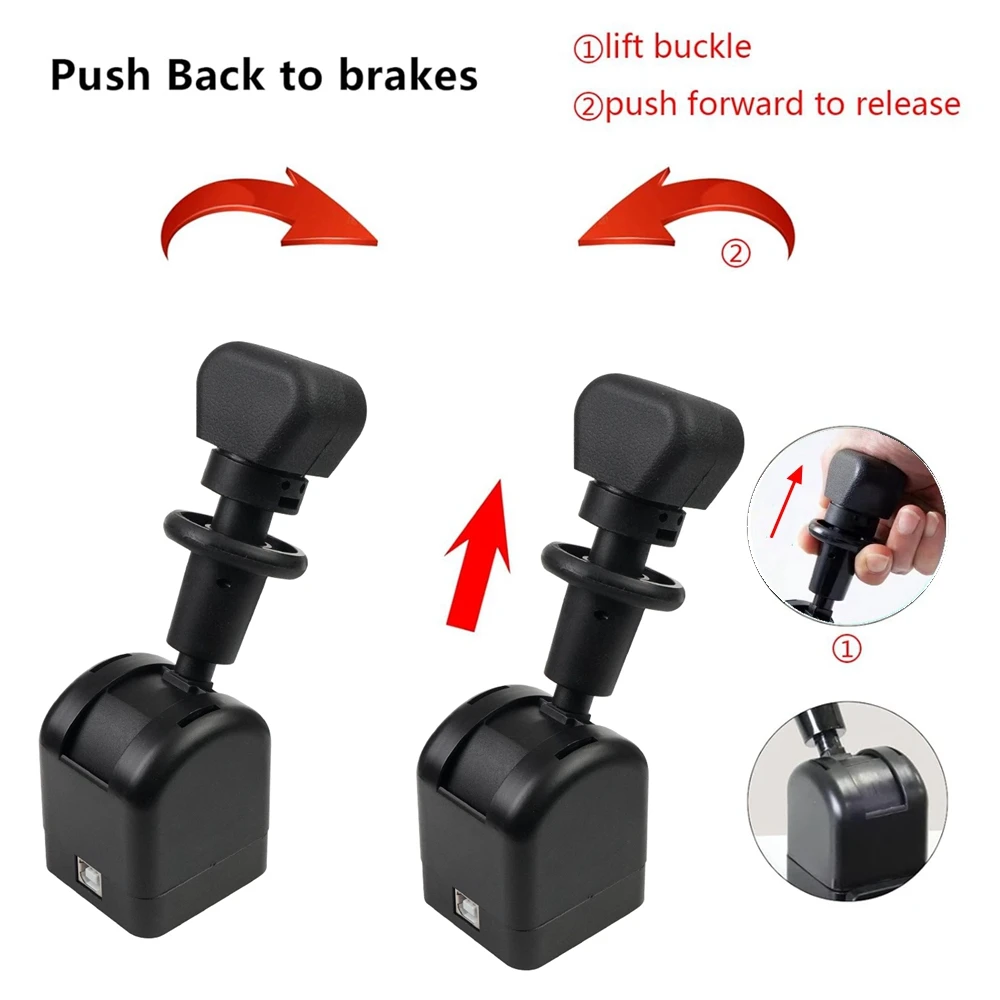
4. Enlarged the top part of the handle, makes the whole handbrake more controllable. Simply lift the buckle by fingers, you can easily unlock the handle the release the parking brake.
5. Pull the handle backward to lock, the parking brake is activated
Package Included:
1 x PC USB Handbrake with Clamp
Note:
We take no responsibility in teaching you how to install.
Professional installation is strongly recommended.
Any damage during installation will not be refunded.
Instructions for use:
OMSI2 needs to use joytokey software for key mapping to map the handbrake to the "." key on the keyboard.
For ETS2 and ATS, you only need to enter the game, add the device, and then set the parking brake option.