Free shipping
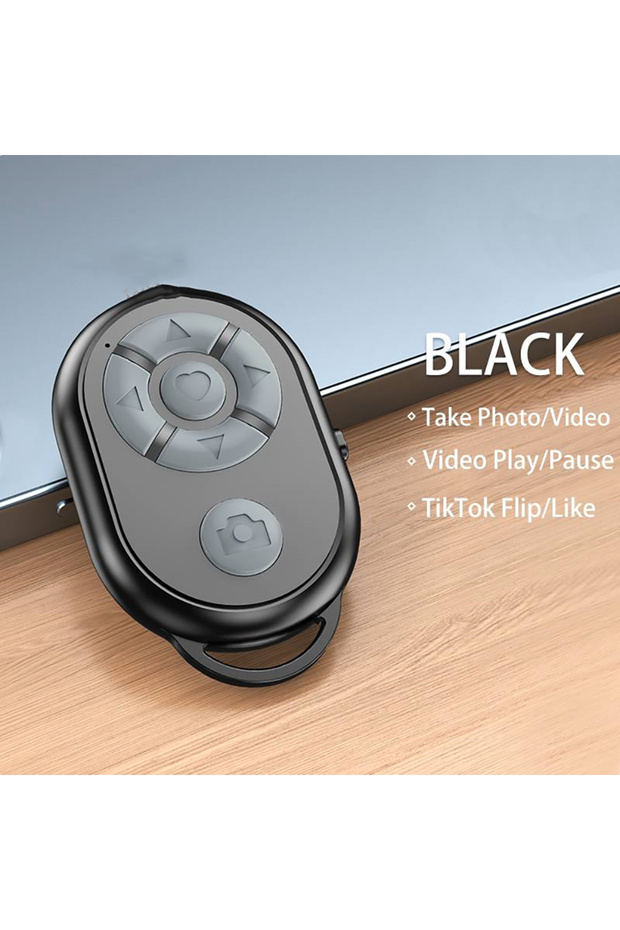
Choice black Bluetooth Remote Control for Phone Universal Wireless Selfie Controller for iPhone Android Vid
No reviews yet.

Special Deals
12.189.62AED
Free shipping
Delivery address

Select your address, find out the delivery date!
Trendyol's commitments
Easy and free return in 15 days.
Payment methods



Highlighted features:
Choice black Bluetooth Remote Control for Phone Universal Wireless Selfie Controller for iPhone Android Vid features
Color
Multicolor

Big Save Store
8.9
82.3K followers
Seller information
Choice black Bluetooth Remote Control for Phone Universal Wireless Selfie Controller for iPhone Android Vid reviews
No reviews yet.
Product details
Additional info
- A maximum of 10 units of this product can be ordered. Trendyol reserves the right to cancel orders over 10 units.
- Barcode No: 3677739036681
Choice black Bluetooth Remote Control for Phone Universal Wireless Selfie Controller for iPhone Android Vid features
Color
Multicolor
Safety information
Product safety information
Product description
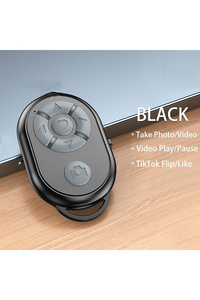
Color:black
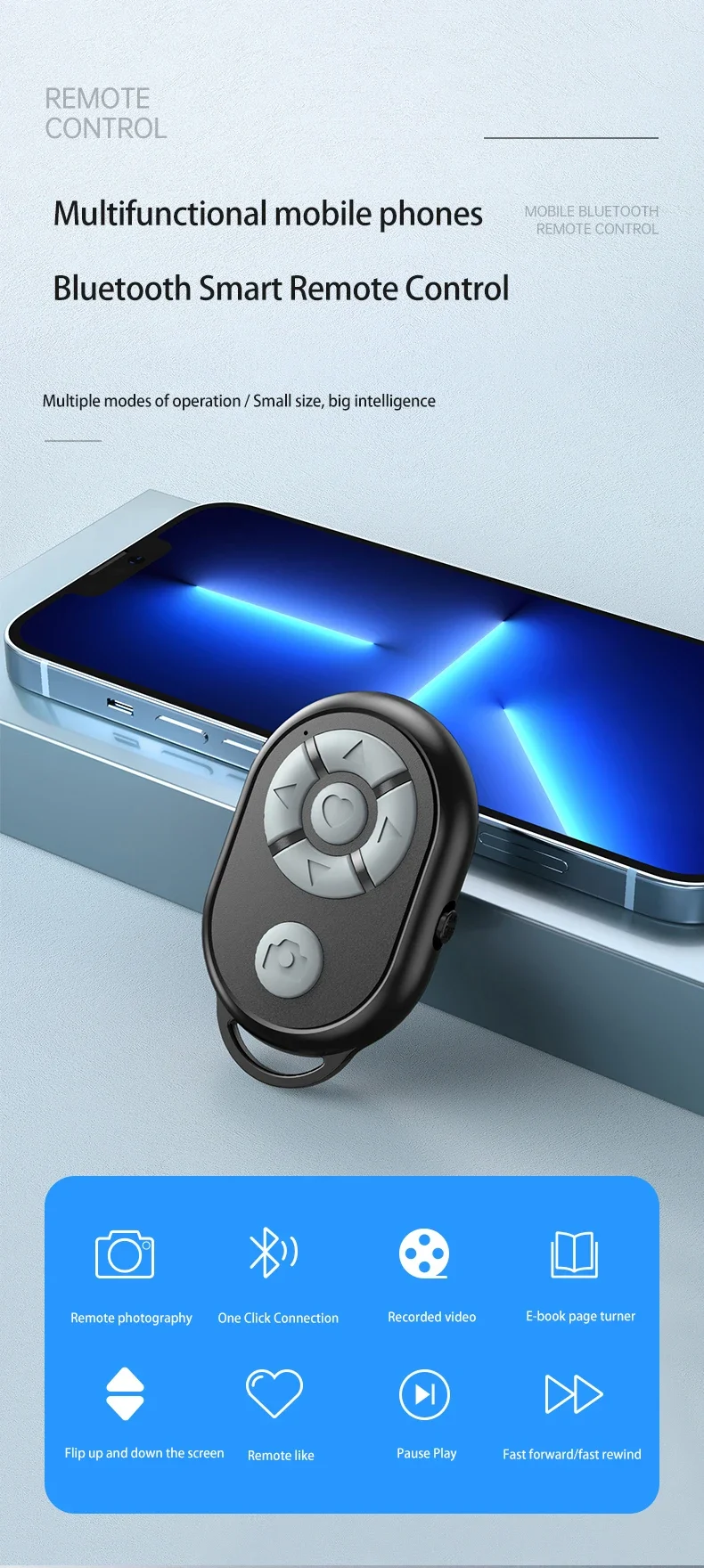
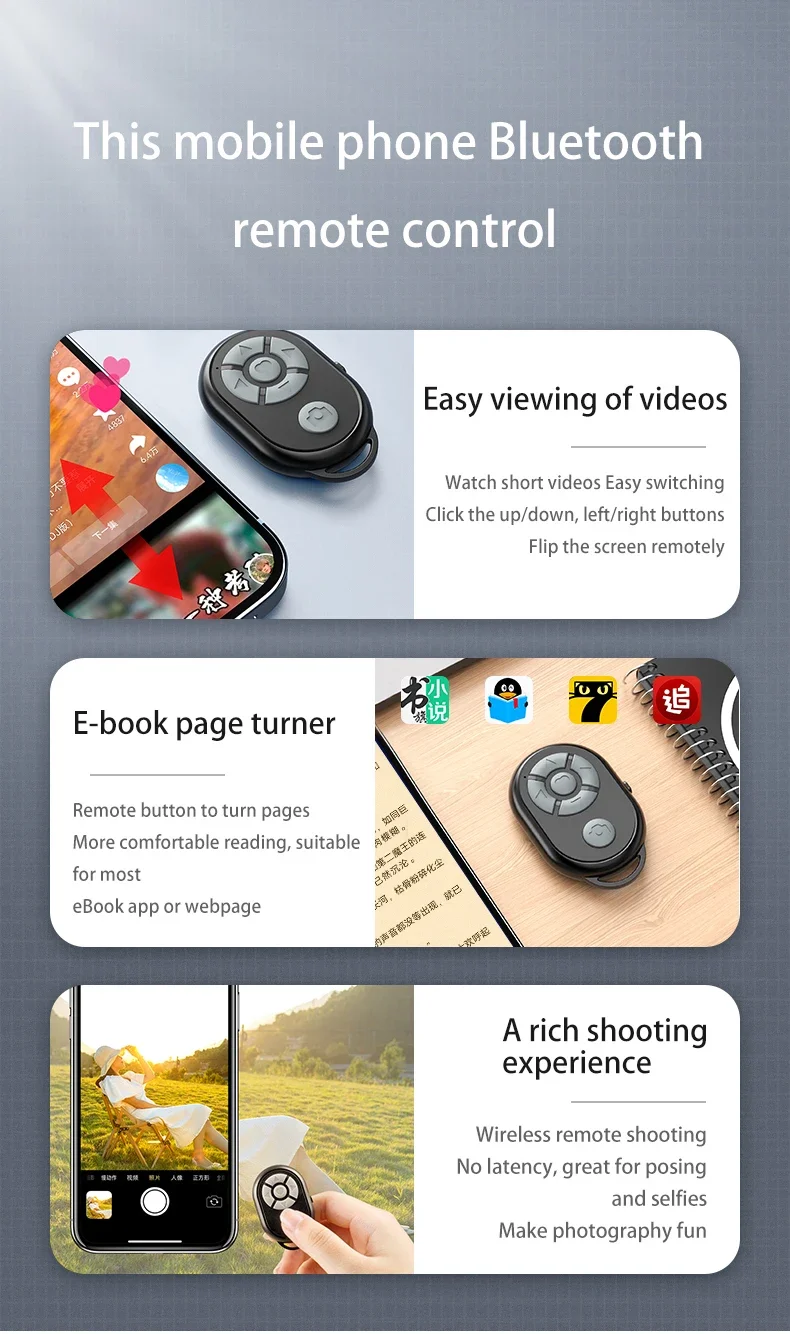
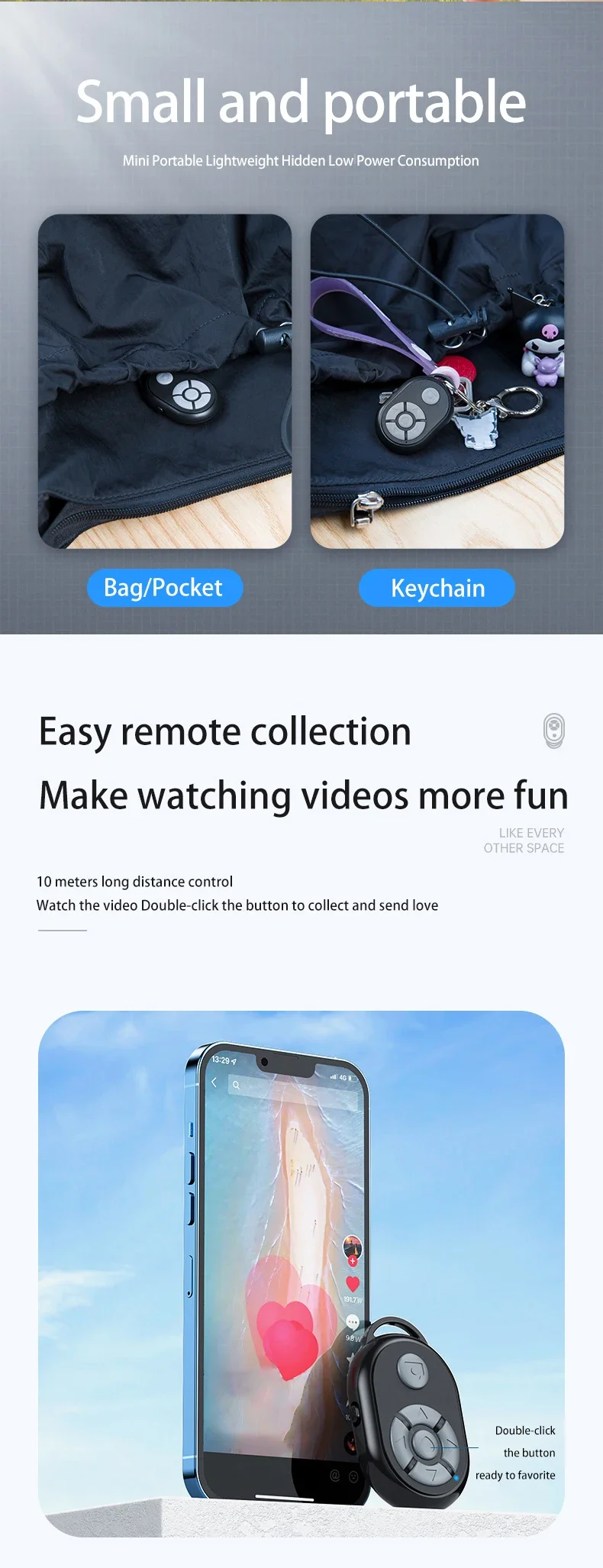
Bluetooth Remote Control for Phone Universal Wireless Selfie Controller for iPhone Android Video Scroll E-Book Page Turner
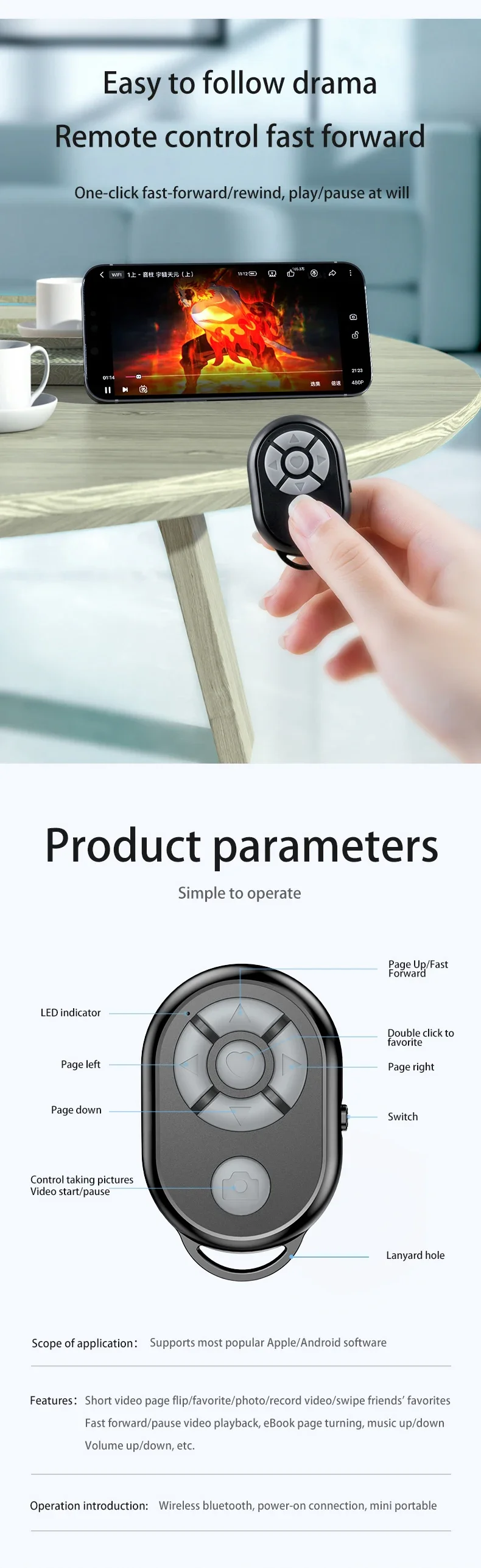
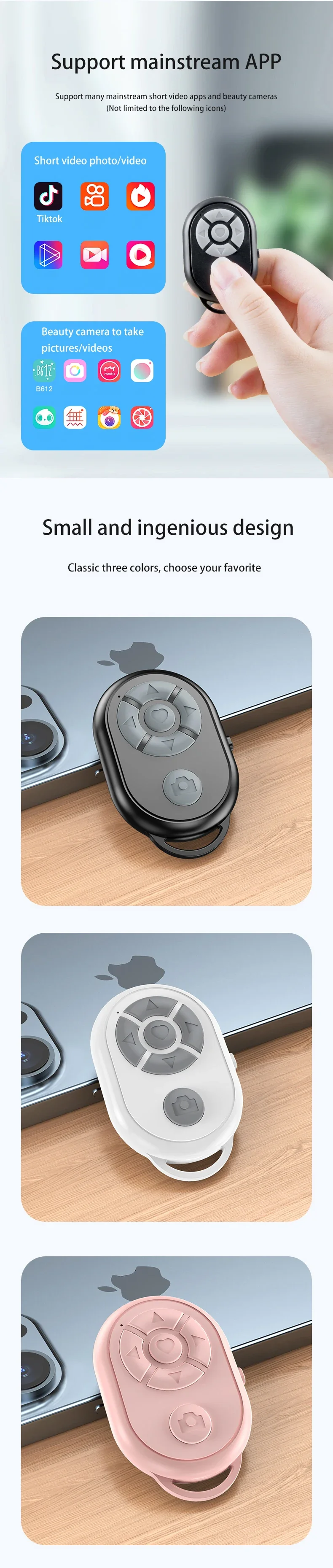
• Universal Remote Control :Control all your devices with one remote. This Bluetooth remote is compatible with iPhone, Xiaomi, and Android phones.
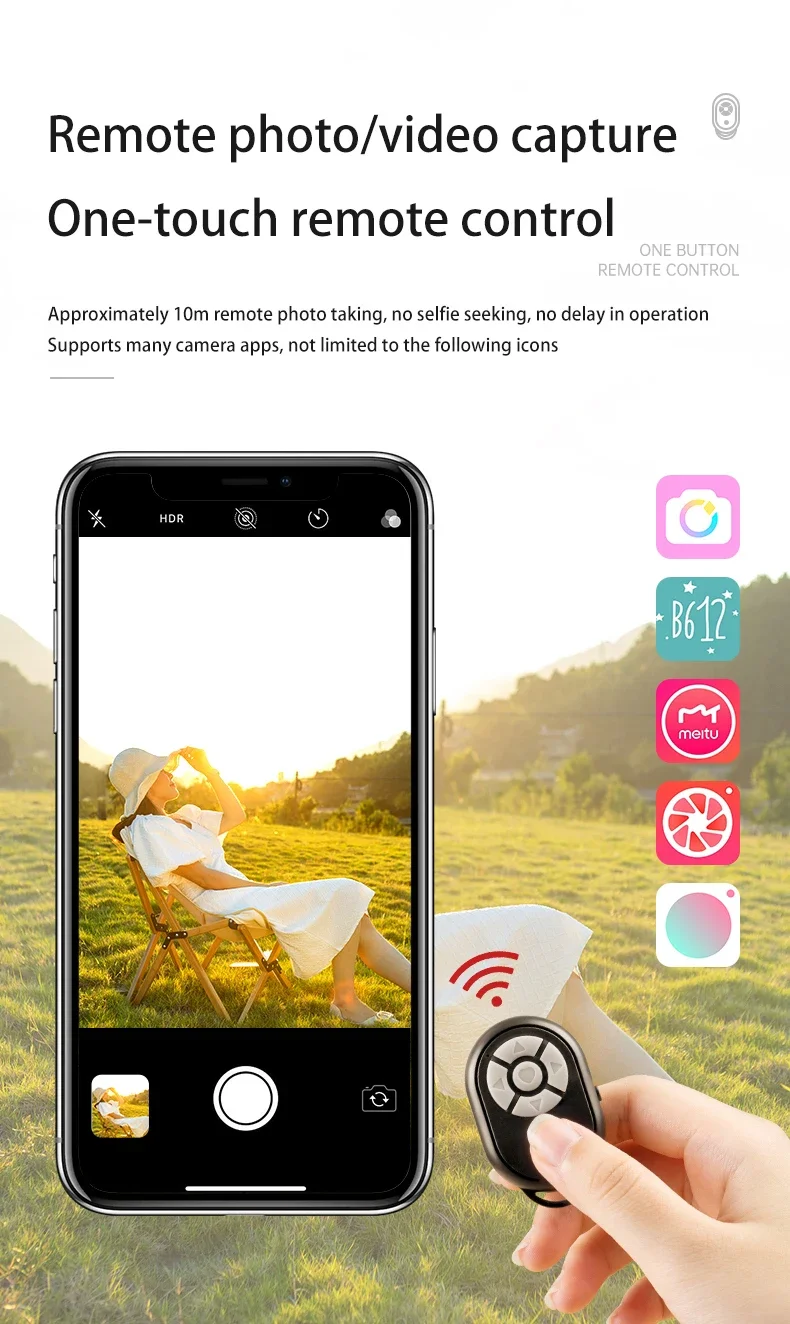
• Selfie Stick and Camera Controller :Take perfect selfies and control your camera with ease. This remote comes with a selfie stick and camera controller.
• Bluetooth Connectivity :Connect to your device via Bluetooth for a seamless experience. No need to worry about cords or wires getting in the way.
• Easy to Use :With its simple design, this remote is easy to use. No complicated setup required.
Instructions for use:
1. Turn on the side switch of the remote control, the indicator light of the remote control will start flashing
2. Turn on the Bluetooth function of the mobile phone
3. Search and match the remote control name BLE-M3
4. The connection is successful. The light stops flashing
Notice:
1. If some iPhone cannot be controlled, you need to turn on the auxiliary functions (Settings - Accessibility - Touch - Assistive Touch - On), and the IOS15 system needs to turn on (Execute Touch Gestures) in (Auxiliary Control) to set (Tracking Sensitivity) Adjust to more than half of the position.
2. Due to the different screen sizes of mobile phones, individual mobile phones need to set the focus touch point when taking pictures (long press the camera button and do not release it, and adjust the touch point by the up, down, left and right keys)
3. If it cannot be connected, or it cannot be used normally after connecting, delete the connection first, turn off the power and restart the remote control, and then re-match, that's it