Free shipping
Only 2 left!
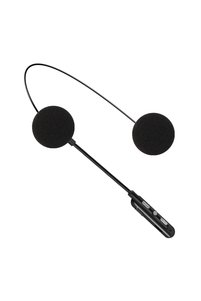
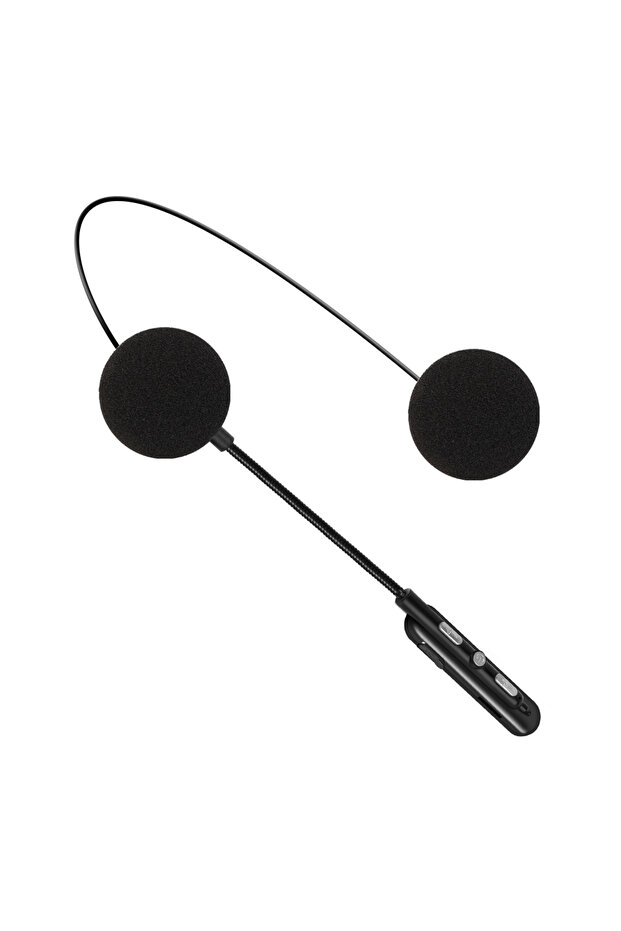
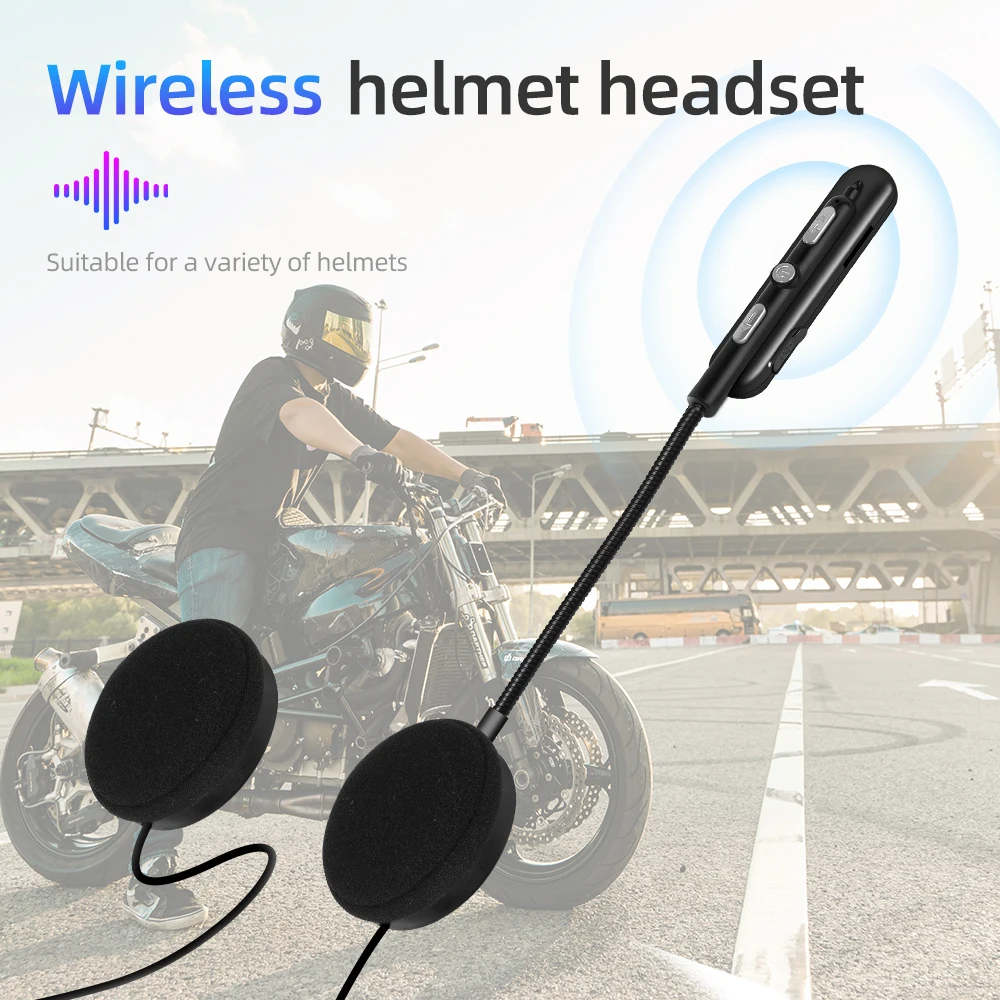
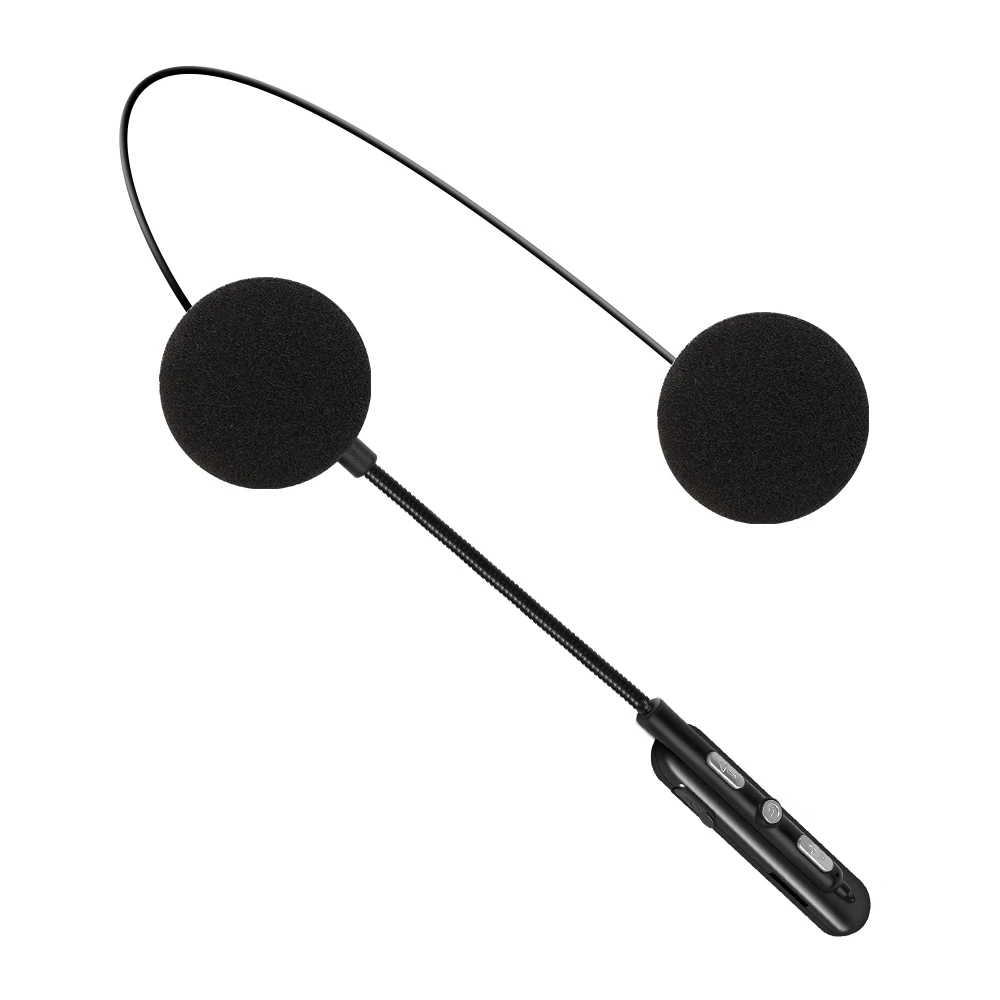
Choice black Bluetooth 5.0 Motorcycle Helmet Headset Waterproof Moto Headphone Wireless Stereo Earphone Spe
No reviews yet.

Special Deals
30.1424.11AED
Free shipping
Delivery address

Select your address, find out the delivery date!
Trendyol's commitments
Easy and free return in 15 days.
Payment methods



Highlighted features:
Choice black Bluetooth 5.0 Motorcycle Helmet Headset Waterproof Moto Headphone Wireless Stereo Earphone Spe features
Instructions for Use/Warnings
*black

Big Save Store
8.7
78.6K followers
Seller information
Similar items


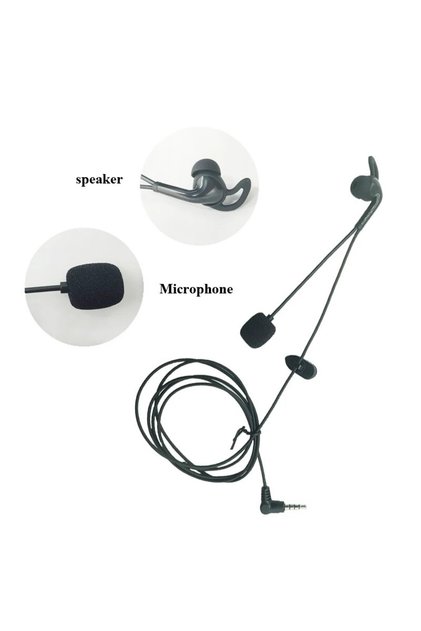


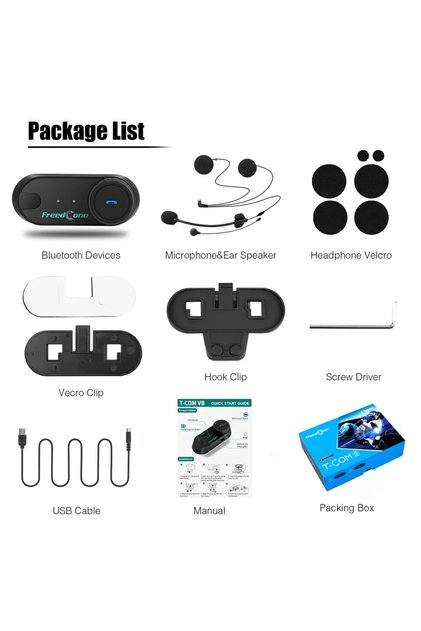


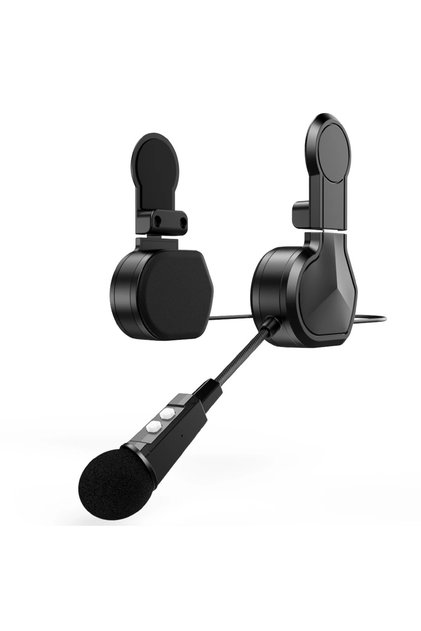
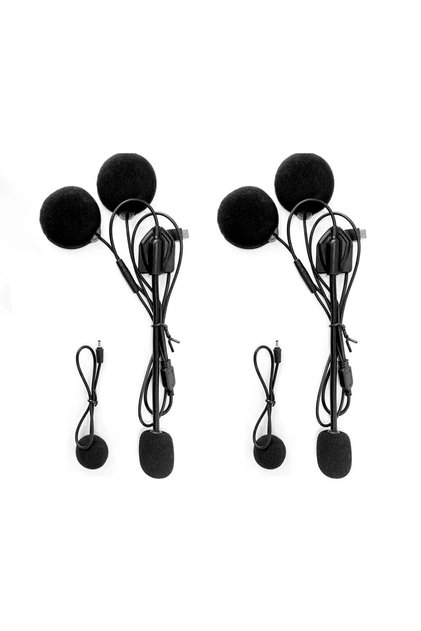

Choice black Bluetooth 5.0 Motorcycle Helmet Headset Waterproof Moto Headphone Wireless Stereo Earphone Spe reviews
No reviews yet.
Product details

Additional info
- A maximum of 10 units of this product can be ordered. Trendyol reserves the right to cancel orders over 10 units.
- Barcode No: 3574888955908
Choice black Bluetooth 5.0 Motorcycle Helmet Headset Waterproof Moto Headphone Wireless Stereo Earphone Spe features
Instructions for Use/Warnings
*black
Safety information
Product safety information
Product description
Color:black
Specification:
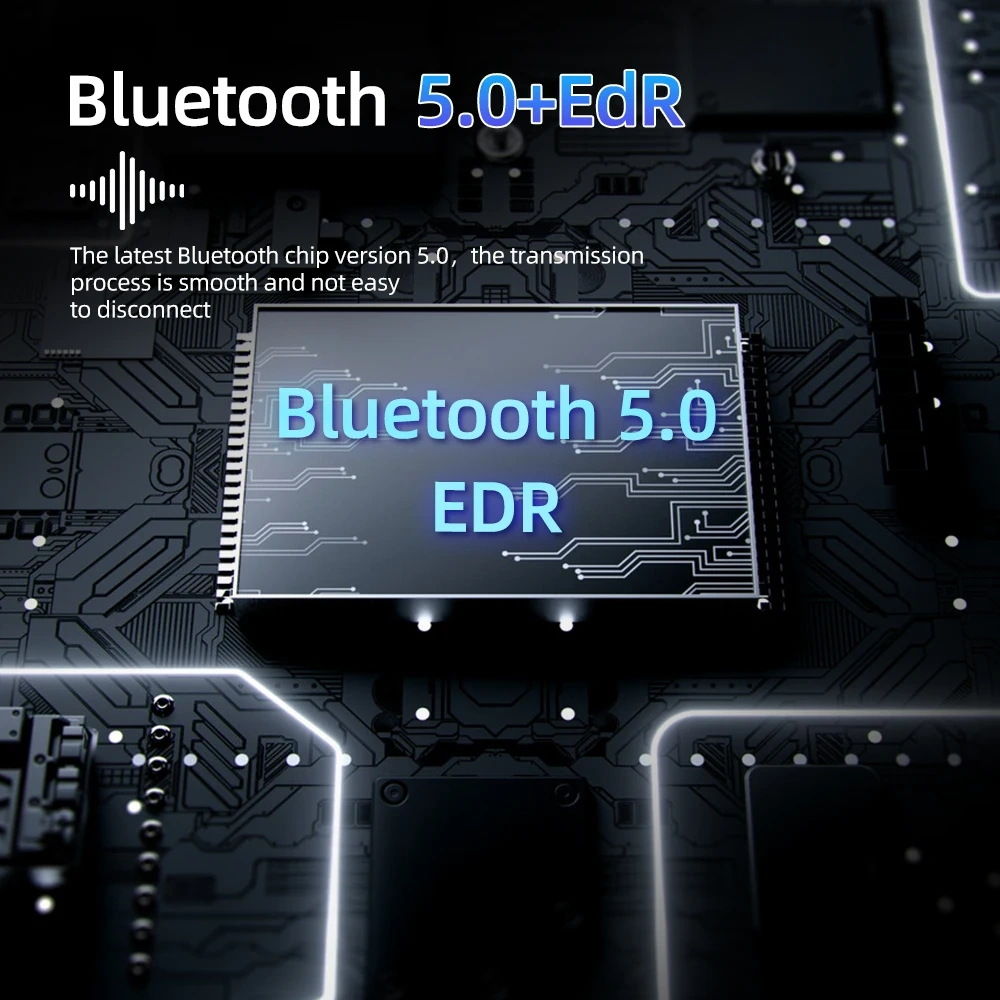
- BT version: 5.0
- Frequency: 2.402GHz-2.480GHz
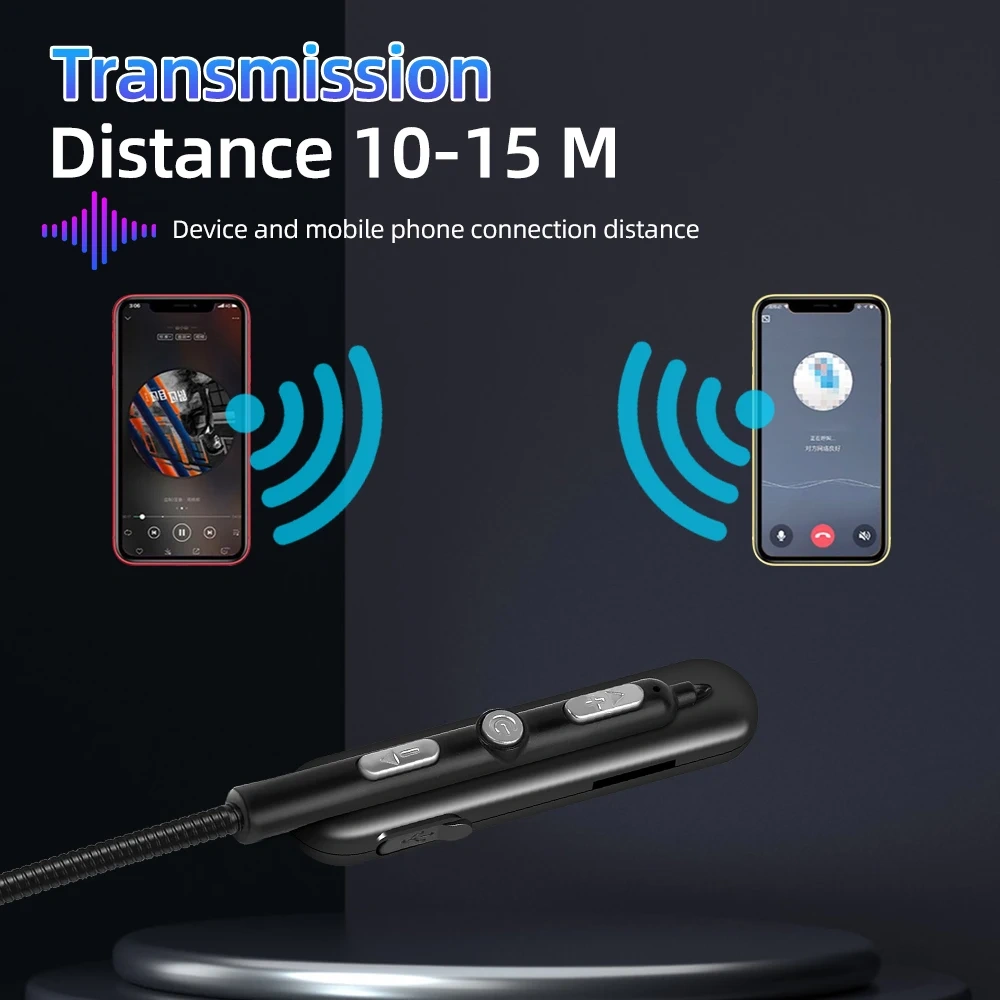
- BT distance: 10m~15m (depending on the surrounding environment of the device such as obstacles)
- Microphone transmission distance: <1m
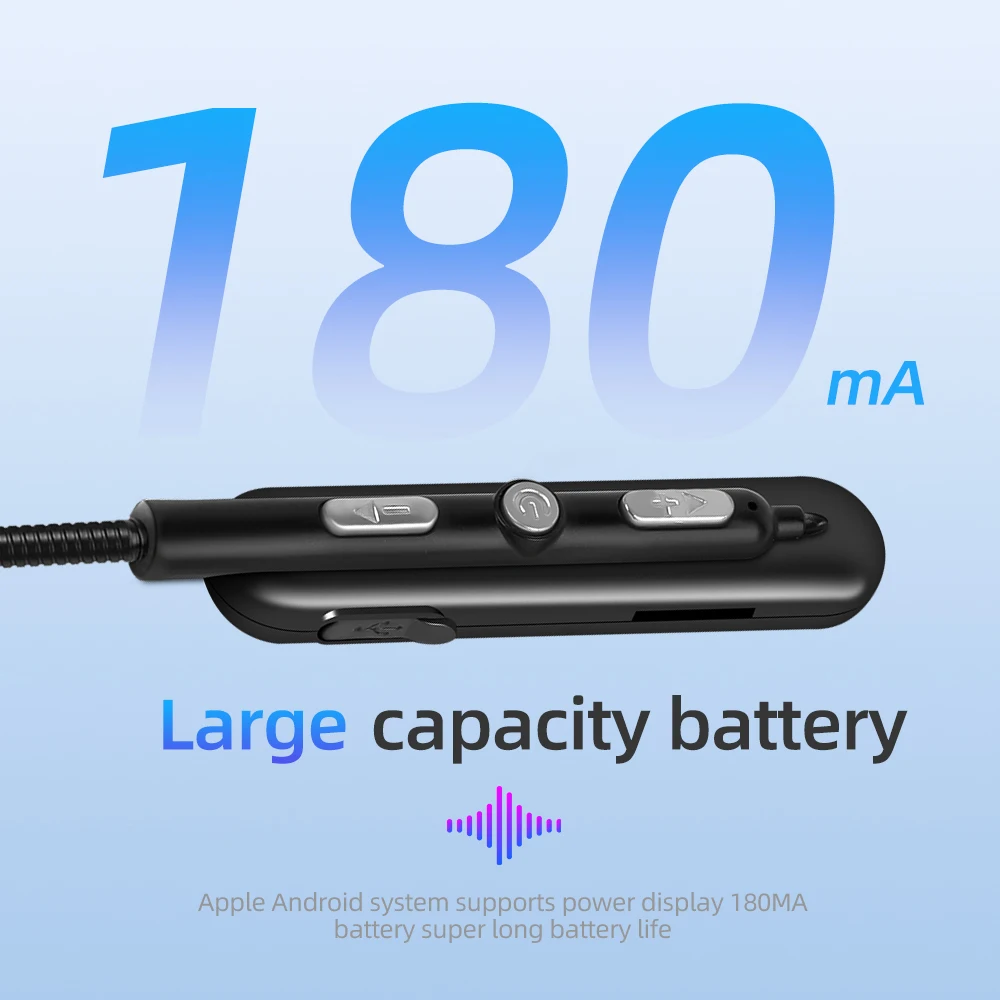
- Li-ion battery: 3.7V/180mA
- Playing time: ≤8 hours
- Charging voltage: 5V
- Charging time: <2 hours
- Standby time: 160 hours
- BT pairing name: BT
-Low blood pressure
-Power mode (automatic shutdown after 5 minutes of mode)
-Smart Tips
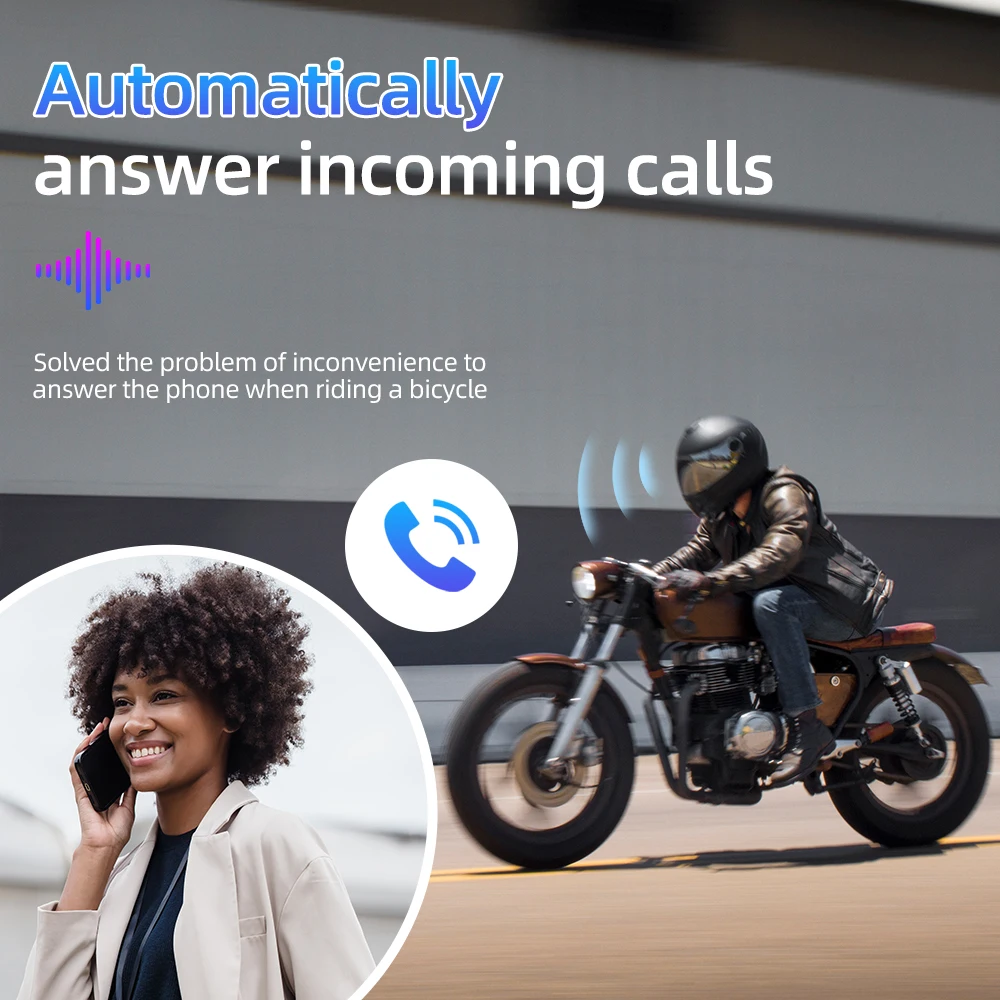
-Automatically answer calls (manually answer/reject)
Use headphones
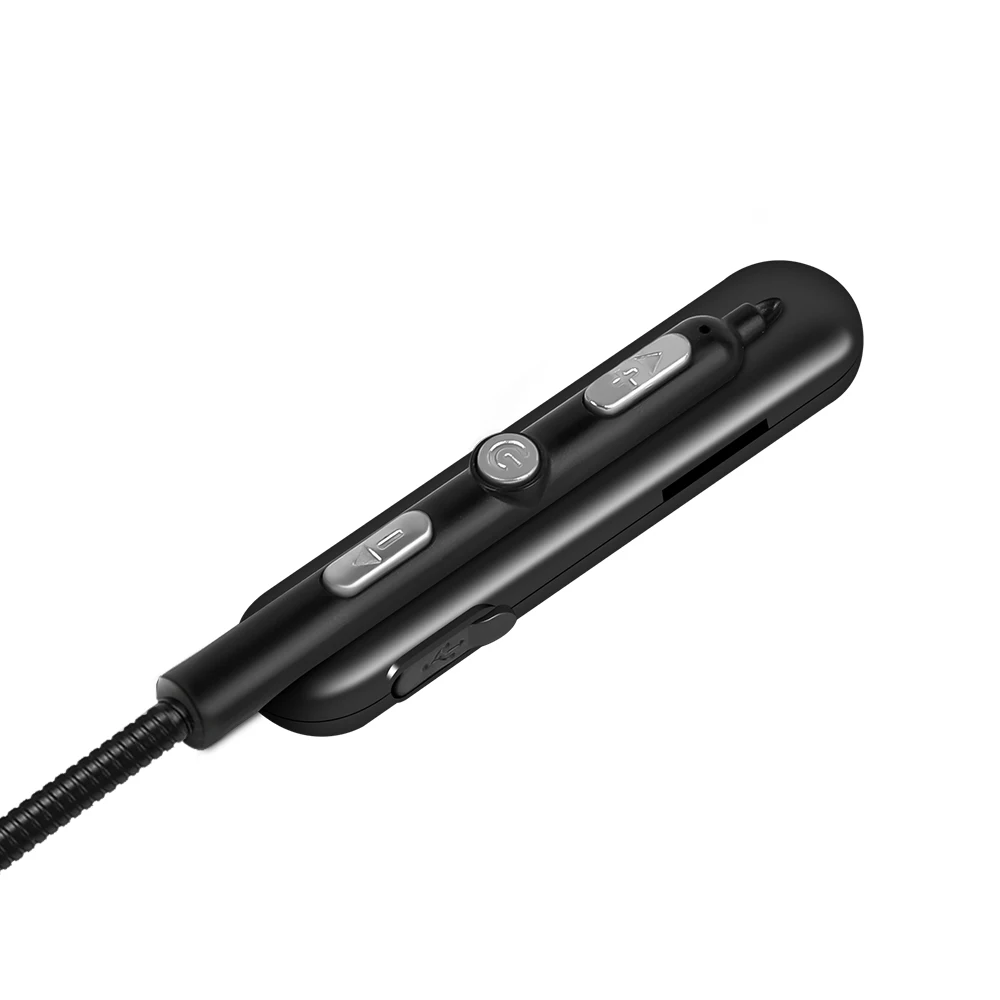
Power on: Press and hold the power button for 3 seconds, and the device will turn on after Bluetooth pairing:
1. Press and hold the power button for 3 seconds, you will hear the voice prompt ''Power on'' to turn on the mobile phone BT, search for the BT pairing name ''BT'' and click to select pairing, you will hear the voice prompt ''Connected'', and the BT connection is successful.
2. Automatic connection: If your mobile phone or BT device has a connection record with the headset, you can turn it on again to quickly and directly connect your BT and BT wireless headset without re-pairing.
3. Automatic search: When the mobile phone BT is disconnected from the headset (the voice prompt has been disconnected), it will enter the automatic search pairing mode.
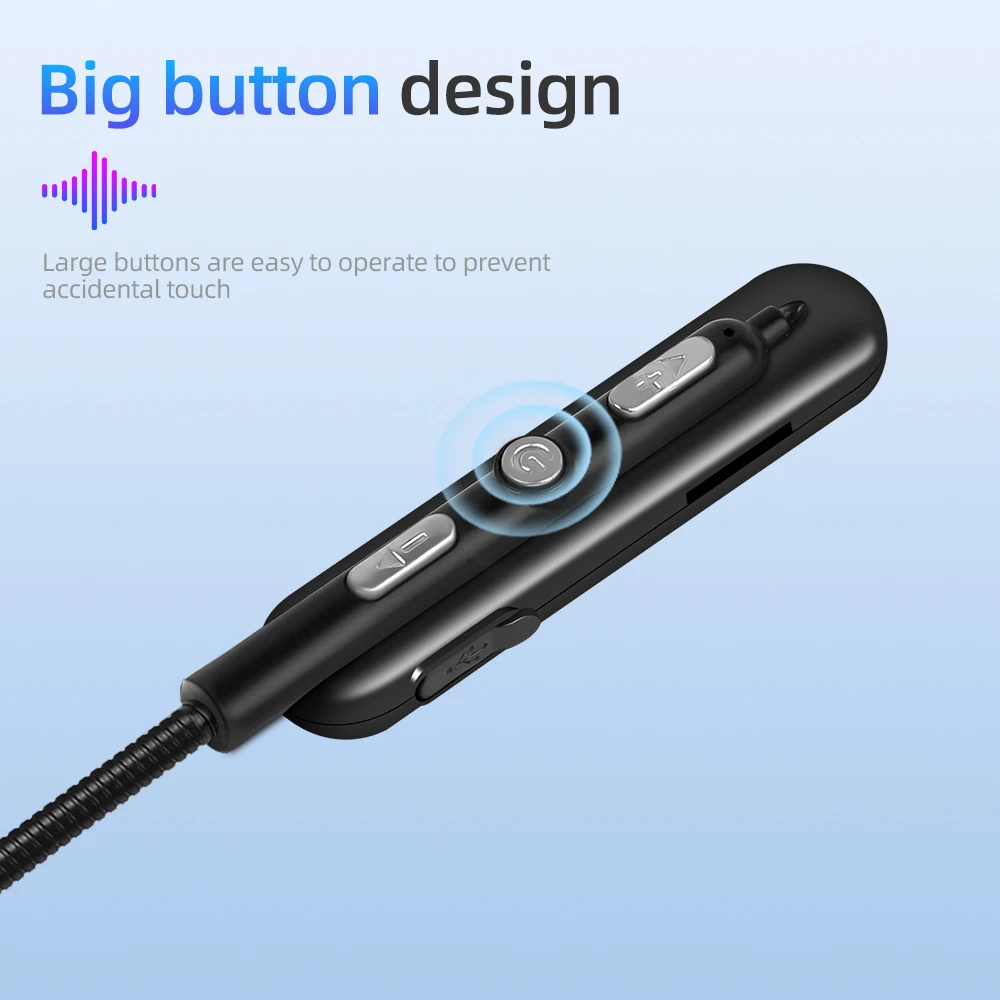
4. Play/Pause: Press the power button to pause the song, press the button again to resume the song.
5. Switch songs/volume increase or decrease: short press ''-'' to switch to the previous song. Press and hold to decrease volume.
Short press ''+'' to switch to the next song. Press and hold to make the sound louder.
Call answer
1) Answer calls automatically or simply press the power button to answer calls.
2) Hang up: press the power button to hang up.
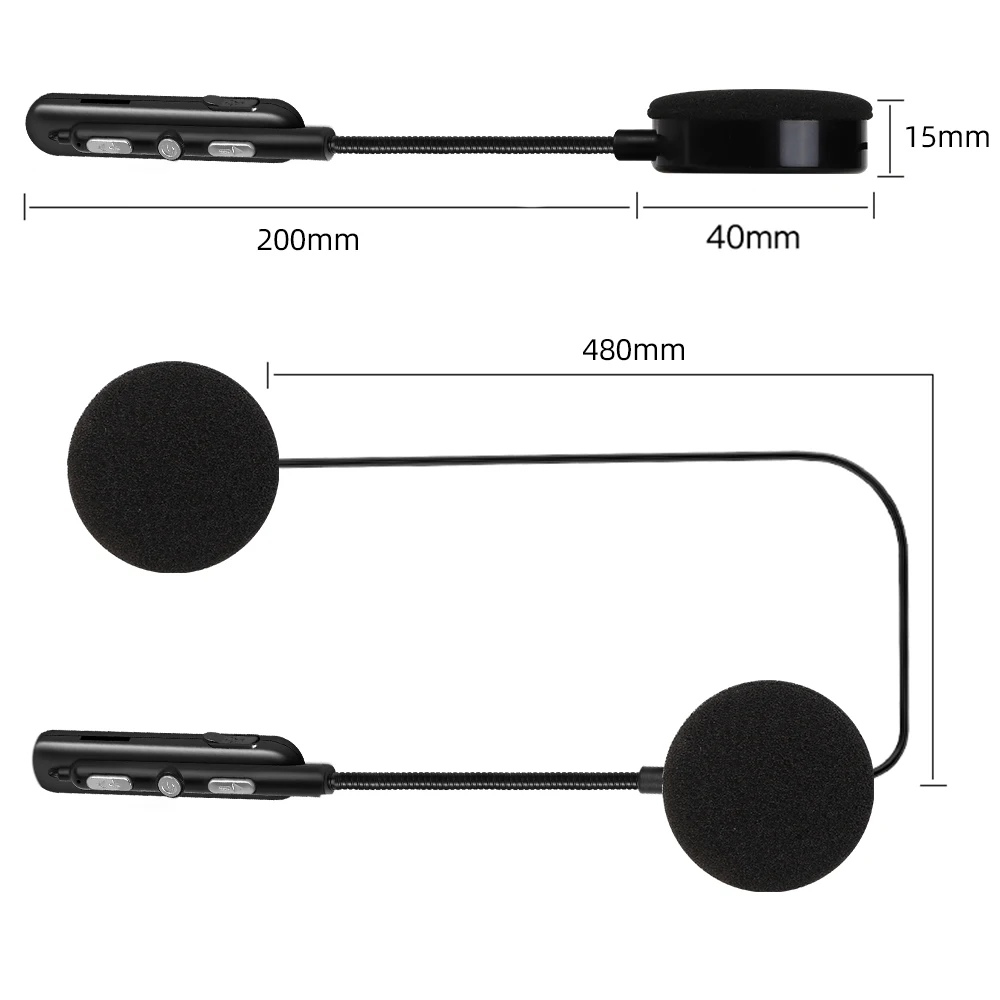

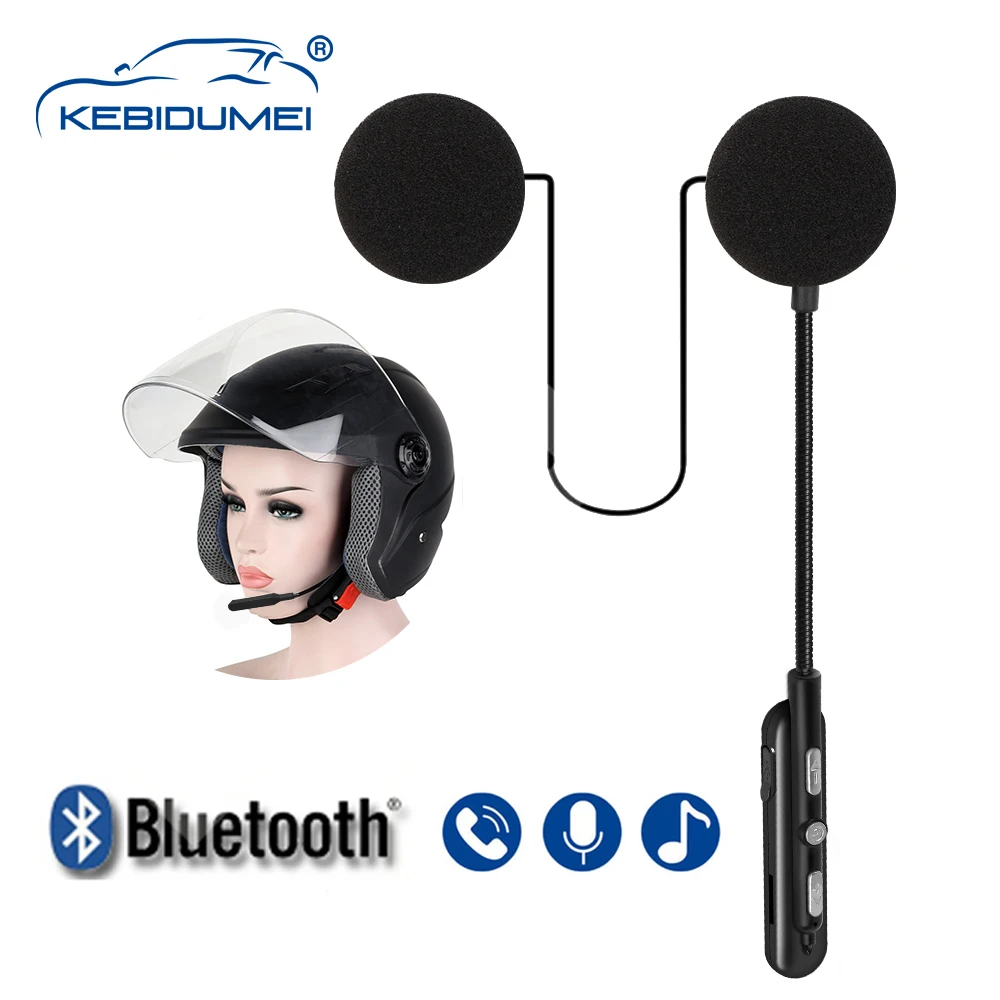
- BT version: 5.0
- Frequency: 2.402GHz-2.480GHz
- BT distance: 10m~15m (depending on the surrounding environment of the device such as obstacles)
- Microphone transmission distance: <1m
- Li-ion battery: 3.7V/180mA
- Playing time: ≤8 hours
- Charging voltage: 5V
- Charging time: <2 hours
- Standby time: 160 hours
- BT pairing name: BT
-Low blood pressure
-Power mode (automatic shutdown after 5 minutes of mode)
-Smart Tips
-Automatically answer calls (manually answer/reject)
Use headphones
Power on: Press and hold the power button for 3 seconds, and the device will turn on after Bluetooth pairing:
1. Press and hold the power button for 3 seconds, you will hear the voice prompt ''Power on'' to turn on the mobile phone BT, search for the BT pairing name ''BT'' and click to select pairing, you will hear the voice prompt ''Connected'', and the BT connection is successful.
2. Automatic connection: If your mobile phone or BT device has a connection record with the headset, you can turn it on again to quickly and directly connect your BT and BT wireless headset without re-pairing.
3. Automatic search: When the mobile phone BT is disconnected from the headset (the voice prompt has been disconnected), it will enter the automatic search pairing mode.
4. Play/Pause: Press the power button to pause the song, press the button again to resume the song.
5. Switch songs/volume increase or decrease: short press ''-'' to switch to the previous song. Press and hold to decrease volume.
Short press ''+'' to switch to the next song. Press and hold to make the sound louder.
Call answer
1) Answer calls automatically or simply press the power button to answer calls.
2) Hang up: press the power button to hang up.