Free shipping

Only 3 left!
Choice black 2PCS Android Wallet Tracker Card Compatible with Google Find Hub Slim Tracking Card - Wallet F
No reviews yet.

Special Deals
53.6041.27AED
Free shipping
Delivery address

Select your address, find out the delivery date!
Trendyol's commitments
Easy and free return in 15 days.
Payment methods



Coupons
Highlighted features:
Choice black 2PCS Android Wallet Tracker Card Compatible with Google Find Hub Slim Tracking Card - Wallet F features
Color
Multicolor

Big Save Store
8.8
79.4K followers
Seller information
Choice black 2PCS Android Wallet Tracker Card Compatible with Google Find Hub Slim Tracking Card - Wallet F reviews
No reviews yet.
Product details
Additional info
- A maximum of 10 units of this product can be ordered. Trendyol reserves the right to cancel orders over 10 units.
- Barcode No: 3673857660934
Choice black 2PCS Android Wallet Tracker Card Compatible with Google Find Hub Slim Tracking Card - Wallet F features
Color
Multicolor
Safety information
Product safety information
Product description
Color:black 2PCS
Product Information
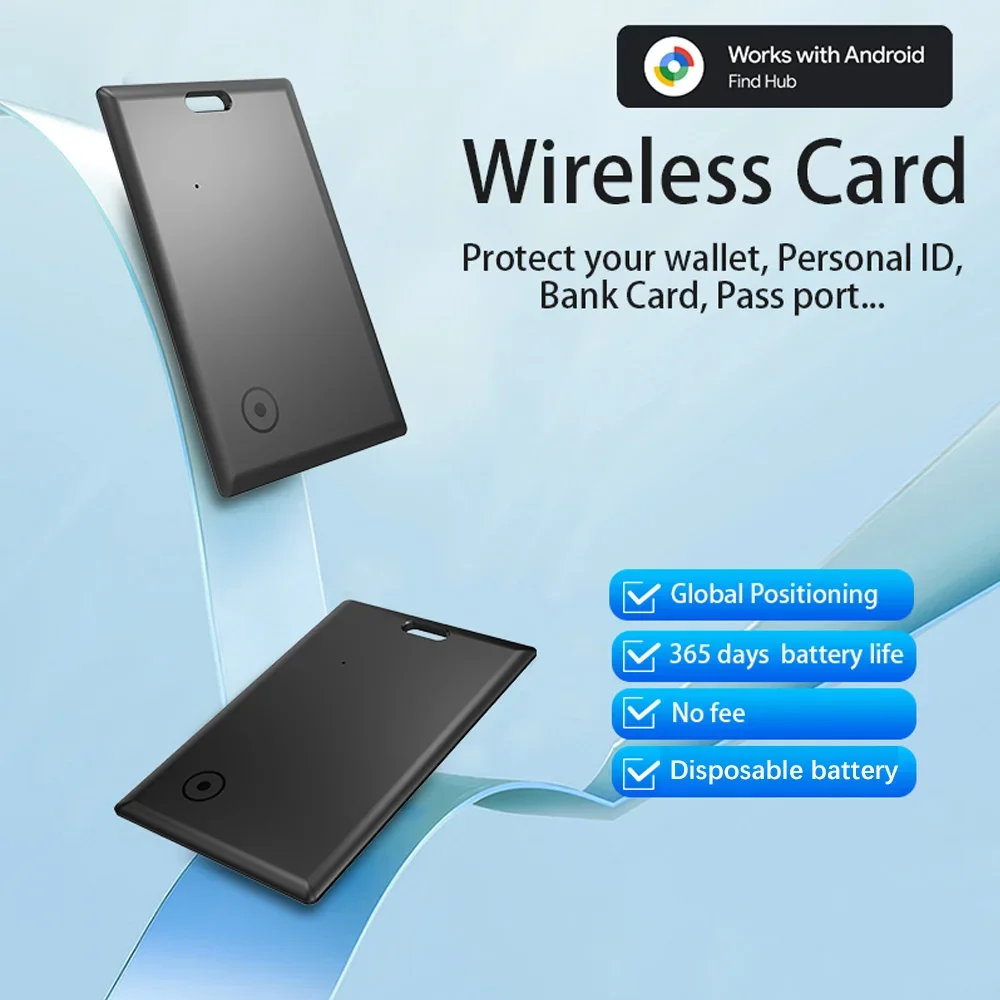
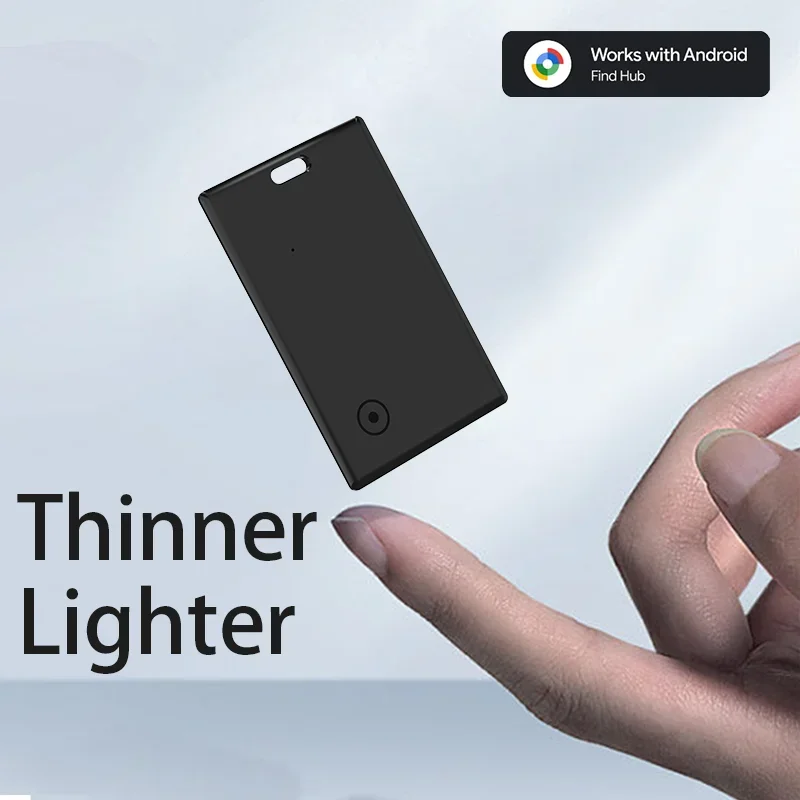
Wireless card is a smart tracker device that uses Google's FindHub network, paired with the "Find hub" app on Android devices,to quickly and securely locate your personal items on GoogleMaps. All location information remains private, and even Google cannot access it.
Google's Find Hub network requires location services and
Bluetooth to be turned on. Requires cell service or internet
connection, Works on AndroidTM 9+ on select devices [devices or
phones] and in certain countries for age-eligible users.
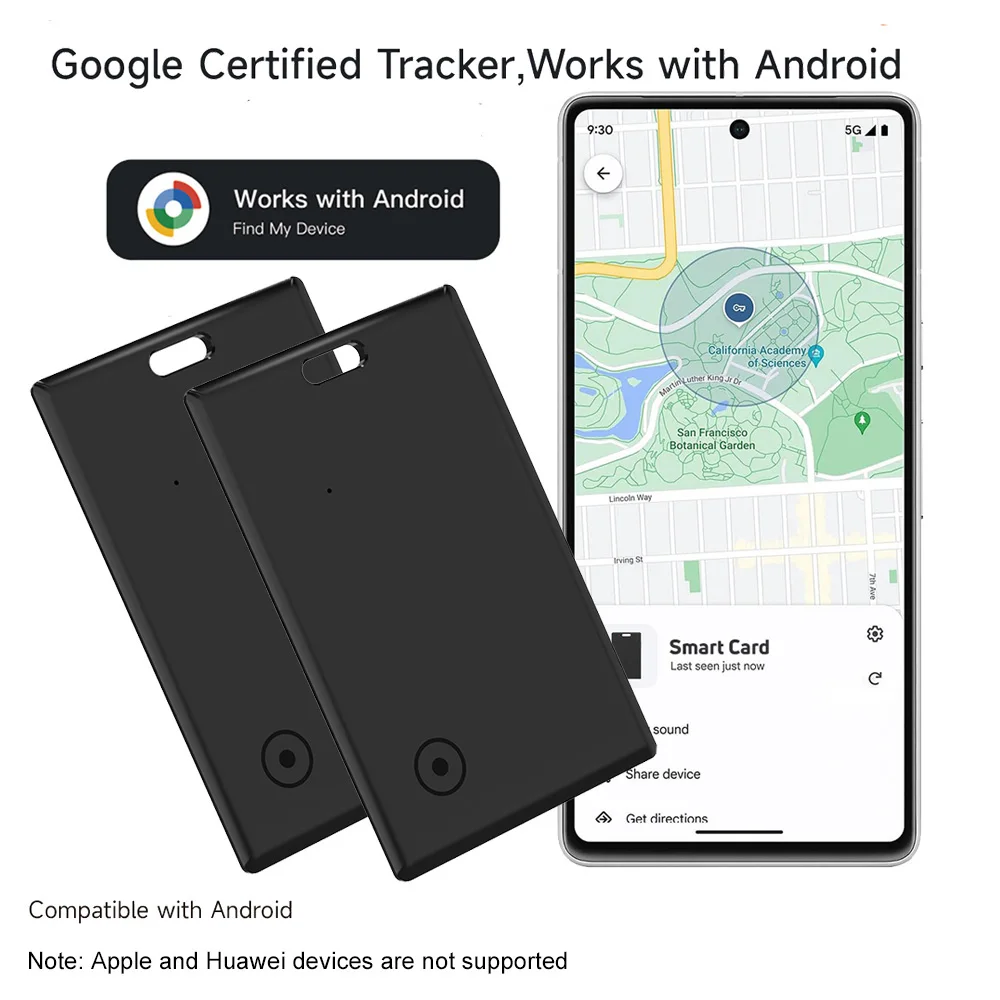
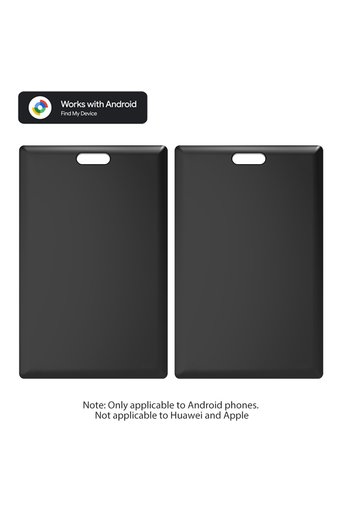
【Android Only】The smart wallet tracker is specifically designed for Android devices (Android 9 and above) and is not compatible with iOS devices. It works seamlessly with the official Google Find Hub app, making it a handy tool for Android users to quickly locate their wallets. (Please note: Not compatible with Apple devices (iOS) and Huawei phones (HarmonyOS).
Wireless card is a smart tracker device that uses Google's FindHub network, paired with the "Find hub" app on Android devices,to quickly and securely locate your personal items on GoogleMaps. All location information remains private, and even Google cannot access it.
Google's Find Hub network requires location services and
Bluetooth to be turned on. Requires cell service or internet
connection, Works on AndroidTM 9+ on select devices [devices or
phones] and in certain countries for age-eligible users.
【Android Only】The smart wallet tracker is specifically designed for Android devices (Android 9 and above) and is not compatible with iOS devices. It works seamlessly with the official Google Find Hub app, making it a handy tool for Android users to quickly locate their wallets. (Please note: Not compatible with Apple devices (iOS) and Huawei phones (HarmonyOS).
【 Long-Lasting Battery】:
Up to 500 days of usage ( ⚠️ Not rechargeable; cannot be charged. )
【Tracker with Tone Signal】Within the Bluetooth range (150 m/500 ft), you can see real-time location updates in the "Google Find My Device" app. In addition to the map guidance, you can activate a tone via the app or voice commands, making the tracking card ring loudly enough to be easily found.
【Global Location Updates】Even outside the Bluetooth range, the last known location of your item will continue to be updated in the "Google Find My Device" app on Google Maps. In busy areas, this may take 2-3 minutes. You can also share the location to allow someone else to help you retrieve it.
【IP68 Waterproof & Dustproof】With an IP68 rating, the card tracker is completely dustproof and can withstand immersion in water over 1 meter deep for more than 30 minutes. Ideal for rainy weather or unexpected dips in water.
【Quick Pairing】Turn on Bluetooth, switch on the tracker, and bring it near your smartphone - the system will automatically detect the device and display a pop-up window to connect. No complicated setup is needed, not even on the first use.
【Sharing Possible】The tracker can be shared with family or friends without the need for each person to have their own device. The location can be displayed simultaneously on both smartphones. (Supports tracking by two devices at the same time)
【Privacy & Security】All location data is transmitted encrypted over the Google network. The device does not store location histories, and your privacy remains always protected.
Note
Please use it with Google Find Hub APP Device.
Please confirm that your phone can download the Google Find My Device APP before placing an order. Thank you.
This tracker basically works like AirTags. It needs to update the location effectively when there are other Android phones nearby, and the phone must also register or use Google Find My Device to report the last tracker location to you.
Please use it with Google Find Hub APP Device.
Please confirm that your phone can download the Google Find My Device APP before placing an order. Thank you.
This tracker basically works like AirTags. It needs to update the location effectively when there are other Android phones nearby, and the phone must also register or use Google Find My Device to report the last tracker location to you.
Tips:
If the surrounding Android device is far away, the product will be updated within 15 minutes, if the locator is mobile, the surrounding signal is strong in order to achieve real-time updates (50 metres within the scope of the Android device can be updated with the location, such as the distance is closer to update the time faster)
1.Log in Google Find Hub APP
1.Go to Google Play and search for "Google Find Hub"
2.Install the app or click to 'Update.
3.Hit 'Open' or click on the Find Hub app icon on your phone home
page.
4.Log in to the Find Hub page with your Google account.
· You might want to select the checkbox that says "Don't ask again'!
· If you have more than one account, your item will link to the primary
account setup on your phone.
5.You might be asked to allow some permissions. Review the terms
and continue.
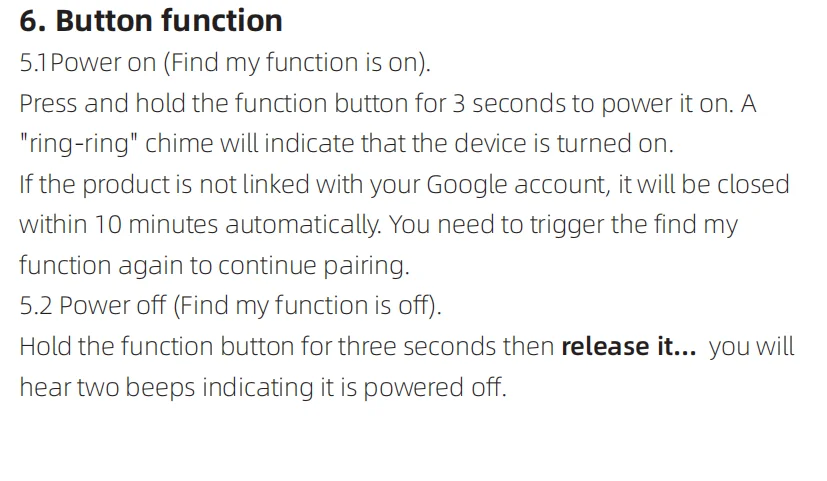
2.Power on
Power On:Hold on the device's power button for 3 seconds, and
when you hear a ring-ring chime, it indicates that the device has been
powered on.
1.Go to Google Play and search for "Google Find Hub"
2.Install the app or click to 'Update.
3.Hit 'Open' or click on the Find Hub app icon on your phone home
page.
4.Log in to the Find Hub page with your Google account.
· You might want to select the checkbox that says "Don't ask again'!
· If you have more than one account, your item will link to the primary
account setup on your phone.
5.You might be asked to allow some permissions. Review the terms
and continue.
2.Power on
Power On:Hold on the device's power button for 3 seconds, and
when you hear a ring-ring chime, it indicates that the device has been
powered on.
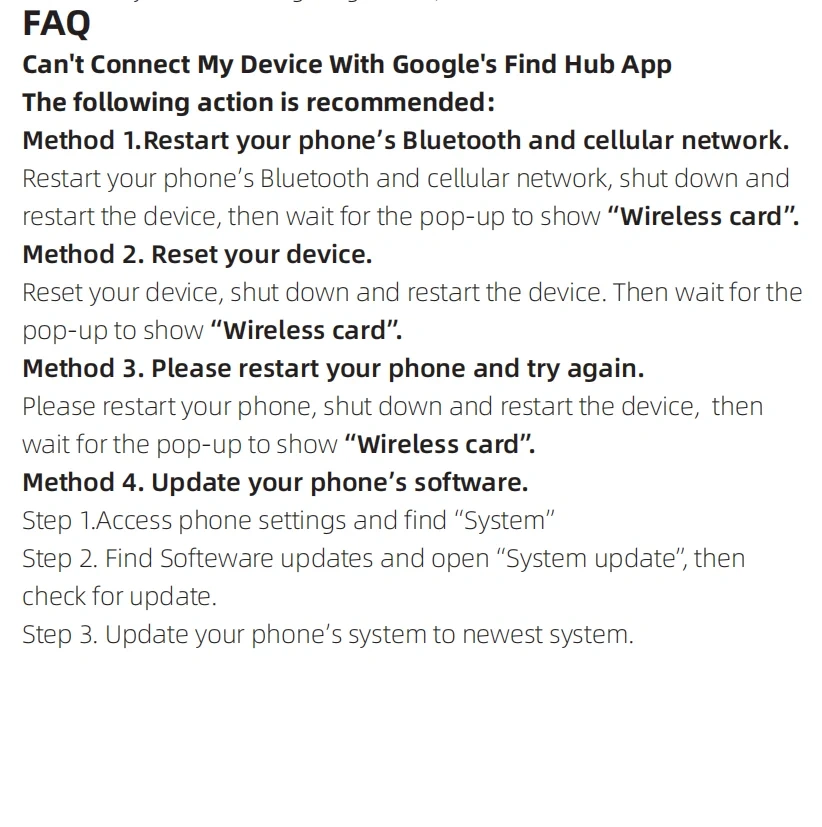
3.Connect to Find Hub app
3.1 Make sure your phone's Bluetooth is ON and you are connectedto the Internet.
3.2 Bring your tag close to your phone and wait for the pop-up to
show Wireless card, on the pop up bottom sheet, hit 'Connect. Read
and accept the prompts to complete the pairing.
Remark:
1.lf you press it for less than 3 seconds or more than 5 seconds,The device won't shut down).
2.Setting a shutdown timer are designed to prevent accidental shutdowns, ensuring the device can continue to locate effectively
3.Restore factory settings
Press the function button two times, you can hear one beep, then
press the function button four times rapidly and then hold it a fifth
time until you hear a ring-ring chime, now the device is reset.