Free shipping
Only 1 left!
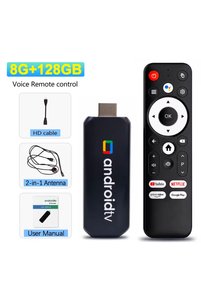
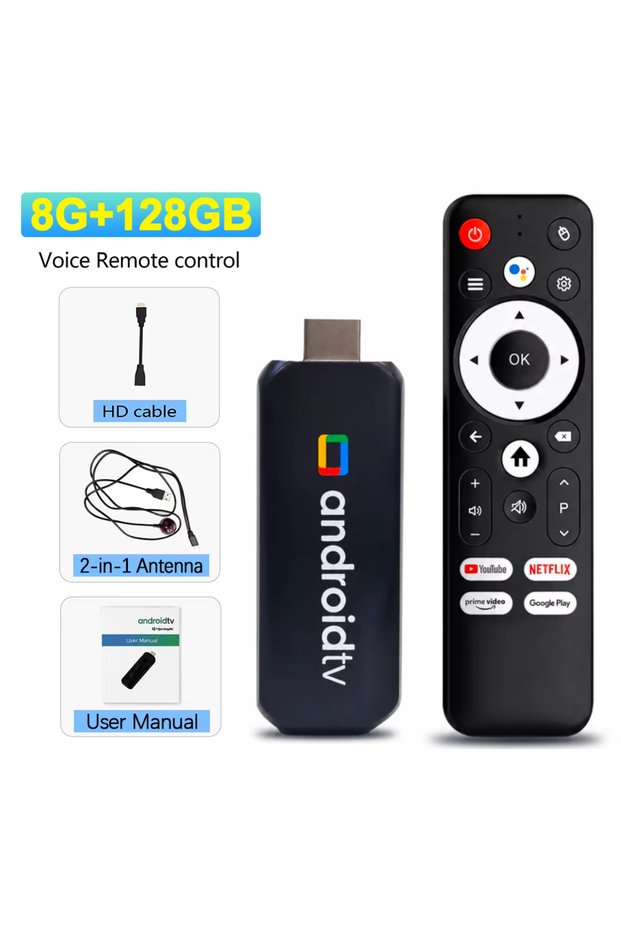
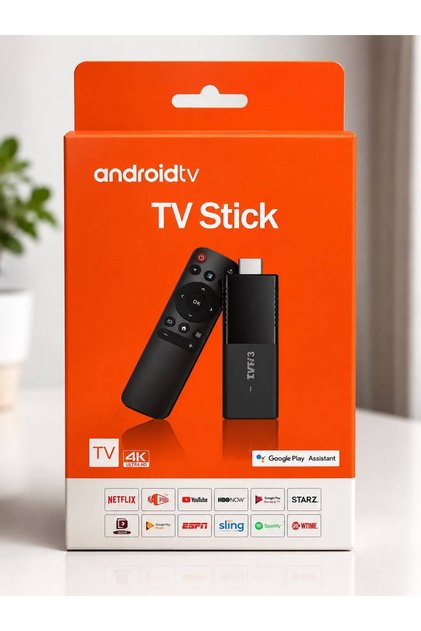
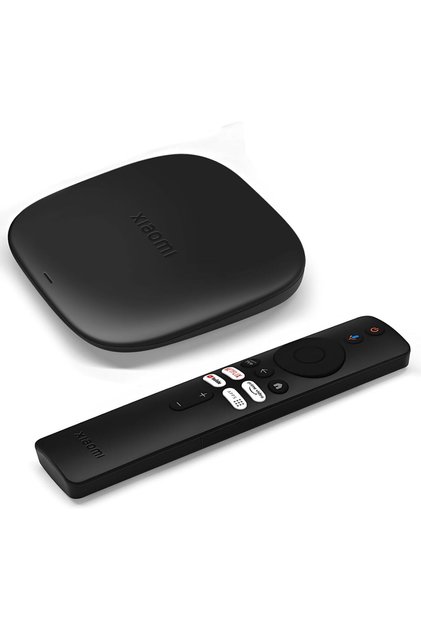
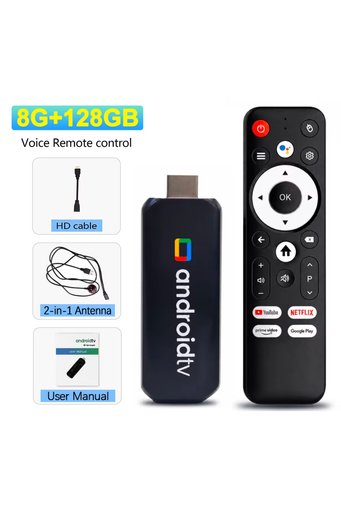
Choice Basic Version R3+ Android 16 TV Stick 8GB+128GB WiFi6 Bluetooth 8K/4K UHD Streaming Stick Google Ass
No reviews yet.

Special Deals
108.4497.60AED
Free shipping
Delivery address

Select your address, find out the delivery date!
Trendyol's commitments
Easy and free return in 15 days.
Payment methods



Highlights

Highlighted features:
Choice Basic Version R3+ Android 16 TV Stick 8GB+128GB WiFi6 Bluetooth 8K/4K UHD Streaming Stick Google Ass features
Color
Multicolor
Resolution Technology
4K
USB
There is
Wi-Fi Capability
Available

Big Save Store
8.8
79.8K followers
Seller information
Shoppers also viewed





 evoQ43QLC2 FHD Google 43 Inch QLED TV Voice Remote Googlecast A+ Panel 1GB/8GB 4HDMI 2USB
 Trendyol Plus Exclusive








Choice Basic Version R3+ Android 16 TV Stick 8GB+128GB WiFi6 Bluetooth 8K/4K UHD Streaming Stick Google Ass reviews
No reviews yet.
Product details
Additional info
- A maximum of 10 units of this product can be ordered. Trendyol reserves the right to cancel orders over 10 units.
- Barcode No: 3672747444268
Choice Basic Version R3+ Android 16 TV Stick 8GB+128GB WiFi6 Bluetooth 8K/4K UHD Streaming Stick Google Ass features
Color
Multicolor
Resolution Technology
4K
USB
There is
Wi-Fi Capability
Available
Safety information
Product safety information
Product description
Color:Basic Version
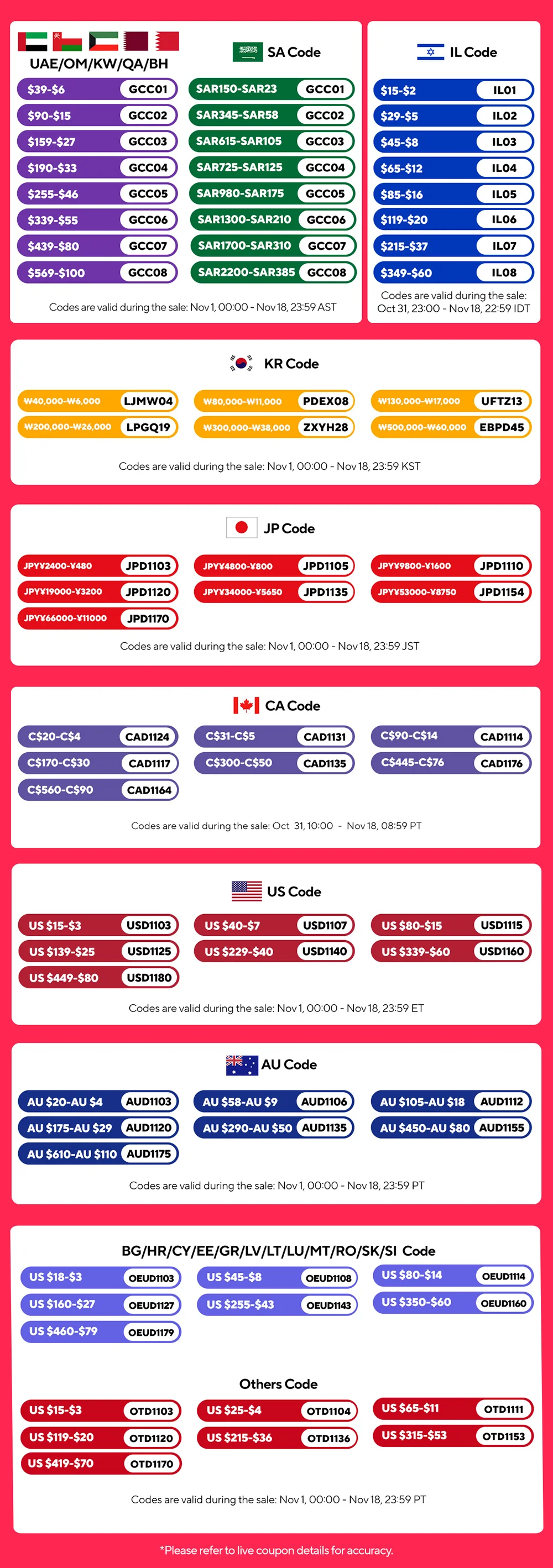
Two models are available:
Same specs, slightly different designs
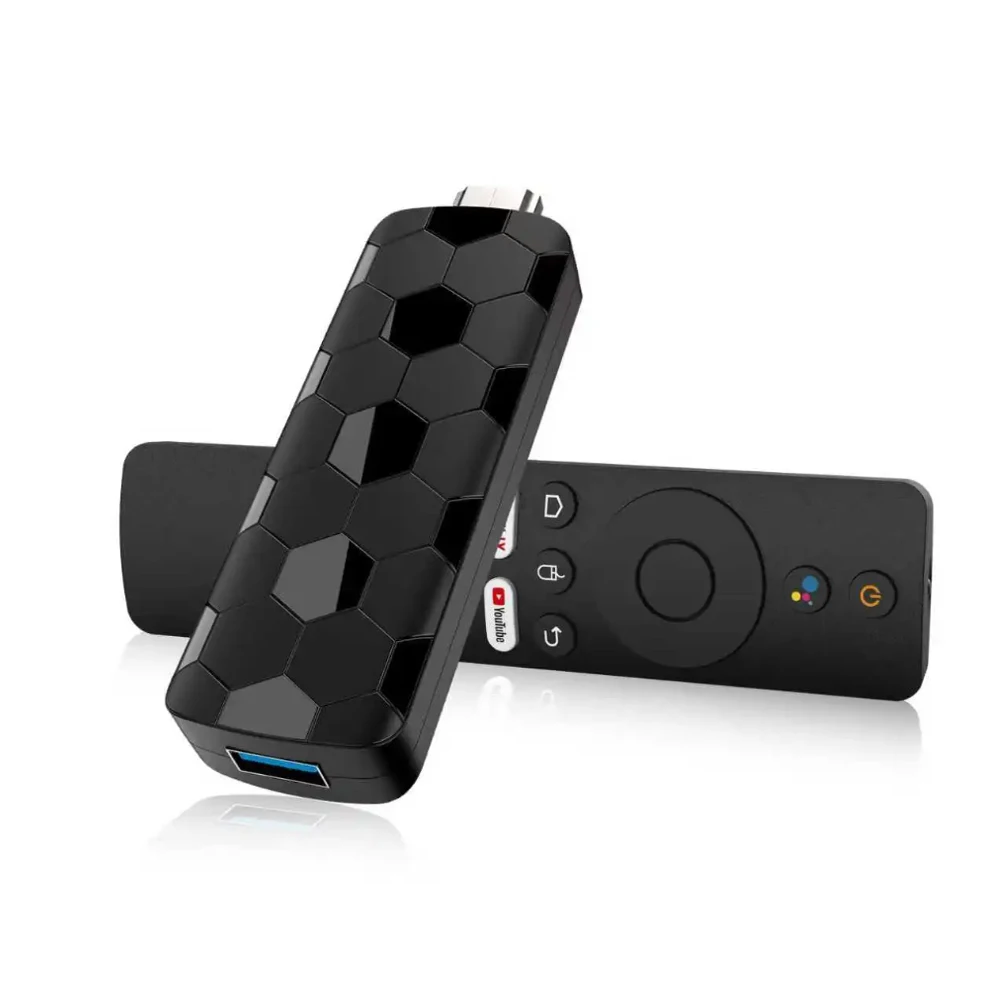
1. Basic version
2. Soccer version
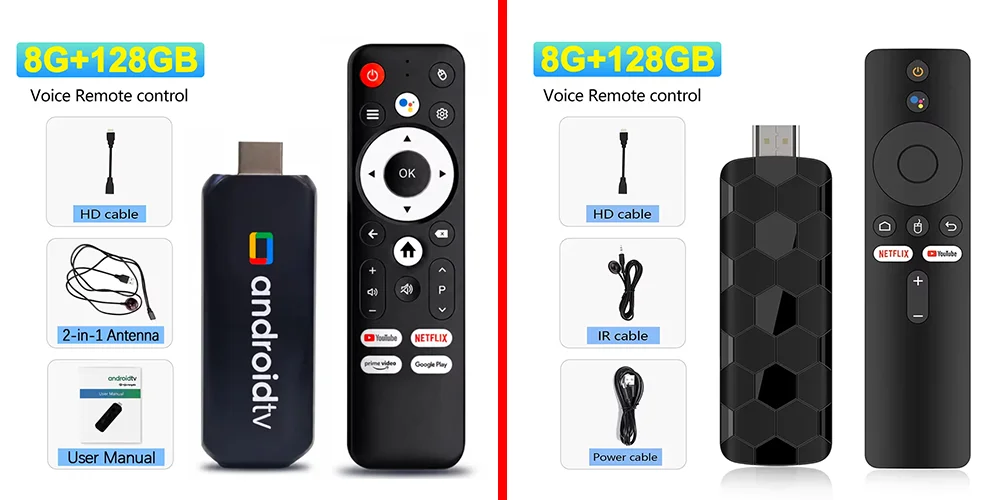
Here's what sets our product apart from the competition:
✅ Dual-system interface with seamless switching beyond imagination!
✅ Customise wallpapers with your favourite dynamic videos! Turn your TV stick into your personalised homepage!
✅ Supporting the 2026 World Cup – delivering football fans an exclusive sense of ritual and romance!
✅ APK shortcut keys enable instant app switching!
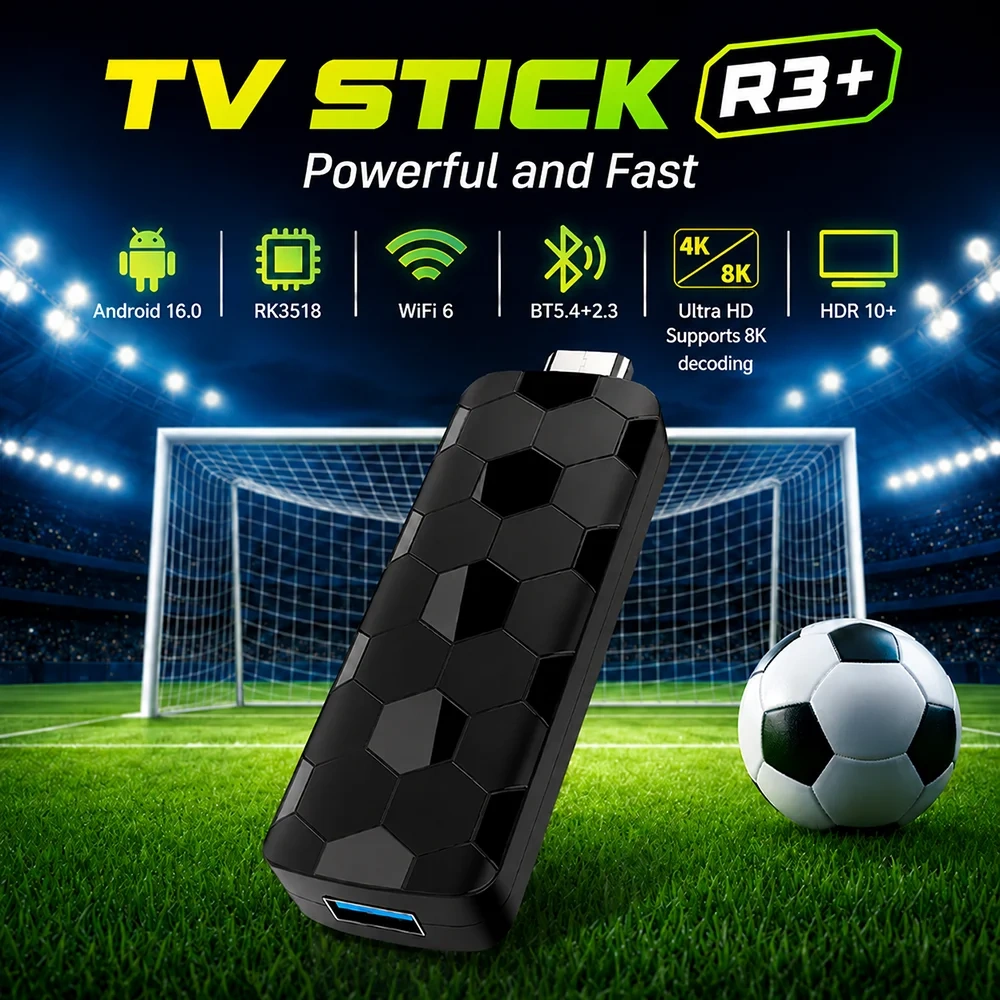
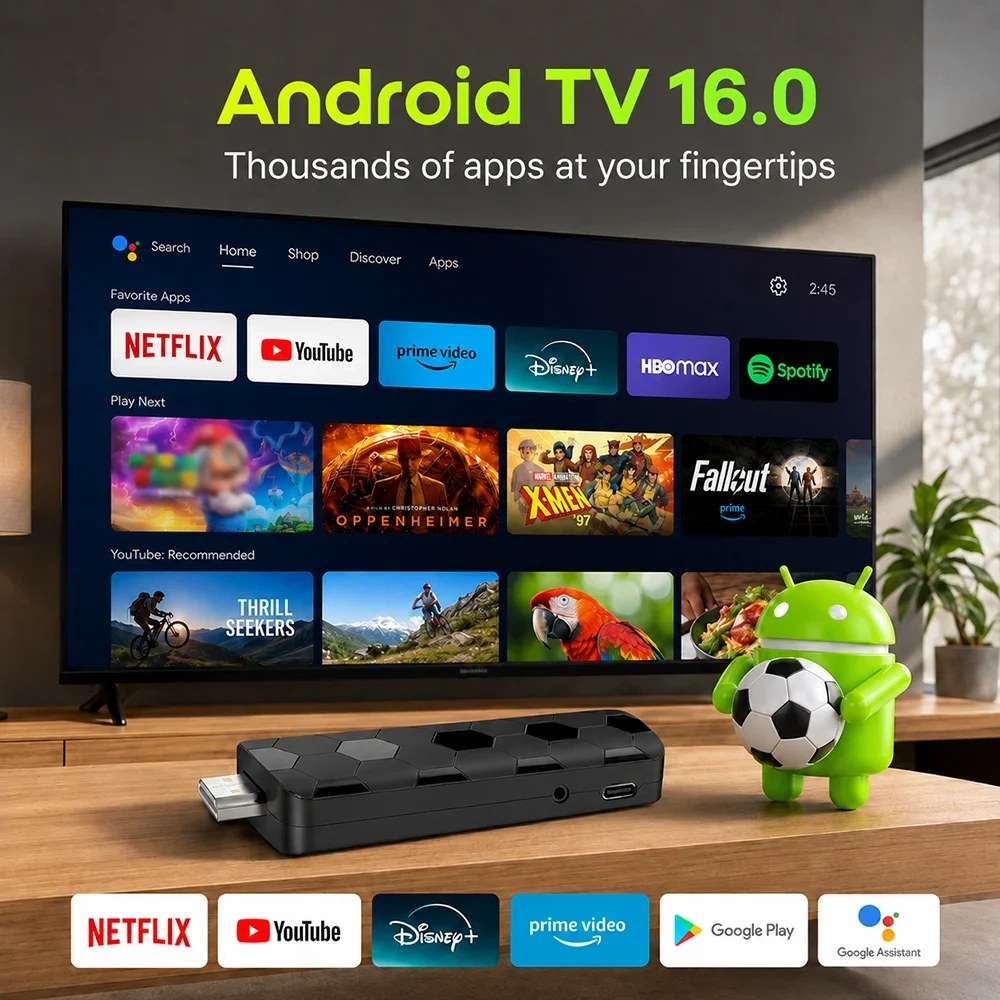
Android 16.0
Android multimedia box, you can download various video and music apps online, enjoy audiovisual experiences.
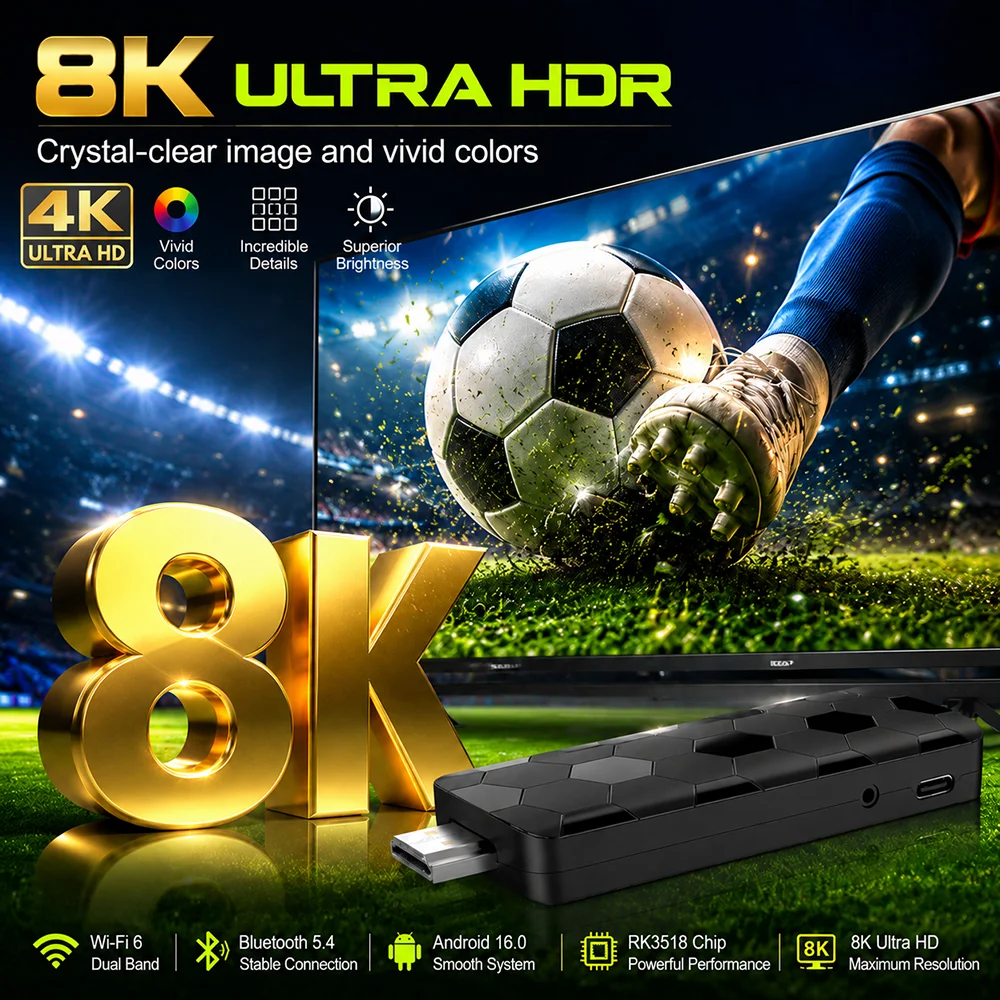
Support 8K Video Decoding
Incredibly clear and smooth playback of videos and images.
WALLPAPER CHANGEABLE
1. Click background on the home page Ul interface to enter the wallpaper selection interface
2. Choose a favorite wallpaper and press the OK button
3. Make sure to set it as walpaper, and automatically retum to the main interface after successful replacement
4. You can also click "add media" to add any live wallpaper you like to experience more personalized wallpapers
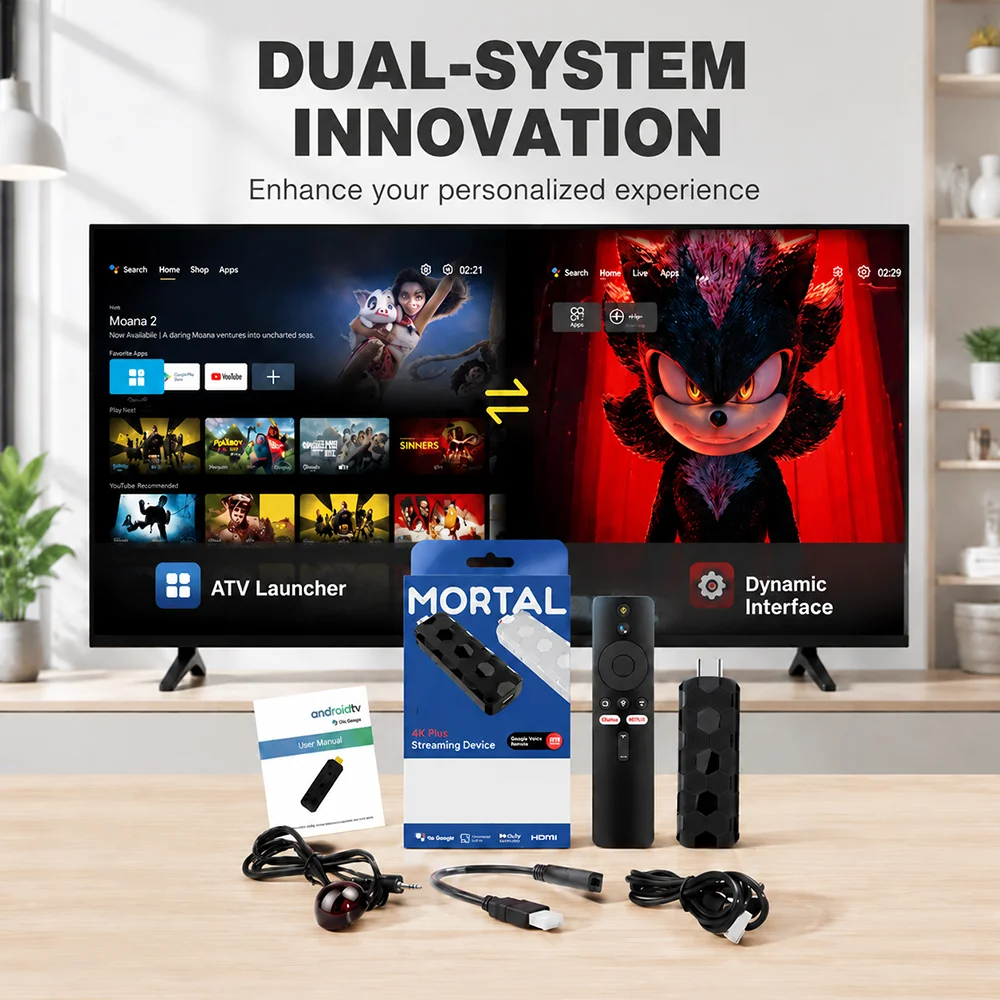
Dynamic UI
Dual UI Interface, Customizable dynamic video,Switching with unexpectedly smooth transitions
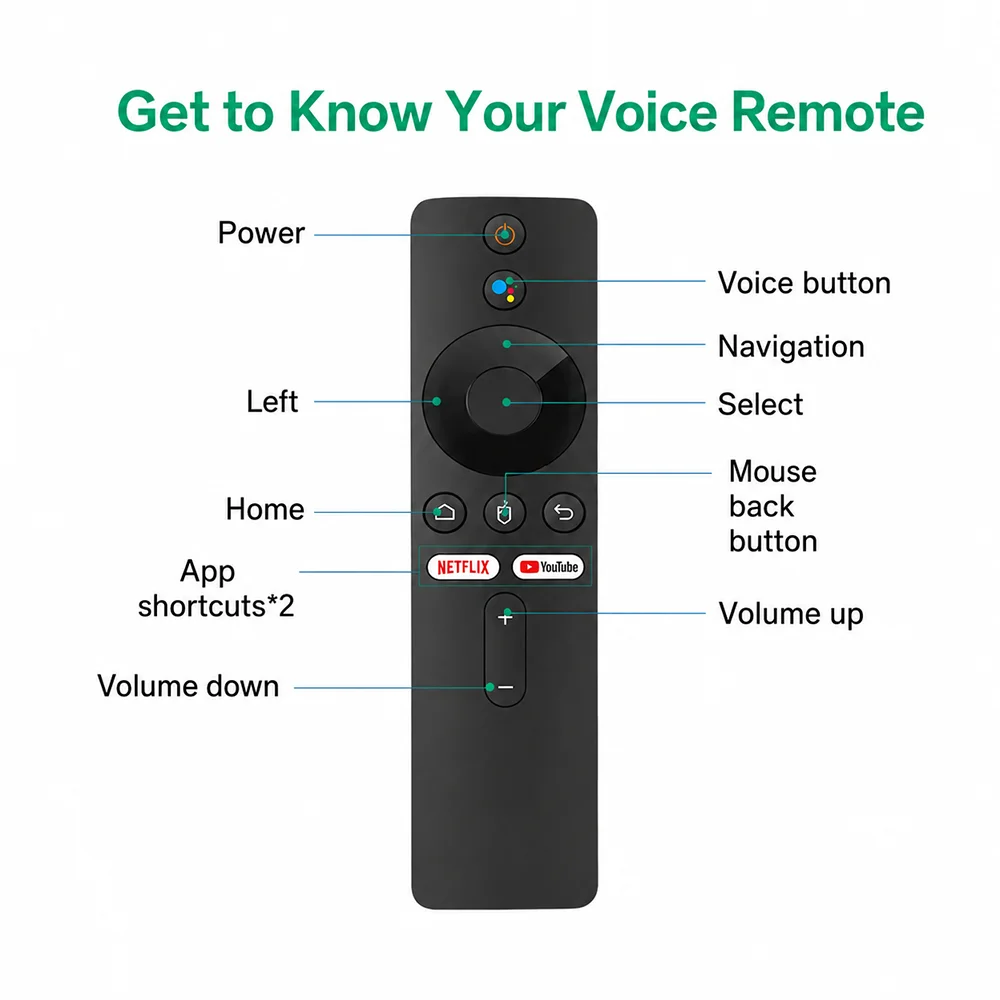
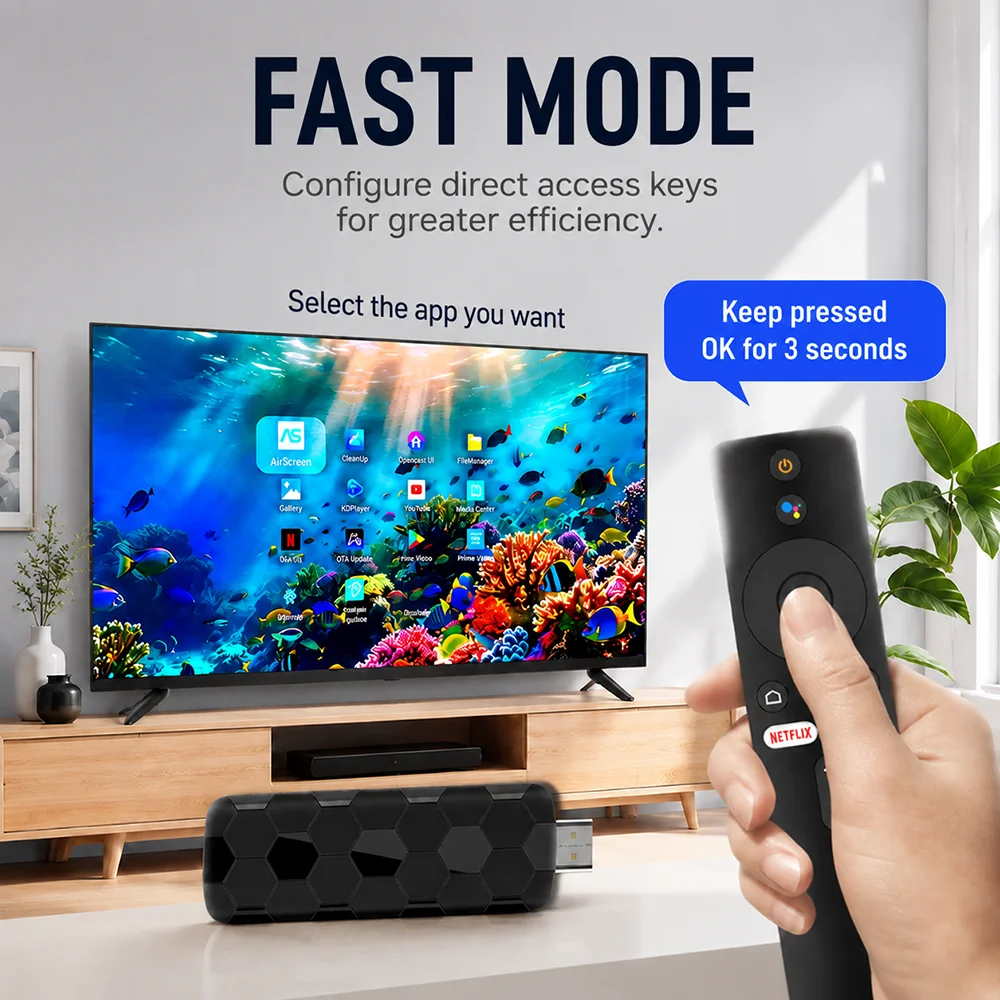
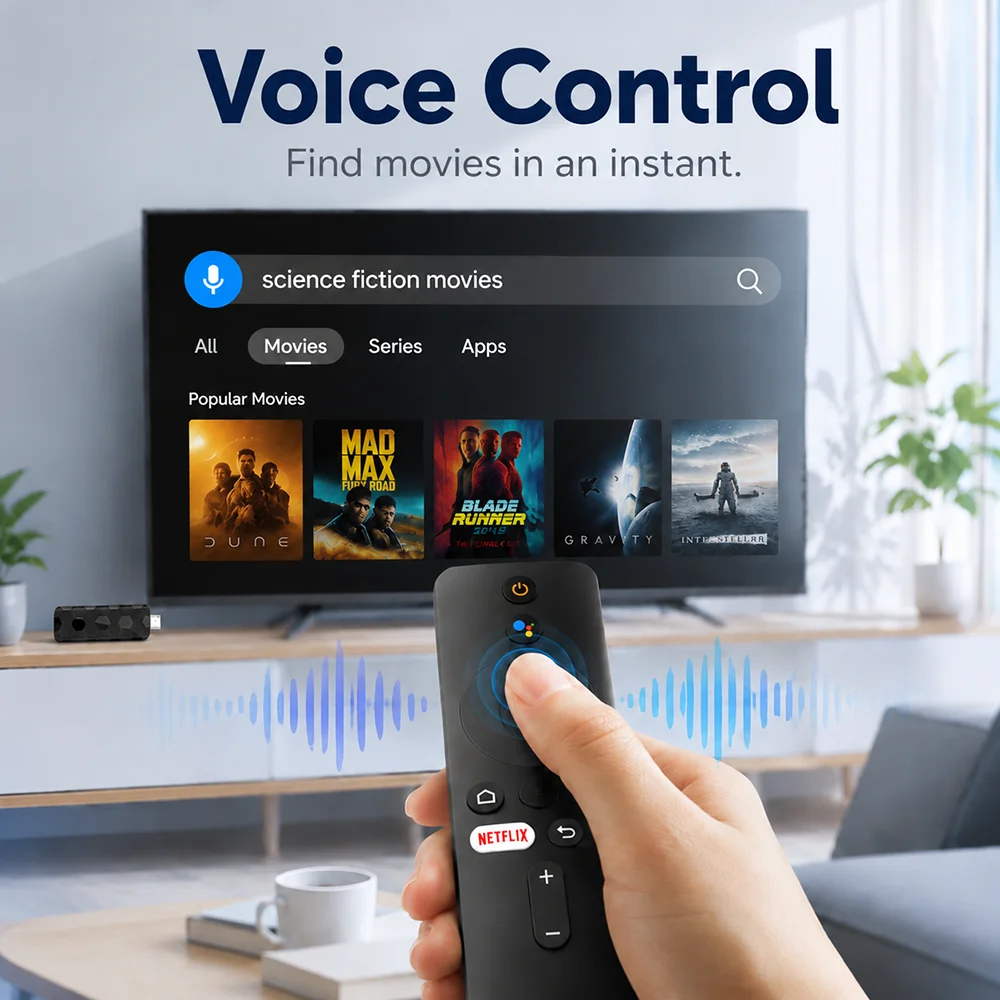
Smarter voice control
1.Click the voice button to display the pairing prompt interface.
2. Press and hold the button according to the prompt interface until the TV screen. automatically exits the pairing prompt interface before releasing the button. At this time, the Google Assistant is paired successfully.
3. Click the voice button. At this time, a voice bar prompt will appear on the screen below the TV.Then long press the voice button and say what you want to say to the remote control. You can release your hand until the TV displays the command you want to say. After releasing your hand the Google Assistant will execute your command.
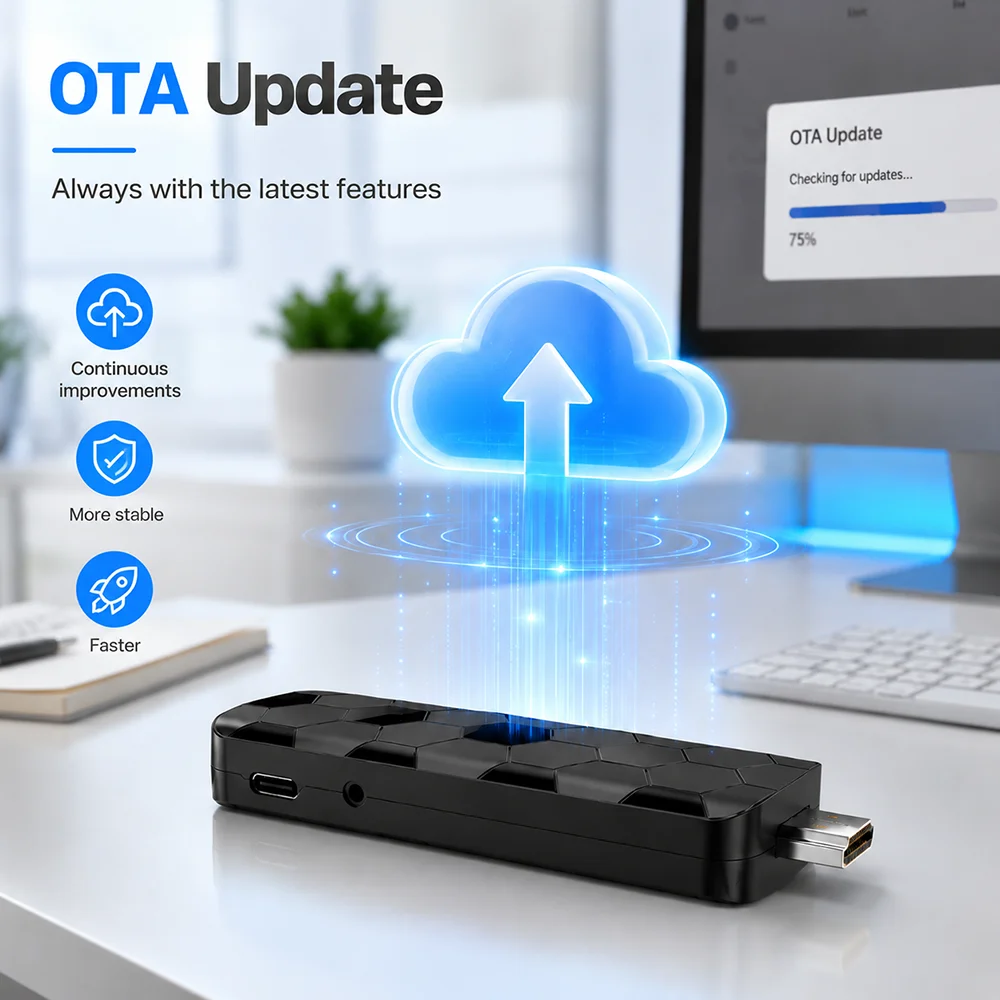
OTA ONLINEUPGRADE
We will release new firmware to server. when box have bugs or new function. you can choose to update online if necessary.
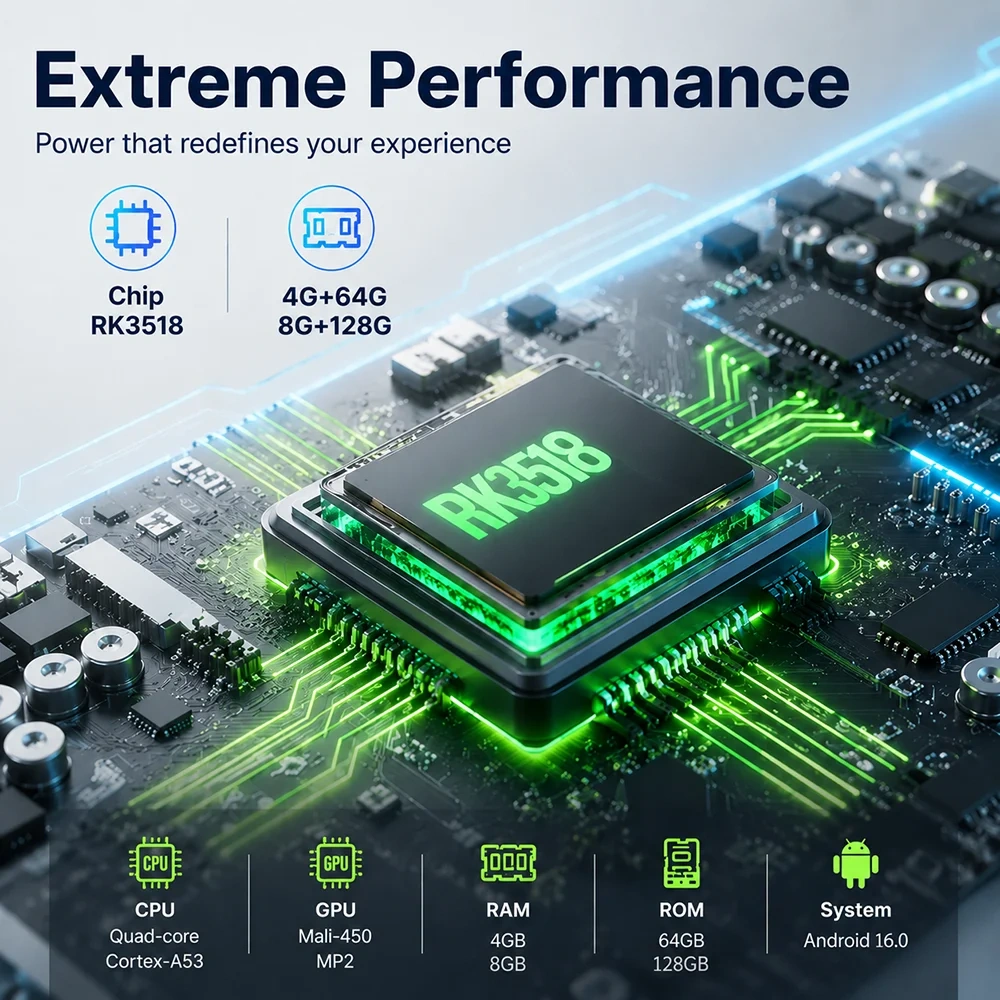
ROCKCHIP RK3518
Strong performance,providing you with the best
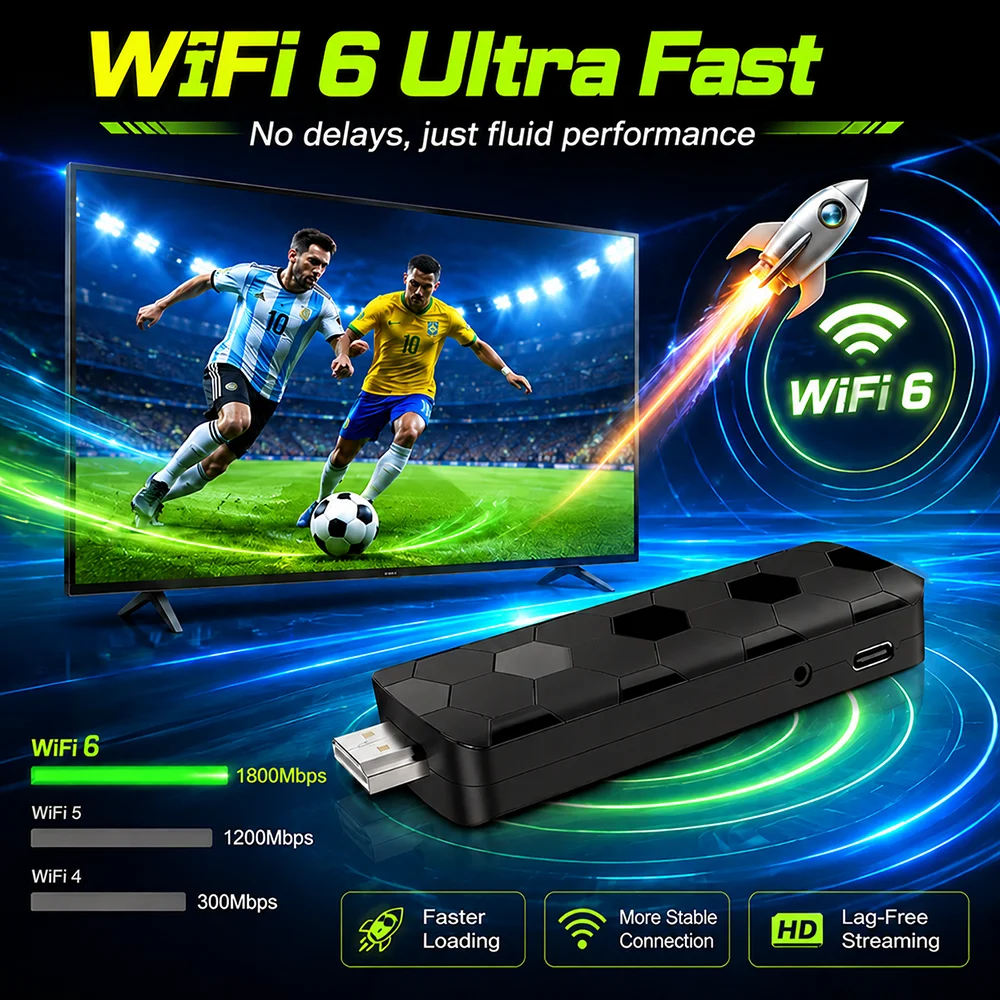
SUPER-FAST WIFI6
The TV Stick uses 2.4G/5.8G dual band WIFI which equipped with stronger wall piercing capability,wider coverage,and faster loading speed
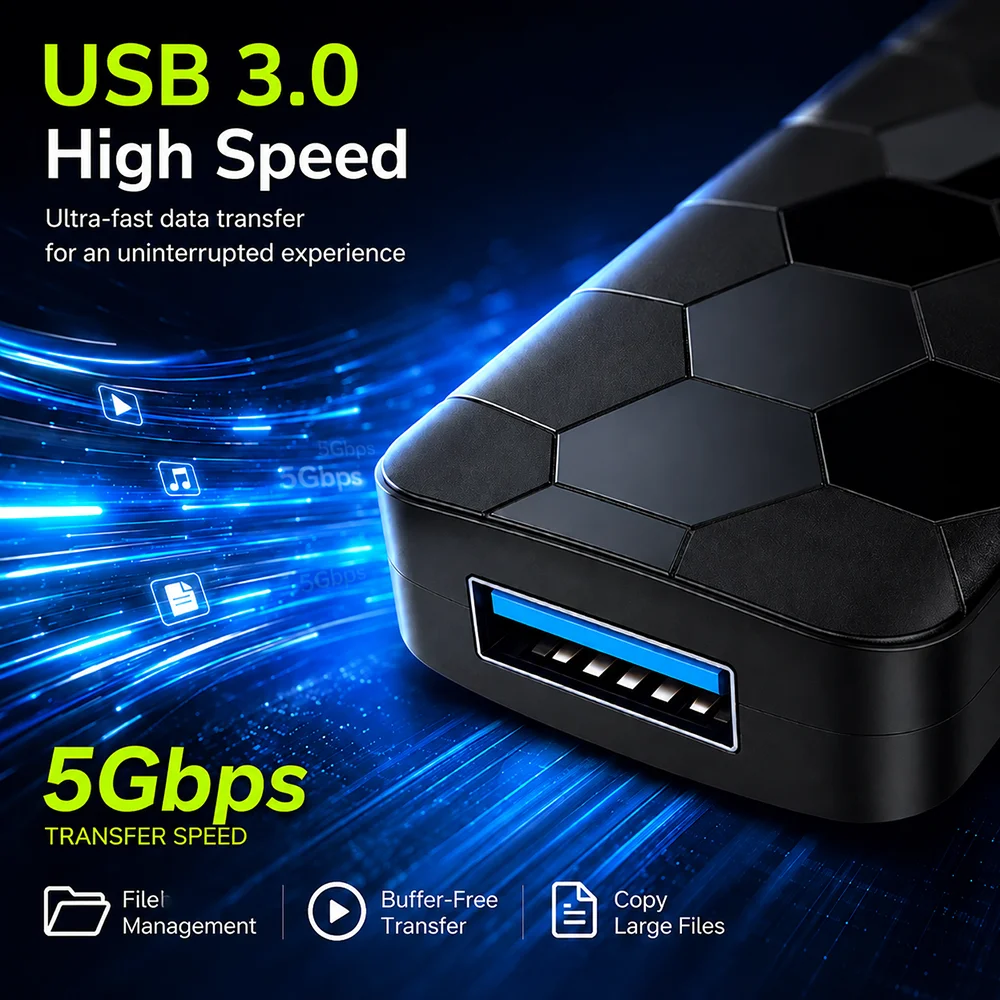
USB3.OHIGHSPEED DATATRANSFER
Transfer 1G songs, movies or files in just 4s
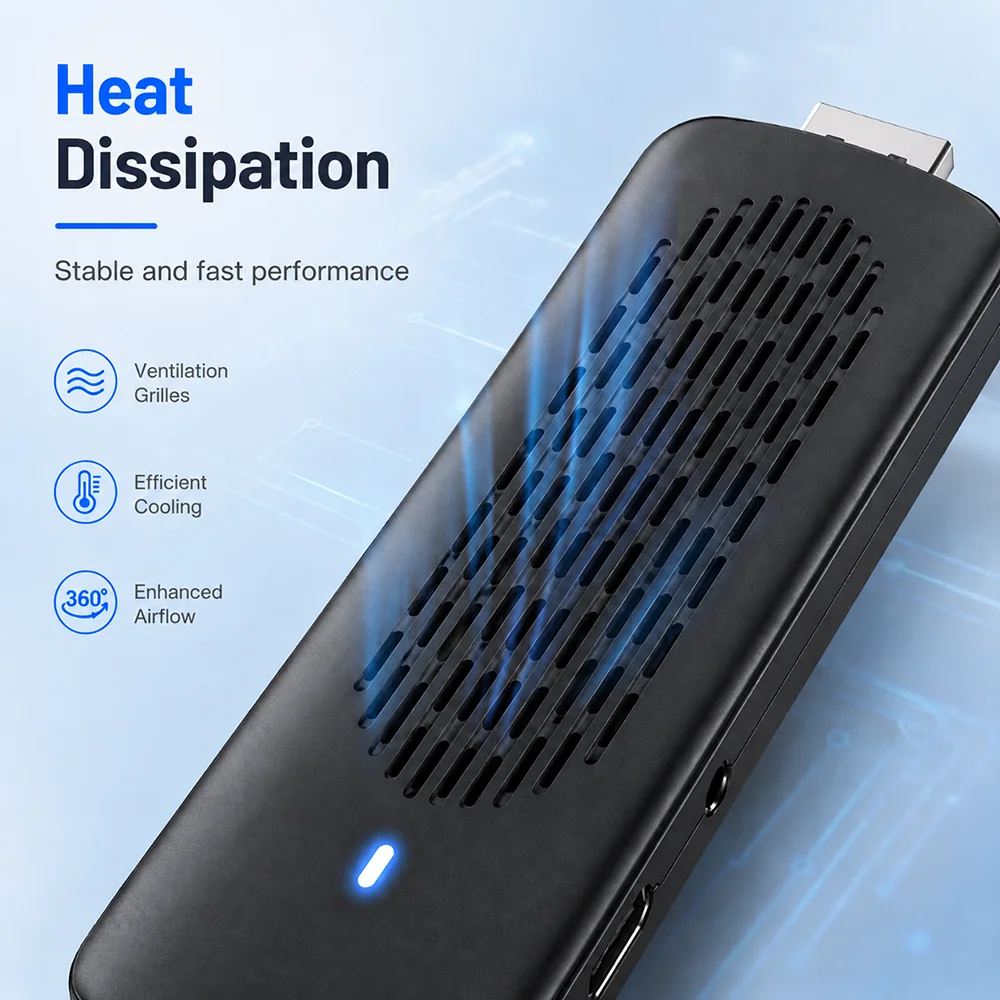
SUPER HEAT DISSIPATION
Multiple vents help to dissipate the heat of machine, which is safer and more practical
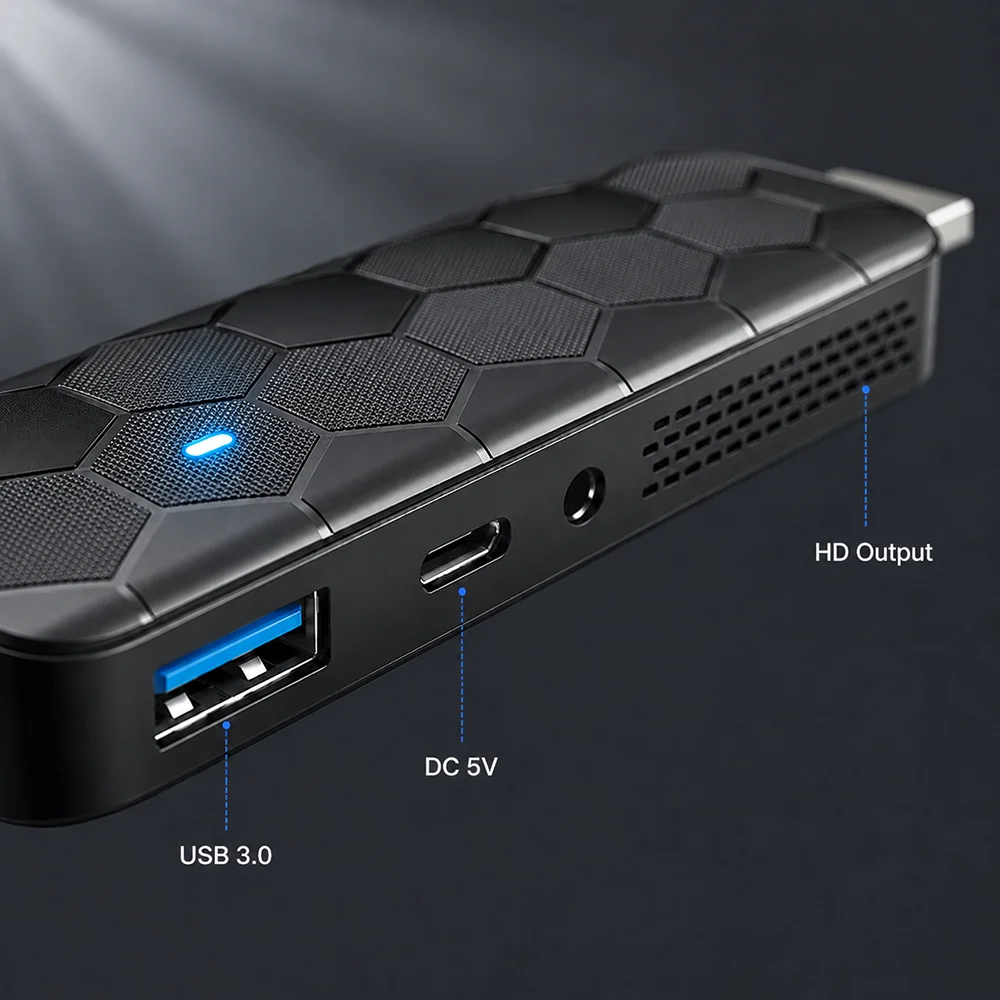
INTERFACE INTRODUCTION
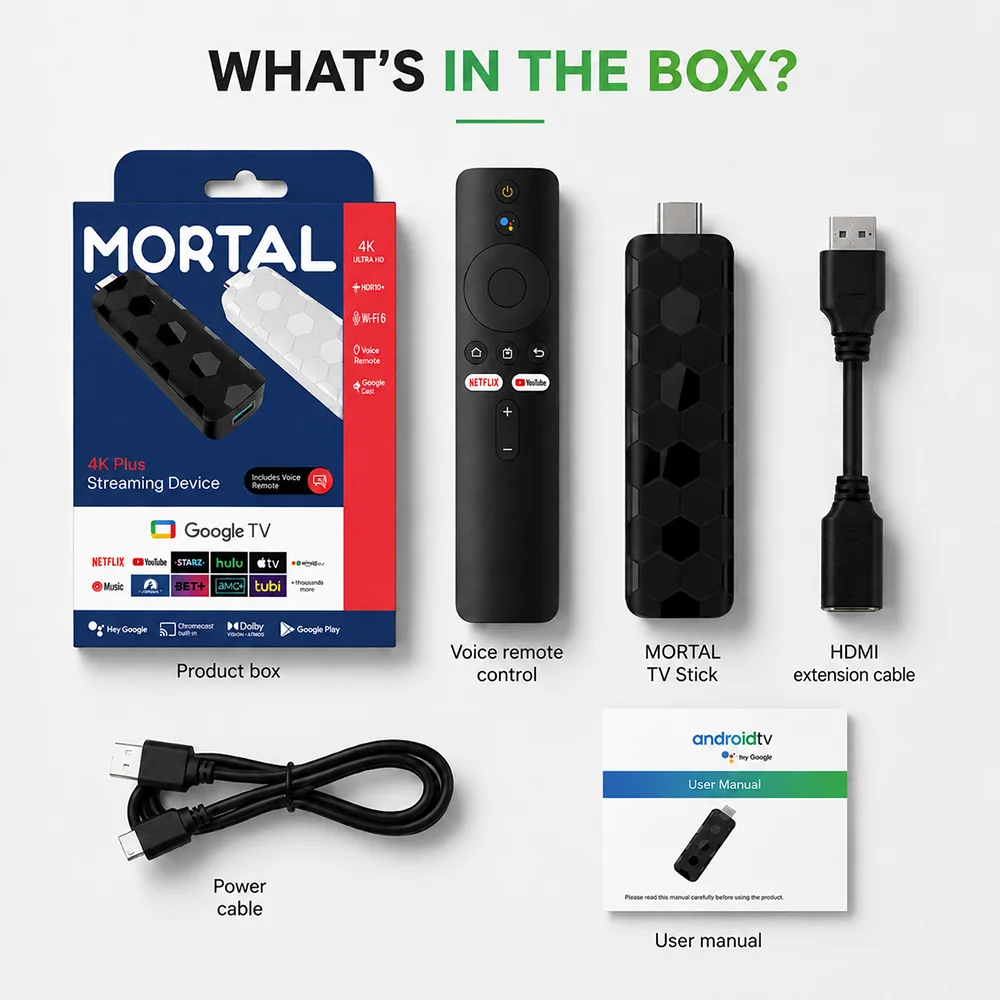
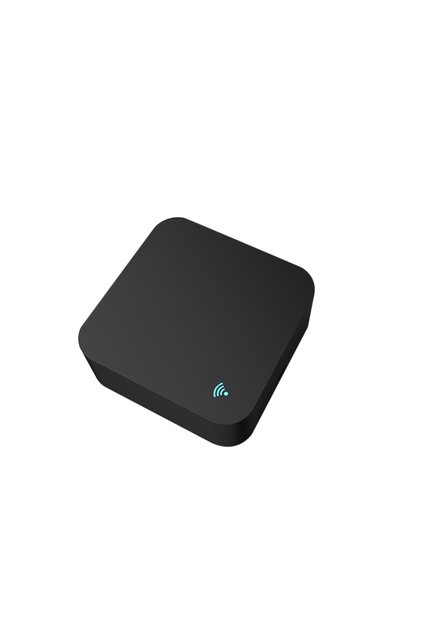
IR OUT, HD OUT, power cord,USB 3.0 and other
interfaces bring you smart and colorful enjoyment.
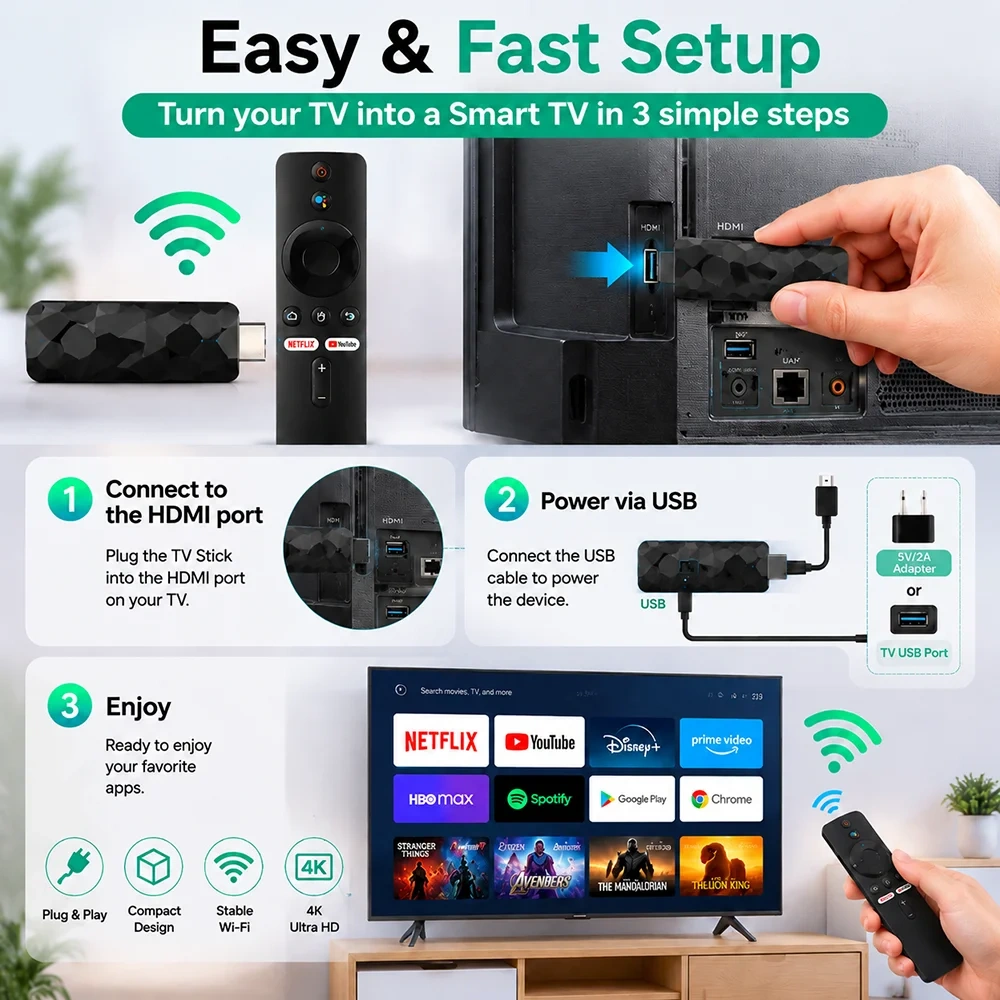
How to Install a TV Stick?
Step 1. Connect the Tv Stick to the Tv through an HD extension cable, or directly connect the TV HD
Step 2. Connect the lR extension cable to Tv Stick, and paste the lR receiver onto the front end of the TV.
Step 3. Power supply through Type-C cable, from TV USB or 5V2A power adapter