Free shipping

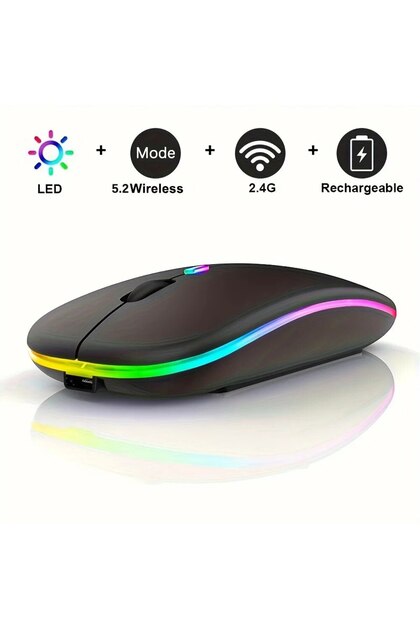
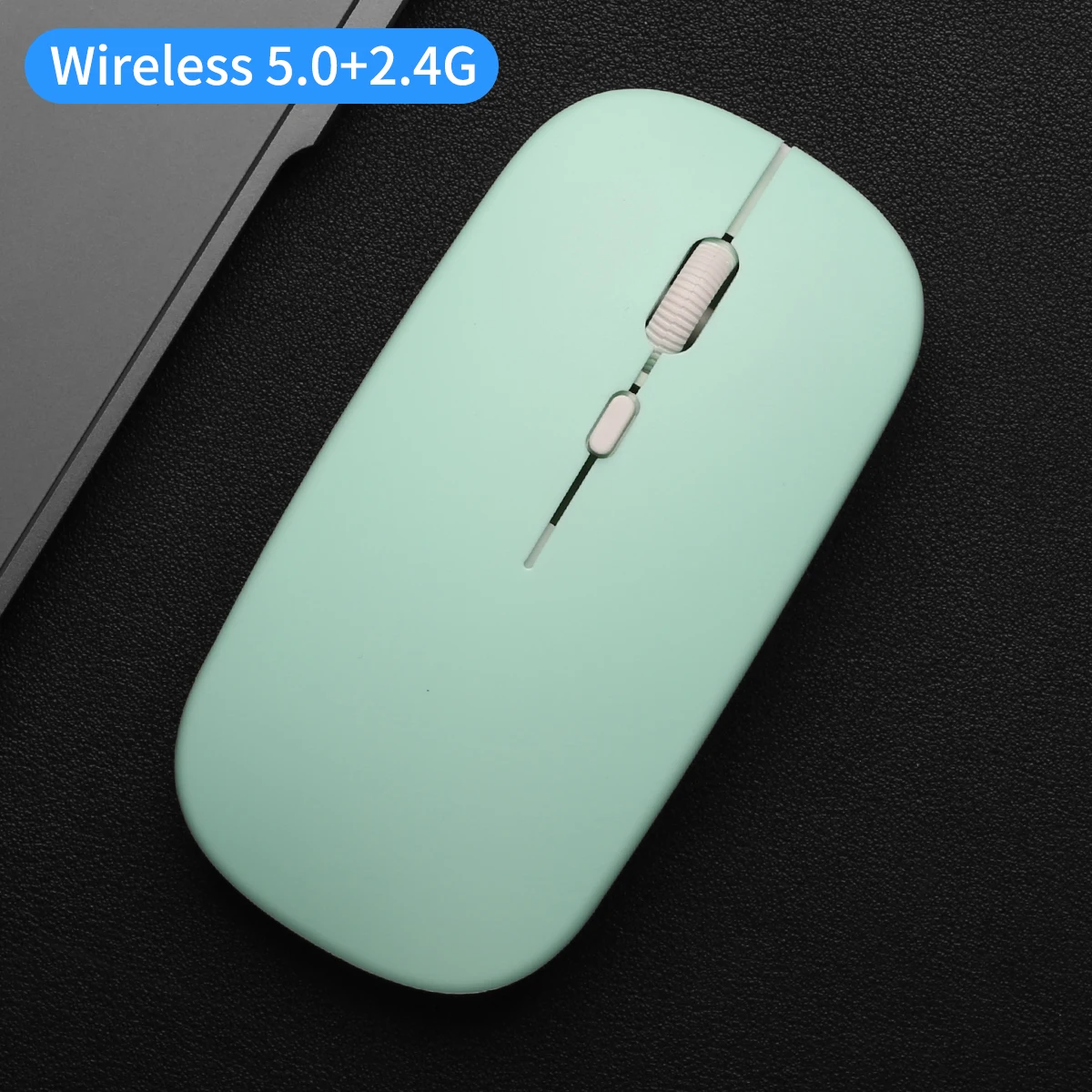
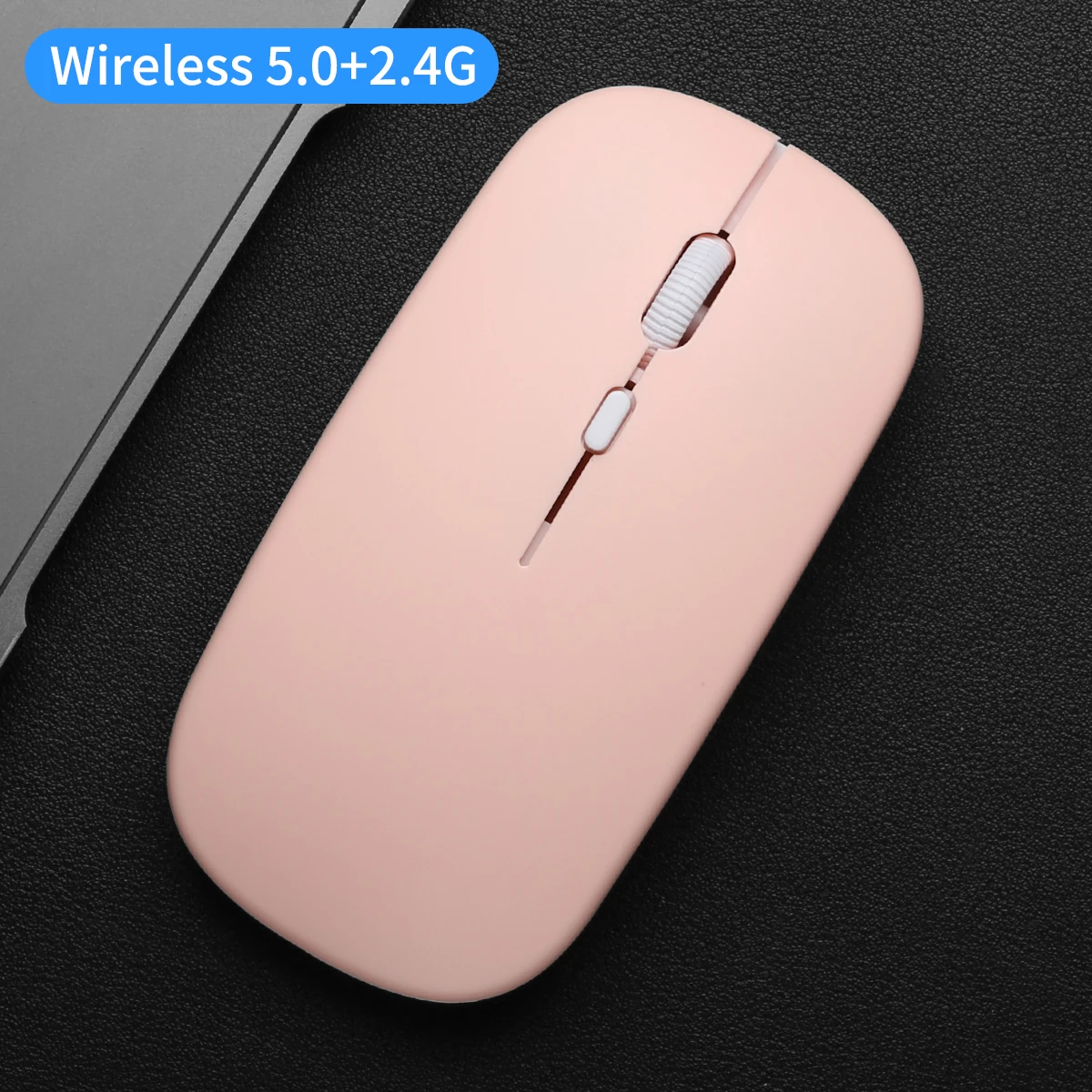
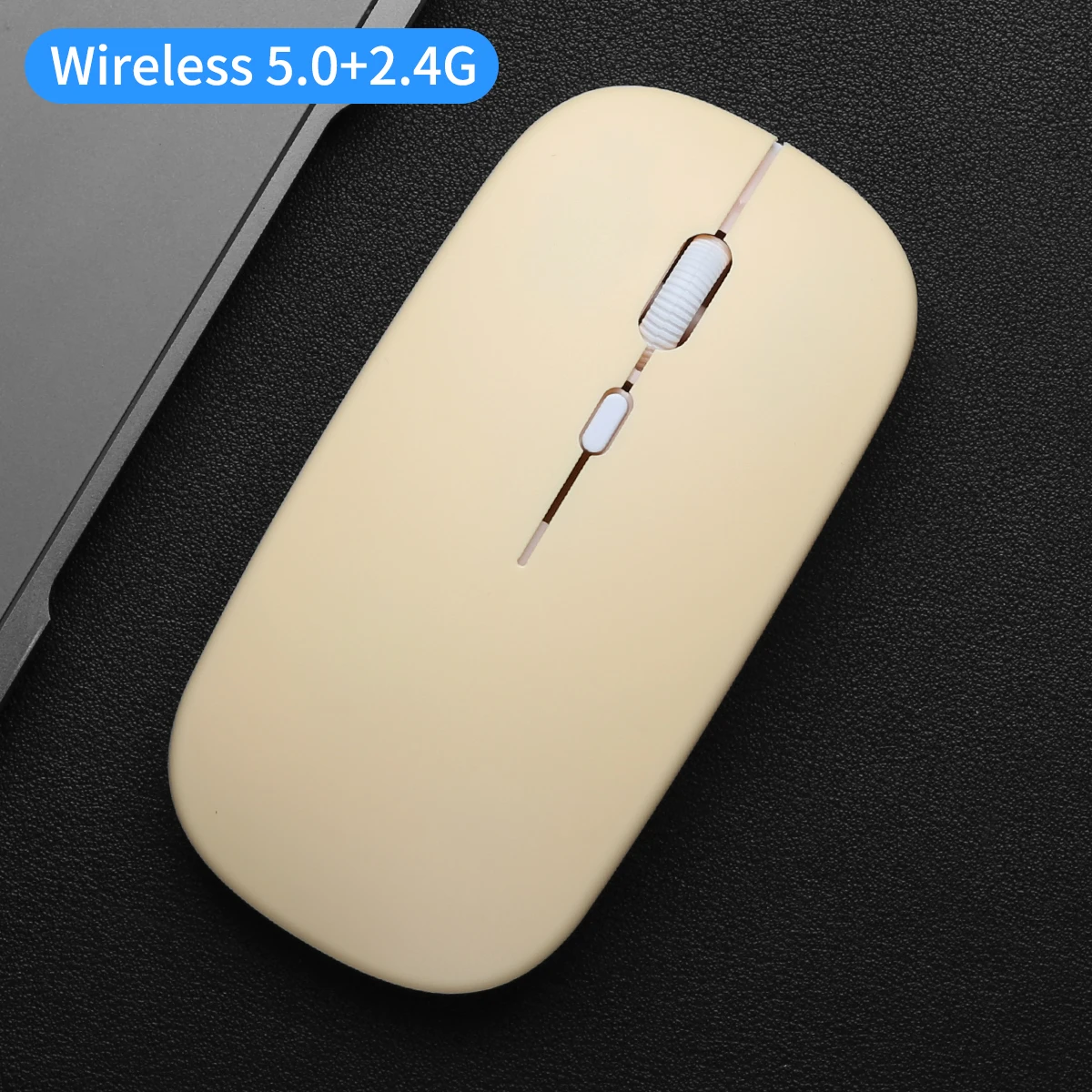
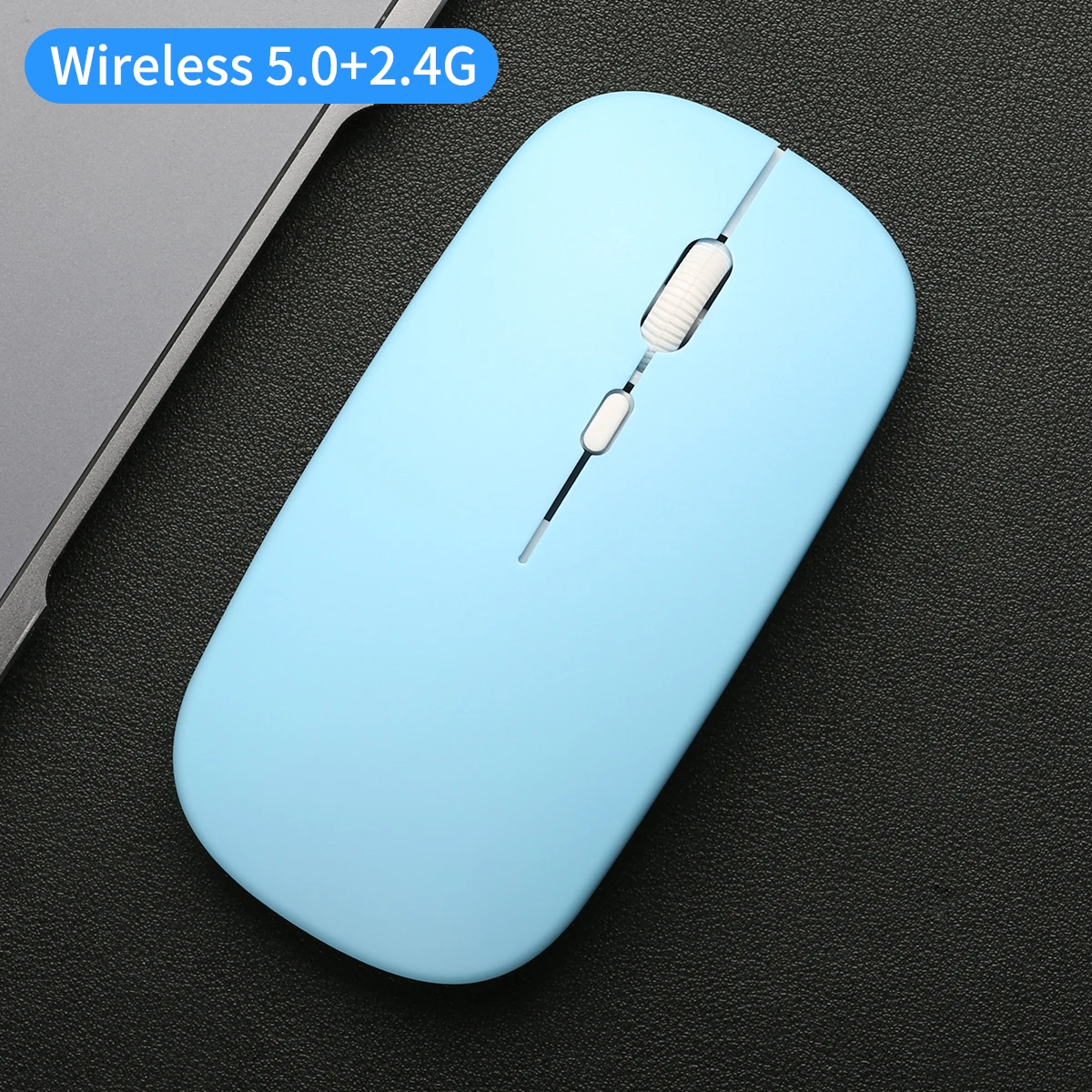
Choice A Keyboard mouse Wireless Mouse Dual Modes Bluetooth-compatibl 2.4G Portable Office Mouse for Laptop
No reviews yet.

Special Deals
40.8031.01AED
Free shipping
Delivery address

Select your address, find out the delivery date!
Trendyol's commitments
Easy and free return in 15 days.
Payment methods



Highlighted features:
Choice A Keyboard mouse Wireless Mouse Dual Modes Bluetooth-compatibl 2.4G Portable Office Mouse for Laptop features
Color
Multicolor

Big Save Store
8.9
82.6K followers
Seller information
Similar items

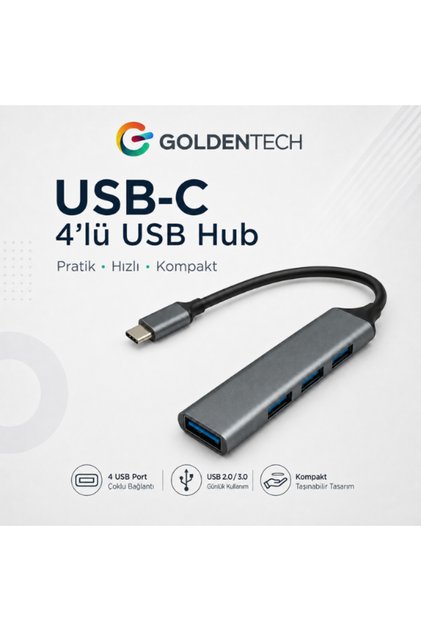



 Type-c To Usb Hub 4 Port Multiplexer Compatible With Macbook Replicator Type C To Usb Converter Hub
 Trendyol Plus Exclusive







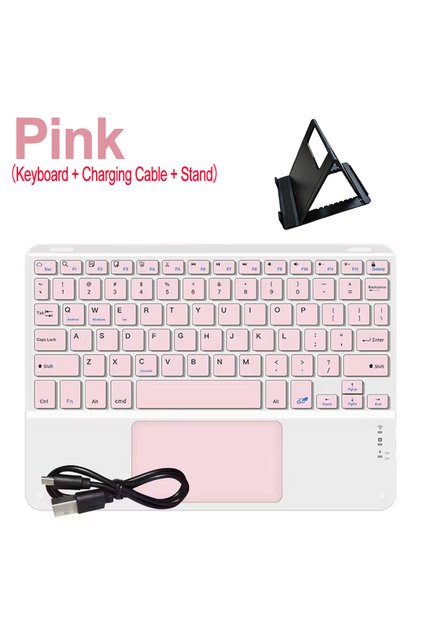
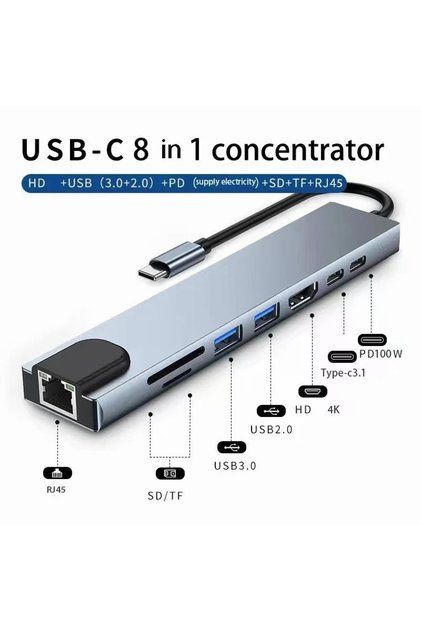



Shoppers also viewed






Choice A Keyboard mouse Wireless Mouse Dual Modes Bluetooth-compatibl 2.4G Portable Office Mouse for Laptop reviews
No reviews yet.
Product details

Additional info
- A maximum of 10 units of this product can be ordered. Trendyol reserves the right to cancel orders over 10 units.
- Barcode No: 3573289699797
Choice A Keyboard mouse Wireless Mouse Dual Modes Bluetooth-compatibl 2.4G Portable Office Mouse for Laptop features
Color
Multicolor
Safety information
Product safety information
Product description
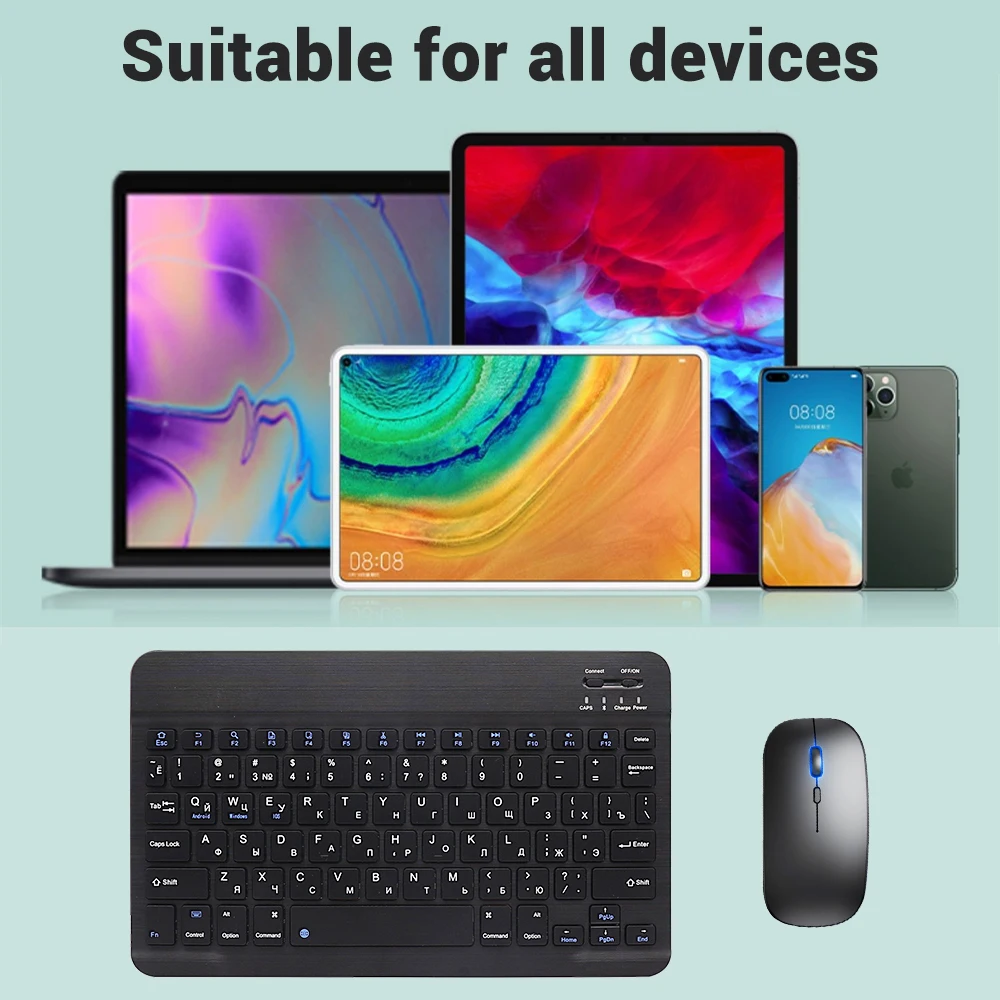
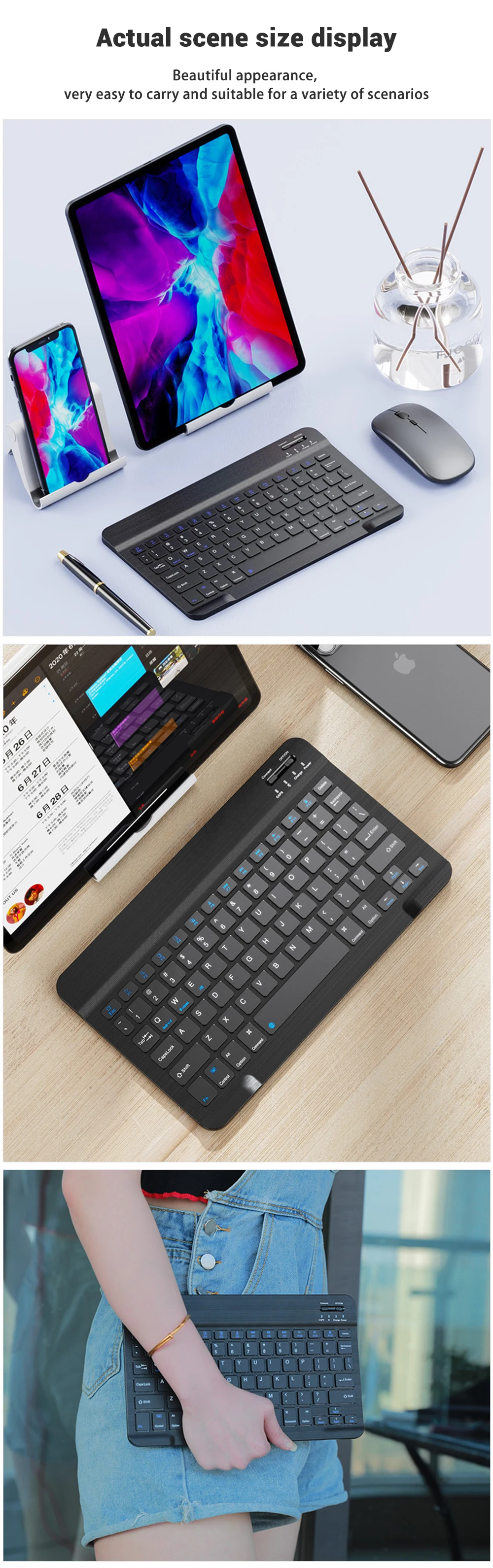
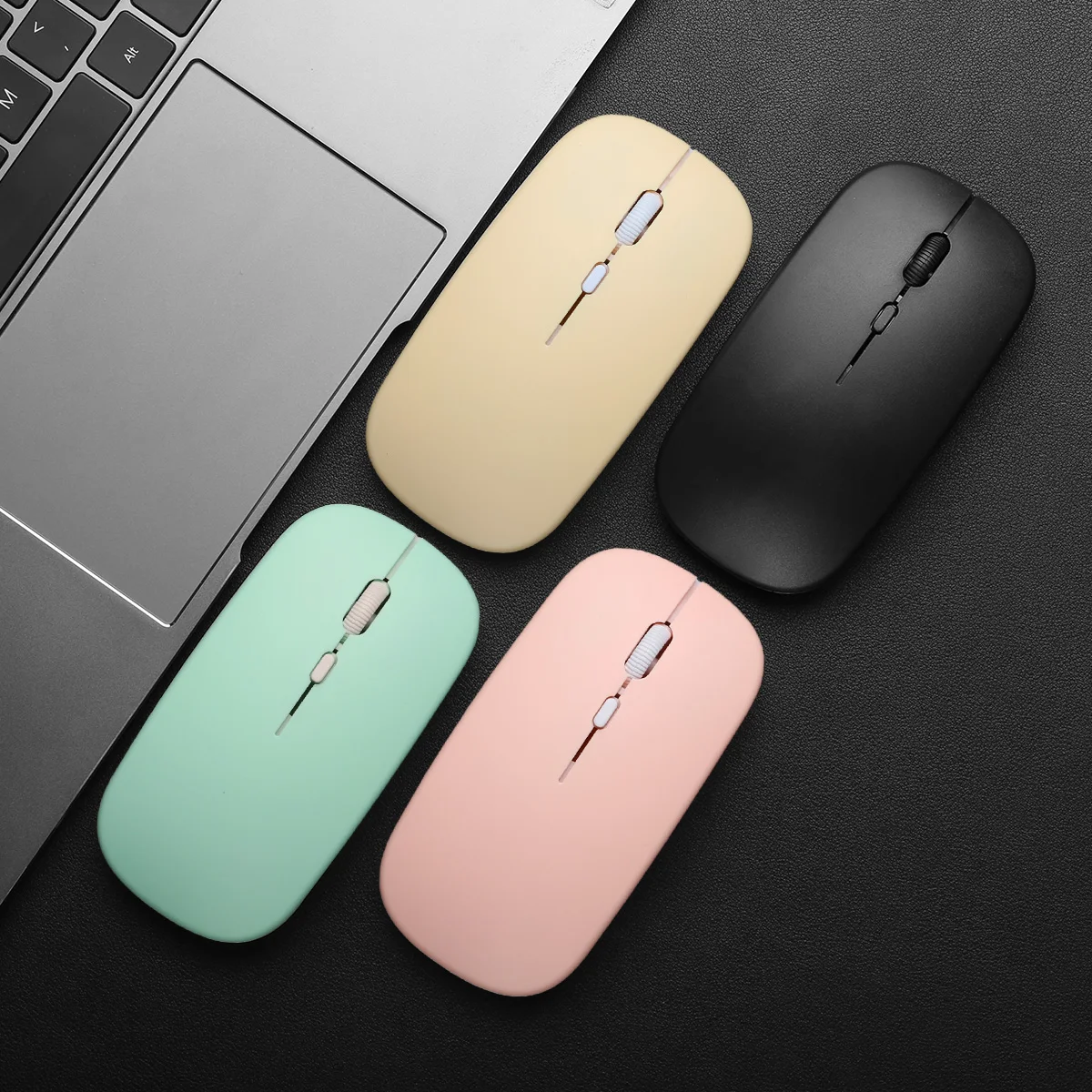
Color:A Keyboard mouse
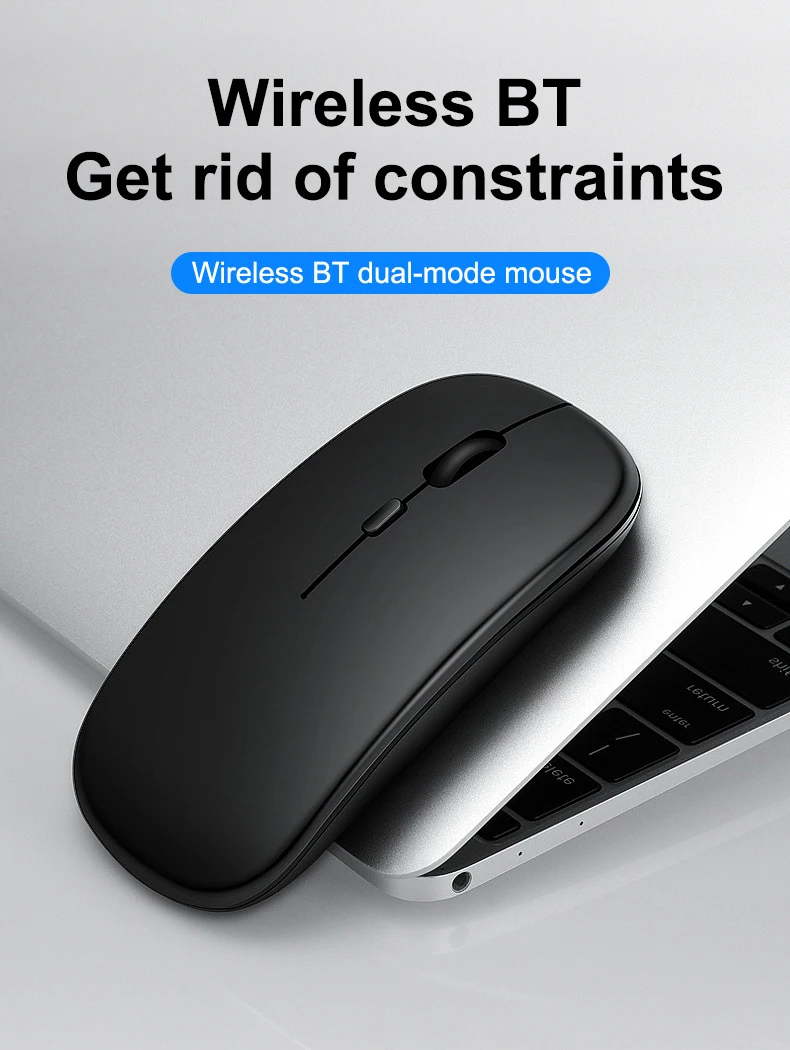
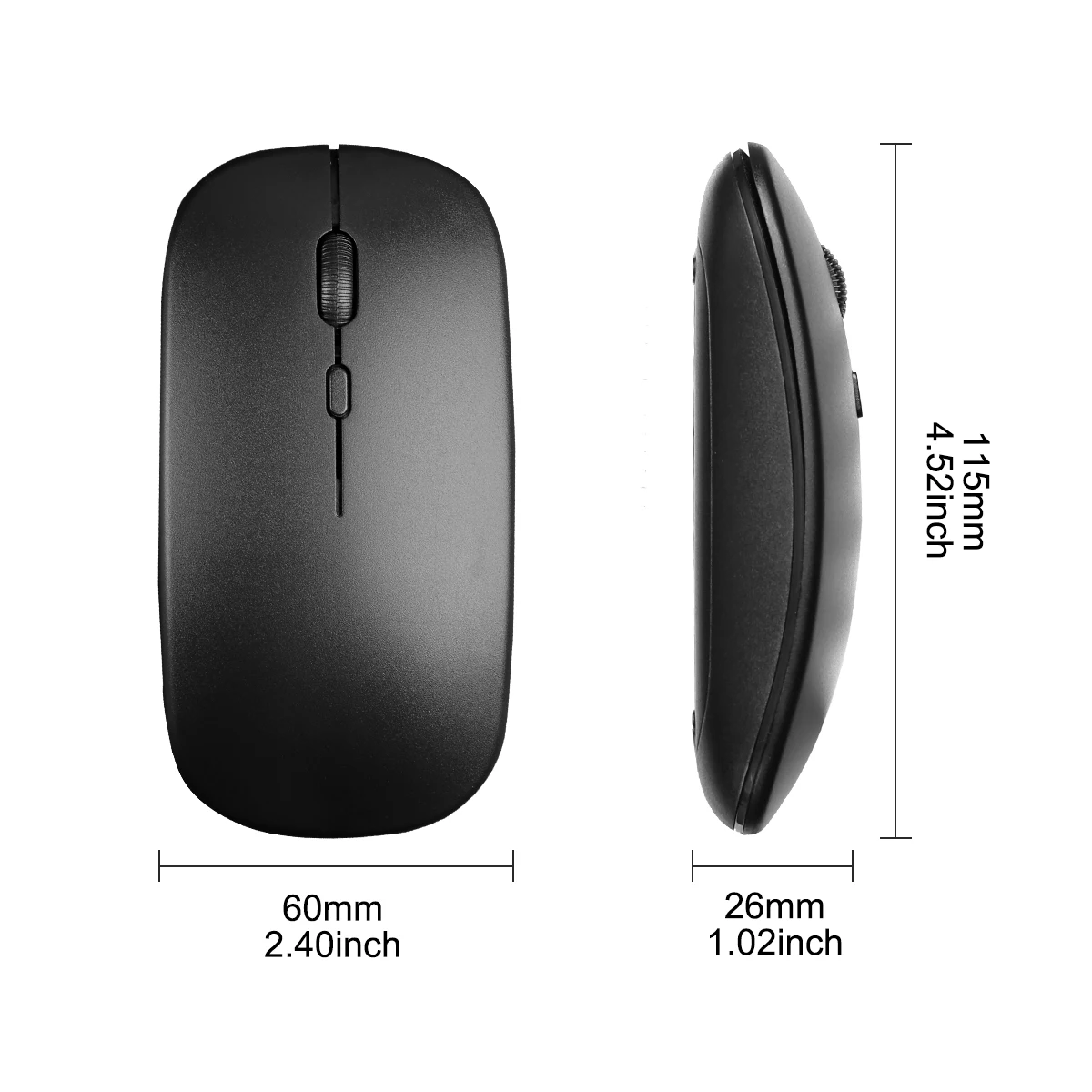
Wireless Mouse Dual Modes Bluetooth-compatibl 2.4G Portable Office Mouse for Laptop Notebook PC MacBook Battery Gaming Mouse
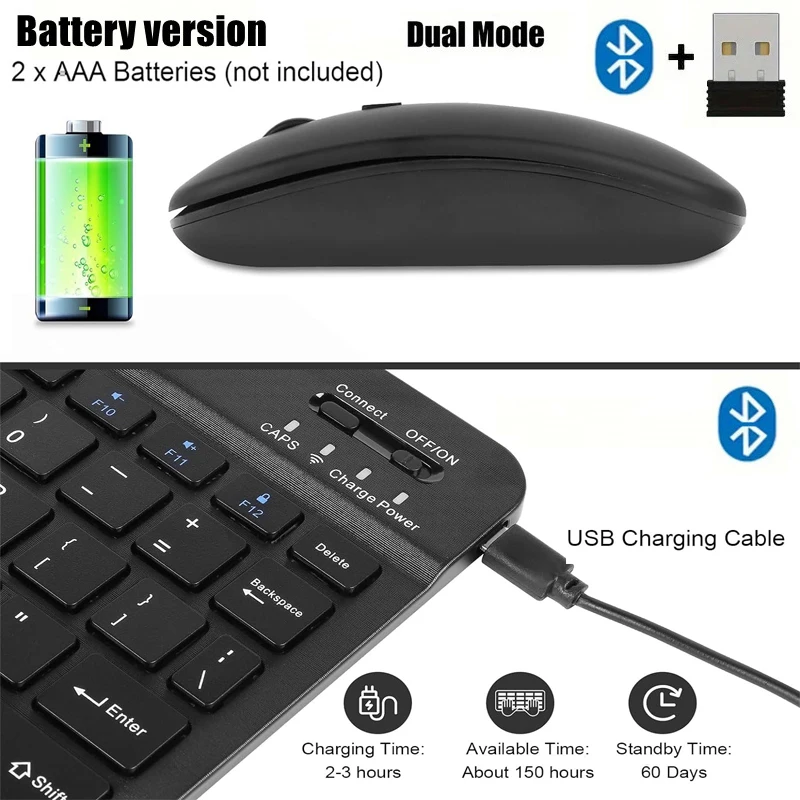
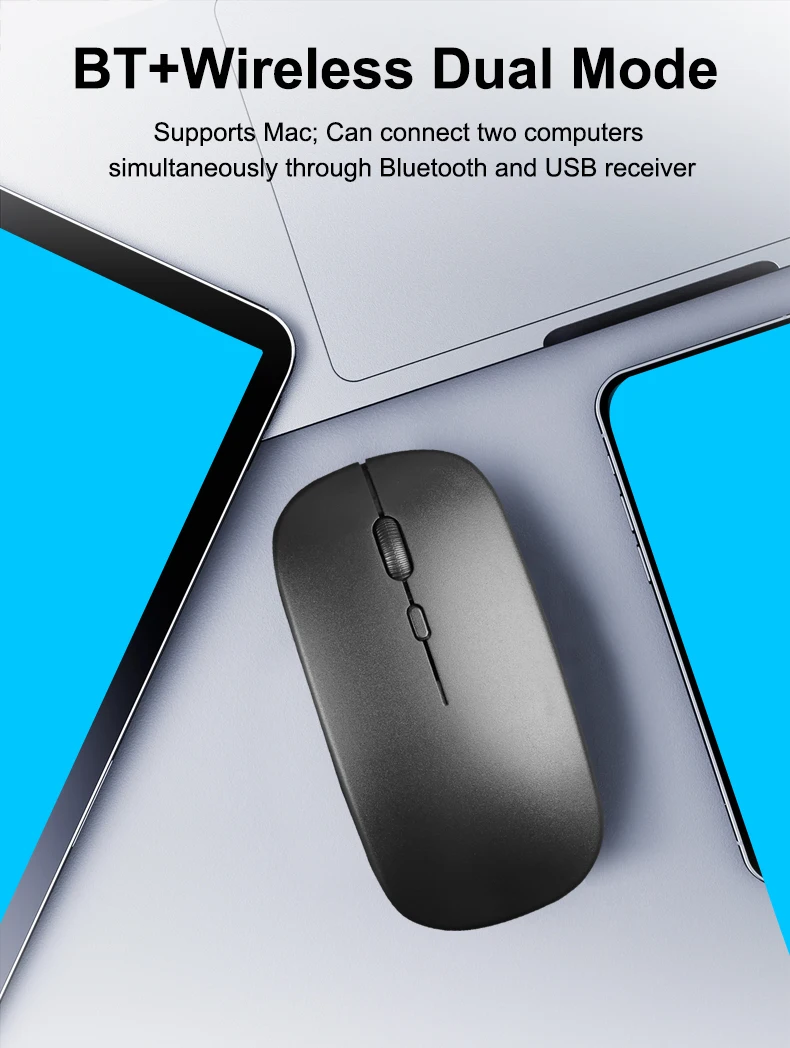
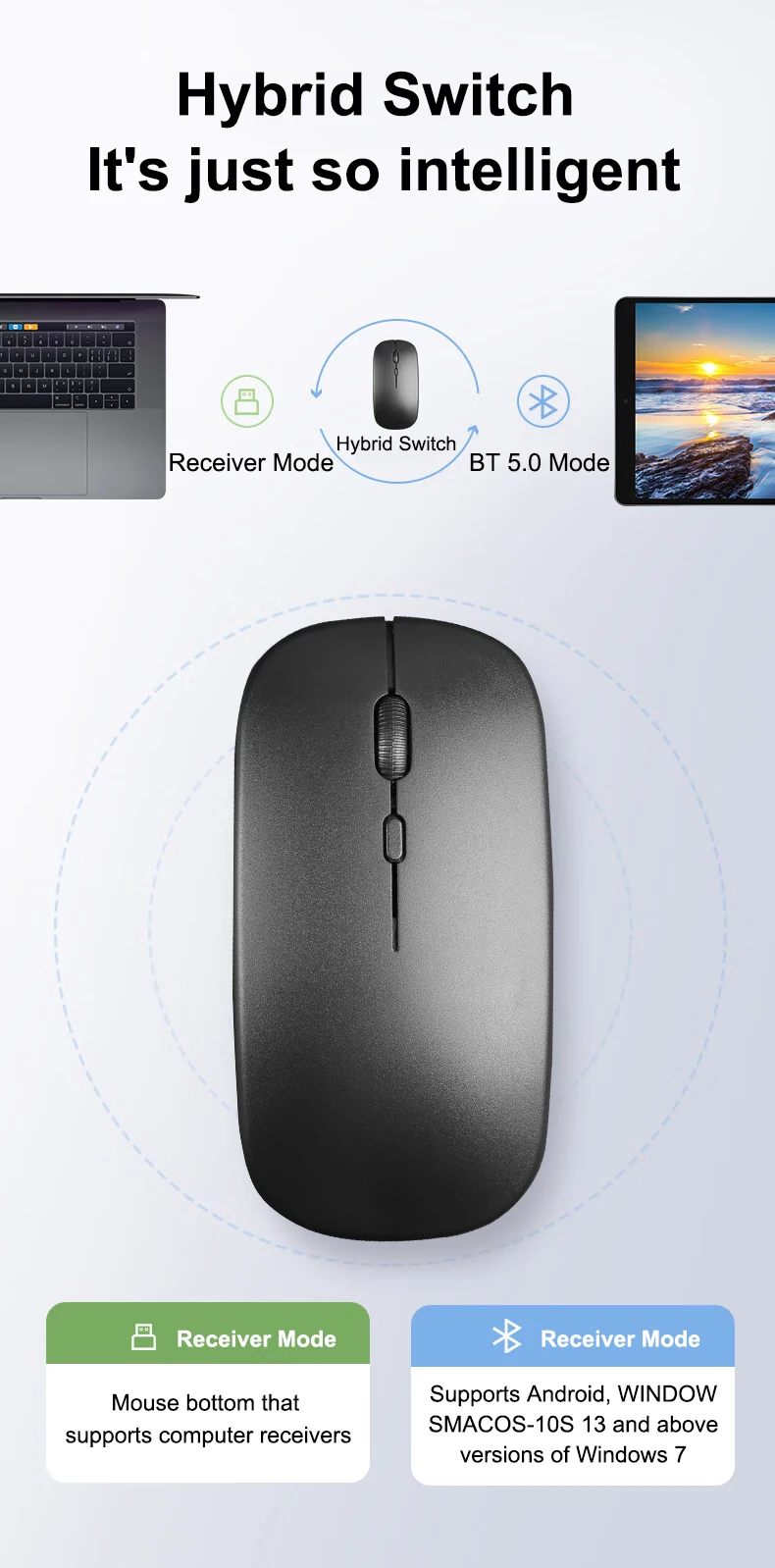
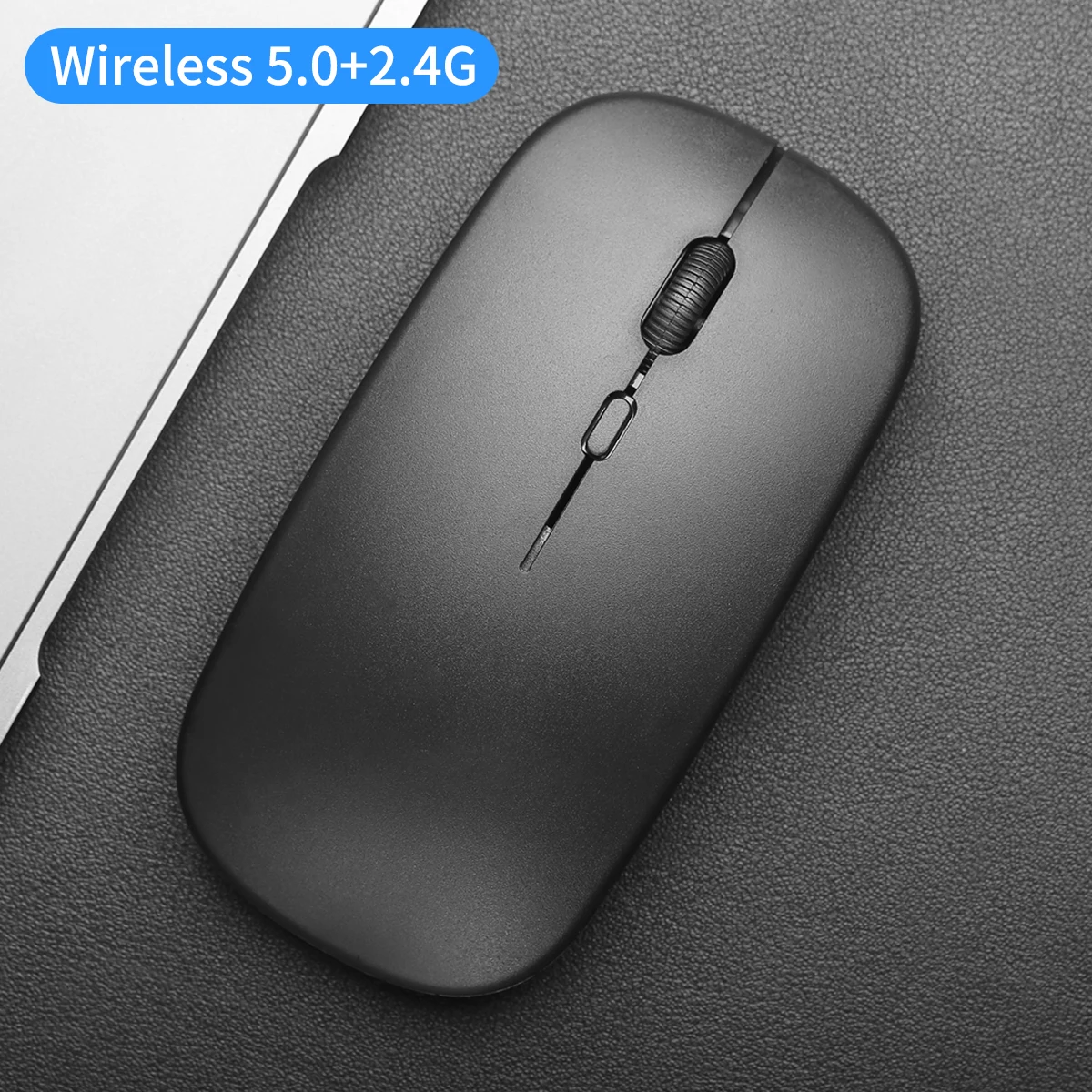
DUAL MODE BLUETOOTH-compatible Battery MOUSE
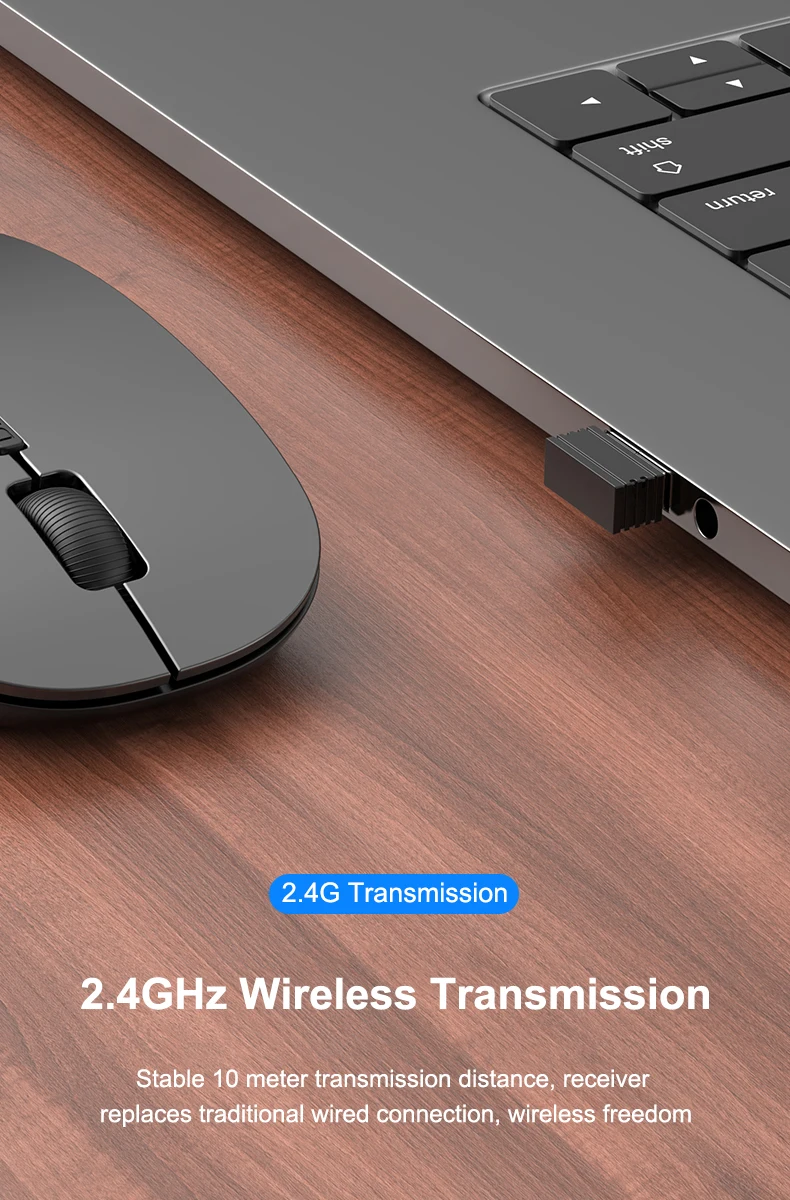
Mode A: Insert the USB receiver into the USB port and switch the mouse switch to 2.4G.
Mode B: Switch the mouse switch to Bluetooth-compatible, press the pairing button for 2-3 seconds, the computer Bluetooth-compatible will find the mouse and pair it.
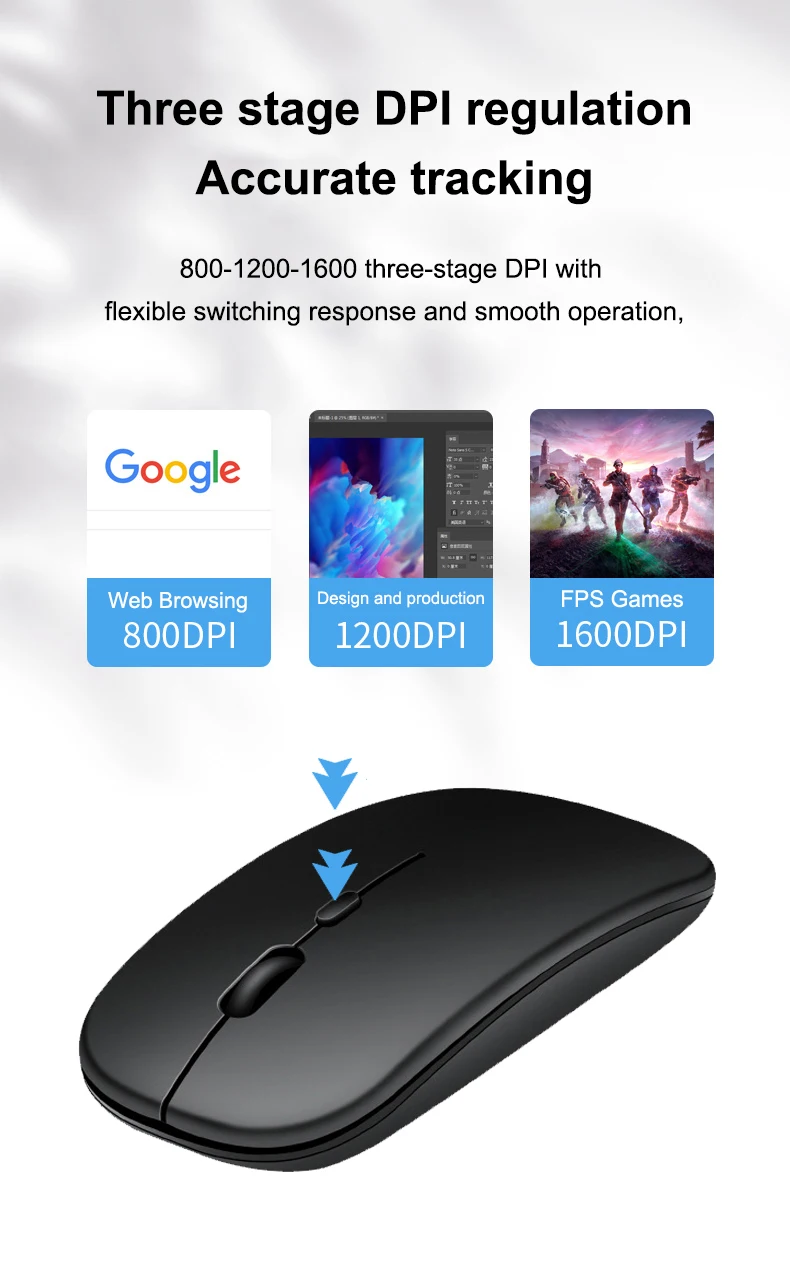
3 Kind Of DPI Adjustable
800/1200/1600 DPI resolutions (Default 1600). Easily adjust DPI button to instantly match mouse speed to different working scenarios with DPI button on the top of the wireless mouse.
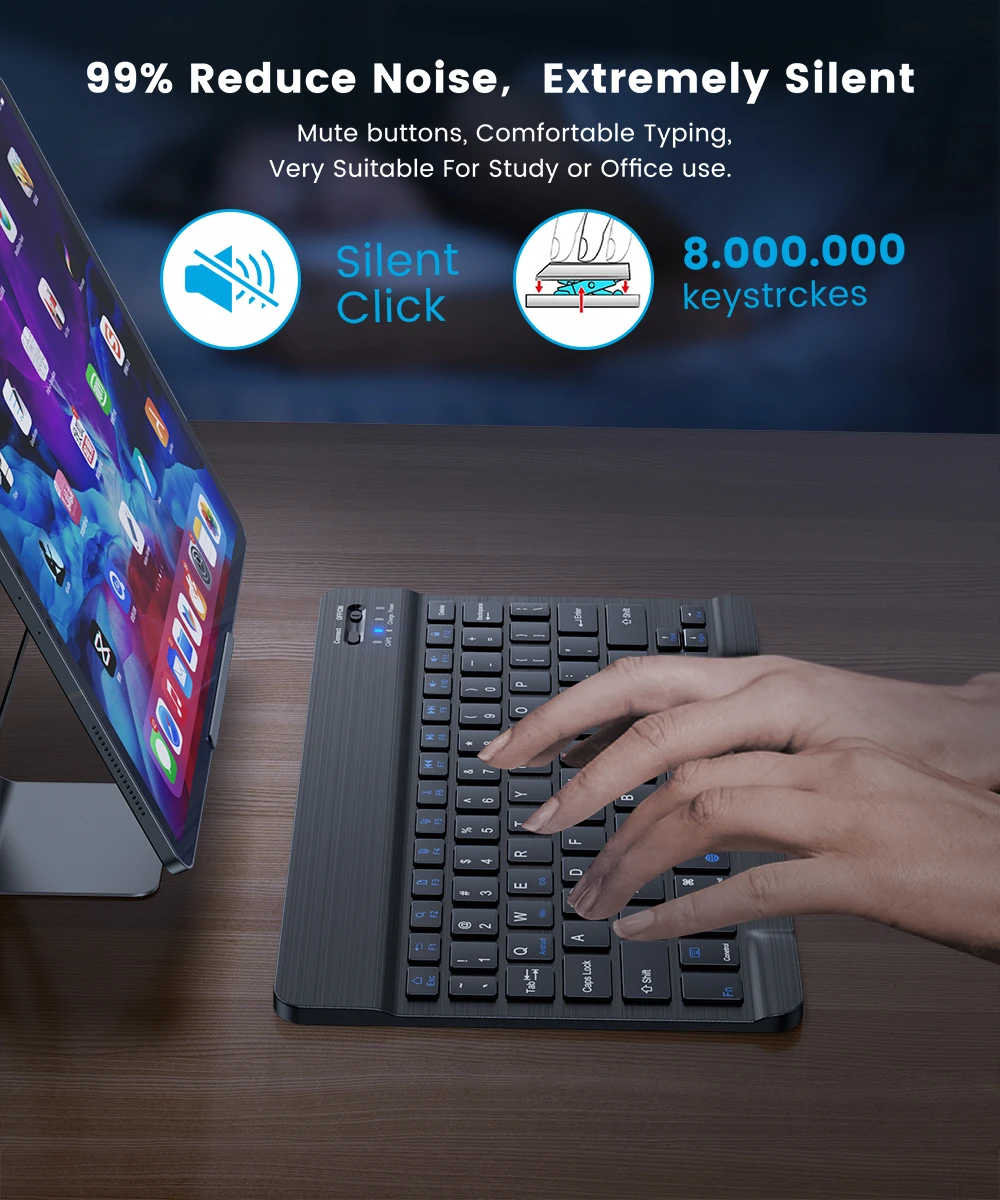
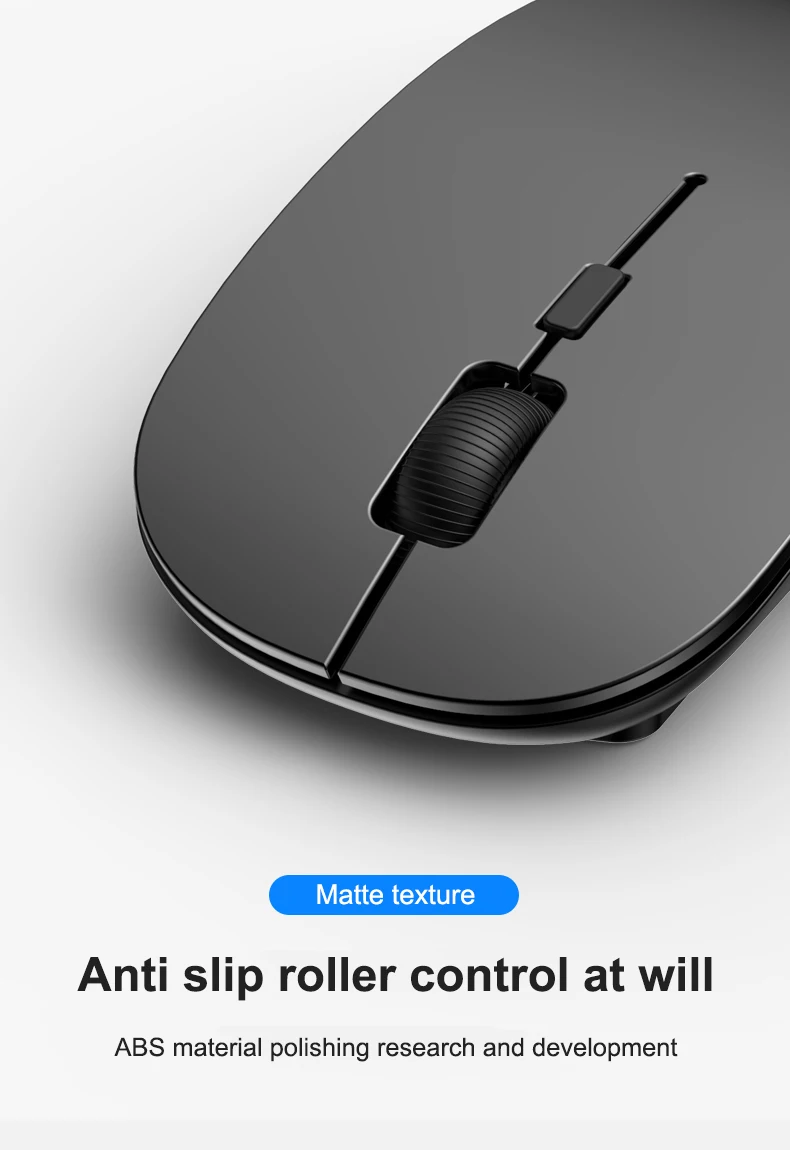
Cordless mute Mouse
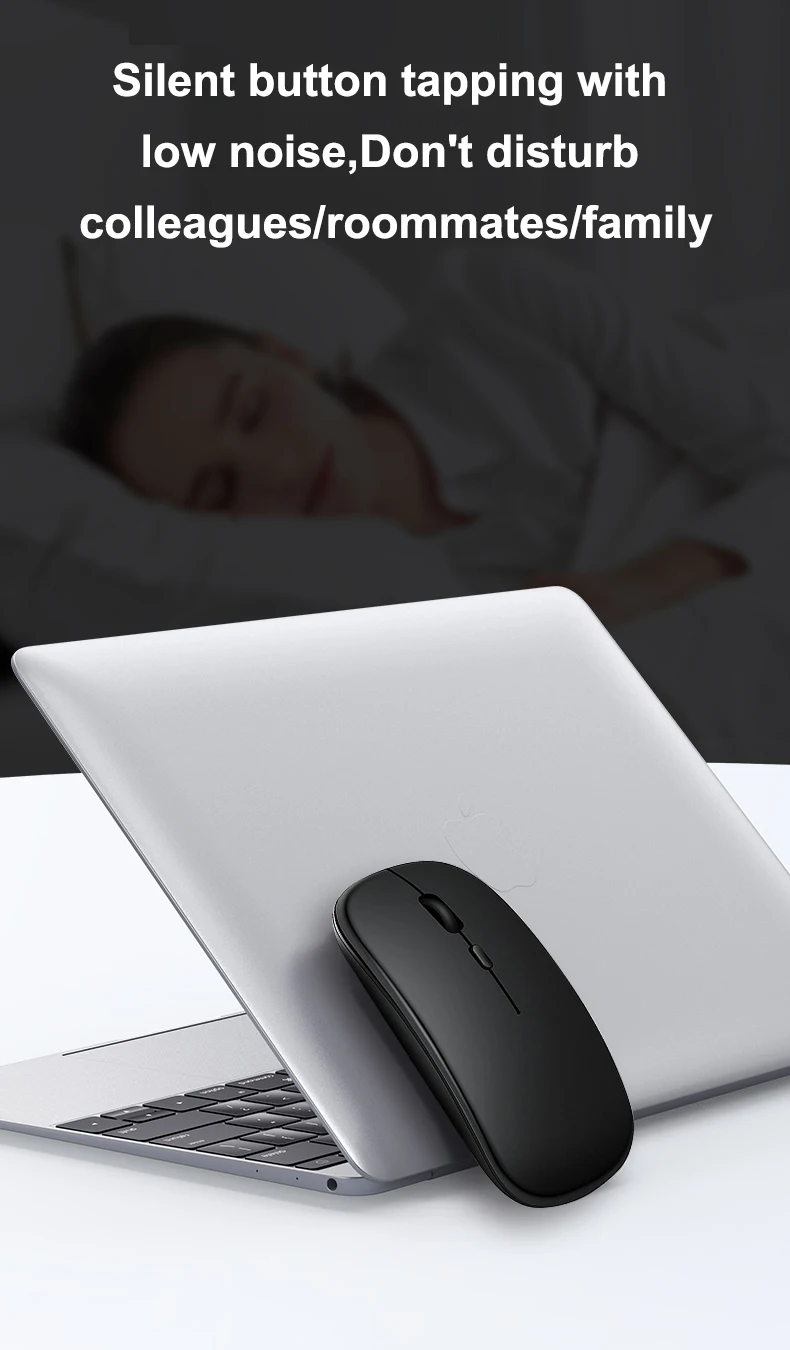
Wireless transmission technology provides a powerful and reliable connection up to 10m. the mouse features 90% noise reduction, help you concentrate on your work, study without disturbing others besides you.
Note: dpi button is non-silent.
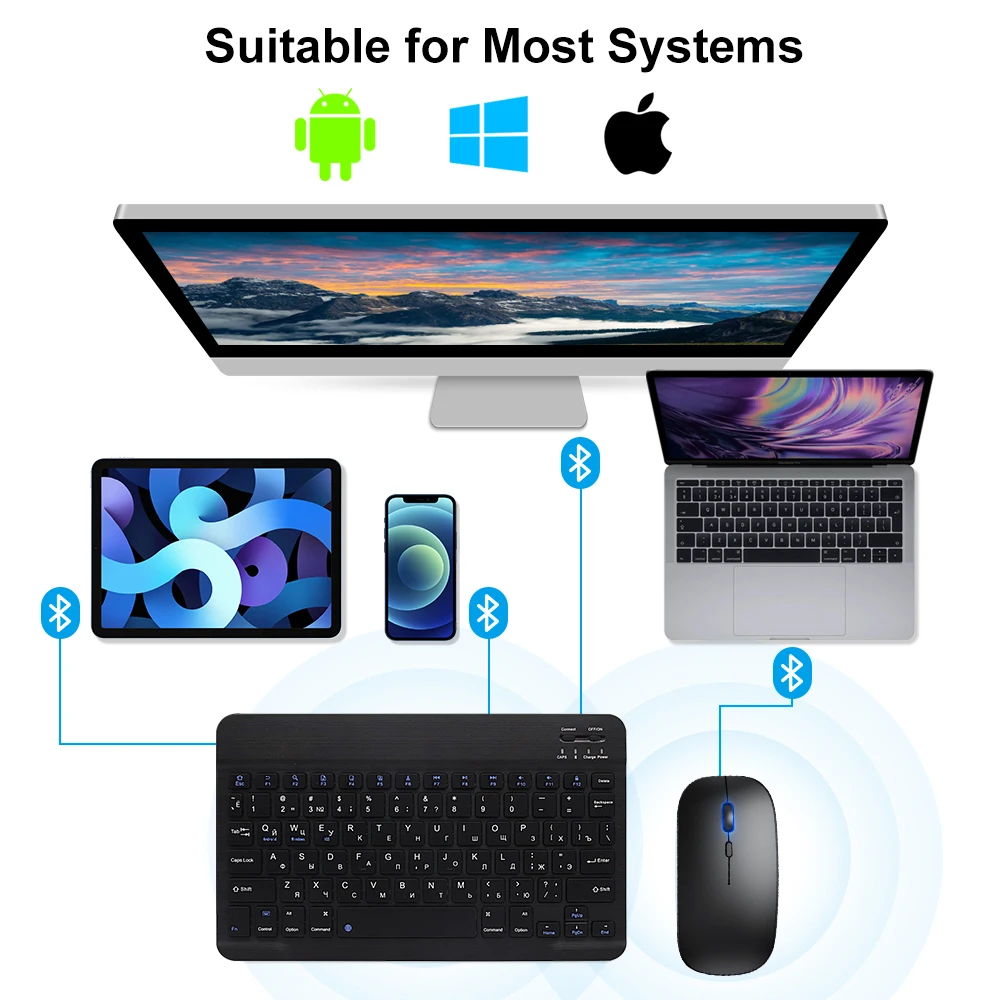
Widely Compatibility
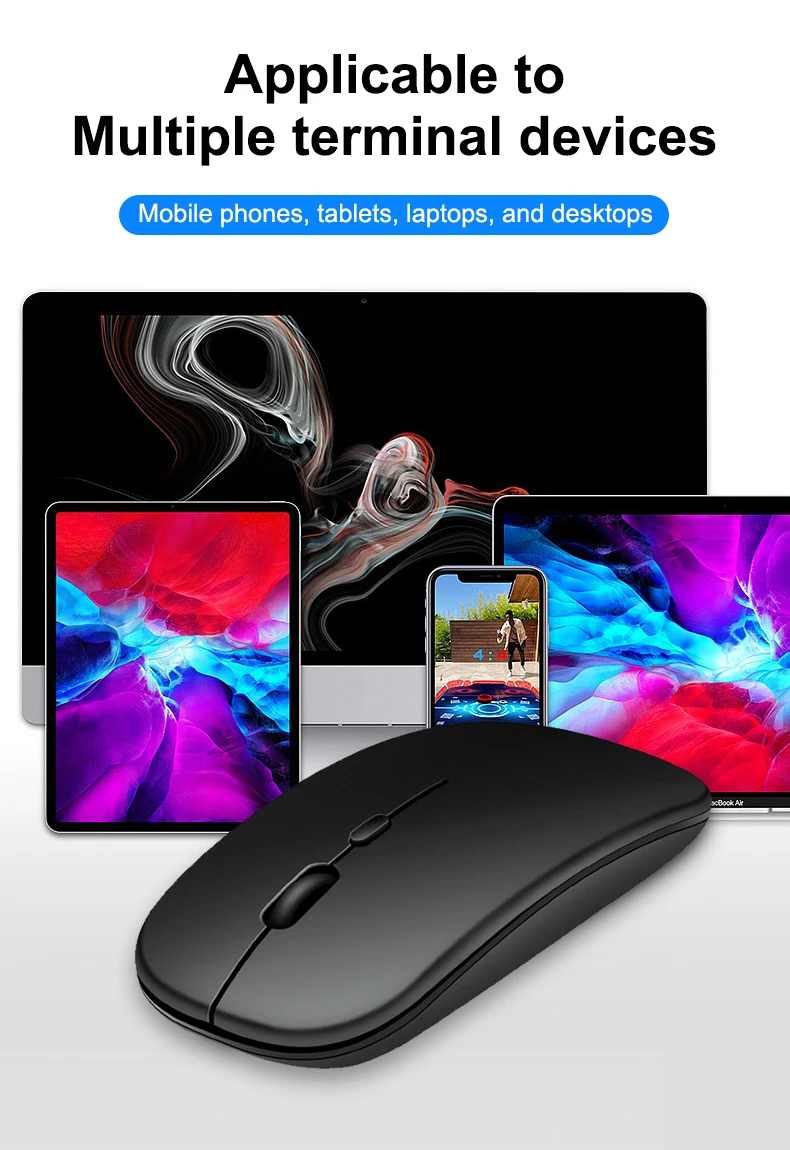
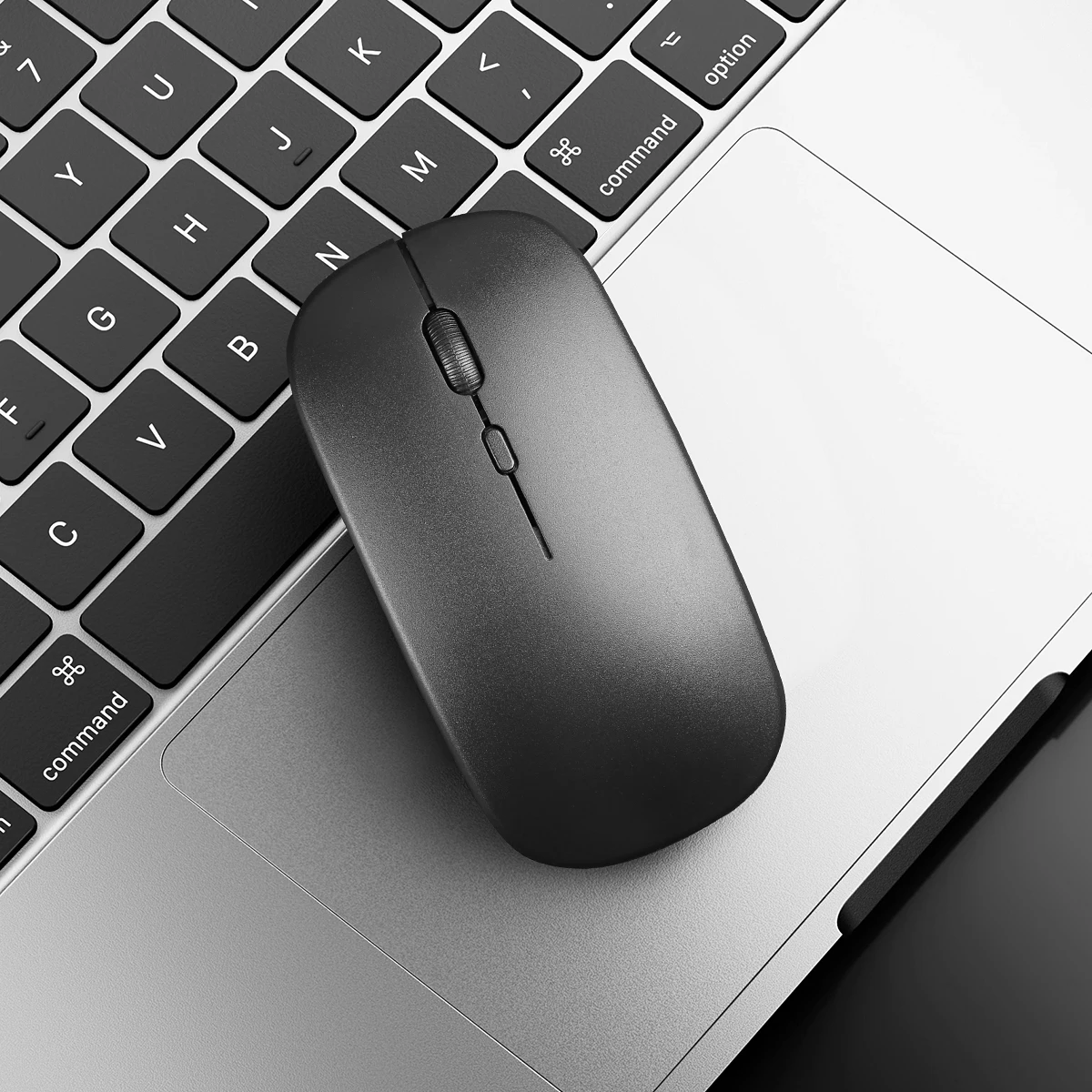
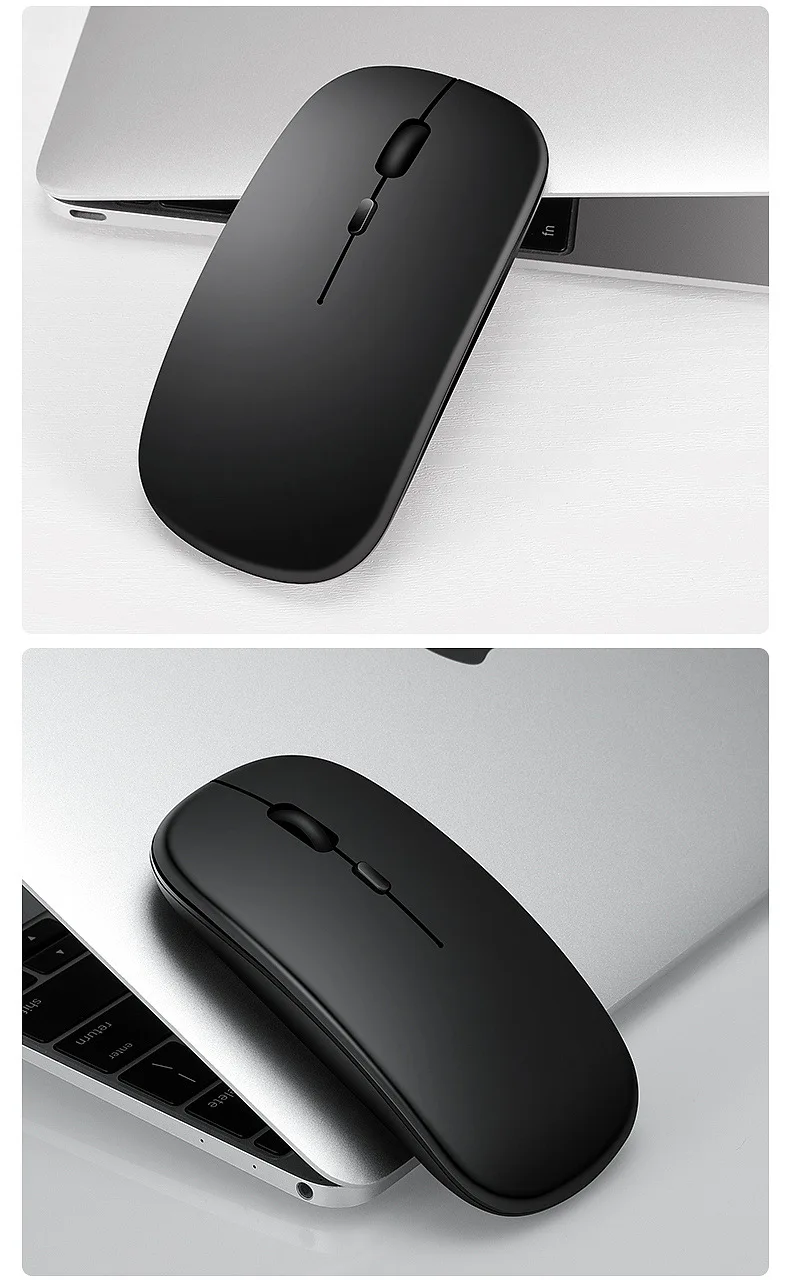
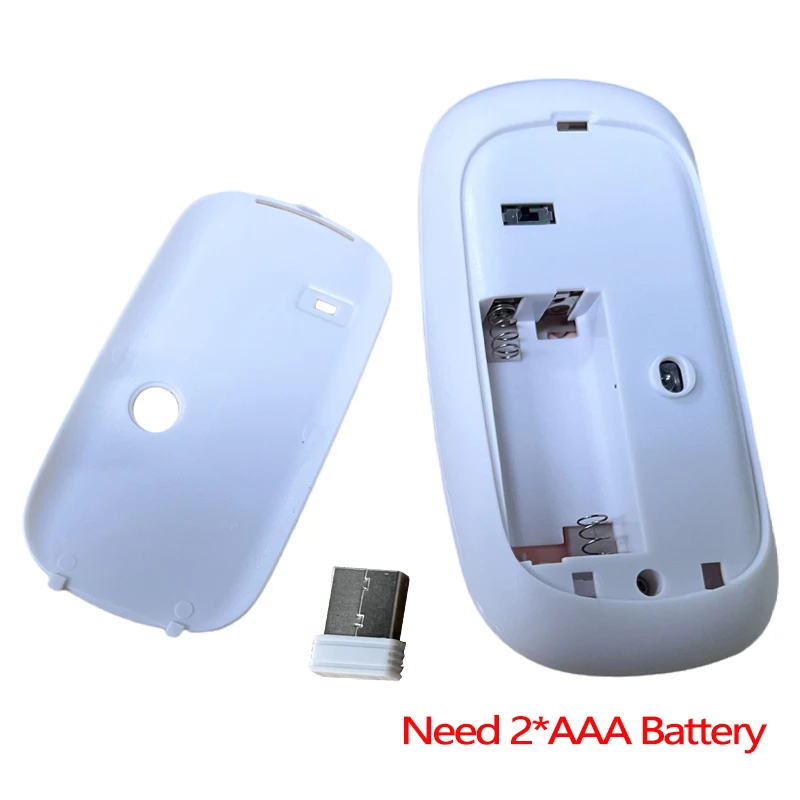
The mouse is well compatible with Macbook, PC, iPad, computer and mobile phone. 2.4G can be used with laptops and any devices with USB ports. [Note: The USB receiver is stored in the battery box of the mouse.
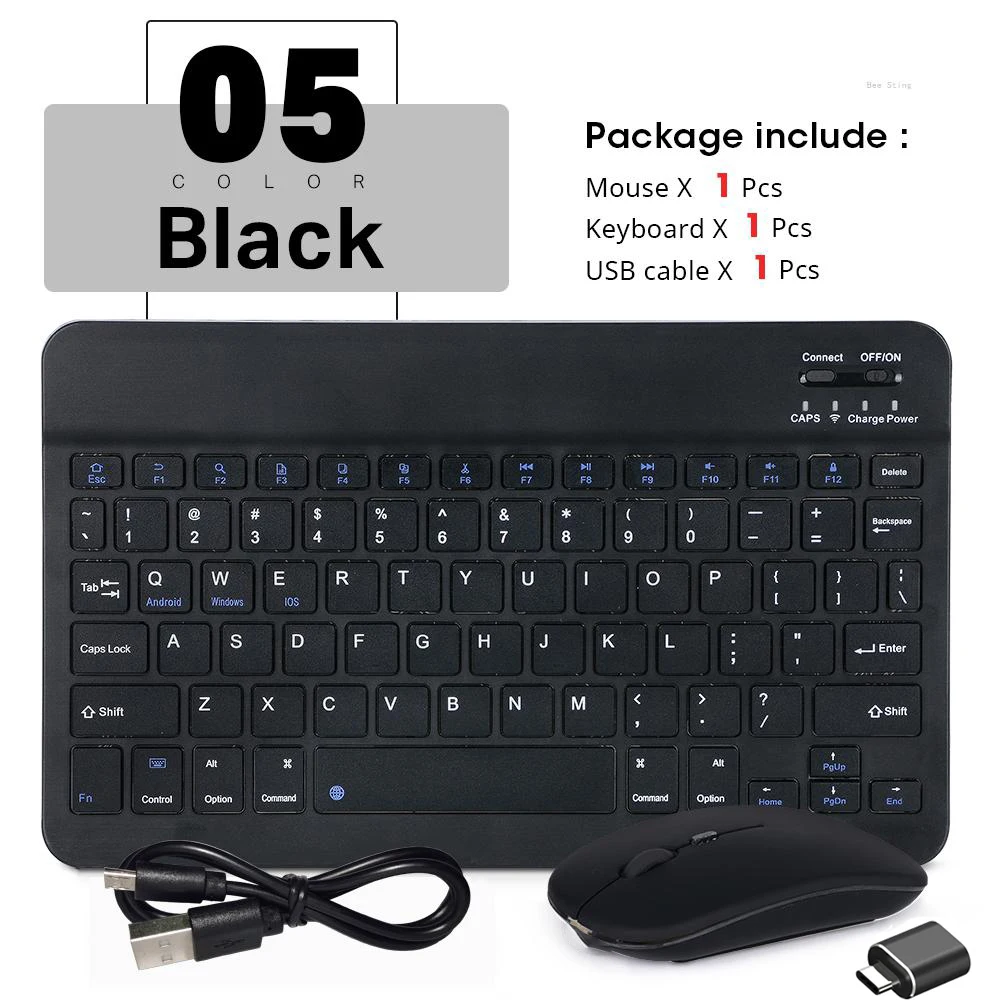
Package included:
1 *Dual Mode Batterry Mouse (need 2*AAA battery)
1 * USB Receiver
(not included battery)
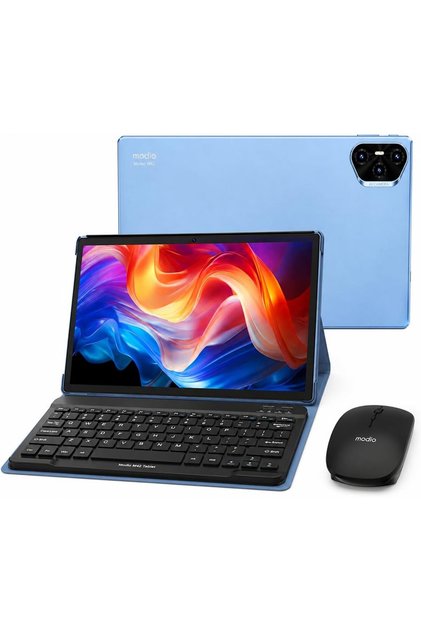
MOUSE+KEYBOARD+OTG
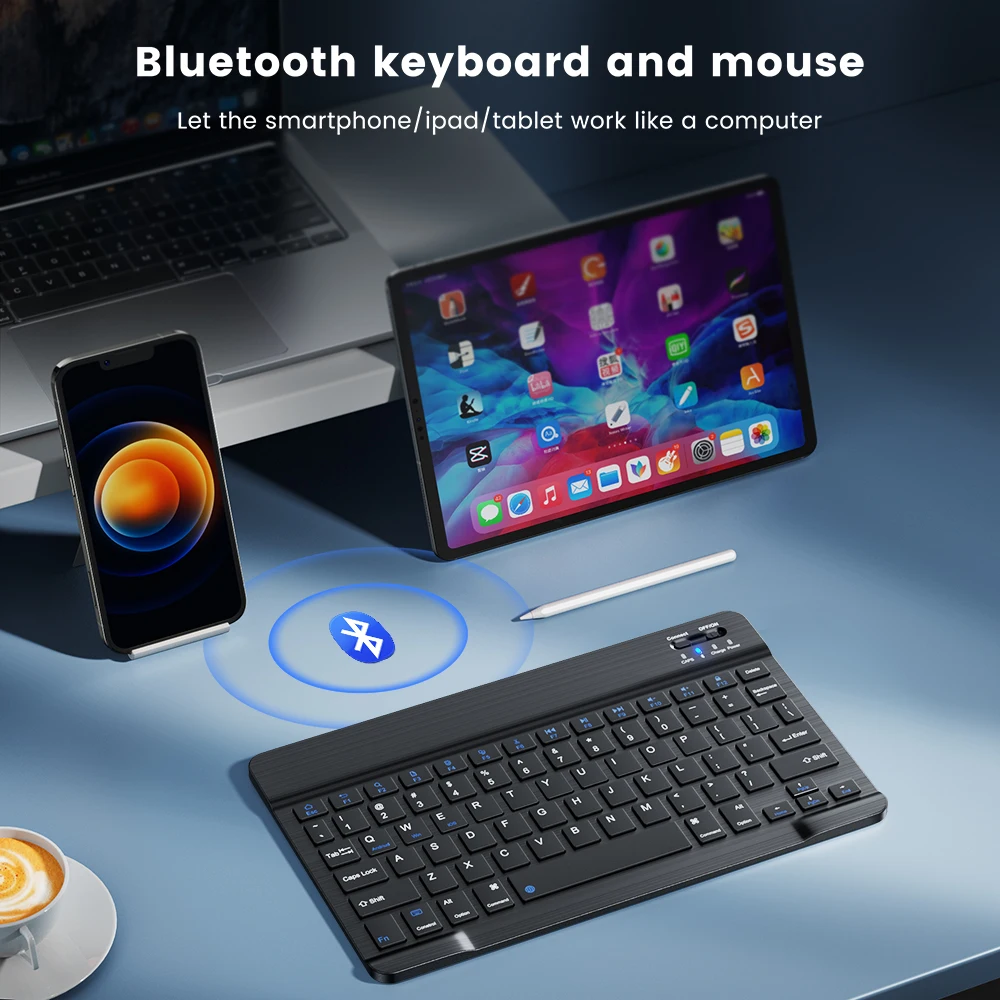
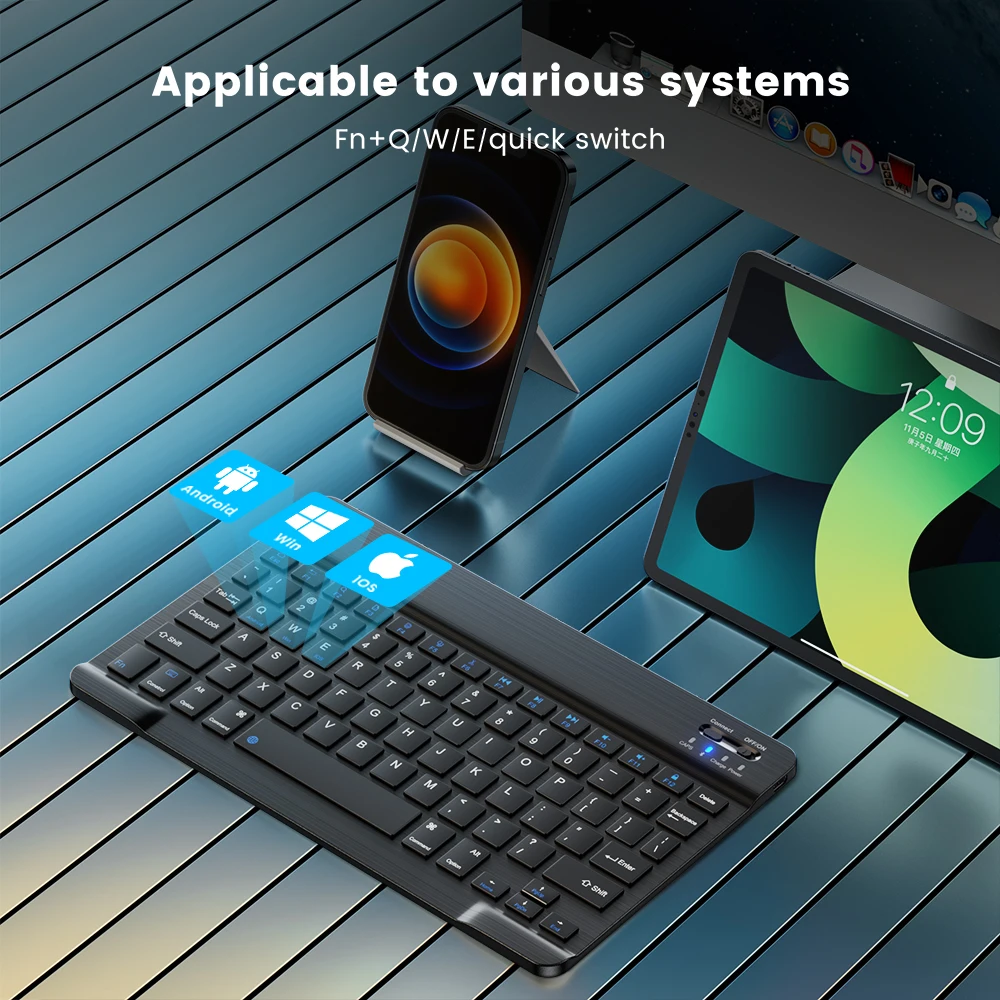
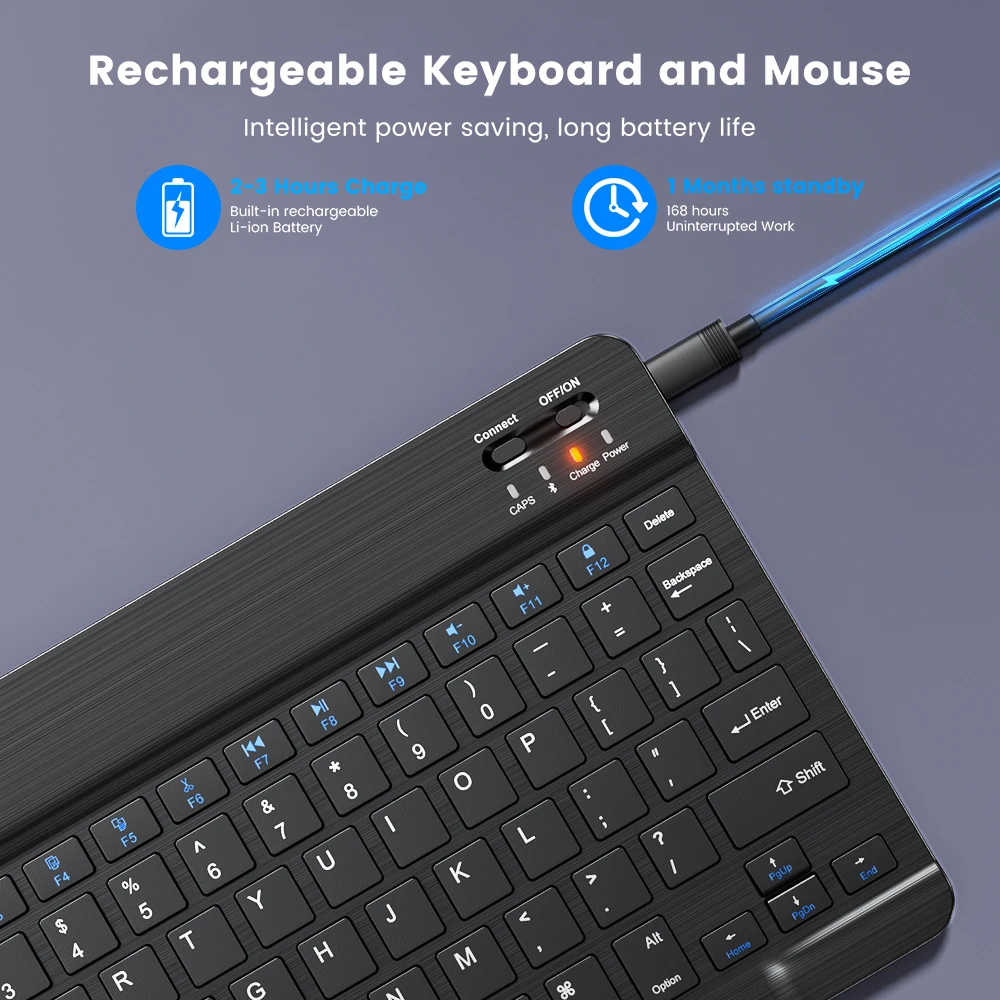
Portable Tablet Bluetooth-compatible keyboard
*Let the smartphone/tablet work like a computer.
*The keyboard language defaults to the English layout.
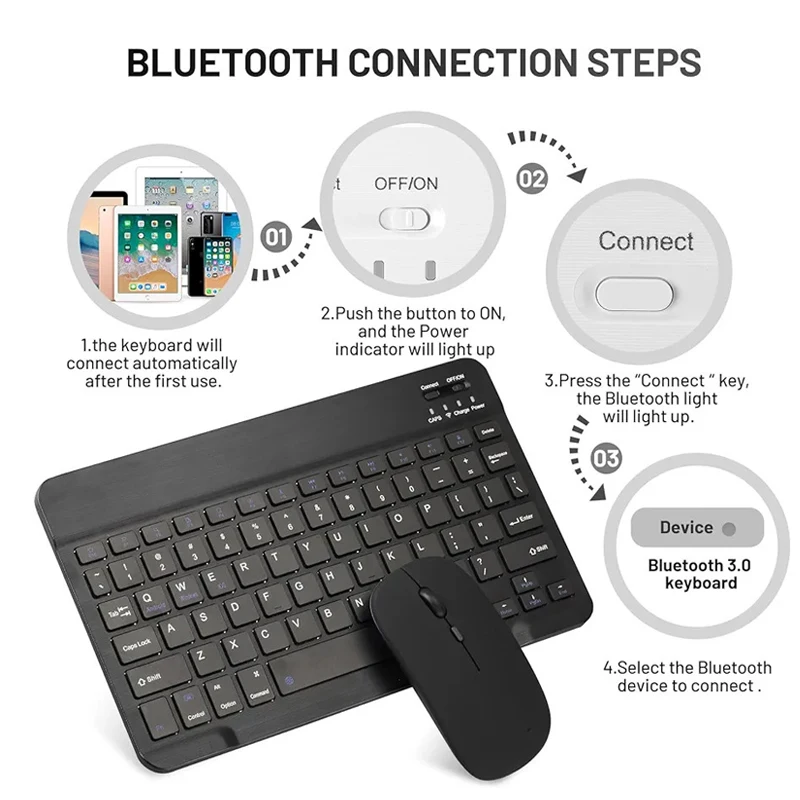
Keyboard connection method:
1: Turn on the ON/OFF switch.
2: Press CONNECT, the indicator of the Bluetooth-compatible logo will flash.
3: Turn on the Bluetooth-compatible switch of the device such as tablet/smartphone, search for Bluetoot-compatible device.
4: Click the Bluetooth-compatible Keyboard on the tablet/smartphone, press the Enter to connect.
Note: The keyboard cannot be connected to two devices at the same time. Therefore, if you want to replace another device, you must first disconnect the pairing connection of the original device.
PLEASE NOTE: VERY VERY VERY IMPORTANT
If you don't use them for more than 10 minutes, they will automatically enter the sleep state to save power. If you want to continue to use them, just click any key to wake up them.