Free shipping

Almost sold out!
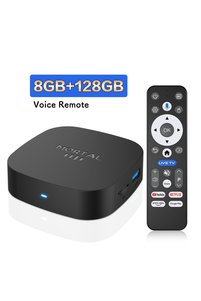
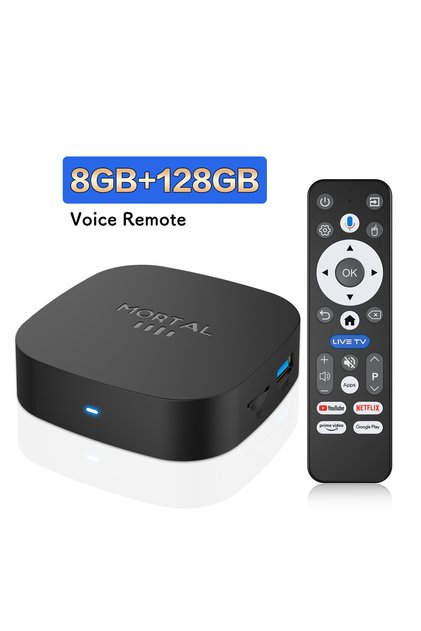
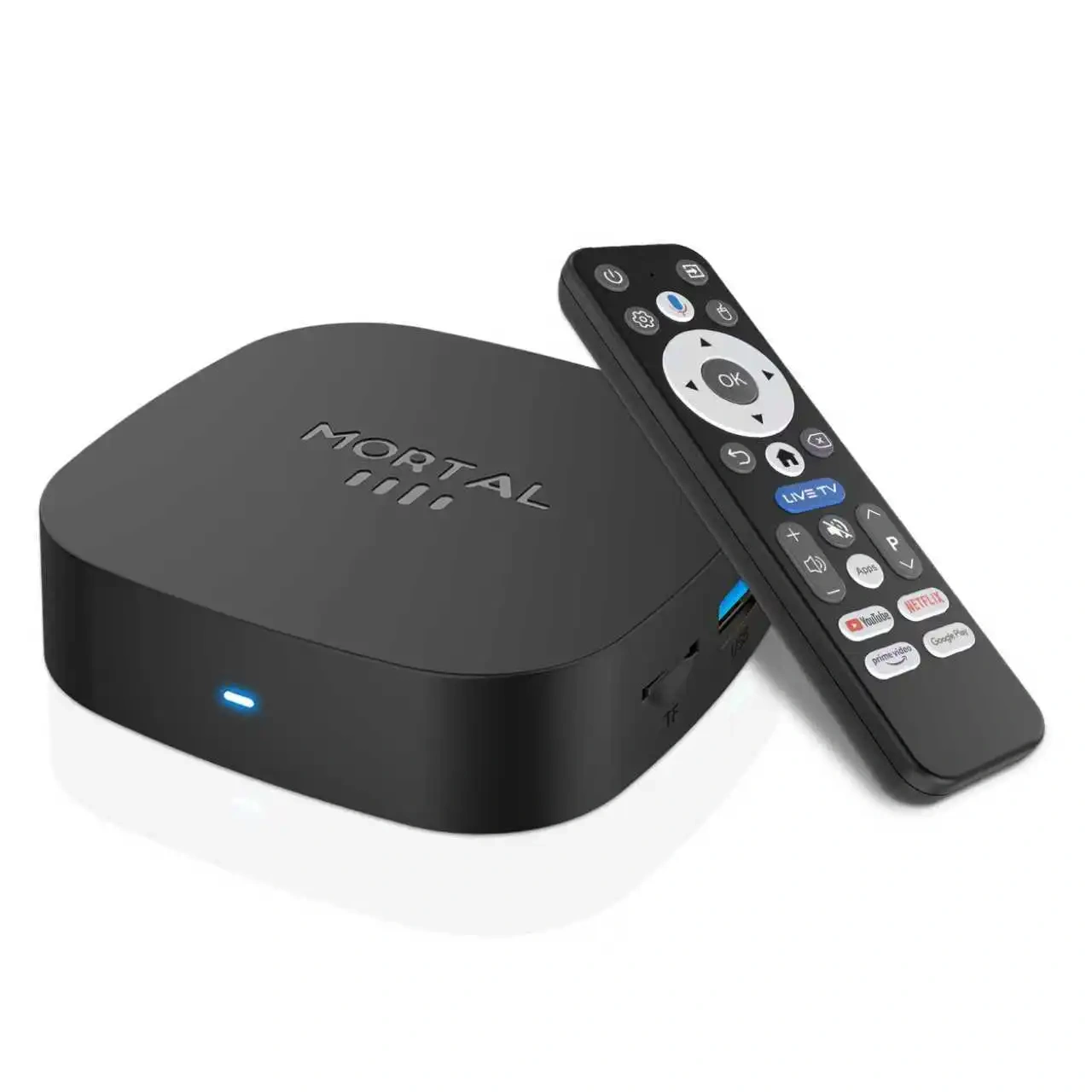
Choice 8GB 128GB 2026 Best-Selling Smart TV Box Android 16 Ultra HD Video Output Set-Top Box Supports BT5.
No reviews yet.

Special Deals
112.63AED
Free shipping
Delivery address

Select your address, find out the delivery date!
Trendyol's commitments
Easy and free return in 15 days.
Payment methods



Highlights

Highlighted features:
Choice 8GB 128GB 2026 Best-Selling Smart TV Box Android 16 Ultra HD Video Output Set-Top Box Supports BT5. features
Color
Multicolor
Available campaigns

Applied at checkout
Big Save Store
8.8
80.6K followers
Seller information
Similar items



 Trendyol Plus Exclusive





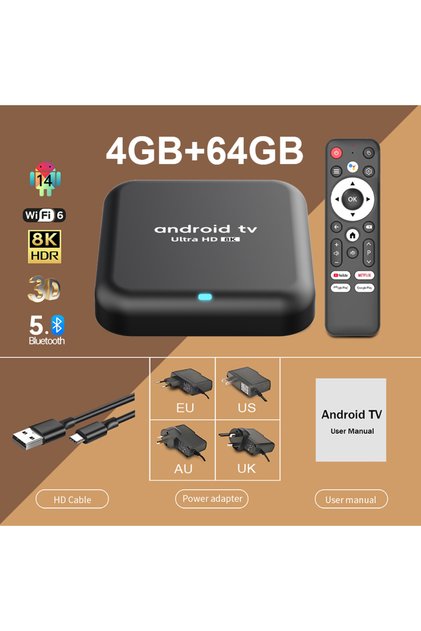
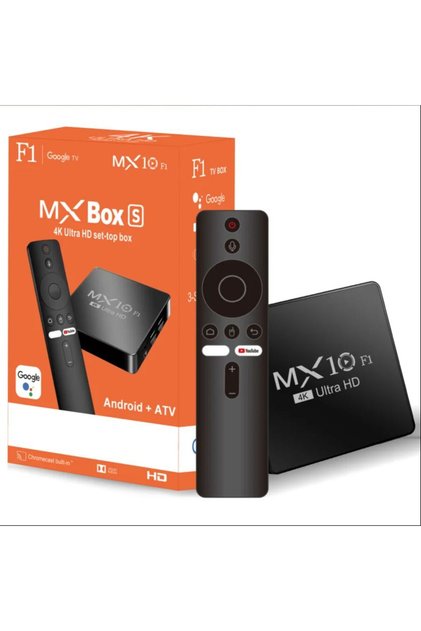
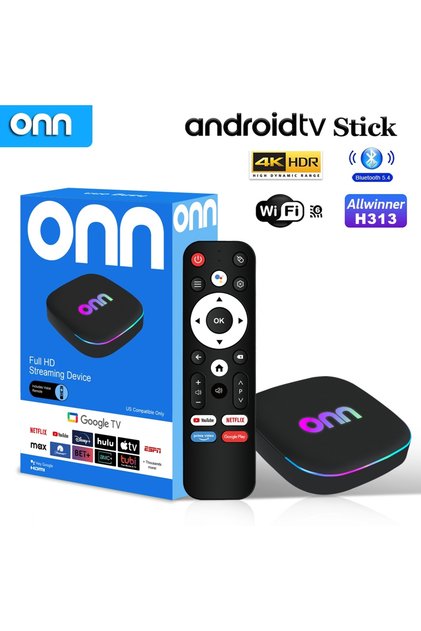


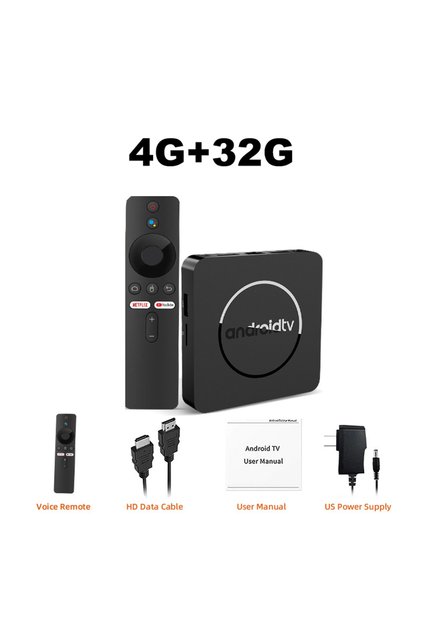


Shoppers also viewed


 2.0CH Sound Bar SB1401 4000W PMPO Bluetooth 5.0 LED Display USB AUX HDMI Optical Remote




Choice 8GB 128GB 2026 Best-Selling Smart TV Box Android 16 Ultra HD Video Output Set-Top Box Supports BT5. reviews
No reviews yet.
Product details
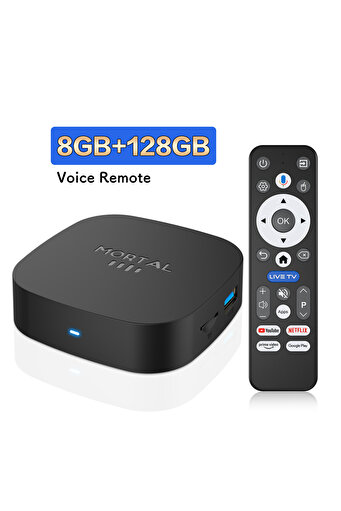
Additional info
- A maximum of 10 units of this product can be ordered. Trendyol reserves the right to cancel orders over 10 units.
- Barcode No: 3656898074625
Choice 8GB 128GB 2026 Best-Selling Smart TV Box Android 16 Ultra HD Video Output Set-Top Box Supports BT5. features
Color
Multicolor
Safety information
Product safety information
Product description
Color:8GB 128GB
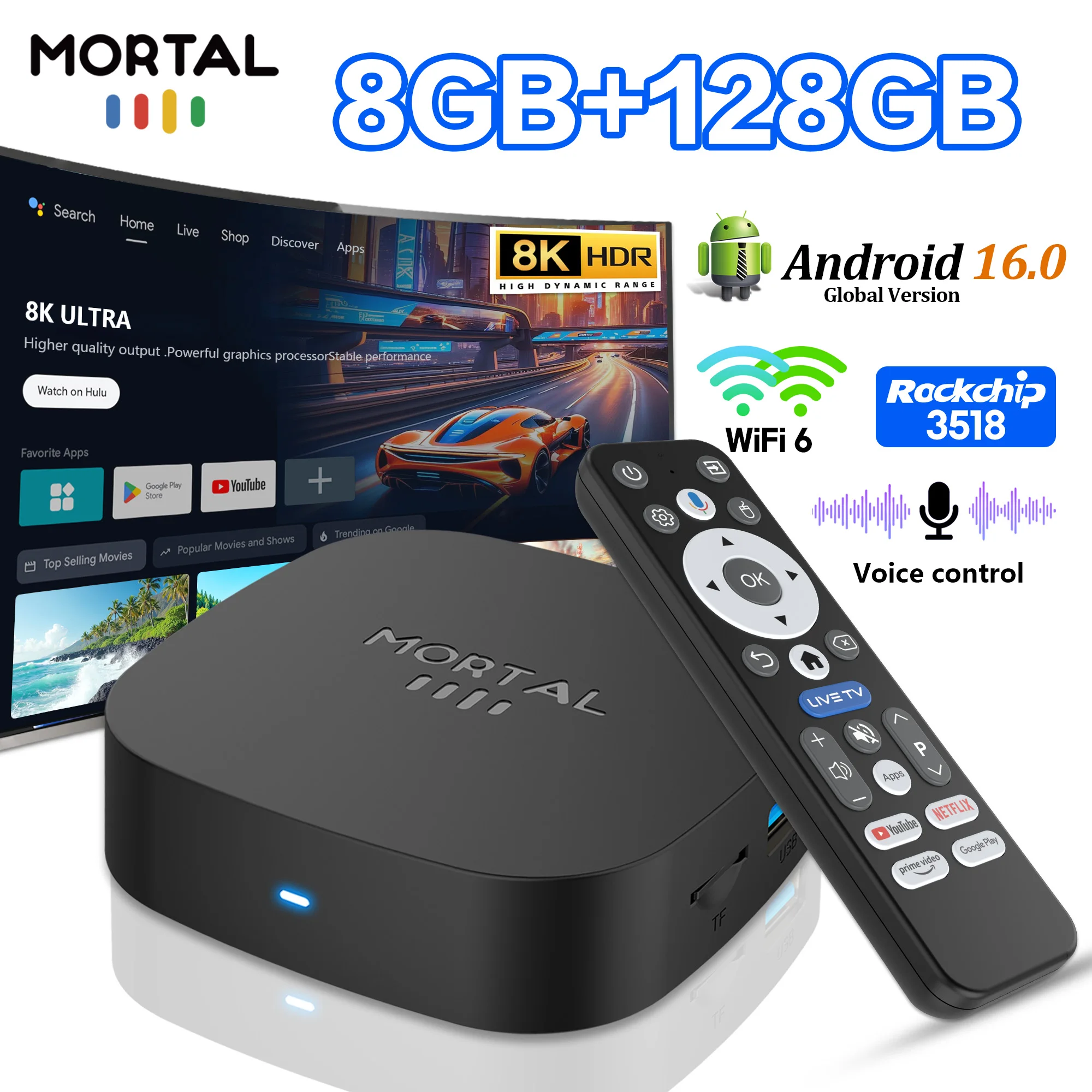
2026 Best-Selling Smart TV Box Android 16 Ultra HD Video Output Set-Top Box Supports BT5.4 Wi-Fi 6 Netflix Streaming Player T1+
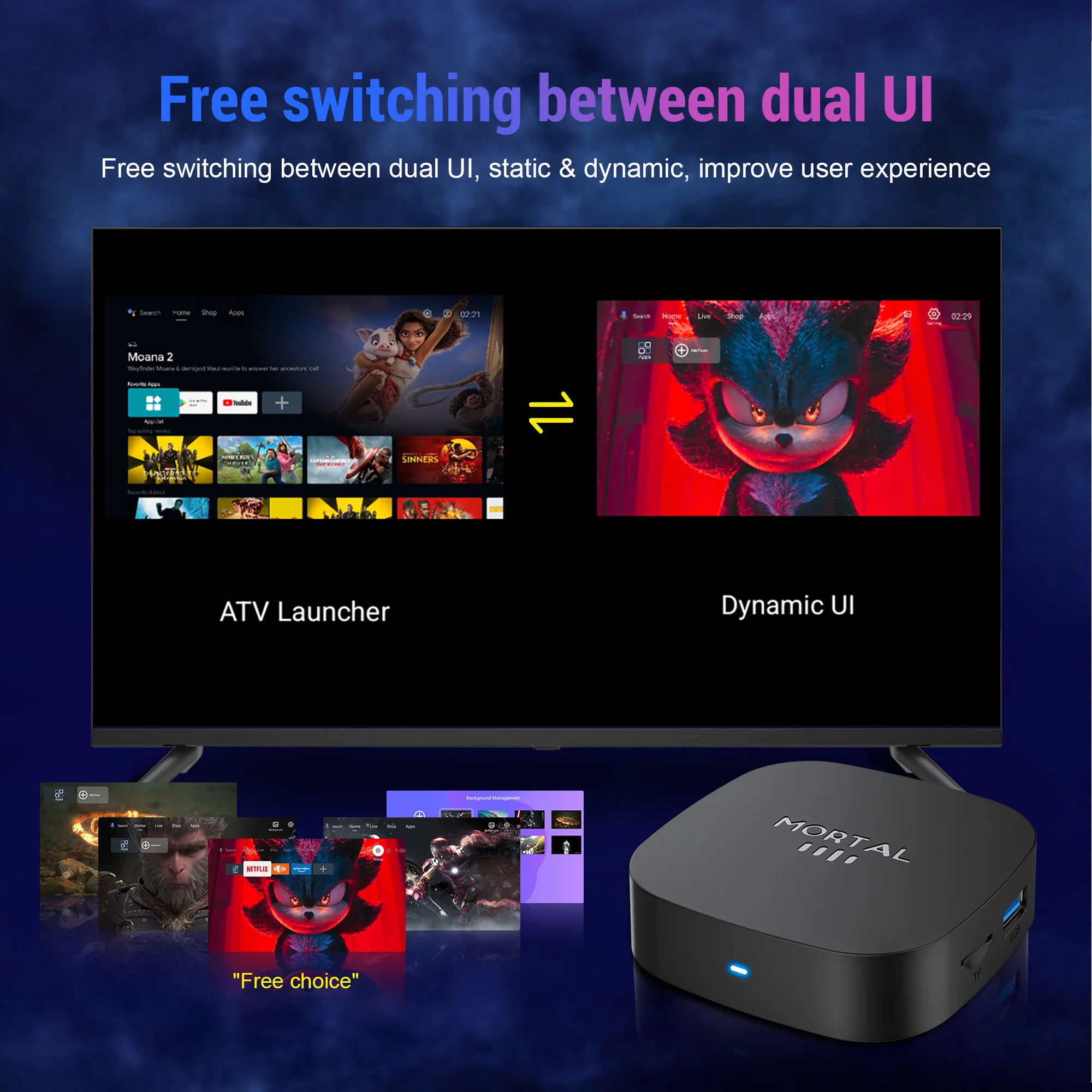
Free switching between dual UI
Free switching between dual UI, static & dynamic, improve user experience.
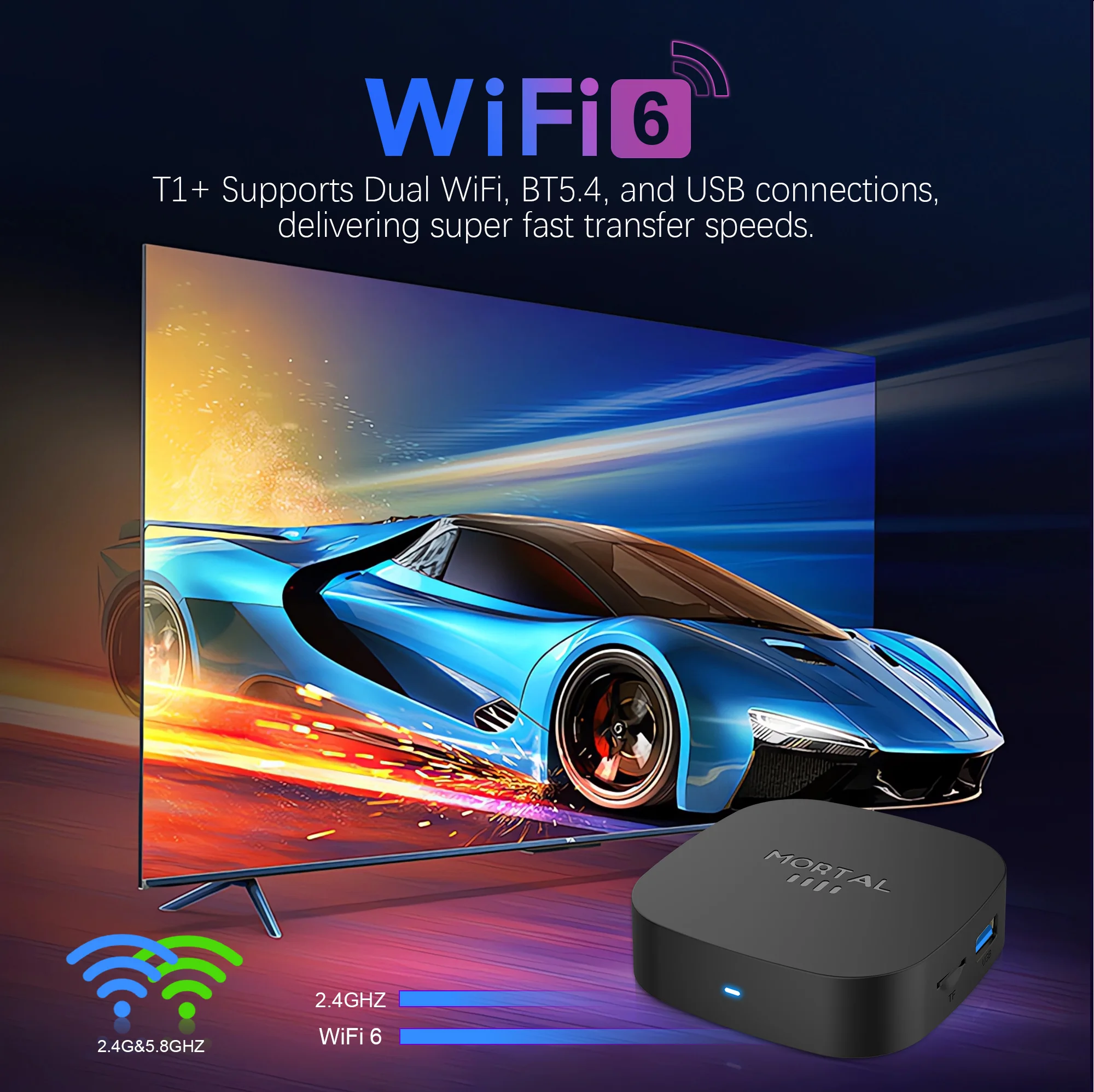
High-Speed Wi-Fi 6
Supports the Wi-Fi 6 standard (802.11ax), with data transfer rates of up to 9.6 Gbps and latency reduced by 50%. It is particularly suitable for lag-free 8K video streaming and is ideal for smart home and multi-device connectivity scenarios.
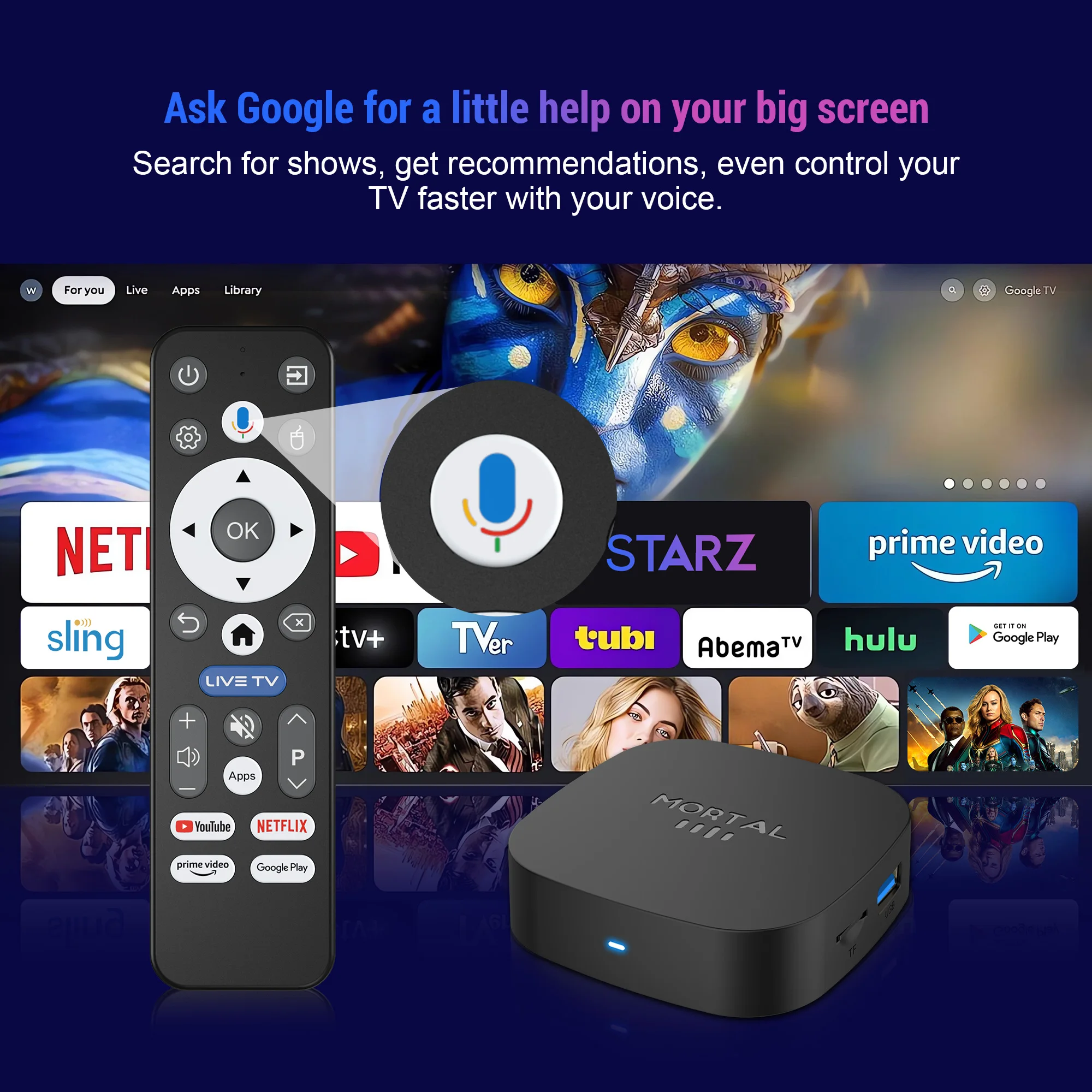
Ask Google for a little help on your big screen
Equipped with Bluetooth 5.4 technology, it extends the transmission range to 30 meters, enhances interference resistance, and reduces power consumption by 40%. It seamlessly connects to peripherals such as voice remote controls and speakers, ensuring more stable and reliable operation.
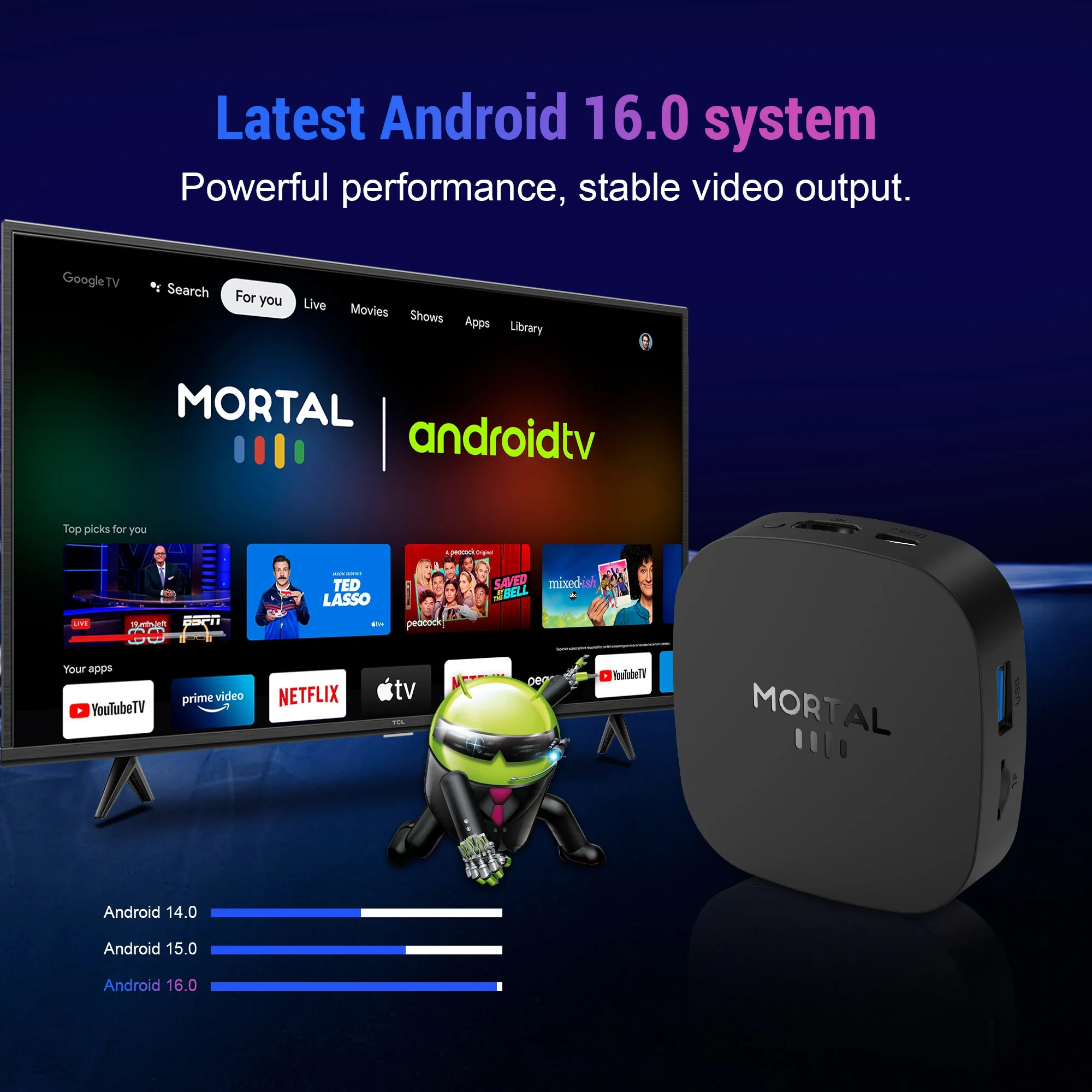
Android 16.0 system
A deeply optimized smart operating system based on the latest Android 16.0, featuring a clean and efficient interface. It is compatible with the mainstream app ecosystem while enhancing privacy protection and system stability, delivering a smoother user experience.
How to install T1+
1: Connect one end of our standard HDMI cable to the HDMI interface of the set-top box , and the other end to the HDMI interface of the TV
2: Use our standard power plug to connect the set-top box to power,
3: Open the network settings, connect to the network, and you can surf the Internet normally。
Please ensure that you connect the HD cable to the TV box first, and then connect the power adaptor to the TV box. Incorrect connection may cause issues such as a frozen or distorted screen, or a lack of signal.
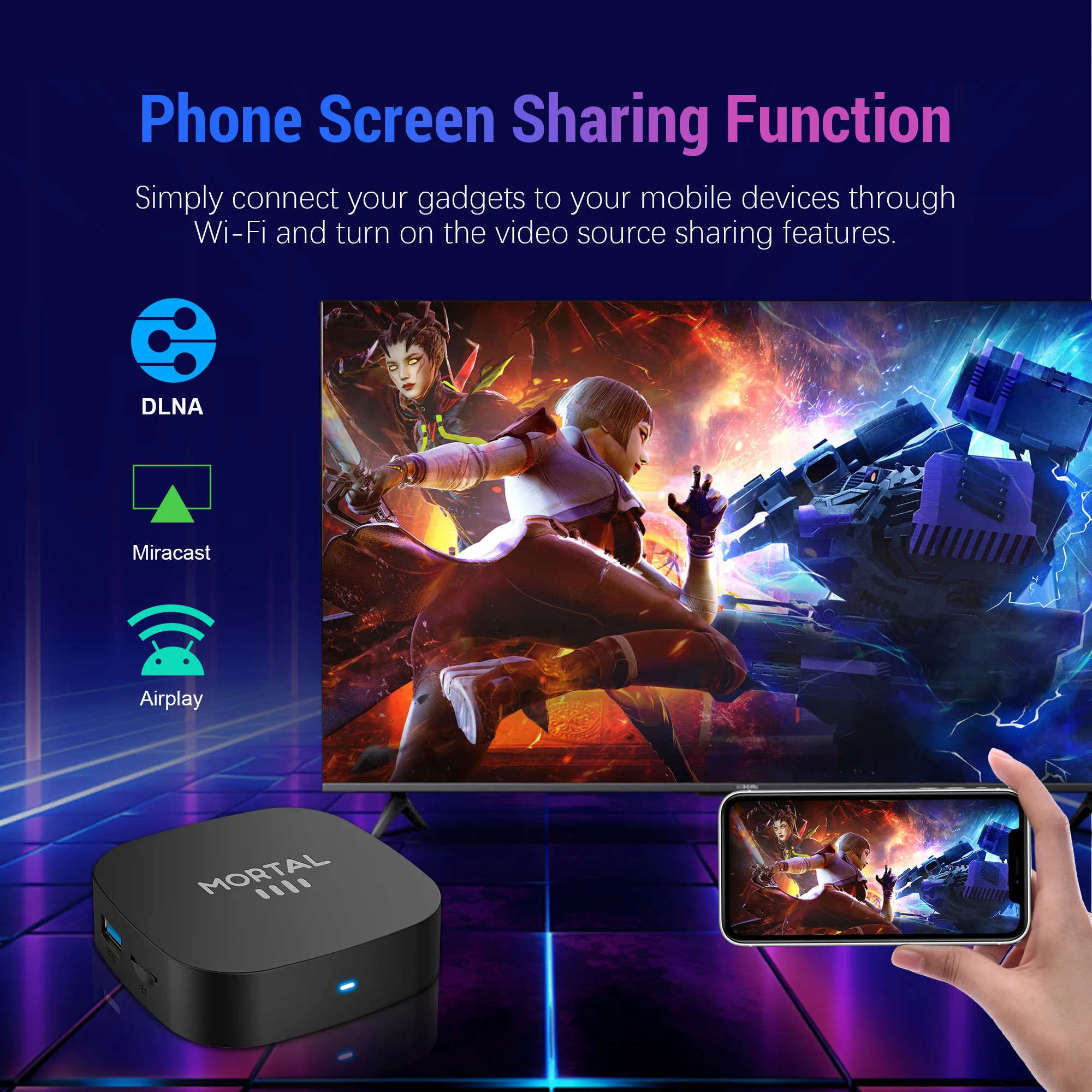
Phone Screen Sharing Function
Simply connect your gadgets to your mobile
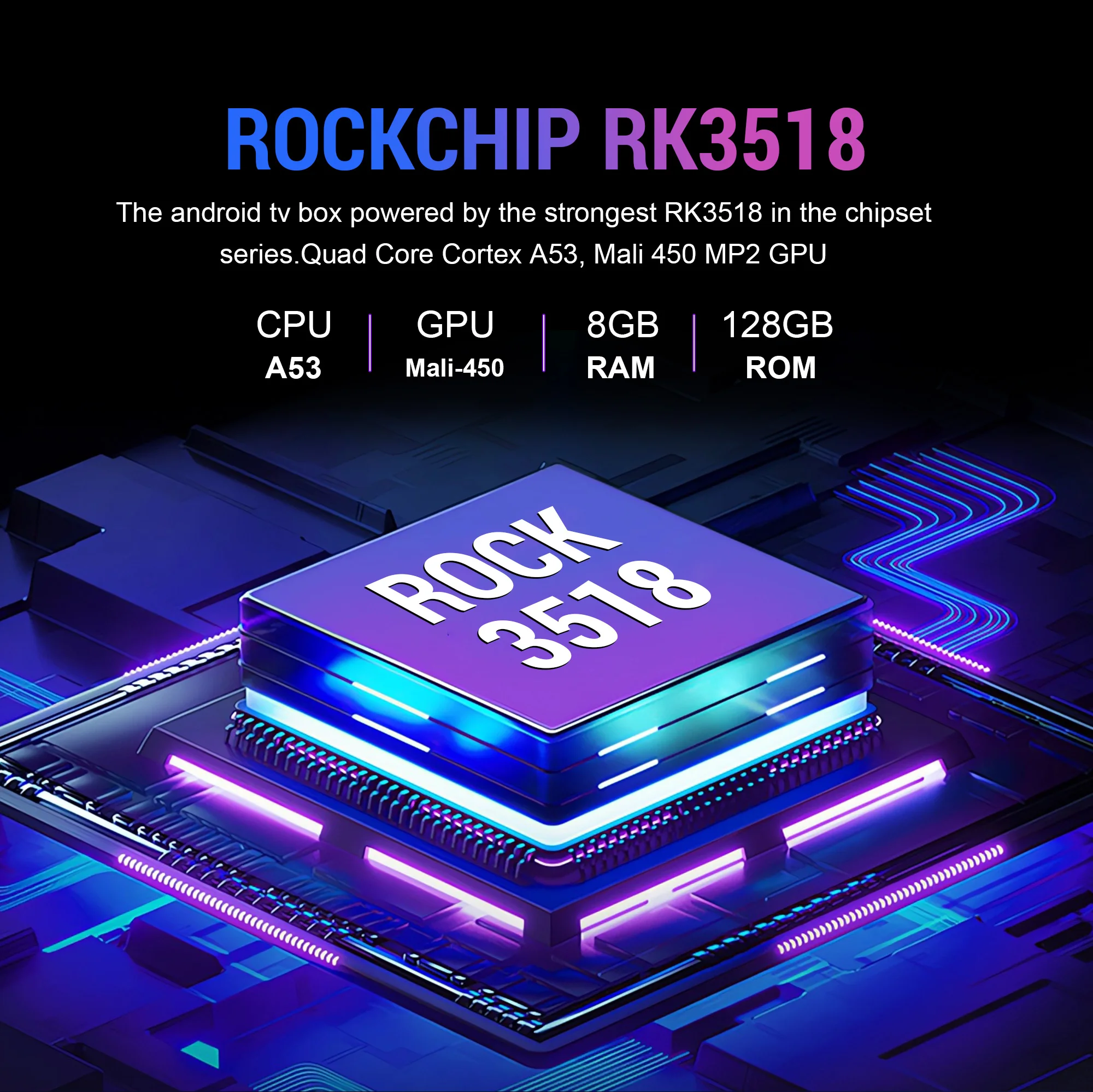
Rockchip RK3518
Powered by the Rockchip RK3518 quad-core processor, which integrates a high-performance processor and graphics processor. It balances low power consumption with high-speed processing, effortlessly handling multitasking and running high-load applications smoothly to meet the demands of 8K decoding and complex scenarios.
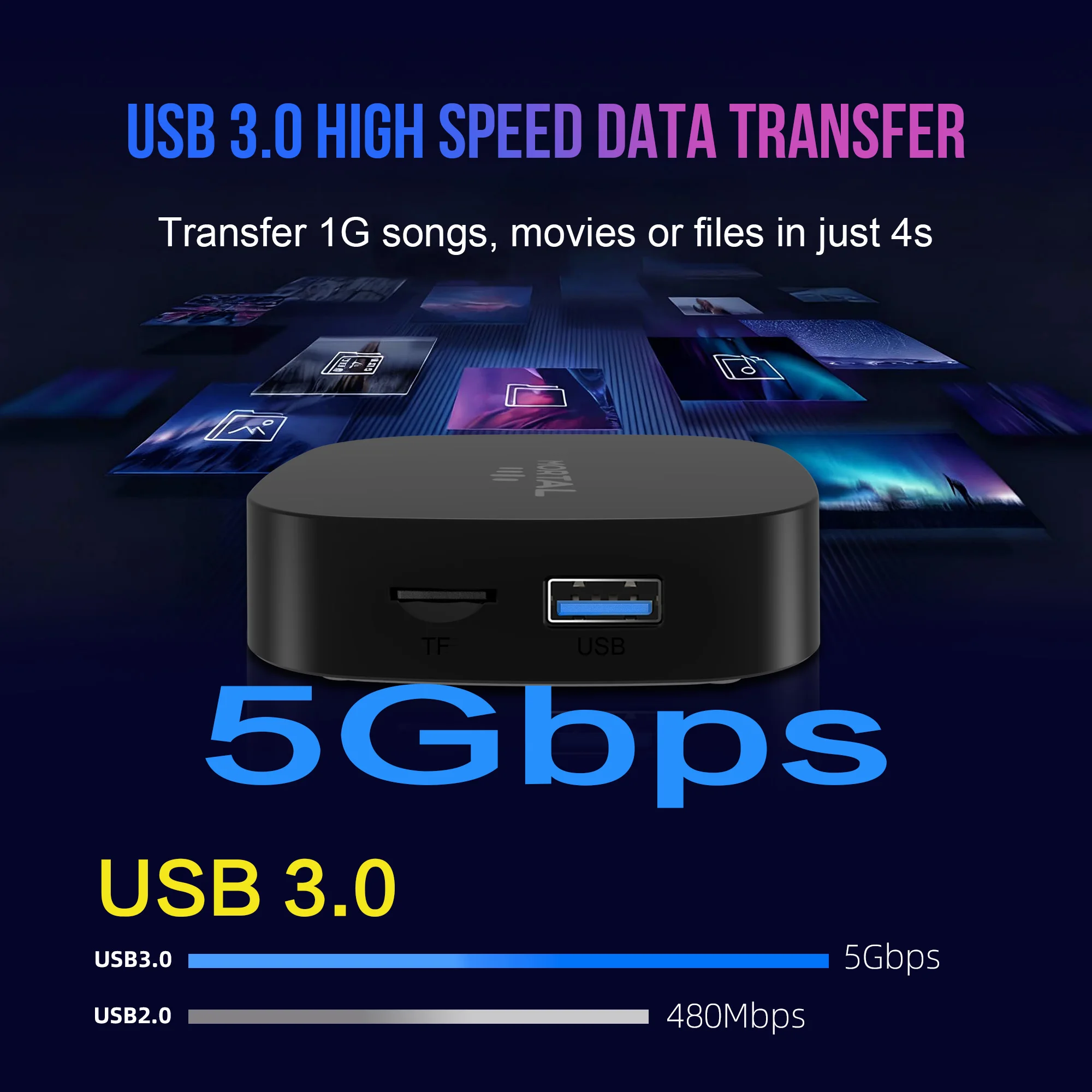
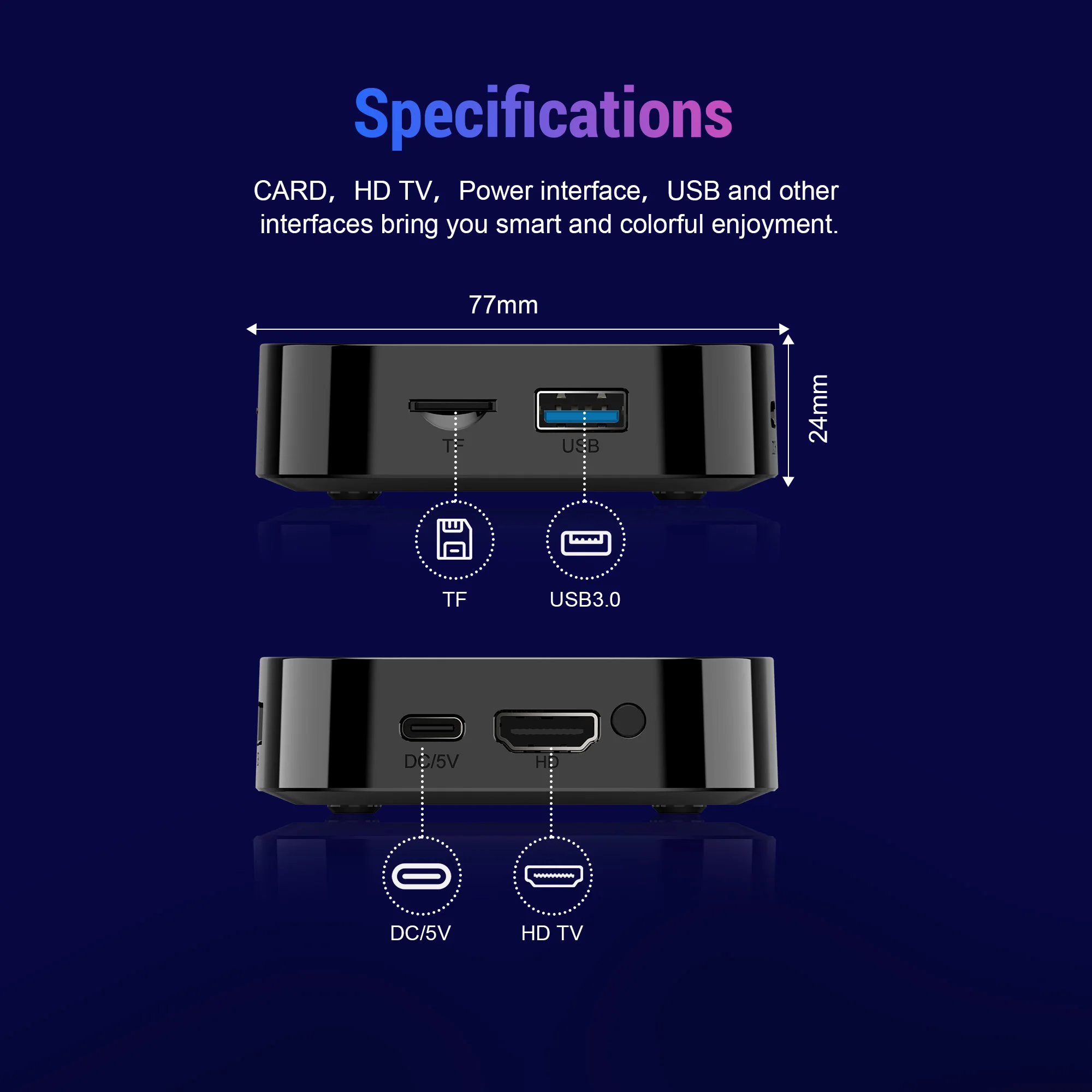
USB 3.0 Expansion Port
Supports high-speed USB 3.0 data transfer (theoretical speed of 5 Gbps), allowing for rapid access to high-definition content on external storage devices or the connection of peripherals such as printers and game controllers, significantly enhancing expandability and data transfer efficiency.
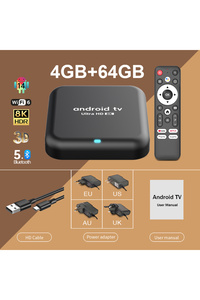
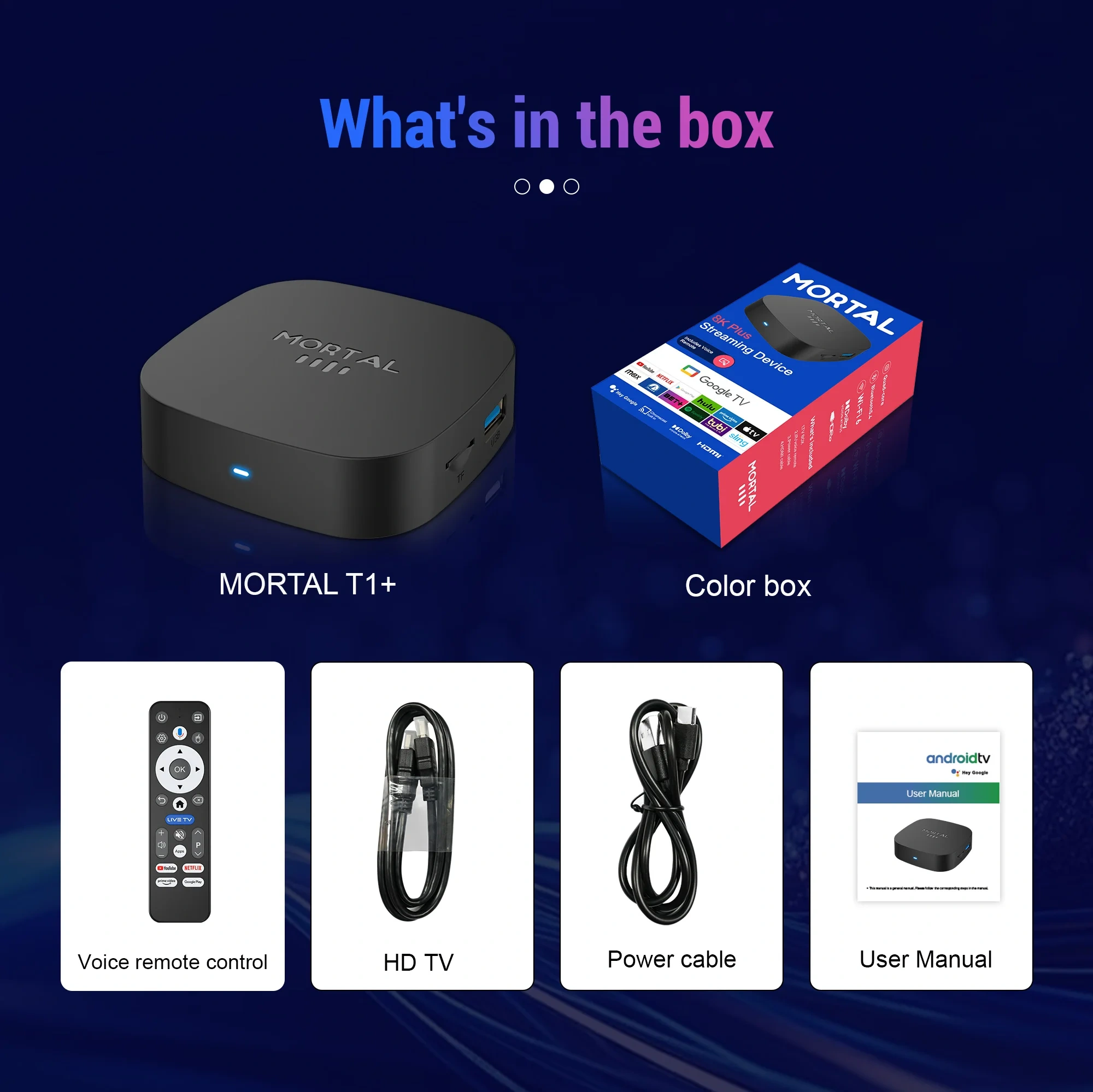
What in the box
1 * TV BOX
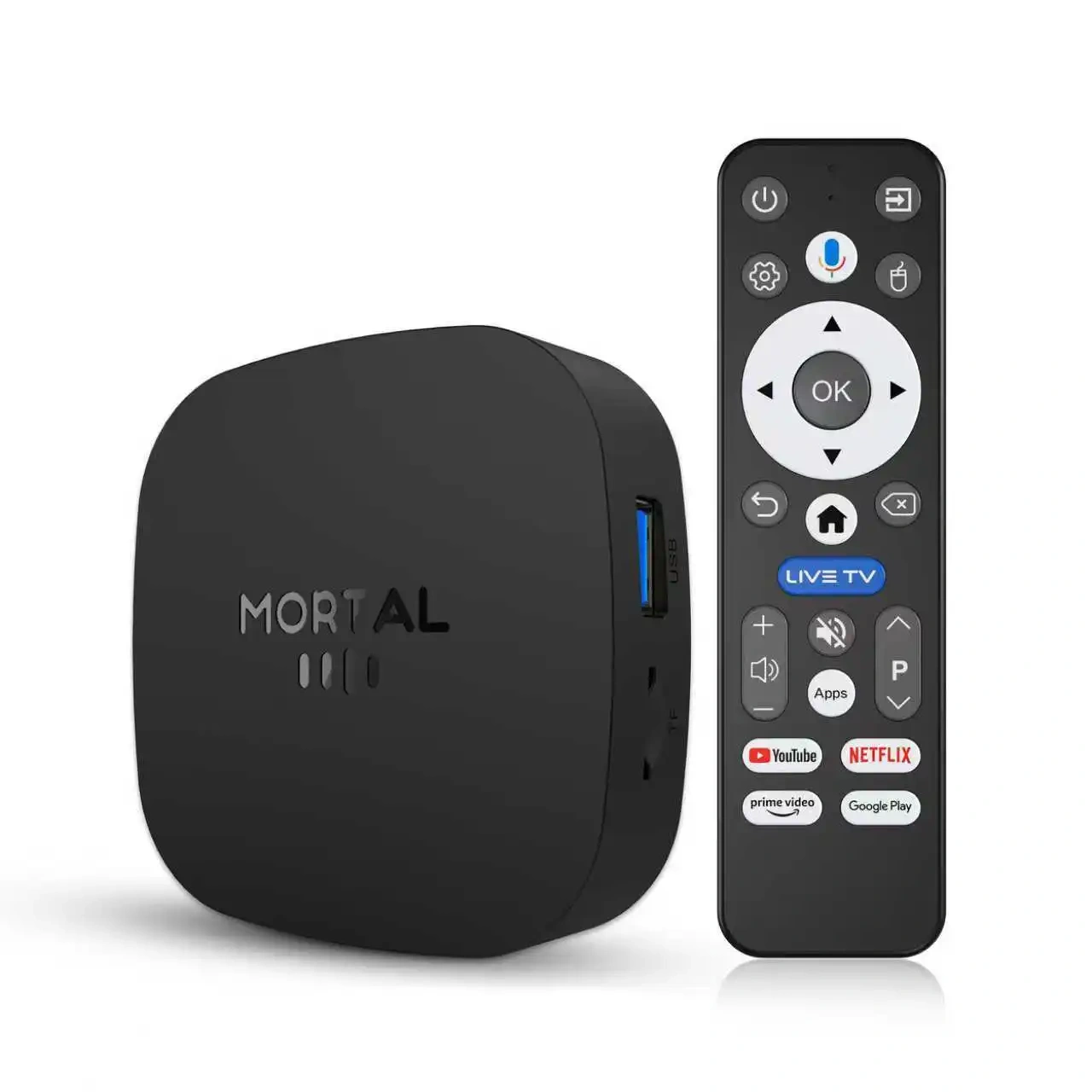
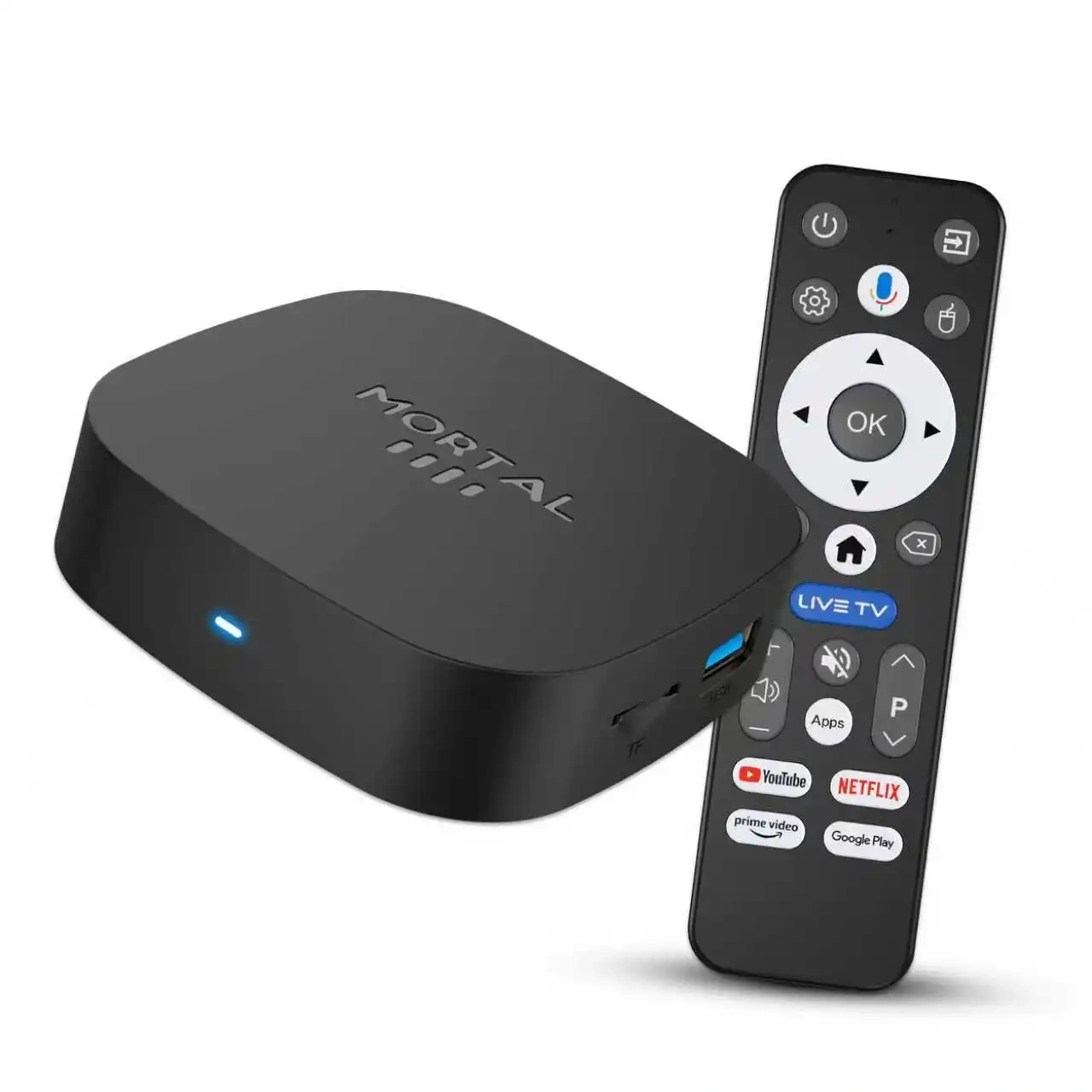
1* Voice remote control
1 * HD Line
1 * Power cable
1 * User Manual
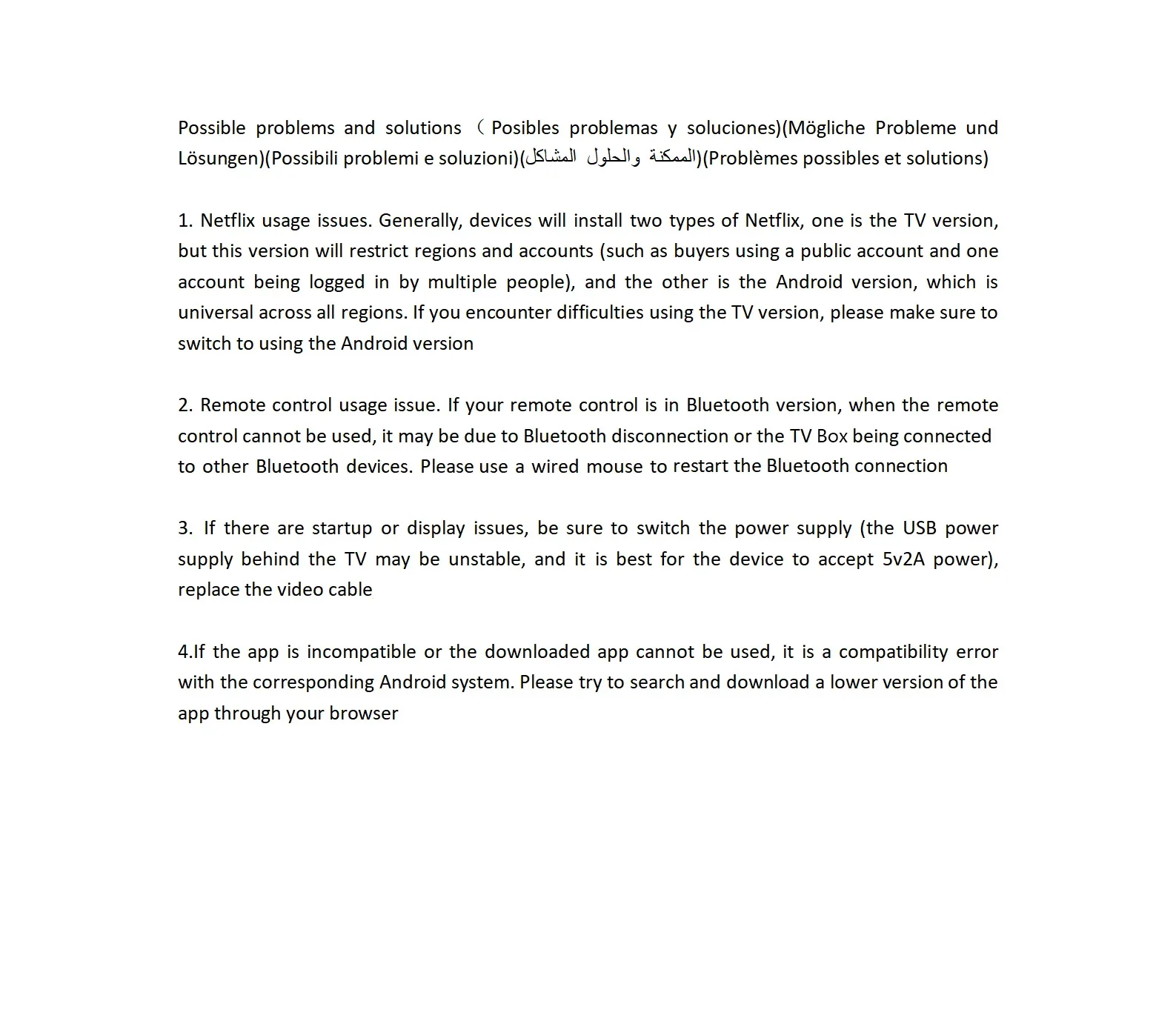
How to use netflix?
1. After connecting to WiFi, open the APP, find the black Netflix software, and click to open
2. After clicking to open Netflix, the login interface will appear. Click the mouse switch button on the remote control to switch the remote control to mouse mode, and click the login button of the software
3. Click the mouse button again to switch the remote control to remote control mode, enter the account password to log in
4. Use the mouse mode of the remote control to click the video to be played
Collections you might like
Picks by customers



How about these?

Better together