Free shipping
20 AED coupon deal!
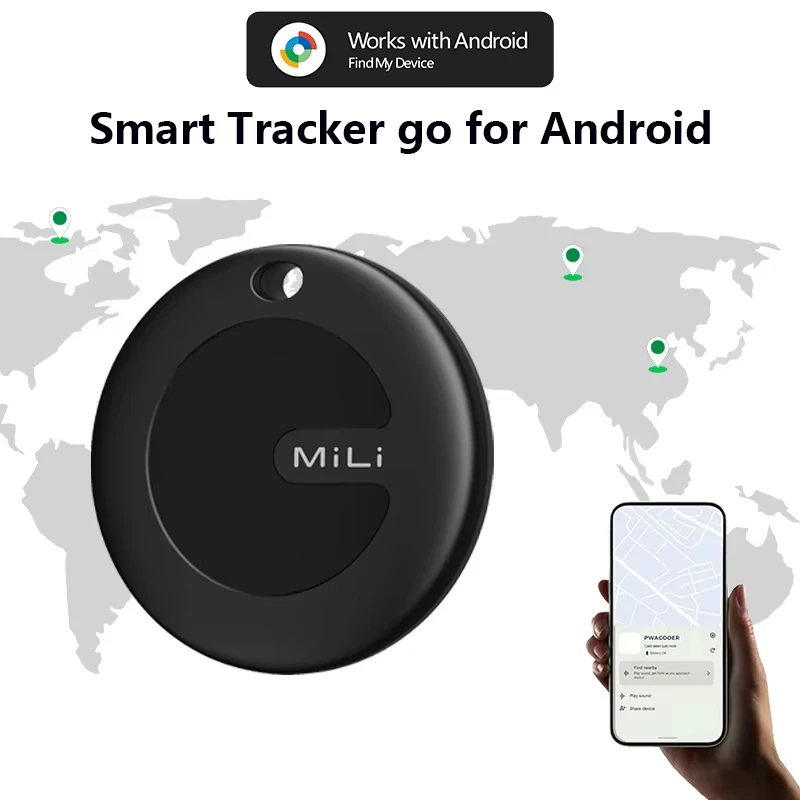
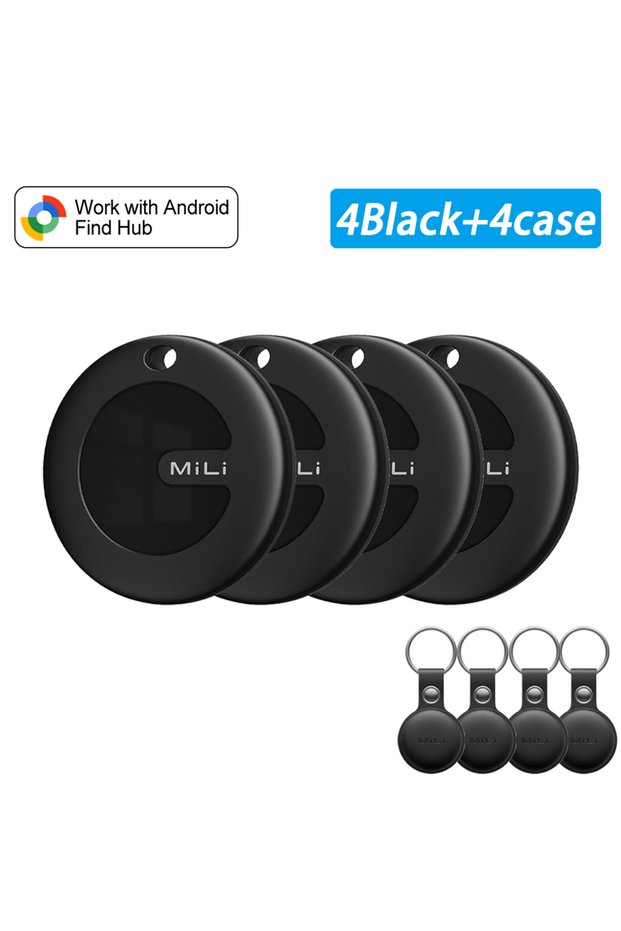
Choice 4 Black with 4 case 1-4Pcs MiLi Mitag Go GPS Tracker Android Item Finder Compatible with Google Find
No reviews yet.

Special Deals
125.16112.64AED
Free shipping
Delivery address

Select your address, find out the delivery date!
Trendyol's commitments
Easy and free return in 15 days.
Payment methods



Coupons
Highlighted features:
Choice 4 Black with 4 case 1-4Pcs MiLi Mitag Go GPS Tracker Android Item Finder Compatible with Google Find features
Color
Multicolor

Big Save Store
8.8
79.9K followers
Seller information
Choice 4 Black with 4 case 1-4Pcs MiLi Mitag Go GPS Tracker Android Item Finder Compatible with Google Find reviews
No reviews yet.
Product details
Additional info
- A maximum of 10 units of this product can be ordered. Trendyol reserves the right to cancel orders over 10 units.
- Barcode No: 3673856862214
Choice 4 Black with 4 case 1-4Pcs MiLi Mitag Go GPS Tracker Android Item Finder Compatible with Google Find features
Color
Multicolor
Safety information
Product safety information
Product description
Color:4 Black with 4 case
Please note before ordering:
♥.This product is not applicable to Huawei series products and Apple products. It is only suitable for the Android system.
♥.And it is not available in the Russian region. Please place your order with caution.
♥.If your mobile phone is from Apple or Huawei, please do not place an order as this product is not supported.
Product Description
---Reliable protection at any time.
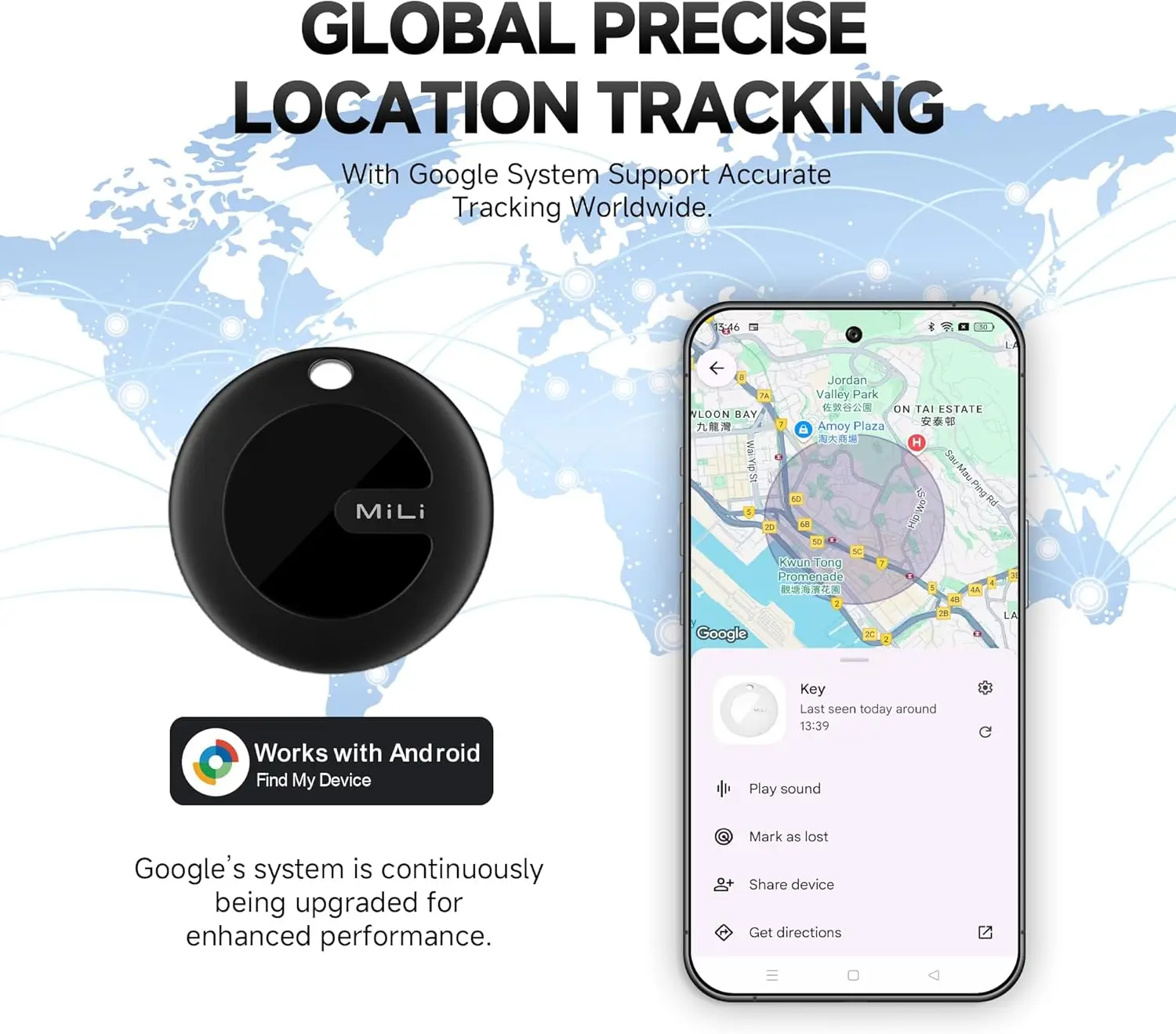
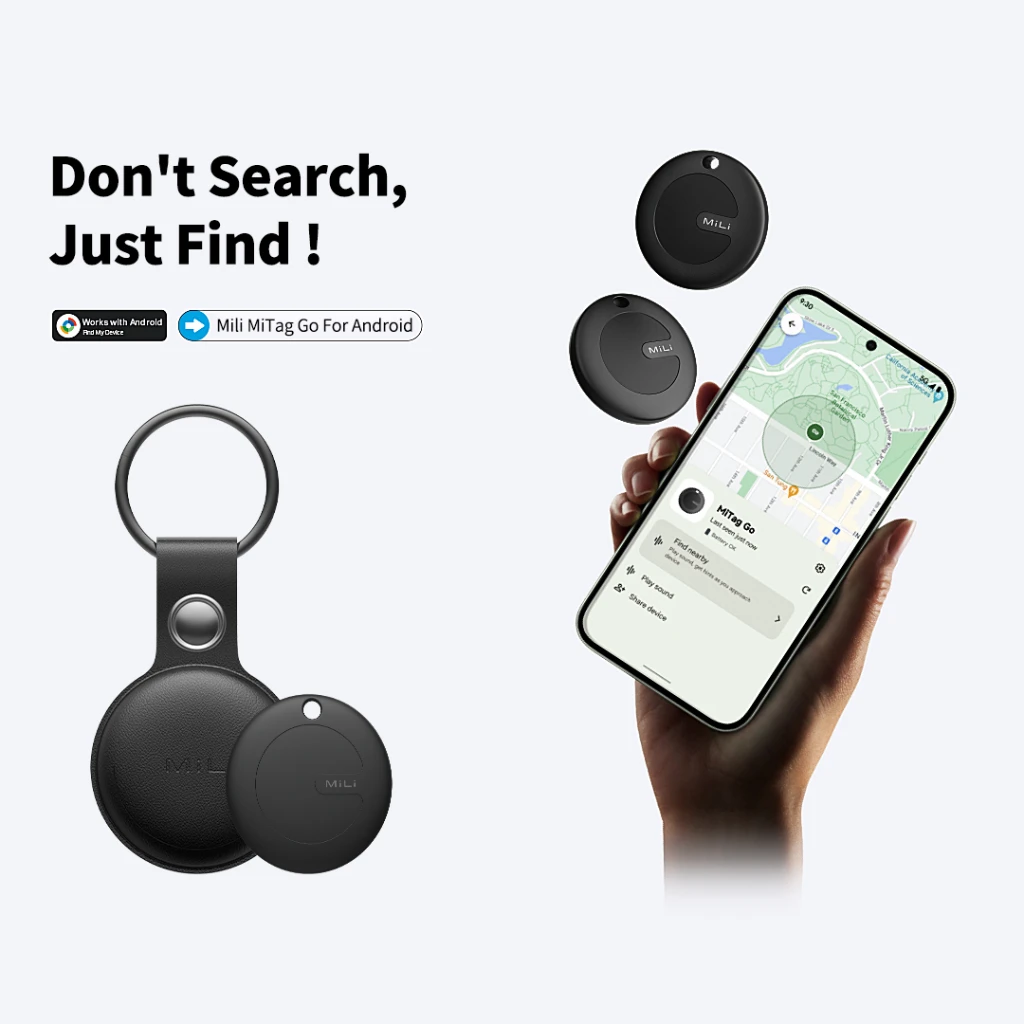
Android intelligent anti loss devices seamlessly connect to your phone. Simply open the application to immediately locate any lost items. With the new design and contract, it's meant for protection, so you can live carefree.
---Rediscover critical moments.
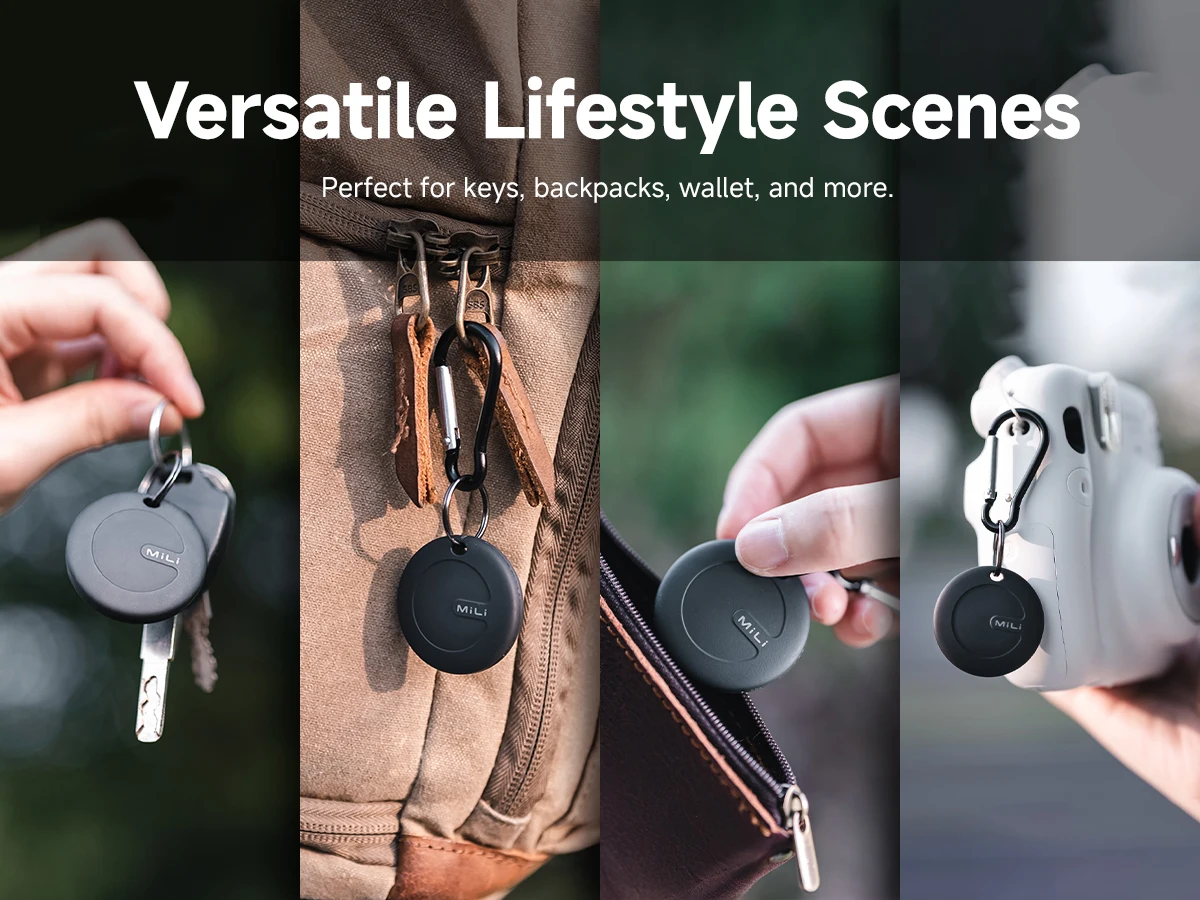
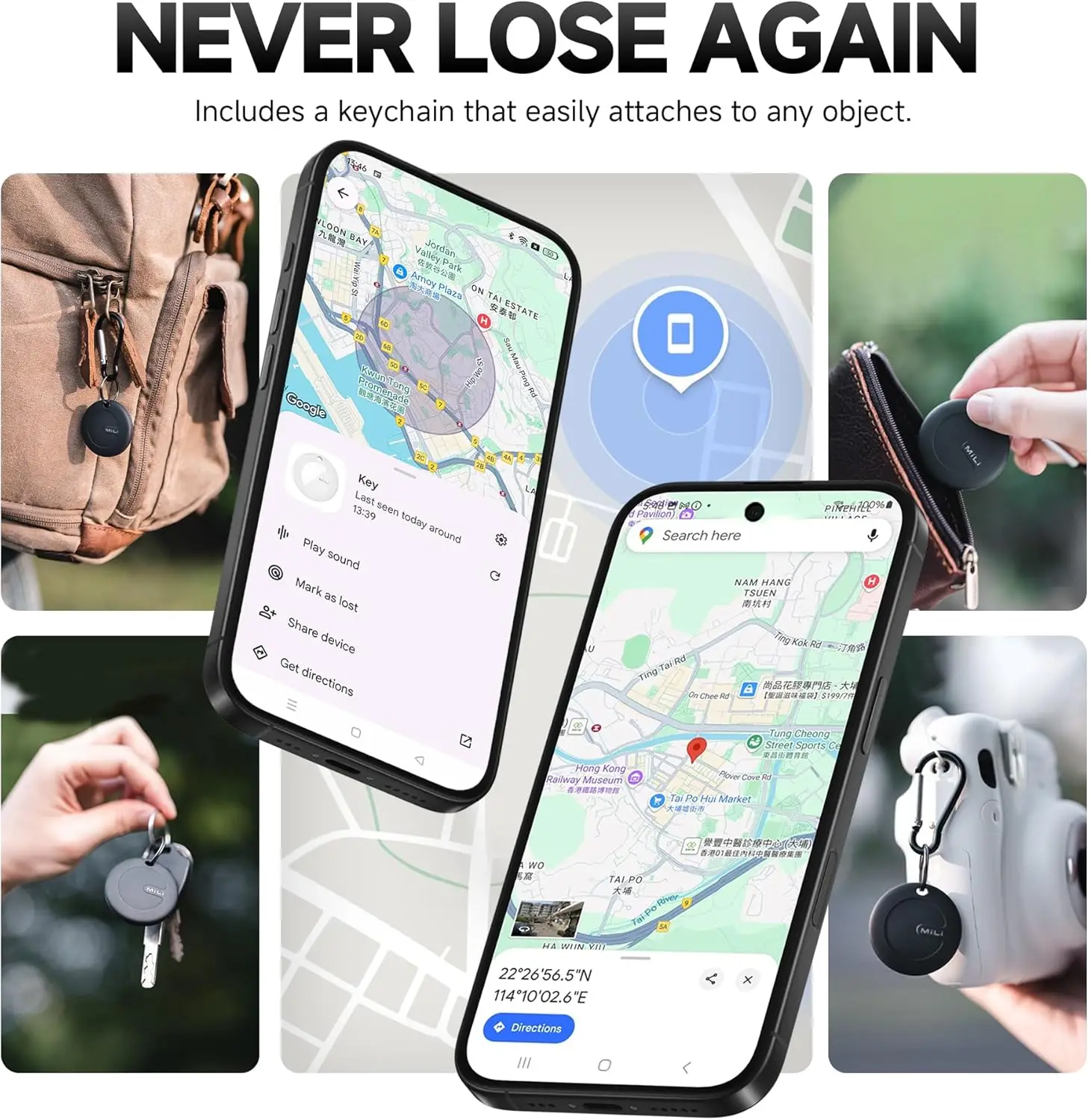
Forgot wallet or lost keys? The new Android intelligent anti loss device gives you peace of mind! Easily track your items with Android devices and protect your essentials at all times.
---Track everything, everywhere!
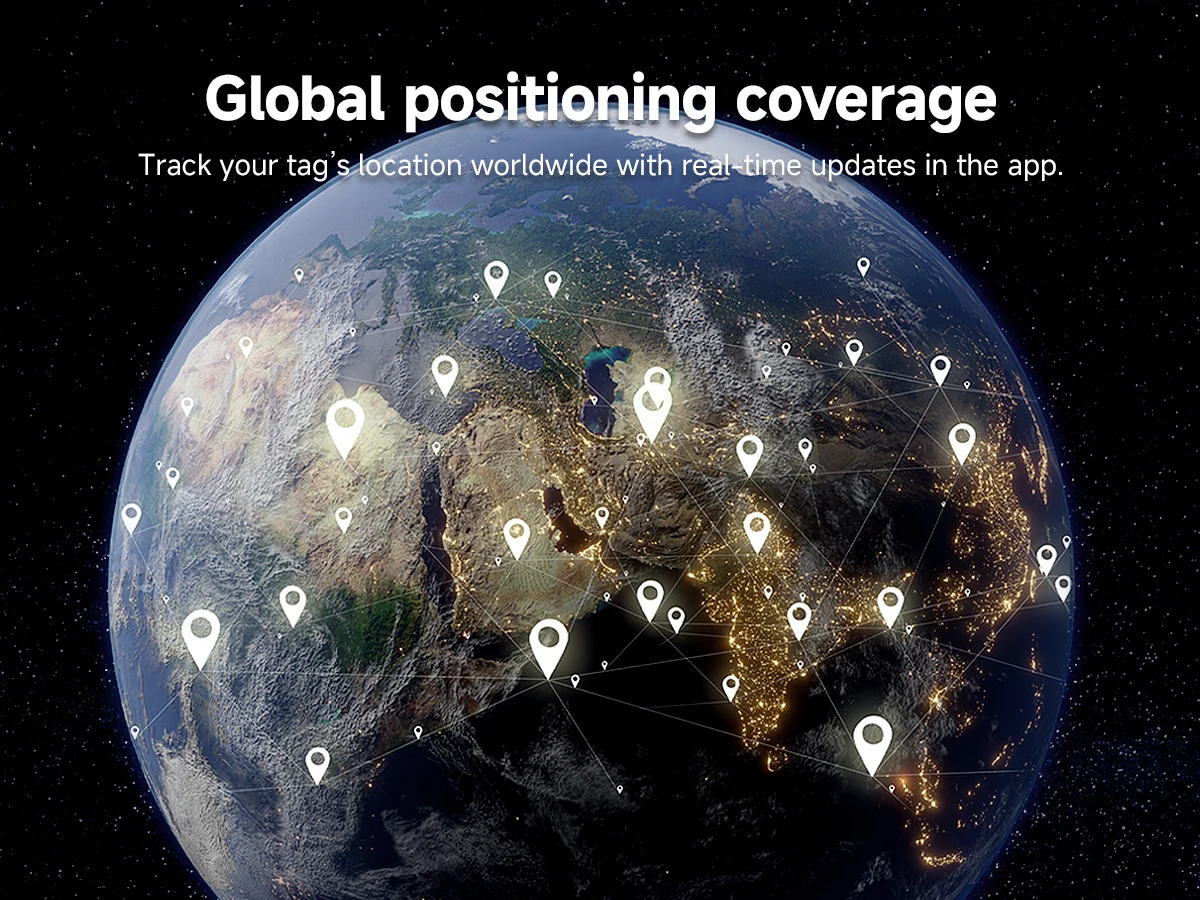
Say goodbye to the lost things. The new Android intelligent anti loss device can help you track all valuable items even if they are missing. Through global tracking, it is very suitable for travel.
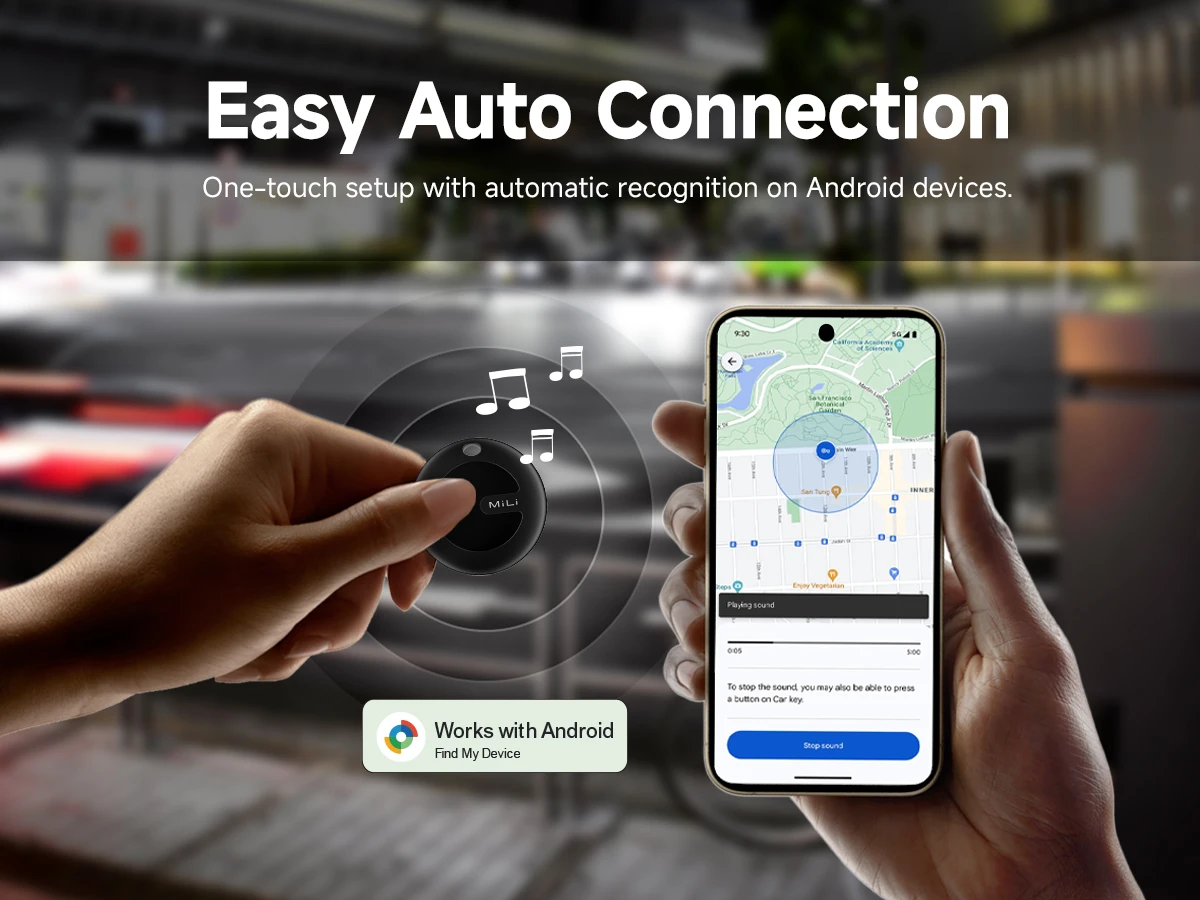
♥.Can't connect to the device? Please follow the steps below to connectManual Connection Steps
If the automatic popup doesn't appear, follow these steps to connect manually:
1. Open phone settings
2. Go to Google
3. Select All services
4. Go to Devices
5. Turn on Scan for nearby devices
6. View Available devices nearby