Free shipping
Choice 3CH Tuya ZigBee 1 2 3-Gang Smart Switch Module DIY Light Relay Breaker Home Automation work with Sma
No reviews yet.
Checkout Discount 12% Off
At checkout
30.03 AED
34.12 AED
Free shipping
Delivery address

Select your address, find out the delivery date!
Trendyol's commitments
Easy and free return in 15 days.
Payment methods



Highlighted features:
Choice 3CH Tuya ZigBee 1 2 3-Gang Smart Switch Module DIY Light Relay Breaker Home Automation work with Sma features
Instructions for Use/Warnings
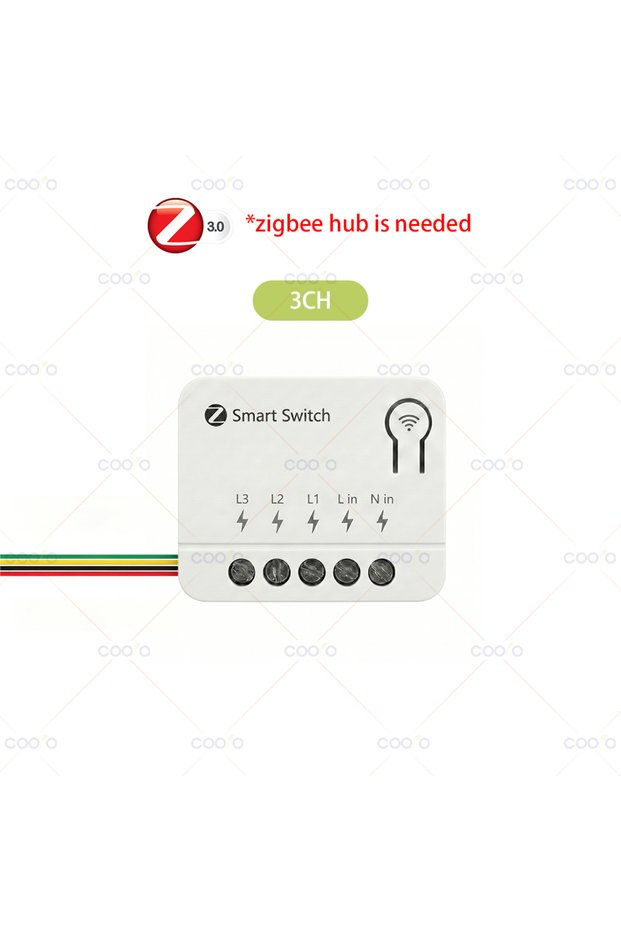
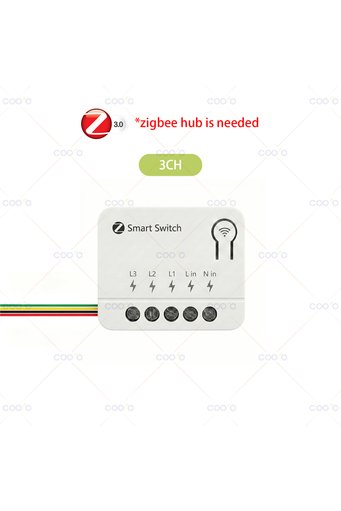
*3CH

Big Save Store
8.8
80.8K followers
Seller information
Choice 3CH Tuya ZigBee 1 2 3-Gang Smart Switch Module DIY Light Relay Breaker Home Automation work with Sma reviews
No reviews yet.
Product details
Additional info
- A maximum of 10 units of this product can be ordered. Trendyol reserves the right to cancel orders over 10 units.
- Barcode No: 3669026163110
Choice 3CH Tuya ZigBee 1 2 3-Gang Smart Switch Module DIY Light Relay Breaker Home Automation work with Sma features
Instructions for Use/Warnings
*3CH
Safety information
Product safety information
Product description
Color:3CH
Tuya ZigBee 1 2 3-Gang Smart Switch Module DIY Light Relay Breaker Home Automation work with Smart Life Alexa Google Home Yandex
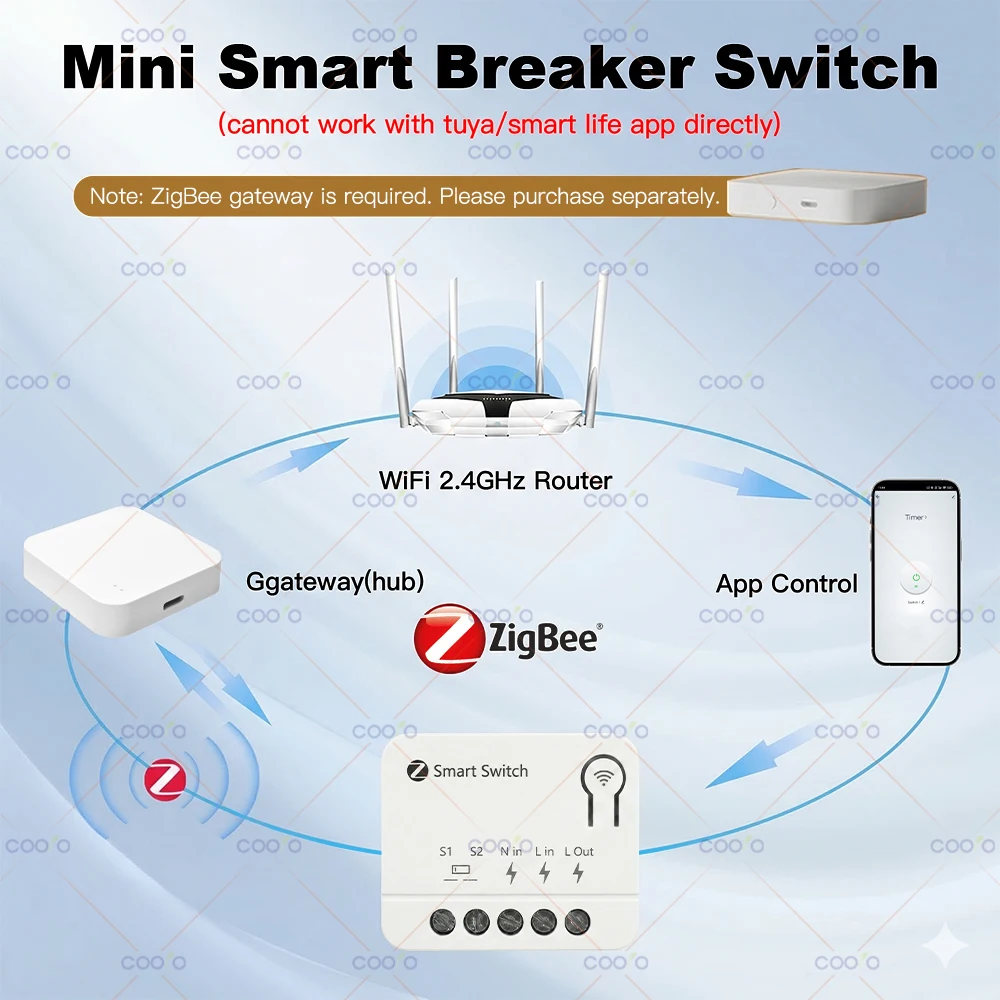
Note: Although there is no Tuya logo on the packaging, but it both support Tuya/smart life App and HA Z2M(not ZHA), must be used with the Tuya zigbee gateway/hub, cannot work via wifi directly!
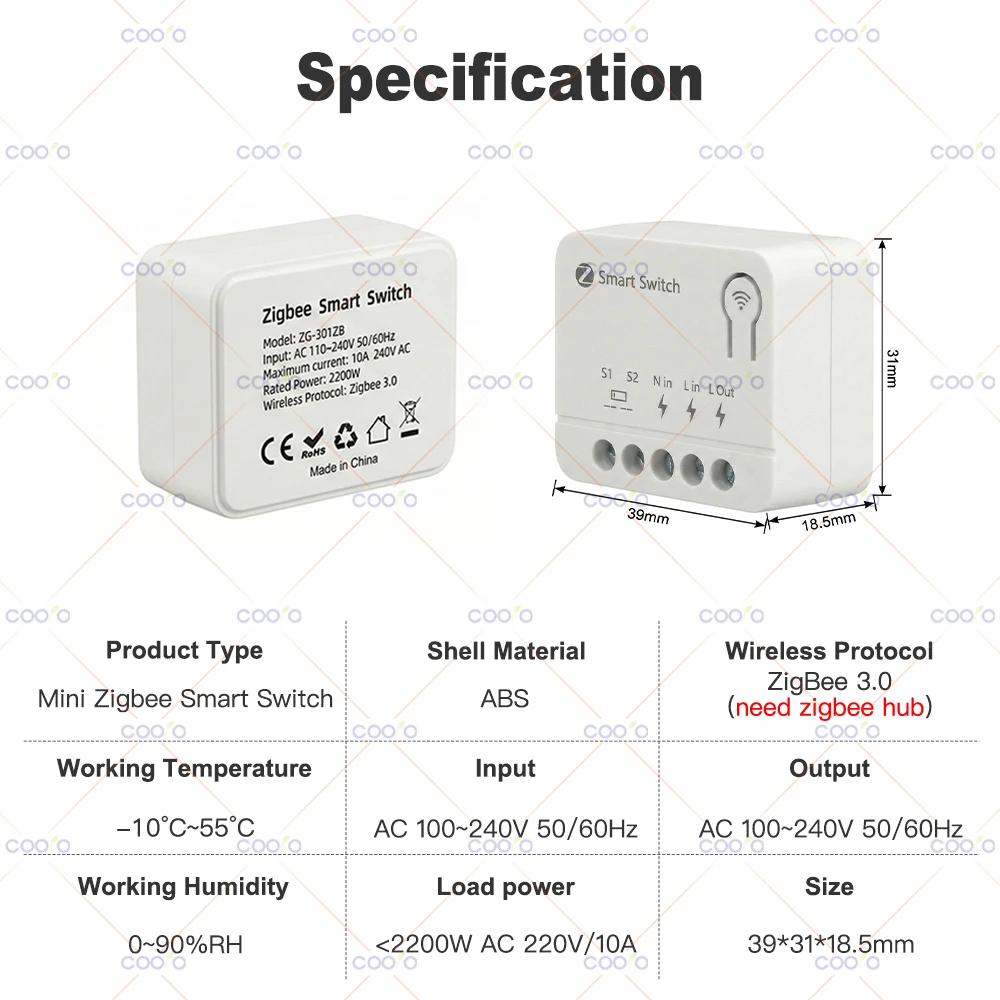
Specification
Item: Mini Zigbee DIY Smart Switch
Shell Material: PC;Flammability Rating: V0
Input: AC 110 ~ 240V 50 /60Hz
Current: 1CH 10A; 2CH/3CH 5A/Gang
Rated Power: 1000W/Gang
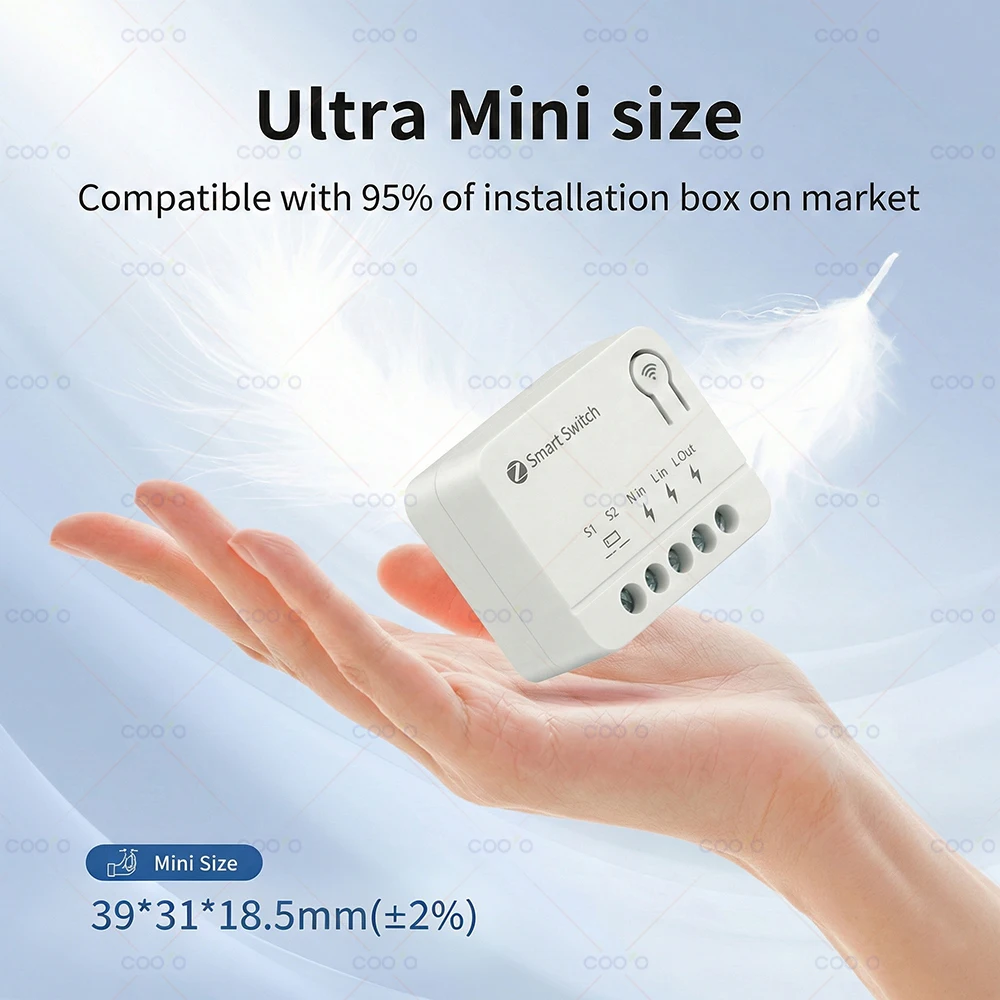
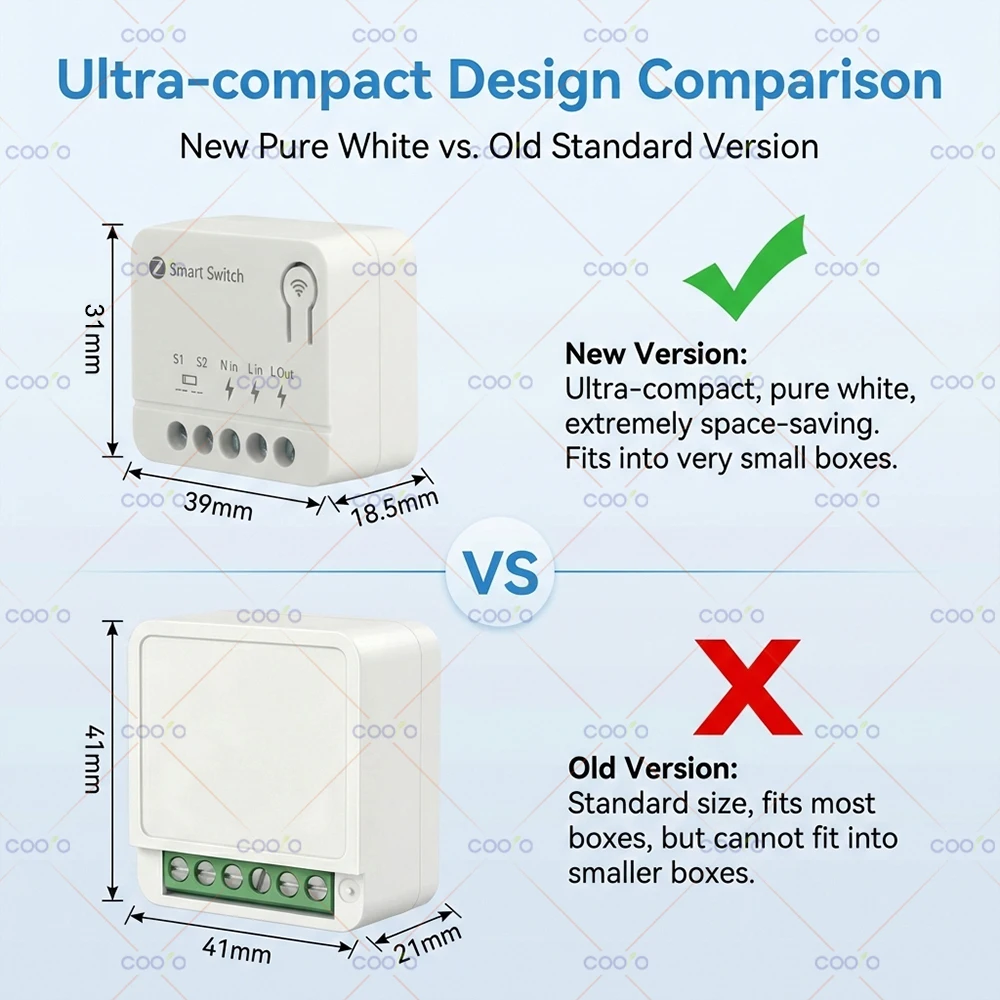
Size: 39*31*18.5mm(±2%)
Physical Two-way Control: Support
Connect Protocol: Zigbee 3.0(need Zigbee gateway)
Operation Humidity: ≤90%
Operation Temperature: -10~55°C
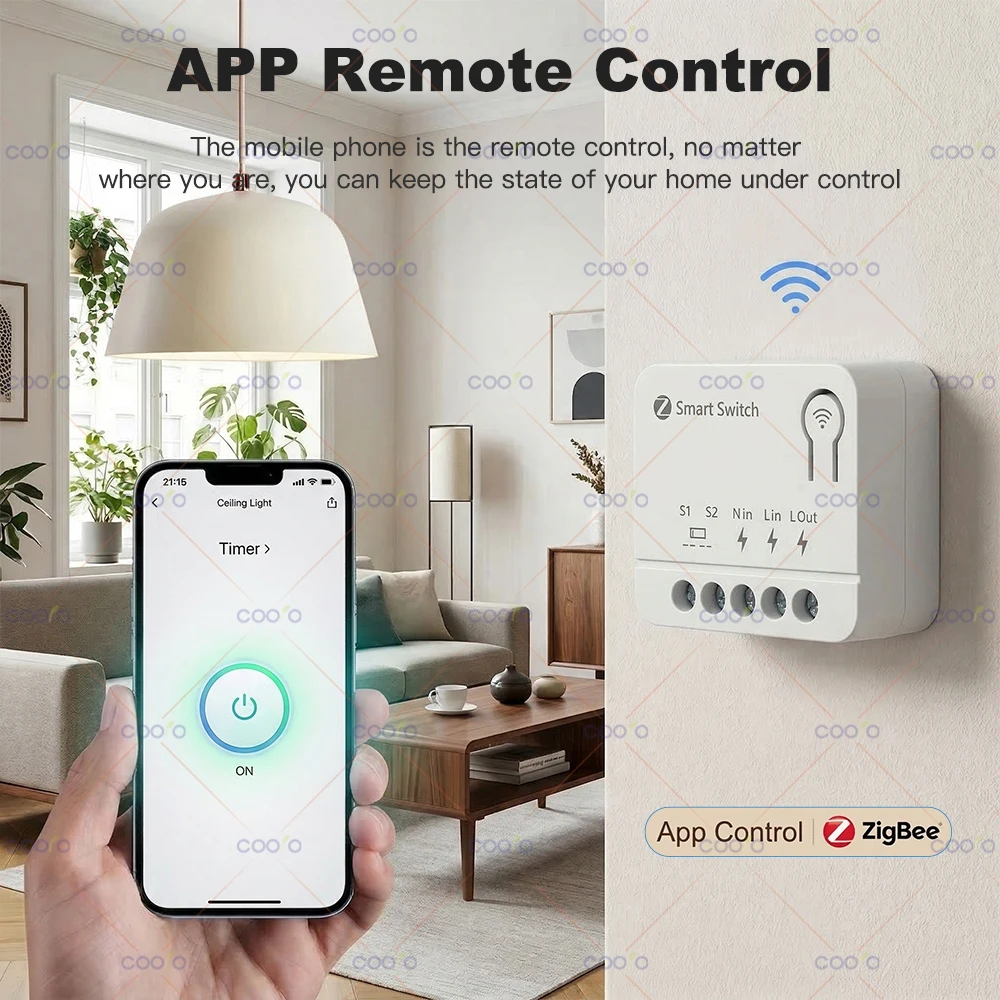
App: Tuya Smart/Smart Life(cannot work with wifi directly); Home Assistant Z2M not ZHA
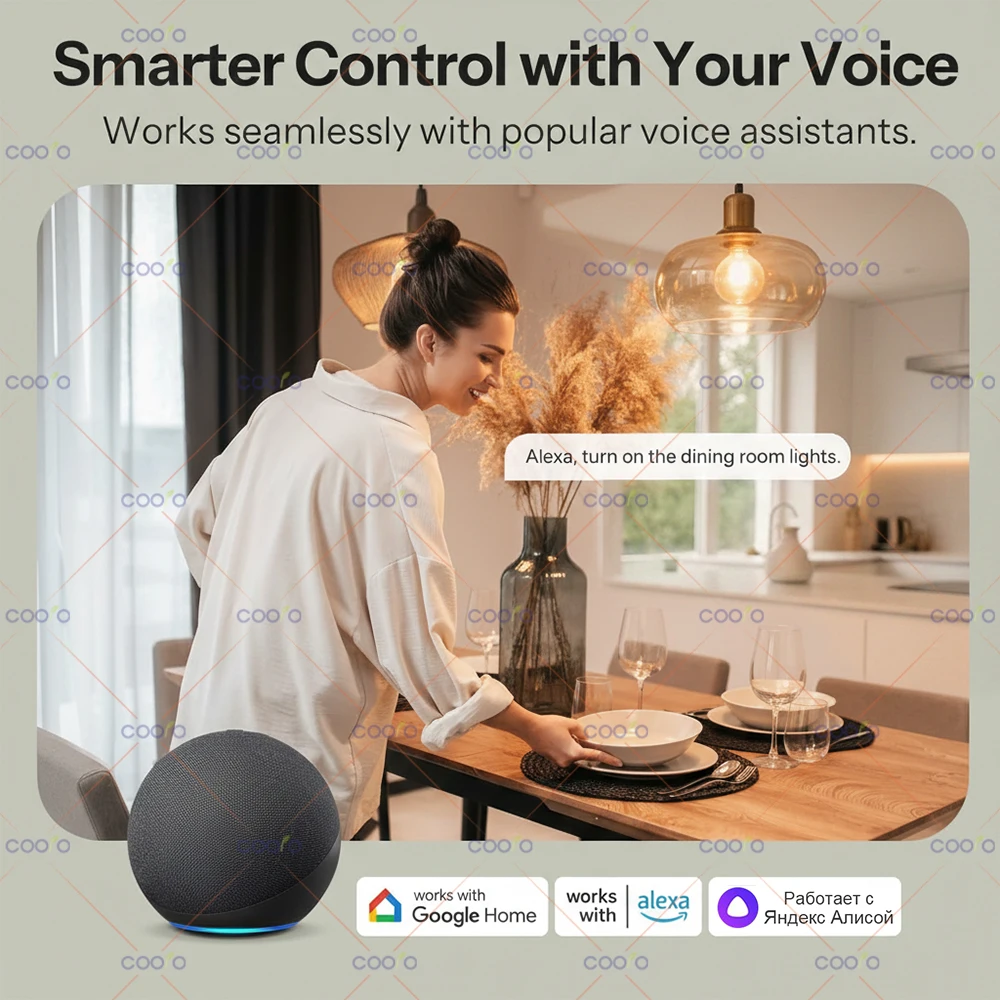
Voice Control: Compatible with Alexa Google Home Alice
ON/OFF operating principle: The connected appliances work/stop through live wire power on/off. The device must be powered by L and N.
Warning: S1 and S2 can only be connected to the two ends of the wall switch. S1 and S2 Cannot be connected to strong power such as zero-fire line! When wiring, please turn off the AC power supply!
Network Configuration:
* Long press the device "Button" for 3 seconds, and the indicator led flashes rapidly, indicating that the device has entered the network discovery mode.
* Select Gateway on APP -> Search Device (refer to Zigbee Gateway /APP manual)
* Tips: Zigbee device must connect to the Zigbee gateway to upload data to the SERVER/APP.
* This product supports Zigbee route (signal repeater) function.