Free shipping
Choice 3CH 1PCS 10A Zigbee Mini Smart Switch Module DIY Relay Switch Breaker 1/2/3 Gang App Control Works W
No reviews yet.

Special Deals
37.4029.17AED
Free shipping
Delivery address

Select your address, find out the delivery date!
Trendyol's commitments
Easy and free return in 15 days.
Payment methods



Highlighted features:
Choice 3CH 1PCS 10A Zigbee Mini Smart Switch Module DIY Relay Switch Breaker 1/2/3 Gang App Control Works W features
Instructions for Use/Warnings
*1PCS*3CH

Big Save Store
8.7
78.2K followers
Seller information
Choice 3CH 1PCS 10A Zigbee Mini Smart Switch Module DIY Relay Switch Breaker 1/2/3 Gang App Control Works W reviews
No reviews yet.
Product details
Additional info
- A maximum of 10 units of this product can be ordered. Trendyol reserves the right to cancel orders over 10 units.
- Barcode No: 3672595955360
Choice 3CH 1PCS 10A Zigbee Mini Smart Switch Module DIY Relay Switch Breaker 1/2/3 Gang App Control Works W features
Instructions for Use/Warnings
*1PCS*3CH
Safety information
Product safety information
Product description
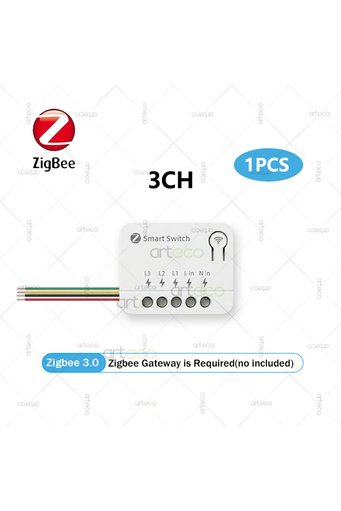
Bundle:3CH
Color:1PCS
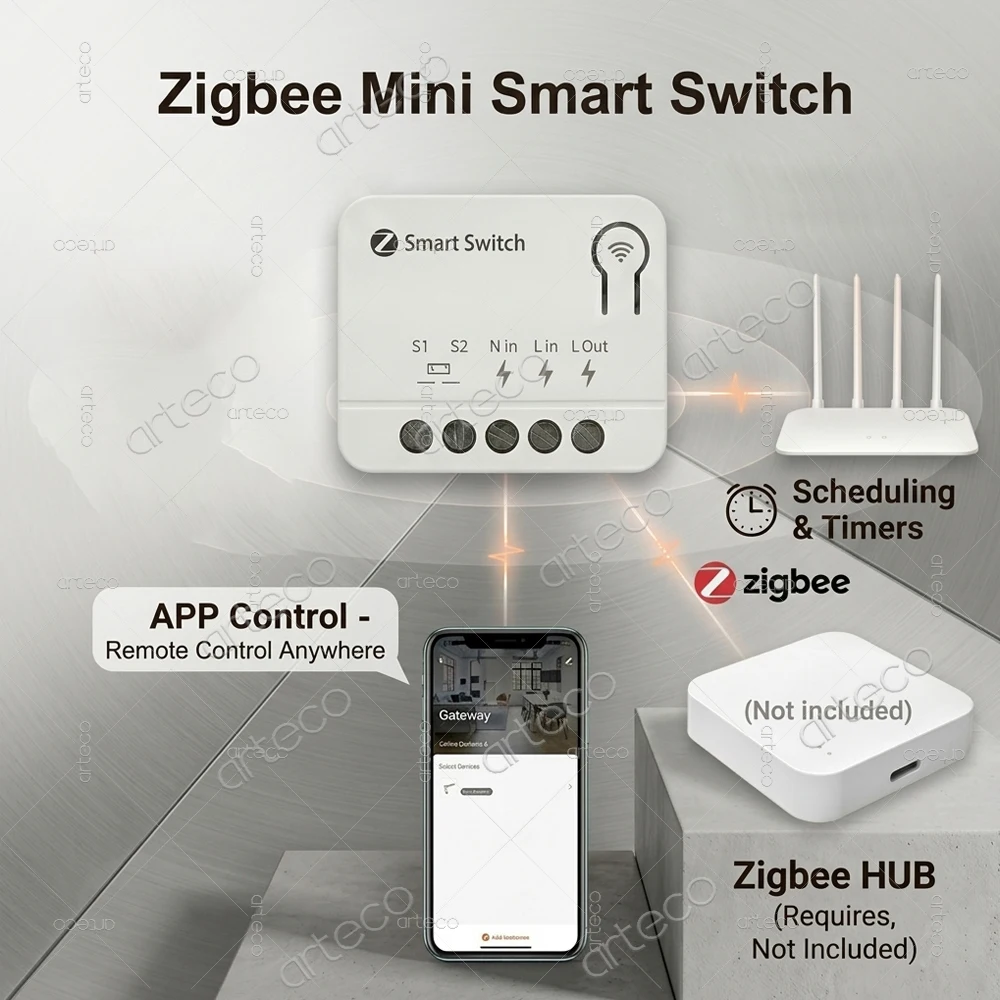
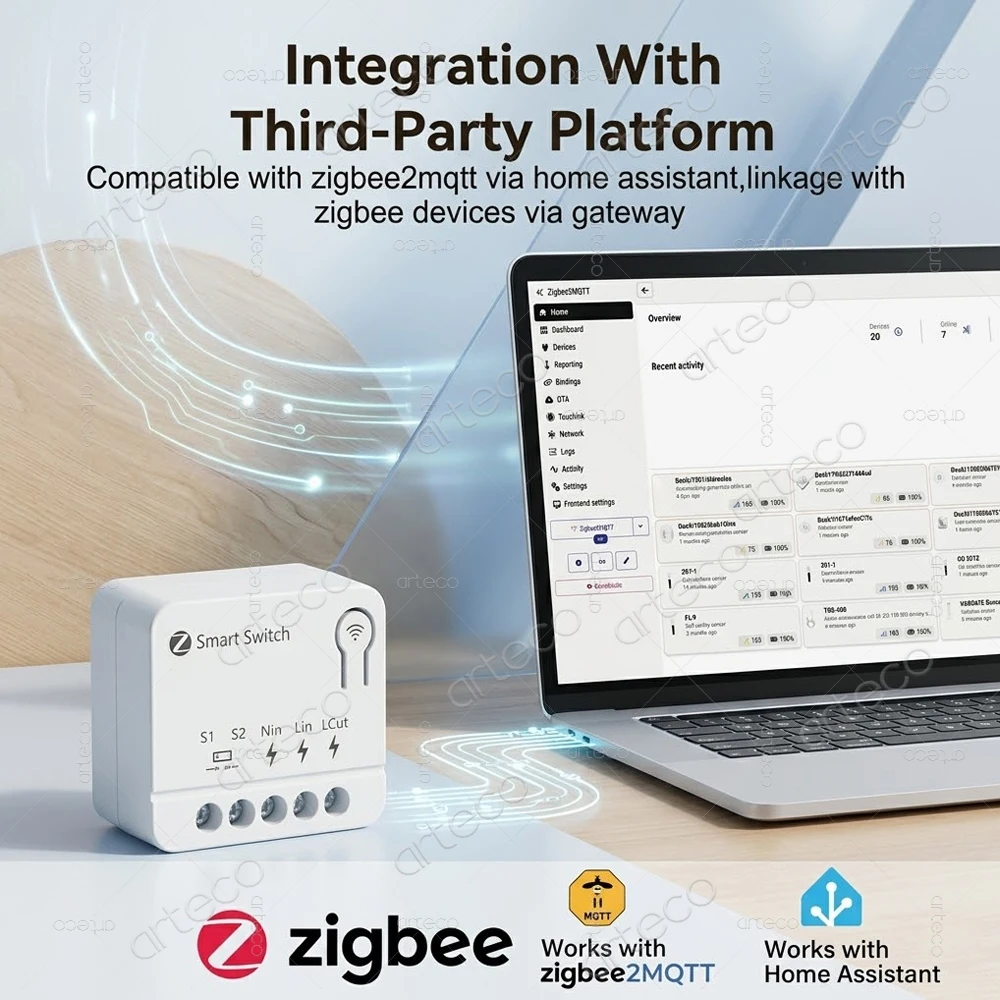
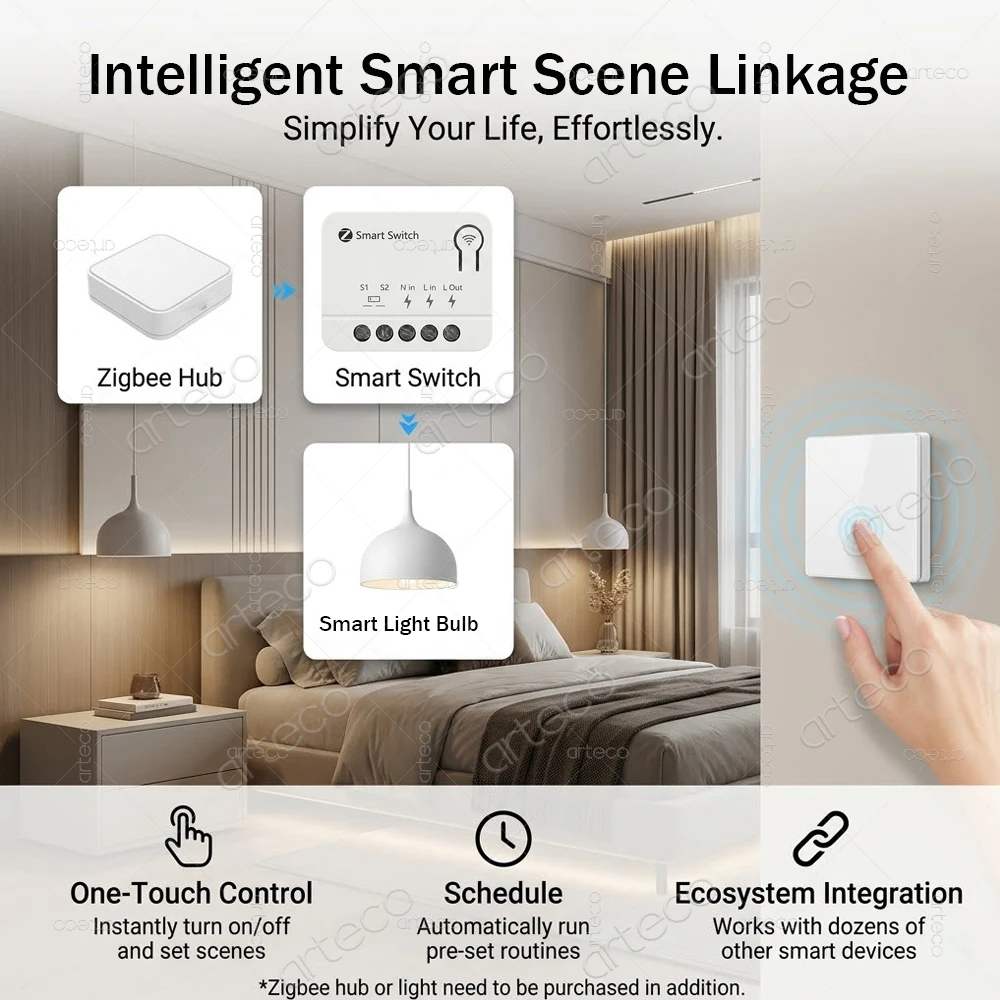
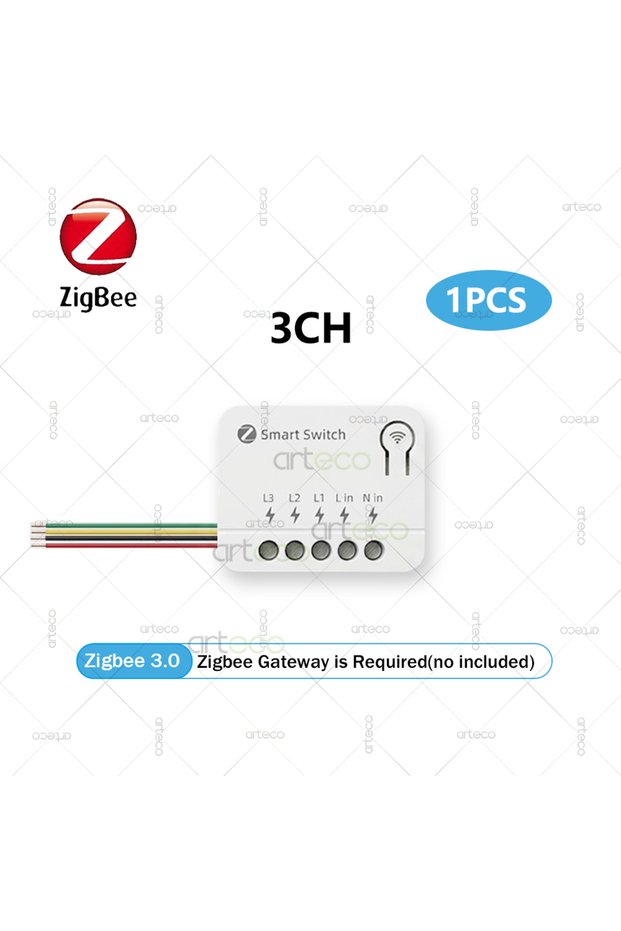
*Need work with zigbee gateway,it cannot work alone without zigbee gateway.
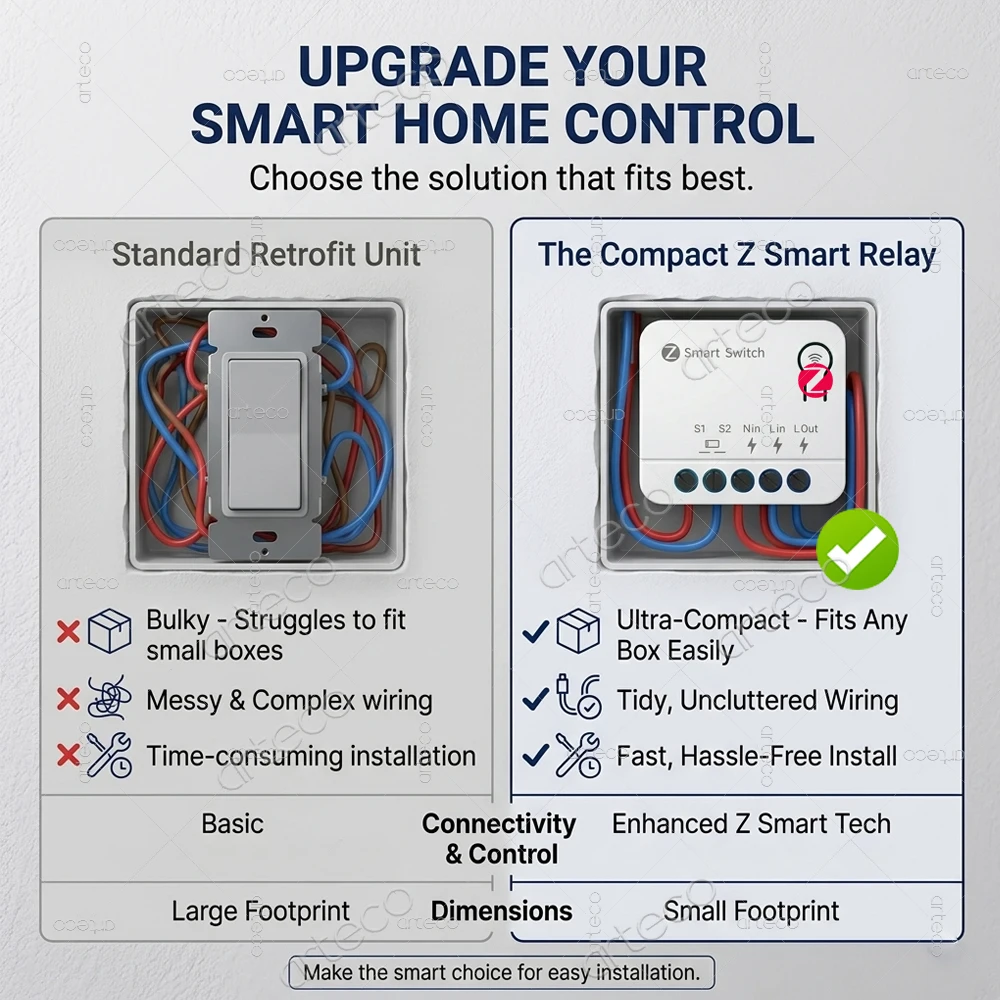
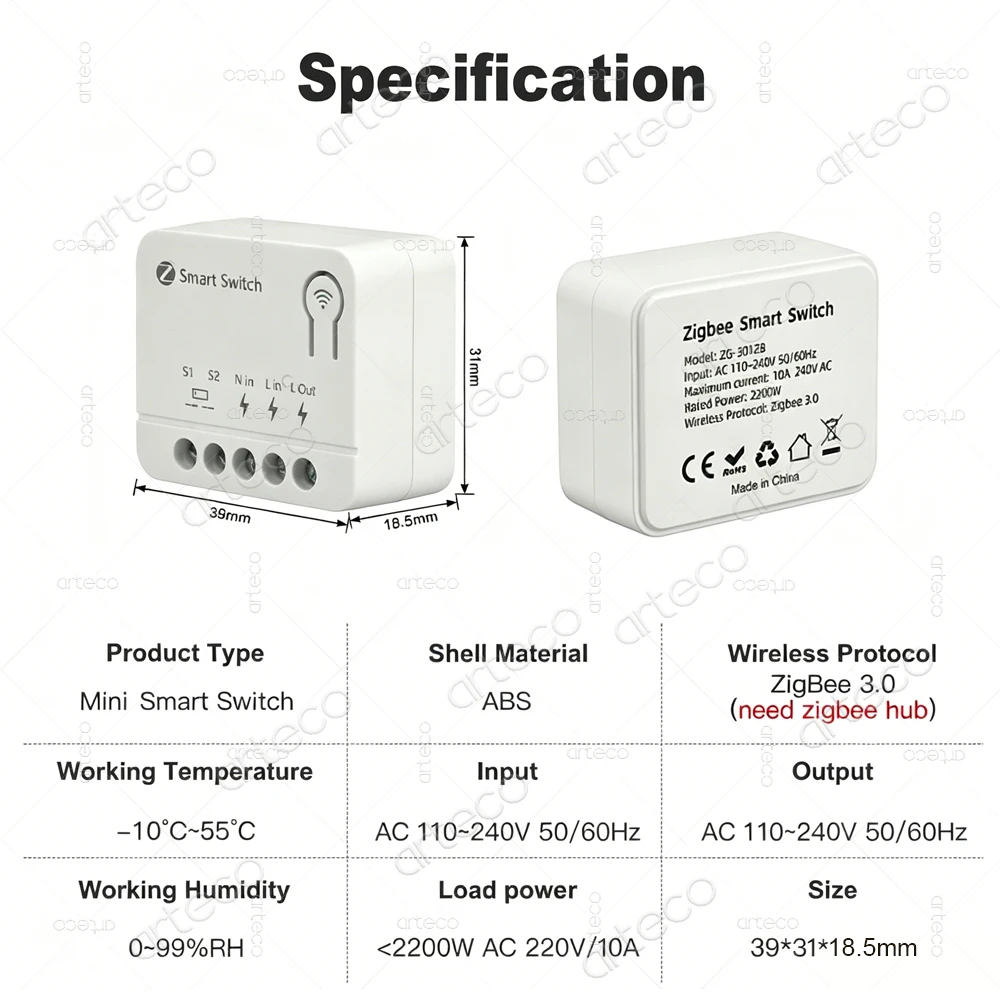
----Ultra Mini Smart Switch----
1CH
Model: ZG-301ZB
Input: AC 110~240V 50/60Hz
Maximum current: 10A 240V AC
Rated Power:2200W
Wireless Protocol: Zigbee 3.0
Working temperature:-10°~55°C
Working humidty : 0~99%RH
Material:ABS
Size:39*31*18.5mm
2CH
Model: ZG-301ZB-2CH
Input: AC 110~240V 50/60Hz
Maximum current: 5A/Gang 240V AC
Rated Power: 1000W/Gang
Wireless Protocol: Zigbee 3.0
Working temperature:-10°~55°C
Working humidty : 0~99%RH
Material:ABS
Size:39*31*18.5mm
3CH
Model: ZG-301ZB-3CH
Input: AC 110~240V 50/60Hz
Maximum current: 5A / Gang 240V AC
Rated Power: 1000W/Gang
Wireless Protocol: Zigbee 3.0
Working temperature:-10°~55°C
Working humidty : 0~99%RH
Material:ABS
Size:39*31*18.5mm
## Product Introduction & Features
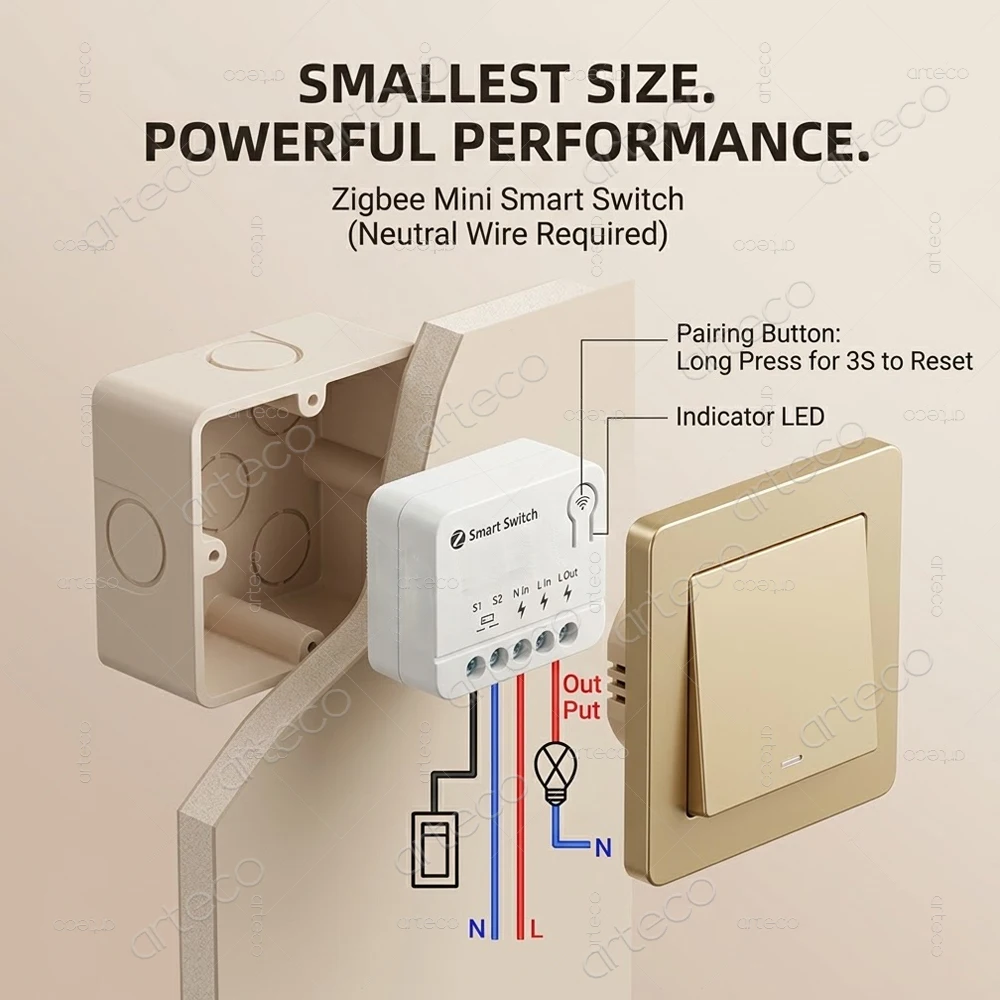
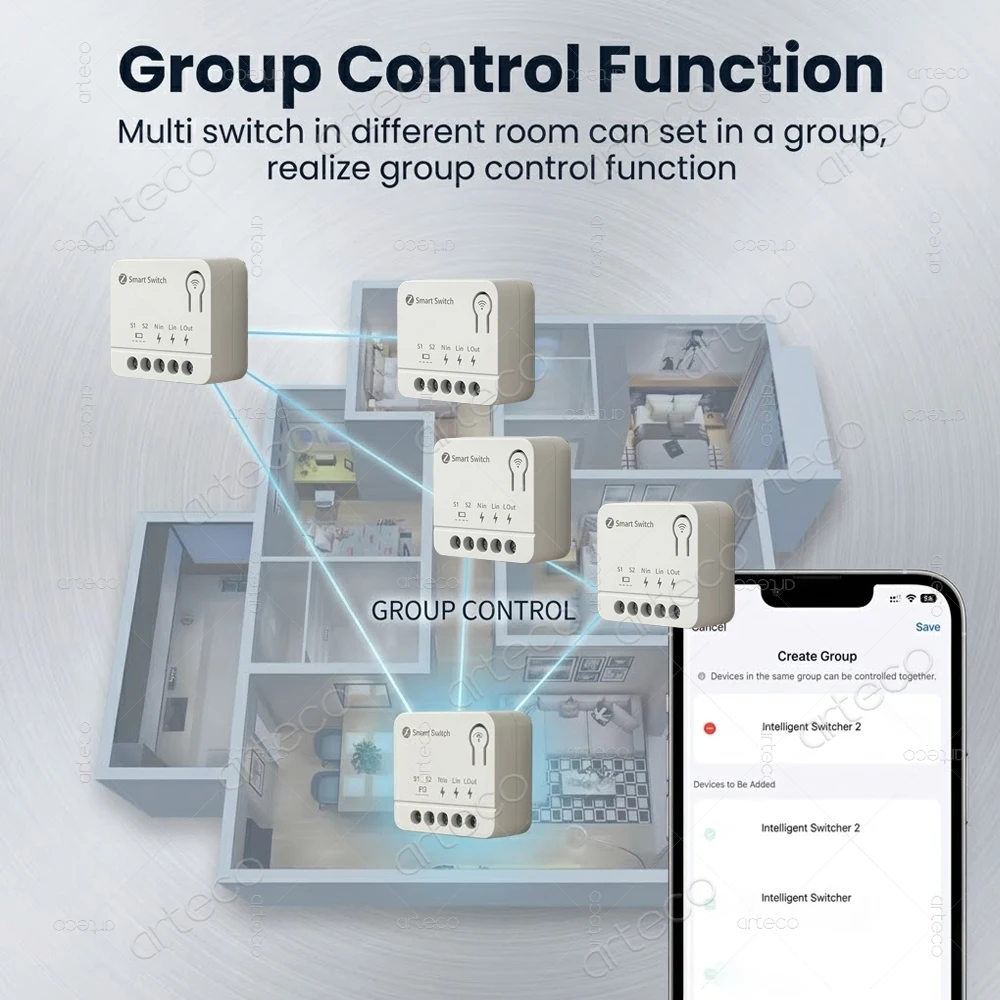
Smart ON/OFF Control: Seamlessly control your connected appliances by supplying or cutting power via the Live wire. (Note: Stable operation requires both Live and Neutral wires).
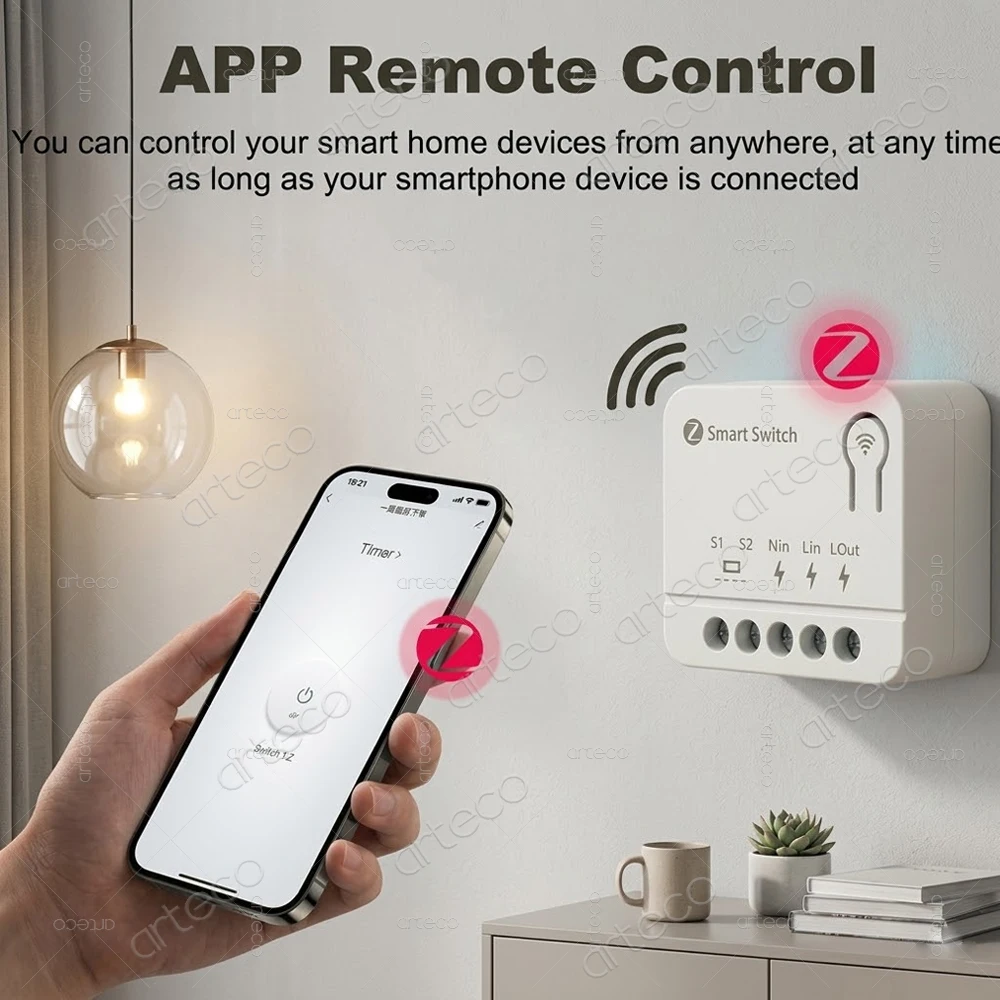
Gateway Required: A compatible Zigbee Gateway/Hub is required to sync device data to the Server/App.
## ⚠️ Crucial Safety Warning
Power Isolation: ALWAYS shut off the main AC power supply before wiring or installation to prevent electrical shock.
Dry Contact Only (S1/S2): S1 and S2 terminals must ONLY be connected to the two ends of a mechanical wall switch.
DO NOT connect S1 and S2 to strong high-voltage power (such as Live or Neutral lines). Doing so will permanently damage the device and cause safety hazards!
## 🔄 Network Configuration & Pairing
Enter Pairing Mode: Press and hold the physical button on the device for 3 seconds. The LED indicator will flash rapidly, indicating it has entered network discovery mode.
App Discovery: Open your Smart Home App, select your Zigbee Gateway, and tap "Search Device" or "Add Sub-device" (Please refer to your Zigbee Gateway manual for specific steps).
Complete Connection: Wait for the App to successfully discover and pair the switch module.