Free shipping
Choice 2CH 10A Zigbee 1/2/3 Gang Mini Smart Switch DIY Light Switch Module Supports External Switch Need Zi
No reviews yet.

Special Deals
29.8423.87AED
Free shipping
Delivery address

Select your address, find out the delivery date!
Trendyol's commitments
Easy and free return in 15 days.
Payment methods



Highlighted features:
Choice 2CH 10A Zigbee 1/2/3 Gang Mini Smart Switch DIY Light Switch Module Supports External Switch Need Zi features
Instructions for Use/Warnings
*2CH 10A

Big Save Store
8.7
78.4K followers
Seller information
Choice 2CH 10A Zigbee 1/2/3 Gang Mini Smart Switch DIY Light Switch Module Supports External Switch Need Zi reviews
No reviews yet.
Product details
Additional info
- A maximum of 10 units of this product can be ordered. Trendyol reserves the right to cancel orders over 10 units.
- Barcode No: 3672595473890
Choice 2CH 10A Zigbee 1/2/3 Gang Mini Smart Switch DIY Light Switch Module Supports External Switch Need Zi features
Instructions for Use/Warnings
*2CH 10A
Safety information
Product safety information
Product description
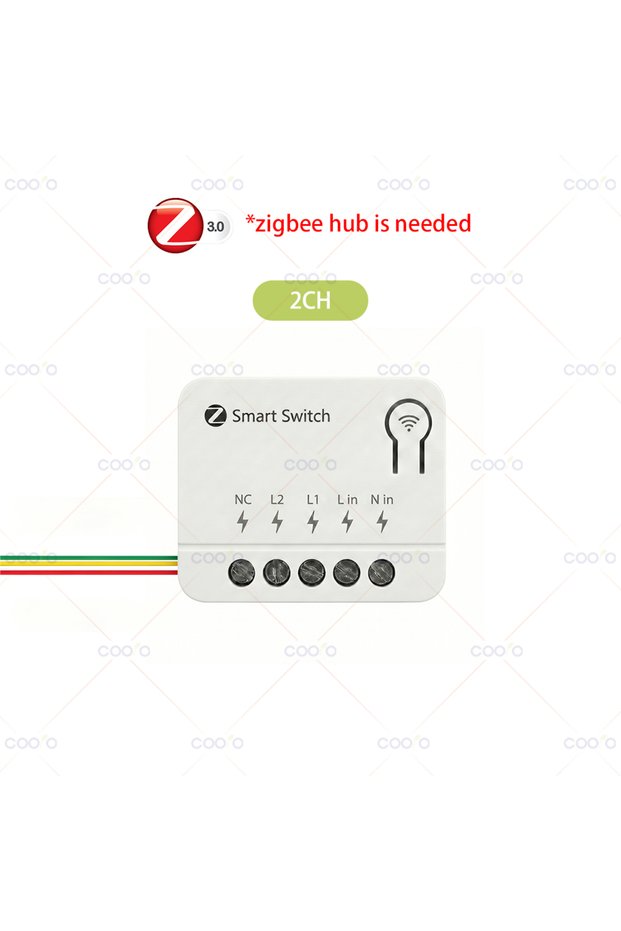
Bundle:2CH 10A
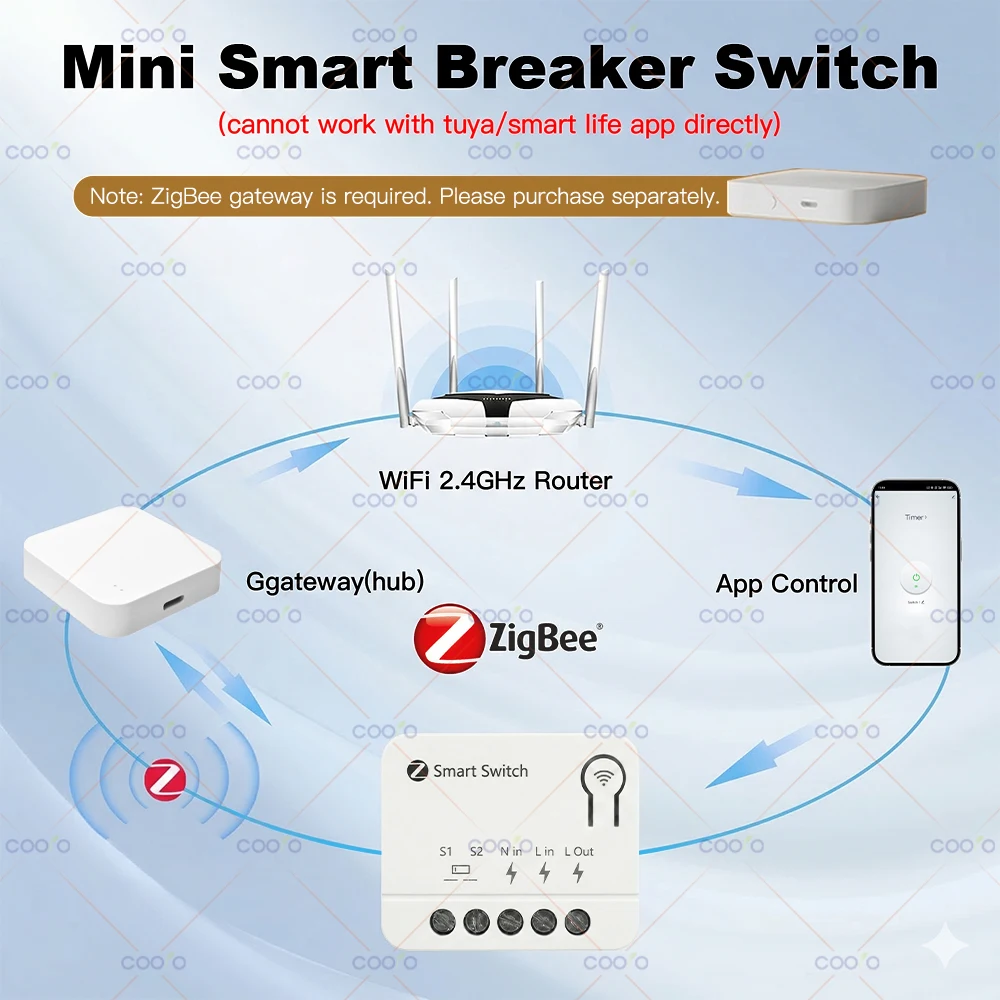
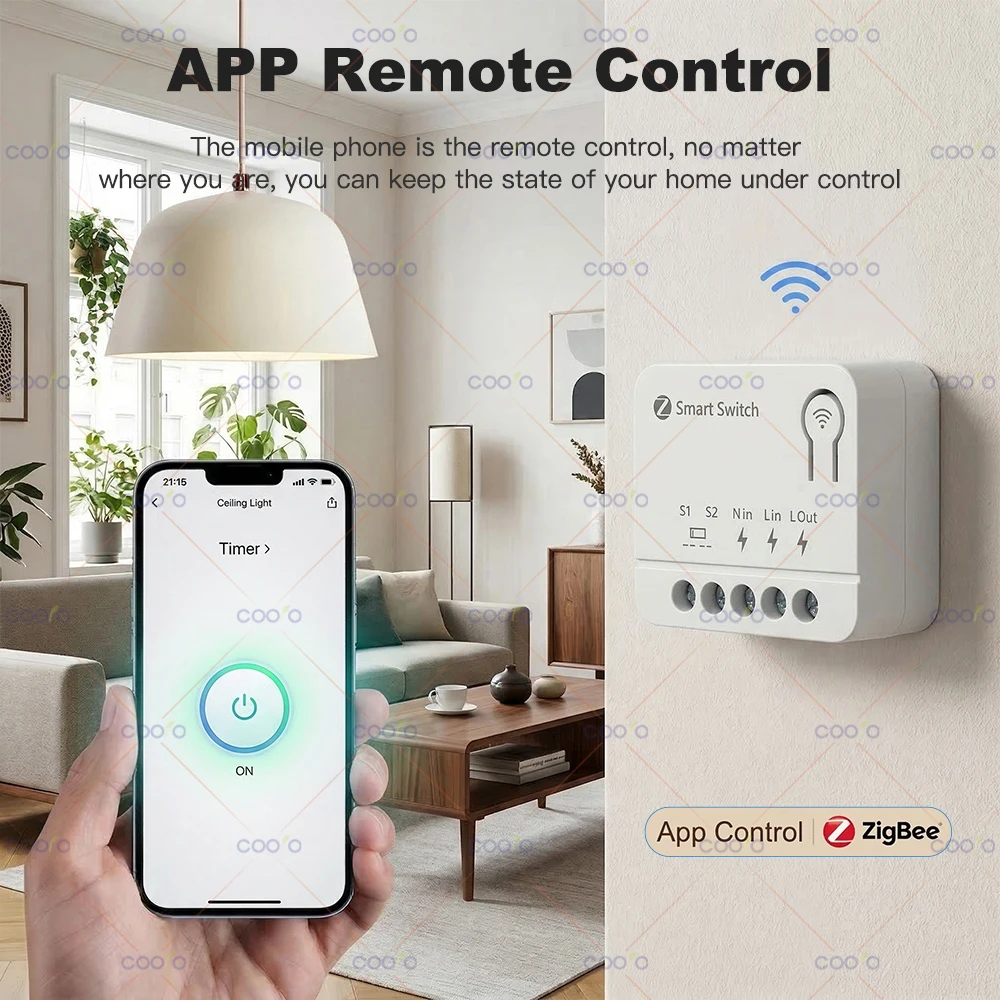
Zigbee 1/2/3 Gang Mini Smart Switch DIY Light Switch Module Supports External Switch Need Zigbee Hub for Alexa Alice Google Home
Note: Although there is no Tuya logo on the packaging, but it both support Tuya/smart life App and HA Z2M(not ZHA), must be used with the Tuya zigbee gateway/hub, cannot work via wifi directly!
Product Type: Zigbee Smart Switch
Connect Protocol: Zigbee 3.0(need to use zigbee gateway)
Shell Material: PC;Flammability Rating: V0
Rated Voltage: AC 85~250V 50/60Hz; AC 110 ~ 240V 50 /60Hz
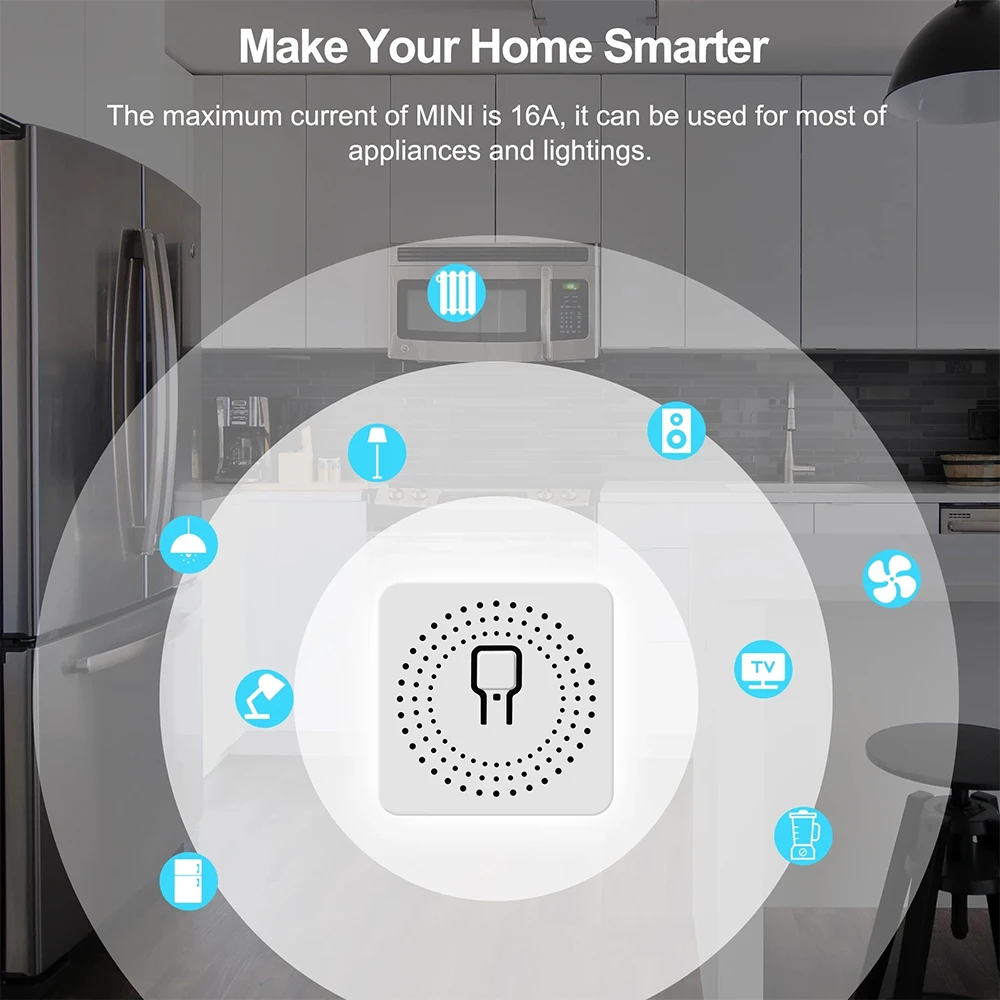
Rated Current: 10A;16A
Load power: <3500W;1000W/Gang
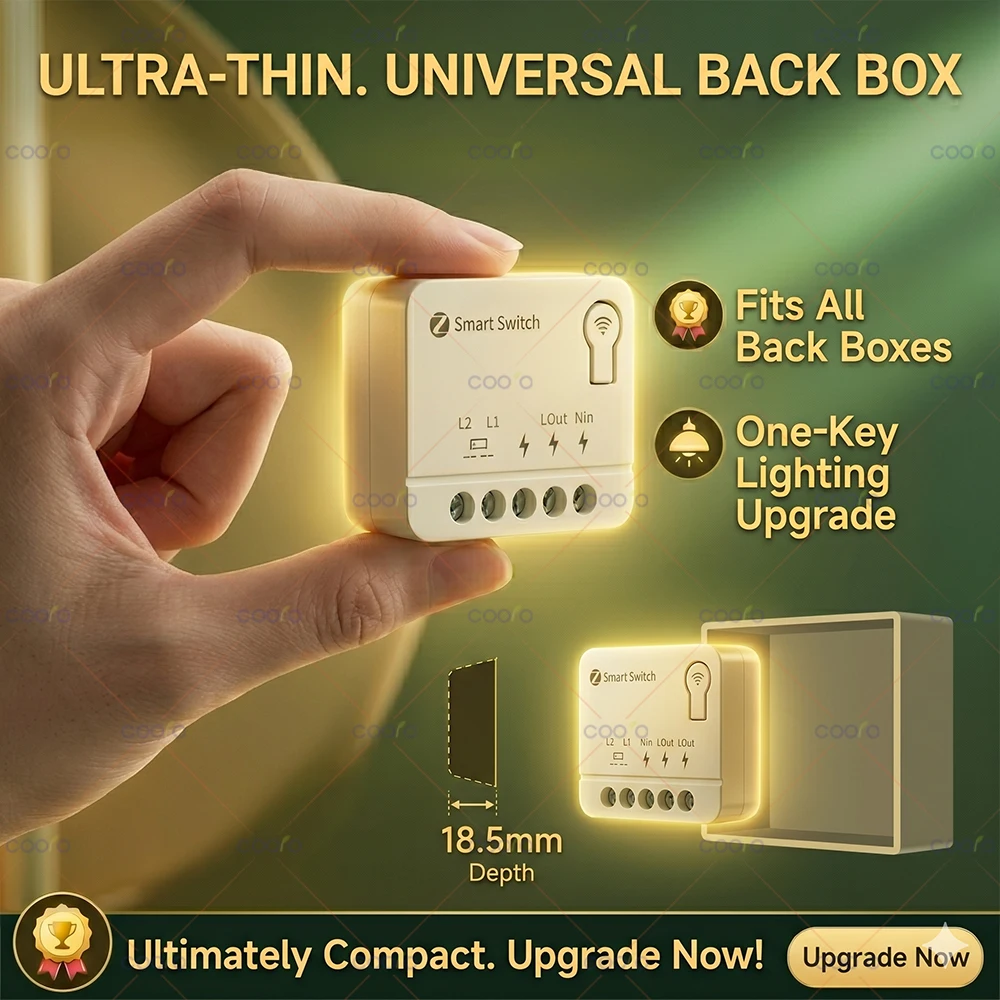
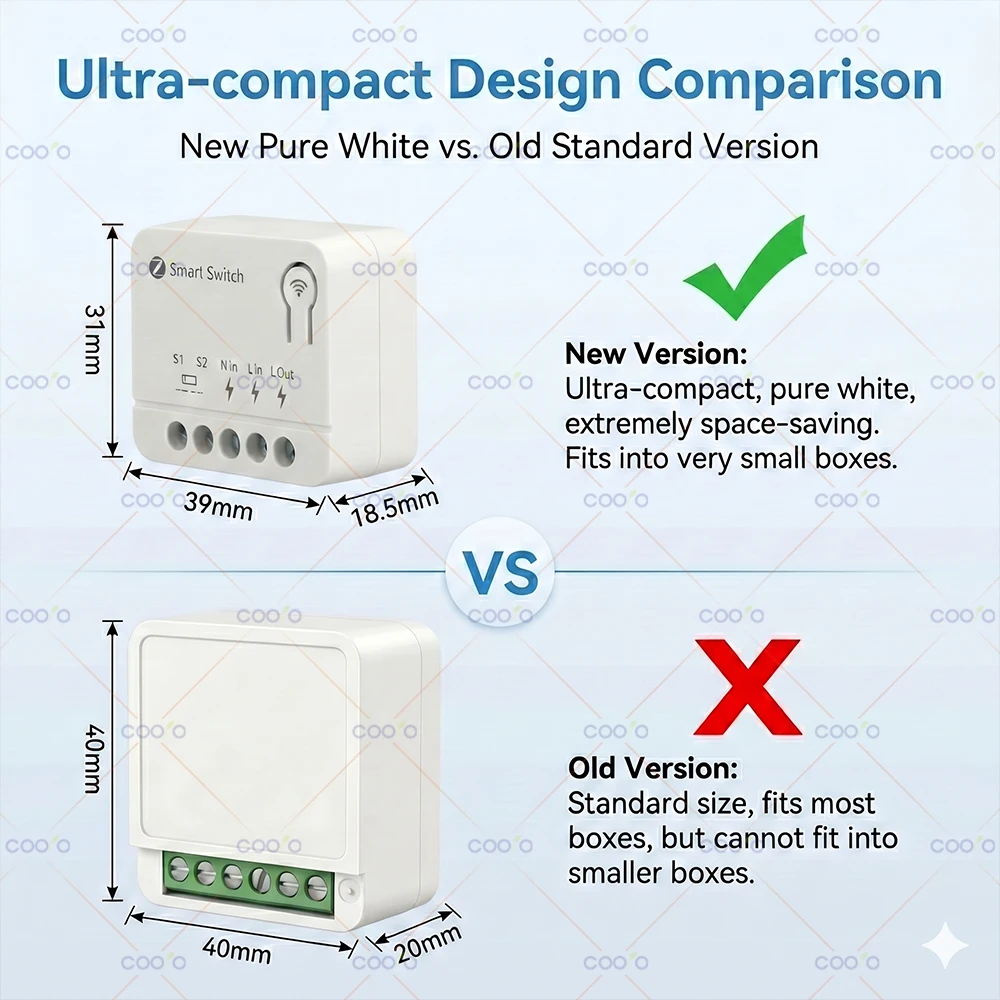
Size: 40*40*20mm;39*31*18.5mm(±2%)
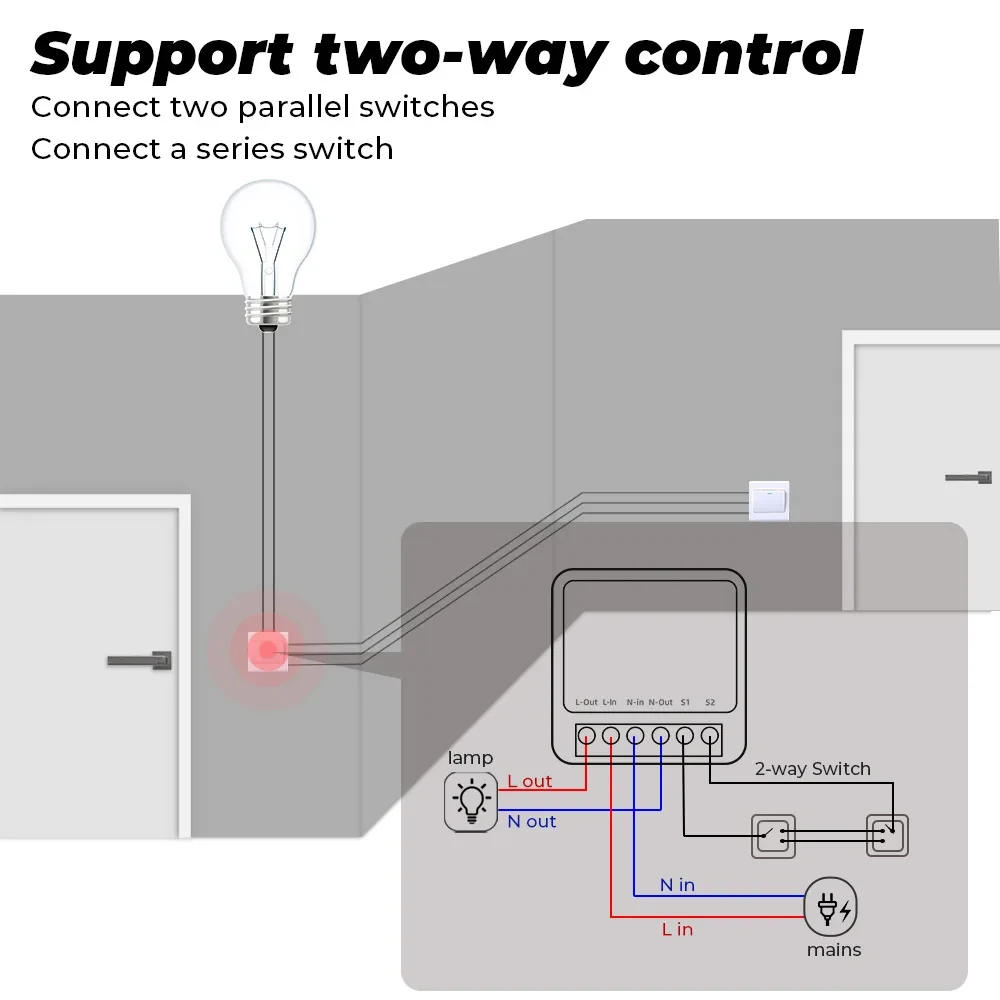
Physical Two-way Control: Support
Operation Humidity: ≤90%
Operation Temperature: -10~55°C
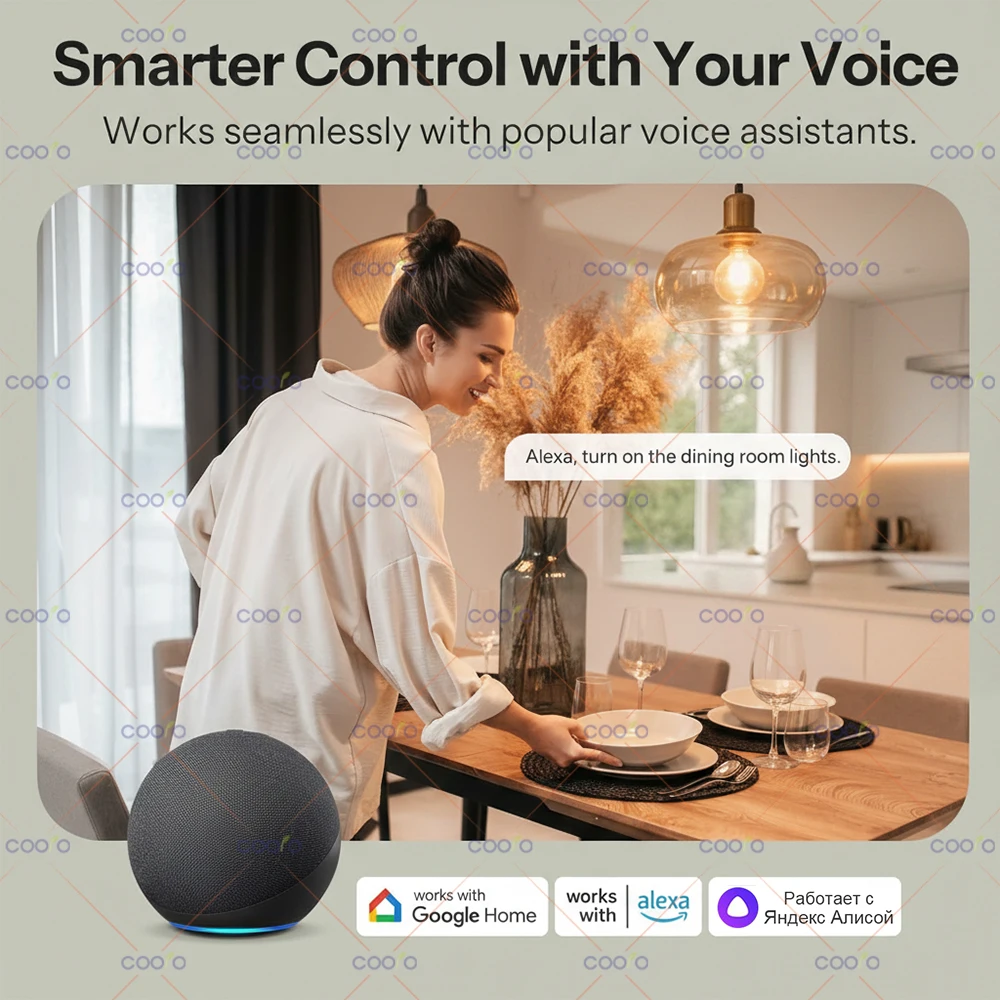
Voice Control: Compatible with Alexa Google Home Alice
ON/OFF operating principle: The connected appliances work/stop through live wire power on/off. The device must be powered by L and N.
Warning: ZG-301ZB S1 and S2 can only be connected to the two ends of the wall switch. S1 and S2 Cannot be connected to strong power such as zero-fire line! When wiring, please turn off the AC power supply!
Network Configuration:
* Long press the device "Button" for 3 seconds, and the indicator led flashes rapidly, indicating that the device has entered the network discovery mode.
* Select Gateway on APP -> Search Device (refer to Zigbee Gateway /APP manual)
* Tips: Zigbee device must connect to the Zigbee gateway to upload data to the SERVER/APP.
* This product supports Zigbee route (signal repeater) function.