

Free shipping
Almost sold out!
Choice 18650 Breadboard Power Module 3.3V/5V Dual Output Type-C Micro USB Charge LED Battery Indicator for
No reviews yet.
Checkout Discount 13% Off
At checkout
20.21 AED
23.23 AED
Free shipping
Delivery address

Select your address, find out the delivery date!
Trendyol's commitments
Easy and free return in 15 days.
Payment methods



Highlighted features:
Choice 18650 Breadboard Power Module 3.3V/5V Dual Output Type-C Micro USB Charge LED Battery Indicator for features
LED Screen
Available

Big Save Store
8.8
80.7K followers
Seller information
Similar items




 Trendyol Plus Exclusive




Choice 18650 Breadboard Power Module 3.3V/5V Dual Output Type-C Micro USB Charge LED Battery Indicator for reviews
No reviews yet.
Product details
Additional info
- A maximum of 10 units of this product can be ordered. Trendyol reserves the right to cancel orders over 10 units.
- Barcode No: 3674733215786
Choice 18650 Breadboard Power Module 3.3V/5V Dual Output Type-C Micro USB Charge LED Battery Indicator for features
LED Screen
Available
Safety information
Product safety information
Product description
Features:
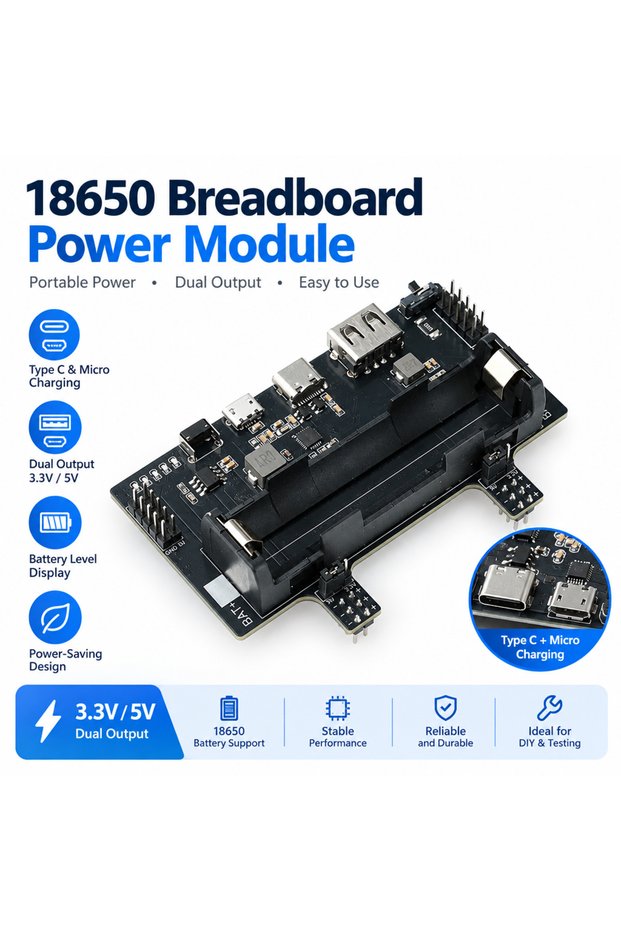
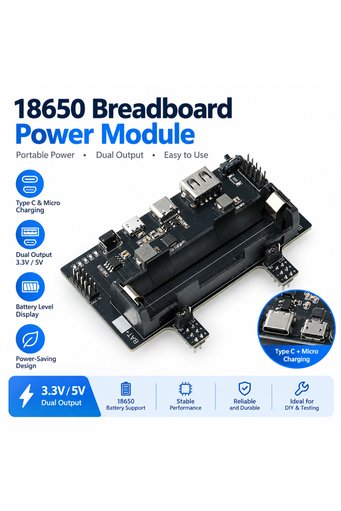
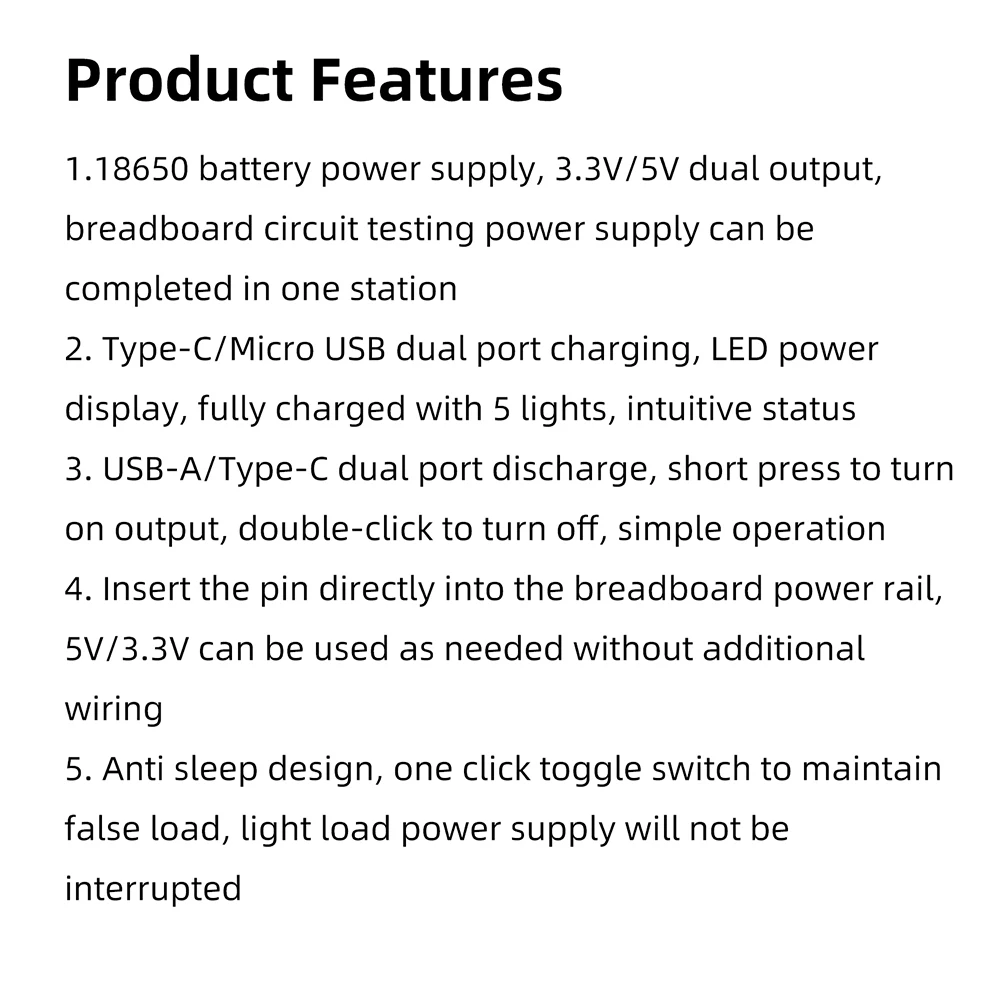
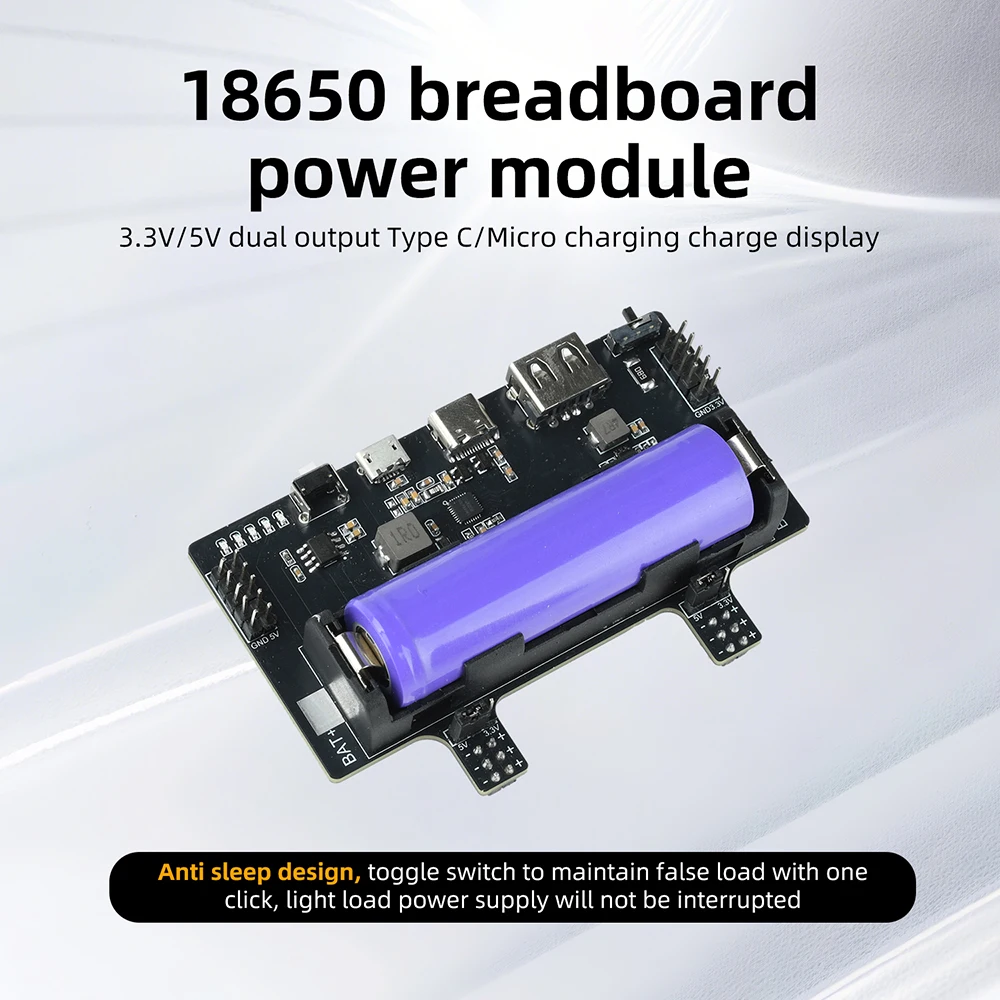
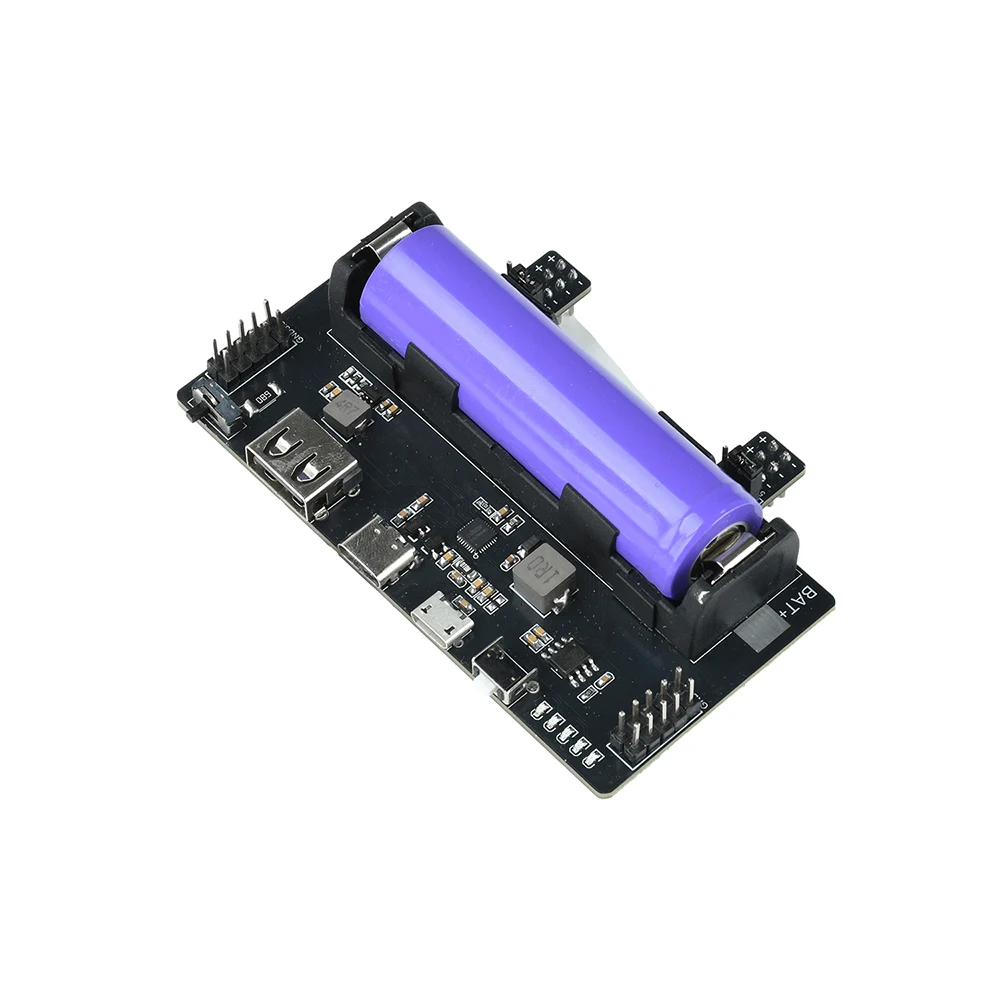
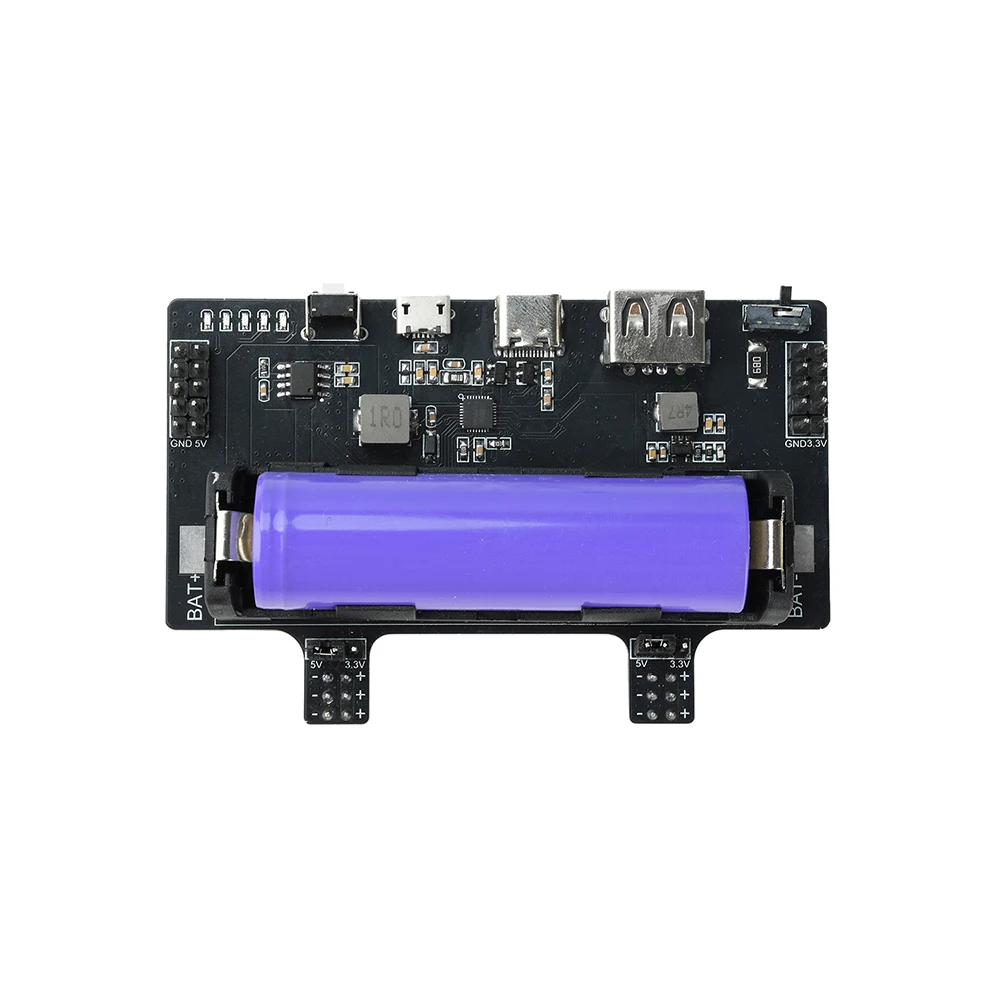
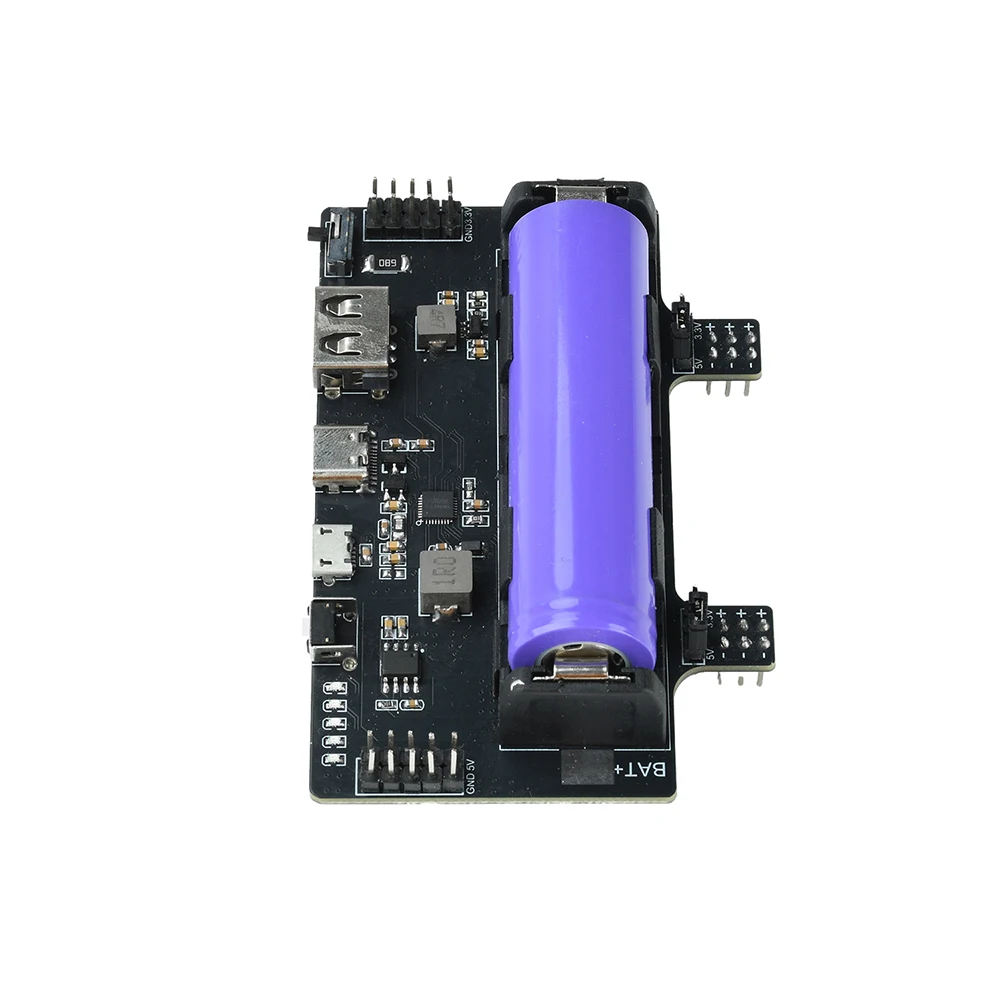
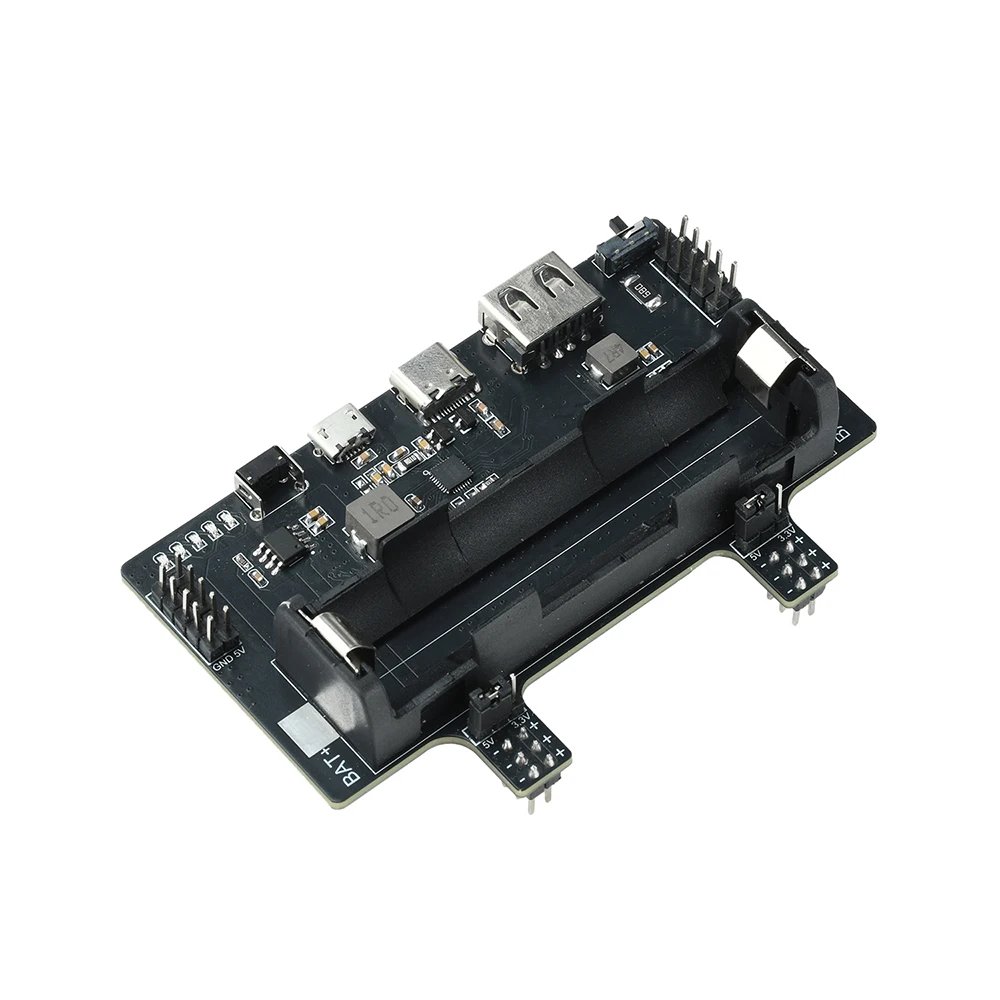
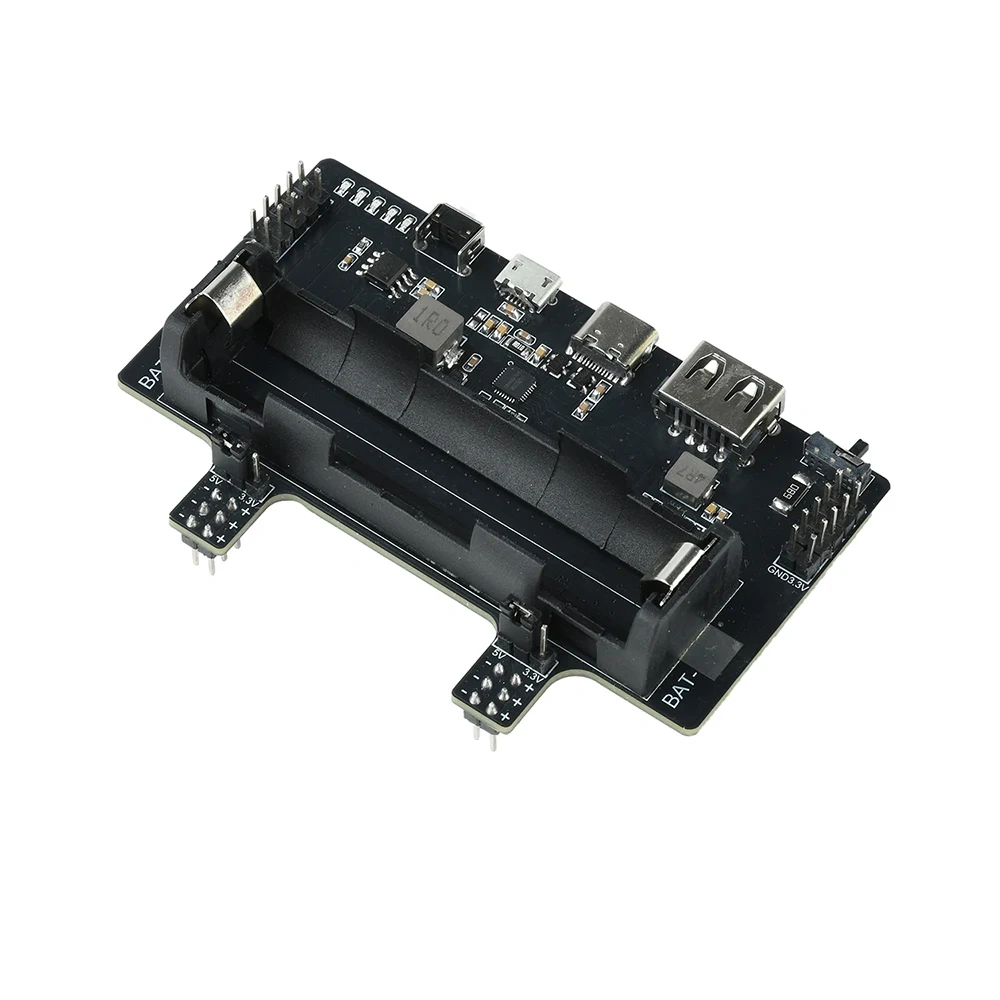
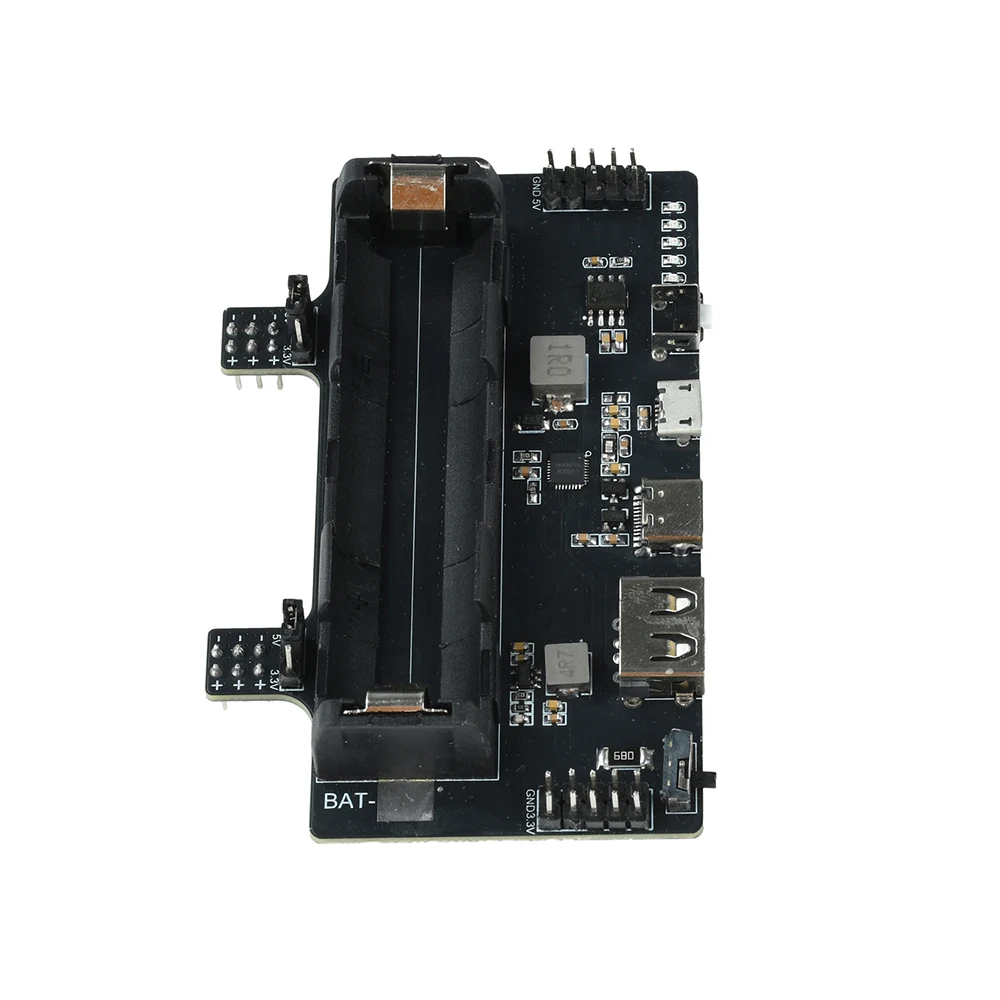
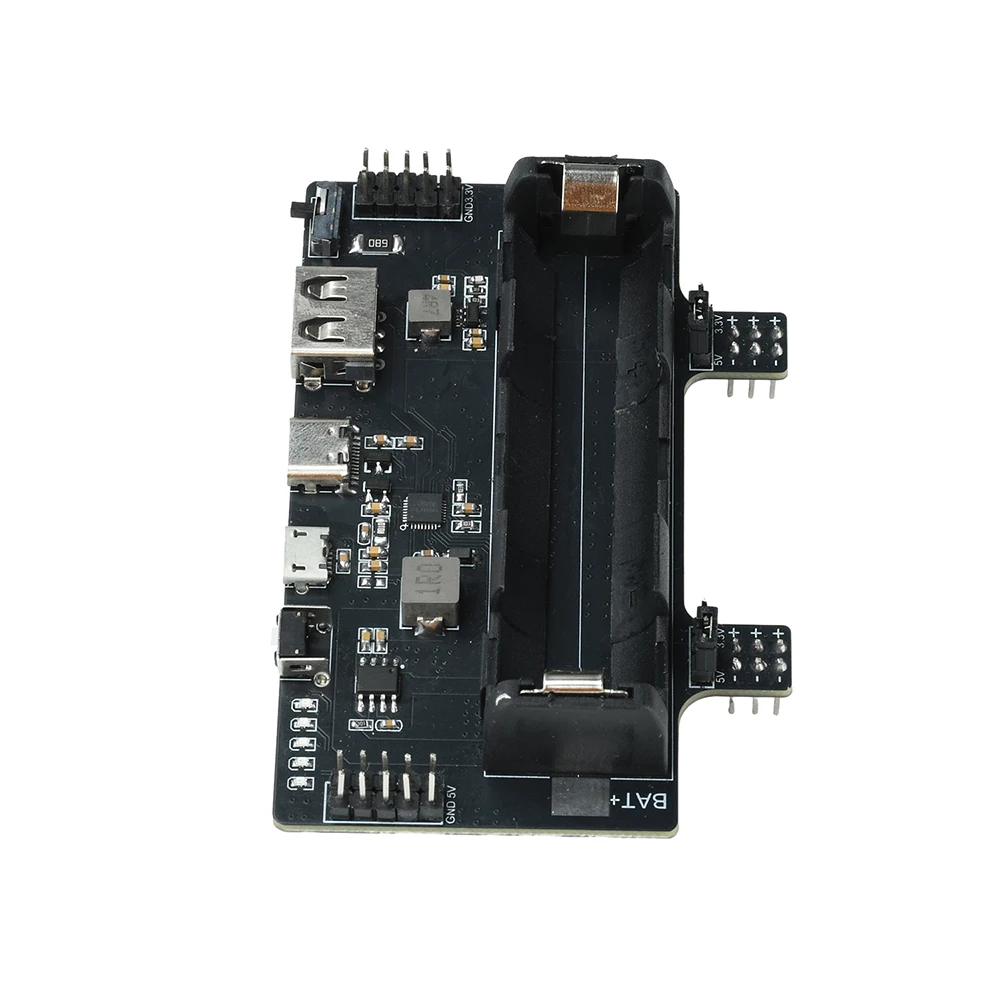
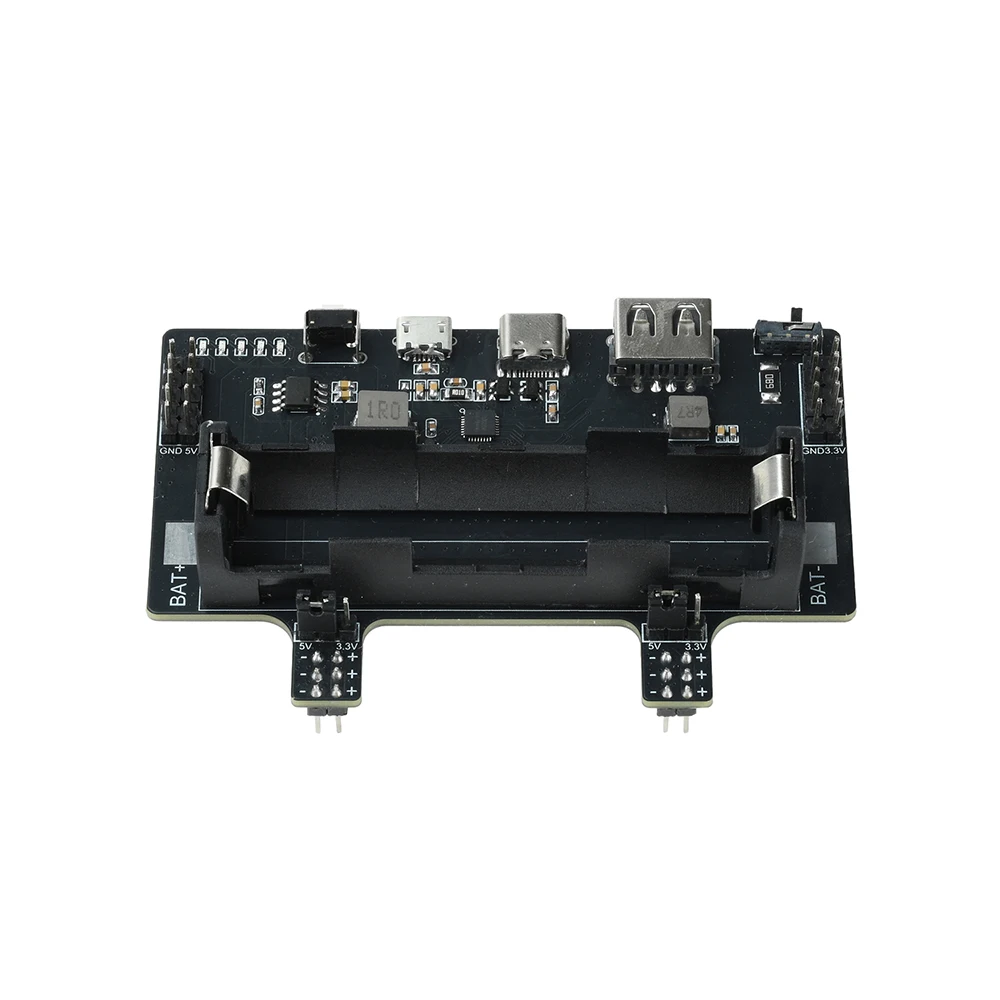
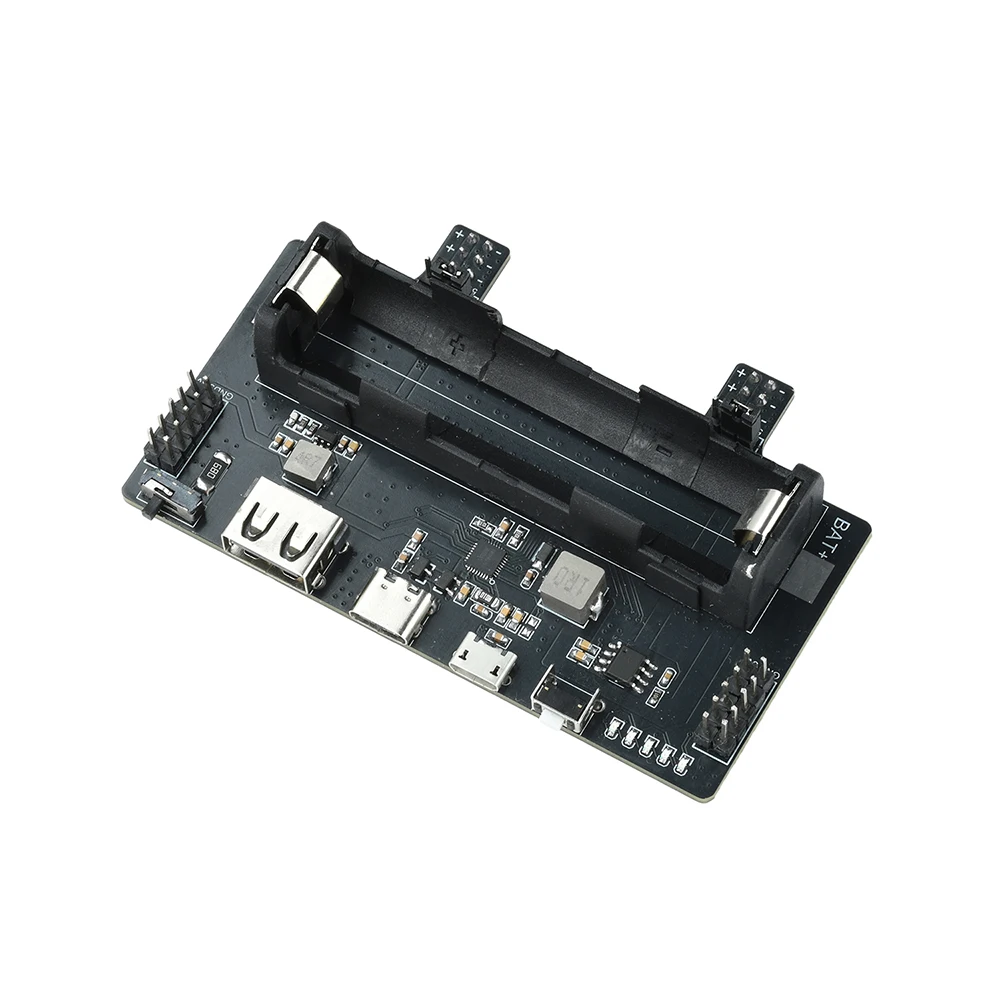
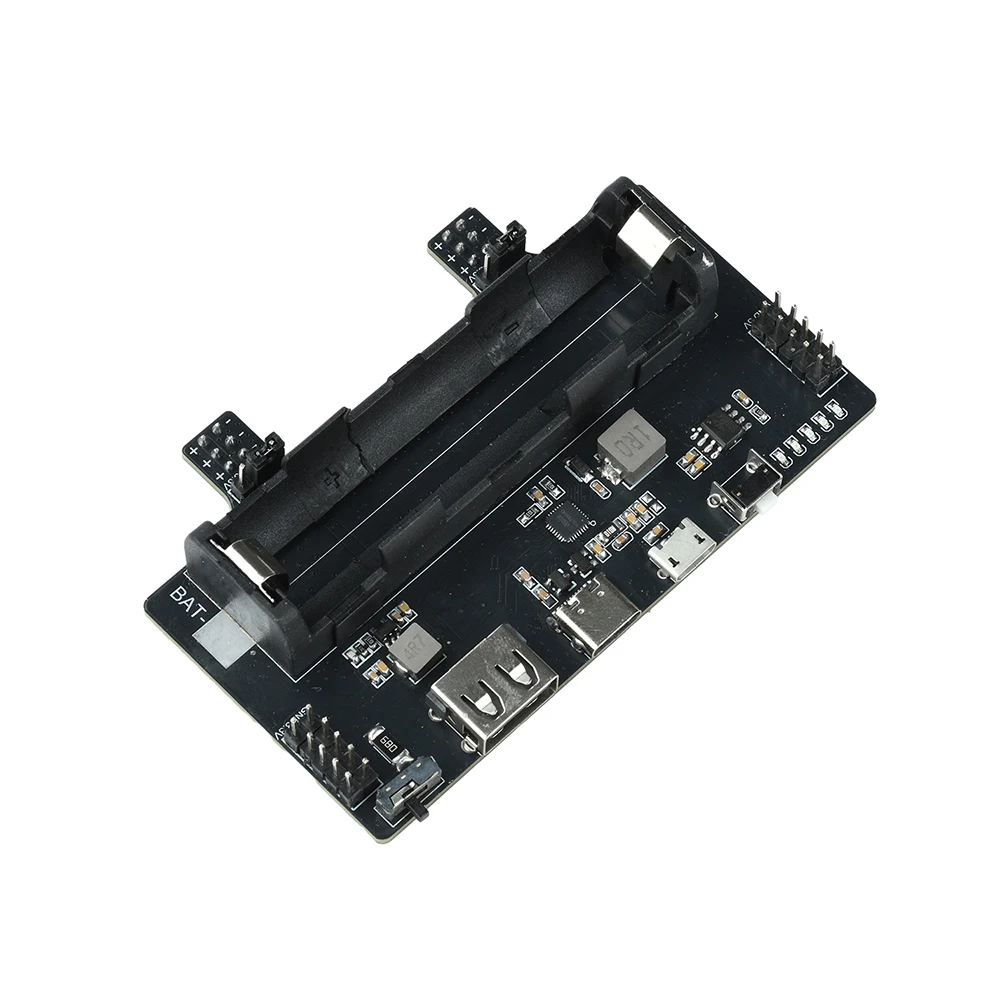
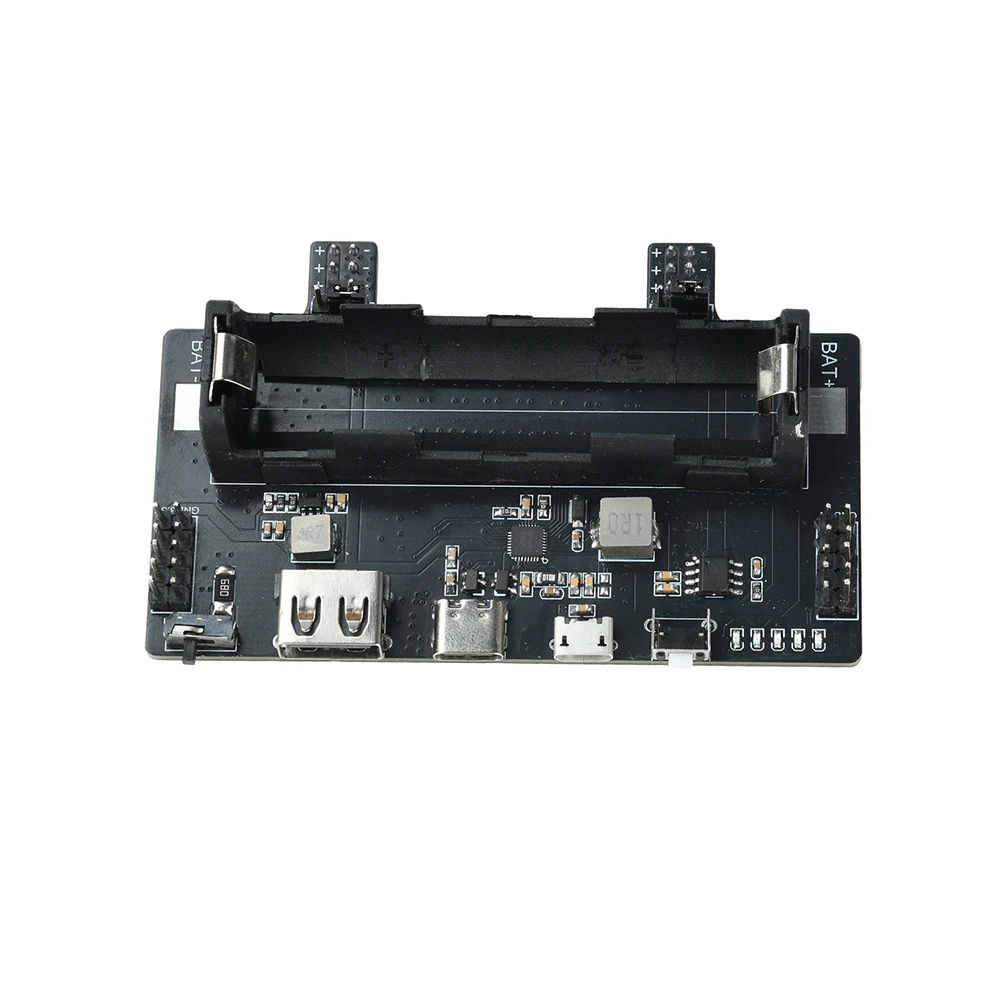
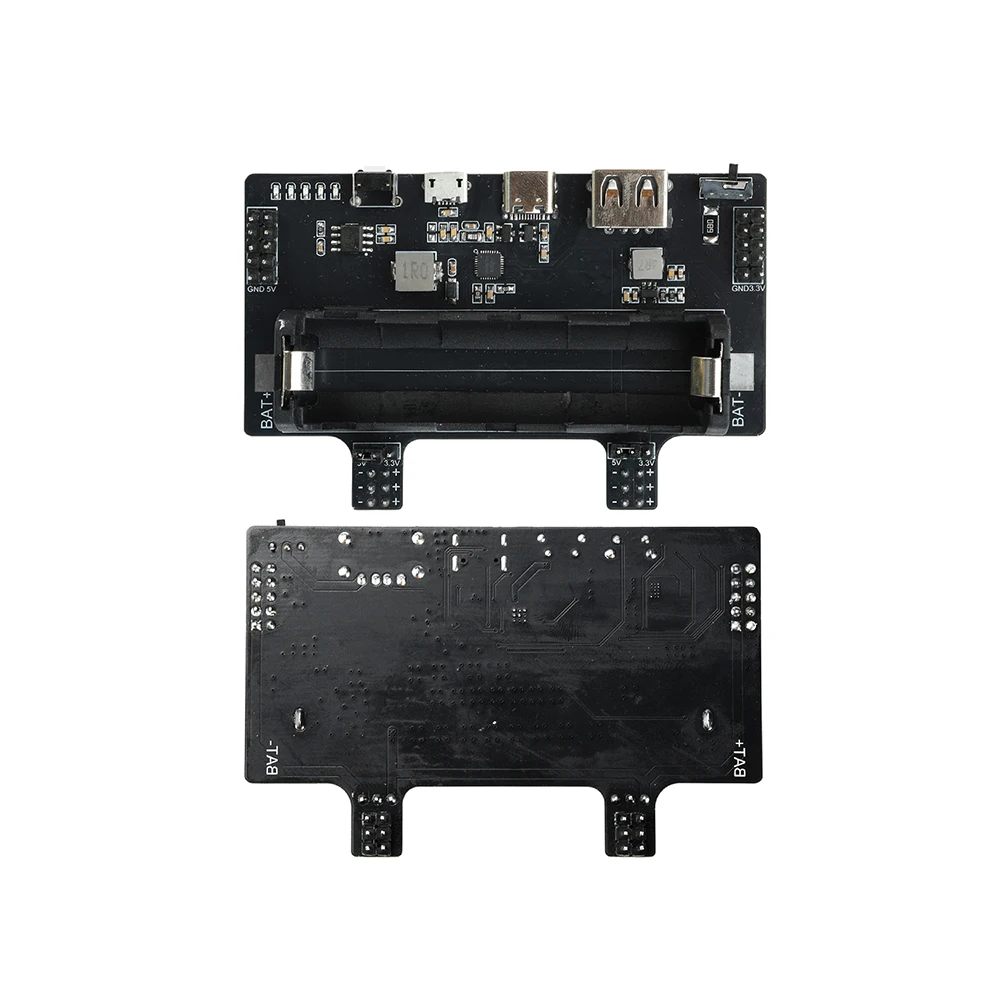
1.18650 battery power supply, 3.3V/5V dual output, breadboard circuit testing power supply can be completed in one station
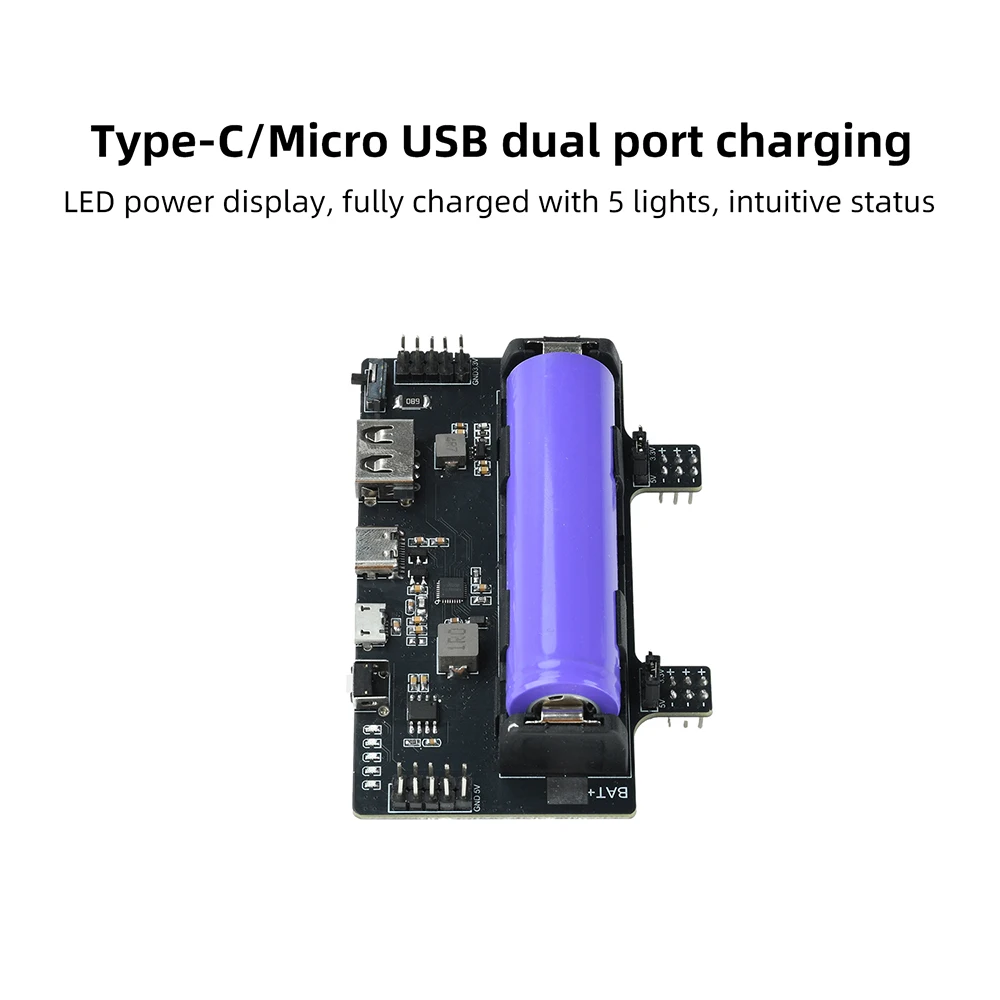
2. Type-C/Micro USB dual port charging, LED power display, fully charged with 5 lights, intuitive status
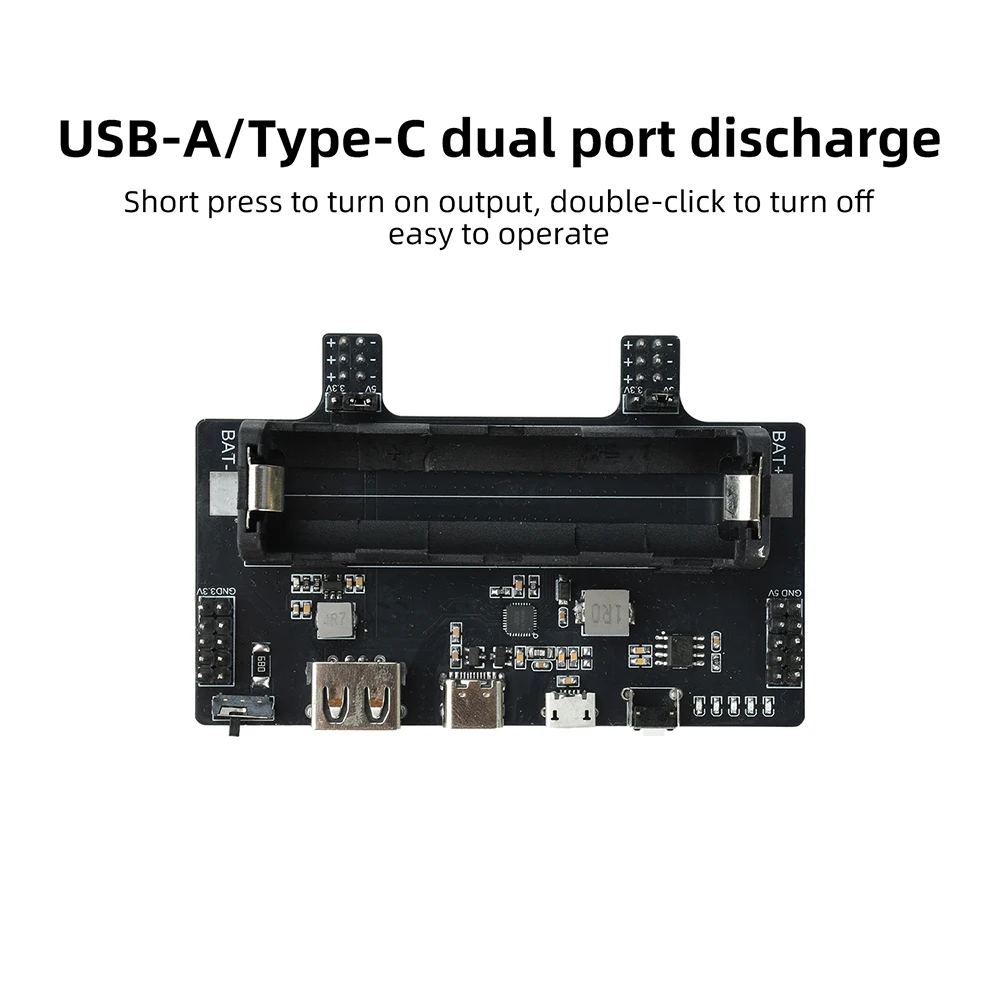
3. USB-A/Type-C dual port discharge, short press to turn on output, double-click to turn off, simple operation
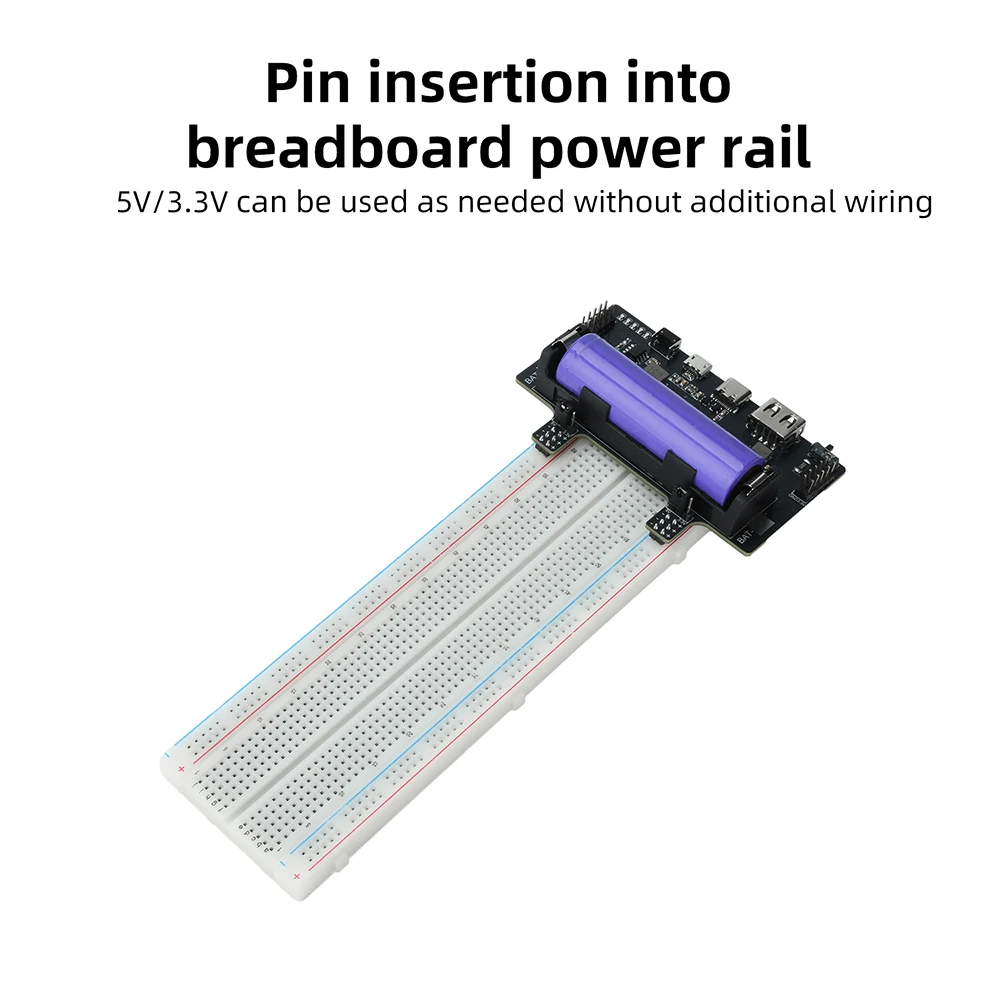
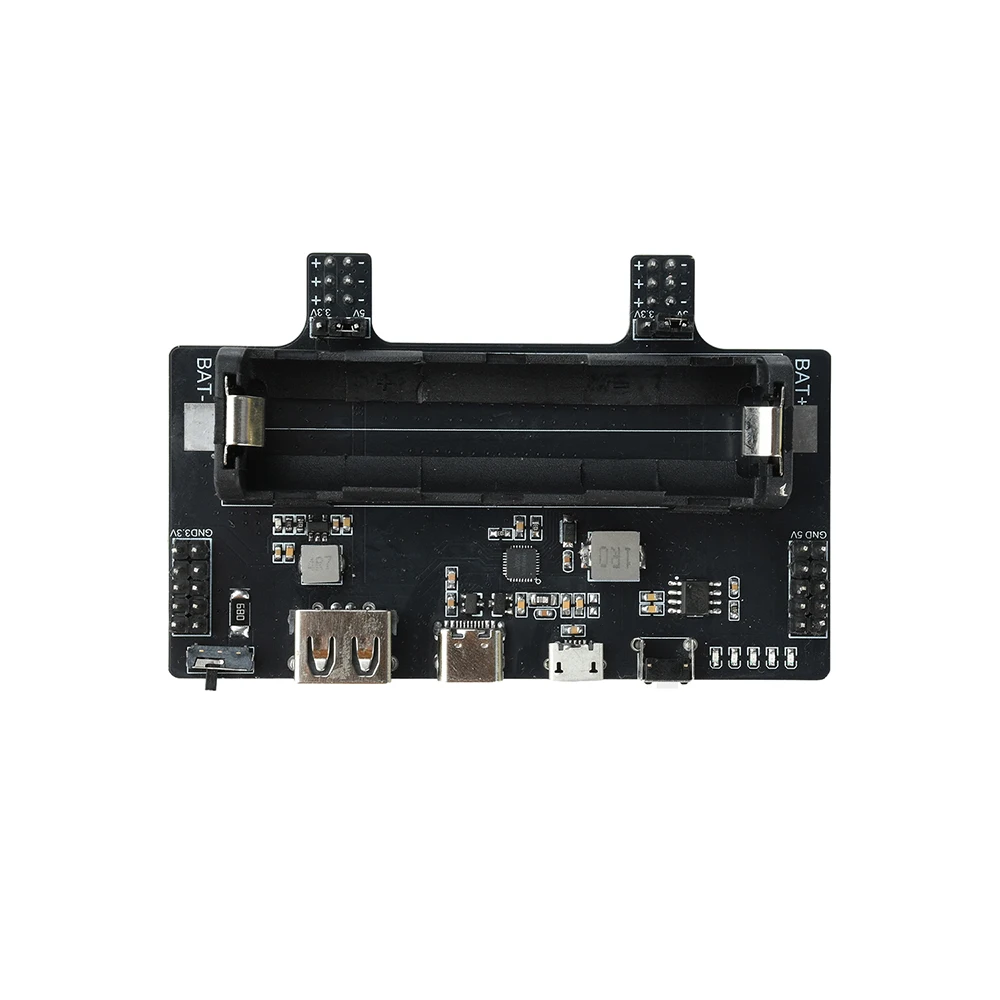
4. Insert the pin directly into the breadboard power rail, 5V/3.3V can be used as needed without additional wiring
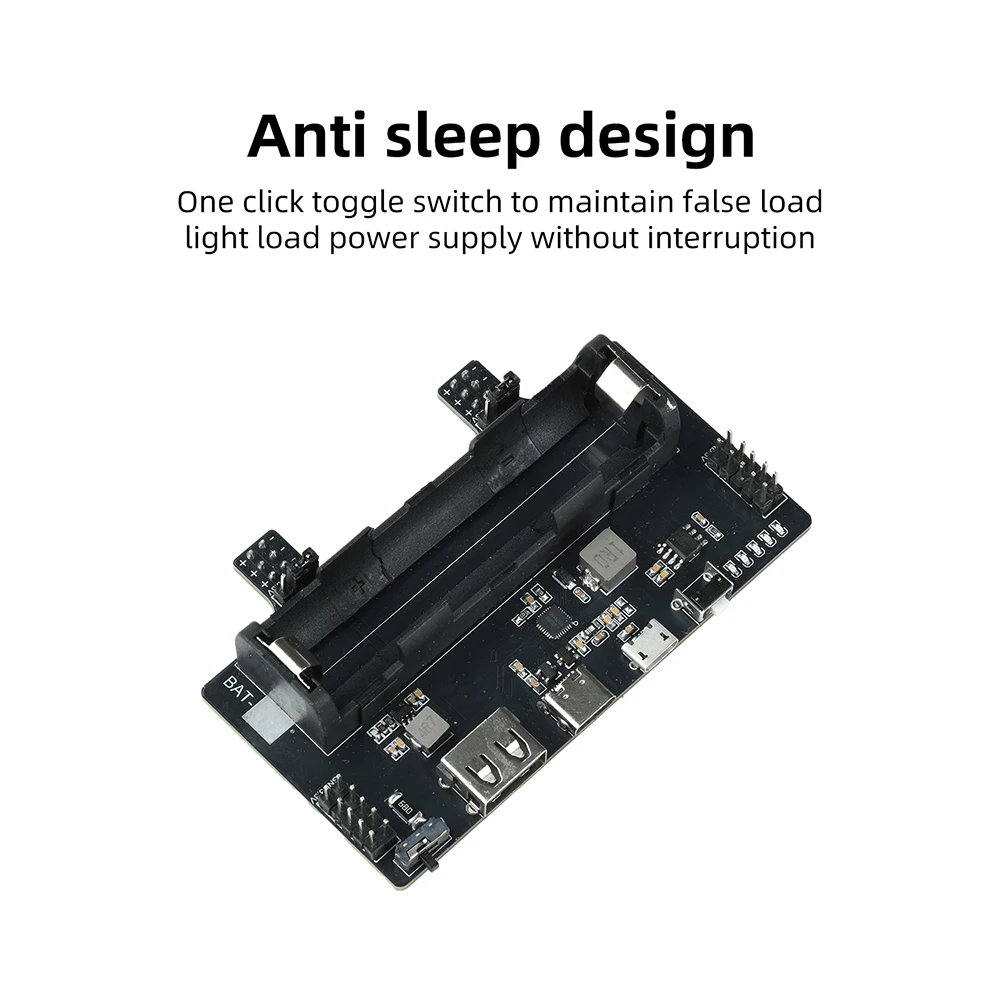
5. Anti sleep design, one click toggle switch to maintain false load, light load power supply will not be interrupted
Product Specifications:
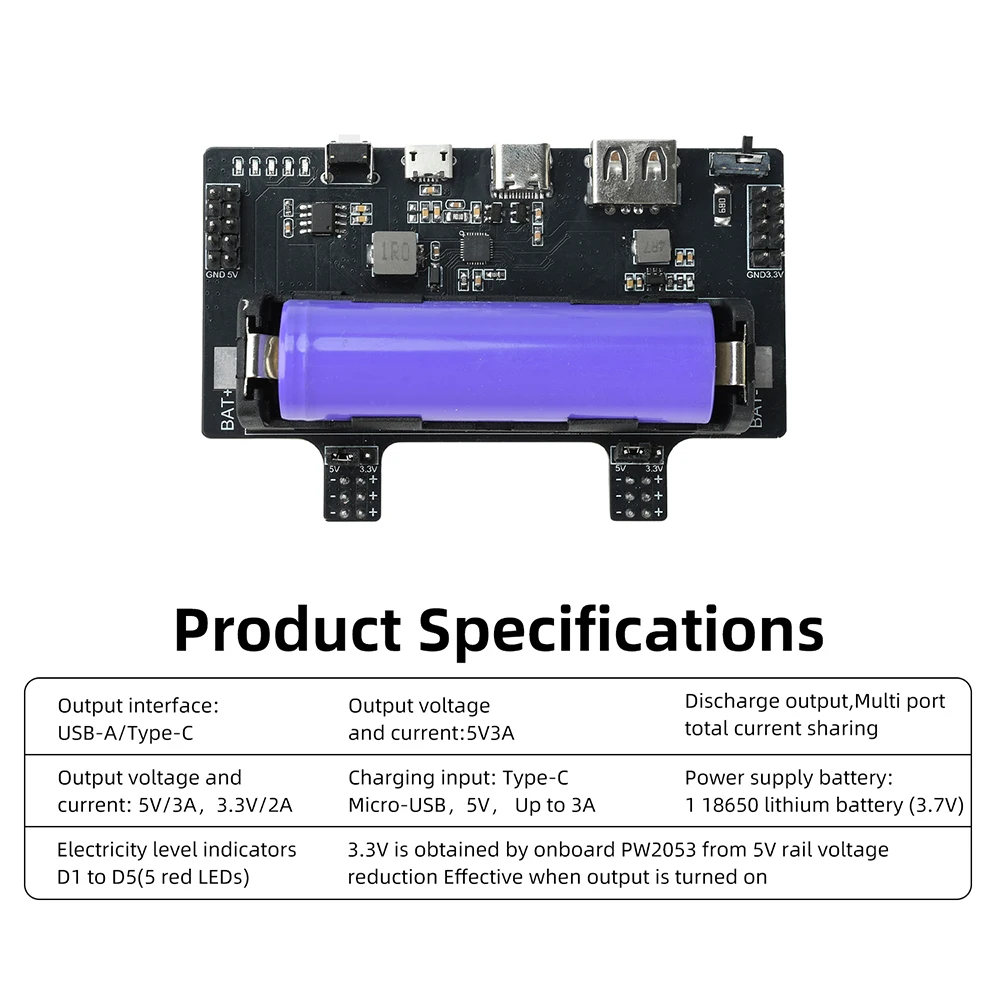
Output interface: USB-A/Type-C
Output voltage and current: 5V3A
Discharge output, multi port total current sharing
Output interface: Pin header (breadboard power rail)
Output voltage and current: 5V/3A, 3.3V/2A
3.3V is obtained by the onboard PW2053 from the 5V rail voltage reduction, and is effective when the output is turned on
Charging input: Type-C/Micro USB, 5V, up to 3A
Power supply battery: 1 18650 lithium battery (3.7V)
Power indicator D1~D5 (5 red LEDs)
Instructions for use:
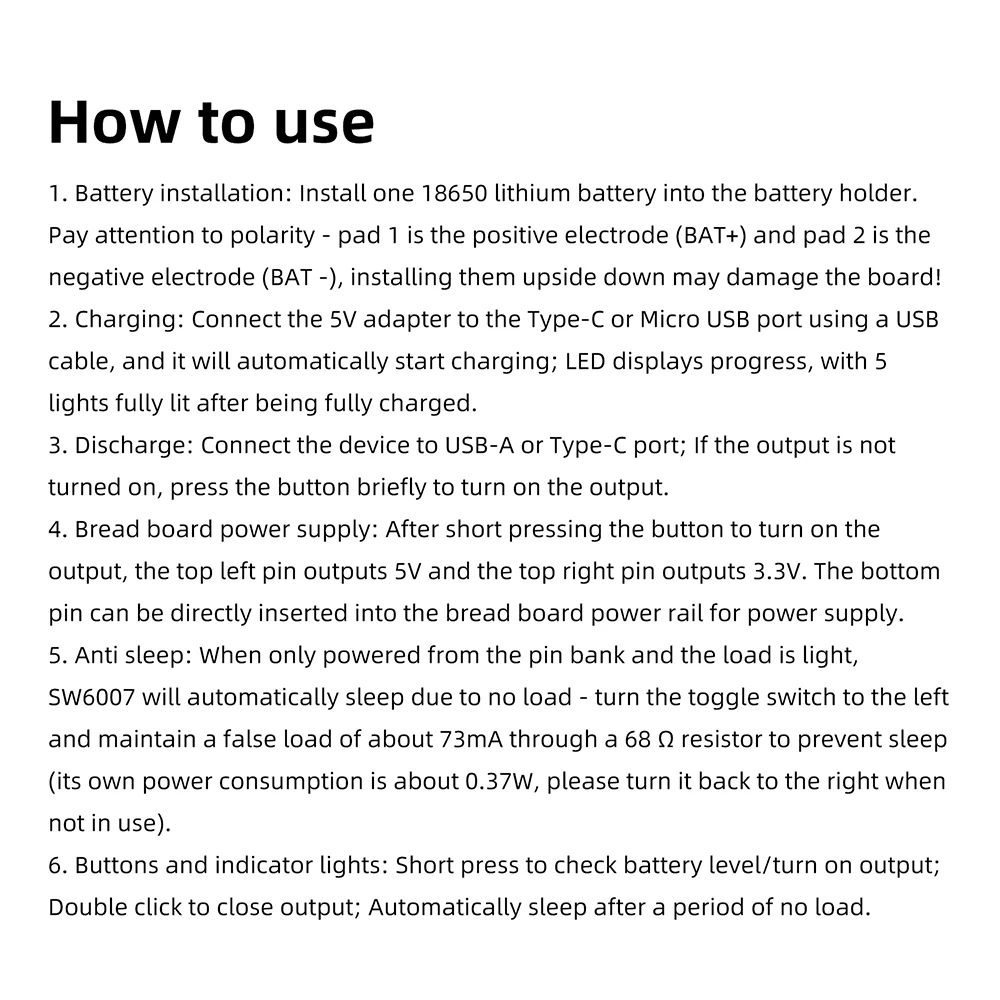
1. Battery installation: Install one 18650 lithium battery into the battery holder. Pay attention to polarity - pad 1 is the positive electrode (BAT+) and pad 2 is the negative electrode (BAT -), installing them upside down may damage the board!
2. Charging: Connect the 5V adapter to the Type-C or Micro USB port using a USB cable, and it will automatically start charging; LED displays progress, with 5 lights fully lit after being fully charged.
3. Discharge: Connect the device to USB-A or Type-C port; If the output is not turned on, press the button briefly to turn on the output.
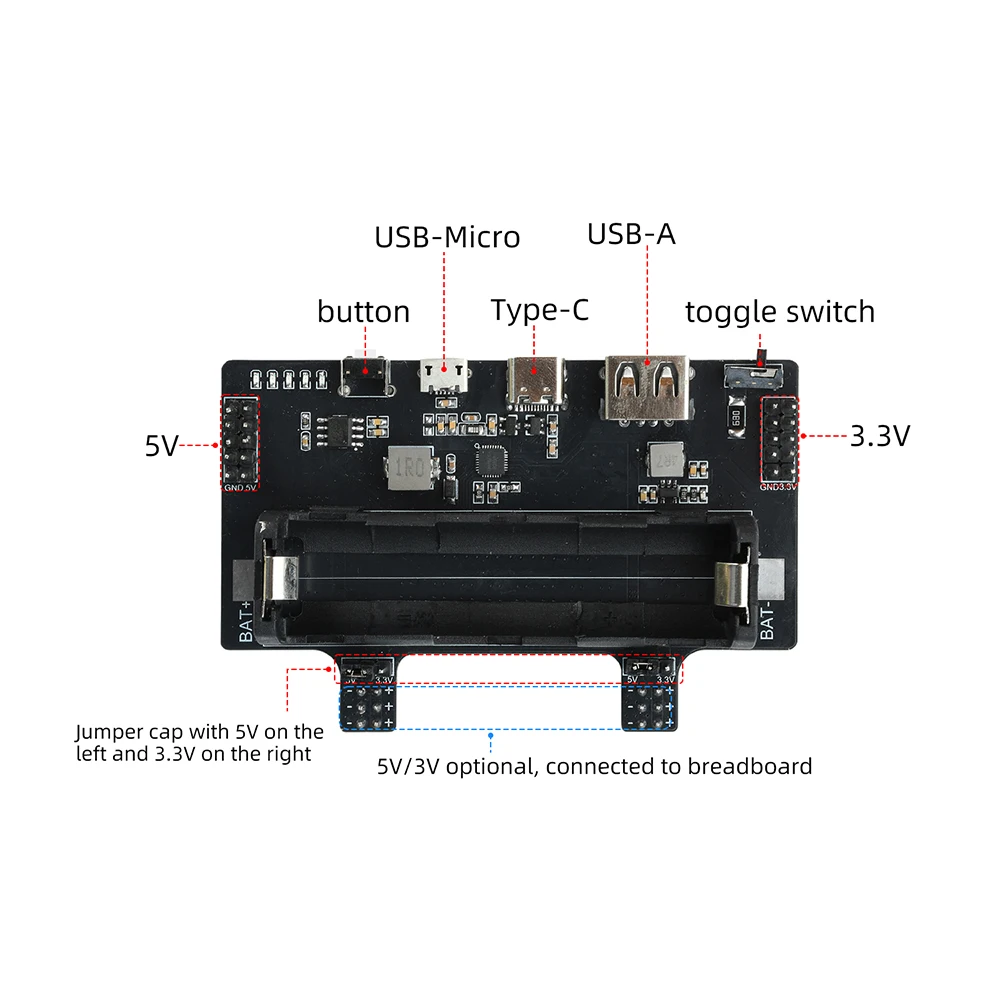
4. Bread board power supply: After short pressing the button to turn on the output, the top left pin outputs 5V and the top right pin outputs 3.3V. The bottom pin can be directly inserted into the bread board power rail for power supply.
5. Anti sleep: When only powered from the pin bank and the load is light, SW6007 will automatically sleep due to no load - turn the toggle switch to the left and maintain a false load of about 73mA through a 68 Ω resistor to prevent sleep (its own power consumption is about 0.37W, please turn it back to the right when not in use).
6. Buttons and indicator lights: Short press to check battery level/turn on output; Double click to close output; Automatically sleep after a period of no load.
Precautions:
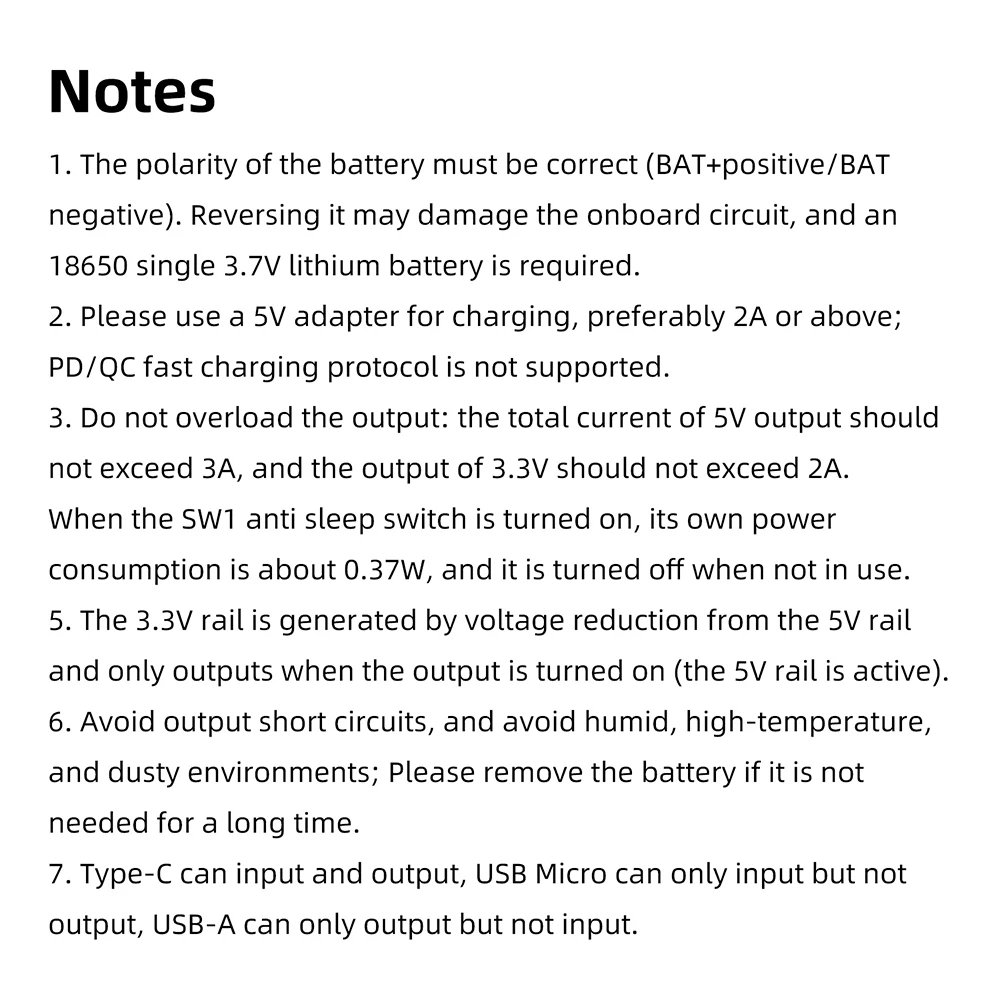
1. The polarity of the battery must be correct (BAT+positive/BAT negative). Reversing it may damage the onboard circuit, and an 18650 single 3.7V lithium battery is required.
2. Please use a 5V adapter for charging, preferably 2A or above; PD/QC fast charging protocol is not supported.
3. Do not overload the output: the total current of 5V output should not exceed 3A, and the output of 3.3V should not exceed 2A.
When the SW1 anti sleep switch is turned on, its own power consumption is about 0.37W, and it is turned off when not in use.
5. The 3.3V rail is generated by voltage reduction from the 5V rail and only outputs when the output is turned on (the 5V rail is active).
6. Avoid output short circuits, and avoid humid, high-temperature, and dusty environments; Please remove the battery if it is not needed for a long time.
7. Type-C can input and output, USB Micro can only input but not output, USB-A can only output but not input.
Packing List:
Bread board power module * 1
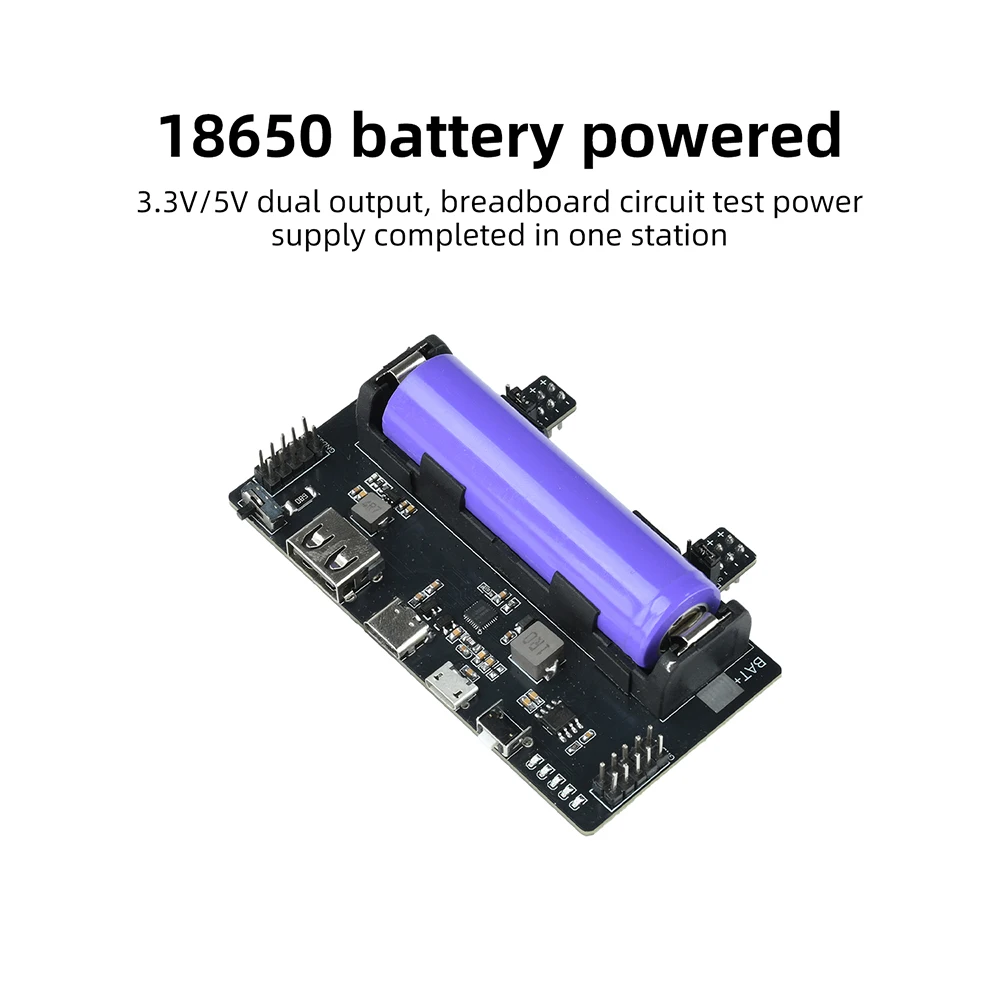
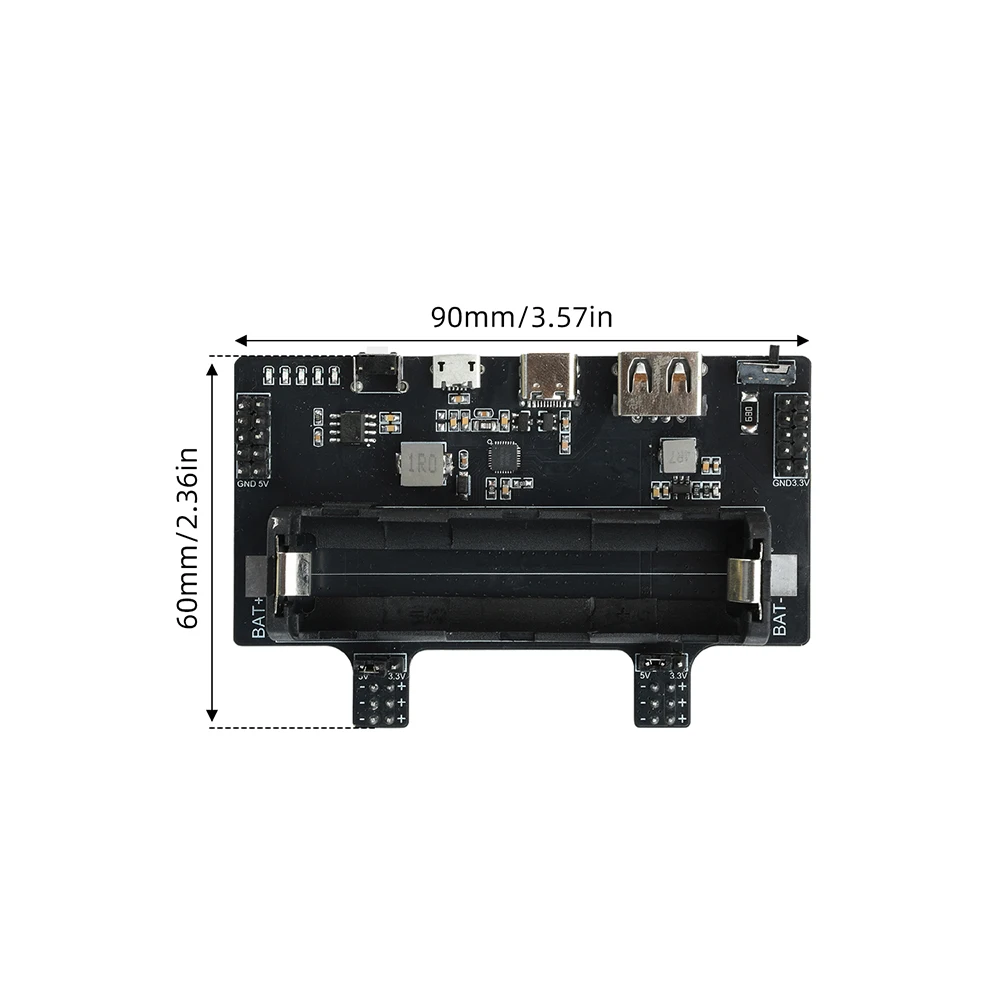
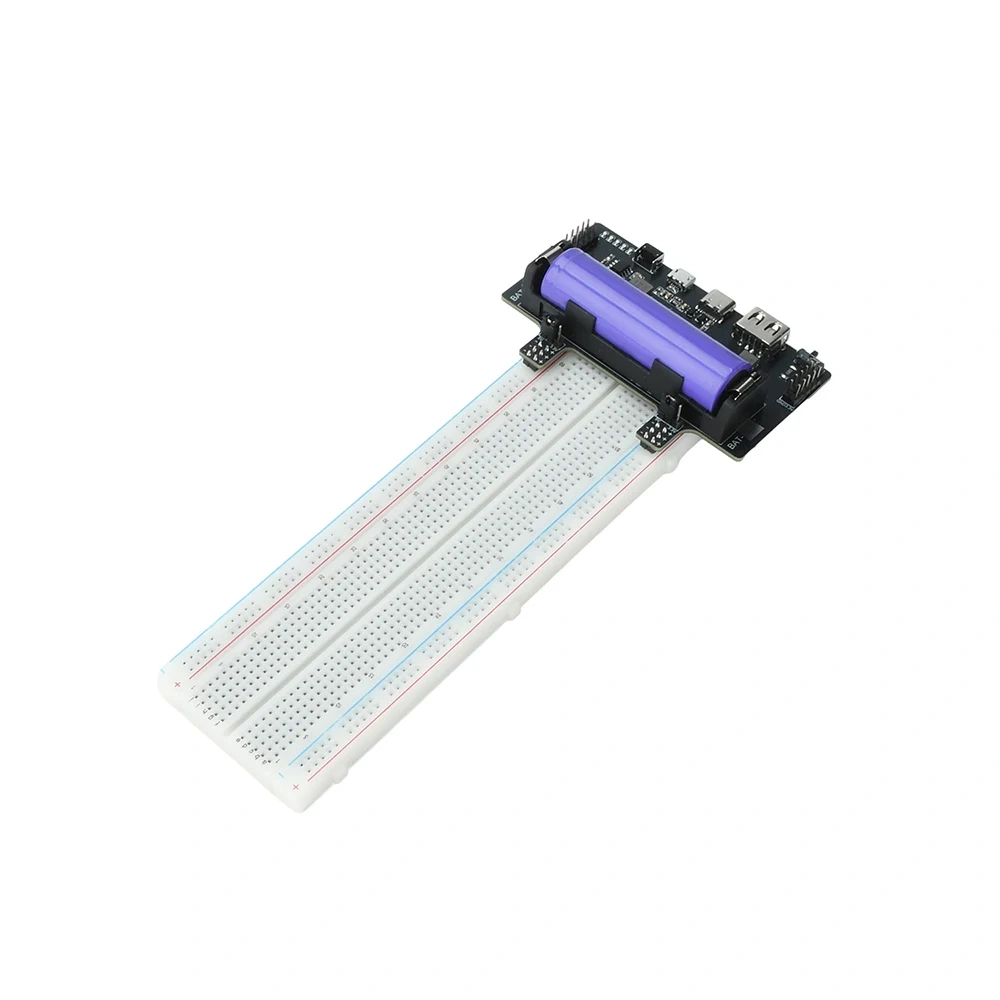
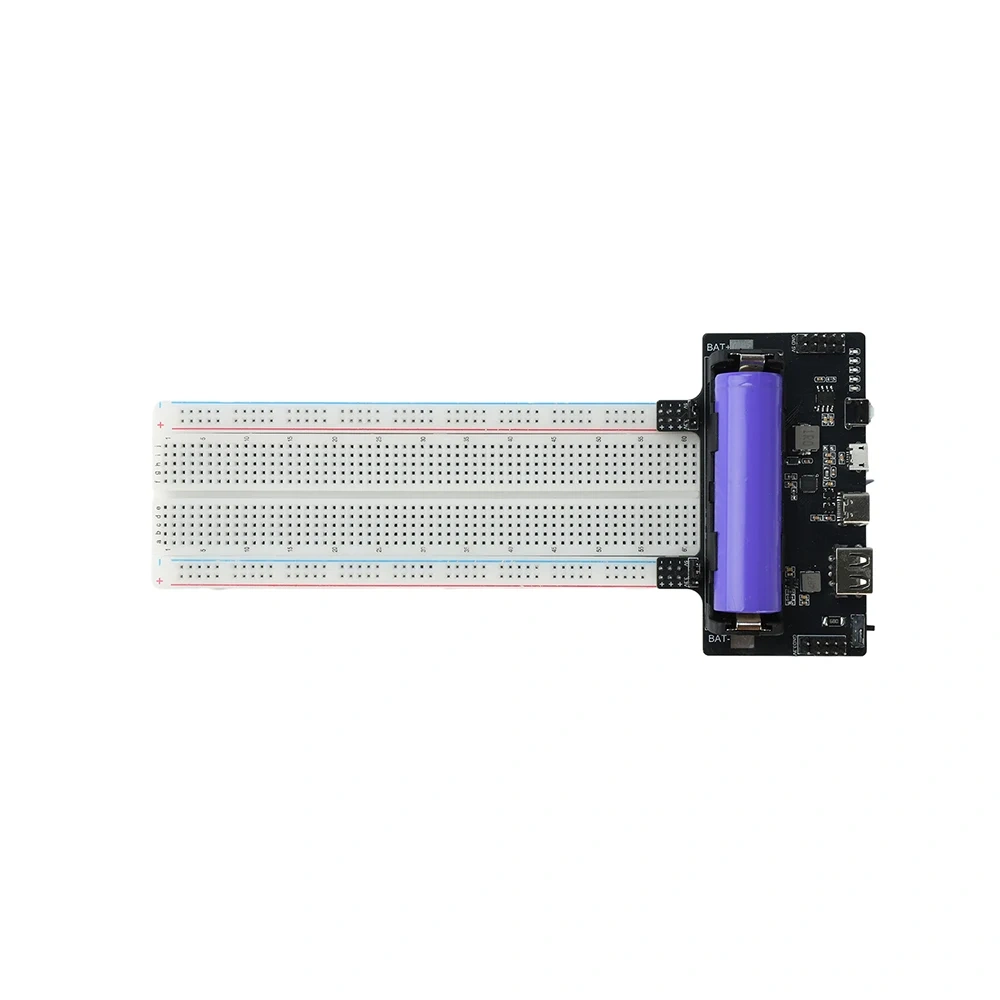
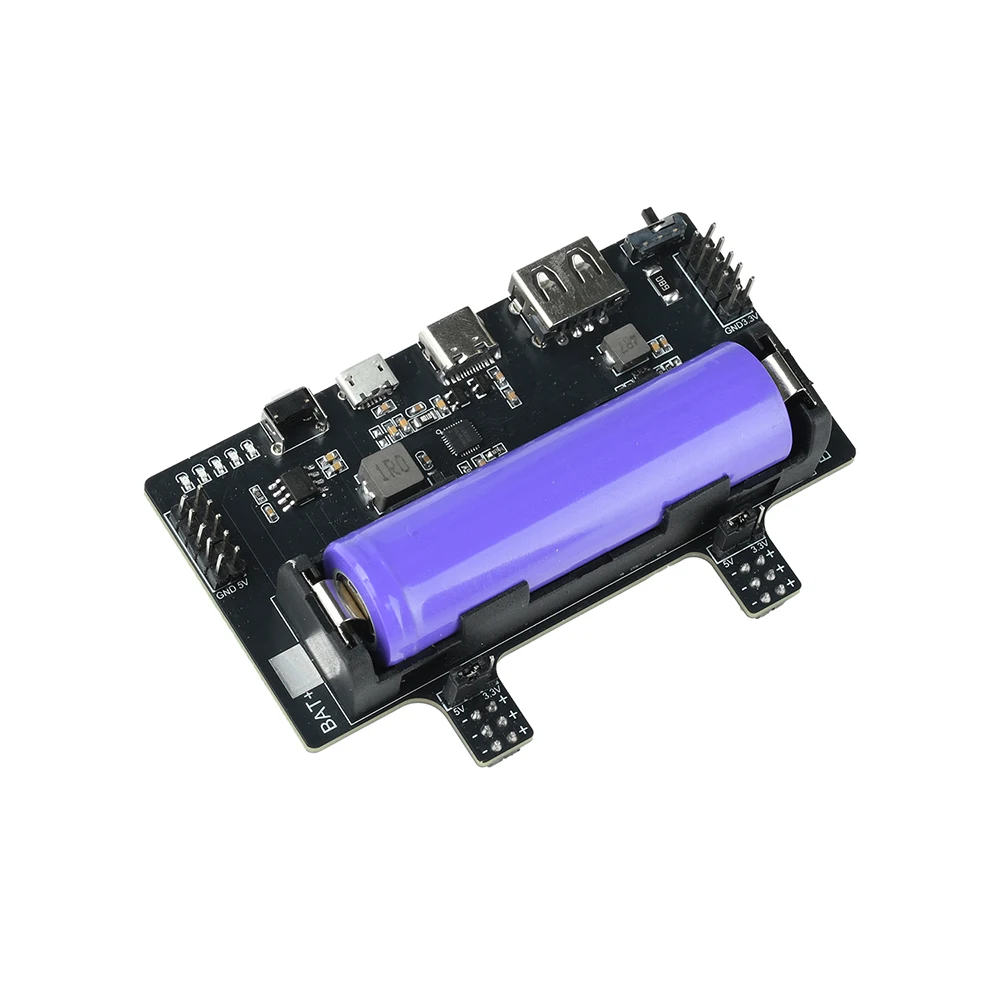
1.18650 battery power supply, 3.3V/5V dual output, breadboard circuit testing power supply can be completed in one station
2. Type-C/Micro USB dual port charging, LED power display, fully charged with 5 lights, intuitive status
3. USB-A/Type-C dual port discharge, short press to turn on output, double-click to turn off, simple operation
4. Insert the pin directly into the breadboard power rail, 5V/3.3V can be used as needed without additional wiring
5. Anti sleep design, one click toggle switch to maintain false load, light load power supply will not be interrupted
Product Specifications:
Output interface: USB-A/Type-C
Output voltage and current: 5V3A
Discharge output, multi port total current sharing
Output interface: Pin header (breadboard power rail)
Output voltage and current: 5V/3A, 3.3V/2A
3.3V is obtained by the onboard PW2053 from the 5V rail voltage reduction, and is effective when the output is turned on
Charging input: Type-C/Micro USB, 5V, up to 3A
Power supply battery: 1 18650 lithium battery (3.7V)
Power indicator D1~D5 (5 red LEDs)
Instructions for use:
1. Battery installation: Install one 18650 lithium battery into the battery holder. Pay attention to polarity - pad 1 is the positive electrode (BAT+) and pad 2 is the negative electrode (BAT -), installing them upside down may damage the board!
2. Charging: Connect the 5V adapter to the Type-C or Micro USB port using a USB cable, and it will automatically start charging; LED displays progress, with 5 lights fully lit after being fully charged.
3. Discharge: Connect the device to USB-A or Type-C port; If the output is not turned on, press the button briefly to turn on the output.
4. Bread board power supply: After short pressing the button to turn on the output, the top left pin outputs 5V and the top right pin outputs 3.3V. The bottom pin can be directly inserted into the bread board power rail for power supply.
5. Anti sleep: When only powered from the pin bank and the load is light, SW6007 will automatically sleep due to no load - turn the toggle switch to the left and maintain a false load of about 73mA through a 68 Ω resistor to prevent sleep (its own power consumption is about 0.37W, please turn it back to the right when not in use).
6. Buttons and indicator lights: Short press to check battery level/turn on output; Double click to close output; Automatically sleep after a period of no load.
Precautions:
1. The polarity of the battery must be correct (BAT+positive/BAT negative). Reversing it may damage the onboard circuit, and an 18650 single 3.7V lithium battery is required.
2. Please use a 5V adapter for charging, preferably 2A or above; PD/QC fast charging protocol is not supported.
3. Do not overload the output: the total current of 5V output should not exceed 3A, and the output of 3.3V should not exceed 2A.
When the SW1 anti sleep switch is turned on, its own power consumption is about 0.37W, and it is turned off when not in use.
5. The 3.3V rail is generated by voltage reduction from the 5V rail and only outputs when the output is turned on (the 5V rail is active).
6. Avoid output short circuits, and avoid humid, high-temperature, and dusty environments; Please remove the battery if it is not needed for a long time.
7. Type-C can input and output, USB Micro can only input but not output, USB-A can only output but not input.
Packing List:
Bread board power module * 1