Free shipping
Only 3 left!
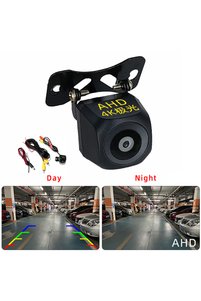
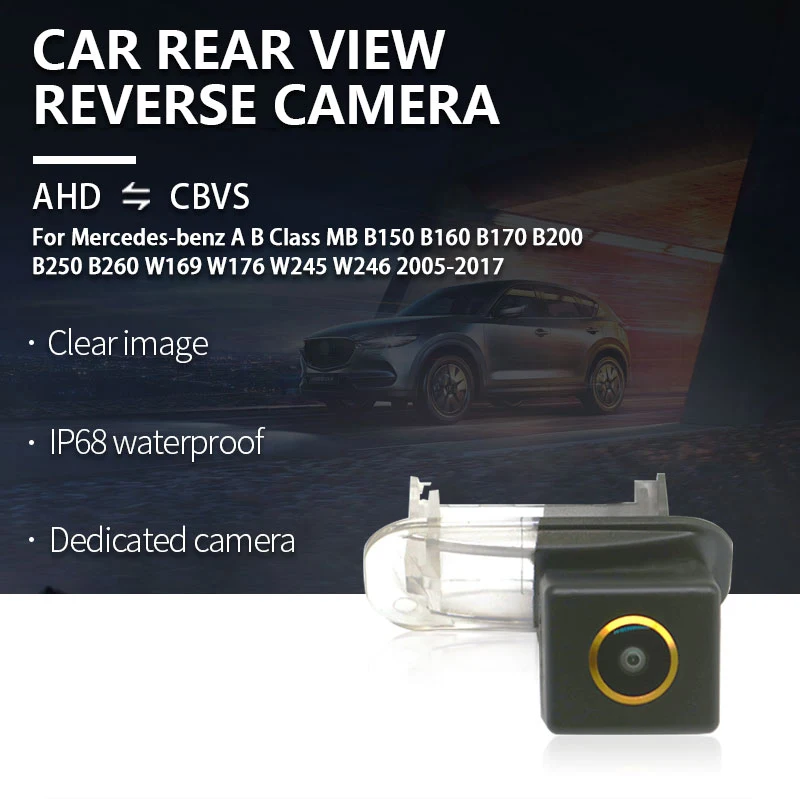
Choice 12 V AHD 1080P-CVBS AHD NTSC Car Rear View Reverse Camera For Mercedes Benz A B Series B200 W245 A16
No reviews yet.
Checkout Discount 12% Off
At checkout
61.45 AED
69.83 AED
Free shipping
Delivery address

Select your address, find out the delivery date!
Trendyol's commitments
Easy and free return in 15 days.
Payment methods



Highlighted features:
Choice1 12 V AHD 1080P-CVBS AHD NTSC Car Rear View Reverse Camera For Mercedes Benz A B Series B200 W245 A16 features
Instructions for Use/Warnings
*12 V*AHD 1080P-CVBS

Big Save Store
8.8
80.4K followers
Seller information
Similar items





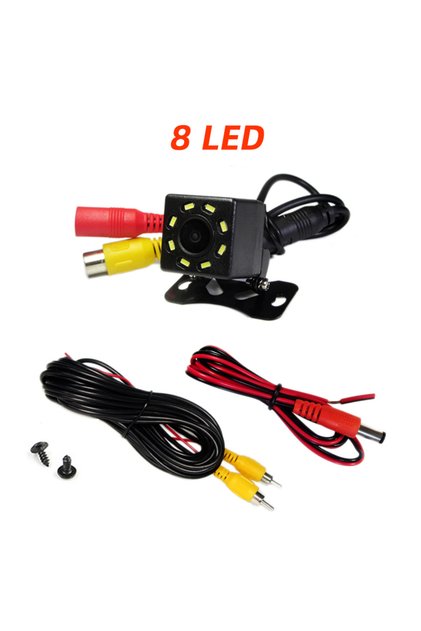

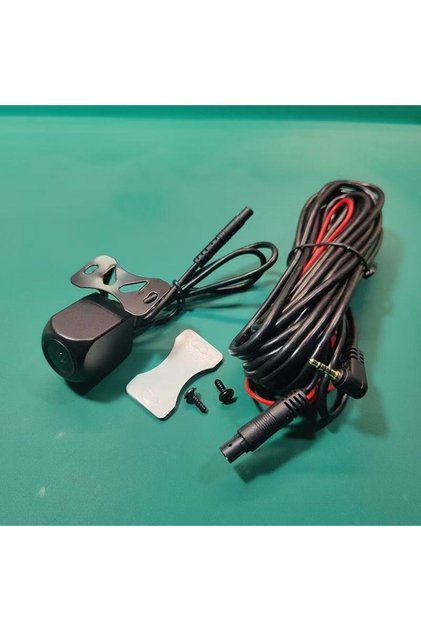

Shoppers also viewed

 Metal Case Number Flip In-Car Phone Number Parking Number Parking Car Number
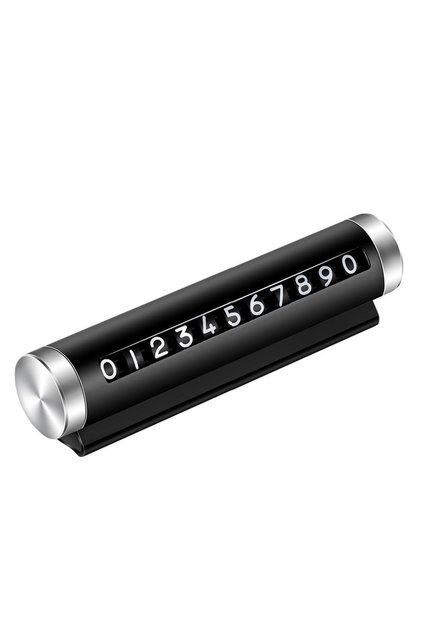


 Trendyol Plus Exclusive


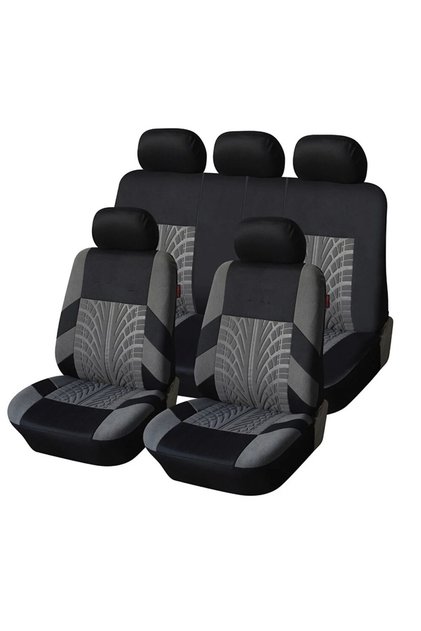
Choice1 12 V AHD 1080P-CVBS AHD NTSC Car Rear View Reverse Camera For Mercedes Benz A B Series B200 W245 A16 reviews
No reviews yet.
Product details

Additional info
- A maximum of 10 units of this product can be ordered. Trendyol reserves the right to cancel orders over 10 units.
- Barcode No: 3647786405890
Choice1 12 V AHD 1080P-CVBS AHD NTSC Car Rear View Reverse Camera For Mercedes Benz A B Series B200 W245 A16 features
Instructions for Use/Warnings
*12 V*AHD 1080P-CVBS
Safety information
Product safety information
Product description
Voltage:12 V
Color Name:AHD 1080P-CVBS
NOTE:
(1)Please check if your Android monitor supports AHD720P before purchasing
(2)Our car camera only supports Android large screens. Please check carefully before purchasing
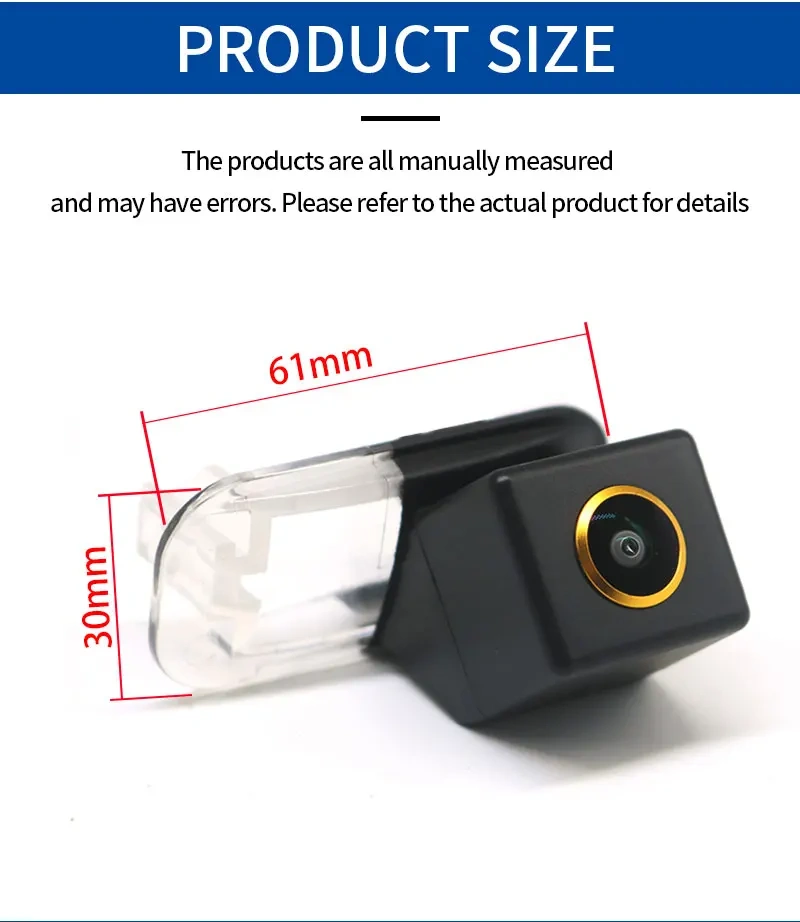
(3)Because there may be slight differences between carsproduced in different countries, please check the size beforebuying.
Feature:
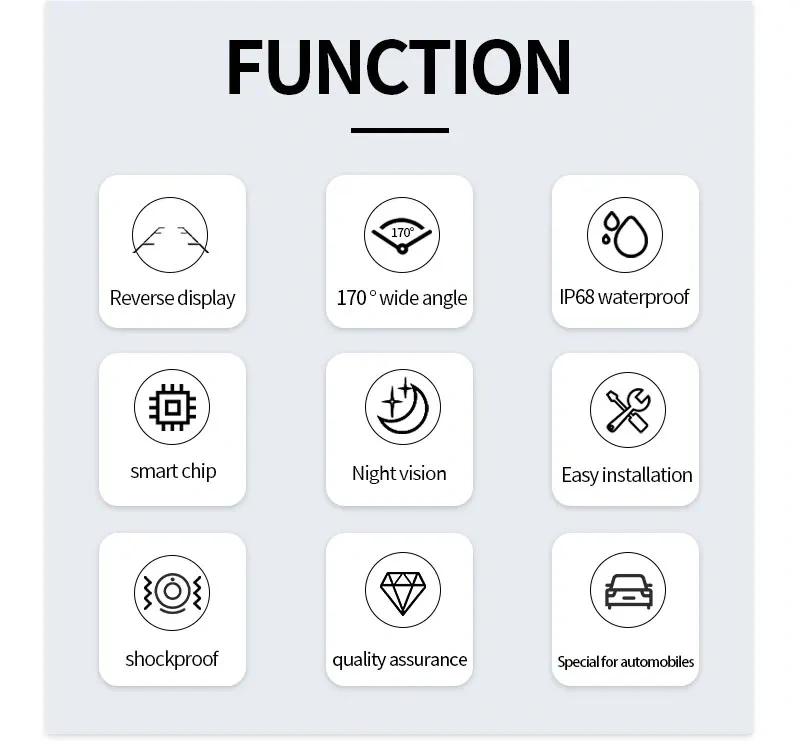
1. Condition:six-layer lens,100% products and high quality
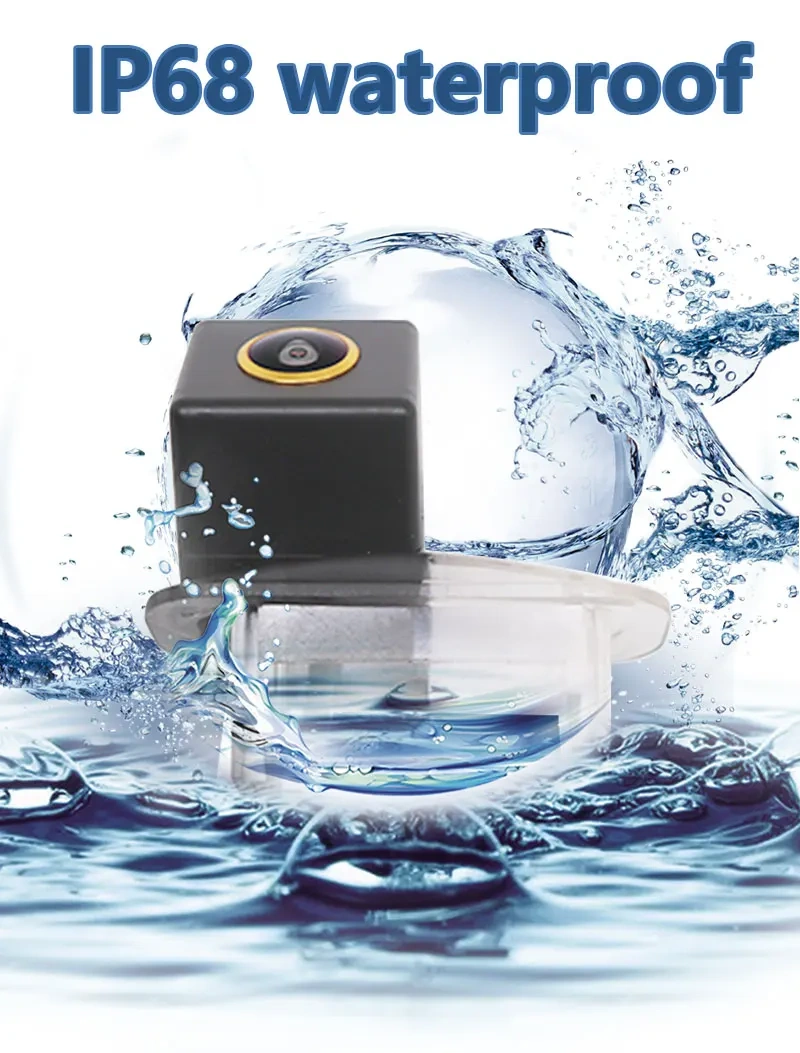
2. hard-resistant function, strong blowing
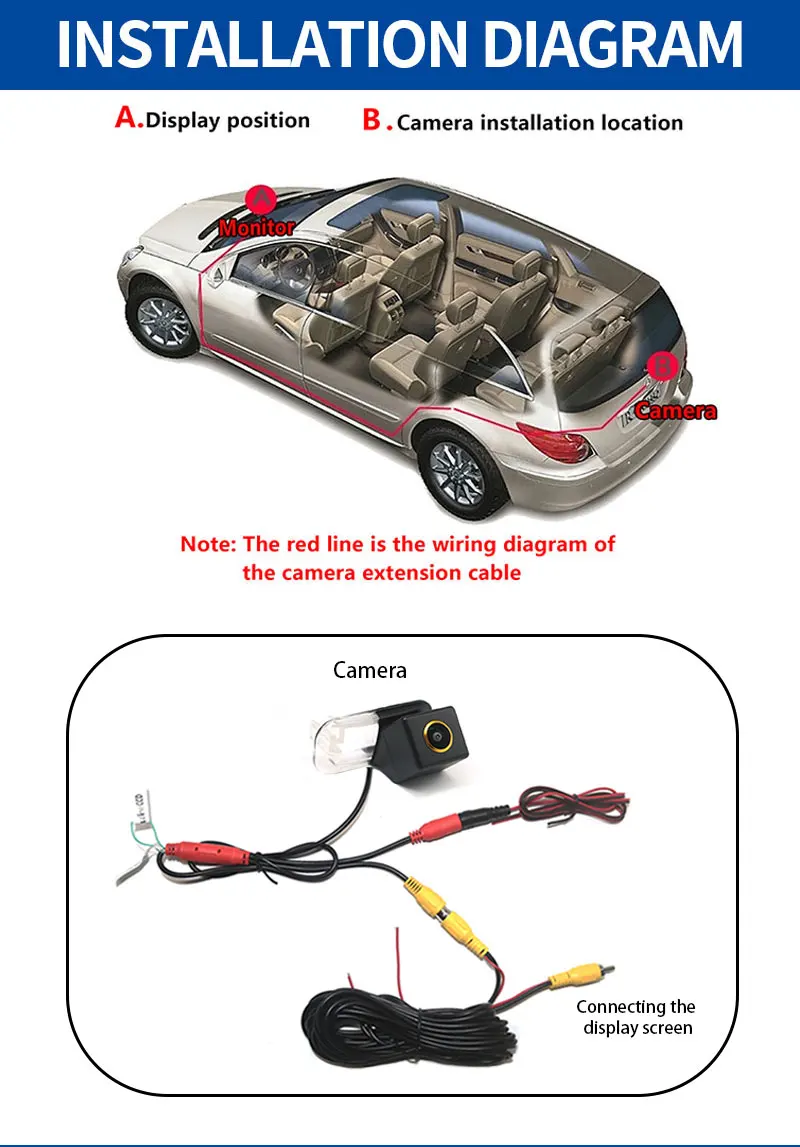
3. Easy installation and simple operation
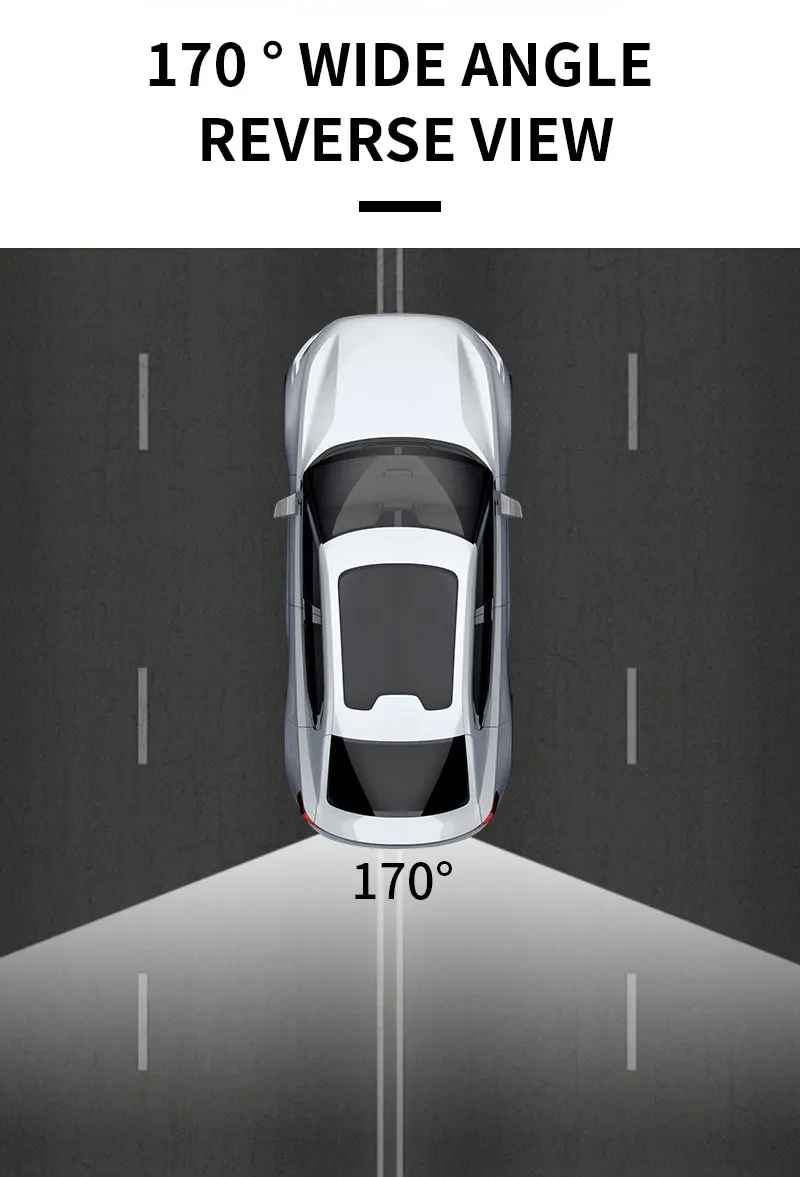
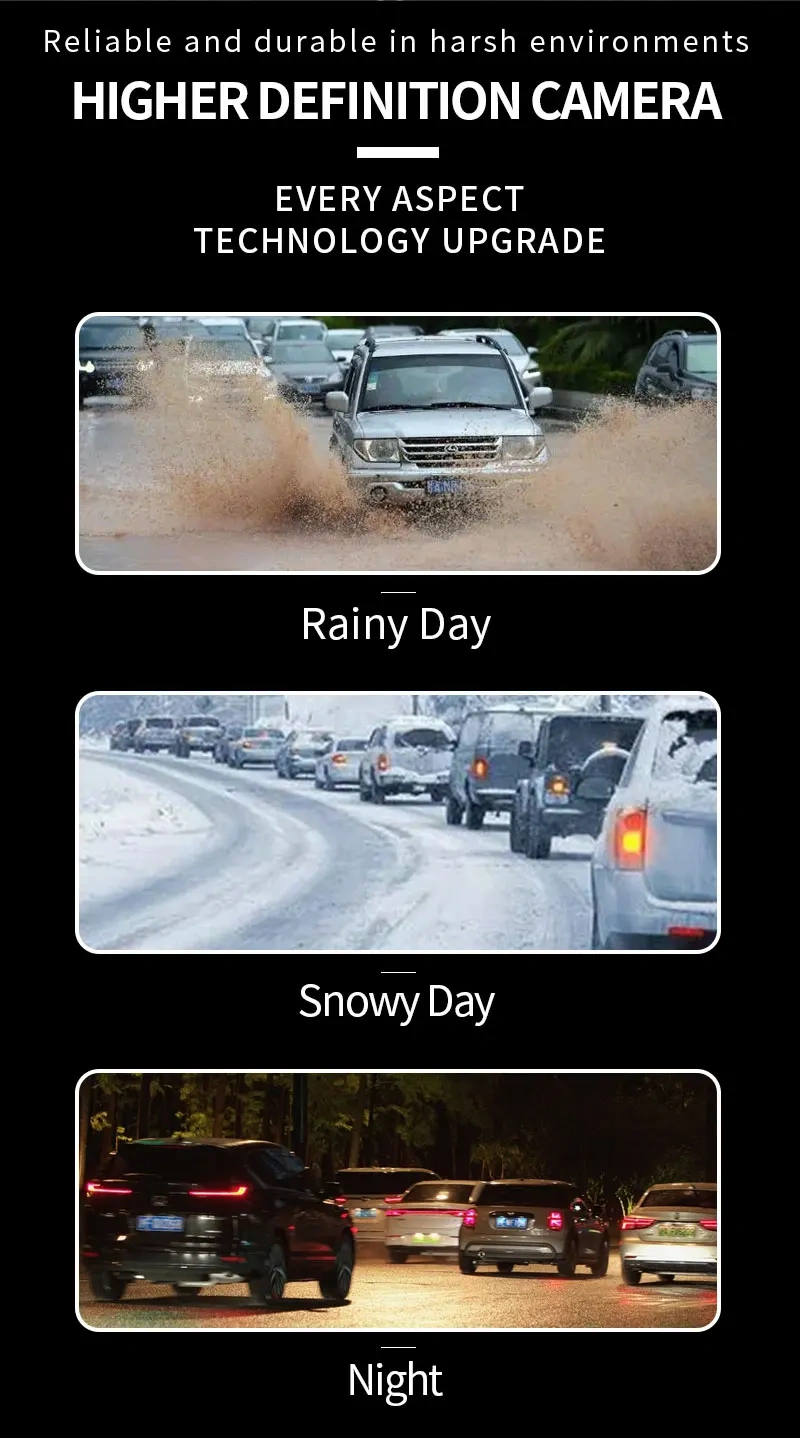
4. High definition camera reading, high definition and wide viewing angles
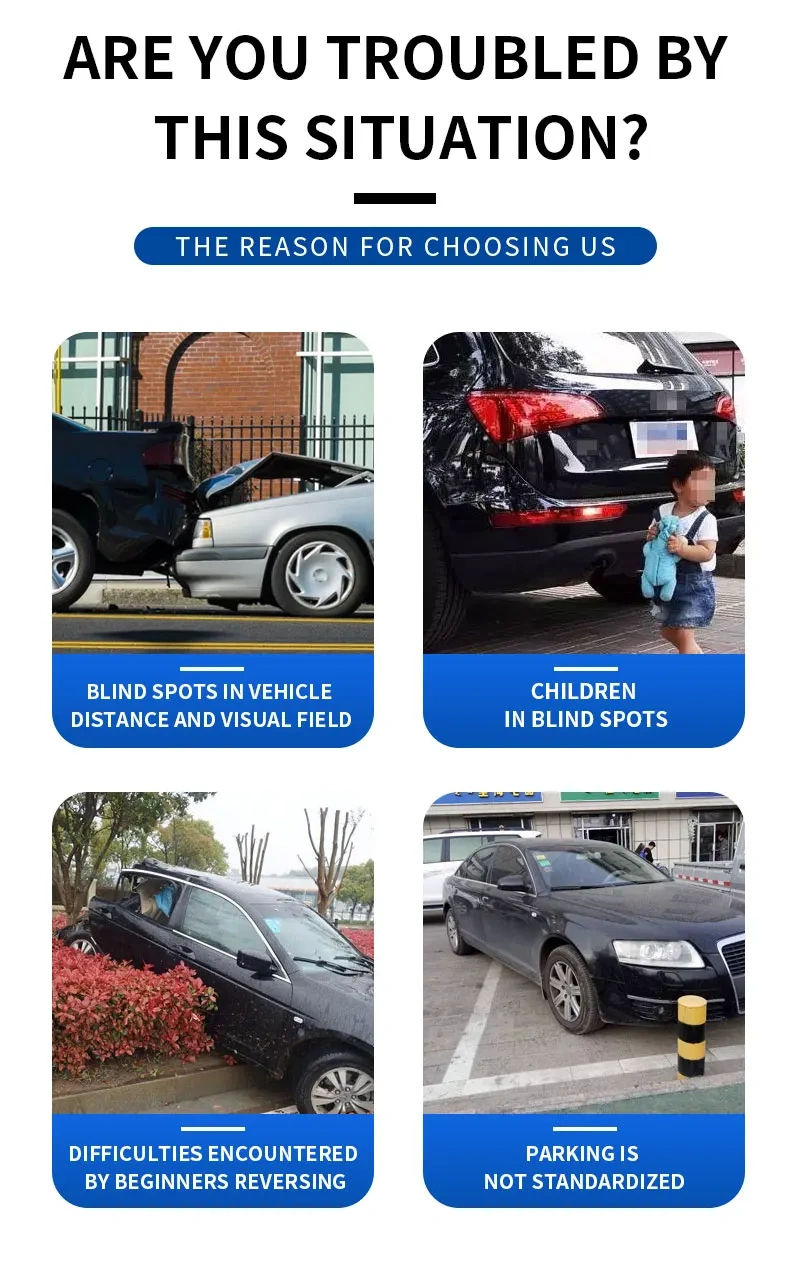
5. Ensure safe driving to avoid accidents on vehicles
6.Stable performance, low power consumption, low noise, smart adjustment, night vision effect
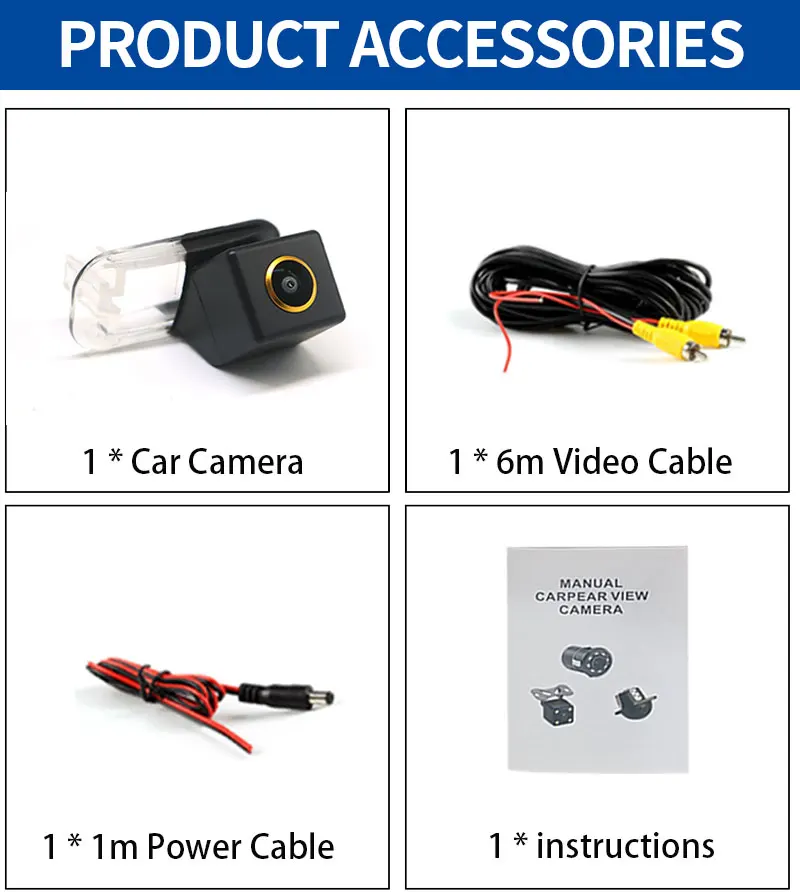
Product List:
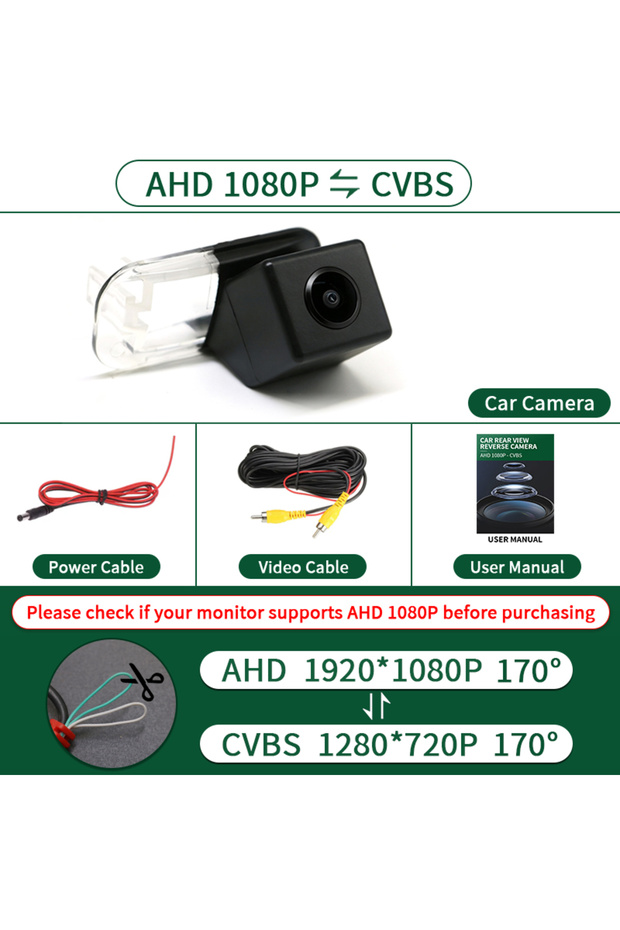
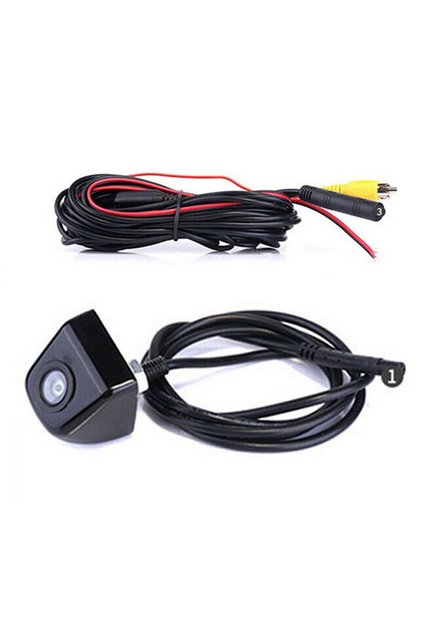
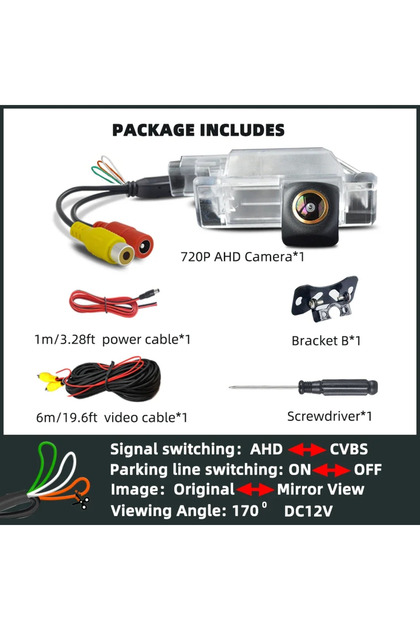
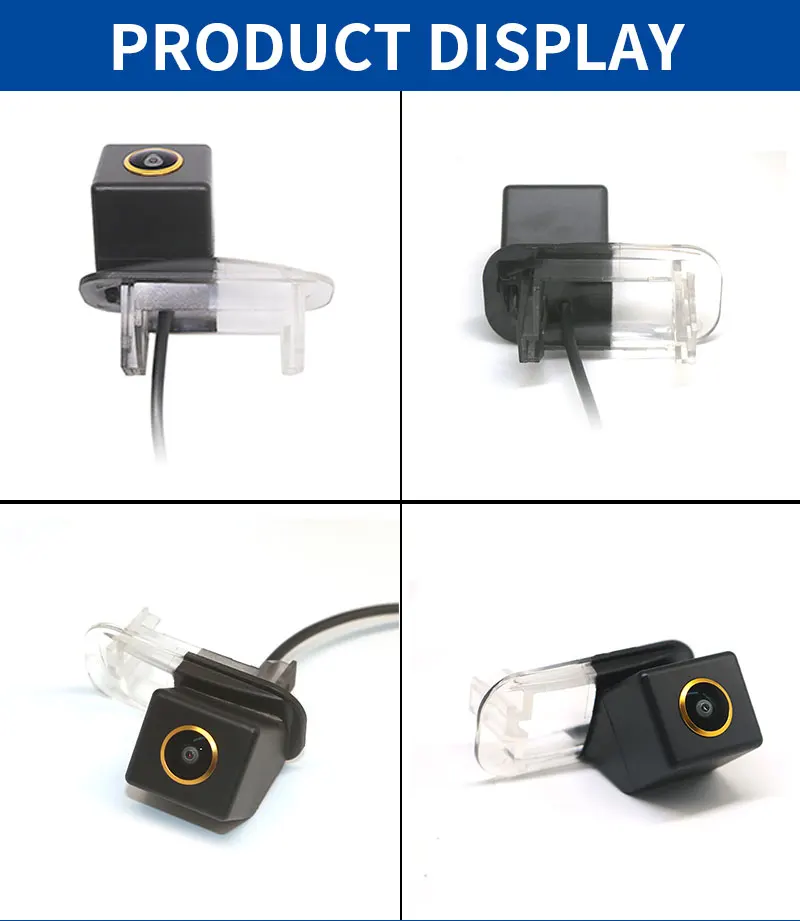
1 * Car rear camera
1 * 6m video cable
1 * 1m power cable
1 * User manual
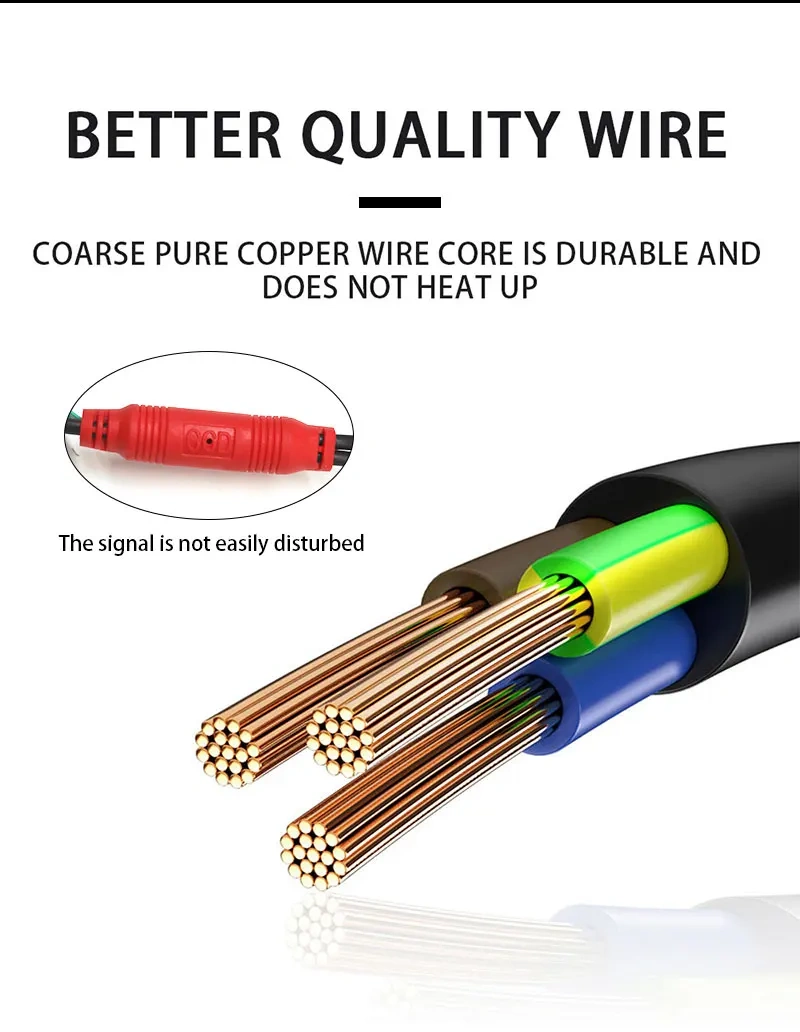
Note: Cameras with CVBS CCD video signal is universal for all monitors, but AHD signal will only work with AHD monitor!
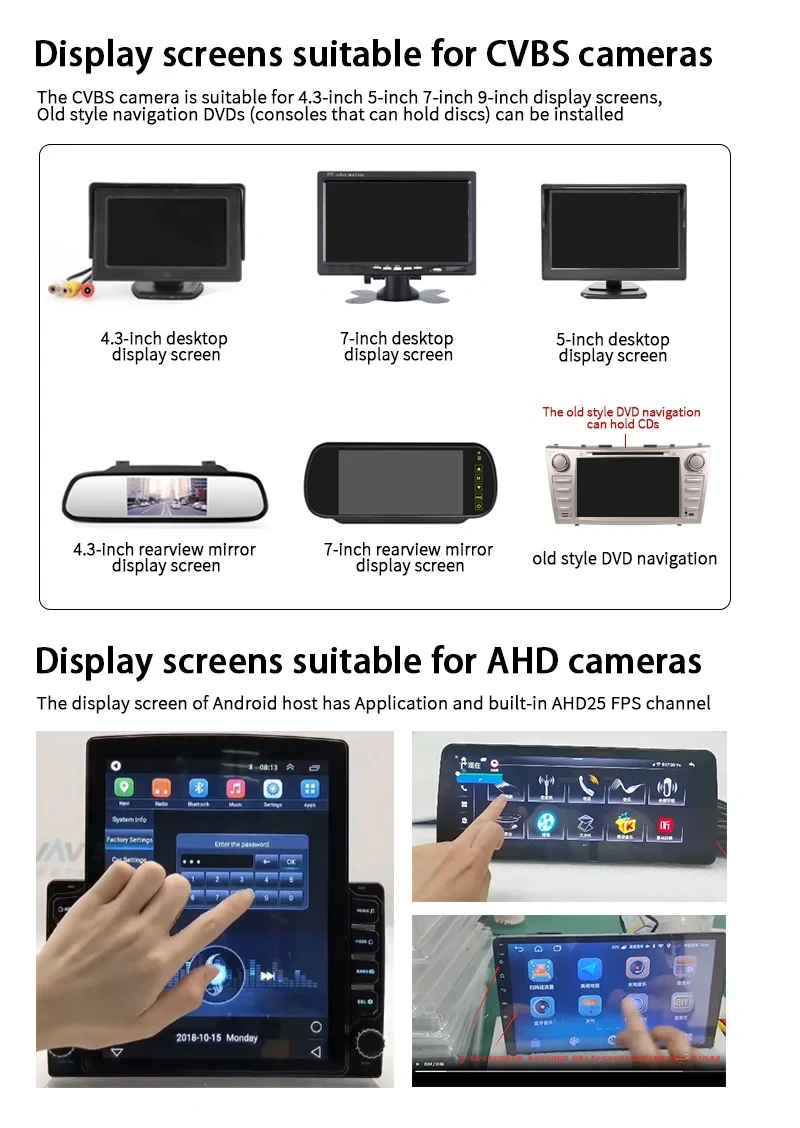
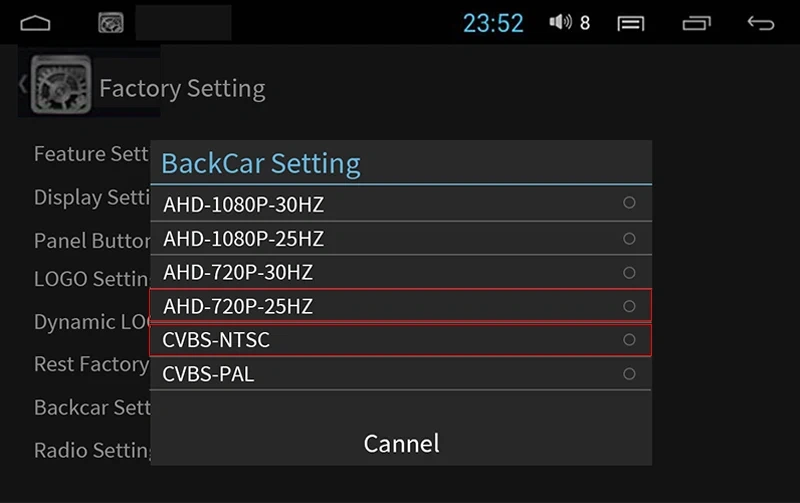
Regarding monitor settings: Before installing the camera, you need to set the monitor to AHD signal
Note:If there is no AHD signal selection, then it is your monitor AHD signal is not supported You can choose CVBS signal again,But before that, you need to connect the green cable that has already been cut off, otherwise the monitor will not show scene
Setting method: Go to Car settings>>Factory settings>> Reverse (picture) settings >> Select CVBS/AHD
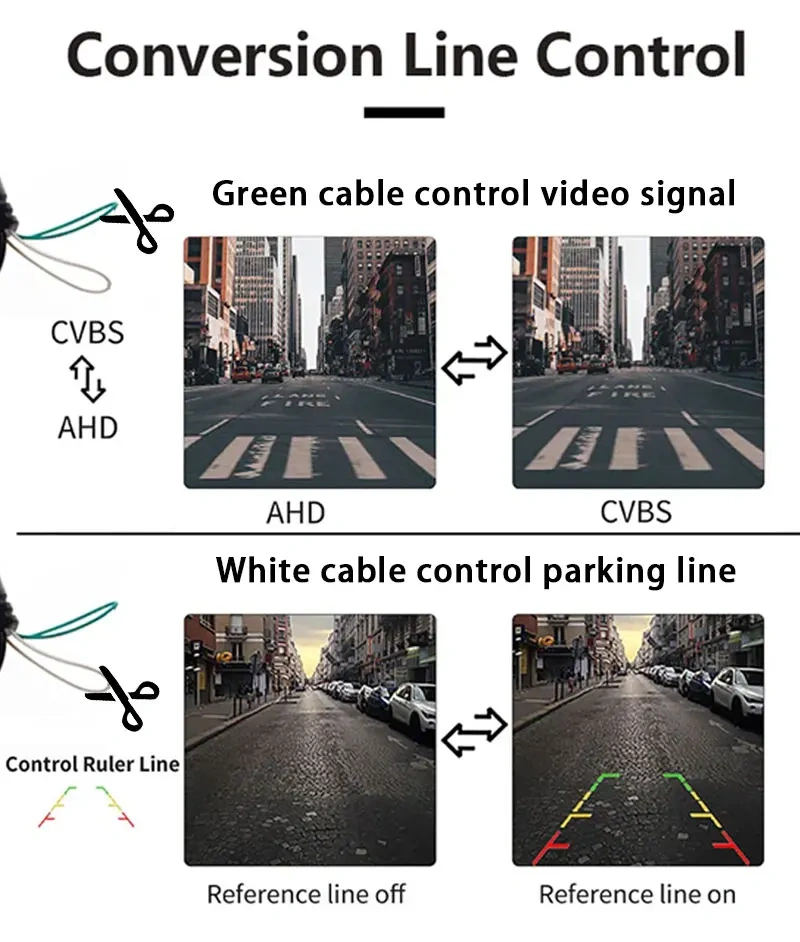
Conversion Line Control
Note: Our cameras usually default to CVBS. After cutting the cable, they will switch to AHD. Before cutting the cable, please switch to AHD channel in the car display settings, otherwise there will be no signal or black screen.After setting it up, it canrun normally
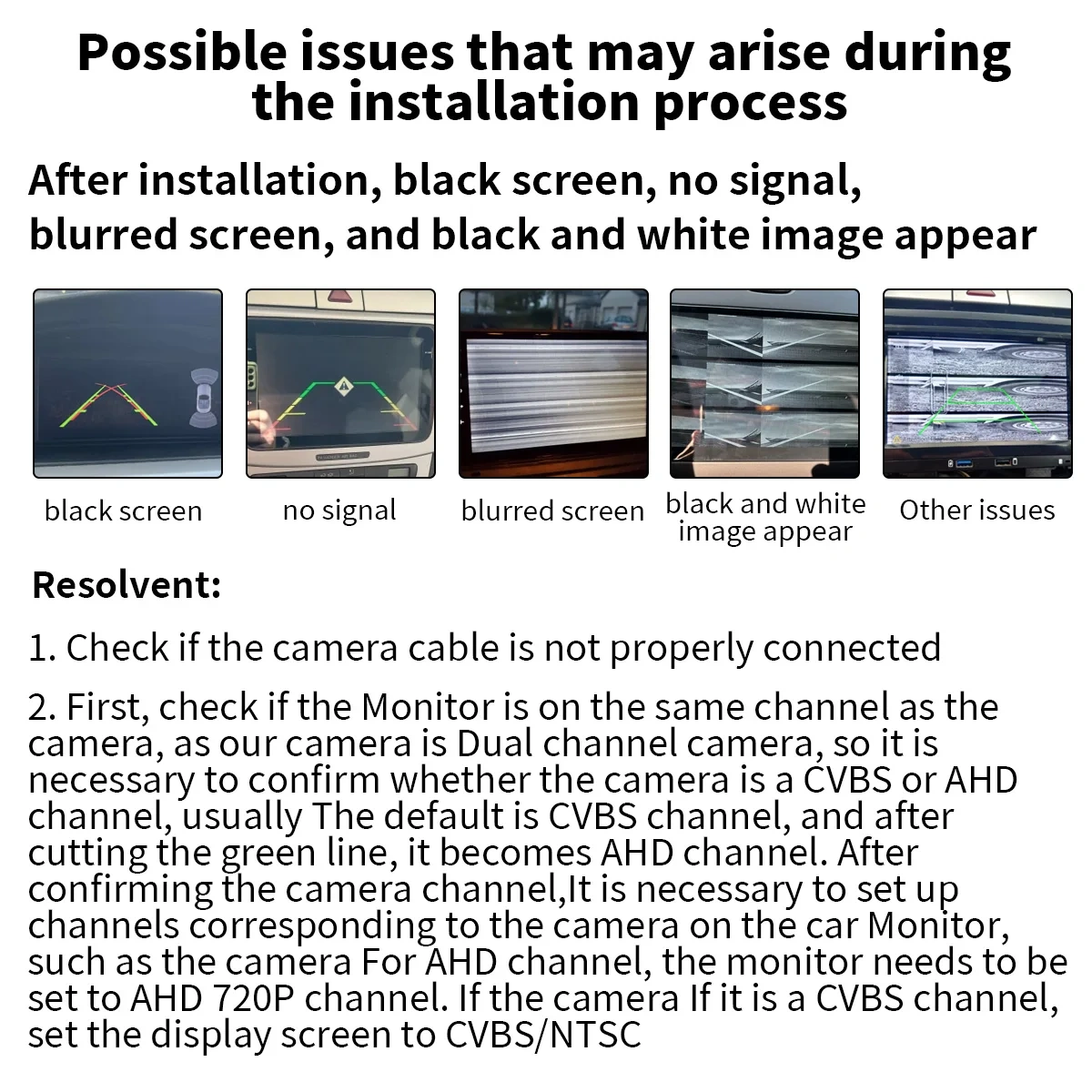
Possible issues that may arise during
the installation process
After installation, black screen, no signal,
blurred screen, and black and white image appear
Resolvent:
1. Check if the camera cable is not properly connected
2. First, check if the Monitor is on the same channel as the camera,
as our camera is Dual channel camera, so it is necessary to confirm
whether the camera is a CVBS or AHD channel, usually The
default is CVBS channel, and after cutting the green line,
it becomes AHD channel. After confirming the camera channel,
It is necessary to set up channels corresponding to the camera
on the car Monitor, such as the camera For AHD channel,
the monitor needs to be set to AHD 720P channel. If the camera If it is
a CVBS channel, set the Monitor to CVBS/NTSC