


Free shipping


wmax HDC803 USB-C to HDMI Cable 2M, 4K Ultra HD High-Speed Type-C to HDMI Converter Cable, Plug & Play Video Adapter for Laptop, MacBook, Smartphone, TV, Monitor & Projector
No reviews yet.
29
AED
(incl. VAT)
Delivery address
Free shipping
Local delivery
Estimated delivery: 24 - 27 October
Select your address, find out the delivery date!
Trendyol's commitments
Easy and free return in 15 days.
Payment methods



Highlighted features:
wmax HDC803 USB-C to HDMI Cable 2M, 4K Ultra HD High-Speed Type-C to HDMI Converter Cable, Plug & Play Video Adapter for Laptop, MacBook, Smartphone, TV, Monitor & Projector features
Color
Black
Instructions for Use/Warnings
Connect the USB-C end of the cable to a compatible USB-C device that supports video output. Connect the HDMI end to an HDMI-enabled TV, monitor, projector, or other display. Select the correct HDMI input source on the connected display. Ensure both devices are switched on and properly connected before use. Do not bend, twist, or pull the cable excessively. Keep away from water, excessive heat, and sharp objects. USB-C device must support video output (DisplayPort Alt Mode) for HDMI display connection.
Origin
CN
WELLTECH COMPUTERS
Seller information
Shoppers also viewed


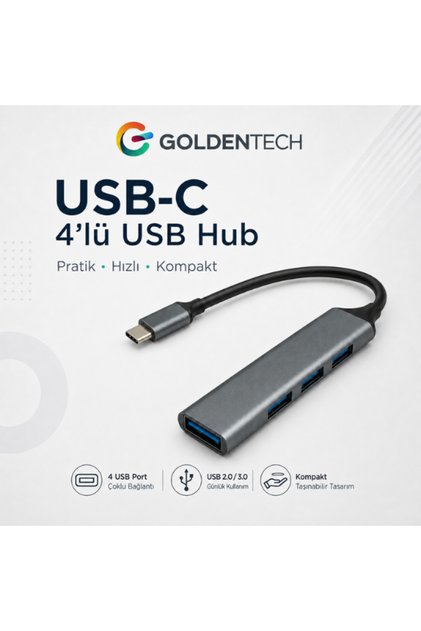

 Type-c To Usb Hub 4 Port Multiplexer Compatible With Macbook Replicator Type C To Usb Converter Hub





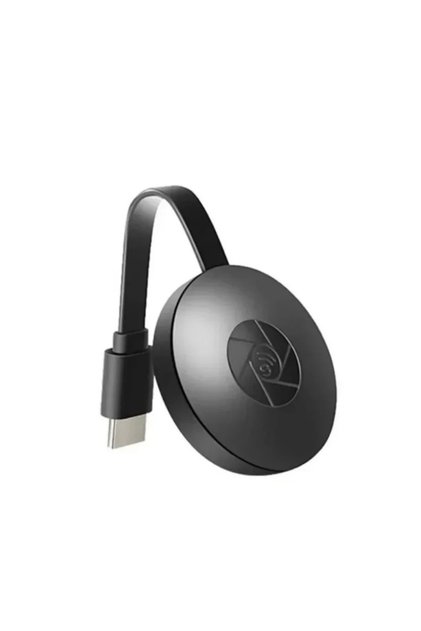


wmax HDC803 USB-C to HDMI Cable 2M, 4K Ultra HD High-Speed Type-C to HDMI Converter Cable, Plug & Play Video Adapter for Laptop, MacBook, Smartphone, TV, Monitor & Projector reviews
No reviews yet.
Product details

Additional info
- Sold by .
- A maximum of 5 units of this product can be ordered. Trendyol reserves the right to cancel orders over 5 units.
- Barcode No: 6990001147122
- Origin: CN
wmax HDC803 USB-C to HDMI Cable 2M, 4K Ultra HD High-Speed Type-C to HDMI Converter Cable, Plug & Play Video Adapter for Laptop, MacBook, Smartphone, TV, Monitor & Projector features
Color
Black
Instructions for Use/Warnings
Connect the USB-C end of the cable to a compatible USB-C device that supports video output. Connect the HDMI end to an HDMI-enabled TV, monitor, projector, or other display. Select the correct HDMI input source on the connected display. Ensure both devices are switched on and properly connected before use. Do not bend, twist, or pull the cable excessively. Keep away from water, excessive heat, and sharp objects. USB-C device must support video output (DisplayPort Alt Mode) for HDMI display connection.
Origin
CN
Safety information
Product safety information