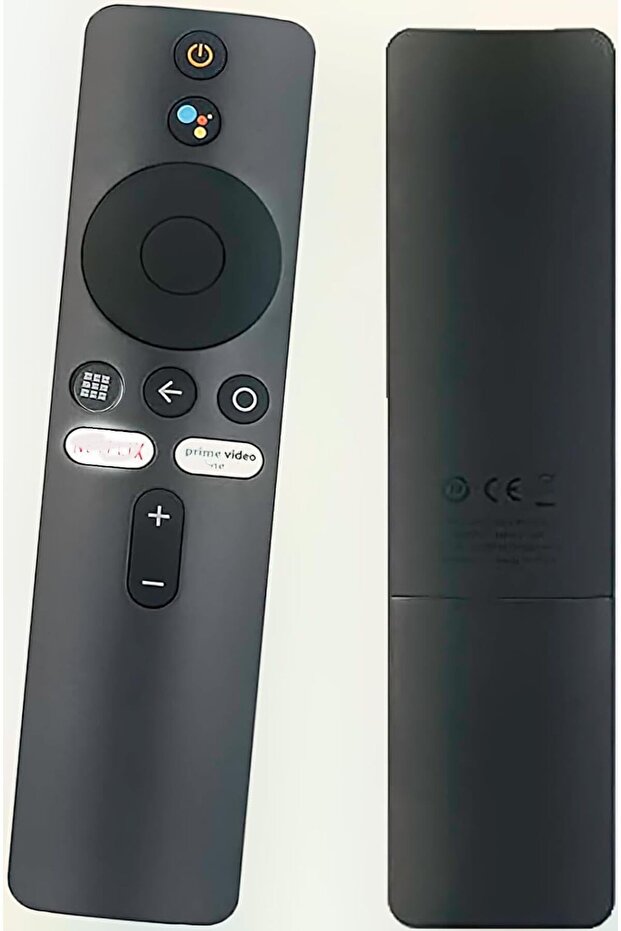


Generic Remote Control for Xiaomi Mi TV Stick / MI Box 4S 4K - Replacement with Bluetooth & Voice Control
Almost sold out!
Lowest price in 30 days
-39%
60.24
AED
99.00
(incl. VAT)

Free shipping & Delivery

Trendyol's commitments

Shopping security

Secure payment
Privacy protection
Safe delivery
Refund for lost and damaged packages
Coupon for late delivery

Free returns
Easy and free return in 15 days.
Highlighted features:
Generic Remote Control for Xiaomi Mi TV Stick / MI Box 4S 4K - Replacement with Bluetooth & Voice Control features
Color
Black
Instructions for Use/Warnings
Pairing instructions: 1) Turn on the Xiaomi TV or box. Place the remote near the TV/box and press and hold the red wireframe button underneath for 15–30 seconds. 2) When the TV displays the pairing interface, release the button and wait for successful pairing. If pairing is unsuccessful, repeat the steps. Alternate pairing: unplug the TV power cord, reconnect and turn on the TV, then press and hold the "MI" and "Home" buttons simultaneously until a remote icon appears on the TV and wait for synchronization.
Product details
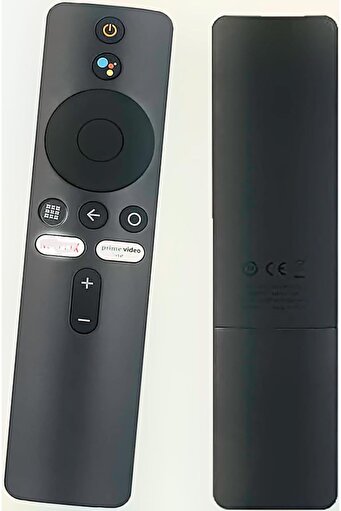
Generic Remote Control for Xiaomi Mi TV Stick / MI Box 4S 4K - Replacement with Bluetooth & Voice Control features
Color
Black
Instructions for Use/Warnings
Pairing instructions: 1) Turn on the Xiaomi TV or box. Place the remote near the TV/box and press and hold the red wireframe button underneath for 15–30 seconds. 2) When the TV displays the pairing interface, release the button and wait for successful pairing. If pairing is unsuccessful, repeat the steps. Alternate pairing: unplug the TV power cord, reconnect and turn on the TV, then press and hold the "MI" and "Home" buttons simultaneously until a remote icon appears on the TV and wait for synchronization.
Safety information
Product safety information