


Free shipping
Delivery address
Free shipping
Local delivery
Estimated delivery: 22 - 24 October
Select your address, find out the delivery date!
Trendyol's commitments
Easy and free return in 15 days.
Payment methods


Highlighted features:
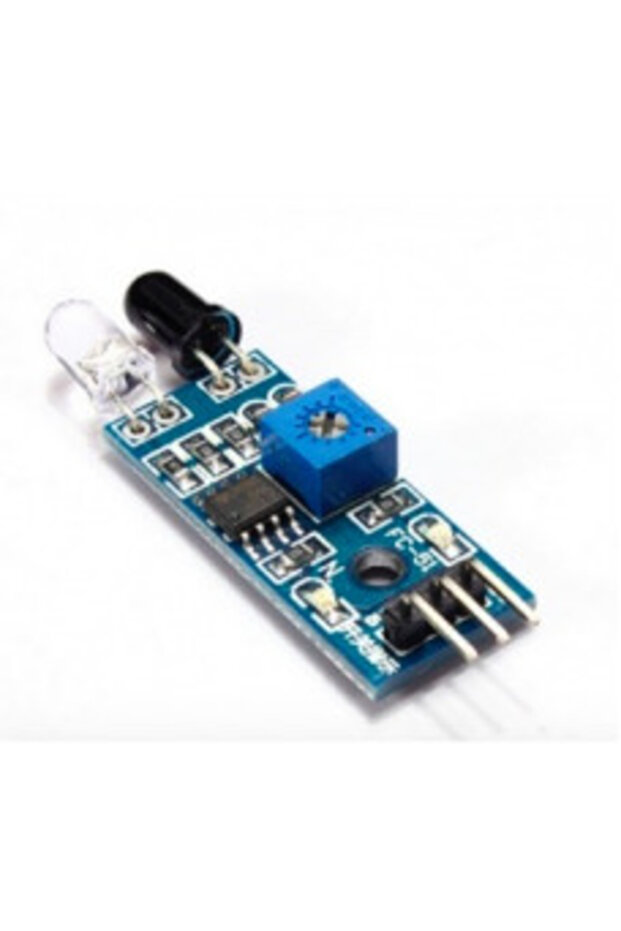
Generic 2D20 IR Infrared Obstacle Avoidance Sensor Module features
Other Features
Built-in IR transmitter and receiver, Adjustable detection range, Stable response in ambient light or darkness, Detection distance 2-30cm, Detection angle 35°, Uses LM393 comparator, Compatible with 3-5V DC power supply, Red power indicator light, 3mm screw holes for easy installation, Board size 3.1 cm x 1.5 cm, 3-pin interface (Vcc, GND, Output), Two LEDs (power and obstacle detection), Direct connection to microcontroller IO port, Can drive a 5V relay
Instructions for Use/Warnings
Do not arbitrarily adjust the potentiometer unless absolutely necessary, as the threshold voltage is pre-adjusted. For connections: VCC-VCC; GND-GND; OUT-IO. Connect the sensor module's Vcc to Arduino Vcc, sensor GND to Arduino GND, and sensor output pin to Arduino pin 7. The LED will indicate obstacle detection (on for obstacle, off otherwise). After connections, connect the Arduino board to your computer via USB, open the Arduino IDE, choose the corresponding board type and port, then upload the provided sketch.
Blue PCB Electronics
7.8
Seller information
Generic 2D20 IR Infrared Obstacle Avoidance Sensor Module reviews
No reviews yet.
Product details
Additional info
- Sold by .
- A maximum of 5 units of this product can be ordered. Trendyol reserves the right to cancel orders over 5 units.
- Barcode No: 2900000007444
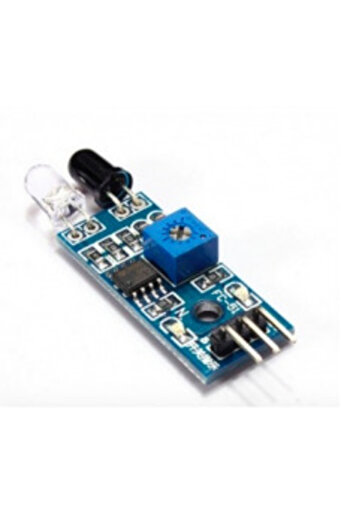
Generic 2D20 IR Infrared Obstacle Avoidance Sensor Module features
Other Features
Built-in IR transmitter and receiver, Adjustable detection range, Stable response in ambient light or darkness, Detection distance 2-30cm, Detection angle 35°, Uses LM393 comparator, Compatible with 3-5V DC power supply, Red power indicator light, 3mm screw holes for easy installation, Board size 3.1 cm x 1.5 cm, 3-pin interface (Vcc, GND, Output), Two LEDs (power and obstacle detection), Direct connection to microcontroller IO port, Can drive a 5V relay
Instructions for Use/Warnings
Do not arbitrarily adjust the potentiometer unless absolutely necessary, as the threshold voltage is pre-adjusted. For connections: VCC-VCC; GND-GND; OUT-IO. Connect the sensor module's Vcc to Arduino Vcc, sensor GND to Arduino GND, and sensor output pin to Arduino pin 7. The LED will indicate obstacle detection (on for obstacle, off otherwise). After connections, connect the Arduino board to your computer via USB, open the Arduino IDE, choose the corresponding board type and port, then upload the provided sketch.
Safety information
Product safety information