Free shipping
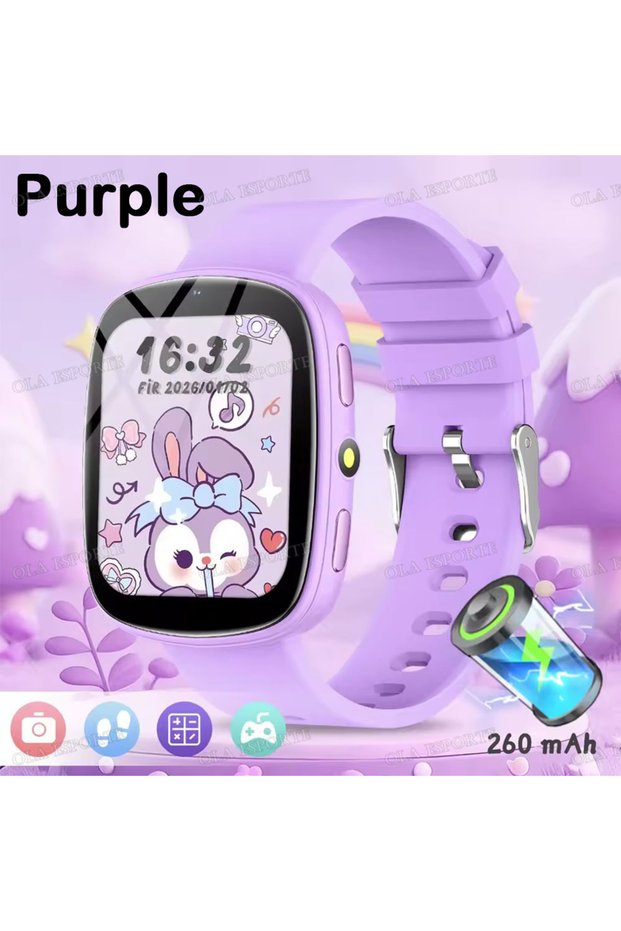
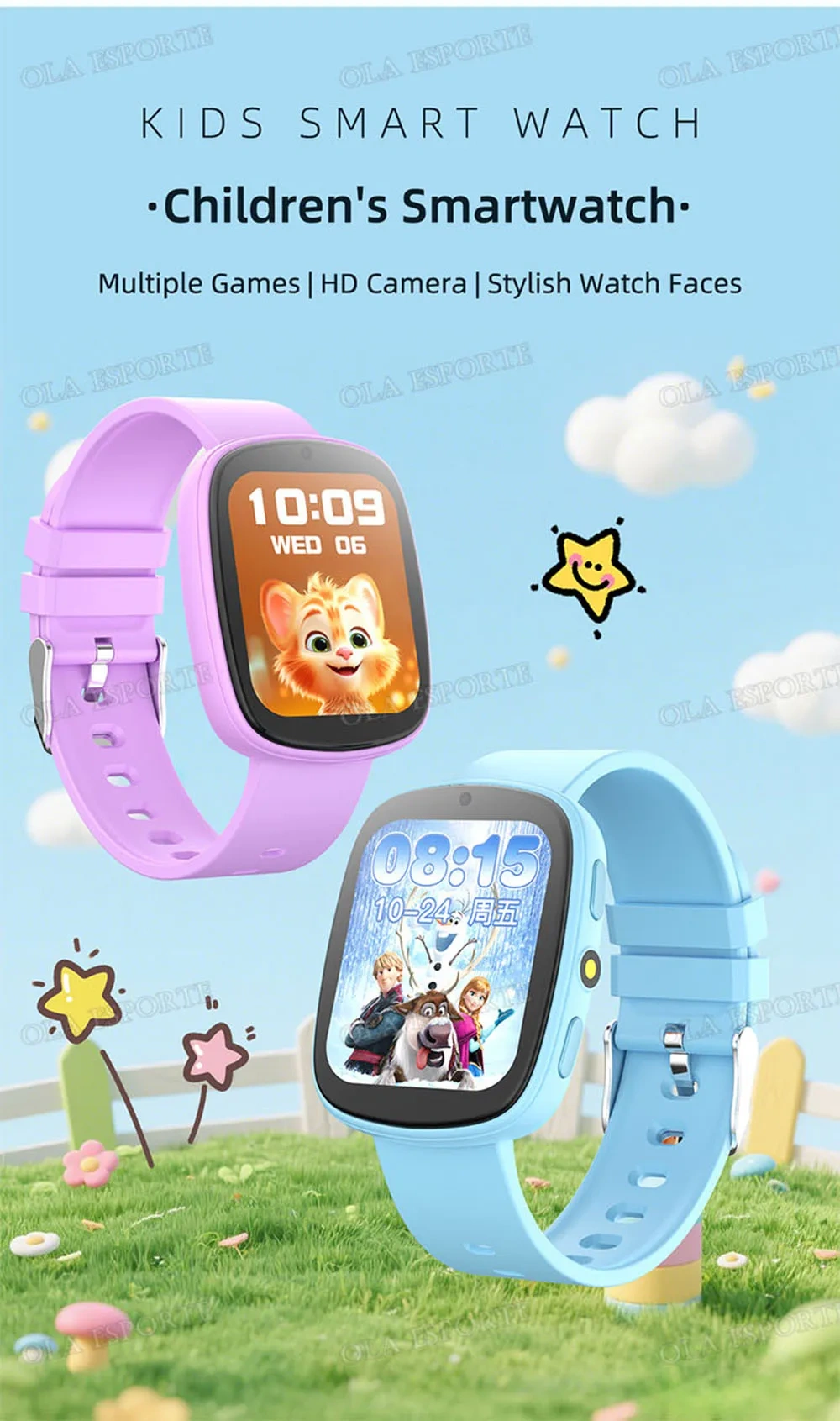
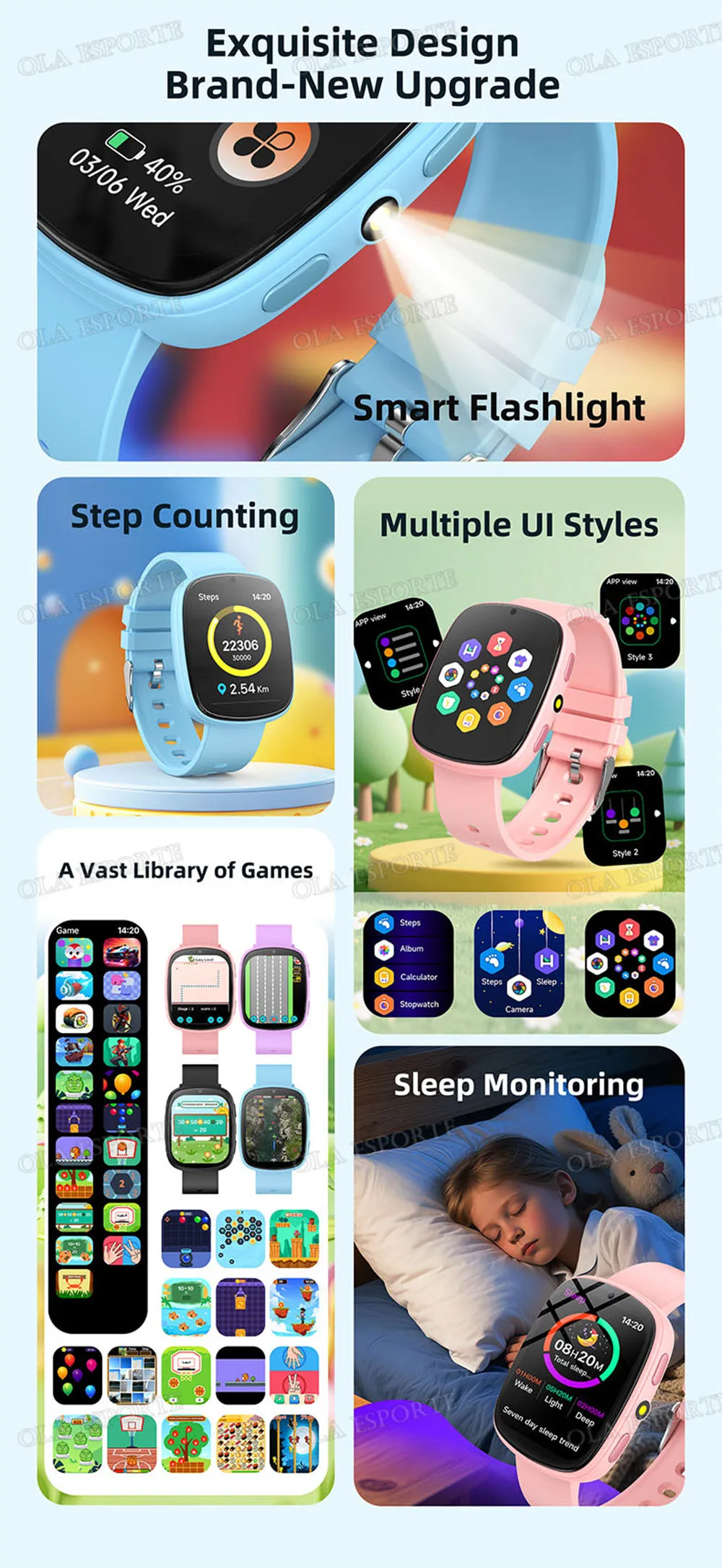
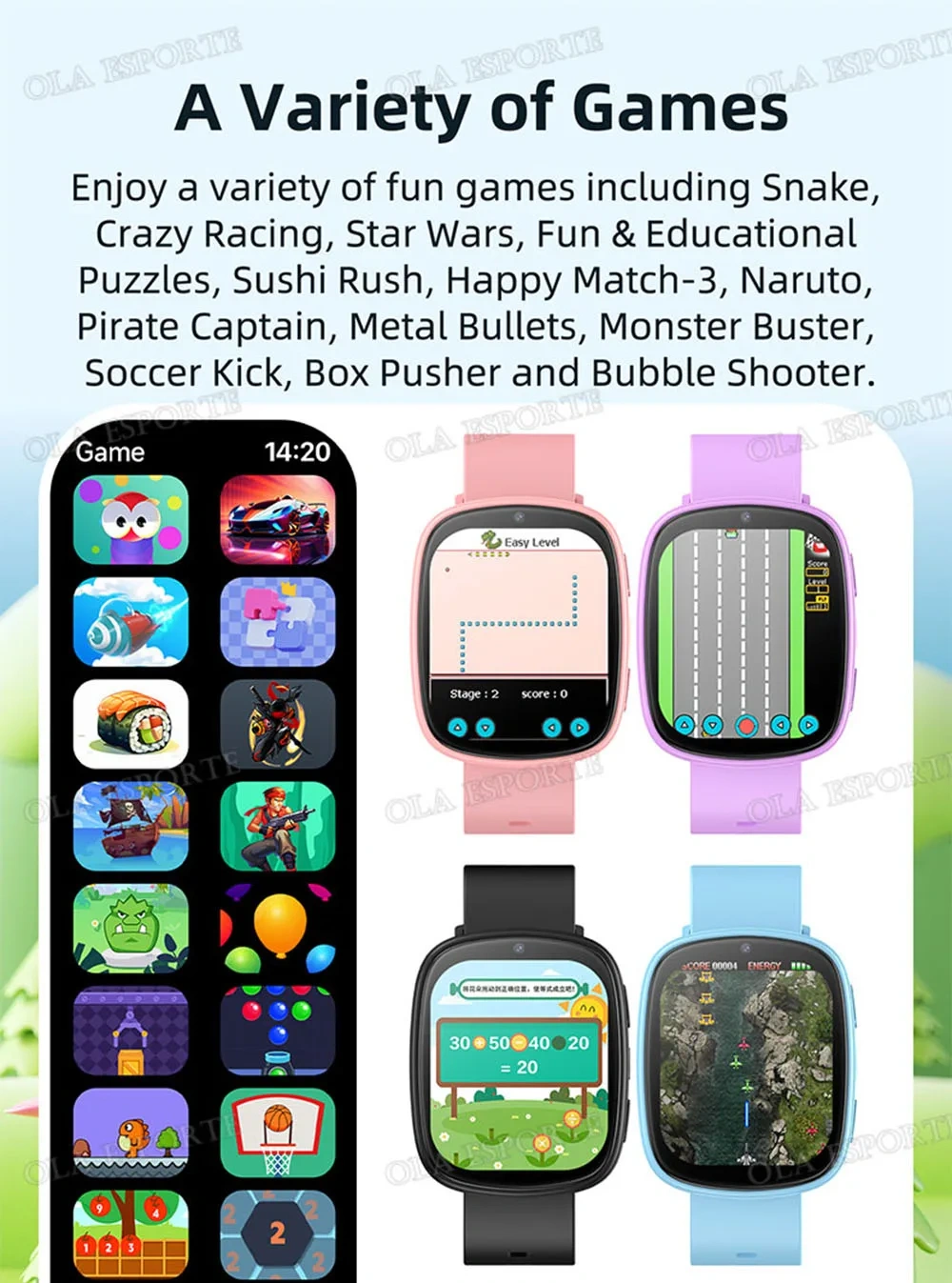
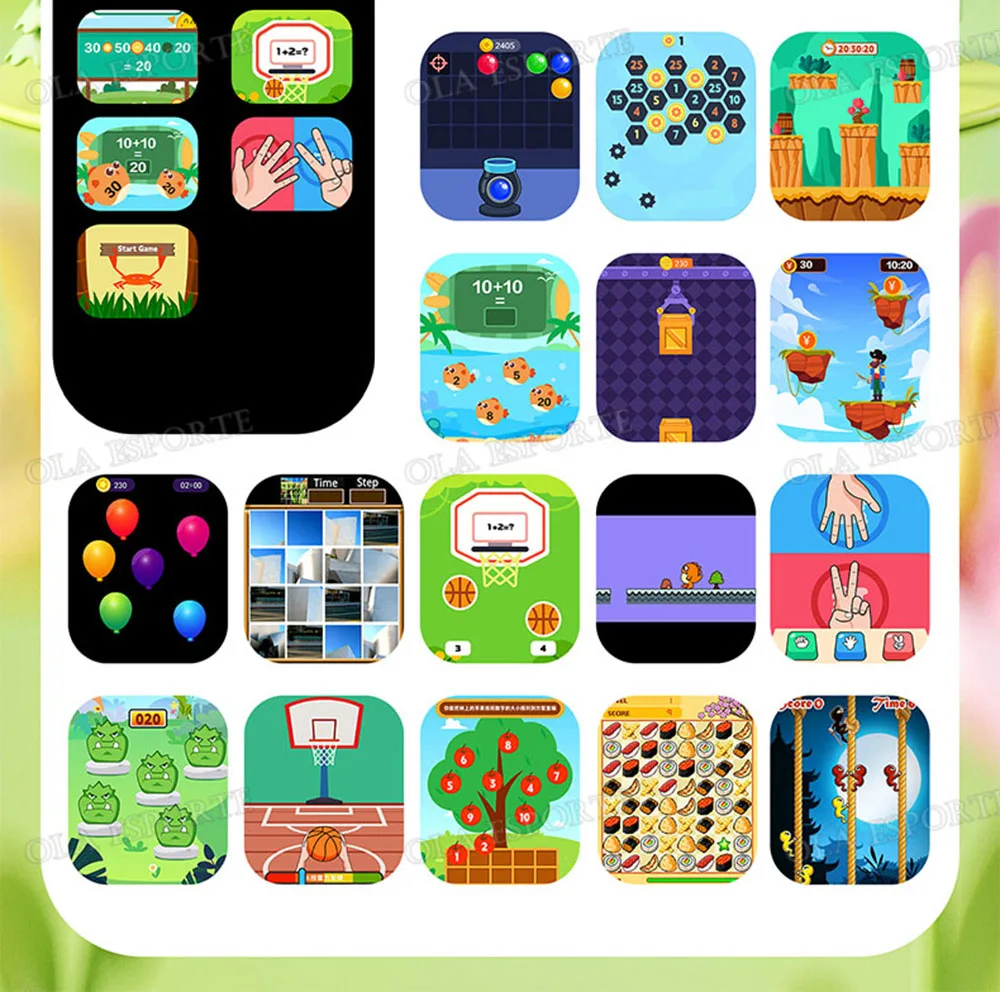
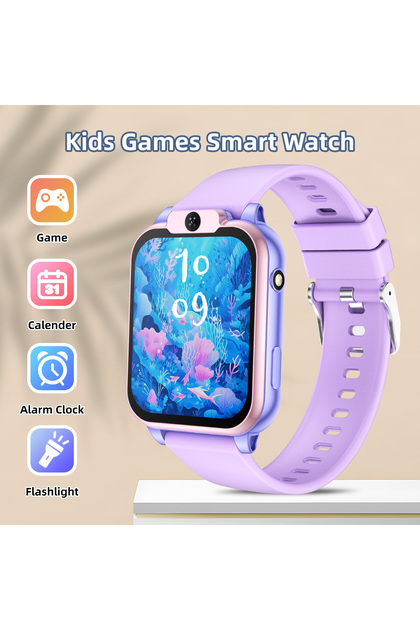
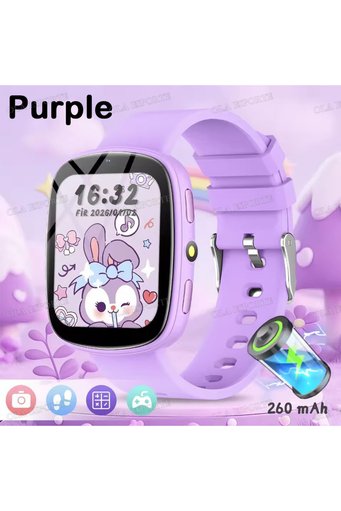
Choice Purple 2026 Kids Games Smartwatch 1.83''HD Screen Camera Interesting Games Sleep Monitoring Alarm Cl
No reviews yet.

Special Deals
45.76AED
Free shipping
Delivery address
Trendyol's commitments
Easy and free return in 15 days.
Payment methods



Coupons
Highlighted features:
Choice Purple 2026 Kids Games Smartwatch 1.83''HD Screen Camera Interesting Games Sleep Monitoring Alarm Cl features
Color
Multicolor
Case Color
Purple
Strap Color
Purple
Battery Capacity Range
200-300 mAh
Case Diameter
Below 20 mm
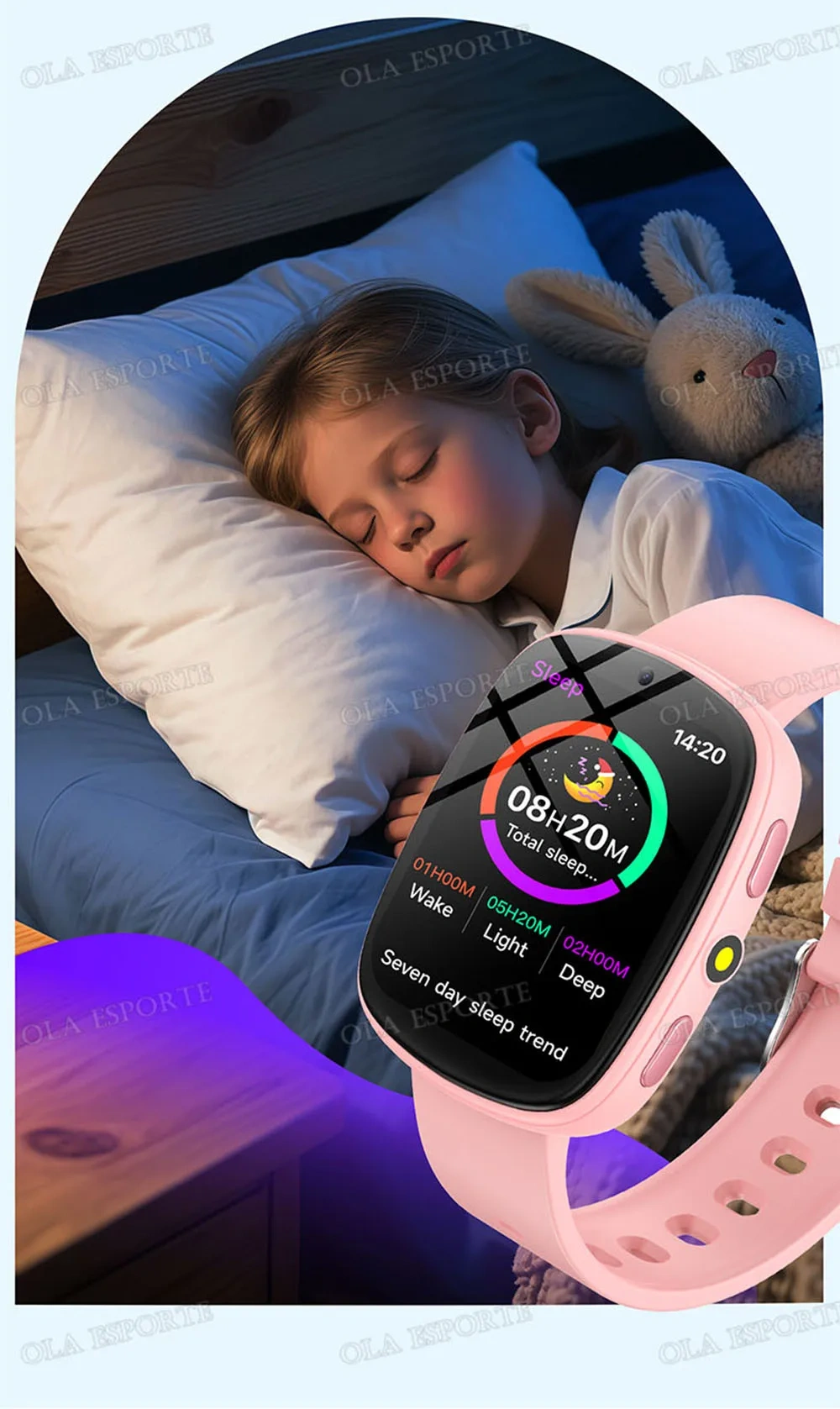
Sleep Tracking
Available
Cord size
standard
Available campaigns

Applied at checkout
Big Save Store
8.8
79.1K followers
Seller information
Similar items






Choice Purple 2026 Kids Games Smartwatch 1.83''HD Screen Camera Interesting Games Sleep Monitoring Alarm Cl reviews
No reviews yet.
Product details
Additional info
- A maximum of 10 units of this product can be ordered. Trendyol reserves the right to cancel orders over 10 units.
- Barcode No: 3673861193754
Choice Purple 2026 Kids Games Smartwatch 1.83''HD Screen Camera Interesting Games Sleep Monitoring Alarm Cl features
Color
Multicolor
Case Color
Purple
Strap Color
Purple
Battery Capacity Range
200-300 mAh
Case Diameter
Below 20 mm
Sleep Tracking
Available
Cord size
standard
Safety information
Product safety information
Product description
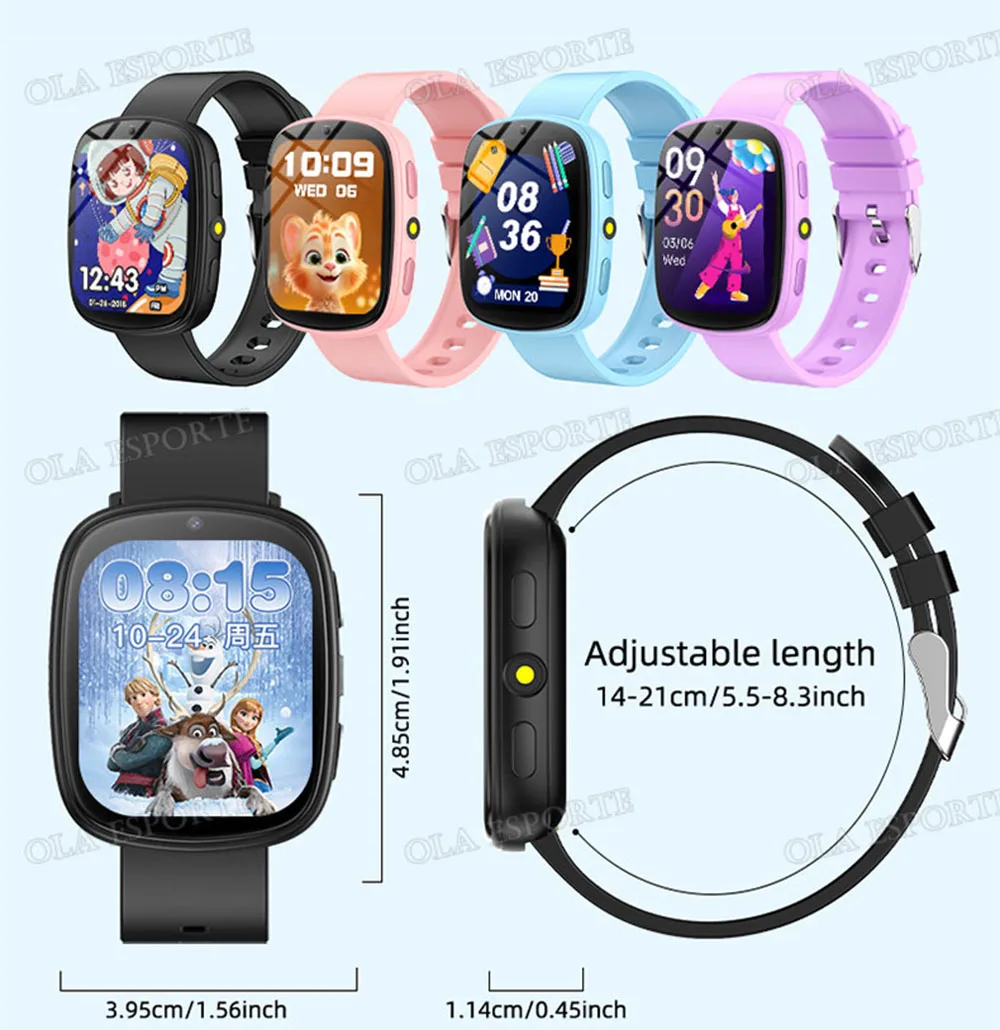
Color:Purple
• Digital Movement :The watch features a digital movement, making it easy to read the time and ensuring accurate timekeeping.
• SOS Call :The watch has an SOS call feature that allows kids to reach out for help in emergency situations.
• LBS Tracker :The watch comes with an LBS tracker that allows parents to track their child's location and ensure their safety.
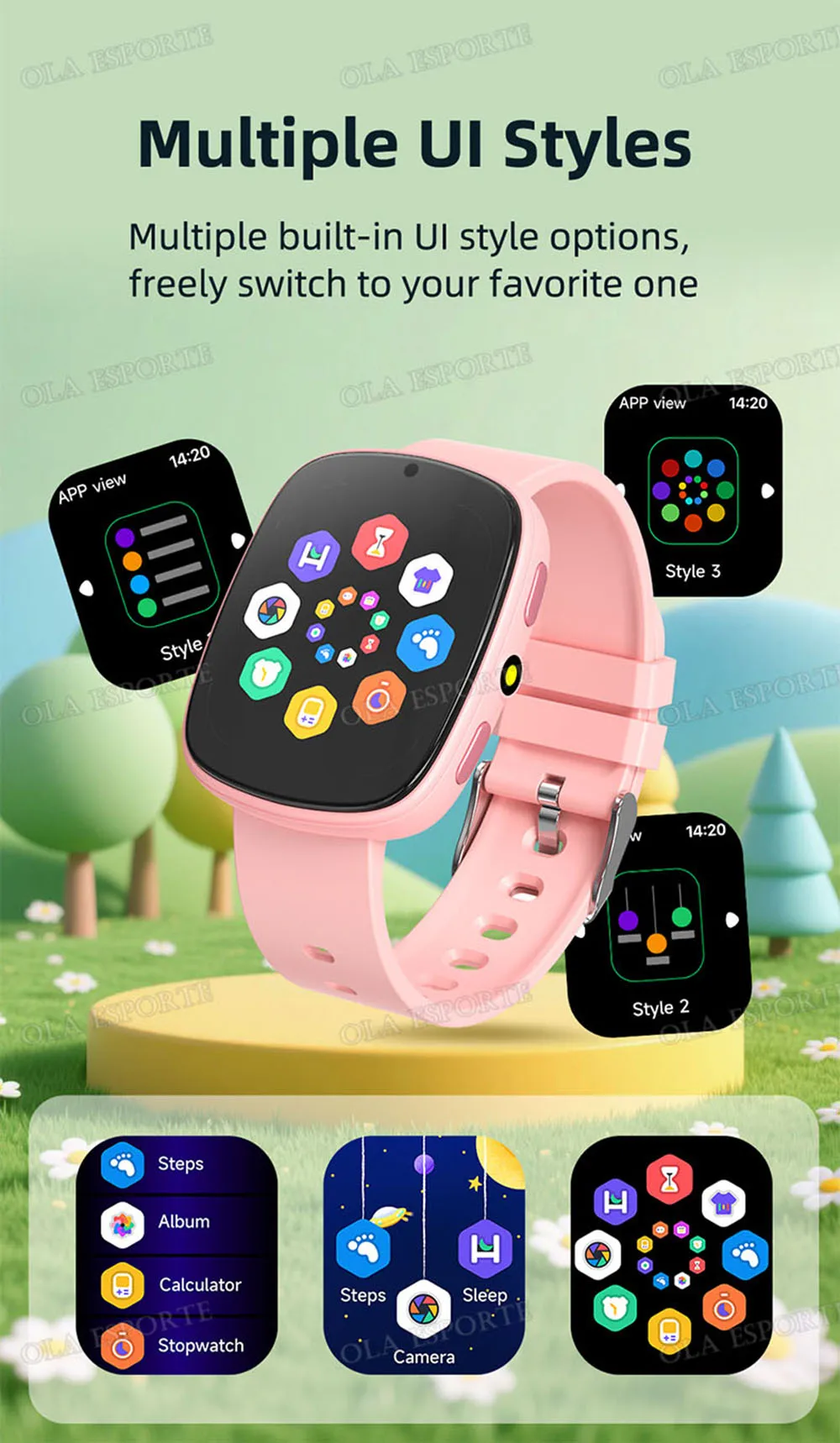
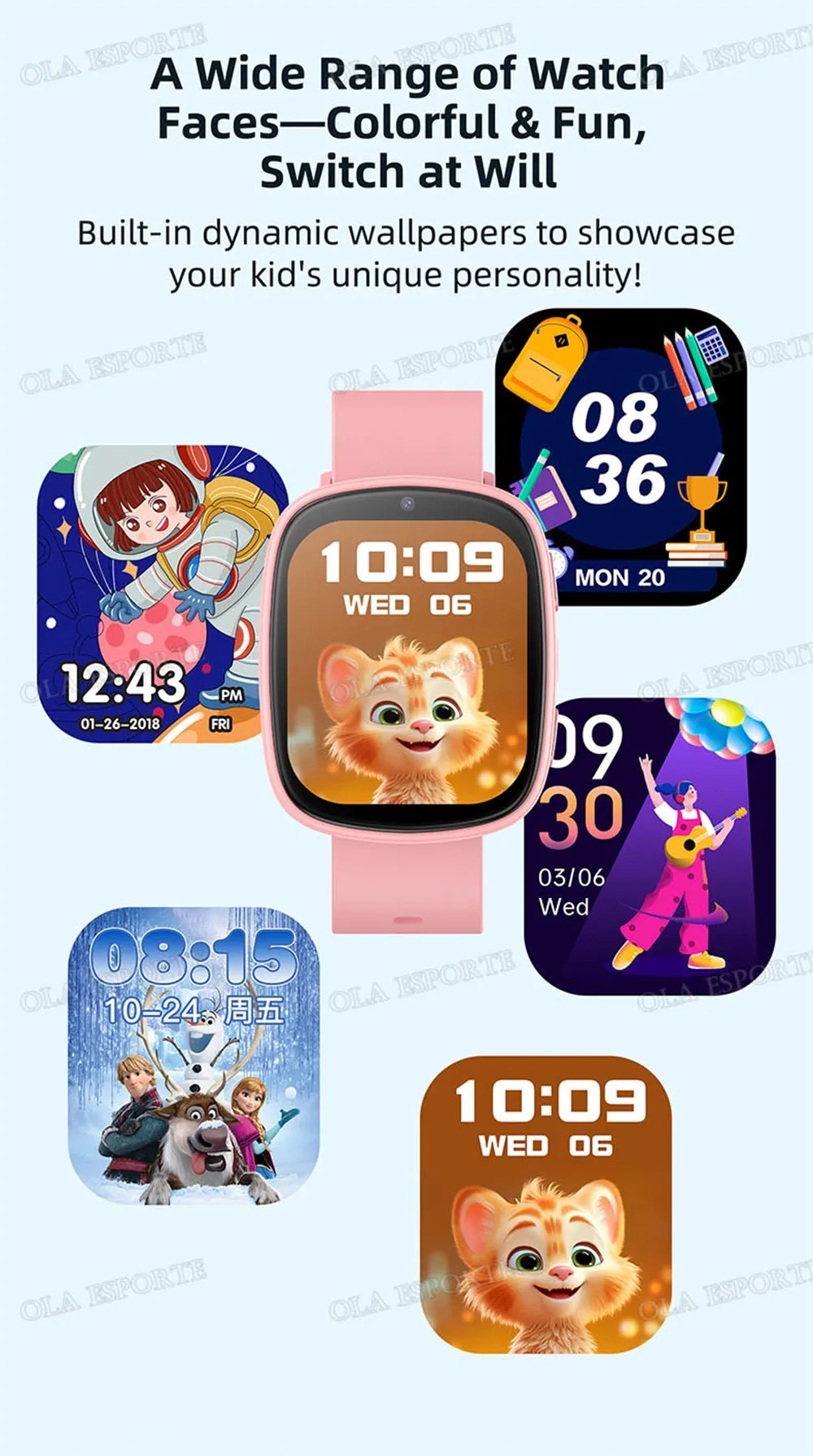
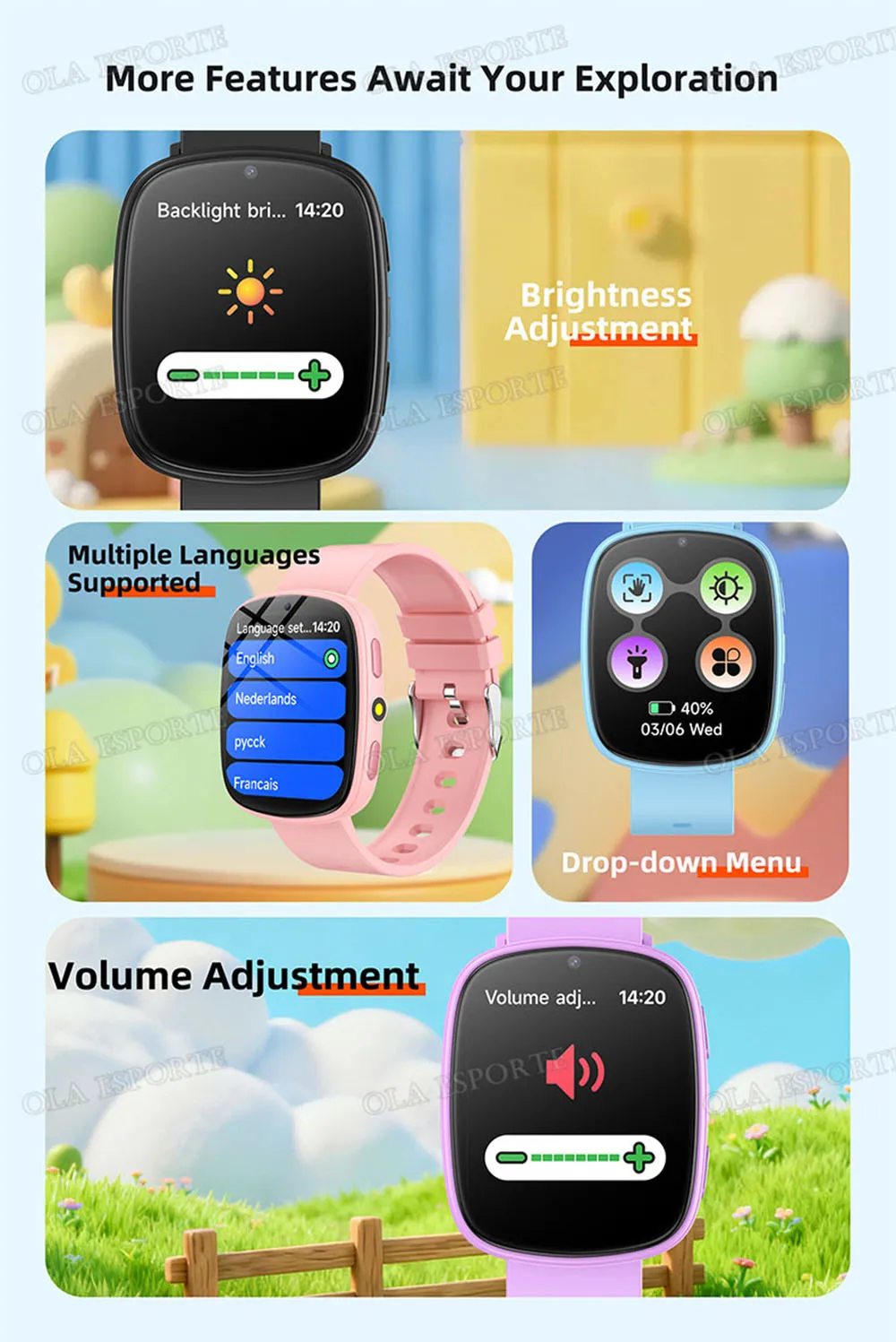
• Color Screen :The color screen makes it easy to read and navigate the watch's features, providing a fun and engaging experience for children.
• Voice Chat :The watch comes with voice chat capabilities, allowing children to communicate with friends and family without the need for a phone.
Packing List:
1* Smart Watch (Not include sim card),
1* USB Charge Cable,
1* English instructions,
1 * Original Box
How to use:
1. Charge the watch for 30 minutes after receiving it, because the watch has no power after a long time of transportation.
2. Turn off the power when fully charged, Find a gap on the back of the watch, pry off the cover, gently pick up the battery and put it next to it, then open the SIM card slot and After the SIM card is loaded, press and hold the power button to power on. Wait for about one minute after inserting the card, there will be a signal bar in the upper left corner of the watch. After the signal is received normally, the watch will automatically correct the time.
3. After insert the SIM card, Scan the QR code in the user manual with the mobile phone to download the APP and register the account, then go to the Device info in the watch and click on the Registration code. This Registration code is used to bind mobile APP to add bound devices. You can also manually input the English letters + numbers below the QR code (please note that the IMEI number on the back of the watch is not the APP Registration code, each device has a unique ID, which can only be used once)