Free shipping

Only 3 left!
Choice GOOJODOQ 2 tips For Apple Pencil 2 1 with Wireless Charging, for iPad Pencil Palm Rejection Tilt Pen
No reviews yet.
Checkout Discount 10% Off
At checkout
38.62 AED
42.91 AED
Free shipping
Delivery address

Select your address, find out the delivery date!
Trendyol's commitments
Easy and free return in 15 days.
Payment methods



Highlighted features:
Choice1 GOOJODOQ 2 tips For Apple Pencil 2 1 with Wireless Charging, for iPad Pencil Palm Rejection Tilt Pen features
Color
Multicolor

Big Save Store
8.8
81.1K followers
Seller information
Similar items


 Iphone/Ipad/Samsung Ios and Android Compatible Touch Pen Stylus Pencil with Carrying and Storage Case
 Trendyol Plus Exclusive










Shoppers also viewed











Choice1 GOOJODOQ 2 tips For Apple Pencil 2 1 with Wireless Charging, for iPad Pencil Palm Rejection Tilt Pen reviews
No reviews yet.
Product details

Additional info
- A maximum of 10 units of this product can be ordered. Trendyol reserves the right to cancel orders over 10 units.
- Barcode No: 3626845309062
Choice1 GOOJODOQ 2 tips For Apple Pencil 2 1 with Wireless Charging, for iPad Pencil Palm Rejection Tilt Pen features
Color
Multicolor
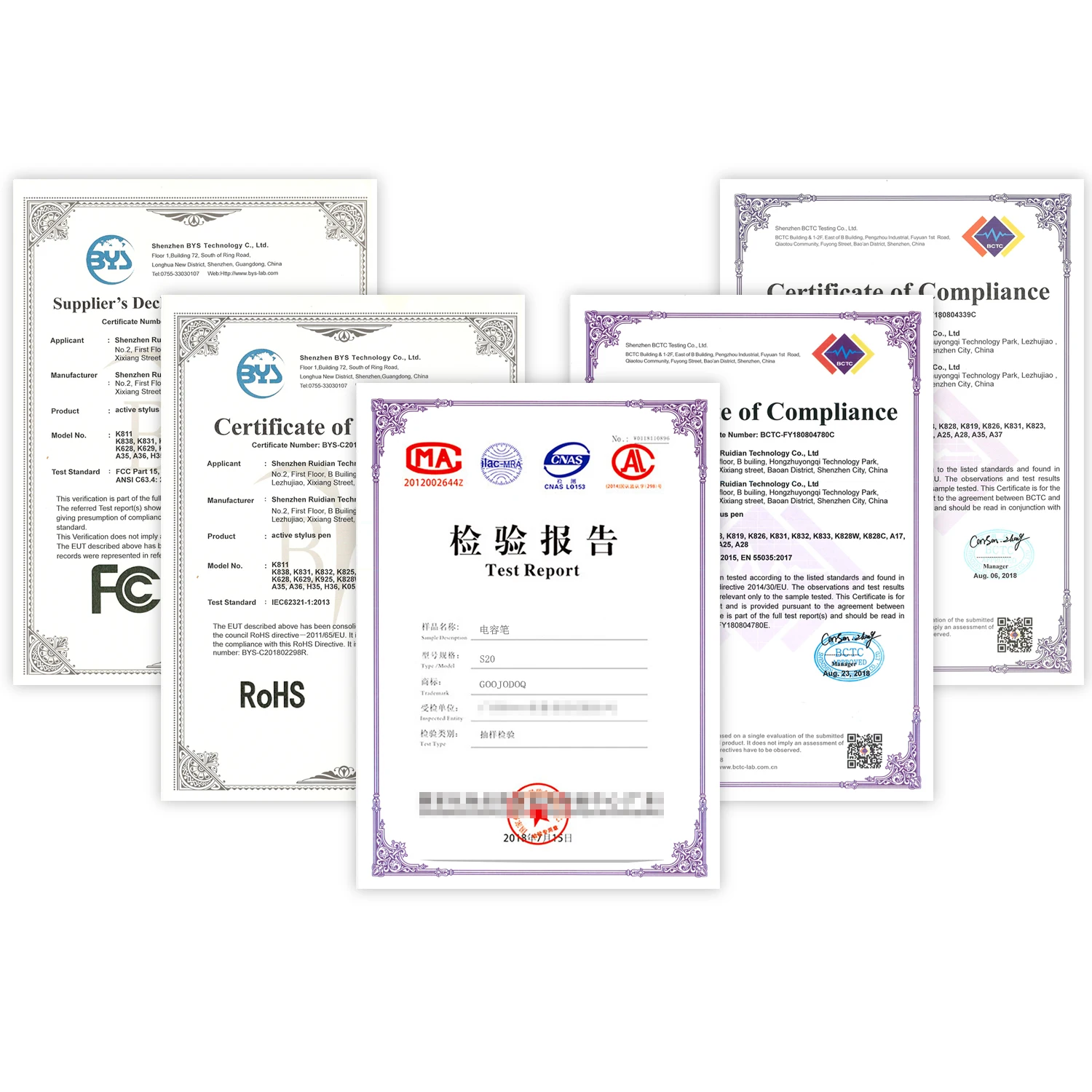
Safety information
Product safety information
Product description
Colors:2 tips

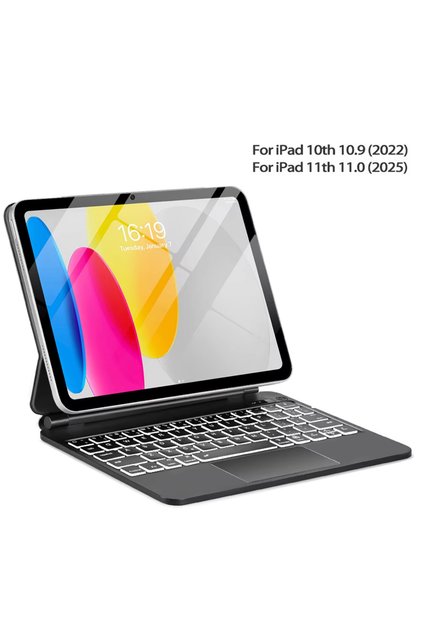
Magic Keyboard for iPad
Please Read before Buying !!!
If you have purchased 2 or more tips, the extra tips would be packed into a small bag. please check the package carefully before throwing it.
Compatible Models
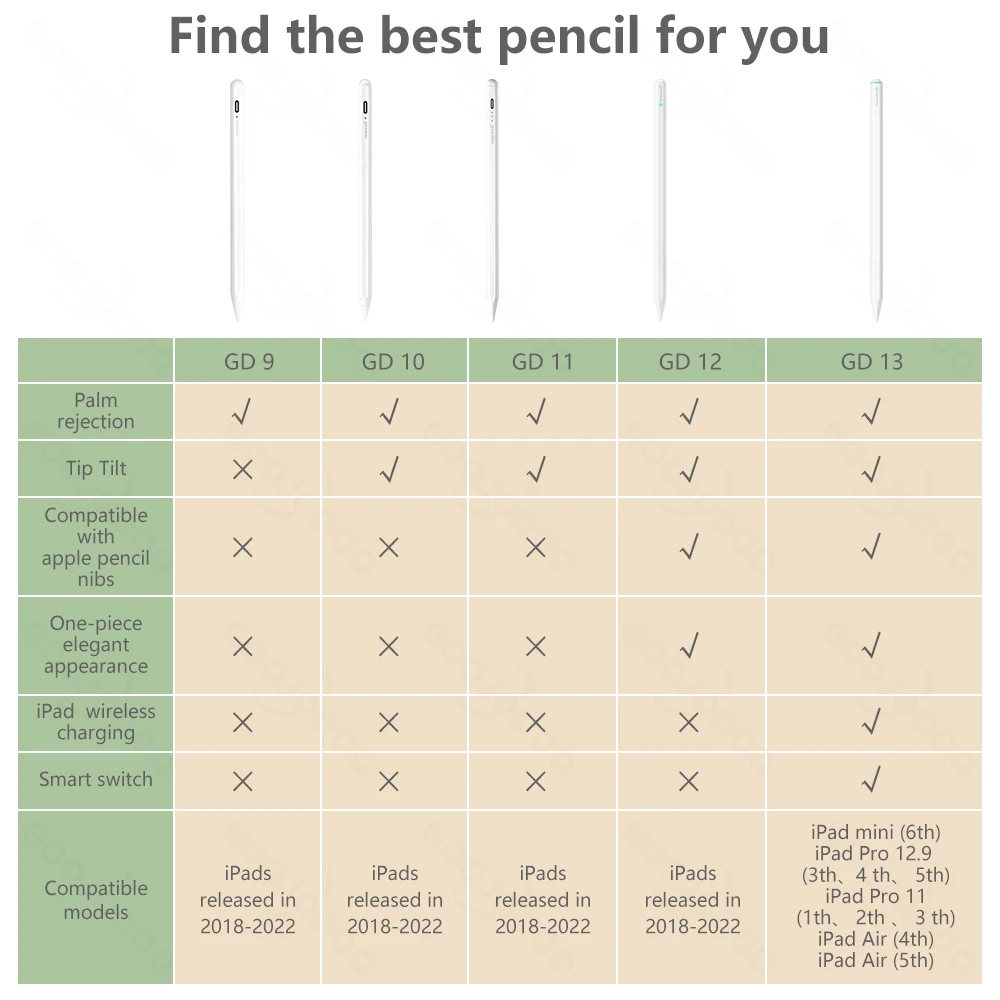
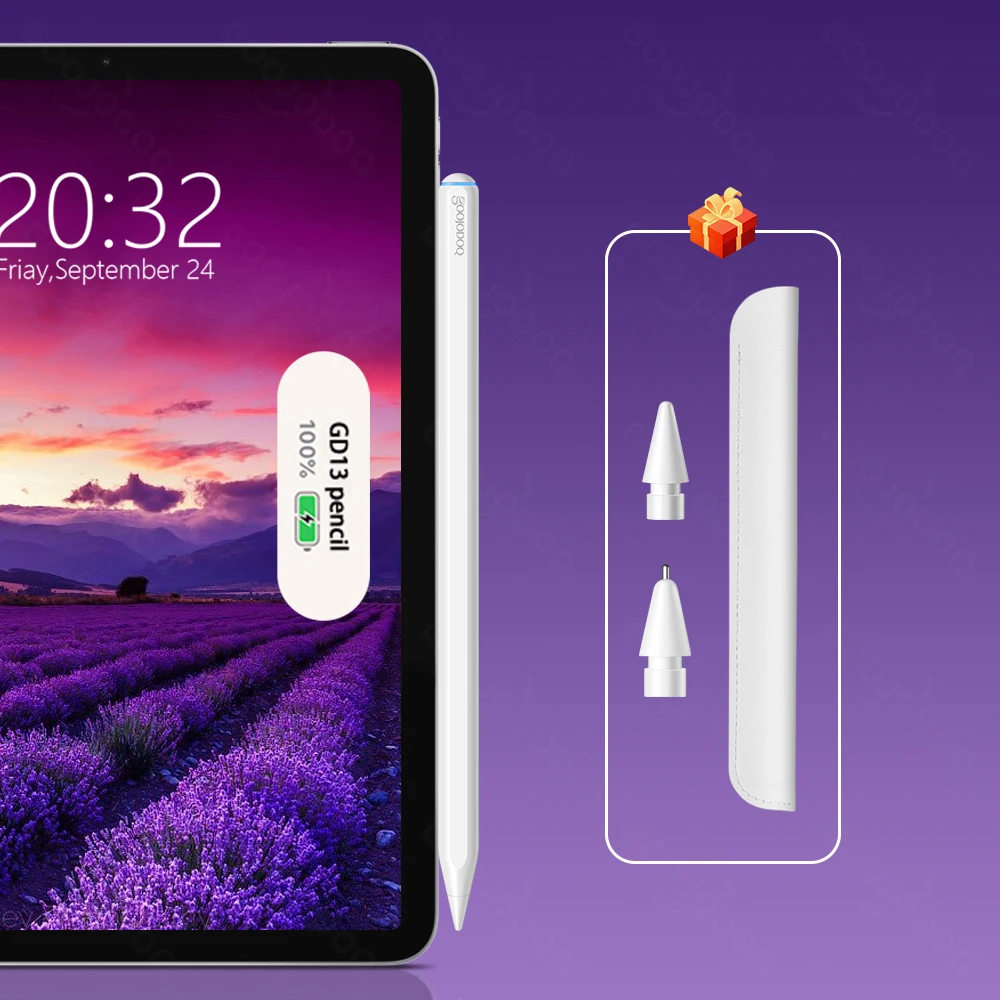
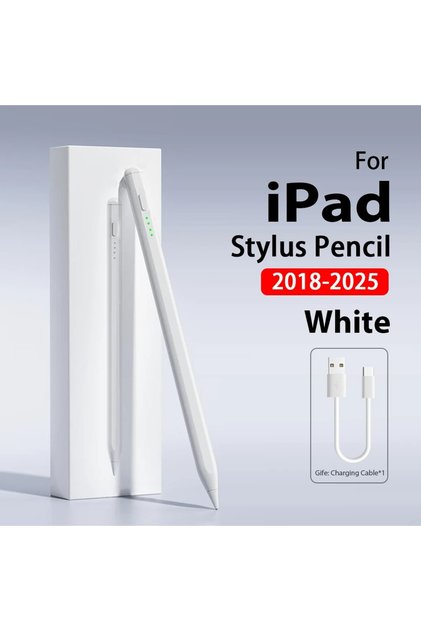
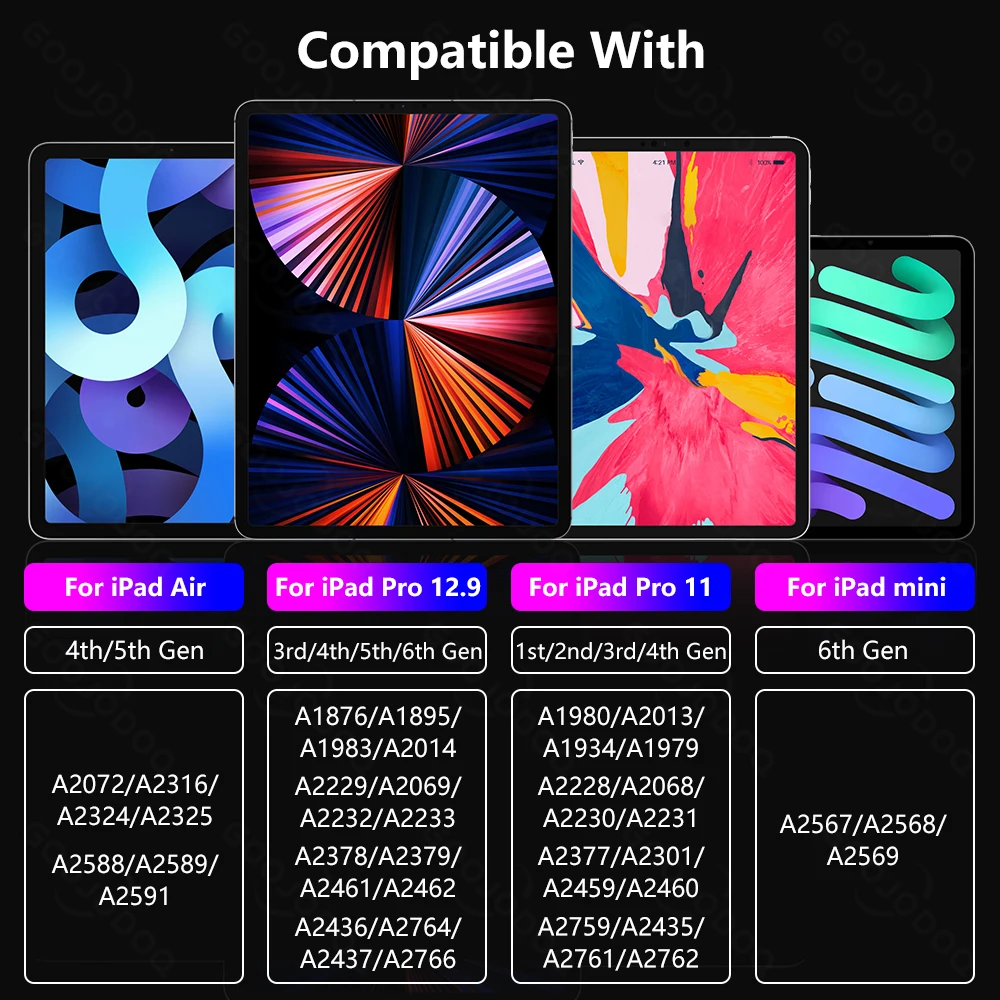
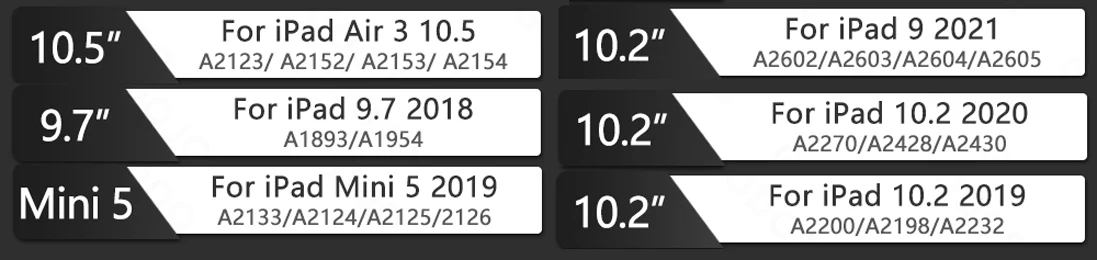
Supports for iPad series 2018-2022 model, but only Supports wireless pairing and charging by the following 9 modes ( for iPad Air 4th / 5th / Pro 11 1st / 2nd / 3rd / Pro 12.9 3rd / 4th / 5th / mini 6th generation ) as the following picture shows
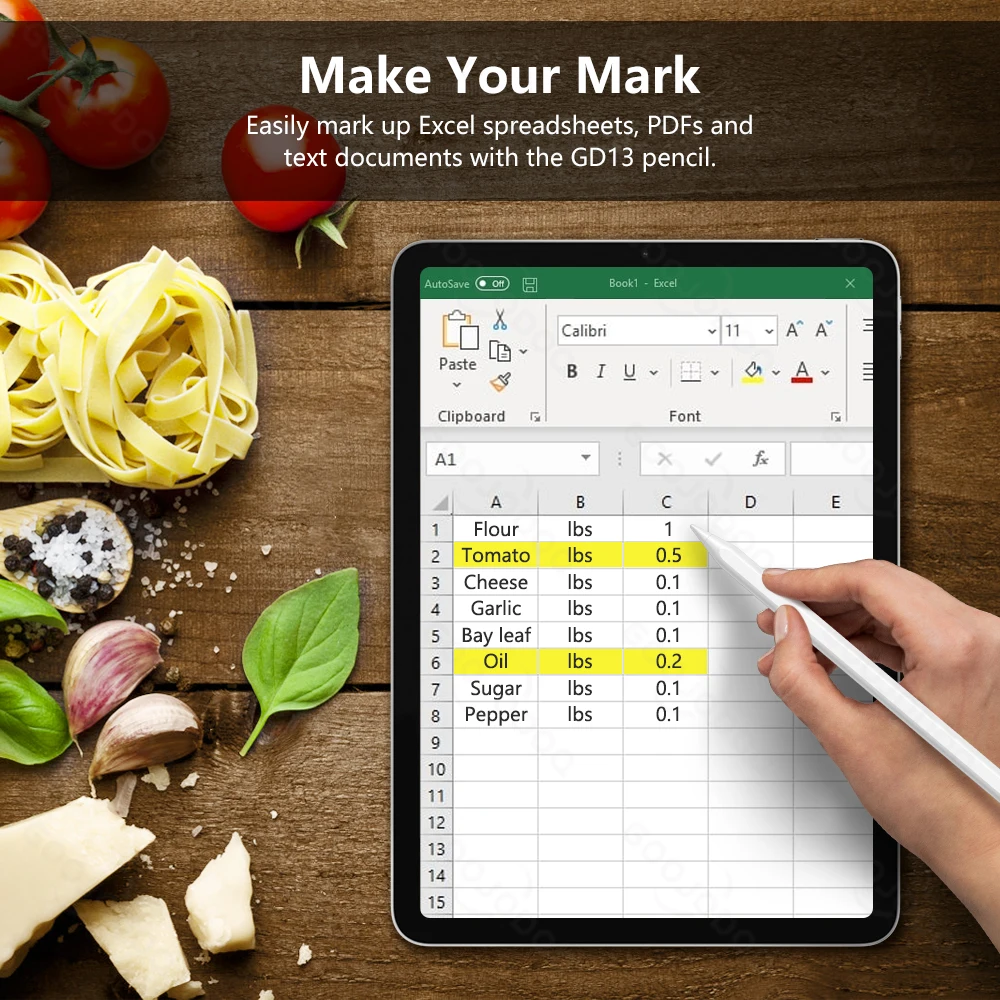
GD13 Pencil - 2022 New Wireless pairing and charging
1. Wireless pairing and charging
2. Attaches magnetically
3. Pixel-perfect precision
4. Tilt sensitivity
5.Palm Rejection
6.Imperceptible lag
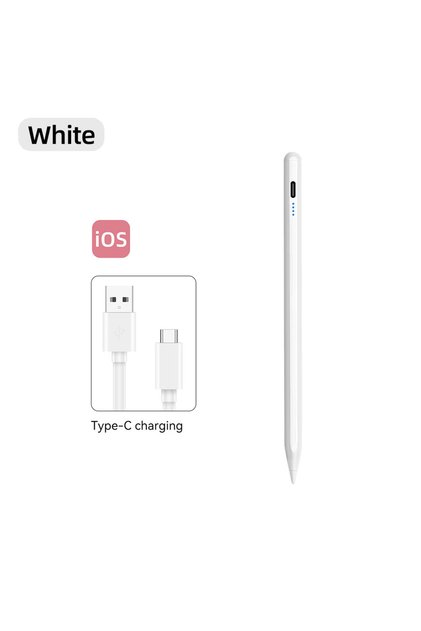
Two Ways for Charging
One:
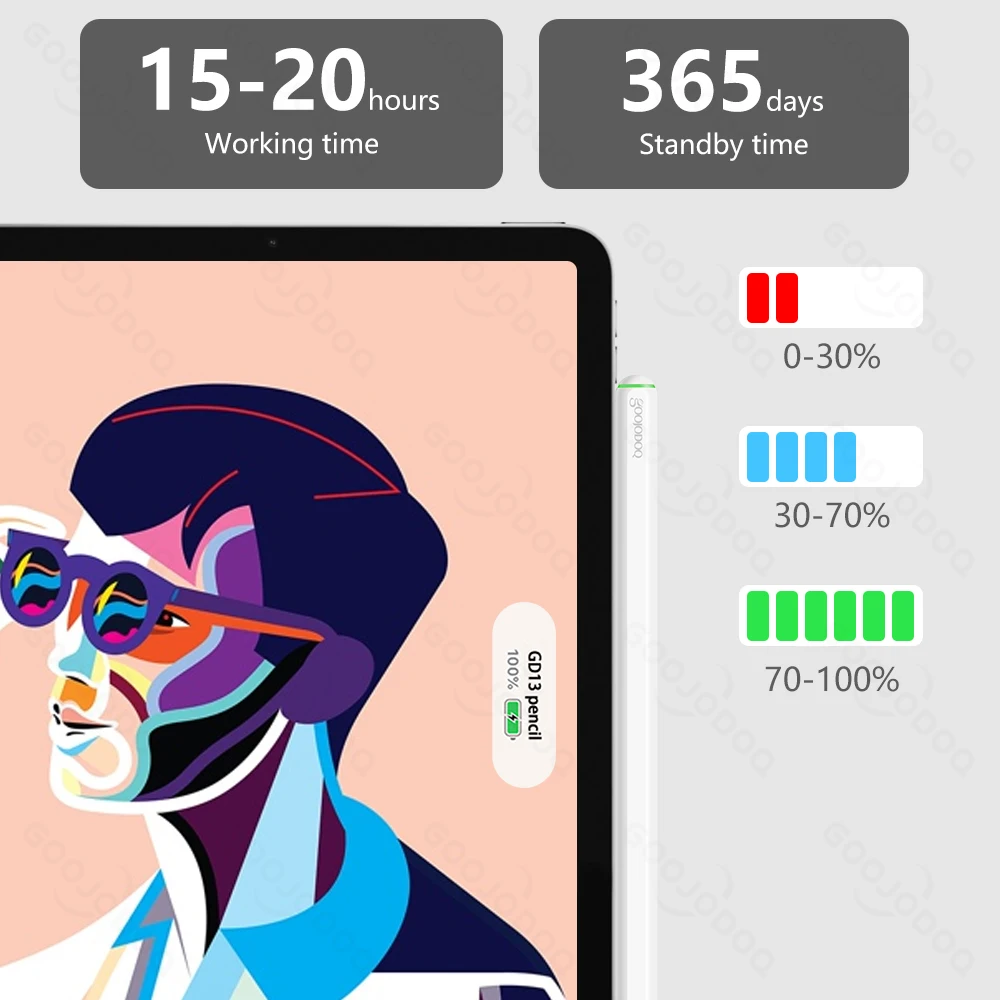
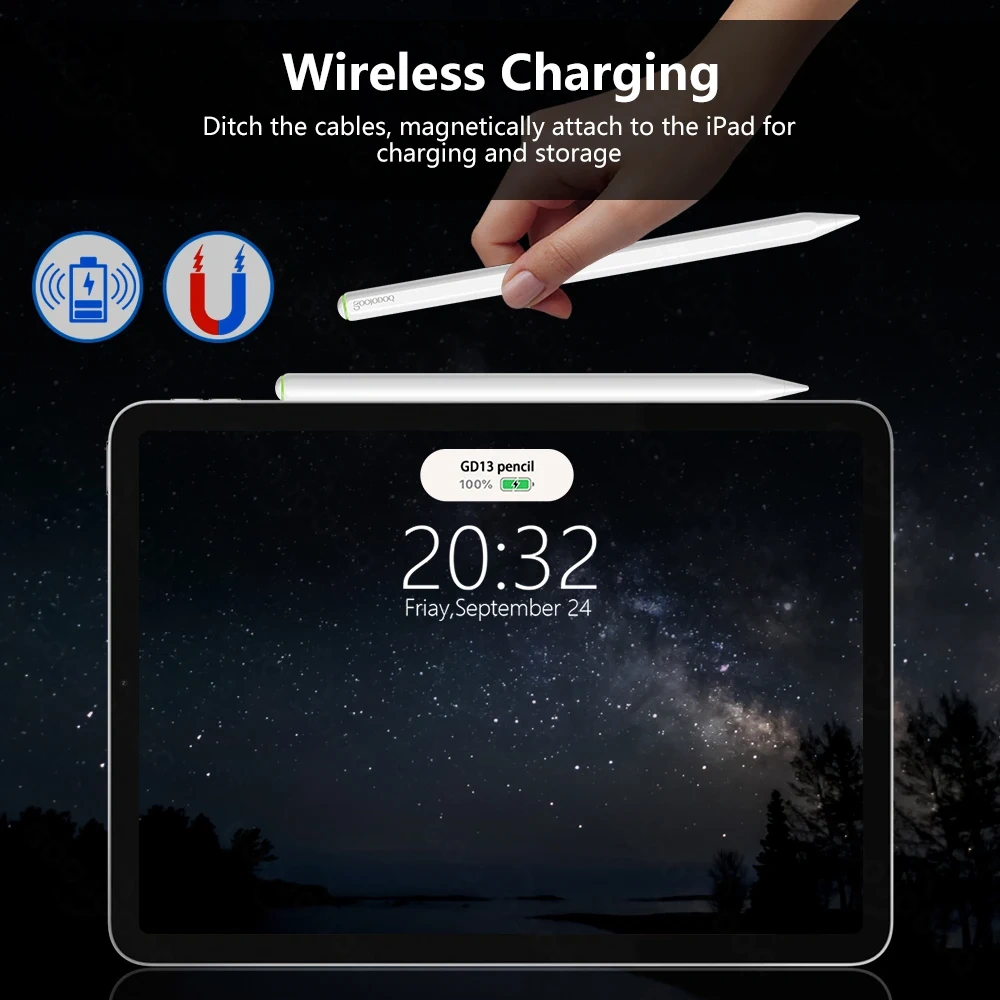
Magnetically attaches to the side of for the iPad for fast charging.(when it was charging, the light on the top of the pencil is flashing.)
the Second Way for Charging
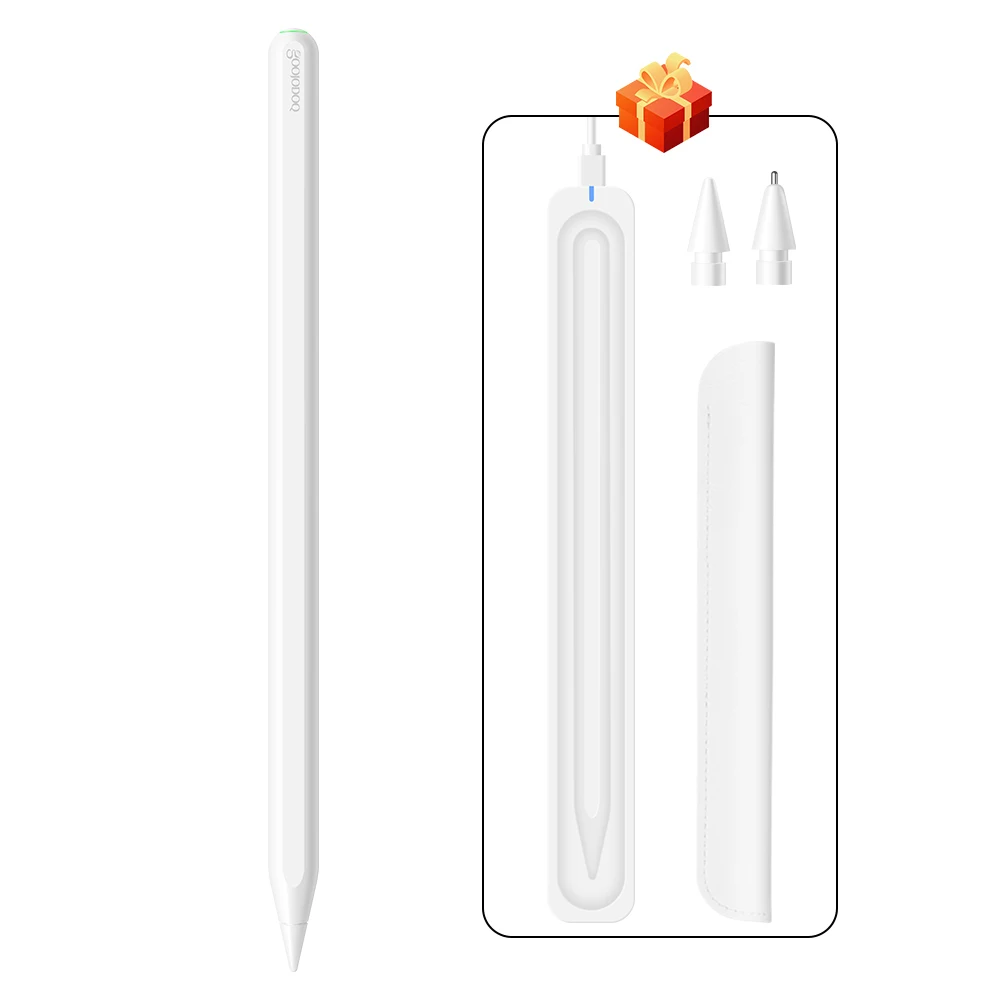
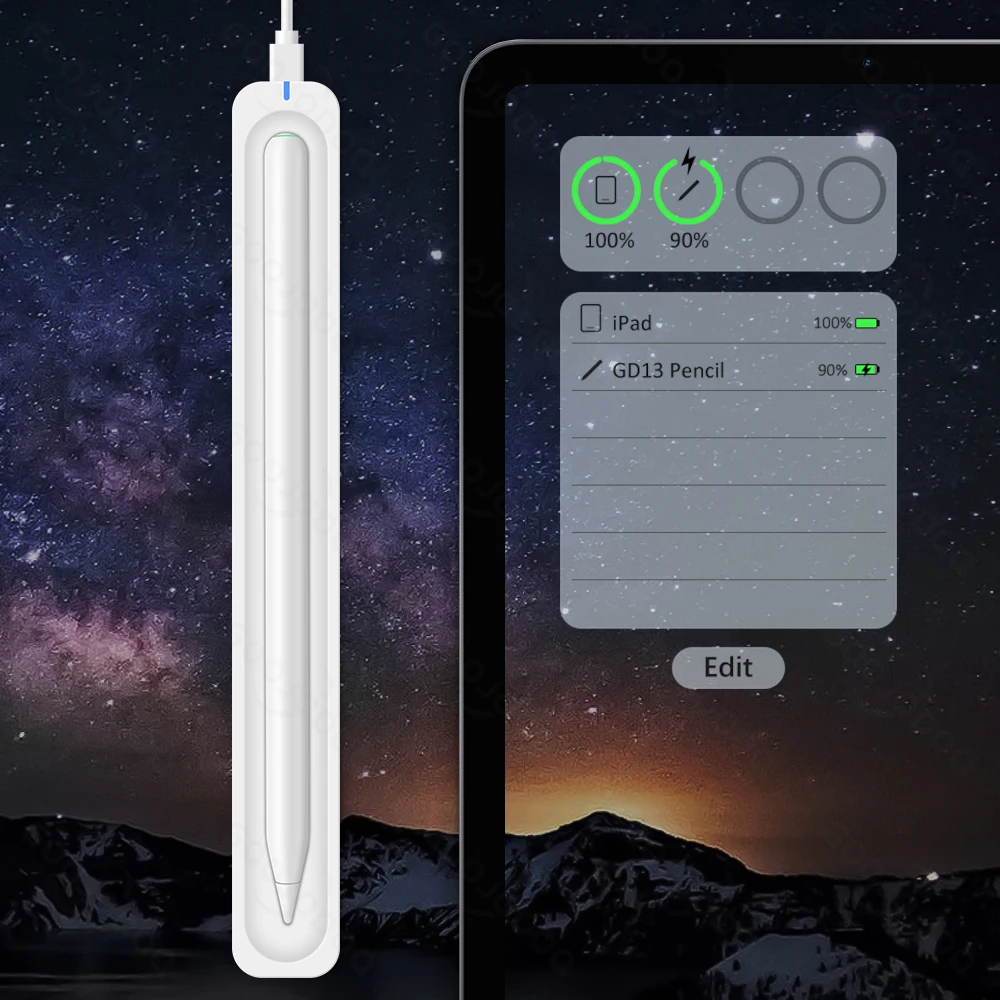
Magnetic Charging Case support charging for GD13 Pencil and for Apple pencil 2nd generation... no more worrying about drawing power from your (for ) iPad.
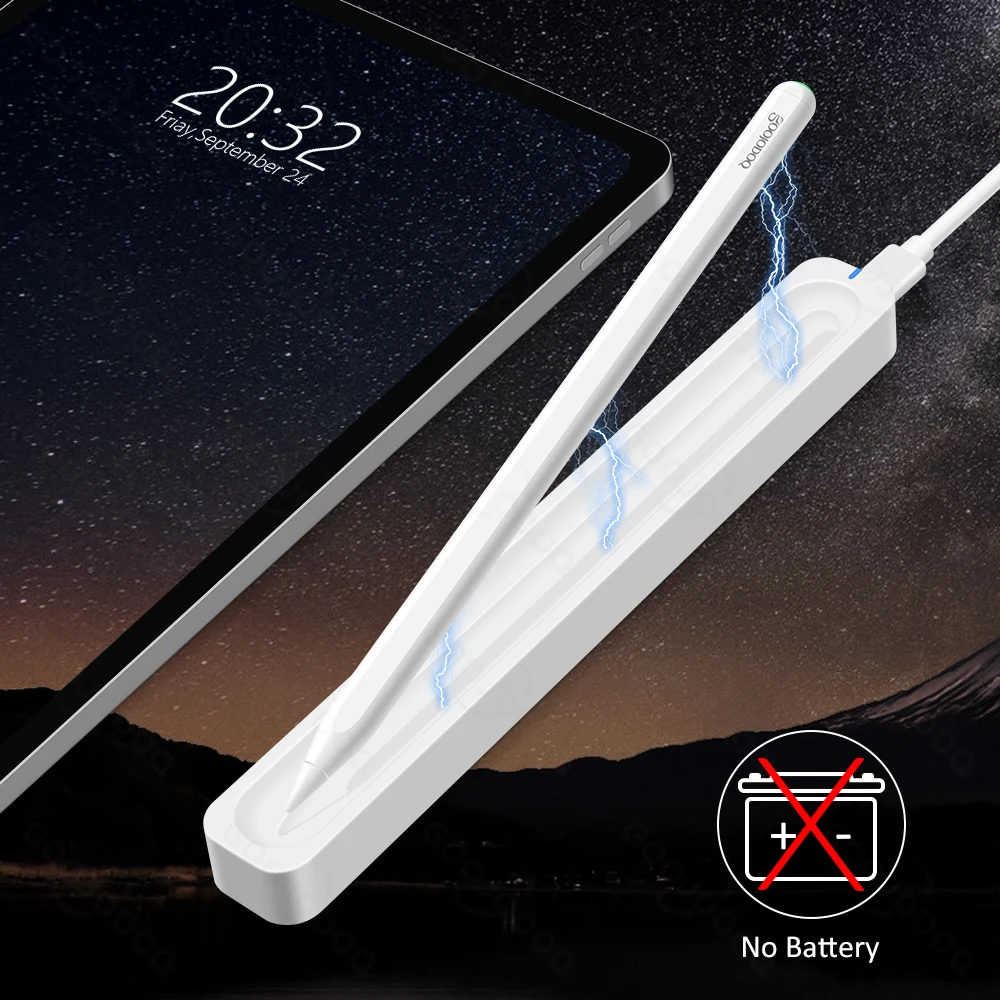
GD13 Pencil also can work for the iPad as the following picture shows.
But they don't support wireless charger for the pencil.
It doesn't matter, GD13 Can be charged by this magnetic case !
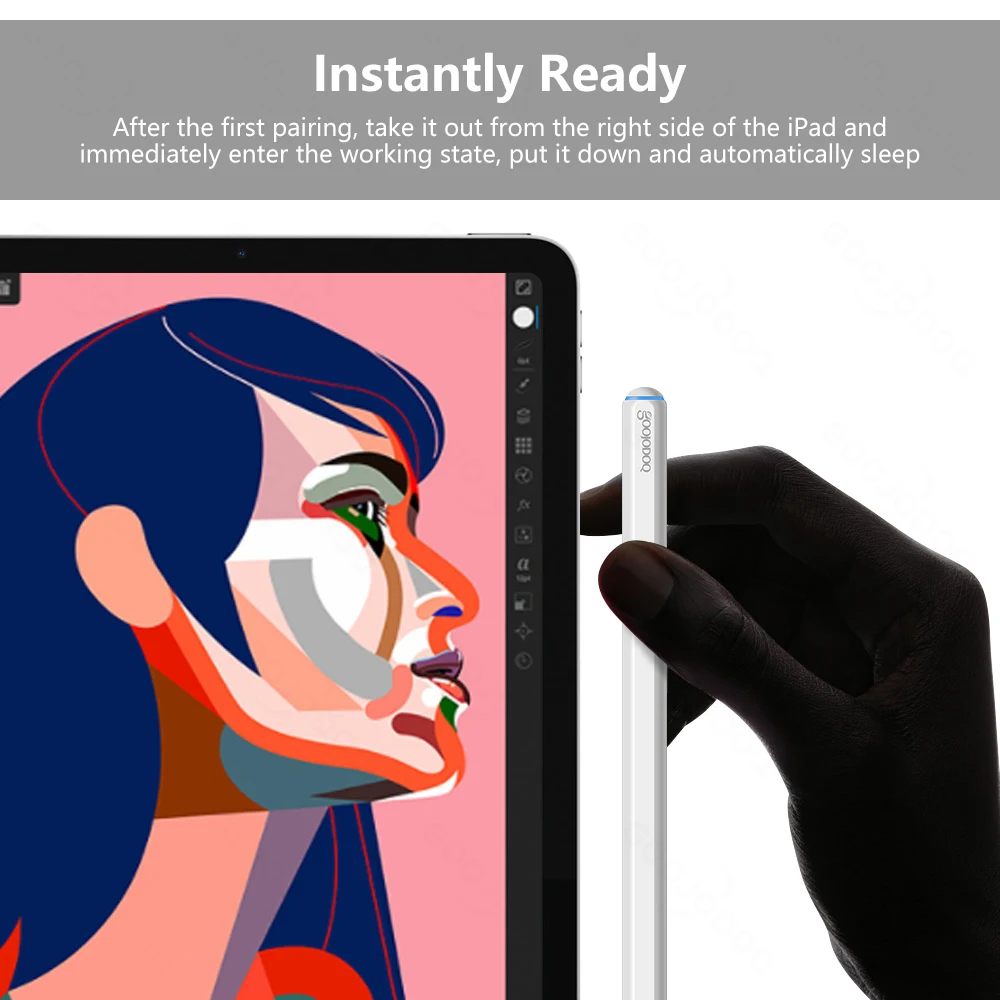
Instantly Ready
After the first pairing, taking it out from the right side of the device and immediately enter the working state.
Put it down and automatically sleep.
If you want to open and close it manually, please long press the top of the pencil to open / close it.
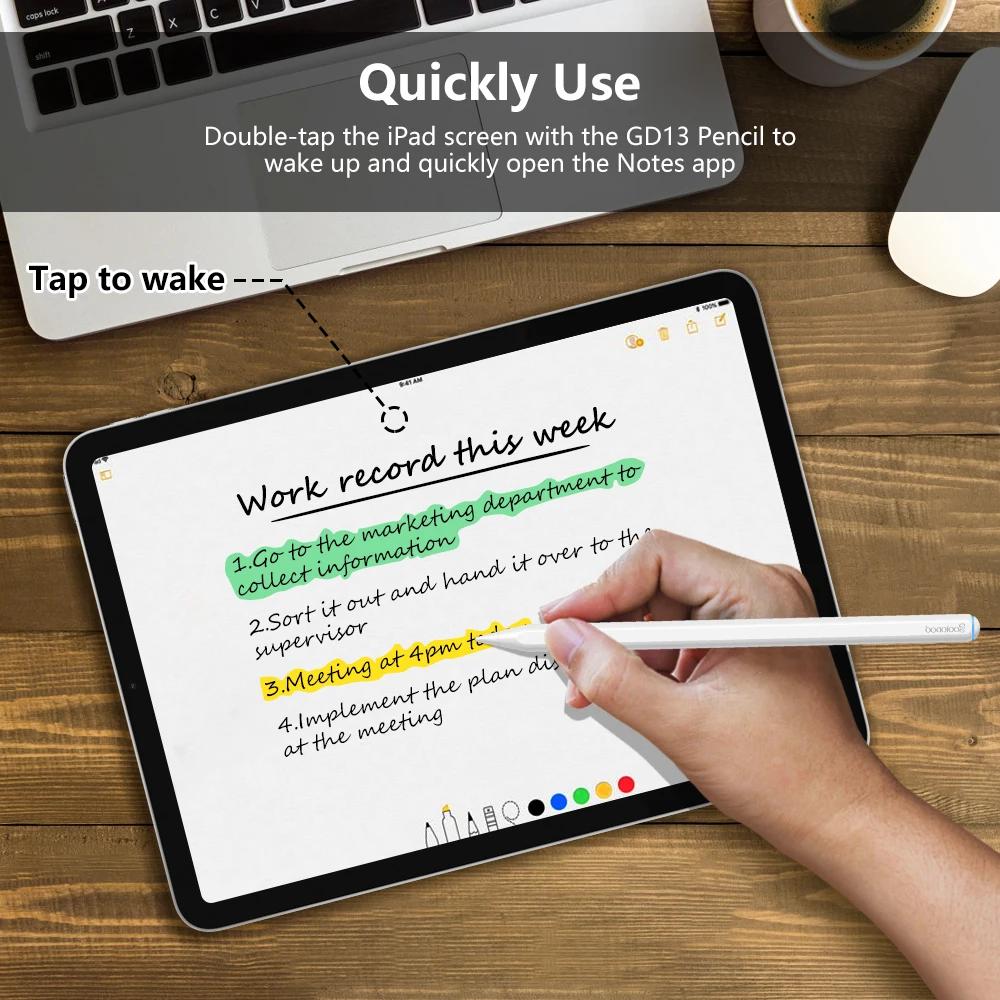
Quickly Use
Double-tap the Pad screen with the GD13 Pencil to wake up and quickly open the Notes app
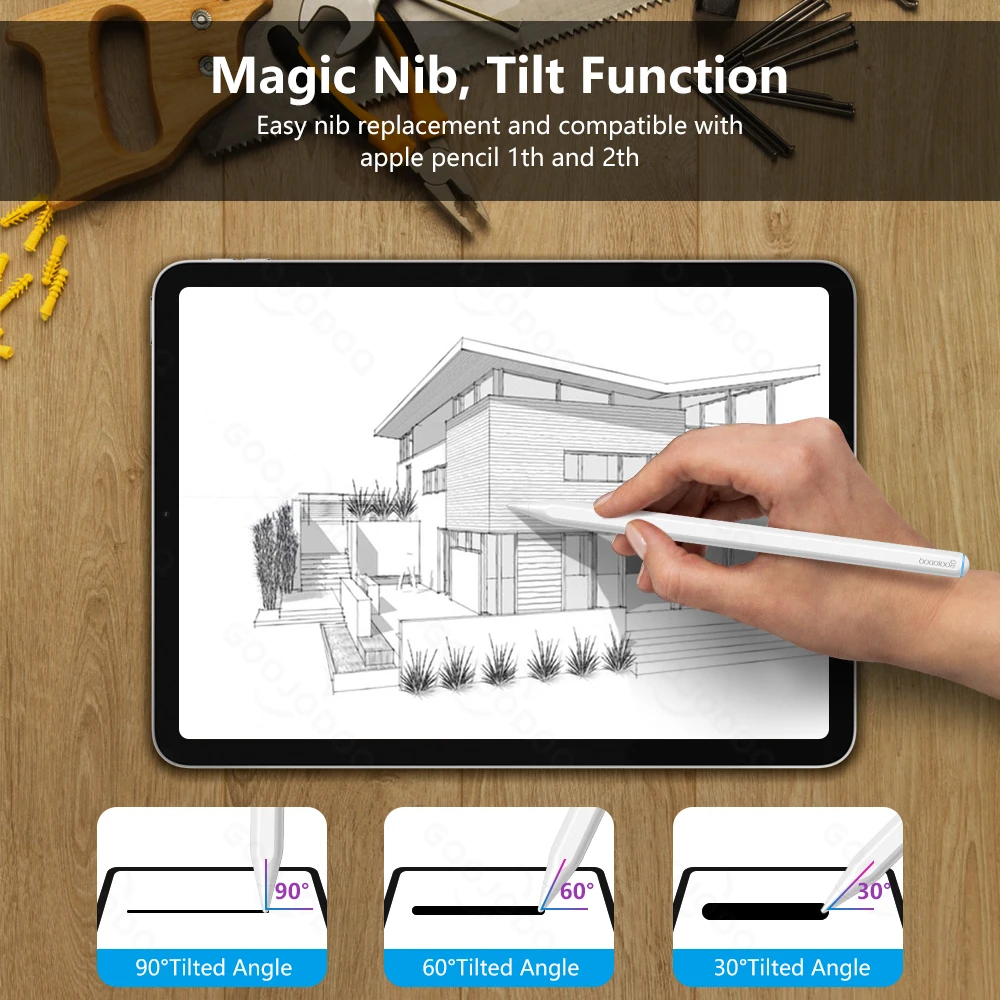
Tilt Sensing Function
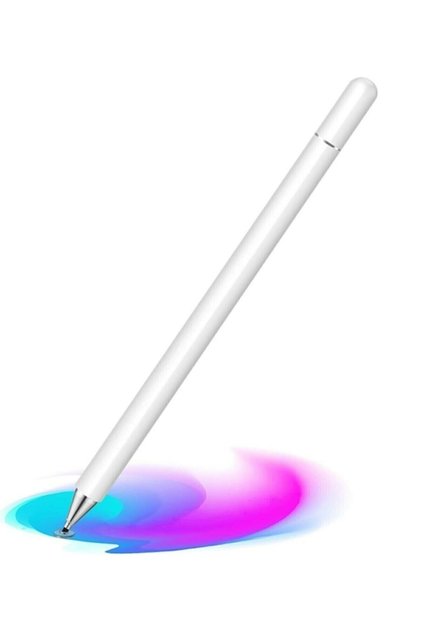
Dream it up. Jot it down.The Stylus Pen has a smart tip which dynamically adjusts line weight depending on the angle you place it down - just like a regular pencil.
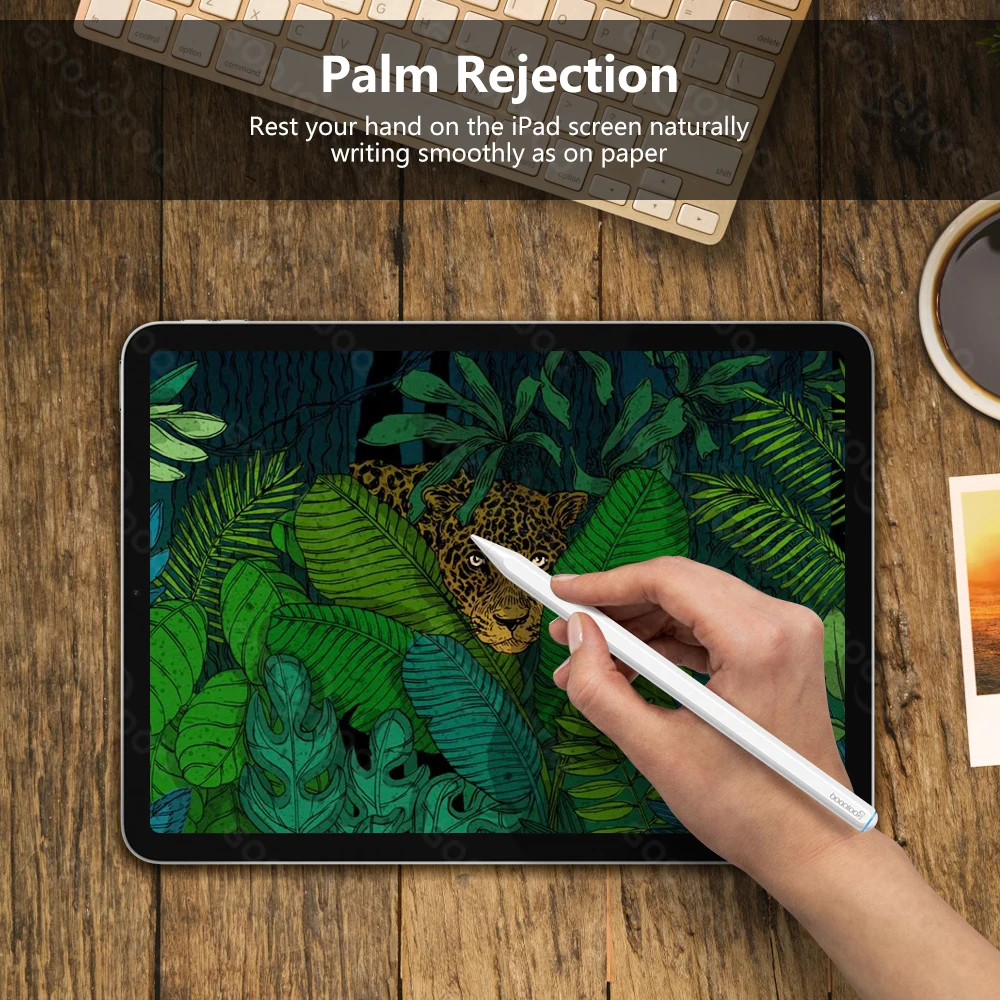
Palm Rejection Technology; No Need Bluetooth
Rest your palm comfortably on the screen while writing or drawing by this stylus pen, without any effect, don't worry about leaving stray line. With this upgraded Pencil, you don't have to wear the glove