Free shipping
Almost sold out!
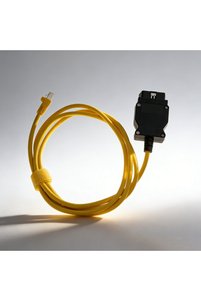
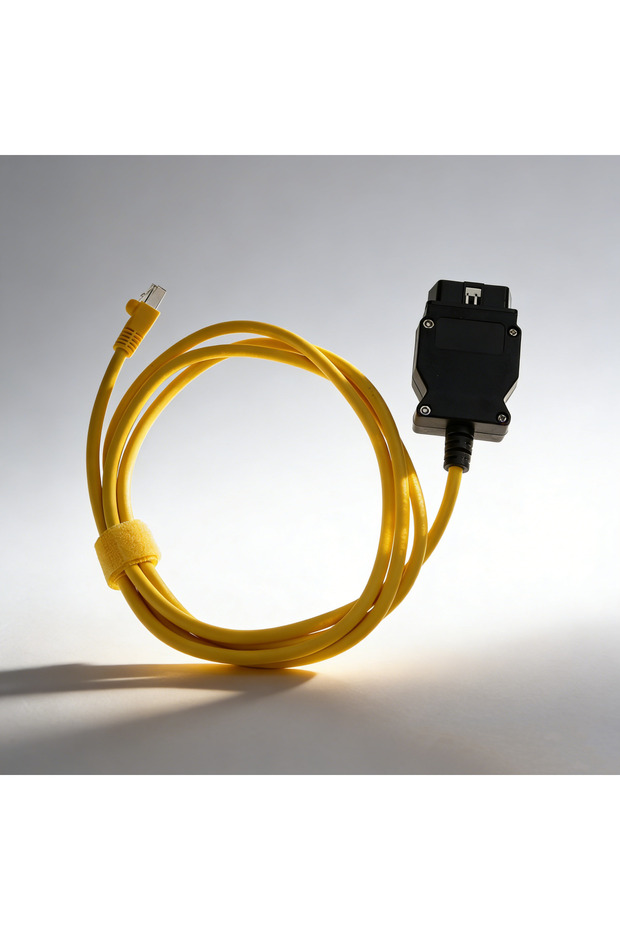
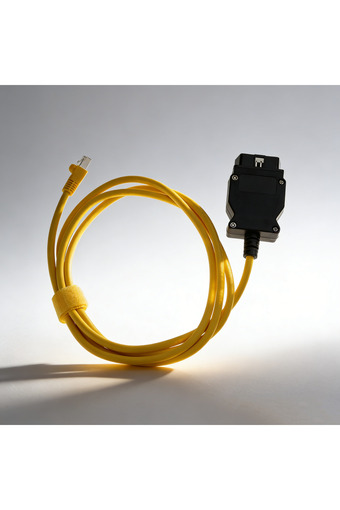
Choice English YELLOW 78.74 Inch ICOM System Cable Crystal Head Adapter, Only for Car Programming & Diagnos
No reviews yet.

Special Deals
3226.24AED
Free shipping
Delivery address

Select your address, find out the delivery date!
Trendyol's commitments
Easy and free return in 15 days.
Payment methods



Coupons
Highlighted features:
Choice English YELLOW 78.74 Inch ICOM System Cable Crystal Head Adapter, Only for Car Programming & Diagnos features
Instructions for Use/Warnings
*YELLOW*English

Big Save Store
8.8
79.3K followers
Seller information
Choice English YELLOW 78.74 Inch ICOM System Cable Crystal Head Adapter, Only for Car Programming & Diagnos reviews
No reviews yet.
Product details
Additional info
- A maximum of 10 units of this product can be ordered. Trendyol reserves the right to cancel orders over 10 units.
- Barcode No: 3674903921580
Choice English YELLOW 78.74 Inch ICOM System Cable Crystal Head Adapter, Only for Car Programming & Diagnos features
Instructions for Use/Warnings
*YELLOW*English
Safety information
Product safety information
Product description
Language:English
Color:YELLOW
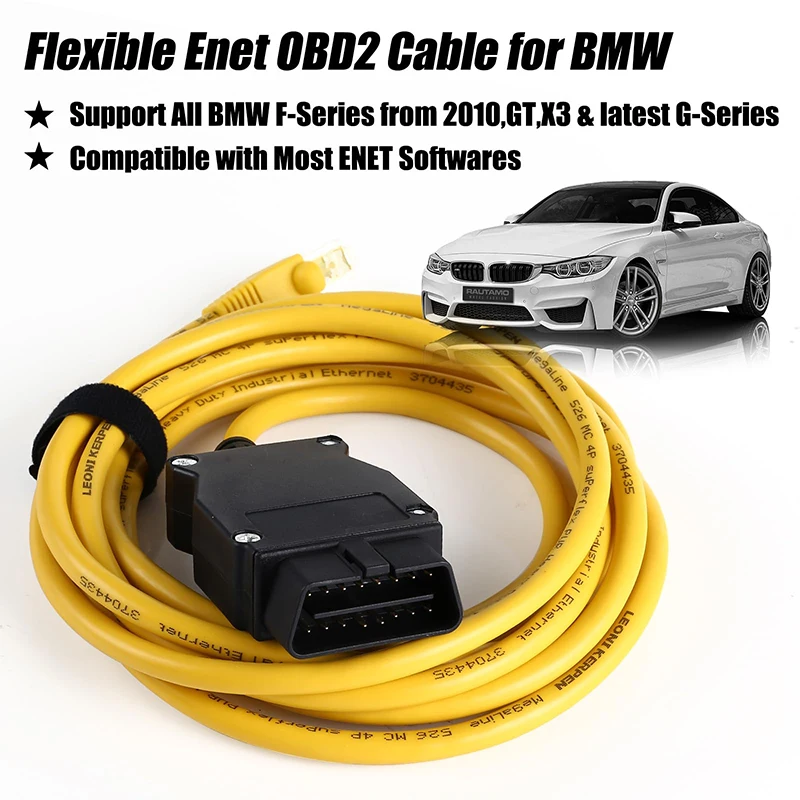
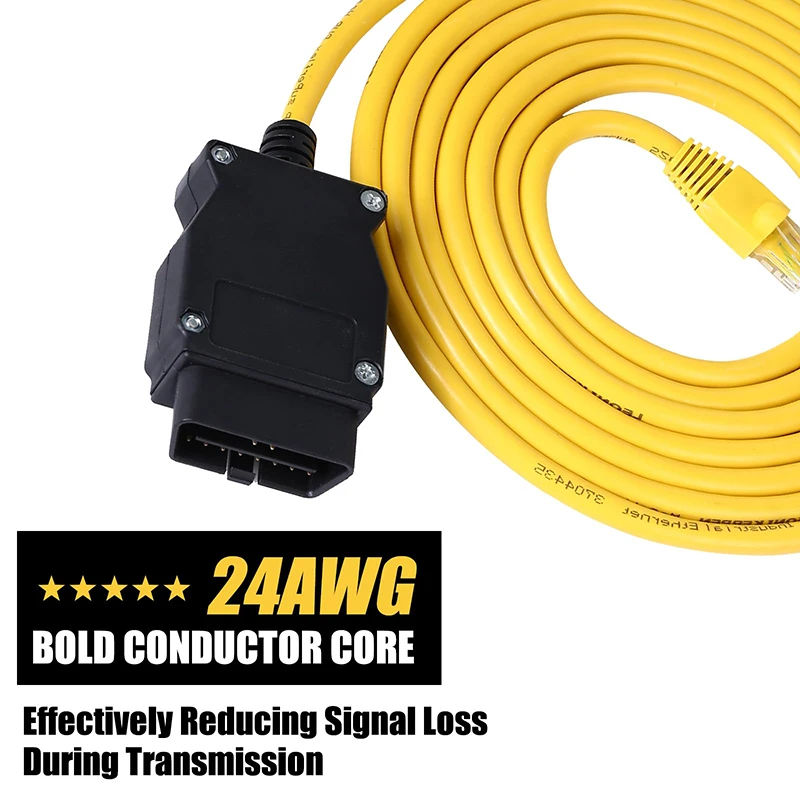
 Abnormal Data Reading: Confirm engine is running (some real-time data requires engine operation); reinsert cables if contact is poor; update software if version is outdated and retry.
Connection Failure: Check for loose OBD connectors or damaged cables; ensure vehicle power is on; verify software compatibility with your vehicle model; inspect connector pins for oxidation (clean with alcohol if necessary).
IV. Troubleshooting Common Issues
Avoid Illegal Modifications: Do not arbitrarily alter ECU parameters (e.g., performance tuning). This may void vehicle warranties, cause emissions non-compliance, or create safety hazards.
Match Vehicle Models with Software: OBD protocols vary by vehicle brand and model. Use compatible software and dedicated diagnostic cables to ensure connectivity.
Power Off Before Plugging/Unplugging: Turn off the vehicle's power (key to “OFF” position) before connecting or disconnecting the OBD cable to prevent electrical surges damaging the vehicle ECU or diagnostic device.
Correct Interface Orientation: OBD connectors feature anti-reverse design. Do not force reverse insertion to prevent pin damage.
III. Critical Precautions
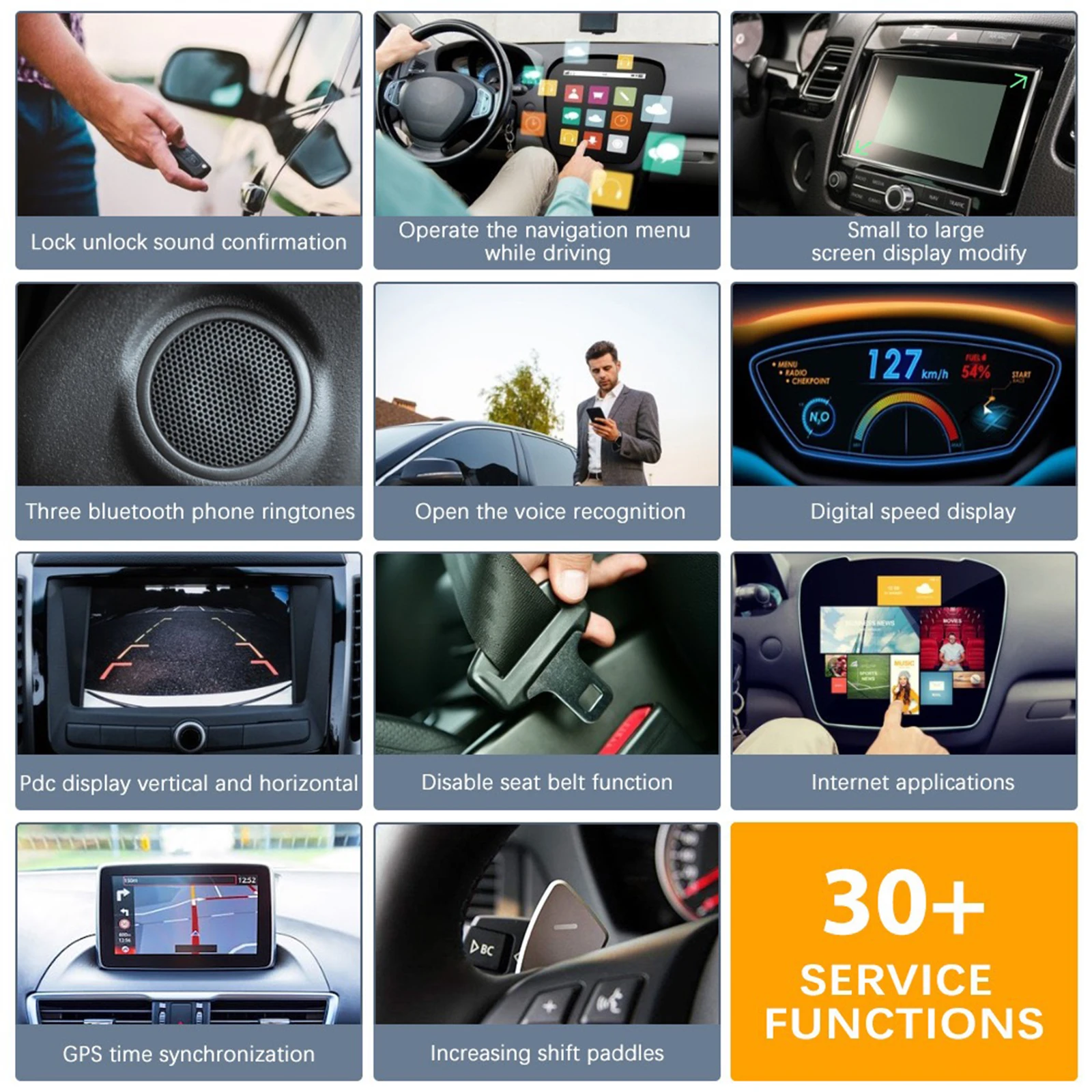
Custom Settings: Some models support modifying hidden features via OBD cables or pairing new modules (e.g., keys, sensors).
Viewing Real-Time Data: Displays live parameters like engine RPM, vehicle speed, coolant temperature, fuel consumption, and intake pressure for monitoring vehicle status.
Clearing Fault Codes: After resolving vehicle issues, use the software to erase stored fault codes and eliminate dashboard warning lights.
Read fault codes: The software scans fault codes across vehicle systems (engine, transmission, ABS, etc.), displaying fault causes and solutions to facilitate troubleshooting.
II. Primary Use Cases
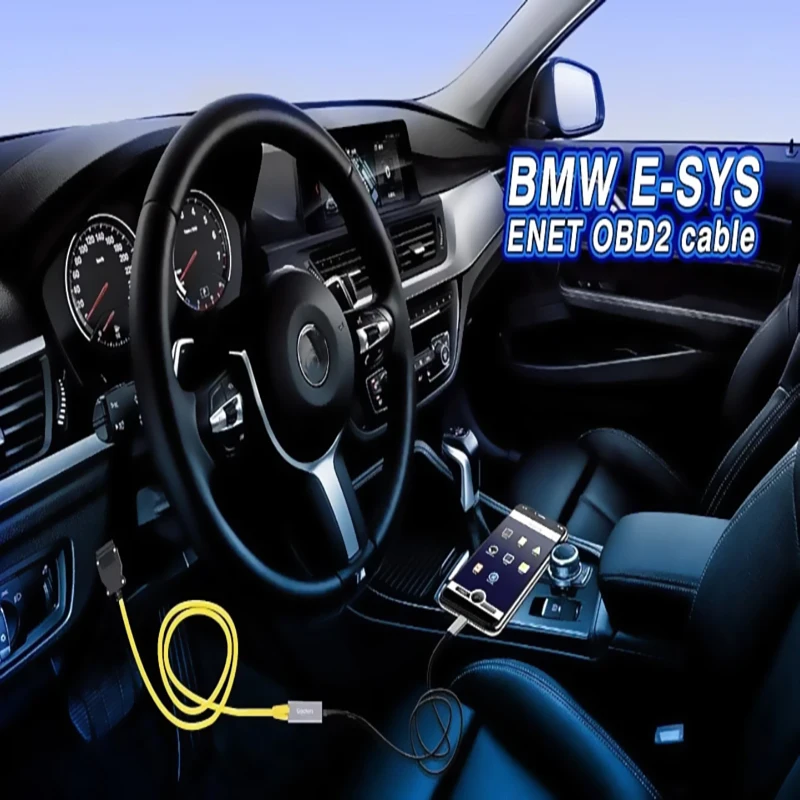
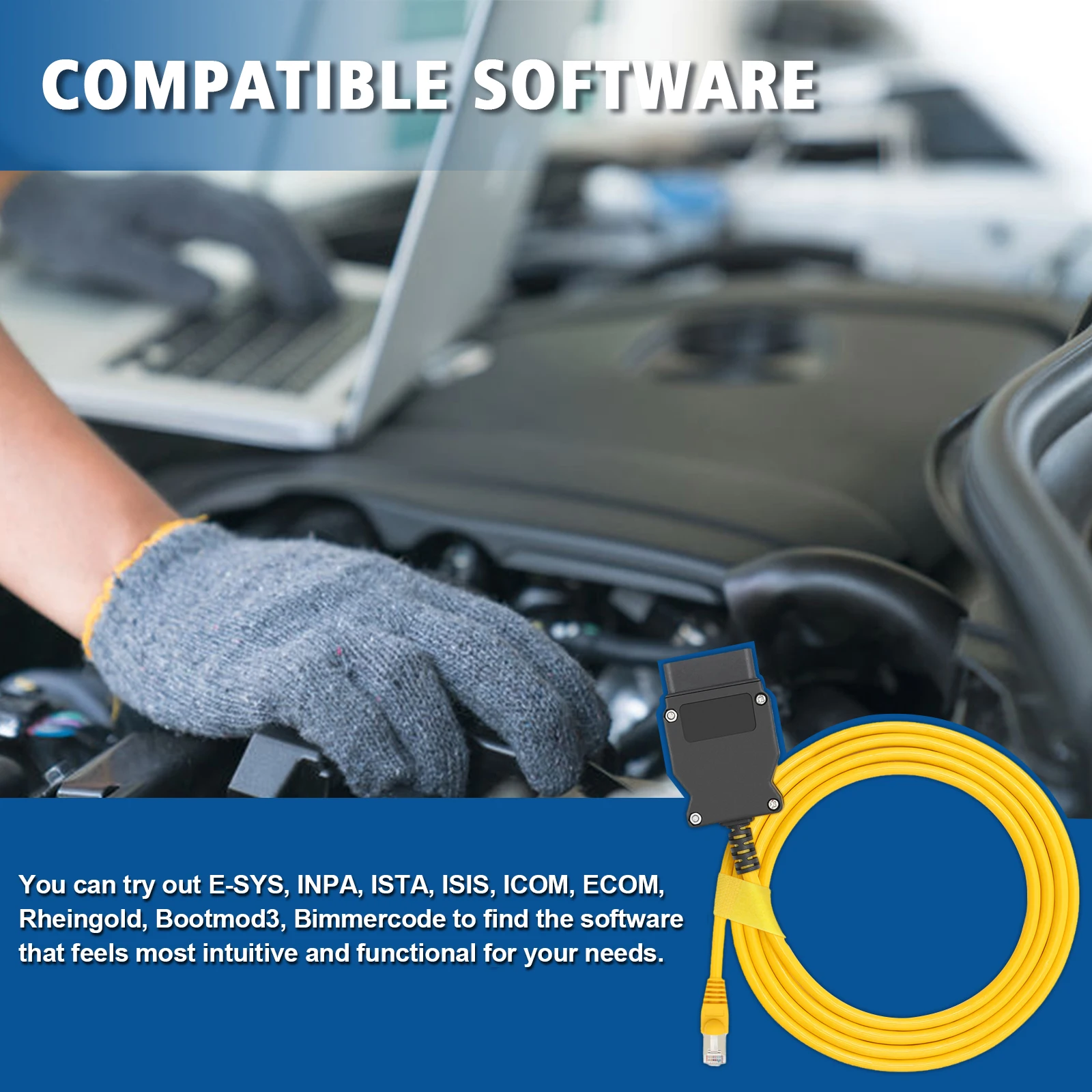
Run diagnostic software: Open OBD-related software on your device (e.g., automotive diagnostic apps, ESYS, dedicated diagnostic programs). The software will automatically search for and connect to the vehicle's ECU. Once connected, you can begin operations.
Power on the vehicle: No need to start the engine. Turn the ignition key to the “ACC” position (power-on state). Some devices require the engine to be running to read real-time data (e.g., RPM, coolant temperature).
Connect the device and cable: Insert the 16-pin connector of the OBD cable into the vehicle's OBD port. A “click” sound indicates it is securely locked in place. Connect the other end to the diagnostic device (e.g., smartphone, computer, dedicated scanner) via the corresponding USB/Bluetooth/WiFi port.
Locate the vehicle's OBD port: Typically found beneath the steering wheel on the driver's side (above the pedals), on the left side of the center console, or inside the glove compartment. It is usually a 16-pin trapezoidal connector.