Free shipping

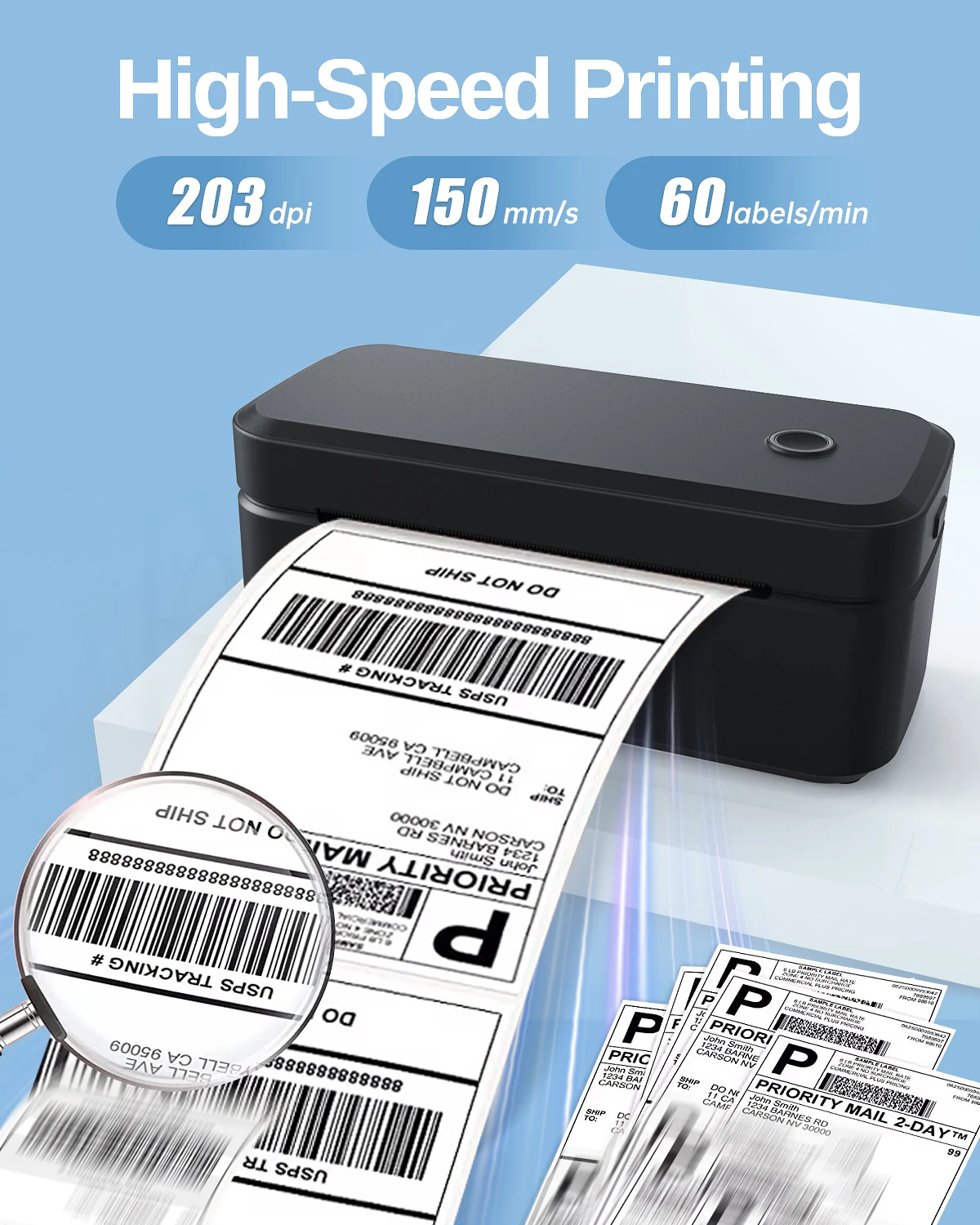
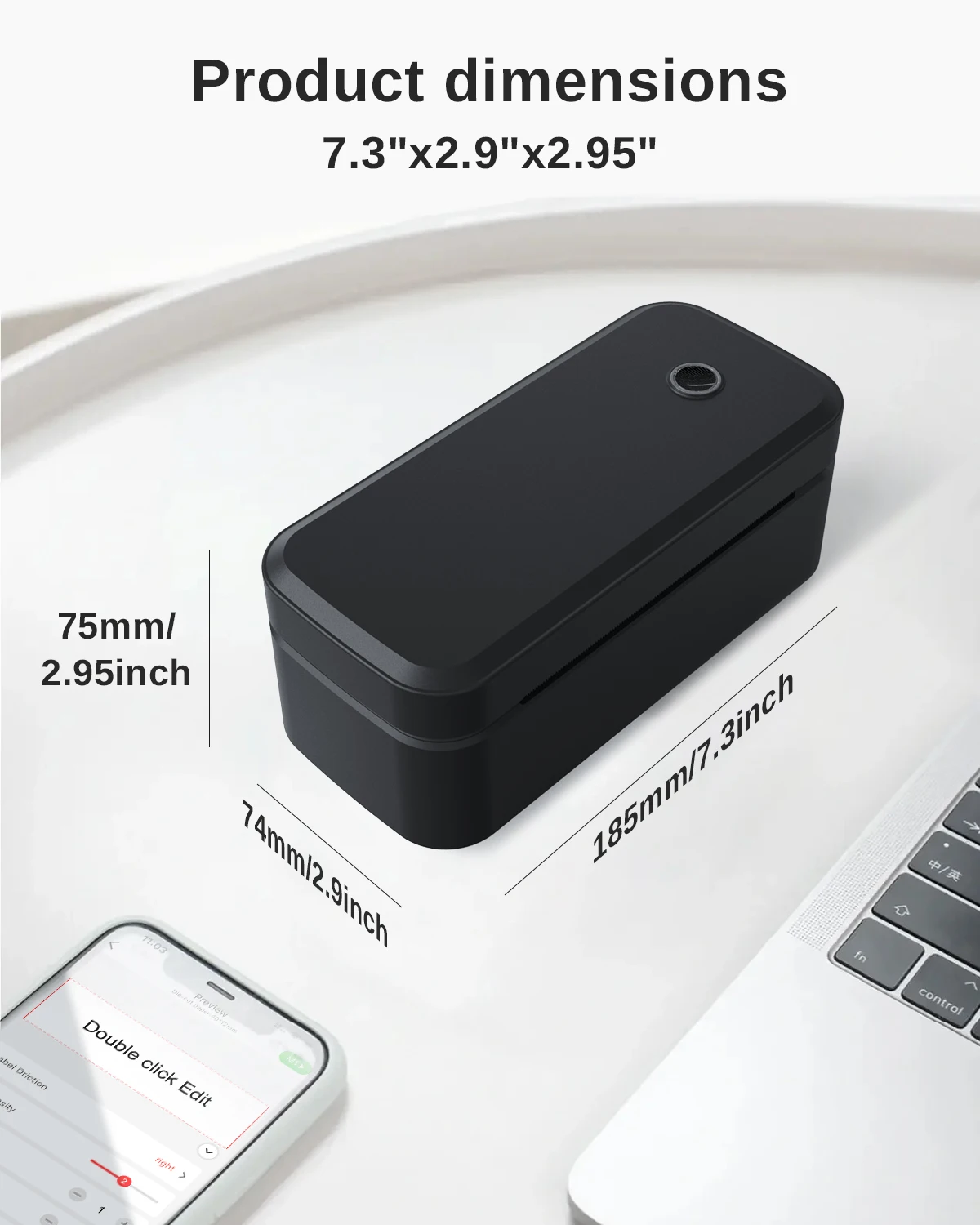
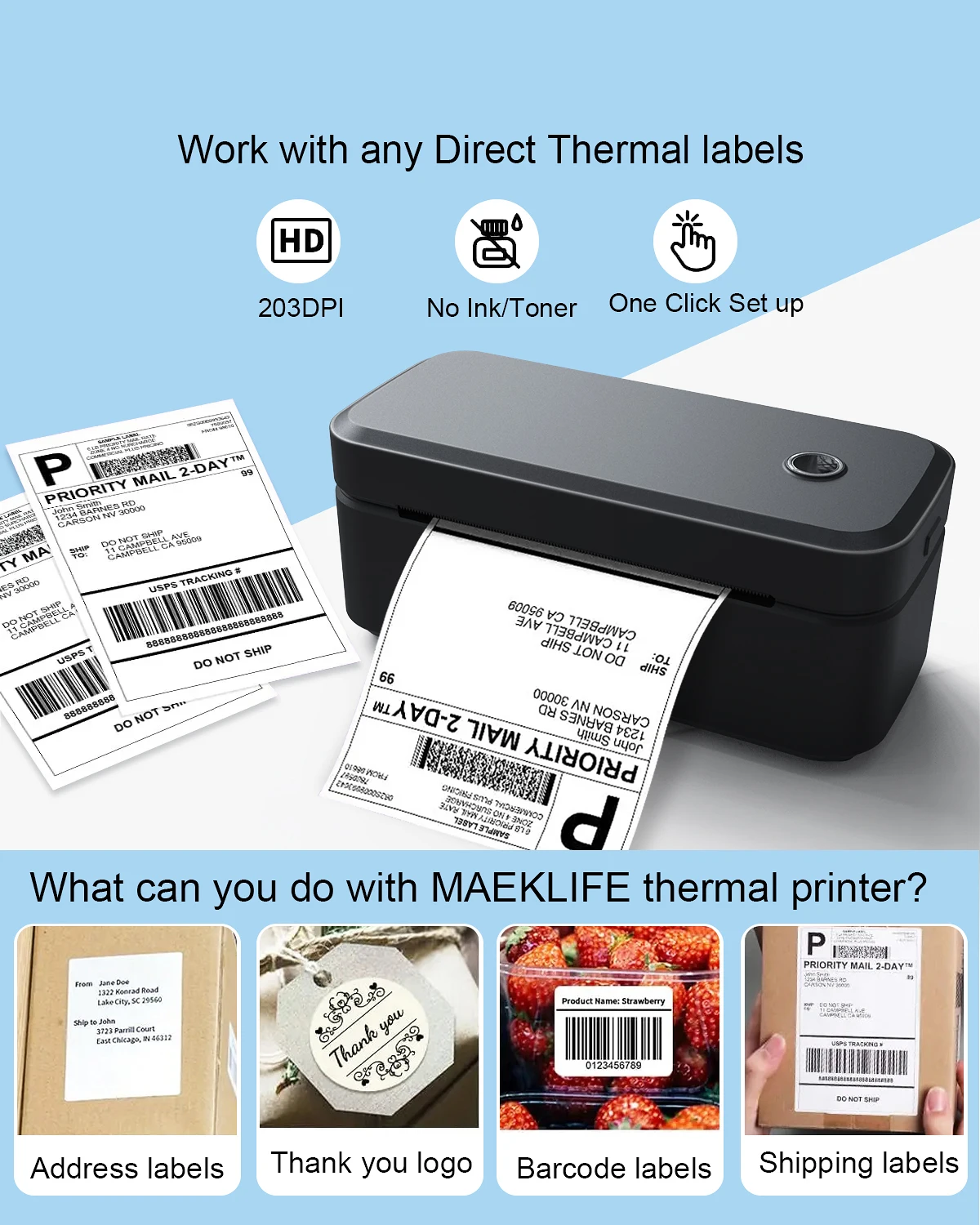
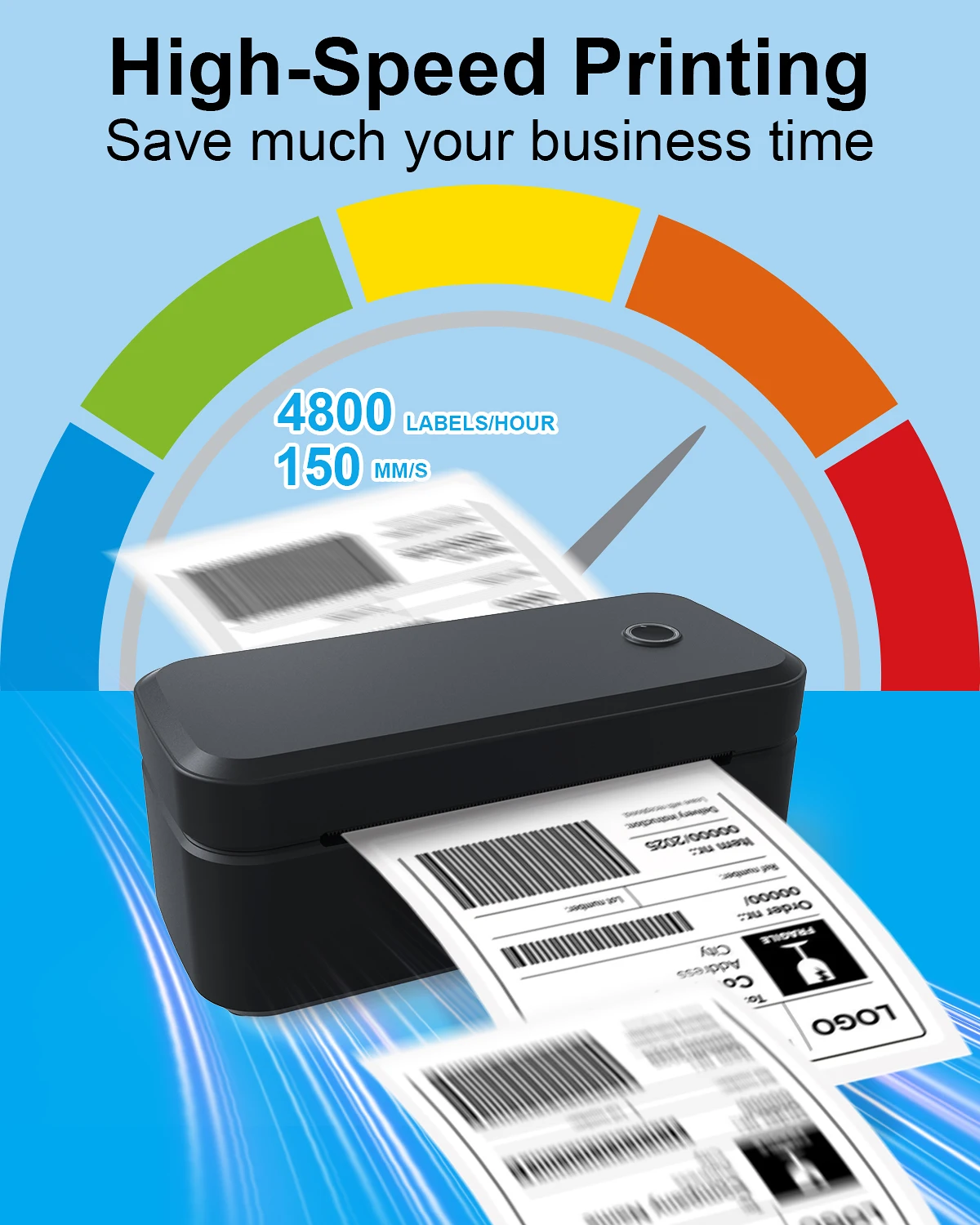
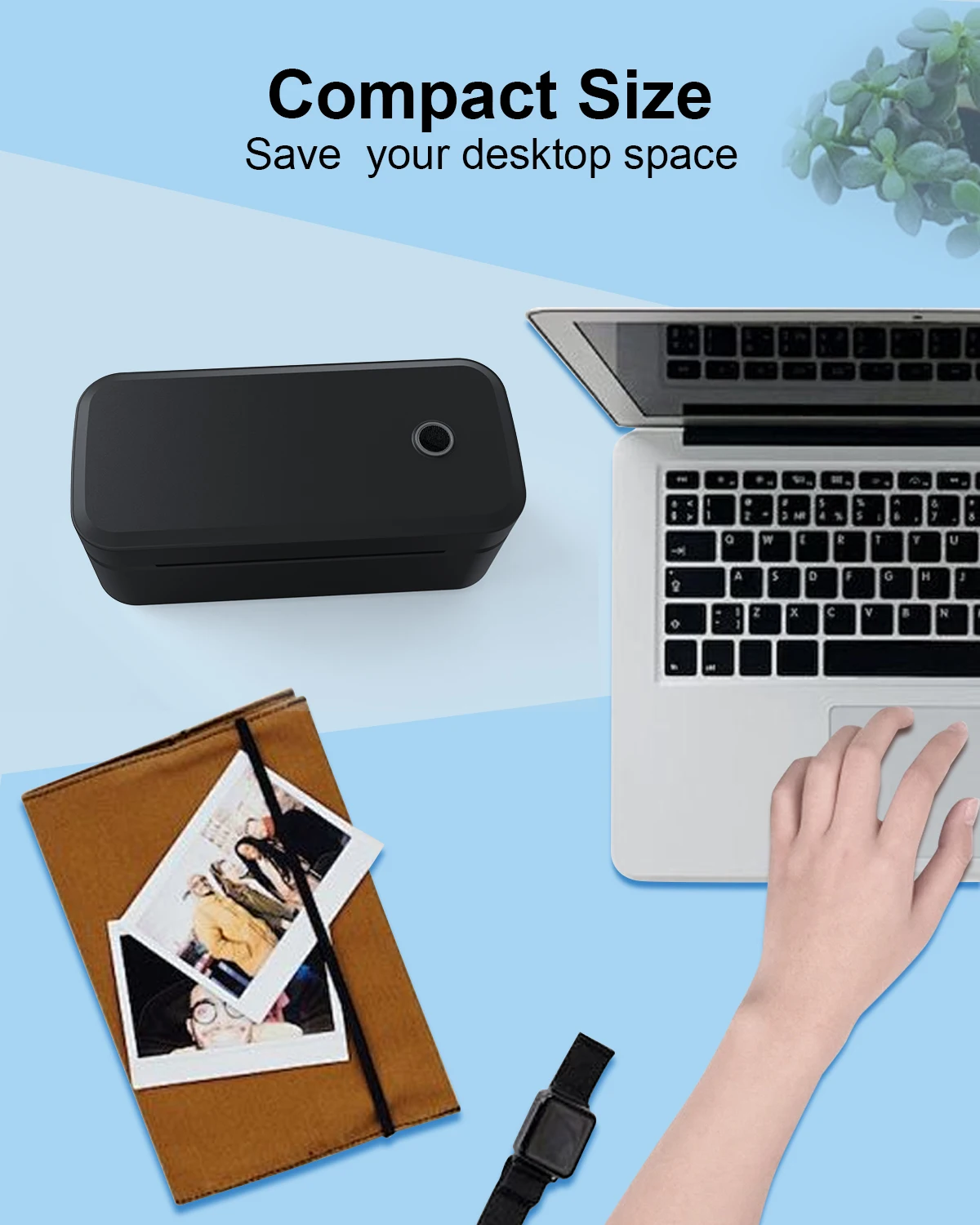
Choice 500pcs Lable Paper Marklife X4 Thermal Label Printer Portable Printer for 4x6 Mailing Packages Print
No reviews yet.
Checkout Discount 10% Off
At checkout
66.81 AED
74.23 AED
Free shipping
Delivery address

Select your address, find out the delivery date!
Trendyol's commitments
Easy and free return in 15 days.
Payment methods



Highlighted features:
Choice7 500pcs Lable Paper Marklife X4 Thermal Label Printer Portable Printer for 4x6 Mailing Packages Print features
Instructions for Use/Warnings
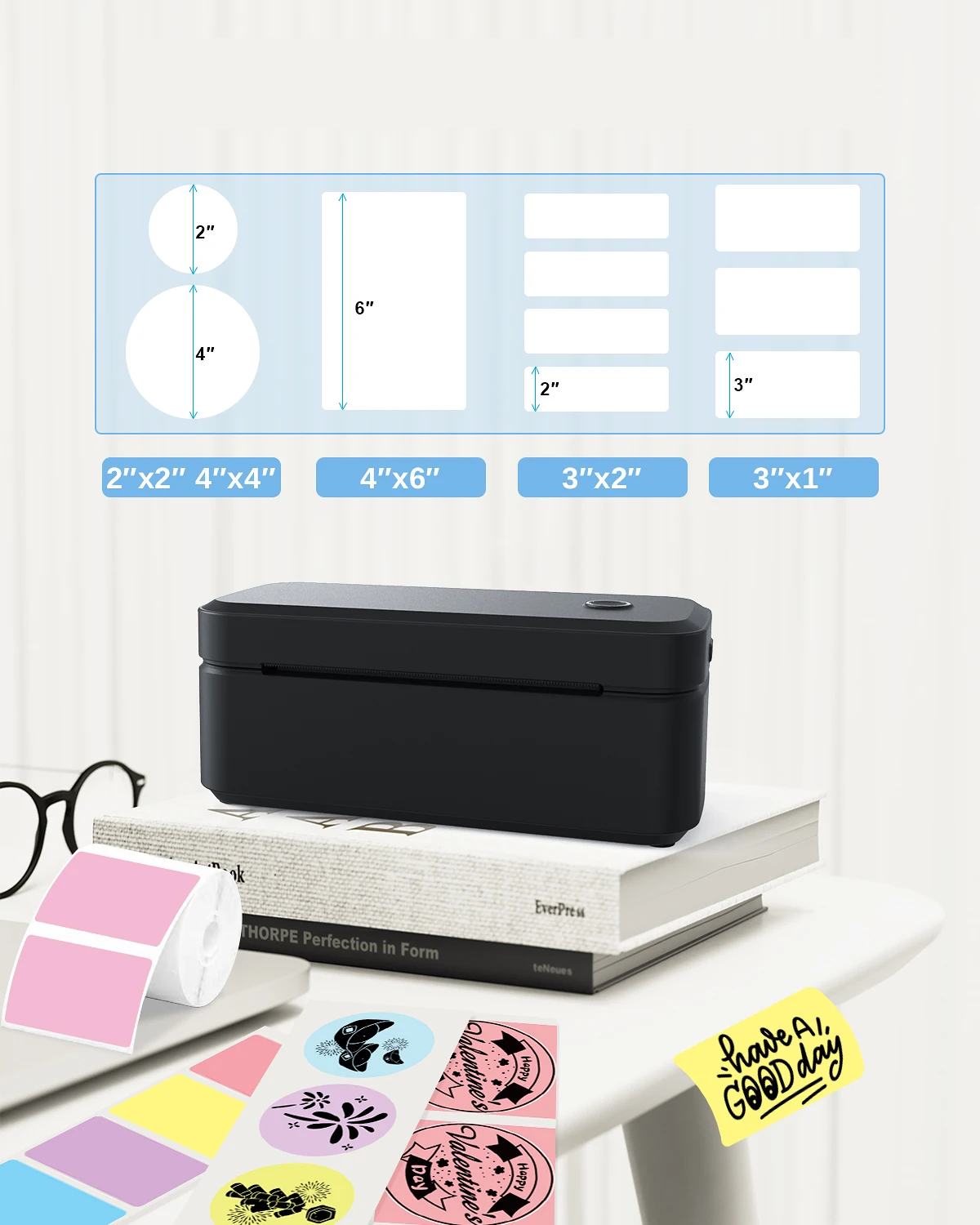
*500pcs Lable Paper

Big Save Store
8.8
80.6K followers
Seller information
Similar items








Shoppers also viewed






Choice7 500pcs Lable Paper Marklife X4 Thermal Label Printer Portable Printer for 4x6 Mailing Packages Print reviews
No reviews yet.
Product details

Additional info
- A maximum of 10 units of this product can be ordered. Trendyol reserves the right to cancel orders over 10 units.
- Barcode No: 3616291854495
Choice7 500pcs Lable Paper Marklife X4 Thermal Label Printer Portable Printer for 4x6 Mailing Packages Print features
Instructions for Use/Warnings
*500pcs Lable Paper
Safety information
Product safety information
Product description
color:500pcs Lable Paper
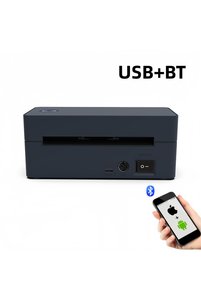
Two connection methods, usable on both mobile phones and computers:
1. Wireless Connection (Mobile Only)
Supports iOS and Android systems. Two steps:
Download the “Marklife” App from the app store ( App Store / Android Google Play).
After opening the App, you can directly send print commands to the D100 wireless thermal printer without plugging in any cables.
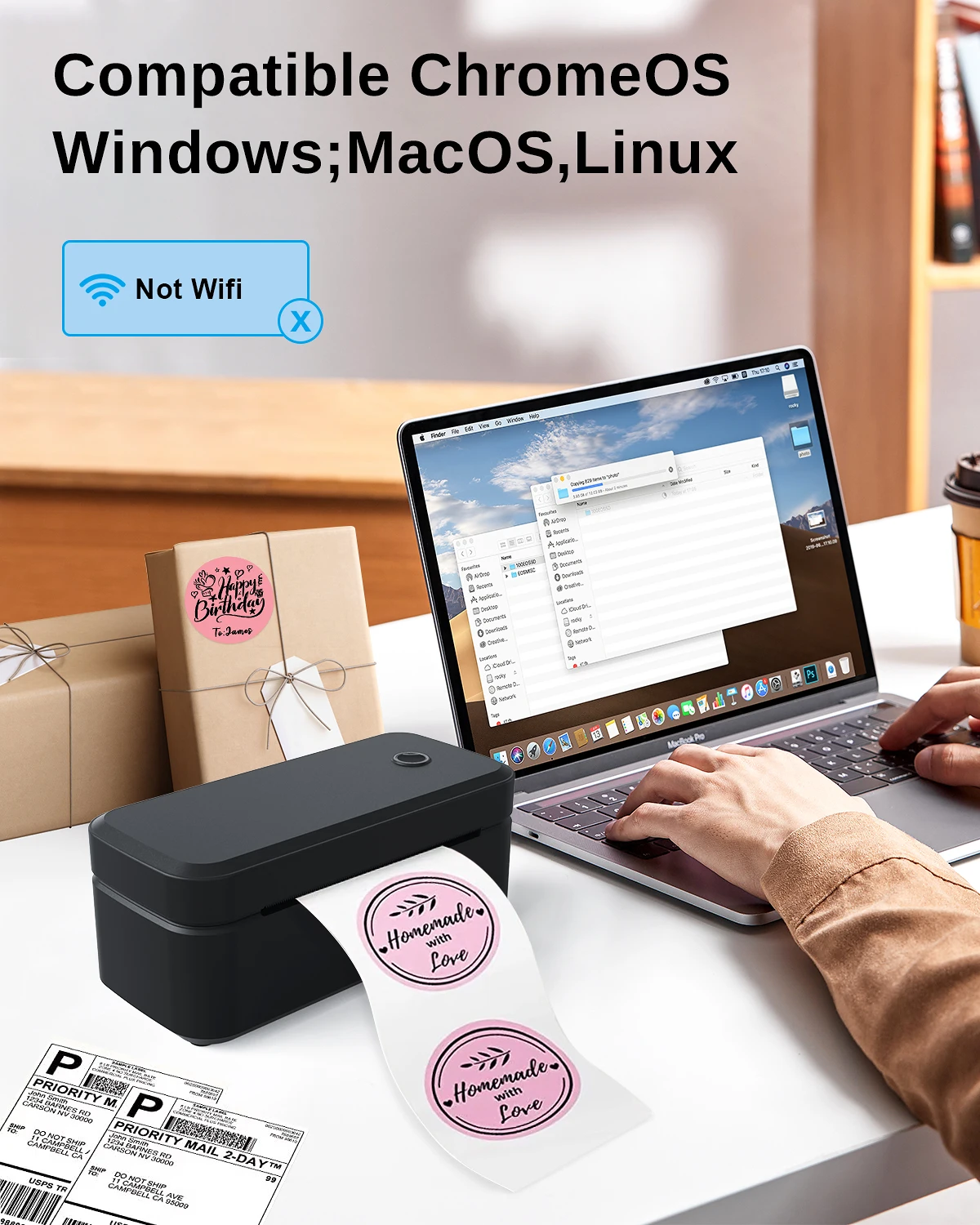
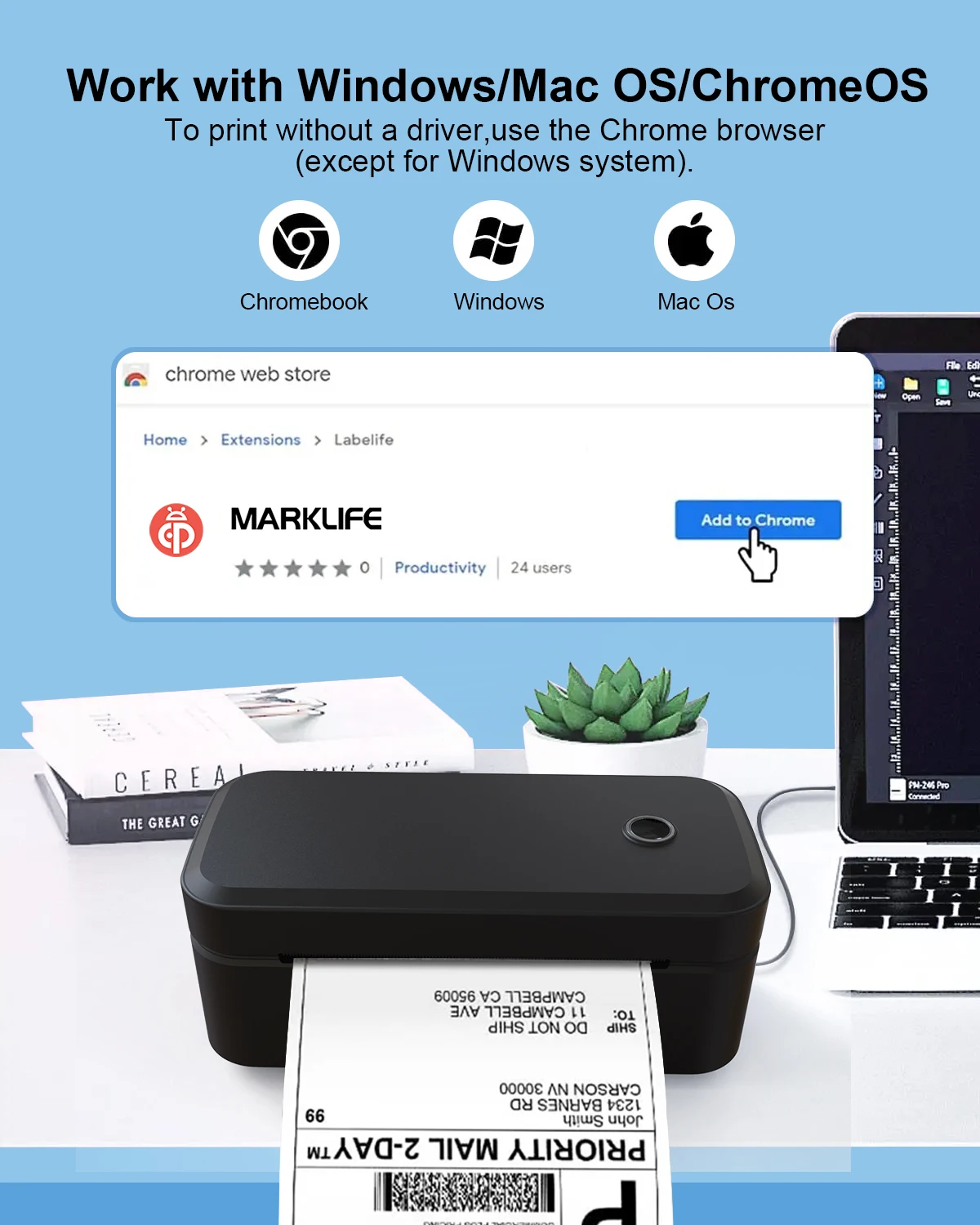
2. USB Cable Connection (Computer Only)
Tip: Before first use, it is recommended to watch the product installation and usage video tutorial for smoother operation.
a. Connect the printer and computer using a USB cable, then turn on the printer.
b. Install the driver extension for your browser, or download the driver from the Marklife App. Sometimes you may need to turn off your computer's security software.
c. Click the “Download” button to install the driver on the printer, then configure the printing parameters through “Printer Settings.”
d. Open the document you want to print, select the correct label size and template, and you can start printing.