Free shipping
Almost sold out!
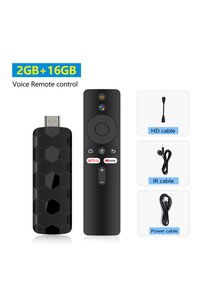
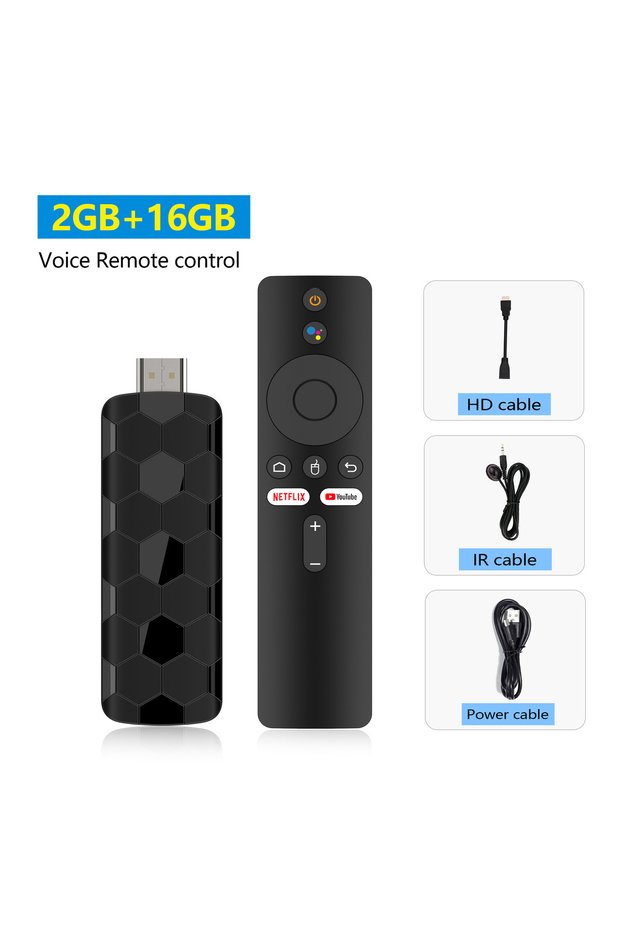
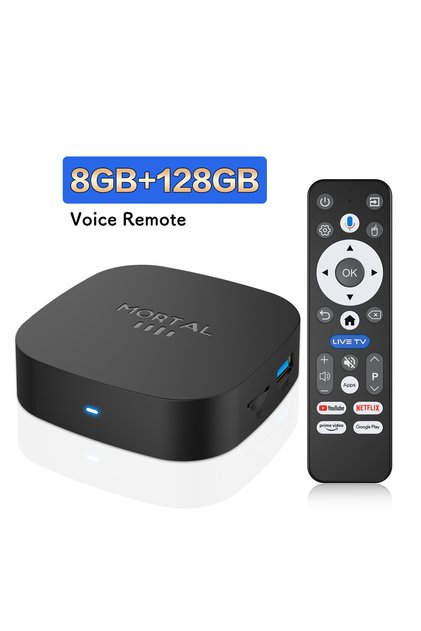
Choice 2G16G Voice Mortal R3+ TV Stick Android 16 8G128GB Voice Remote Control WiFi 6 Wireless HDMI H.264
No reviews yet.
Lowest price in 7 days

Special Deals
109.6784.45AED
Free shipping
Delivery address

Select your address, find out the delivery date!
Trendyol's commitments
Easy and free return in 15 days.
Payment methods



Highlights

Highlighted features:
Choice1 2G16G Voice Mortal R3+ TV Stick Android 16 8G128GB Voice Remote Control WiFi 6 Wireless HDMI H.264 features
Color
Multicolor

Big Save Store
8.7
78.1K followers
Seller information
Shoppers also viewed














 Trendyol Plus Exclusive




Choice1 2G16G Voice Mortal R3+ TV Stick Android 16 8G128GB Voice Remote Control WiFi 6 Wireless HDMI H.264 reviews
No reviews yet.
Product details
Additional info
- A maximum of 10 units of this product can be ordered. Trendyol reserves the right to cancel orders over 10 units.
- Barcode No: 3626865387780
Choice1 2G16G Voice Mortal R3+ TV Stick Android 16 8G128GB Voice Remote Control WiFi 6 Wireless HDMI H.264 features
Color
Multicolor
Safety information
Product safety information
Product description
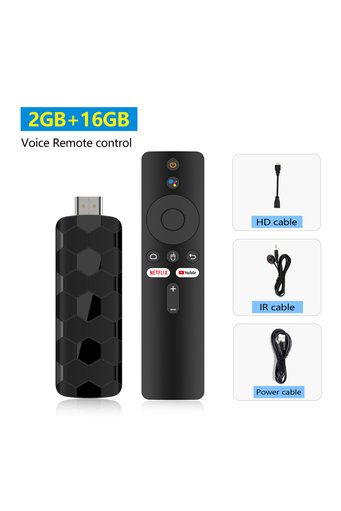
Color:2G16G Voice
Dear user, please carefully review the precautions at the end of the details page before purchasing to avoid any disputes in the future. Thank you!Some software may not be available for download and use due to compatibility issues. Please be aware of this
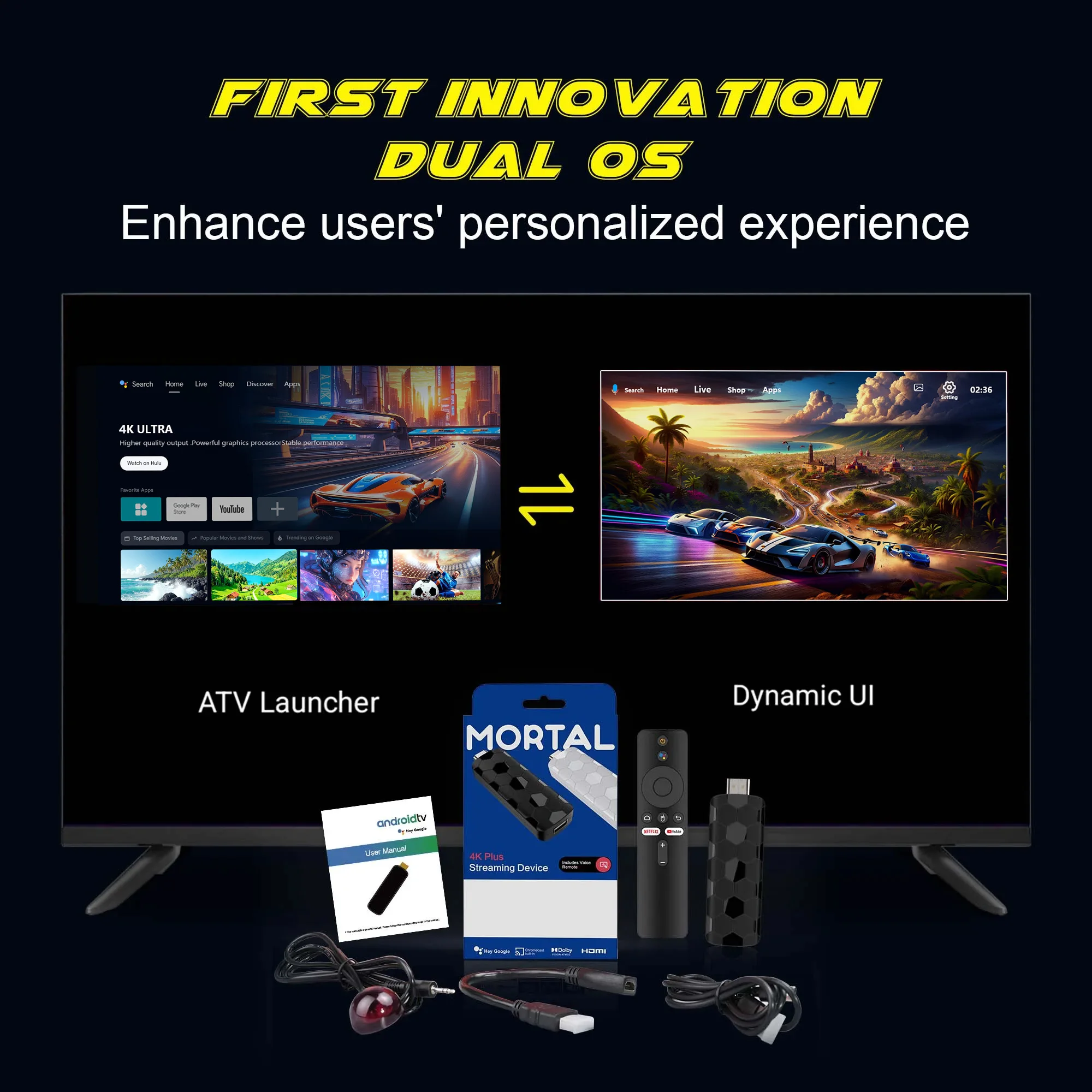
Dual system interface, which can customize dynamic videos to improve user experience, and the UI interface that can be switched freely to meet different usage scenarios, improve compatibility, and meet diverse needs.
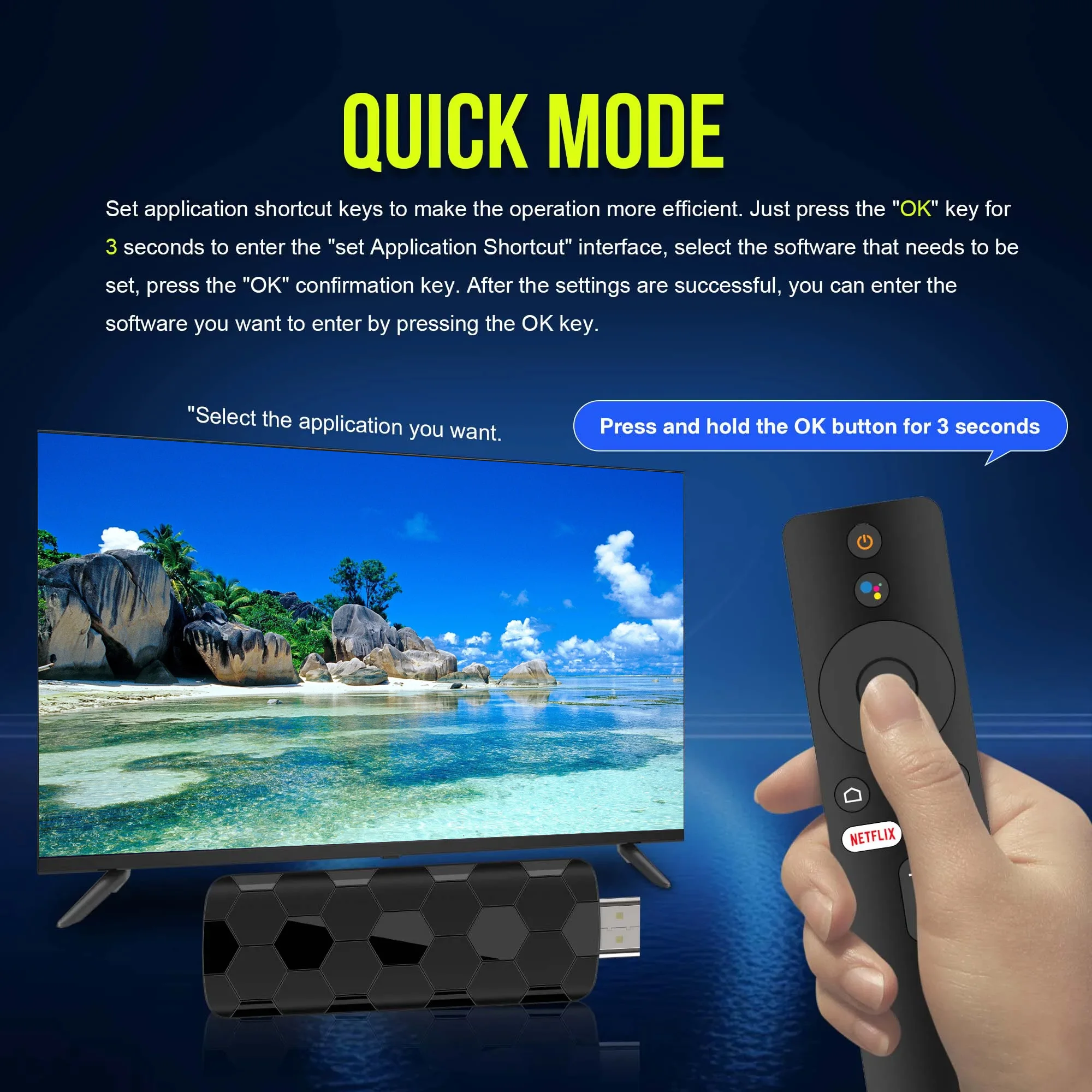
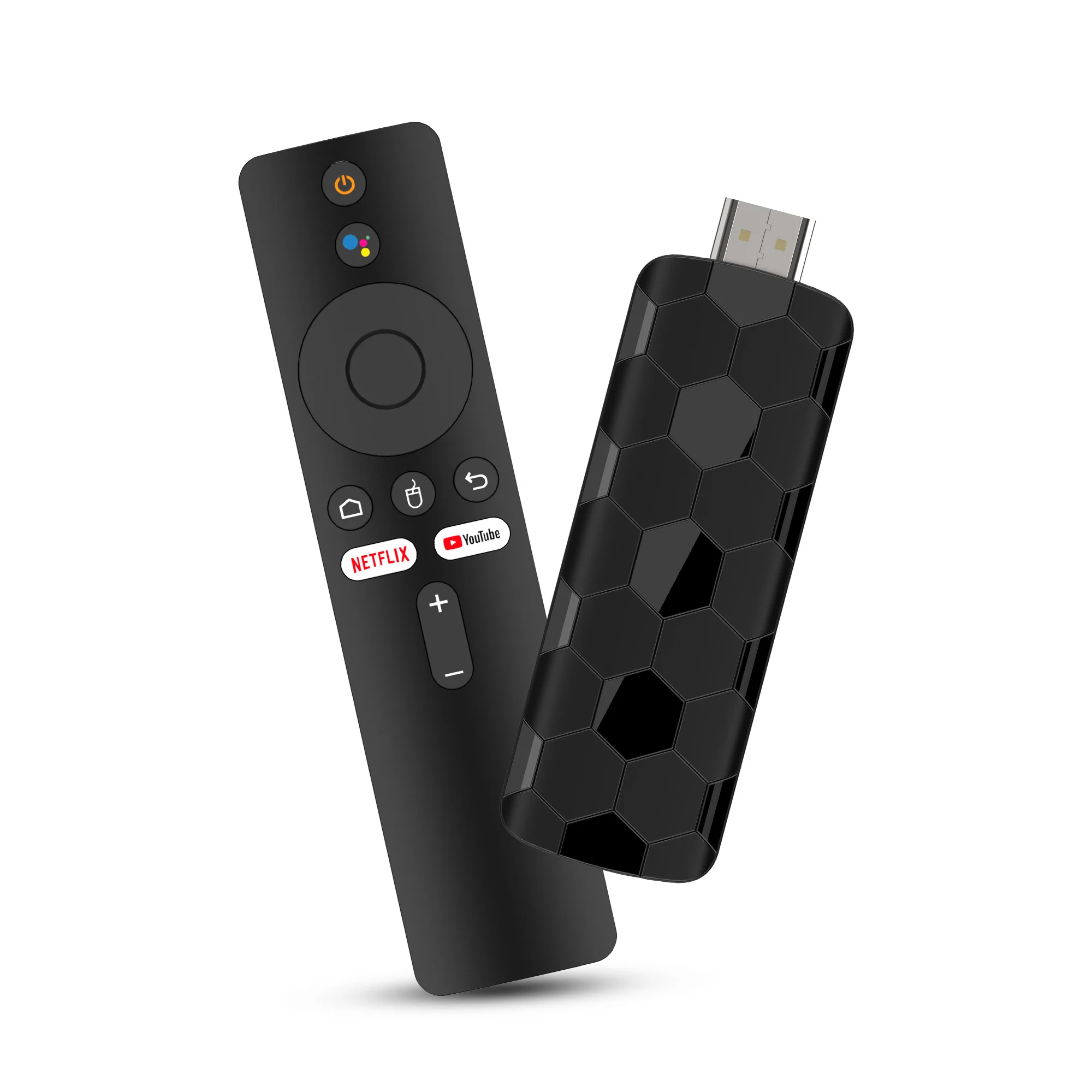
Quickly reach the software with one click, free your hands
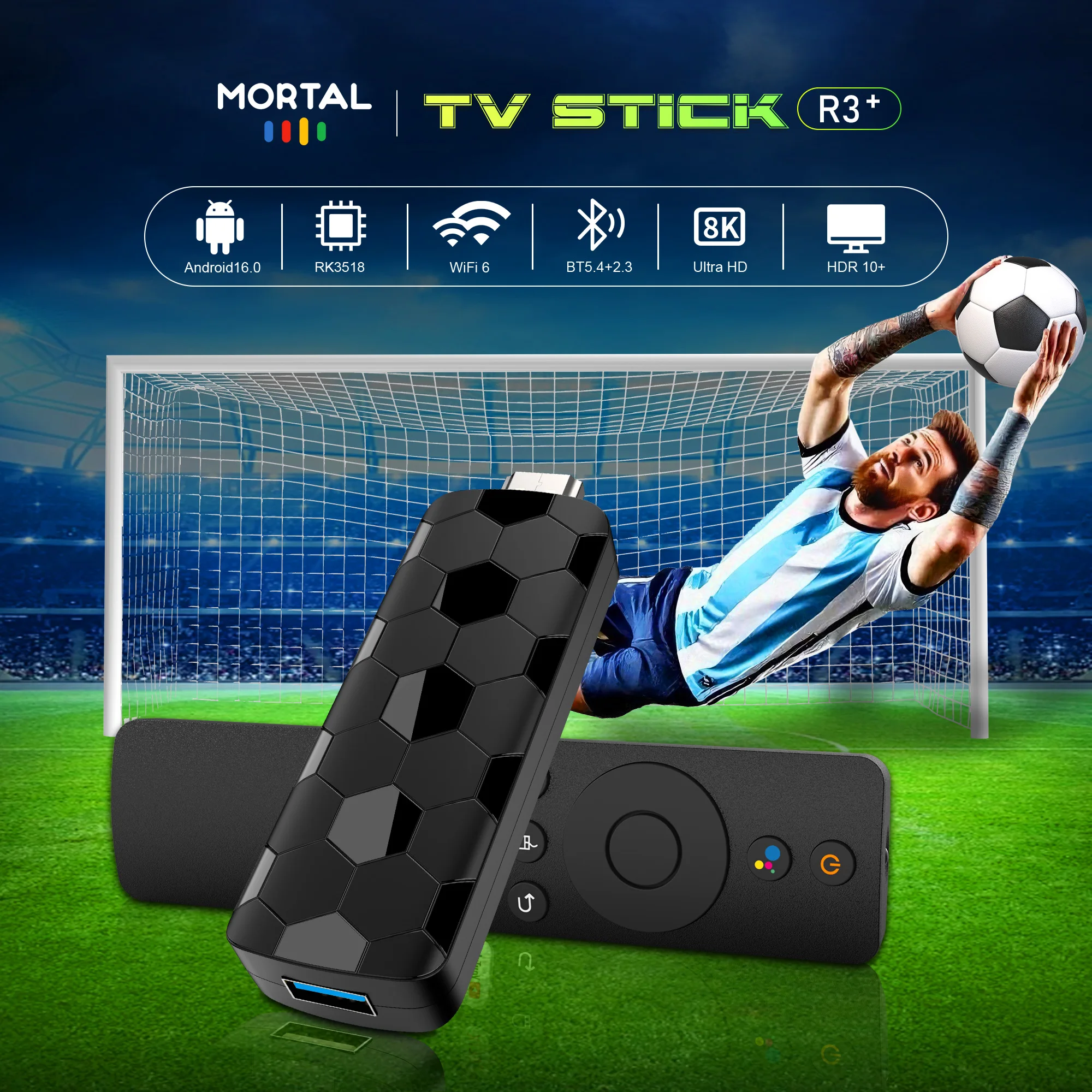
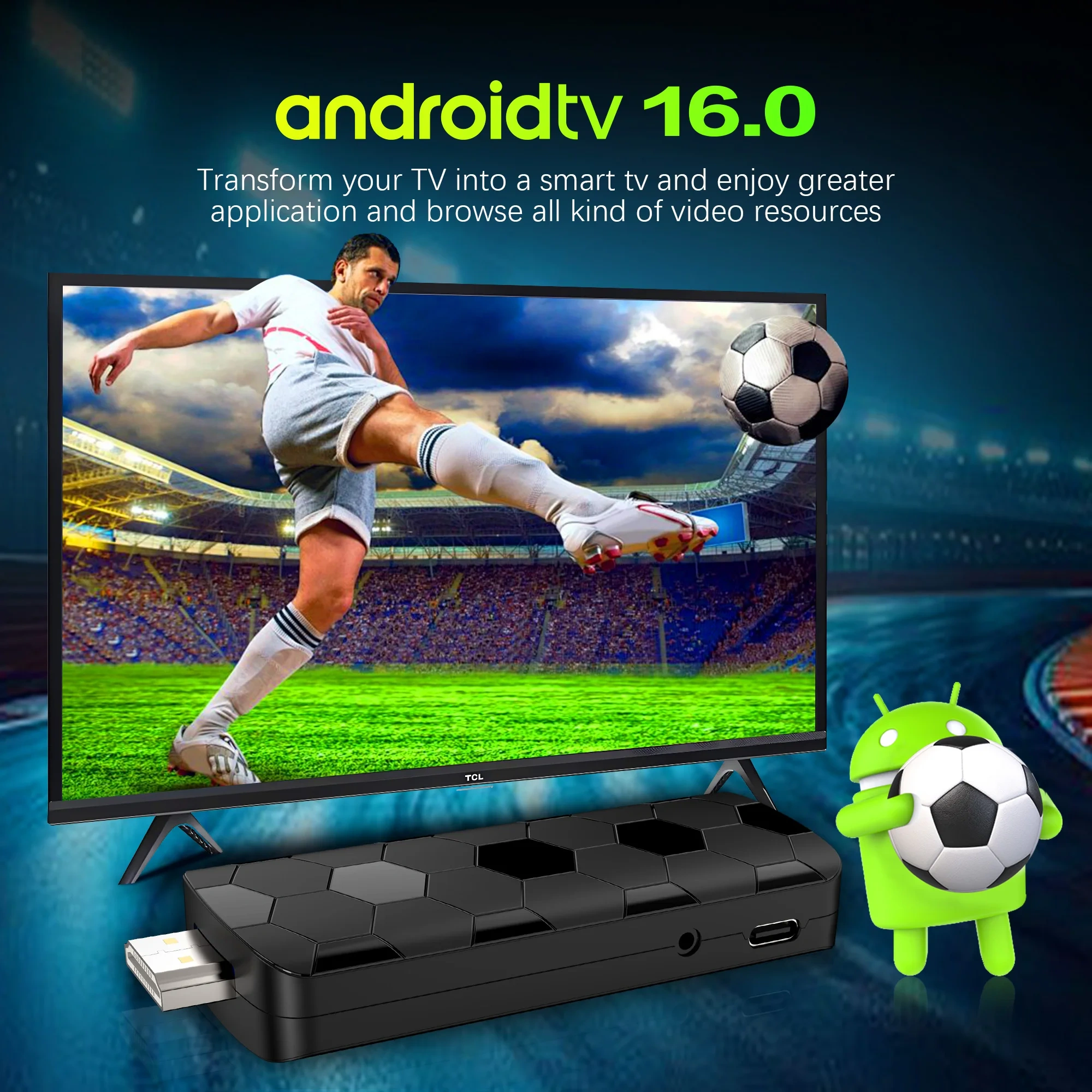
Android TV Stick has been updated to Android 16.0. Android 16.0 can play higher quality audio, provide a smoother and clearer viewing experience, and can effectively reduce energy consumption
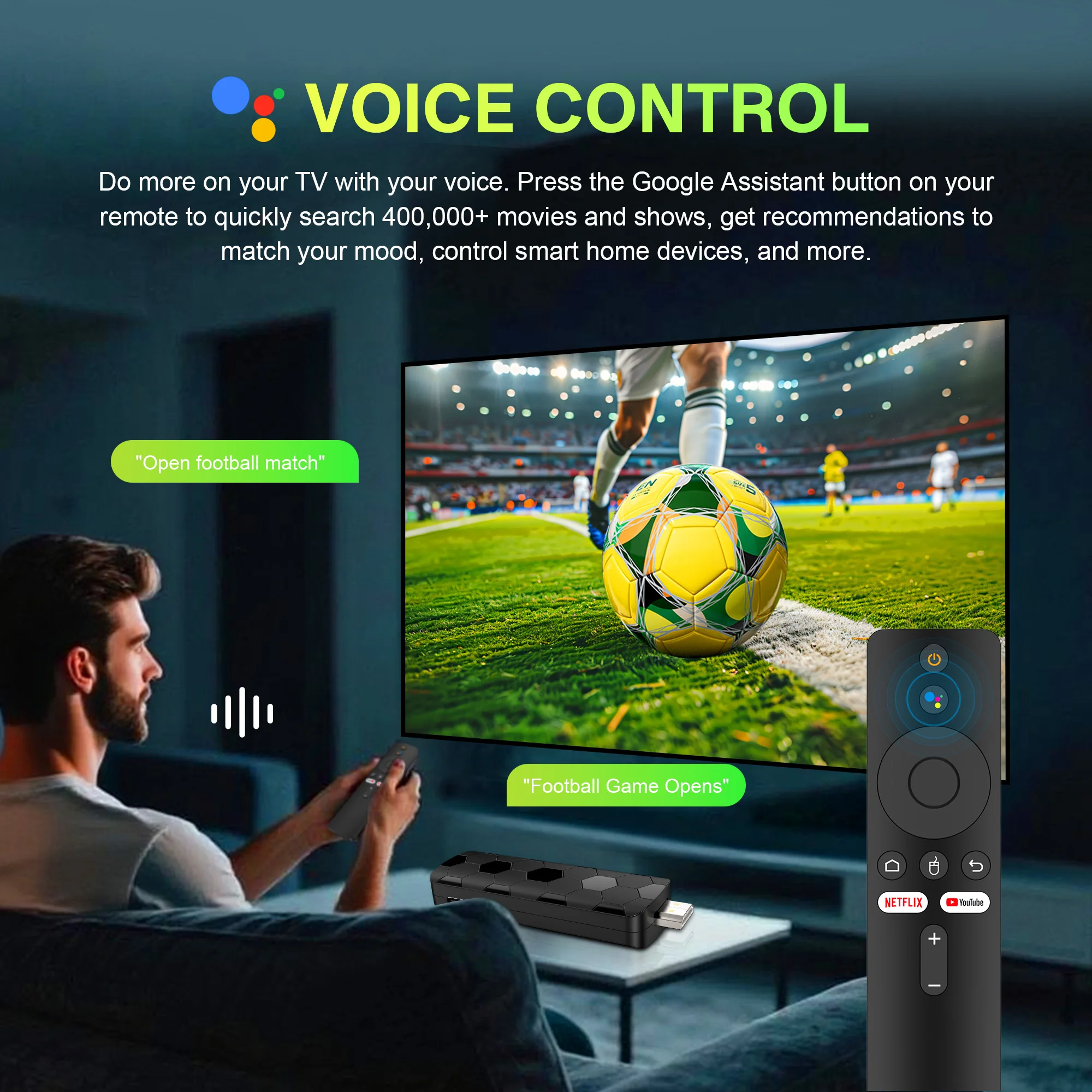
Through voice assistants, users can search for content, control playback, etc. more easily. Improve operational convenience and bring users a more intelligent user experience
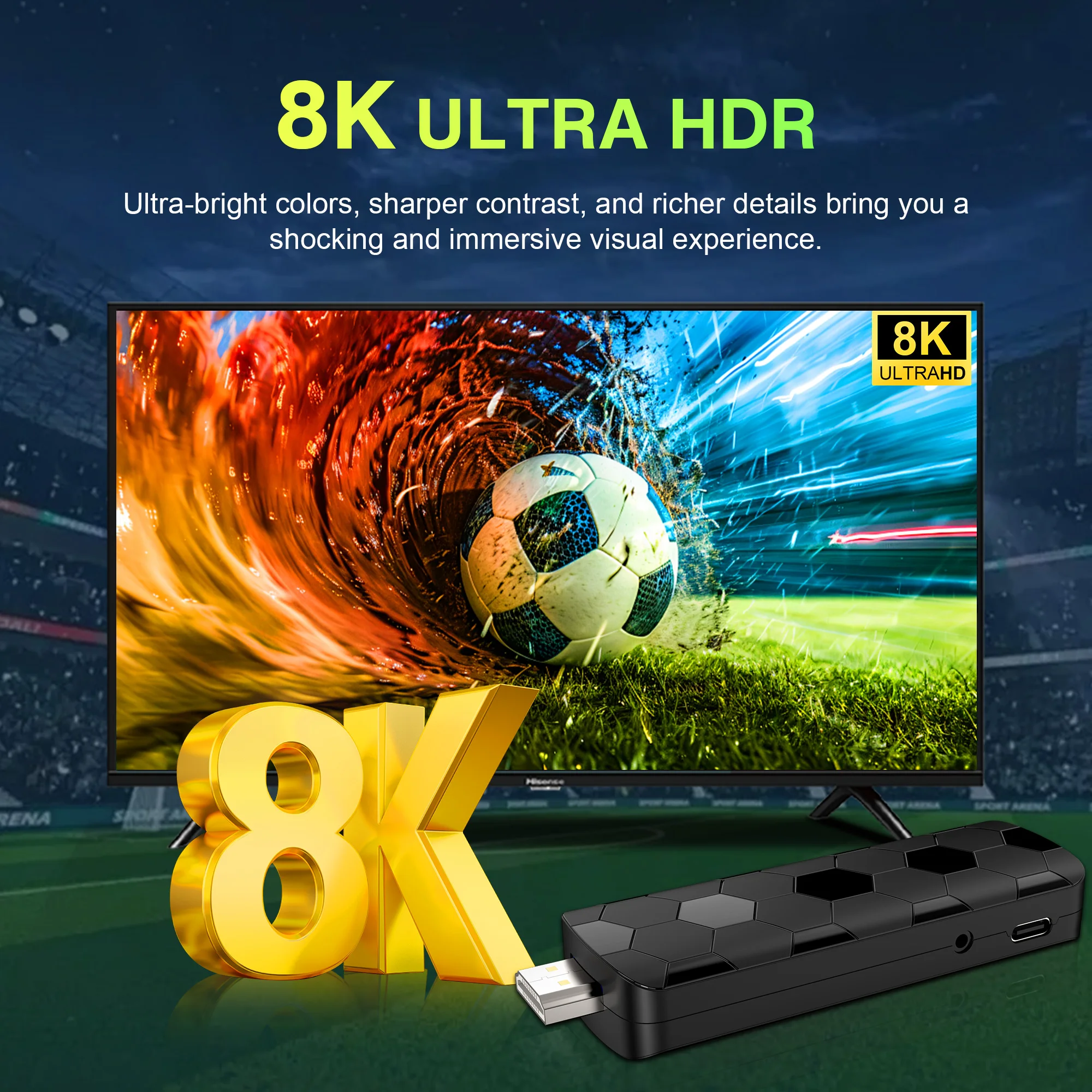
Supports 4K video smooth playback with excellent picture quality, color restoration, meets diverse needs, and allows users to enjoy clear and smooth visual effects.
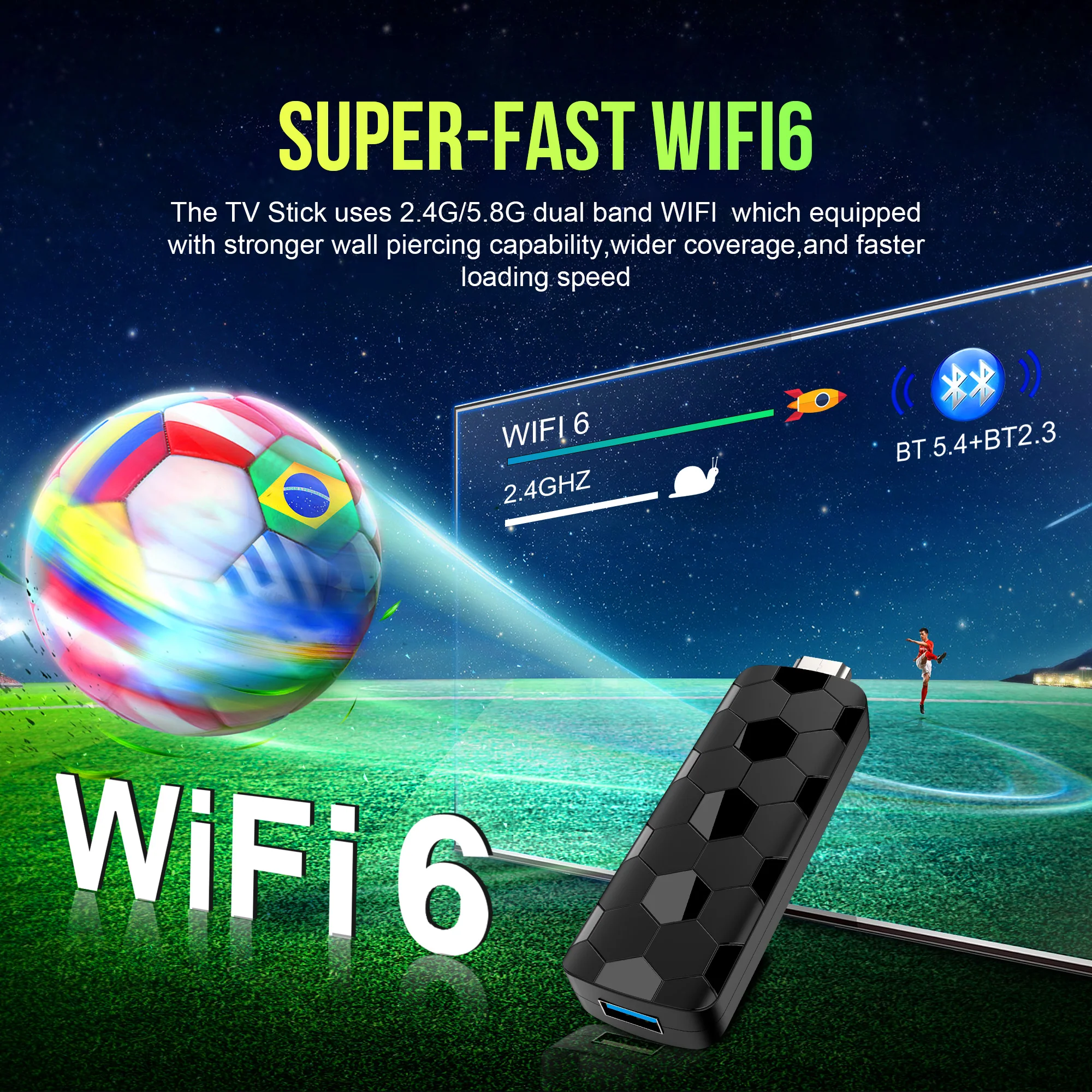
Android TV Stick16.0 adopts new generation WiFi6 technology which provides faster of transmission speed. Support 2.4/5.8G Dual WiFi to enjoy a higher quality to browse websites, watch movies.
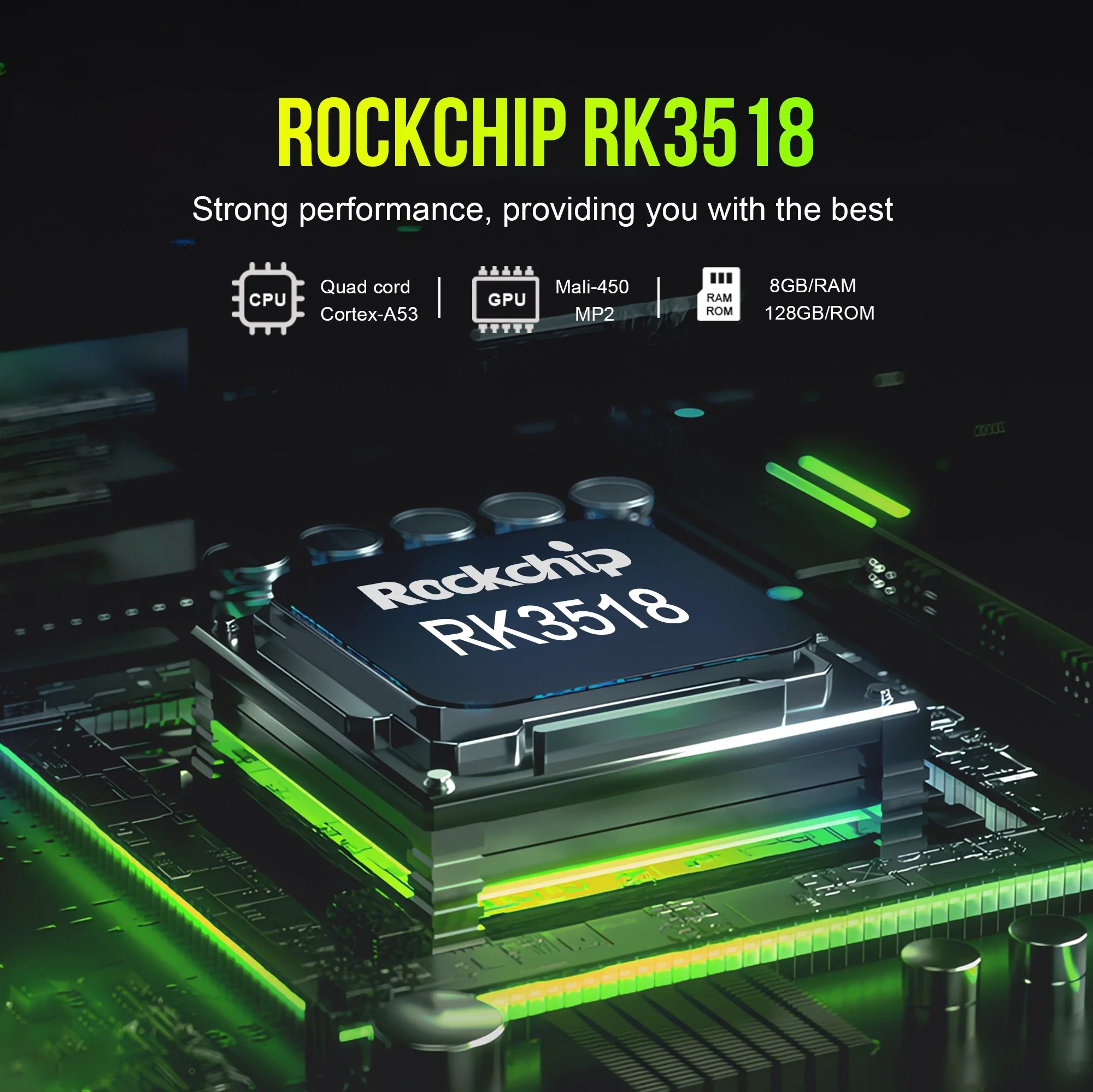
Tv Stick is equipped with RK3518 processor, massive content, smooth performance, easy and convenient operation, intelligent applications, creating a personalized entertainment space
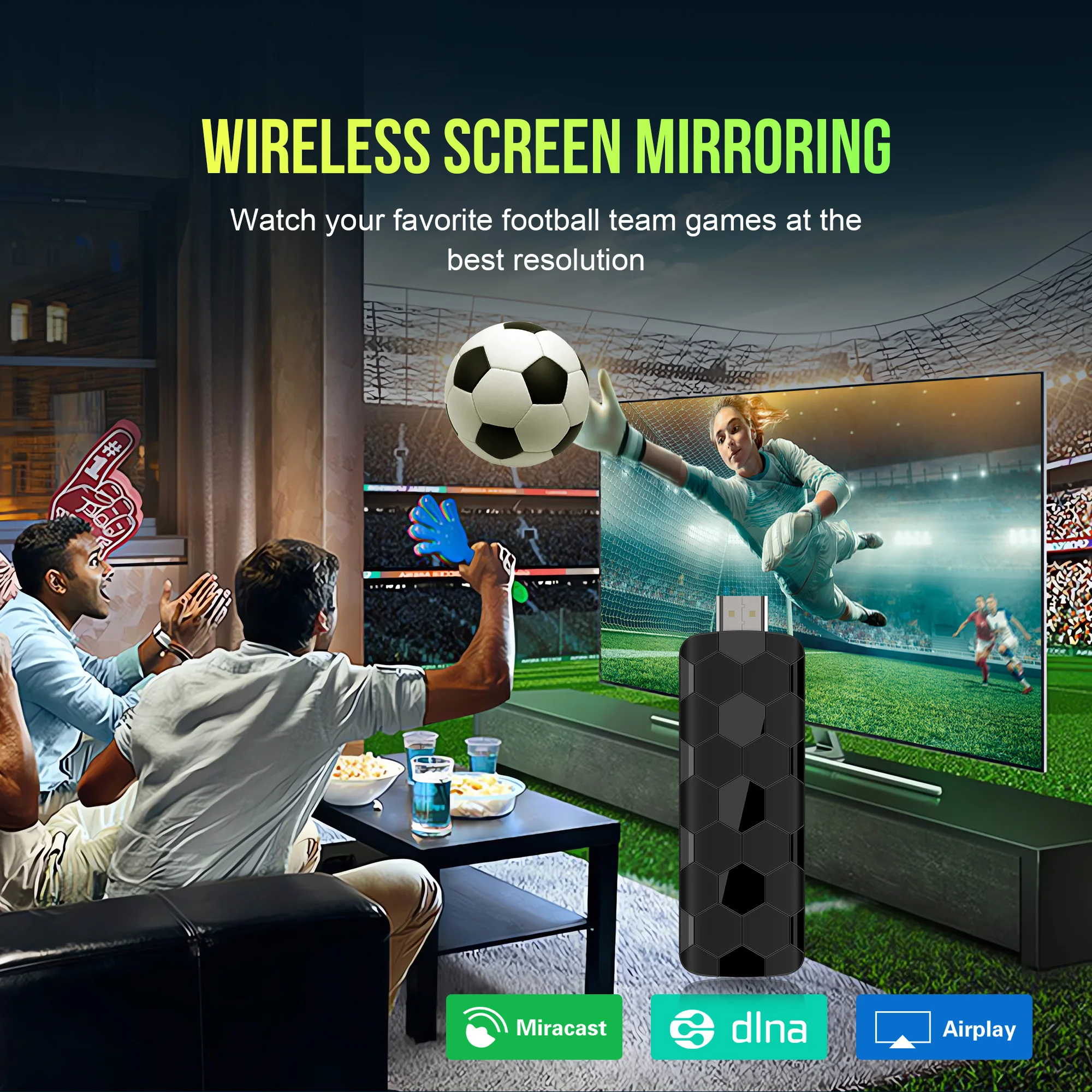
Android TV Stick supports multiple multi-screen interactions, allowing users to wirelessly project photos and other content for TV screen playback
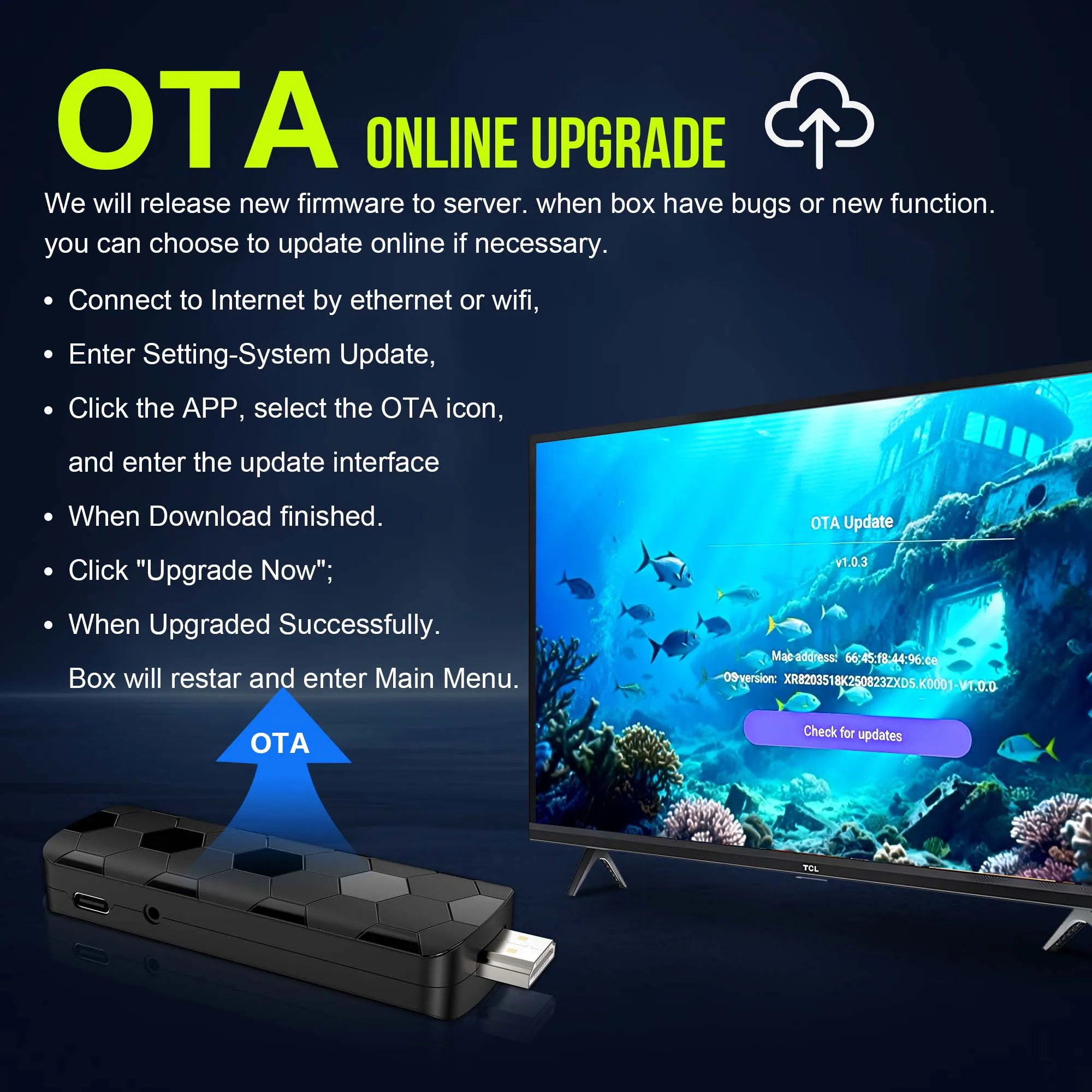
TV stick comes with OTA to optimize system performance and improve user experience
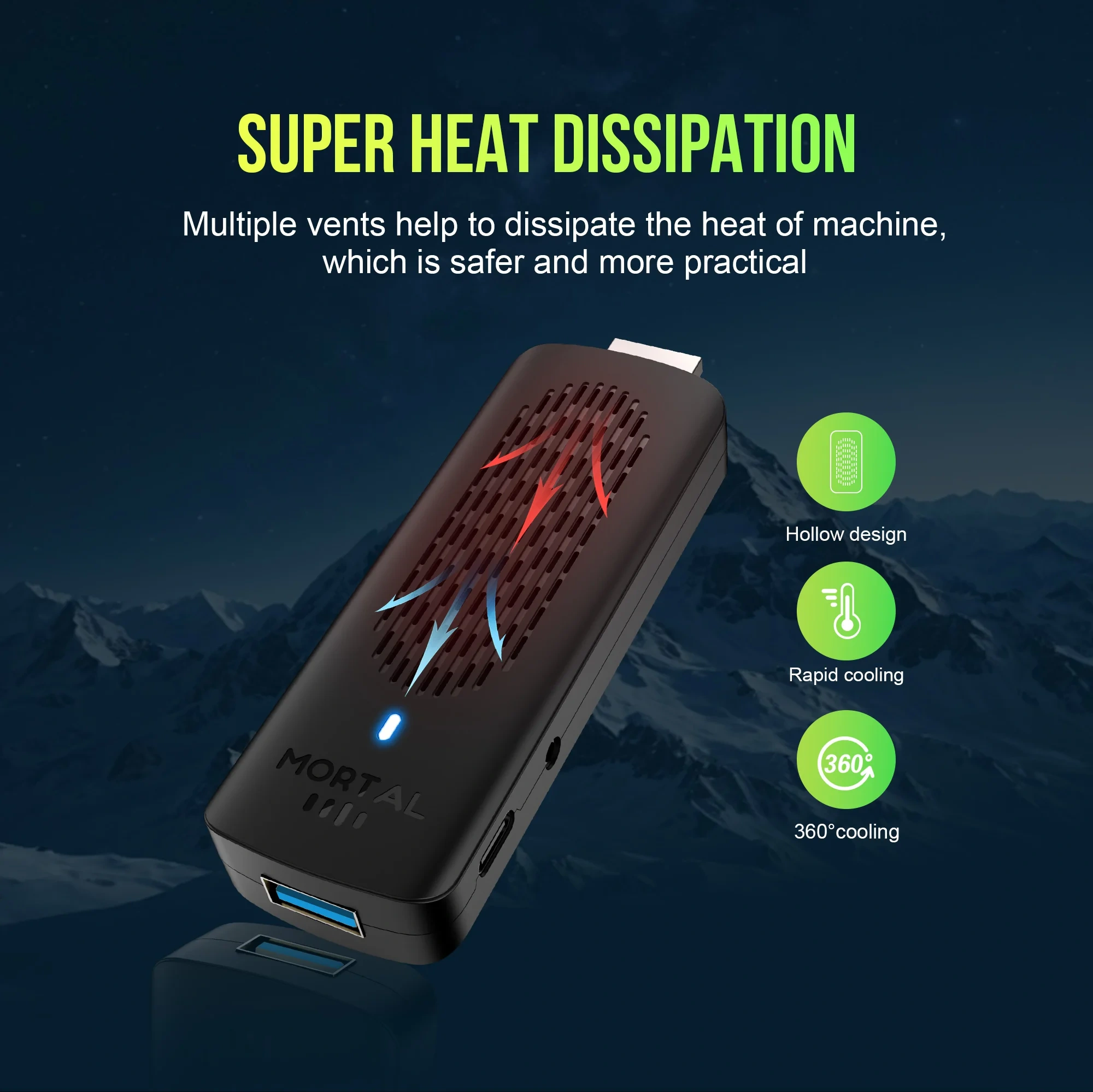
Hollow out design: give the TV stick a breathing "core" - heat dissipation black technology reshapes the smooth experience
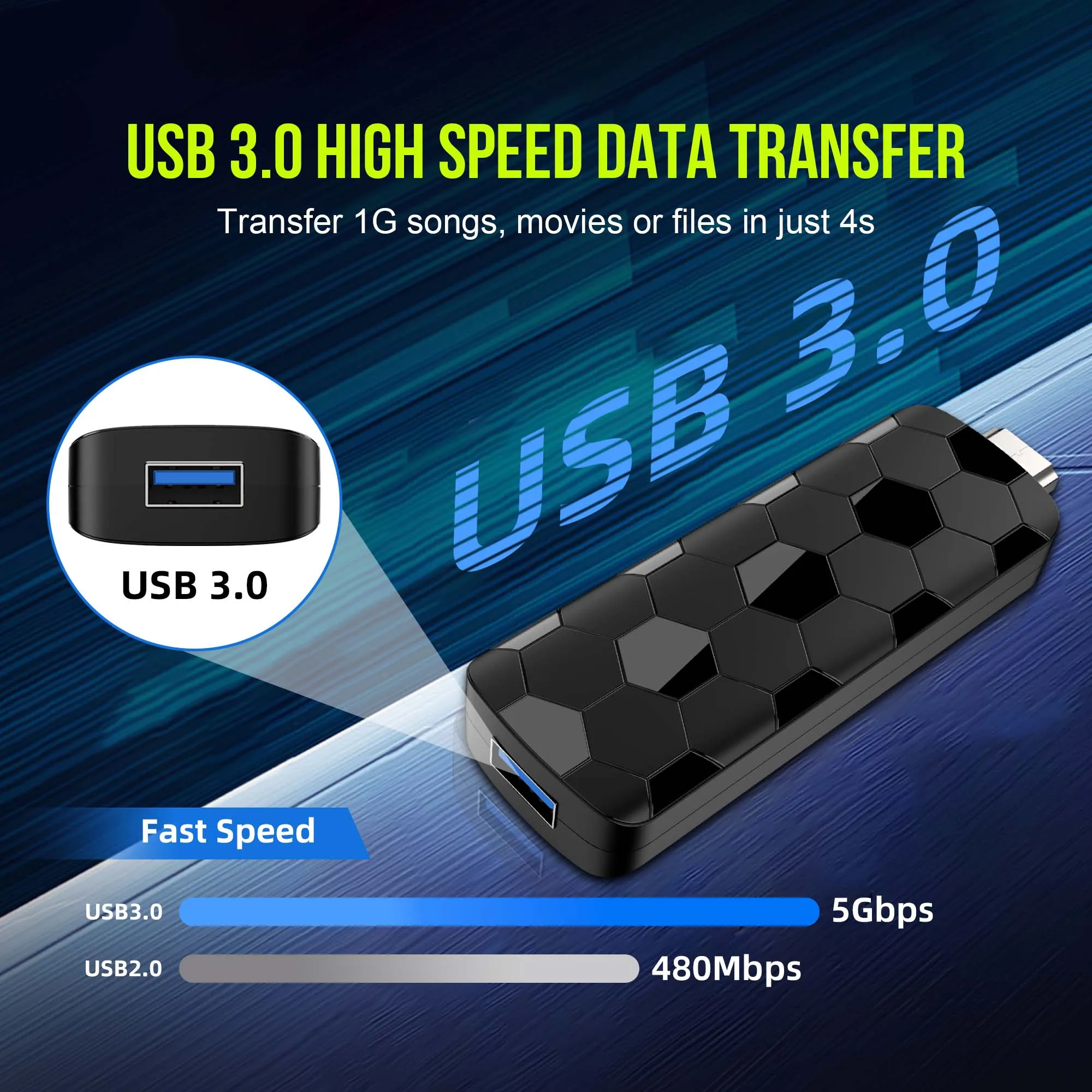
By using cables labeled as USB 3.0, the stability and speed of screen mirroring can be improved. The TV stick can read 4K videos from an external USB flash drive/portable hard drive through the USB 3.0 interface, allowing for smooth playback on the TV
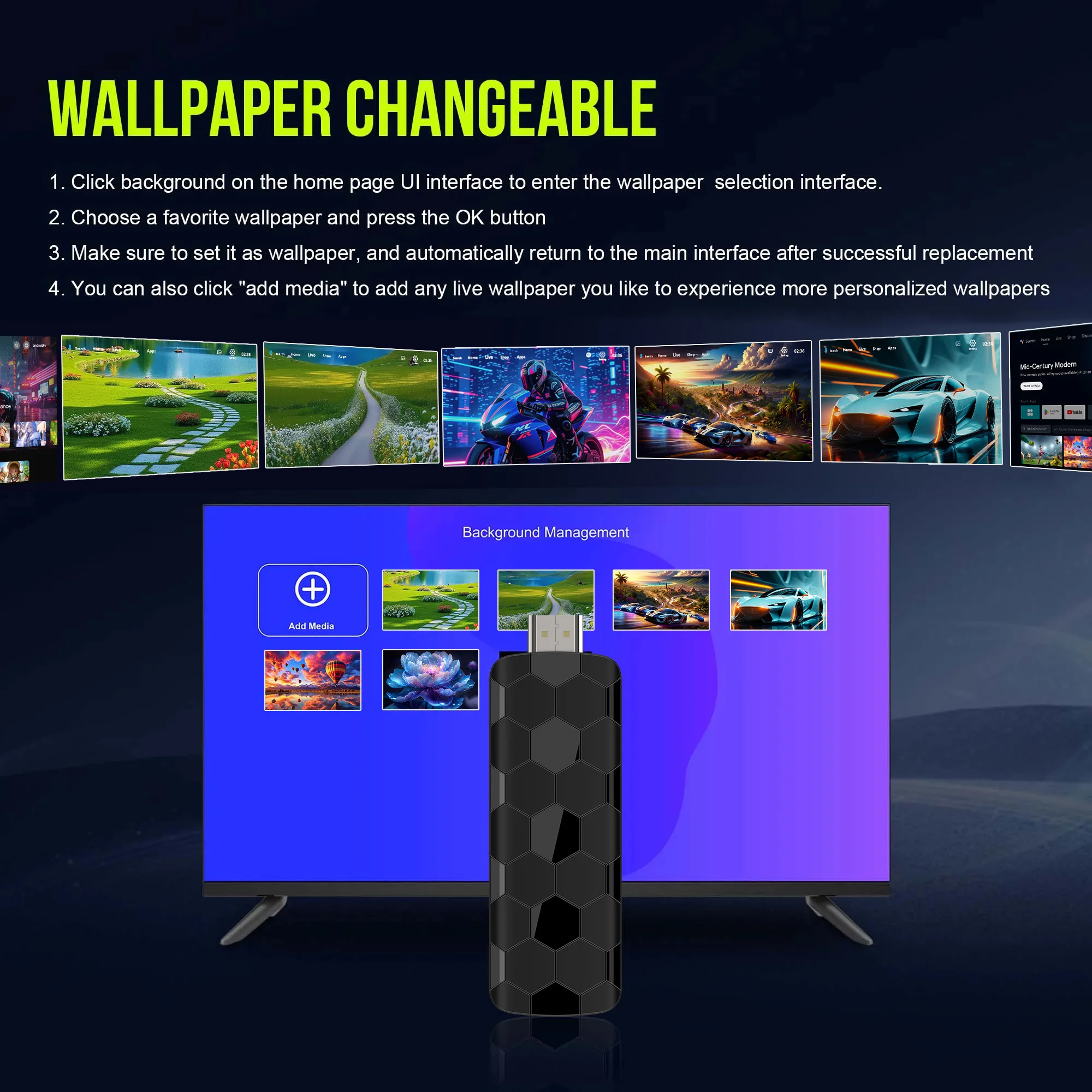
Supports custom dynamic wallpaper and replacement wallpaper functions, whether it is to make family photos into static wallpapers or choose dynamic materials that match personal interests
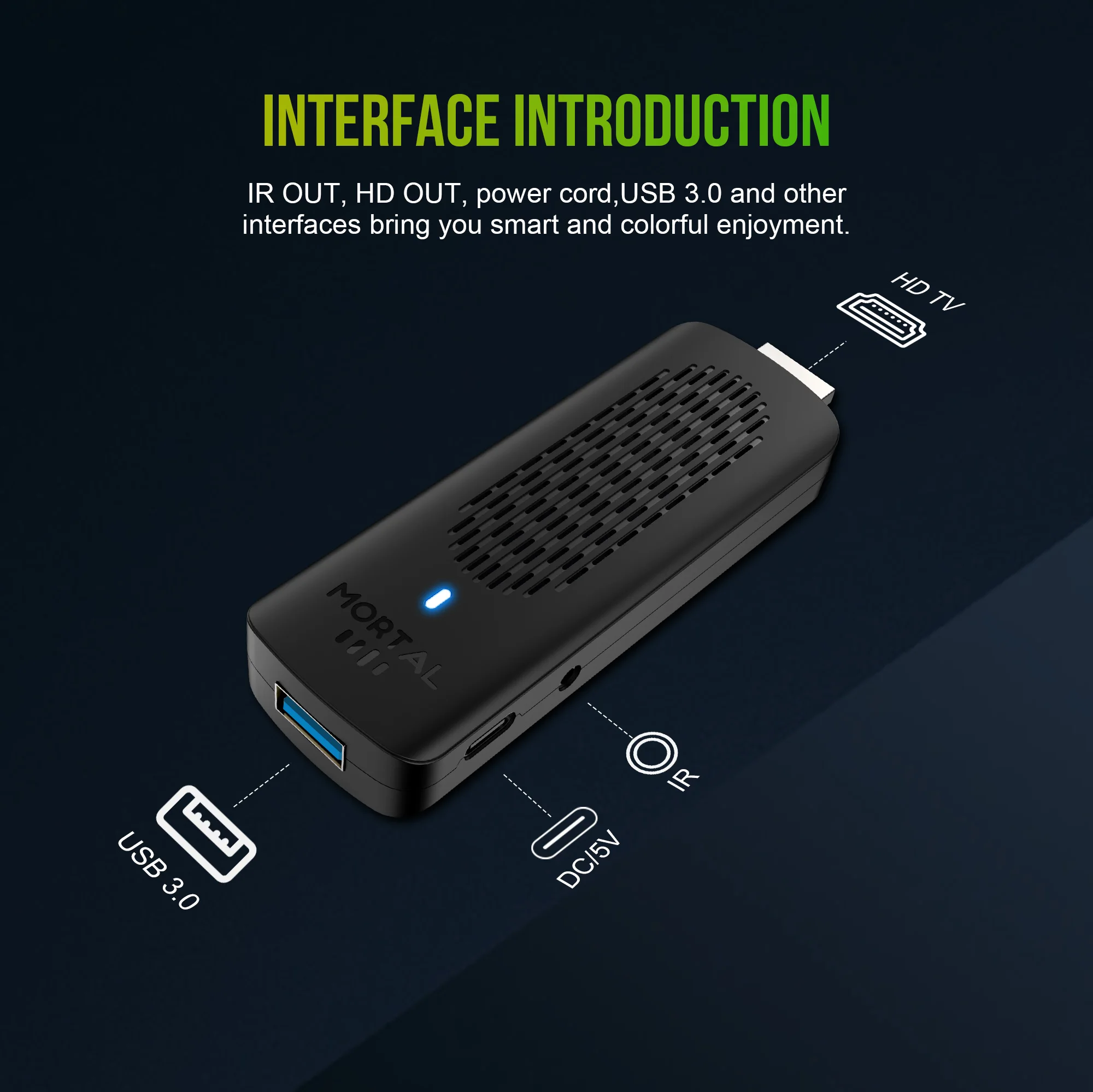
Convenient device connection: With USB 3.0 interface, HDMI interface, etc., it can easily connect external devices such as computers, game consoles, portable hard drives, USB drives, cameras, etc
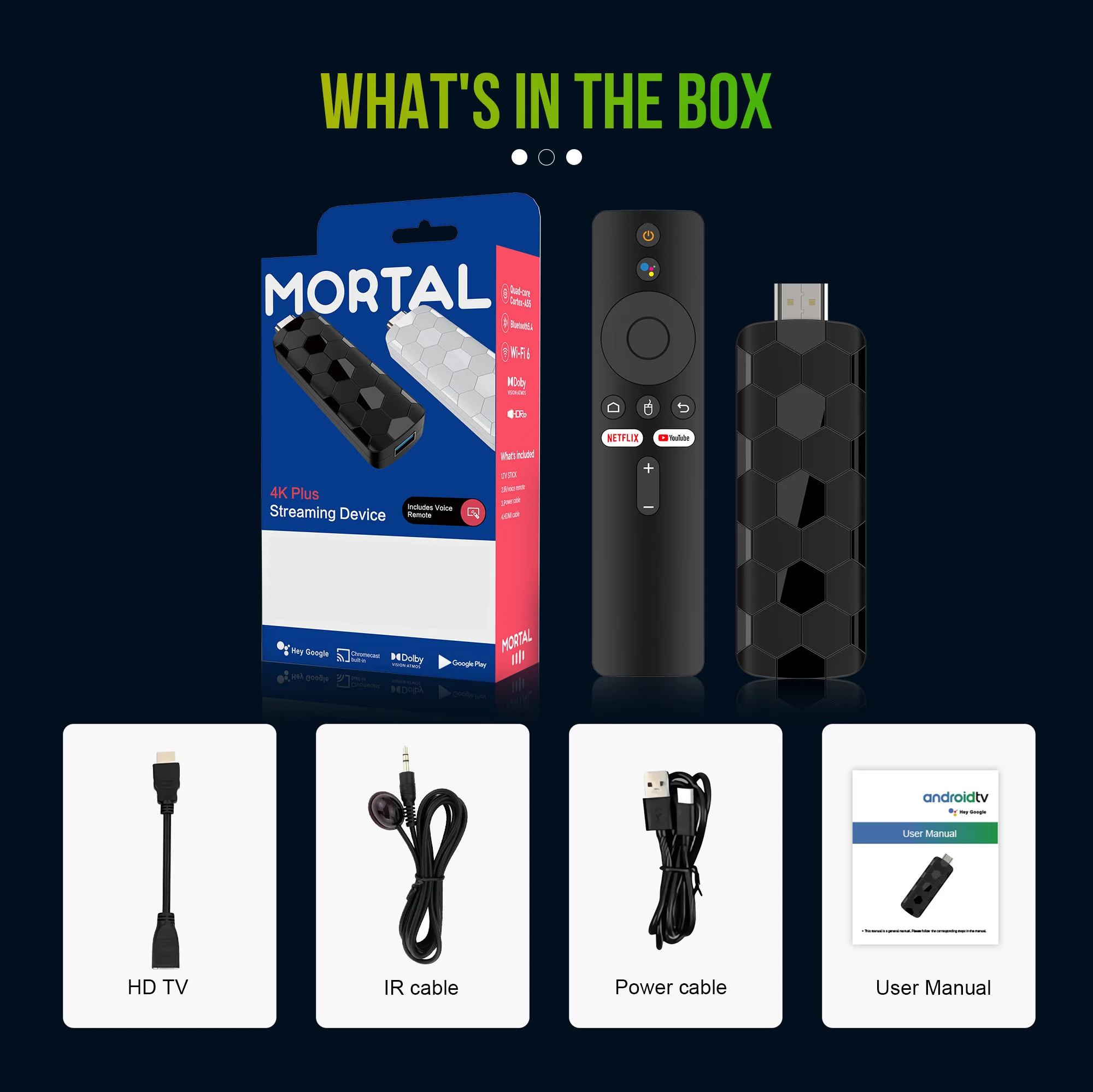
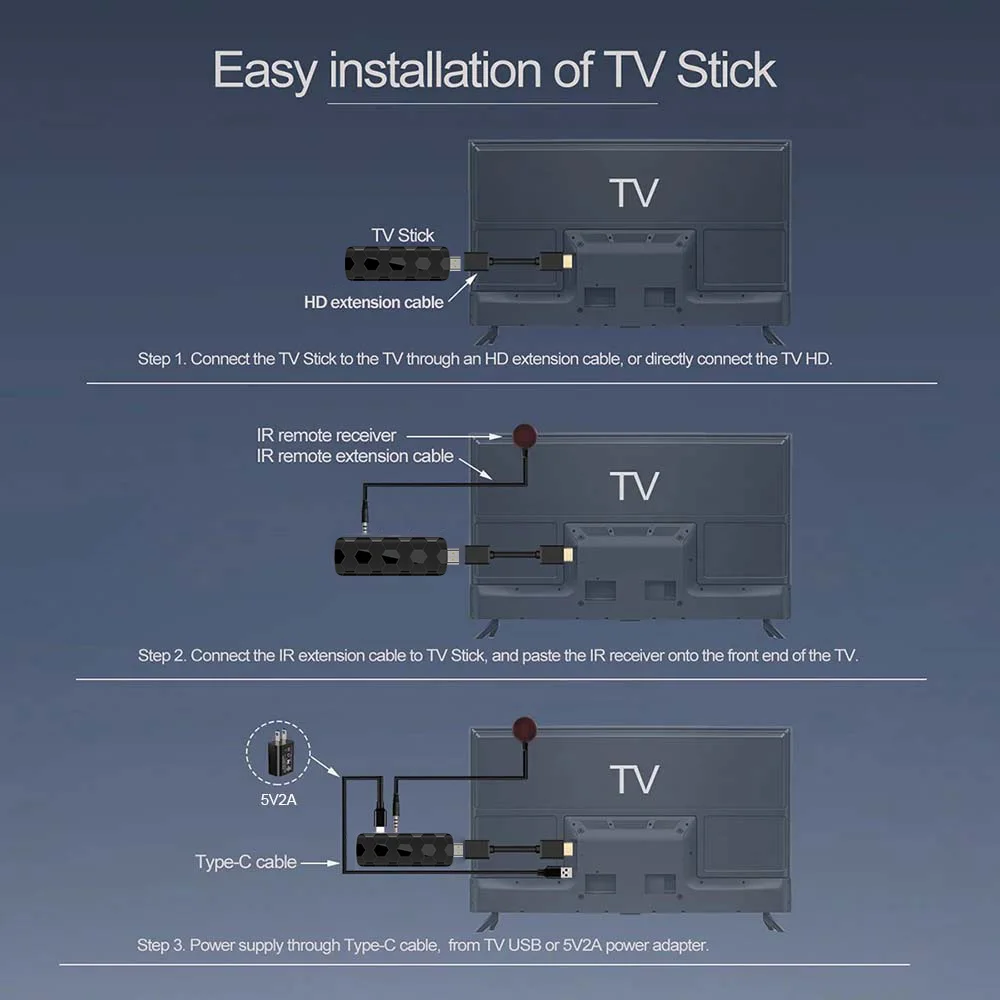
How to install R3+ TV Stick?
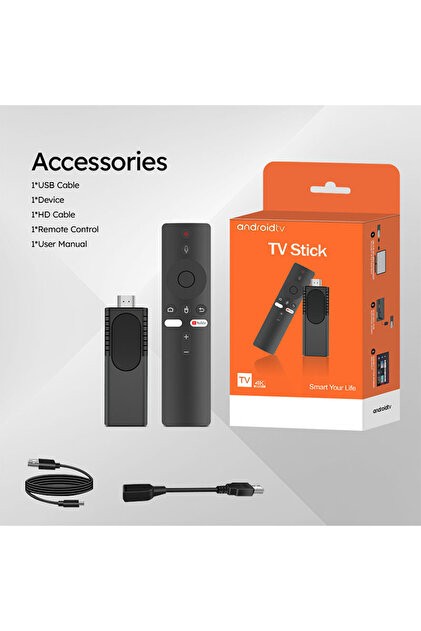
1: Connect the HDMI port of the TV Stick to the HDMI port of the TV.
2: Connect the TV Stick to a 100-240V power socket using a 5V, 2A power plug
3: Wait for the machine to start automatically, open the network settings, connect to the network, and you can surf the Internet normally.
Netflix usage issues
Because Netflix will update from time to time, it is normal that Netflix sometimes shows incompatibility and cannot be opened.
3.Machine startup problem*
Product startup: It is normal for the product to start up slowly for the first time. Each product has different configurations, so the startup time is also different. If the startup is slow, please wait patiently and do not unplug the power supply. For customers who have high requirements for startup time, please choose products with high prices and configurations in our store.
2. If there is no signal when starting up, it is because the user has used an HDMl cable and power cable that do notmatch the product. Please be sure to use the accessories provided by us and do not replace the cables at will.lf thereis no signal when the machine is turned on, it may be that the user's TV has multiple HDMl interfaces. The user canuse the TV remote control to switch to the correct signal source, and the TV will display the picture normally.
4.The machine output voltage and current are 5V/2A. If the machine has a restart problem, please use a 5V/2A adapter to power it.
5.Remote control usage issues When pairing the voice remote control with the voice assistant, the confirmation button and the volume minus button must be pressed at the same time. After pressing for a while, it will automatically return to the main interface, indicating that the pairing is successful.